
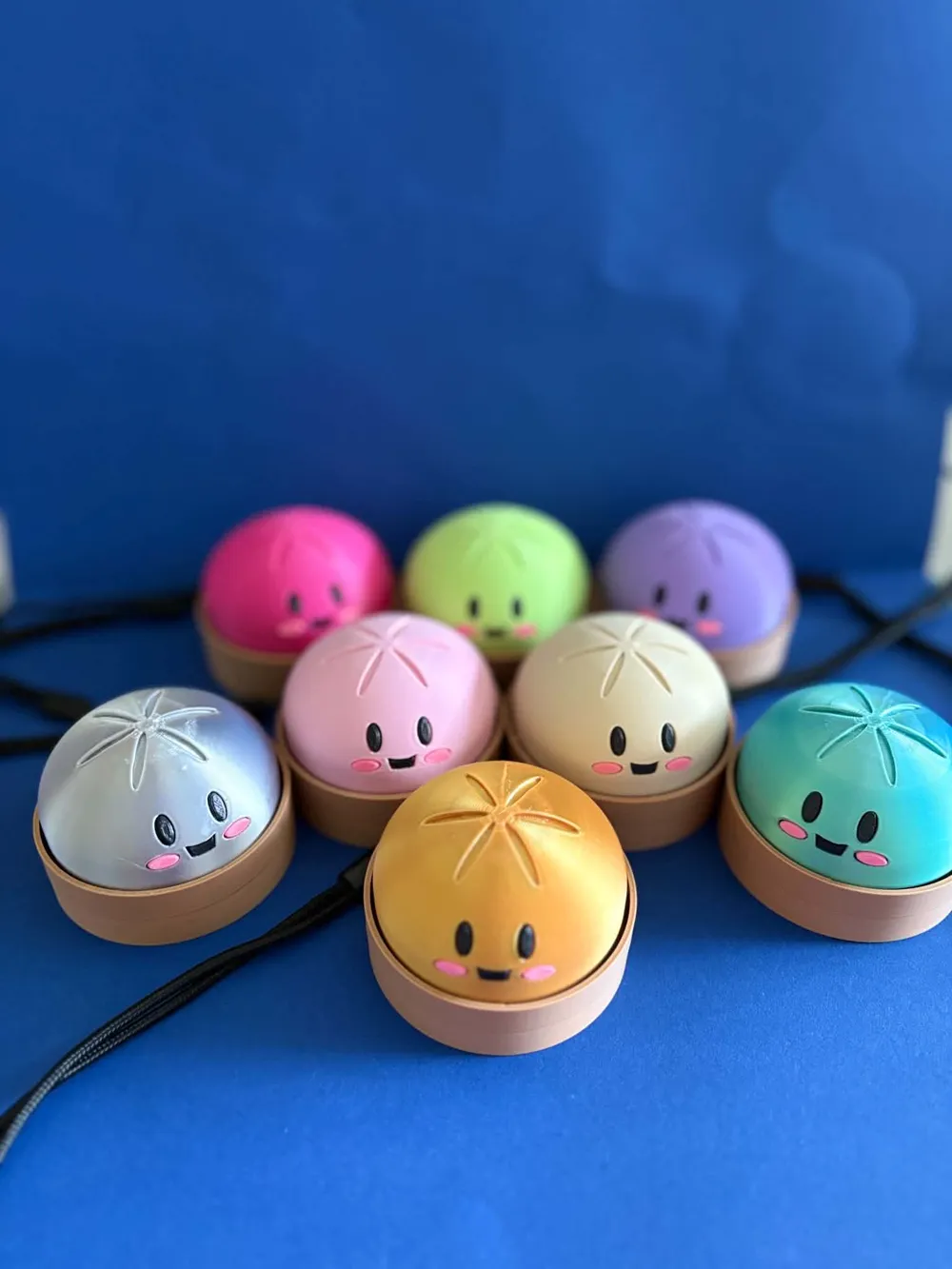
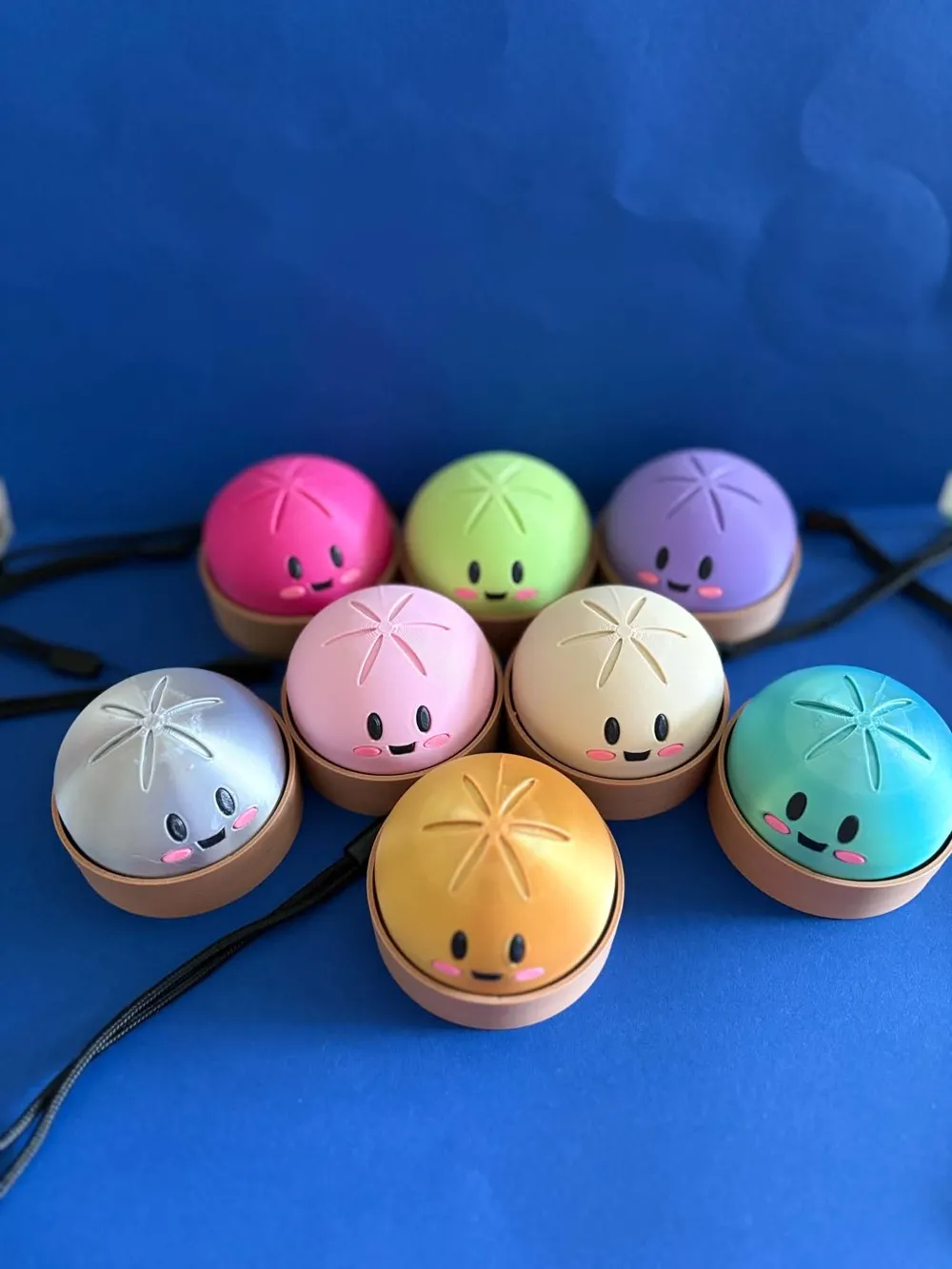
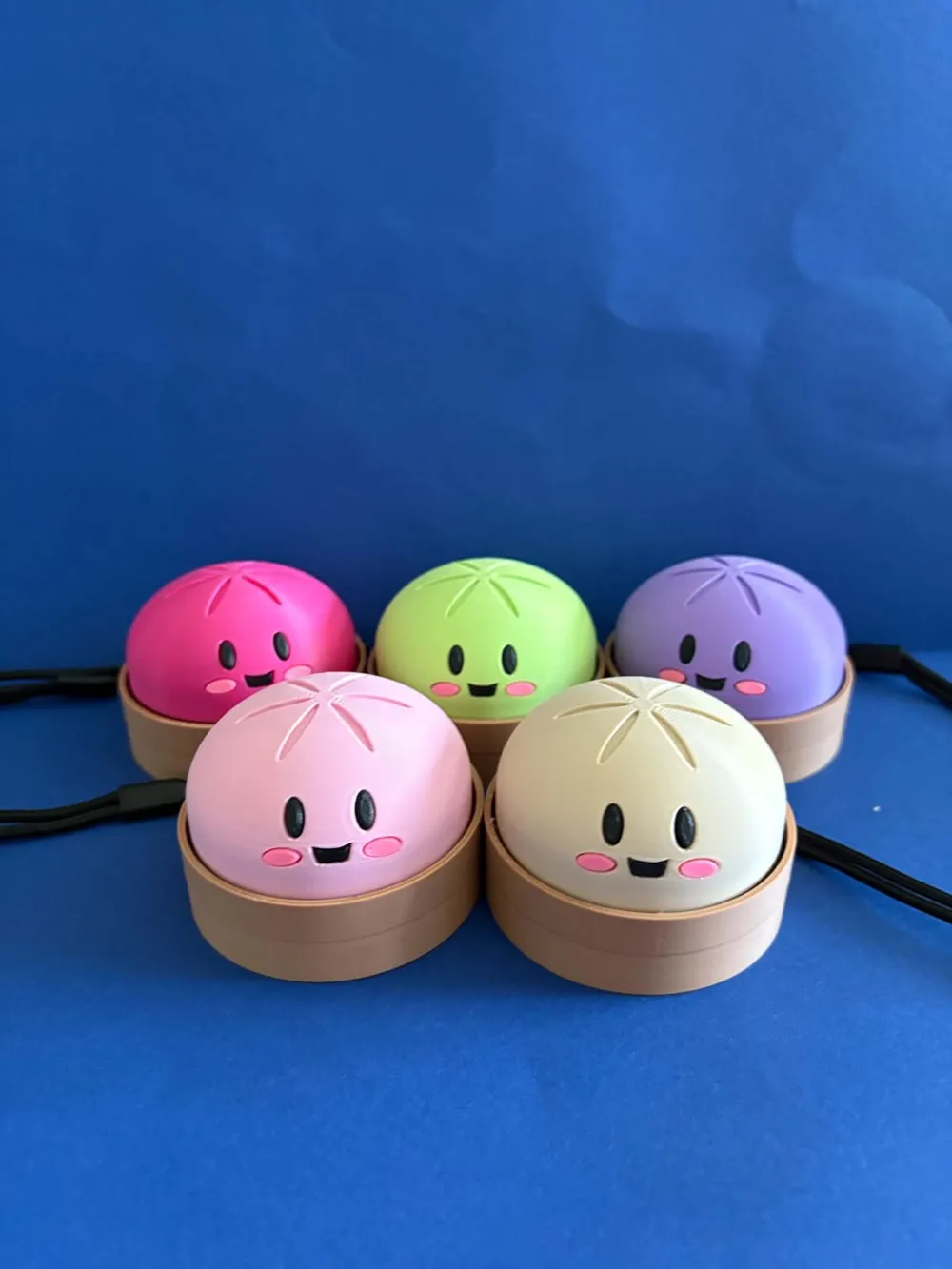
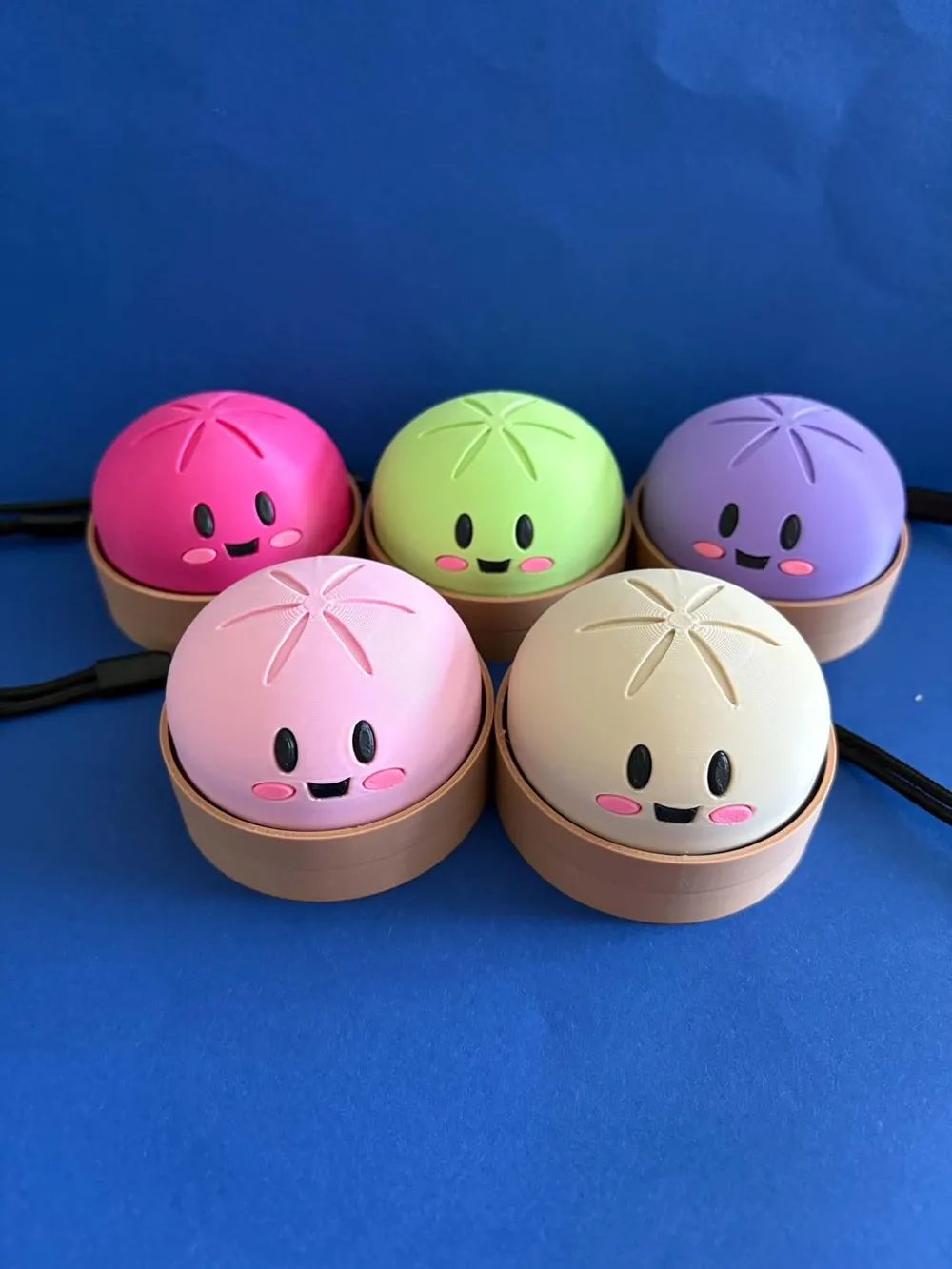
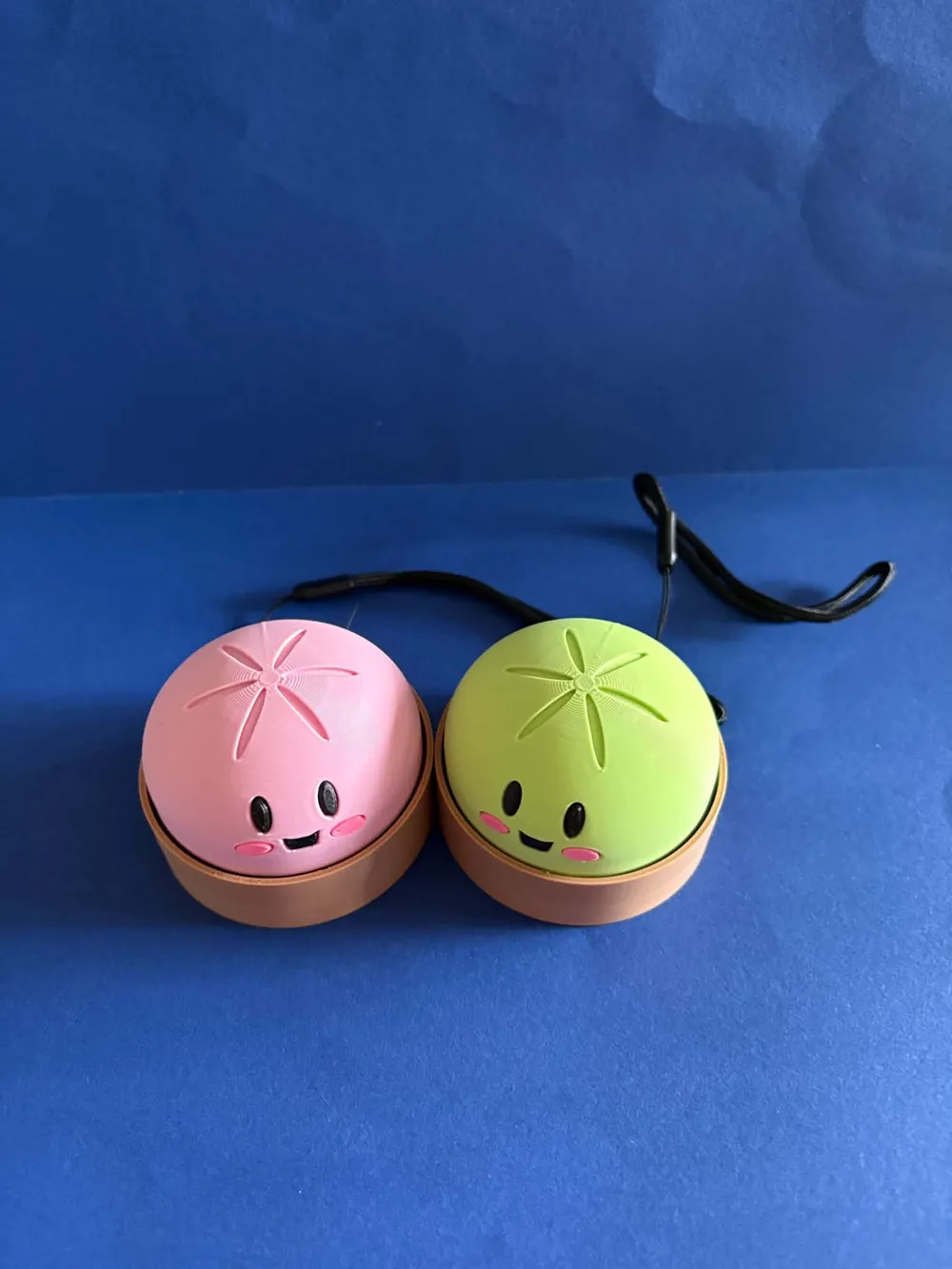
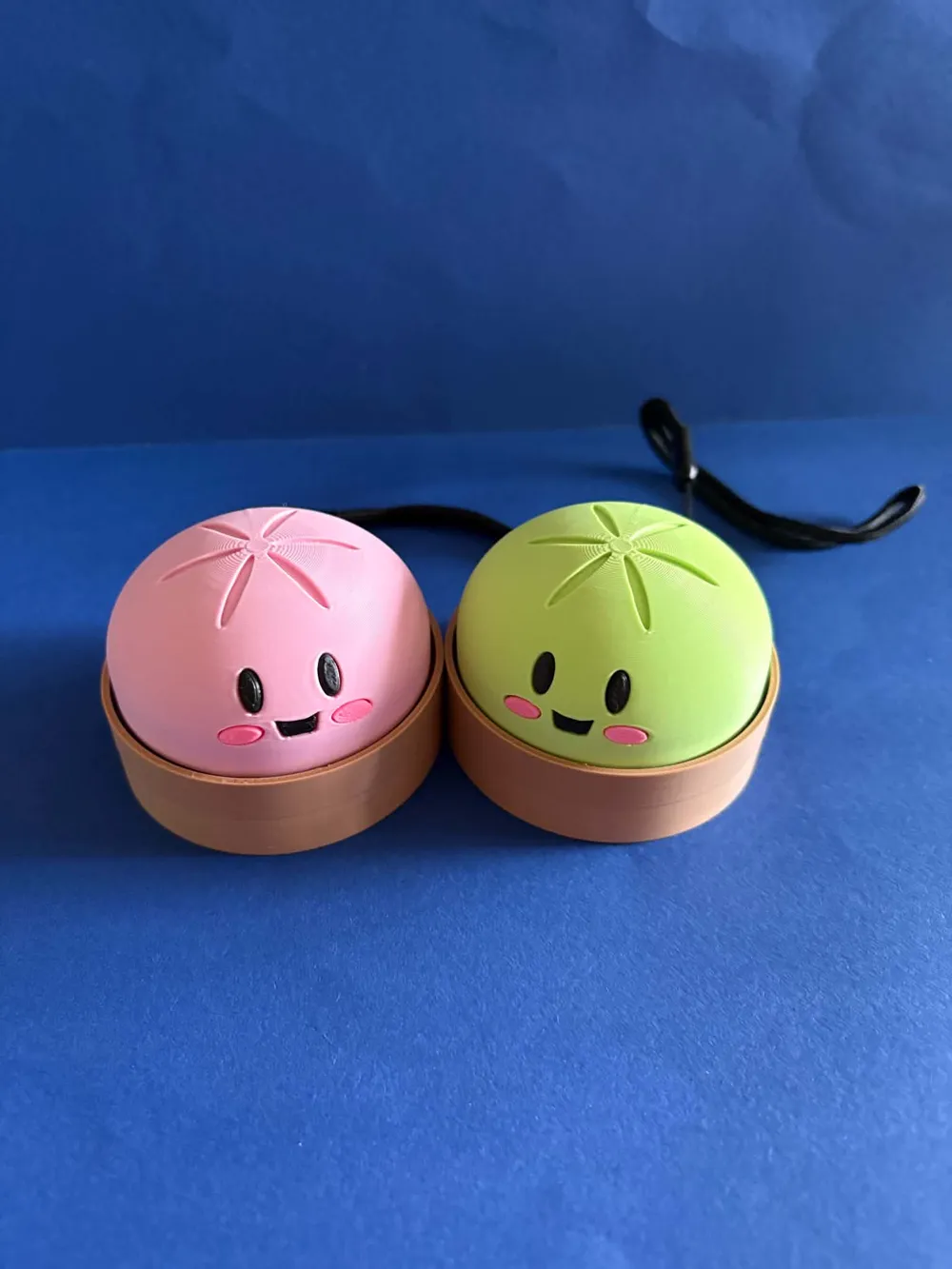
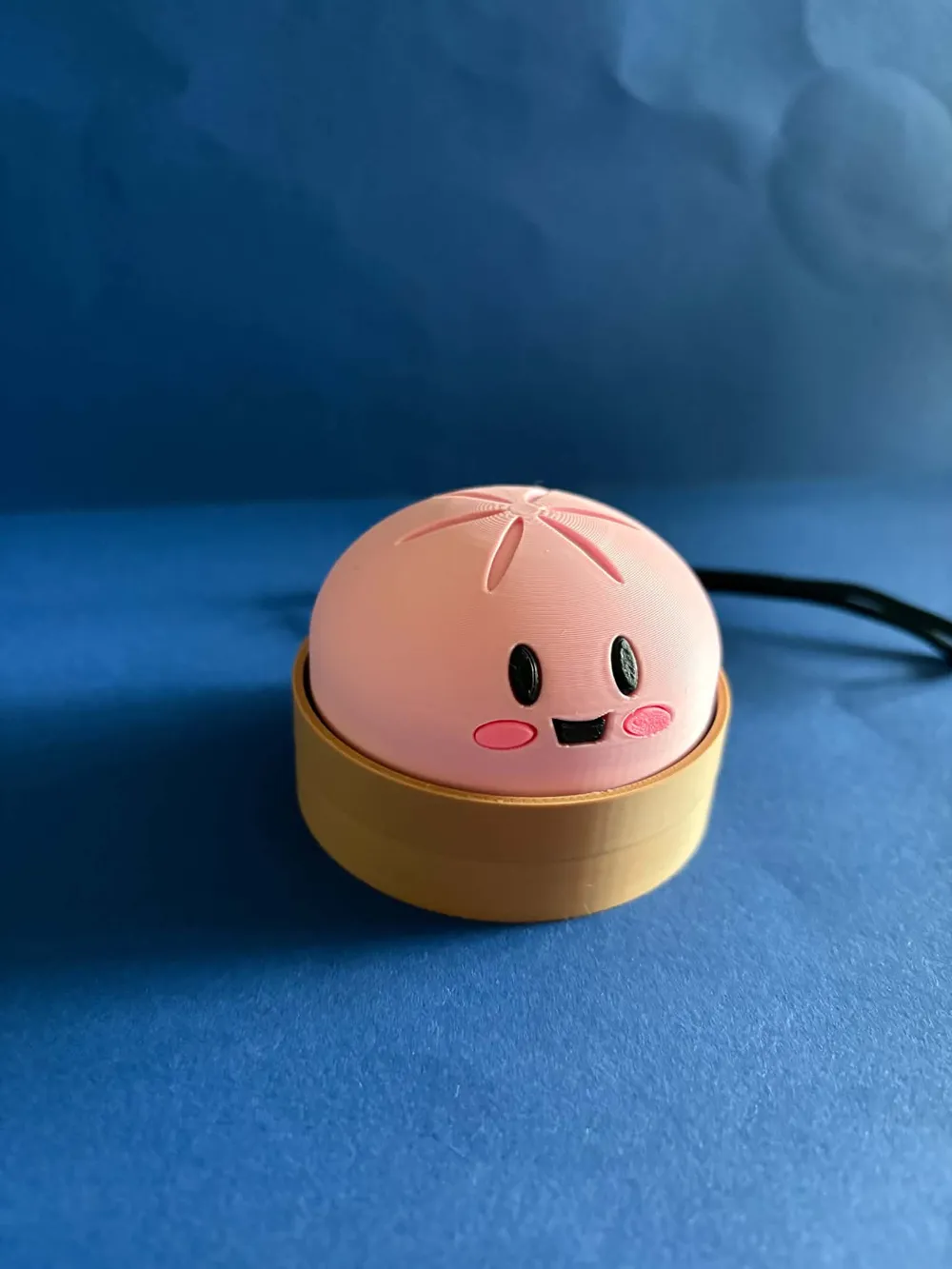
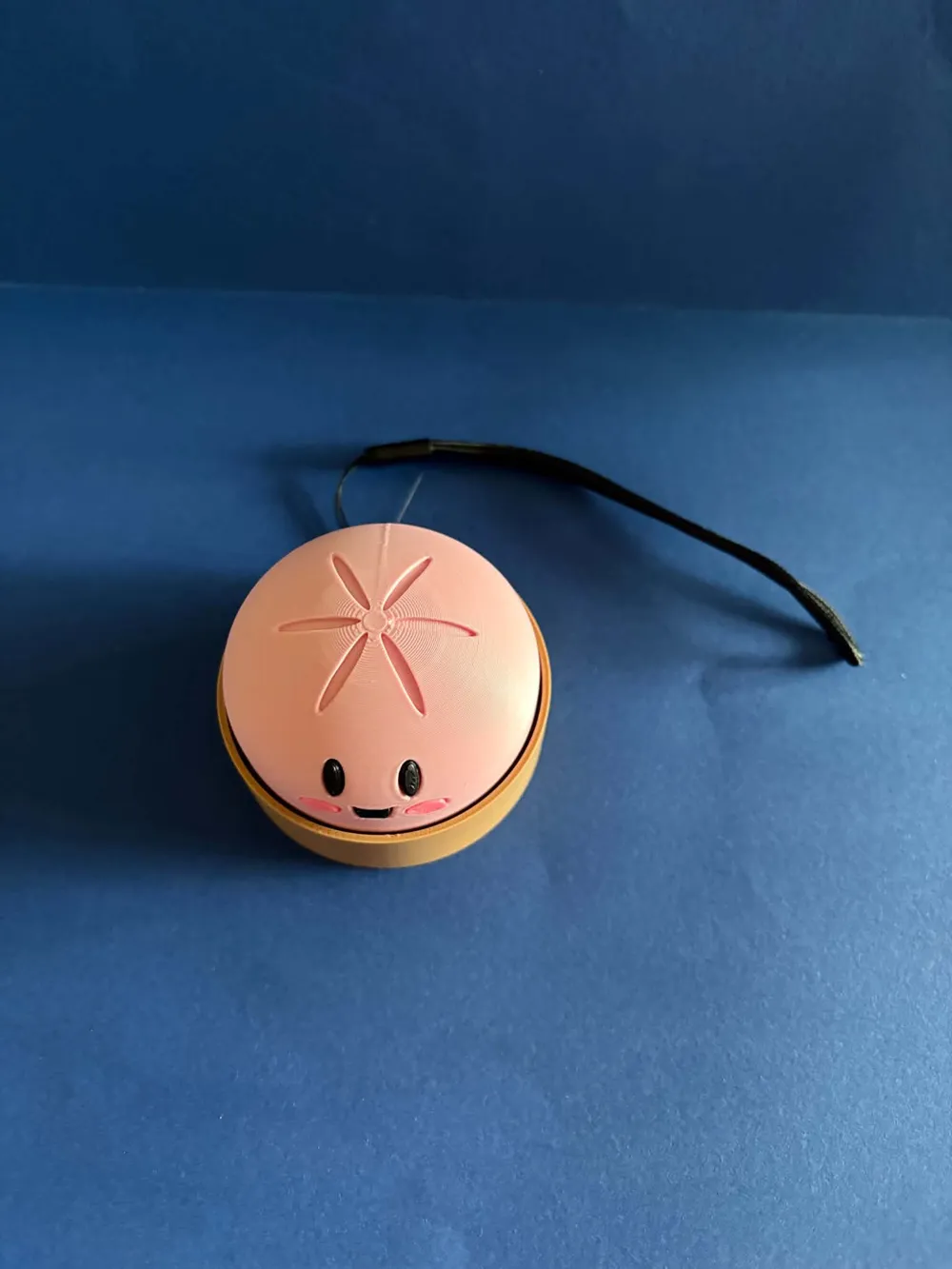
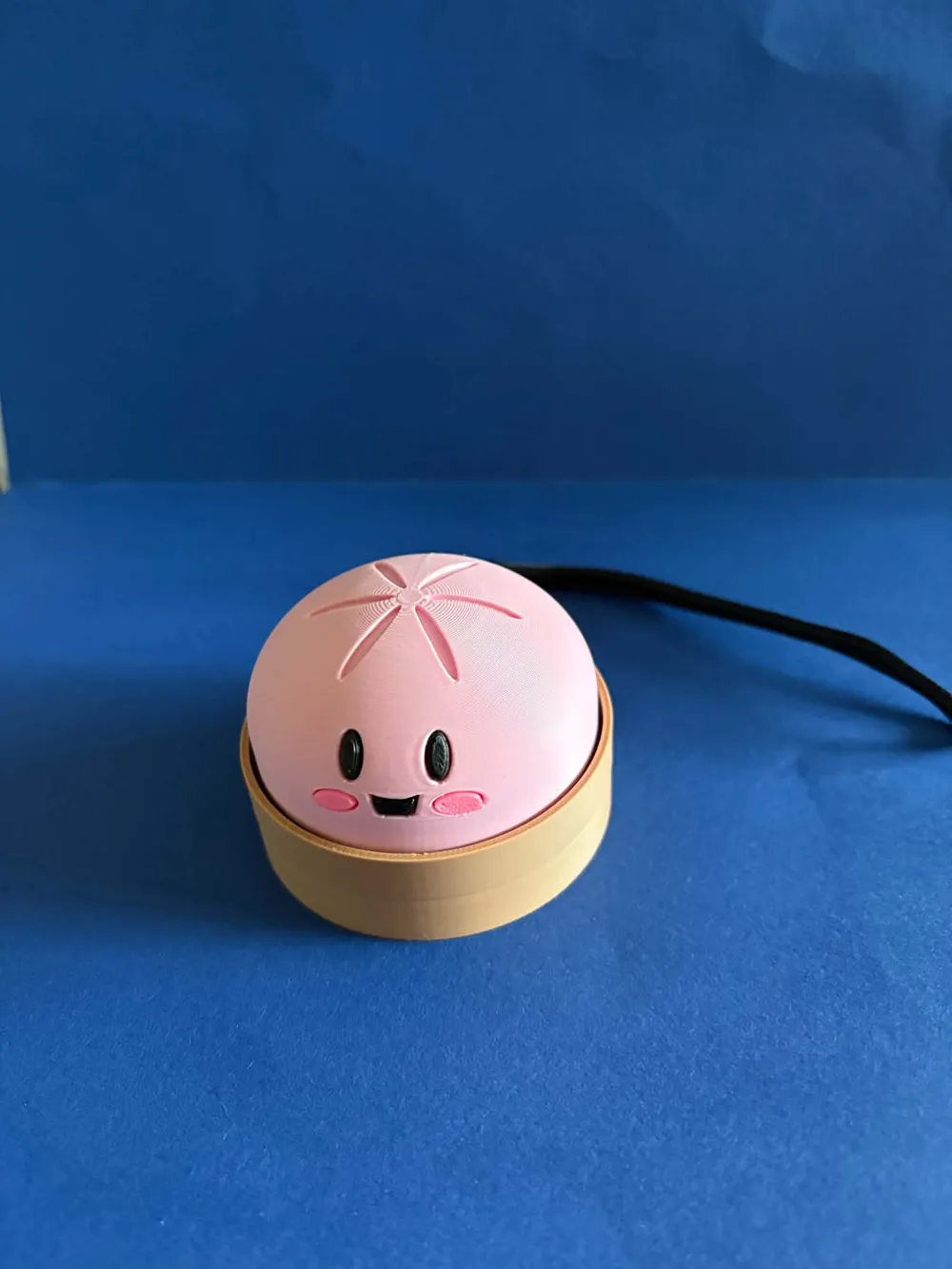
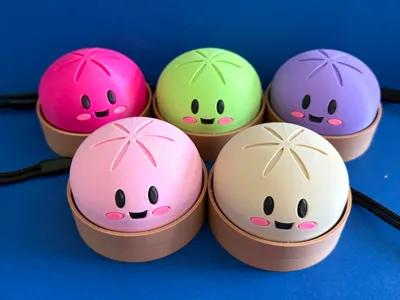
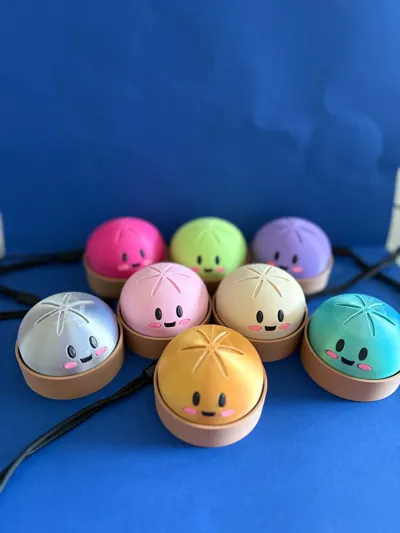
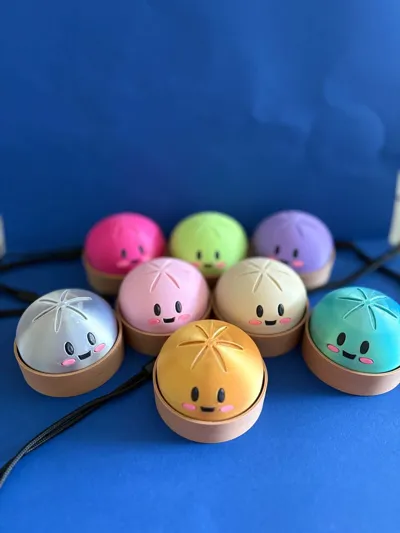
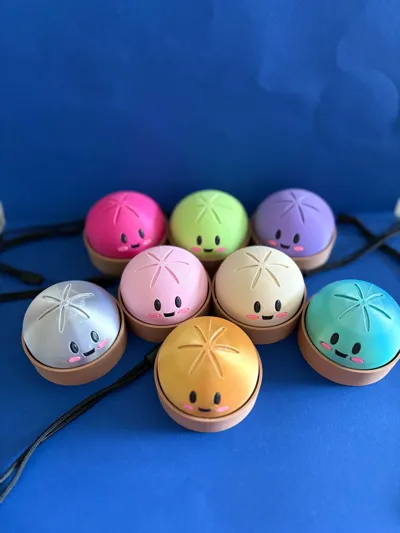
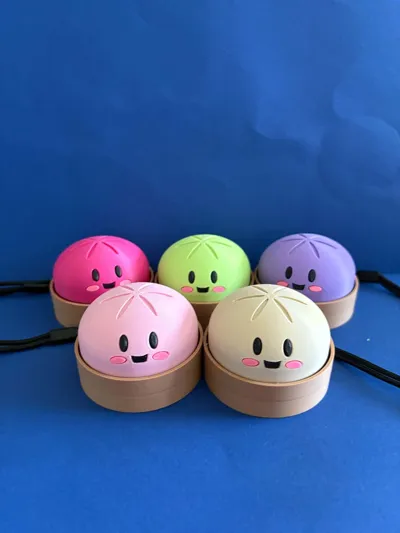
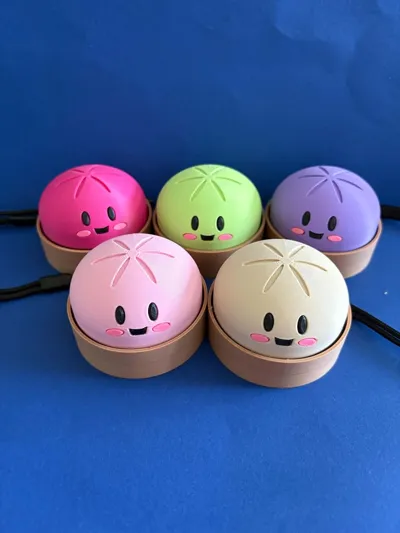
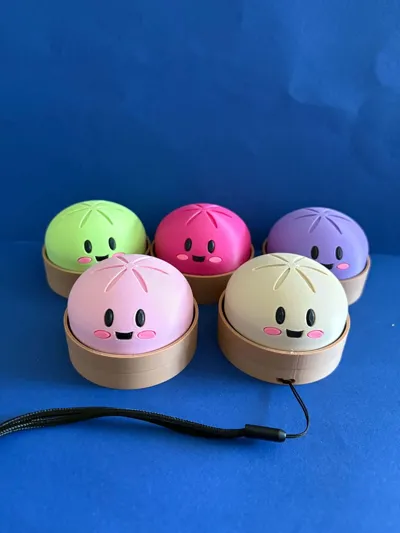
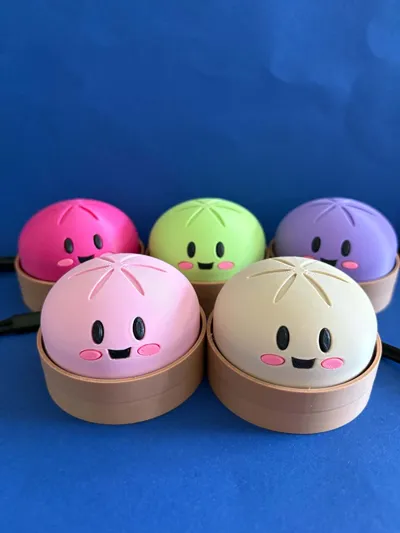
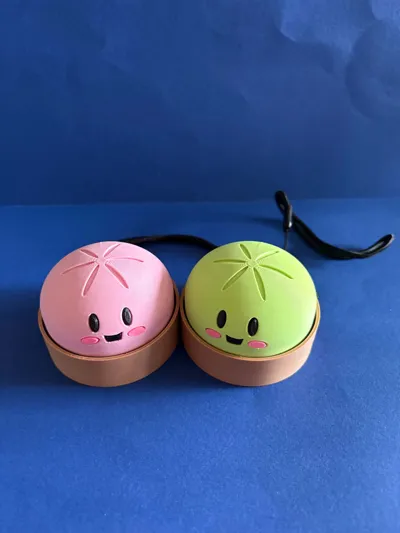
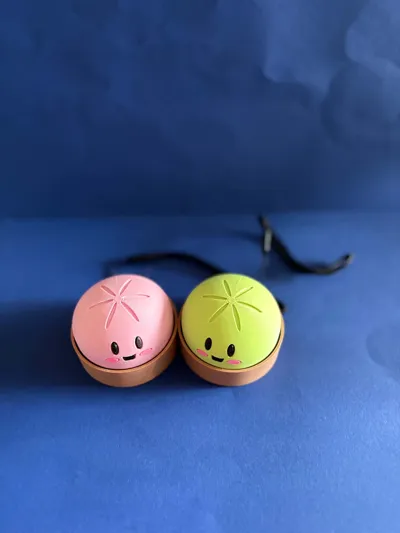
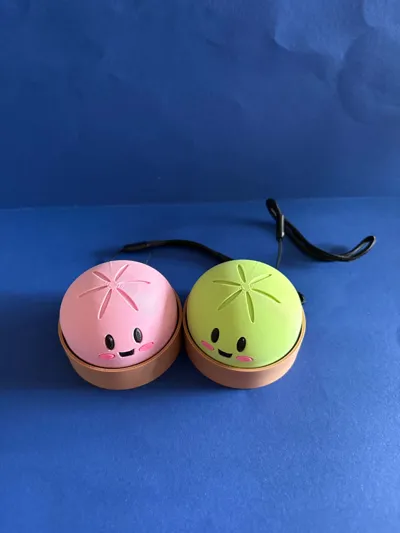
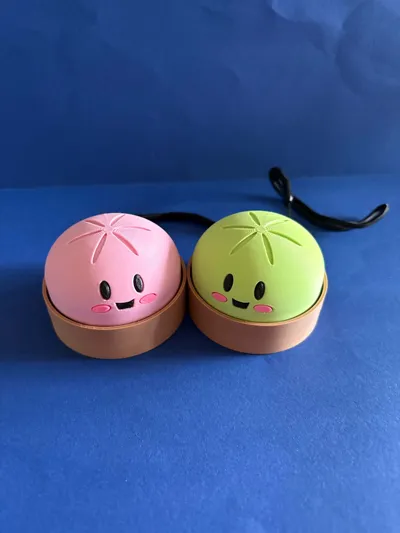
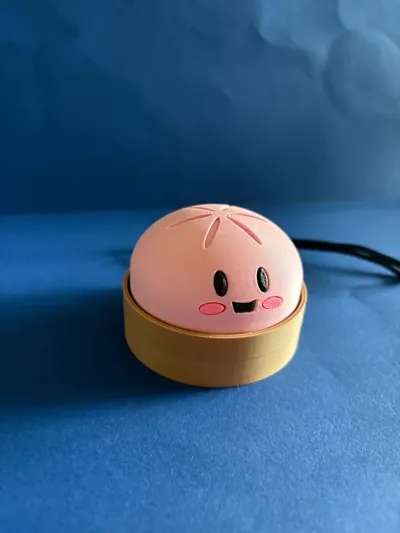
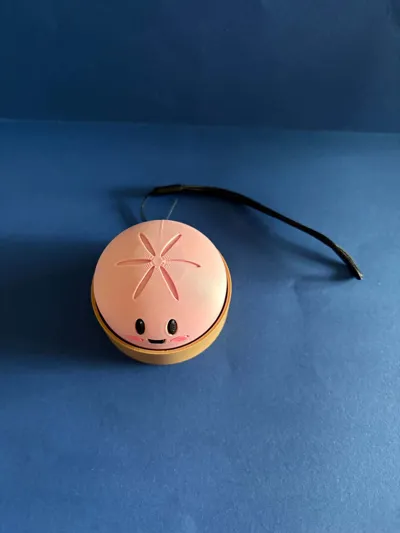
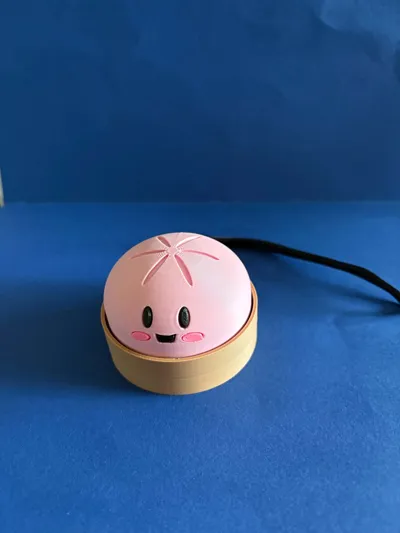
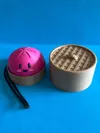
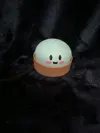
Kawaii Mochi Dumpling Clicker Fidget
Print Profile(5)
Bill of Materials





.jpg)





Description
For Commercial Licence Please visit our Patreon link below:
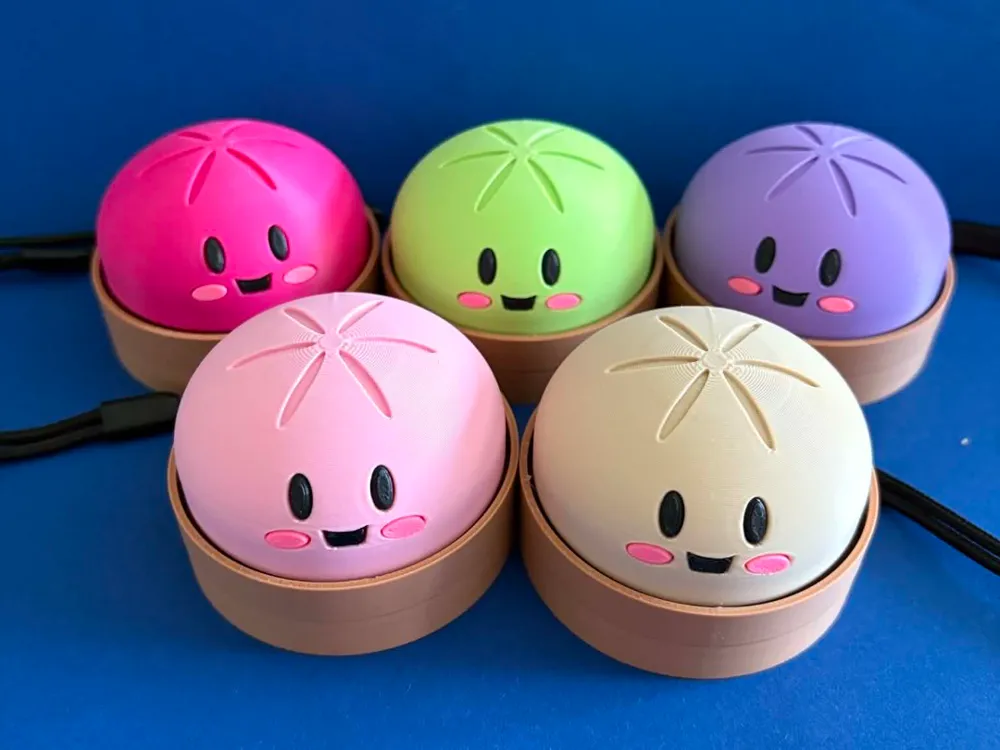
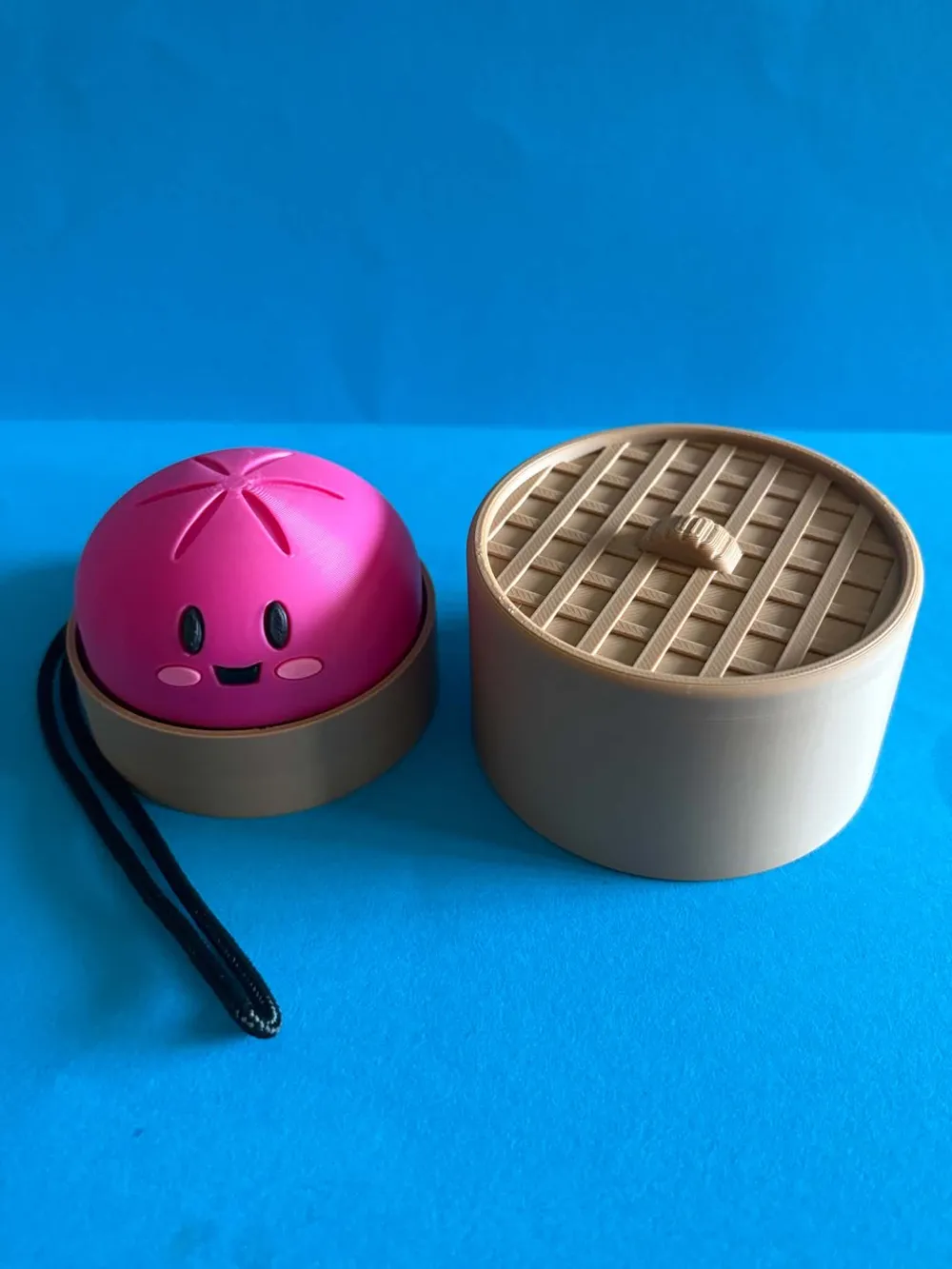
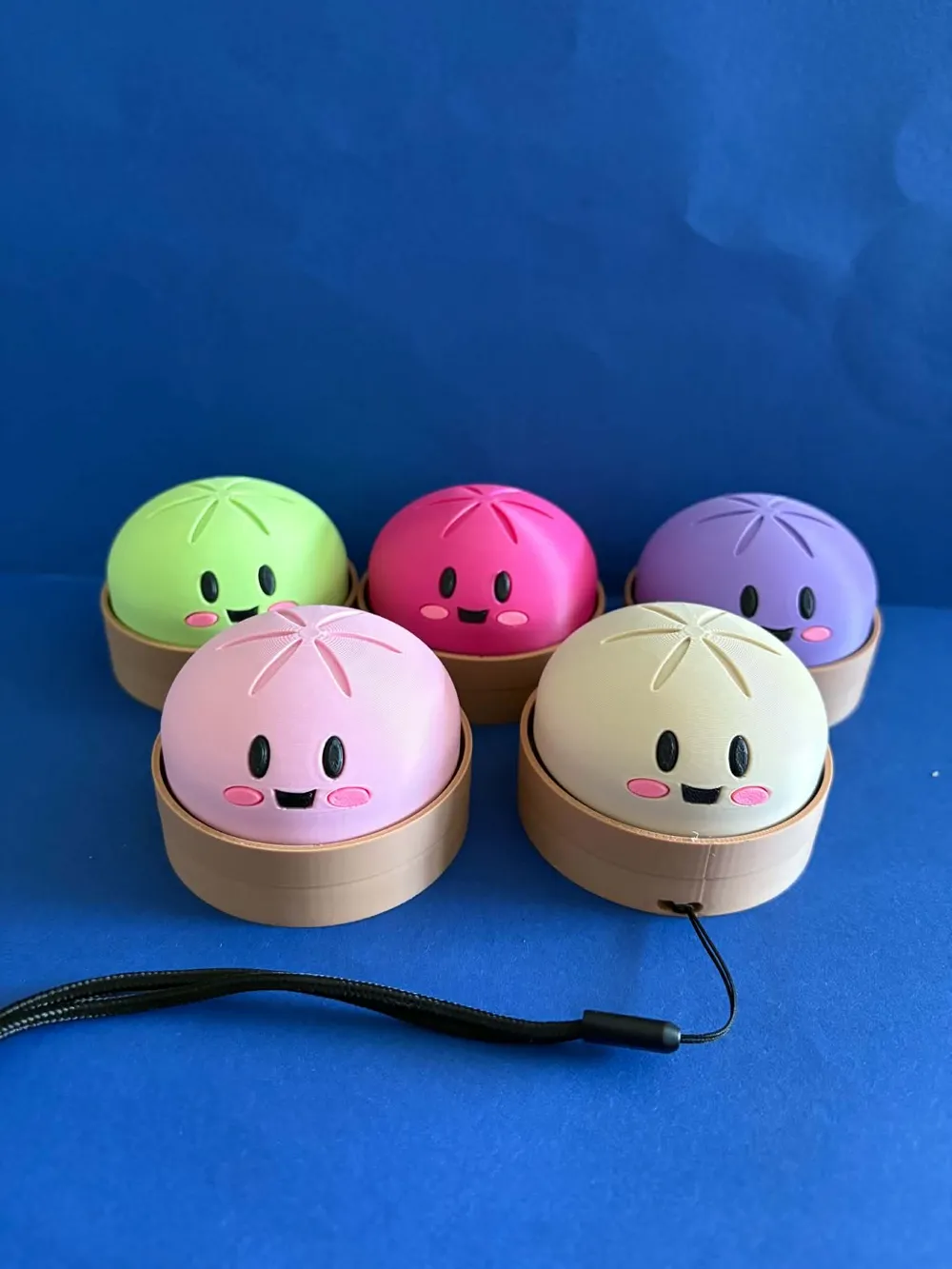
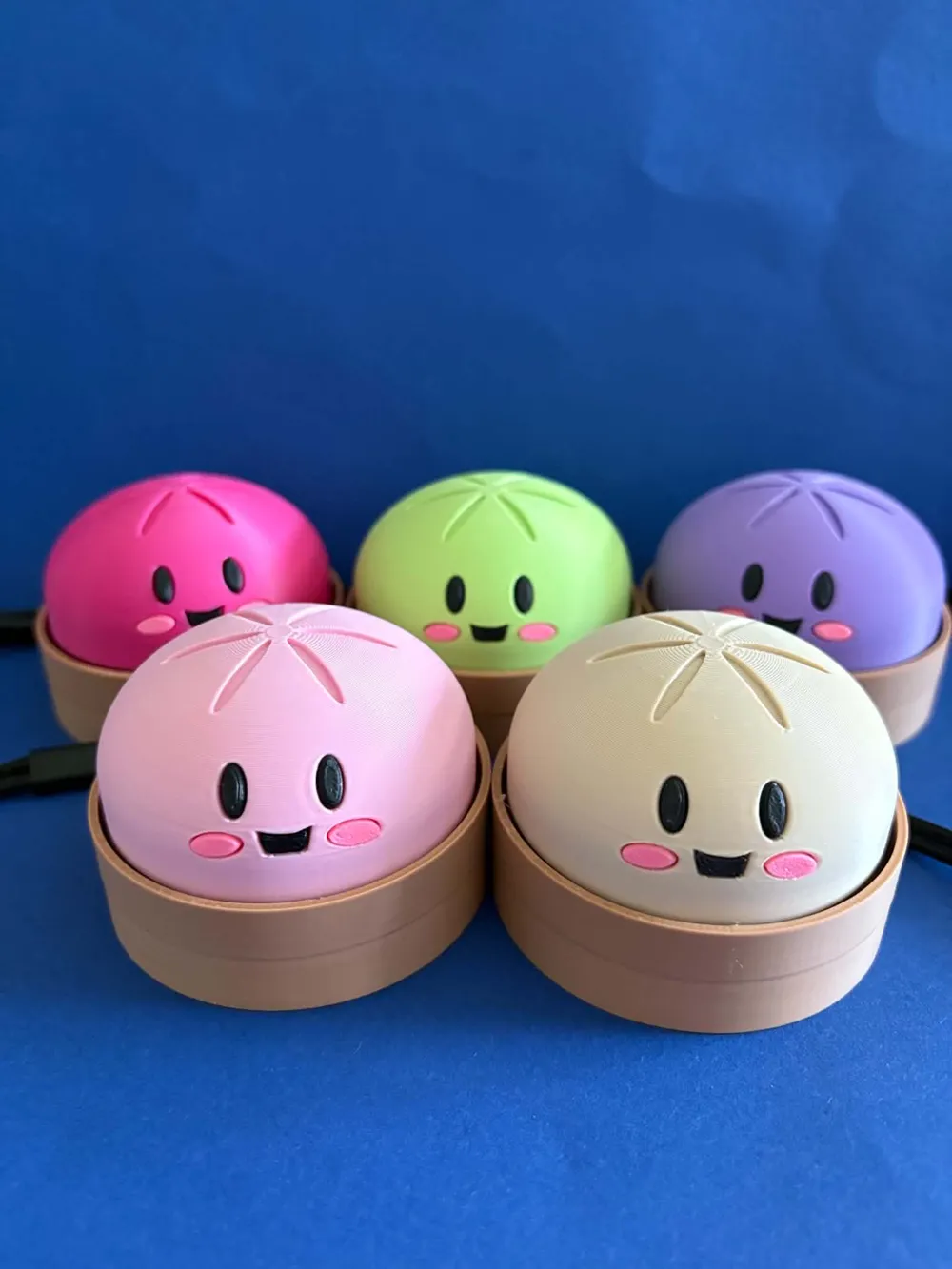
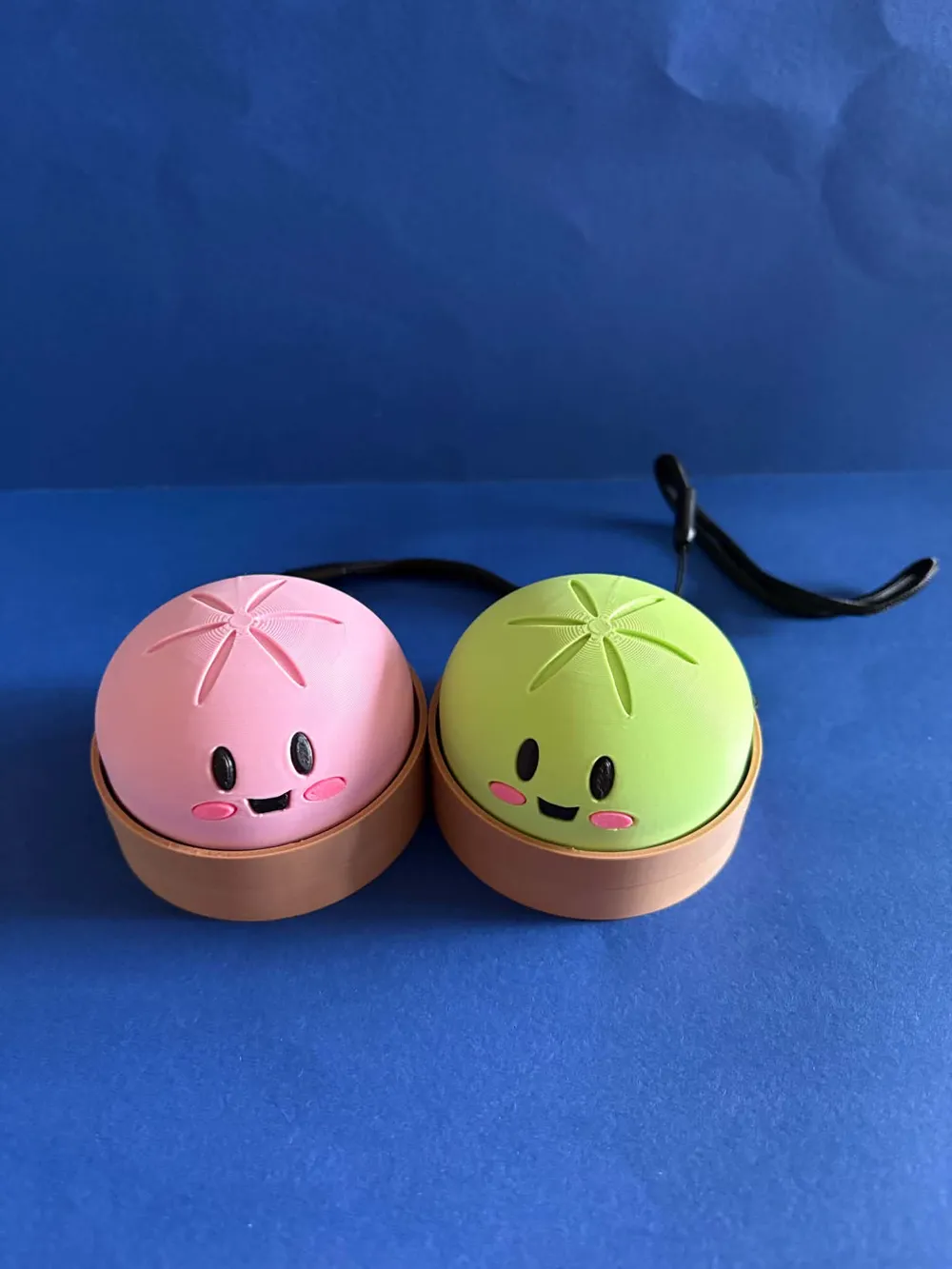
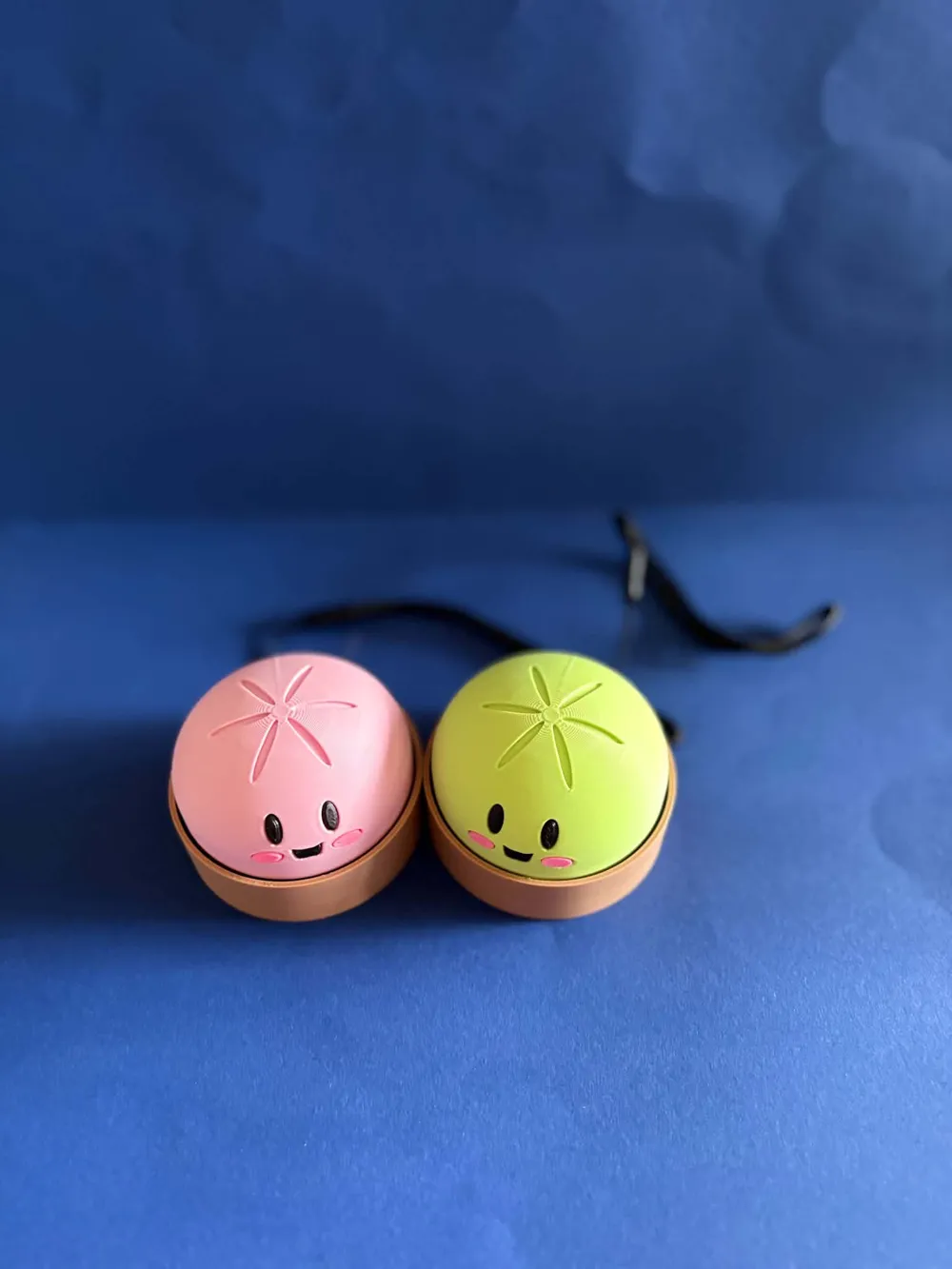
Cute pastel mochi-style clicker fidget with a satisfying tactile press action.
Designed as a fun desk toy, stress reliever, and collectible display piece.
Features:
- Smooth tactile clicking mechanism
- Cute expressive face design
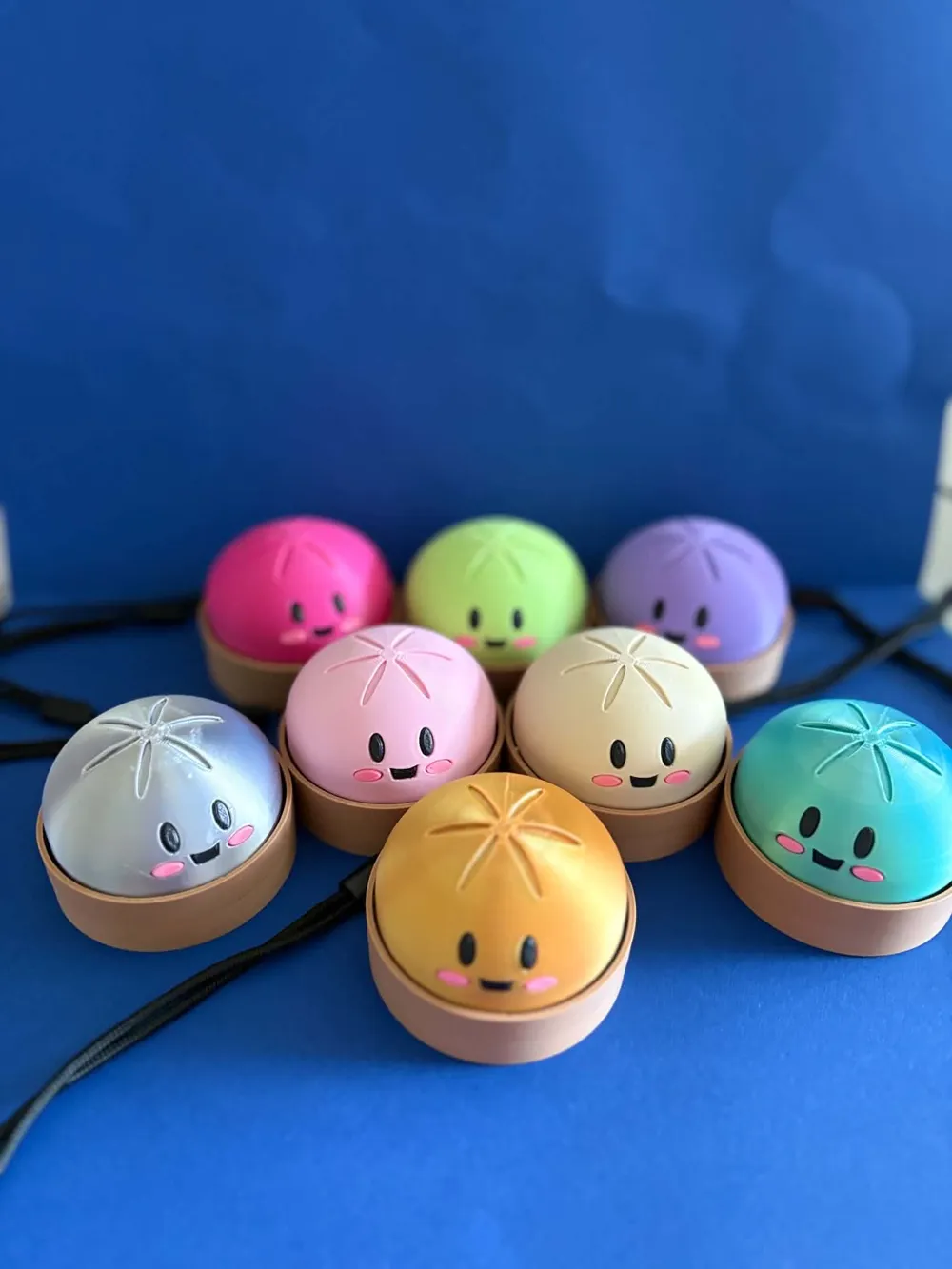
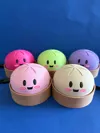
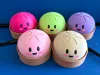
- Multi-color friendly
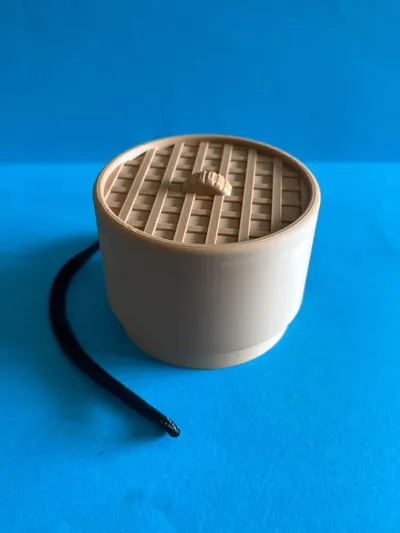
- Compact desk-size form factor
- Beginner-friendly print
- No supports required
- Great for keychains, gifts, or sensory fidgets
Perfect for:
- Fidget collectors
- Desk accessories
- Kawaii setups
- Kids and adults
- Color swap printing
Boost Me (for free)
If you like the design, please give me a boost.
Print Settings
- Layer Height: 0.2 mm
- Infill: 15–20%
- Walls: 3
- Supports: No
- Brim: Optional
- Material: PLA recommended
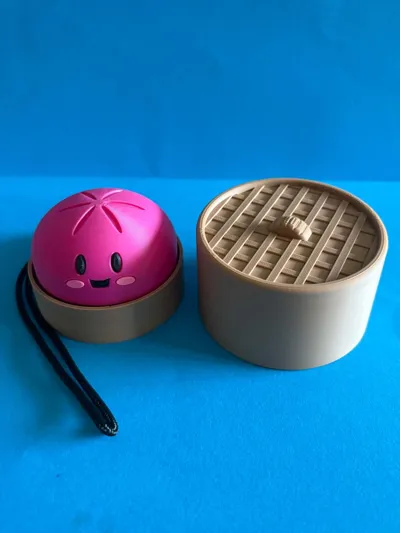
Assembly
- Print top shell
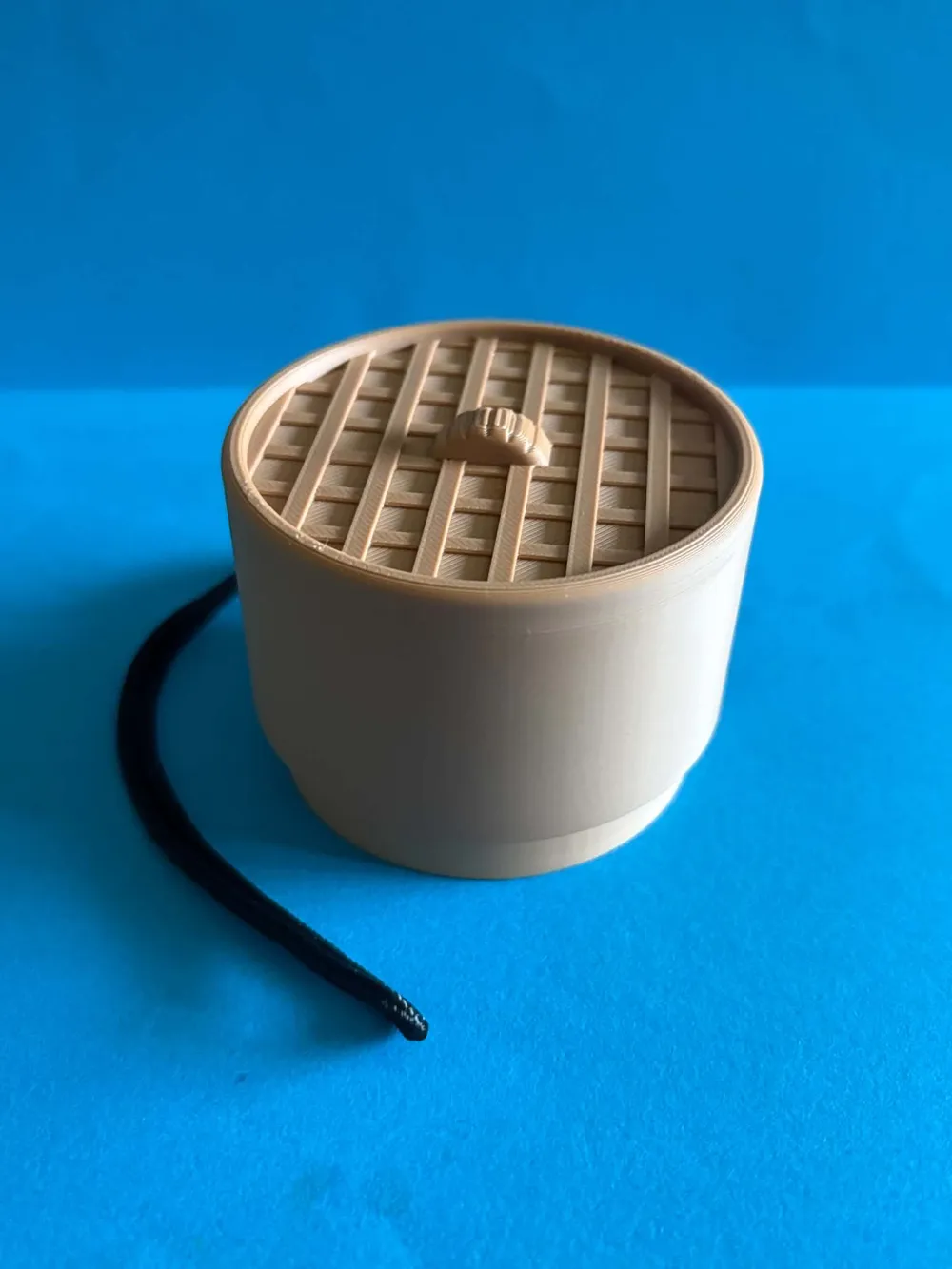
- Print base
- Insert click mechanism
- Snap together
We made the eyes/mouth/cheeks to be printed seperatly. Just use a tiny amount of glue to stick them in.
* Using different Mechanical keys will make the clicker sound different. *
This is link of the keys we used(BLUE)
https://www.aliexpress.com/item/1005003911184656.html?src=ibdm_d03p0558e02r02&sk=&aff_platform=&aff_trace
_key=&af=&cv=&cn=&dp=&aff_short_key=
License

You shall not share, sub-license, sell, rent, host, transfer, or distribute in any way the digital or 3D printed versions of this object, nor any other derivative work of this object in its digital or physical format (including - but not limited to - remixes of this object, and hosting on other digital platforms). The objects may not be used without permission in any way whatsoever in which you charge money, or collect fees.


Comment & Rating (426)