
Gridfinity Studio — Plan Drawer-Fit Layouts in 3D
Print Profile(2)
Bill of Materials












































































Description
-----AD-----

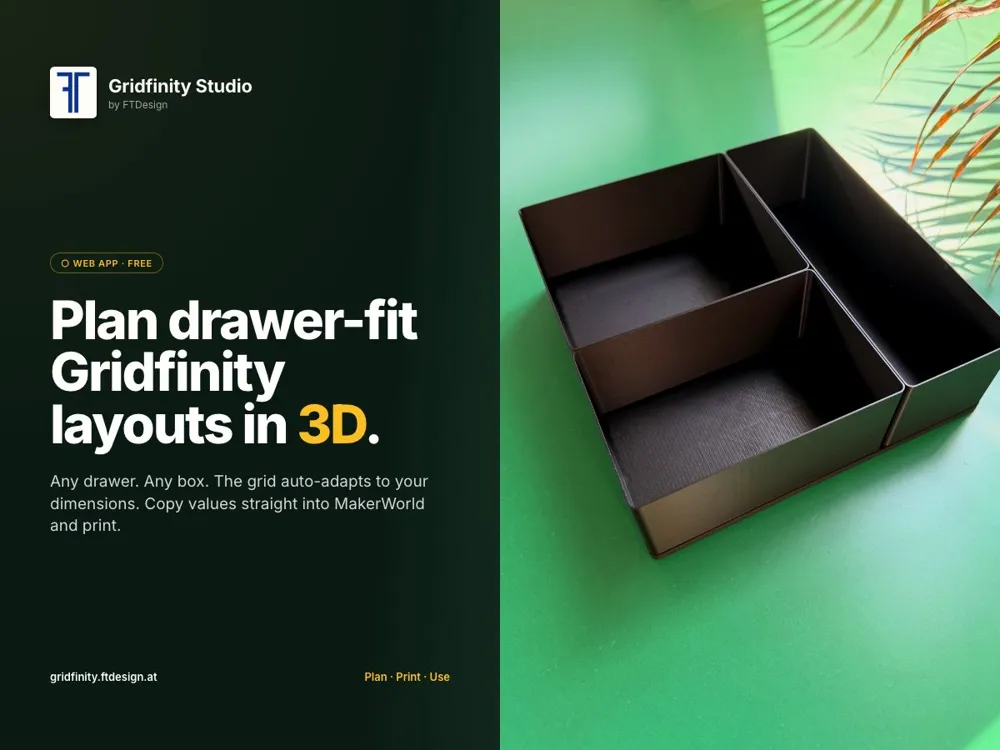
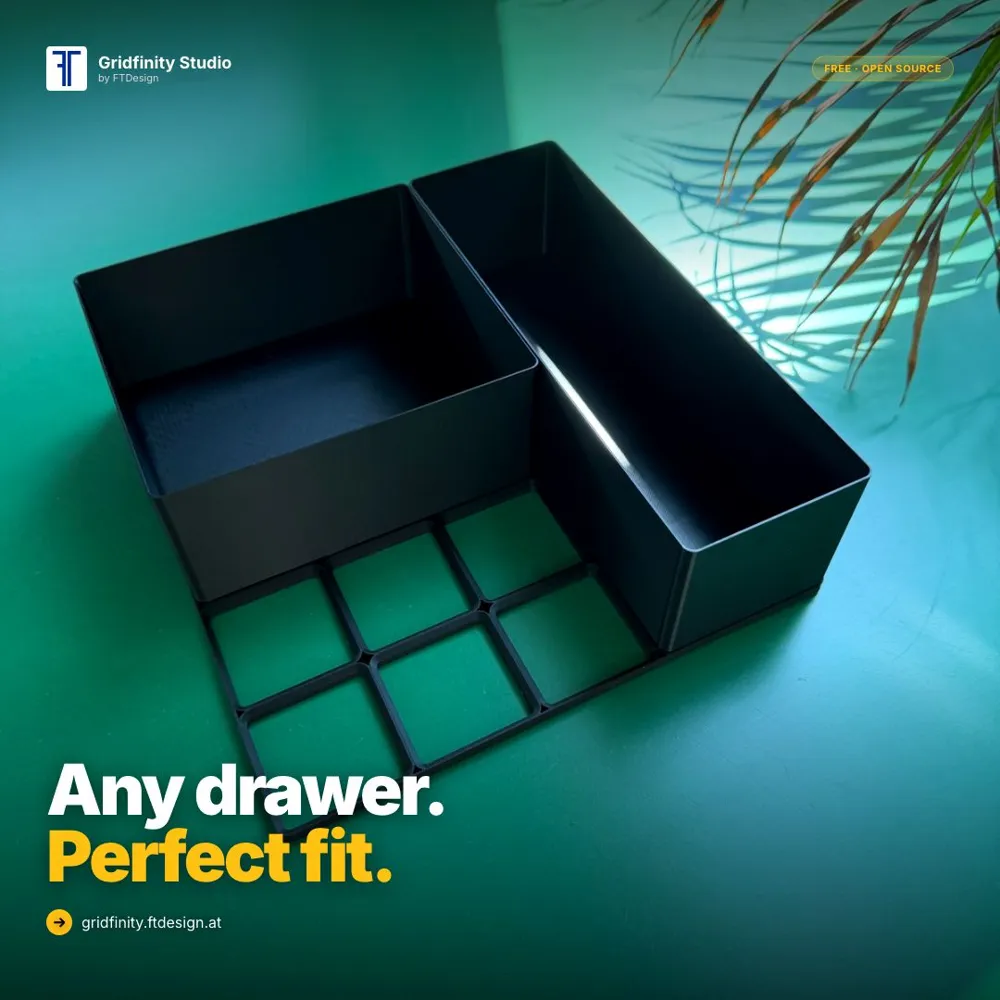
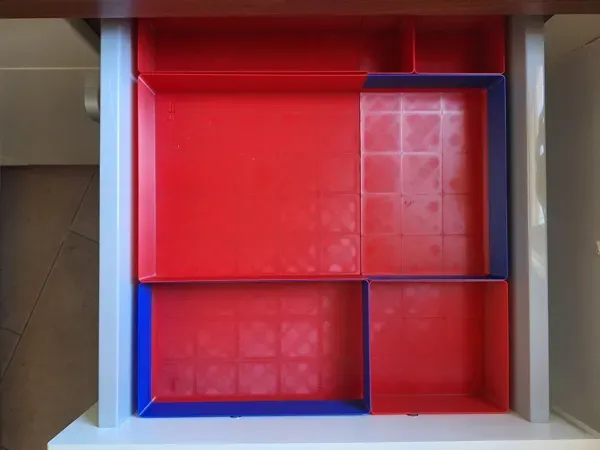
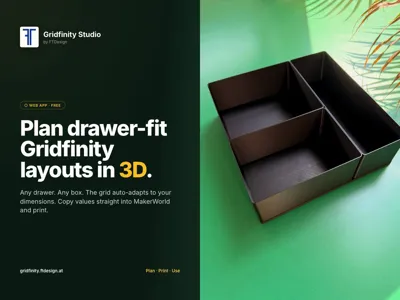
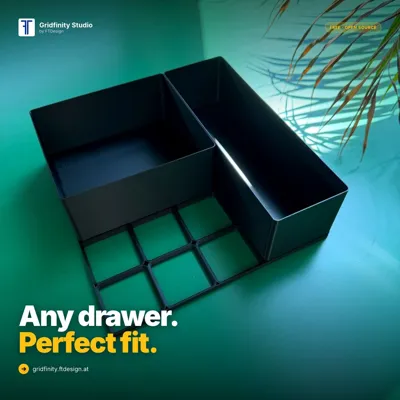

Are you also huge fans of the Gridfinity system, but struggle to create the perfect layout for your drawers, boxes, or storage spaces?
That is exactly the problem GRUND.DEV (aka Makerworld: Xc1Camtain) and I wanted to solve… and we developed (drumroll please 🥁🥁🥁)
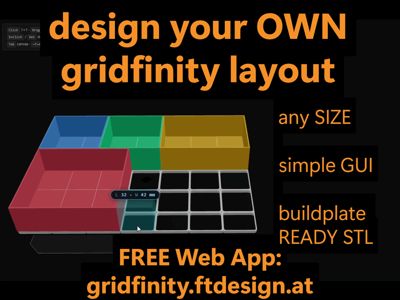
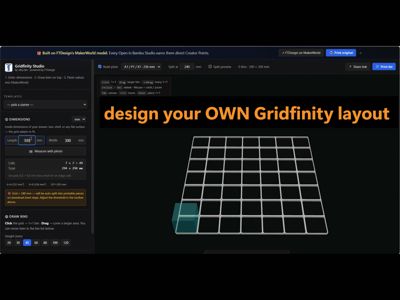
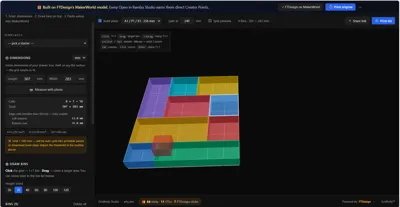
A FREE WEB APP that plans your Gridfinity layout for ANY drawer size — with simple mouse clicks and a live 3D preview: Gridfinity Studio (https://gridfinity.ftdesign.at/)
Boost Me (for free)
If you'd like to see more high-quality models and practical ideas, every Like, Follow, Download, Print, and Boost helps us continue creating and improving our projects. They're completely free for you and make a big difference to us. Thank you for your support! 🚀
-----Model description-----
Built entirely on FTDesign's parametric Gridfinity model. The app generates STL files directly in your browser so you can print fast — but if you want to support FTDesign with Creator Points, hit the in-app "↗️ Print on MakerWorld" button: every download or print on MakerWorld counts directly toward FT's profile. ❤️
With the app you can easily:

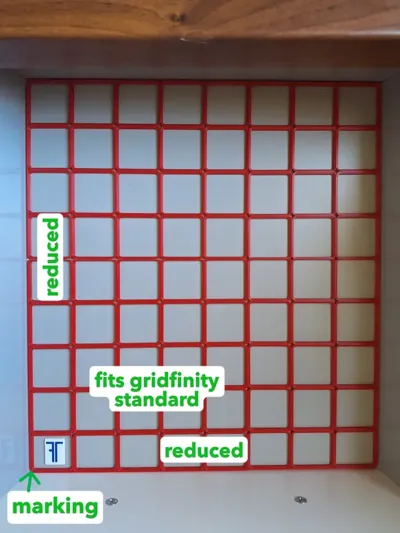
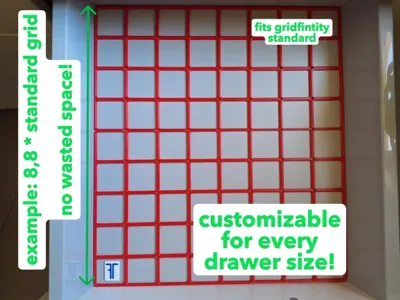
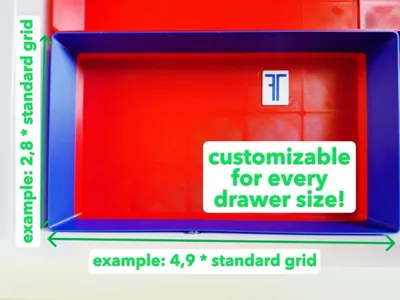
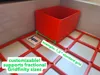
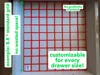
- Define your grid size (drawer, box, storage area, etc.)
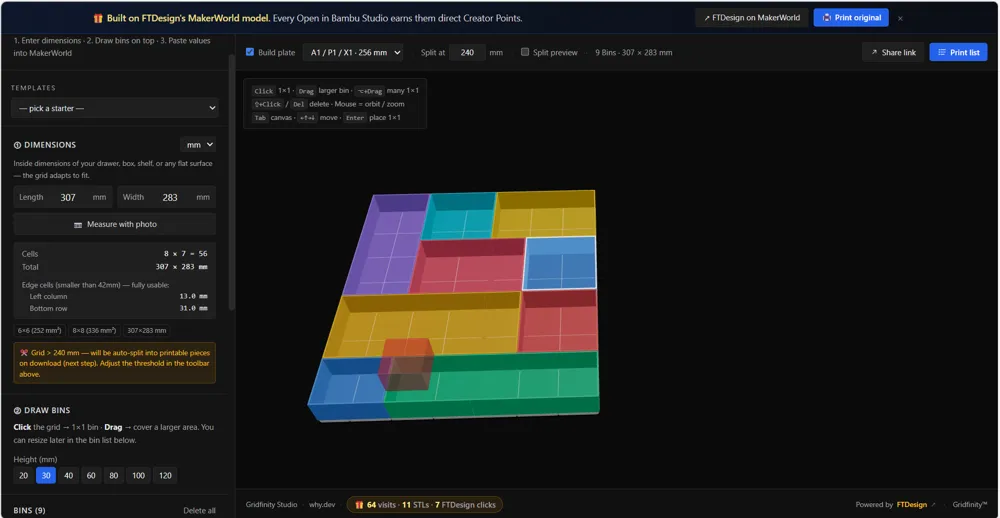
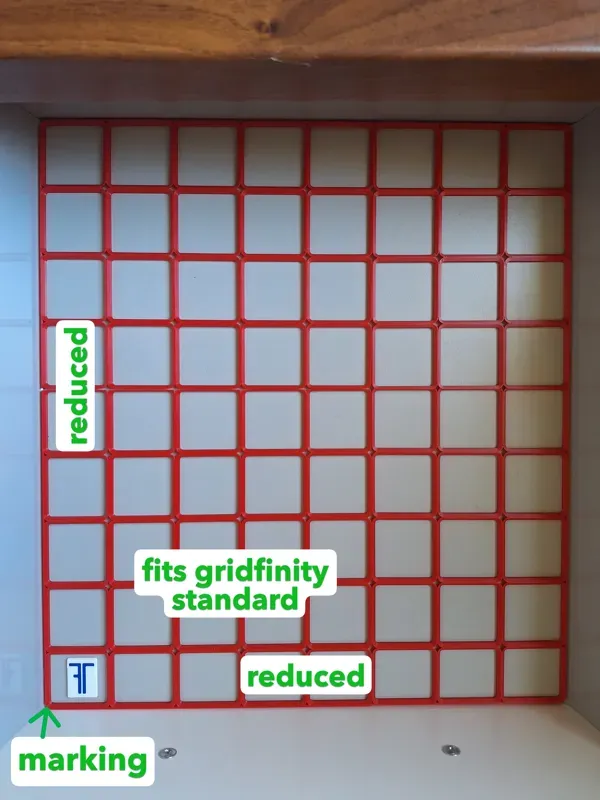
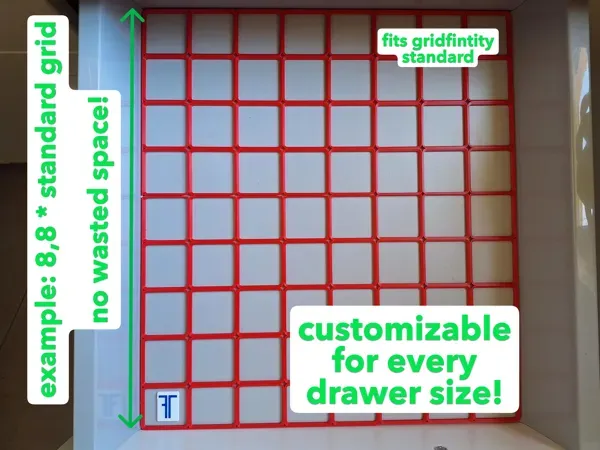
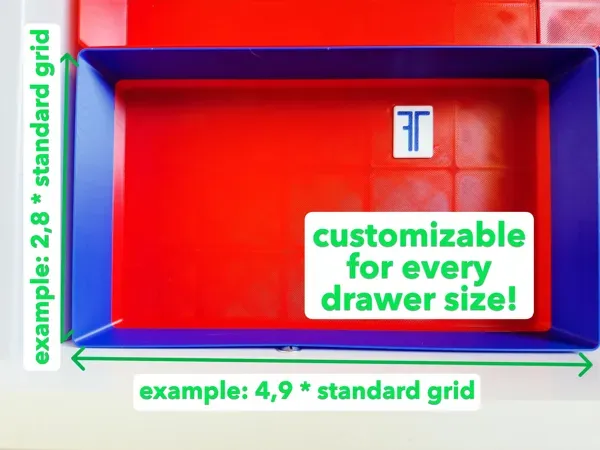
Any drawer size — the grid auto-adapts (no more "round off and waste 42 mm") - Plan your layout interactively with your mouse and assign individual bin heights for every bin.
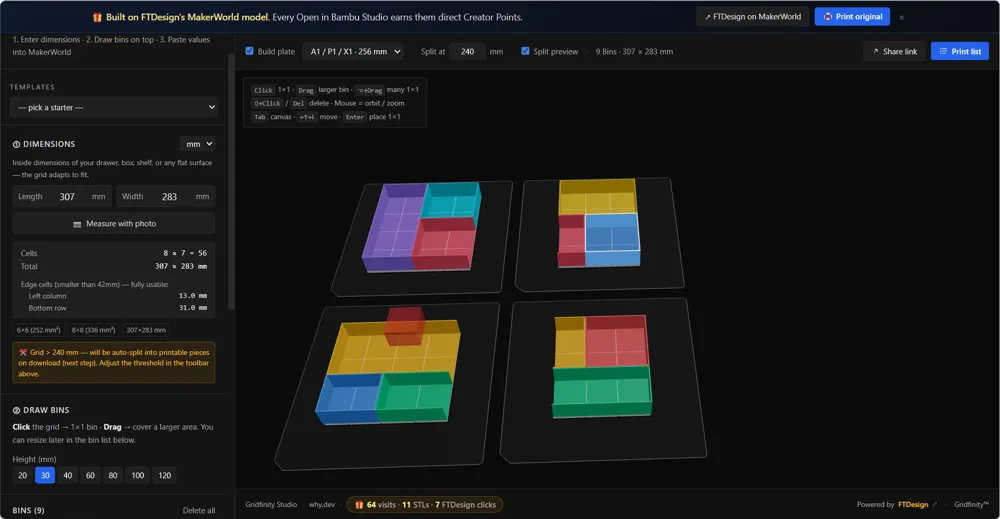
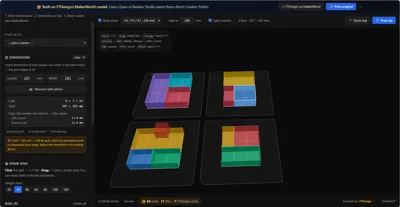
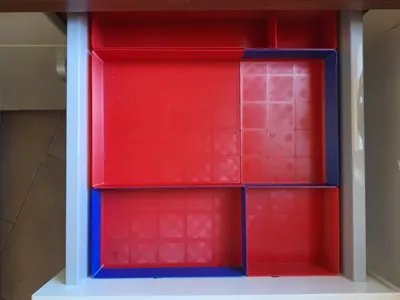
The grids and bins are automatically split to fit your printer build plate size. - Download your finished layout directly as STL files and start printing.
✔️ Free, no login, no cloud — your layouts stay in your browser
✔️ 3D preview before print — see the layout, rotate, check fit before exporting
If you like the project, we would really appreciate your support with a download, print, or boost on MakerWorld!
We are continuously improving and expanding the app, so feel free to leave feedback and suggestions
UPDATE 26.05.2026 🚀
As announced, we are continuously working on improving the Gridfinity Planner — and here is a new feature update:
You can now see the exact build plate arrangement of all print parts directly in the “Print View”.
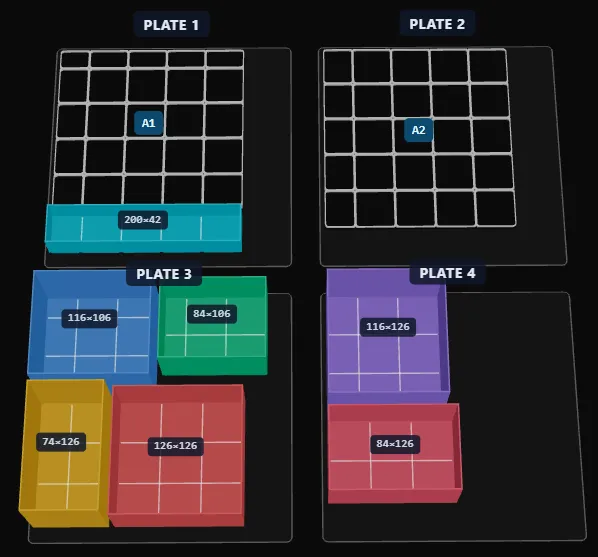
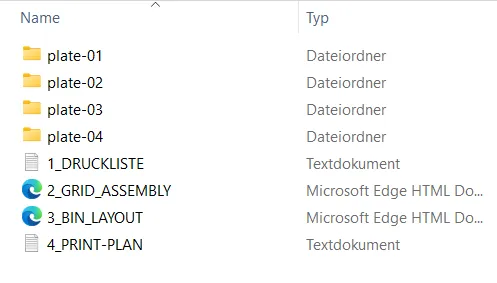
When downloading the ZIP file, all build plates are now automatically organized into separate folders to make printing and importing as easy as possible.
Additionally, the planner now also includes:
✔ Assembly instructions for grids and bins
✔ Part overviews
✔ A complete bill of materials
More updates are already in progress — feedback is always welcome! :)
If you like my model or print profile, I appreciate every comment. Your feedback helps me continuously improve my designs and print profiles to provide the best possible results for the community. Thank you for your feedback. :)
I offer custom 3D design services, paid commissions, and collaborations. If you need a custom part, model optimization, or print support, feel free to contact me via chat or at FTDesign@outlook.com.
I appreciate any kind of support — especially a beer, which fuels me like it does most engineers. With your support, I can continue designing, improving, and publishing new models. 🍻
Support me here: https://buymeacoffee.com/ftdesign
License

You shall not share, sub-license, sell, rent, host, transfer, or distribute in any way the digital or 3D printed versions of this object, nor any other derivative work of this object in its digital or physical format (including - but not limited to - remixes of this object, and hosting on other digital platforms). The objects may not be used without permission in any way whatsoever in which you charge money, or collect fees.


Comment & Rating (5)