
Parametric Hexagon Wall Art
Print Profile(3)

Description
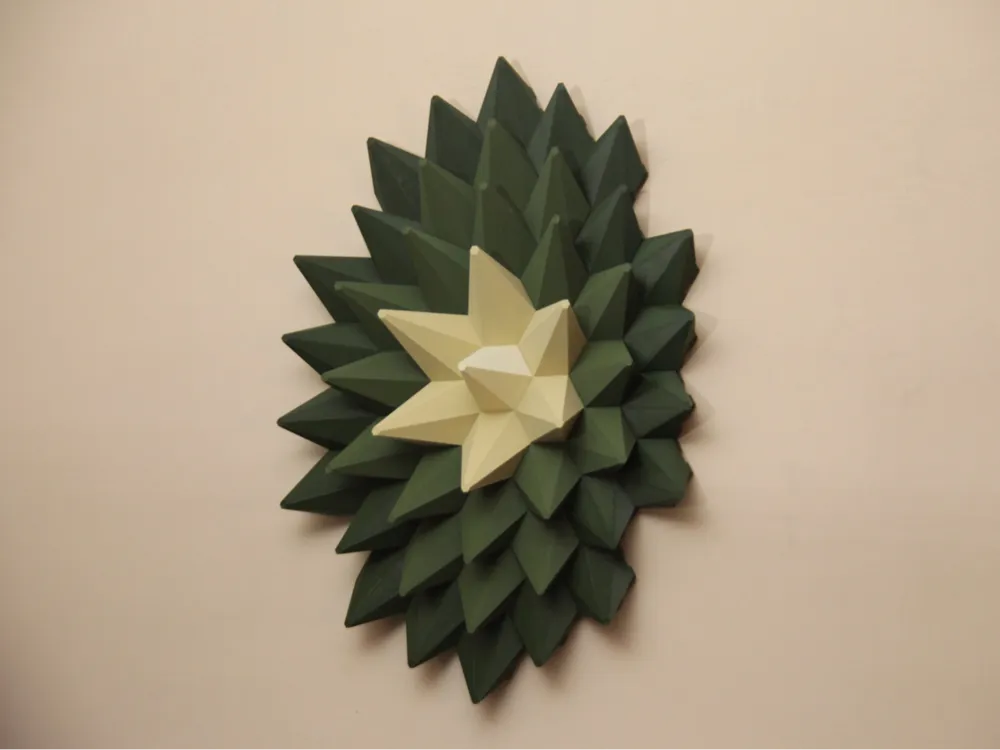
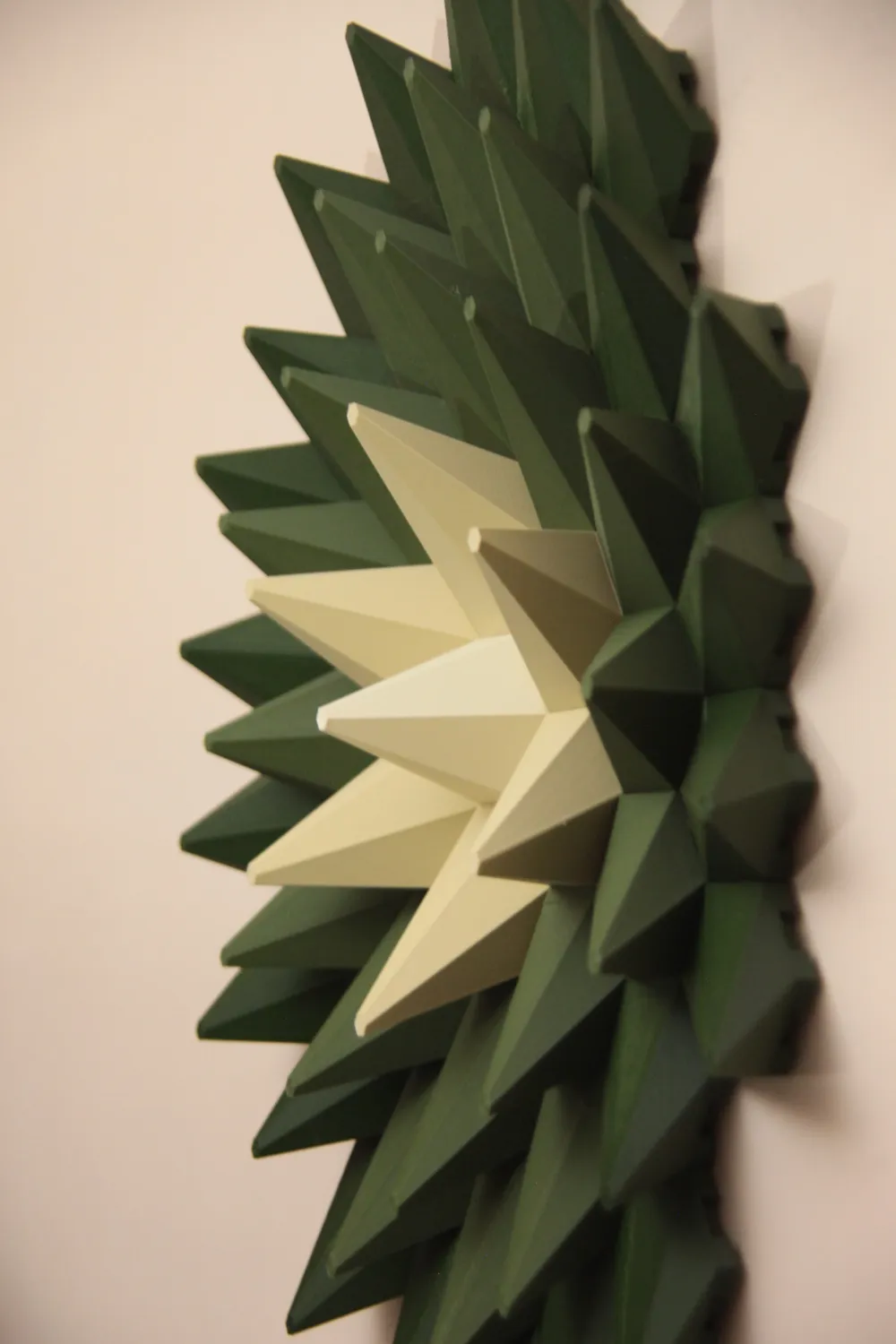
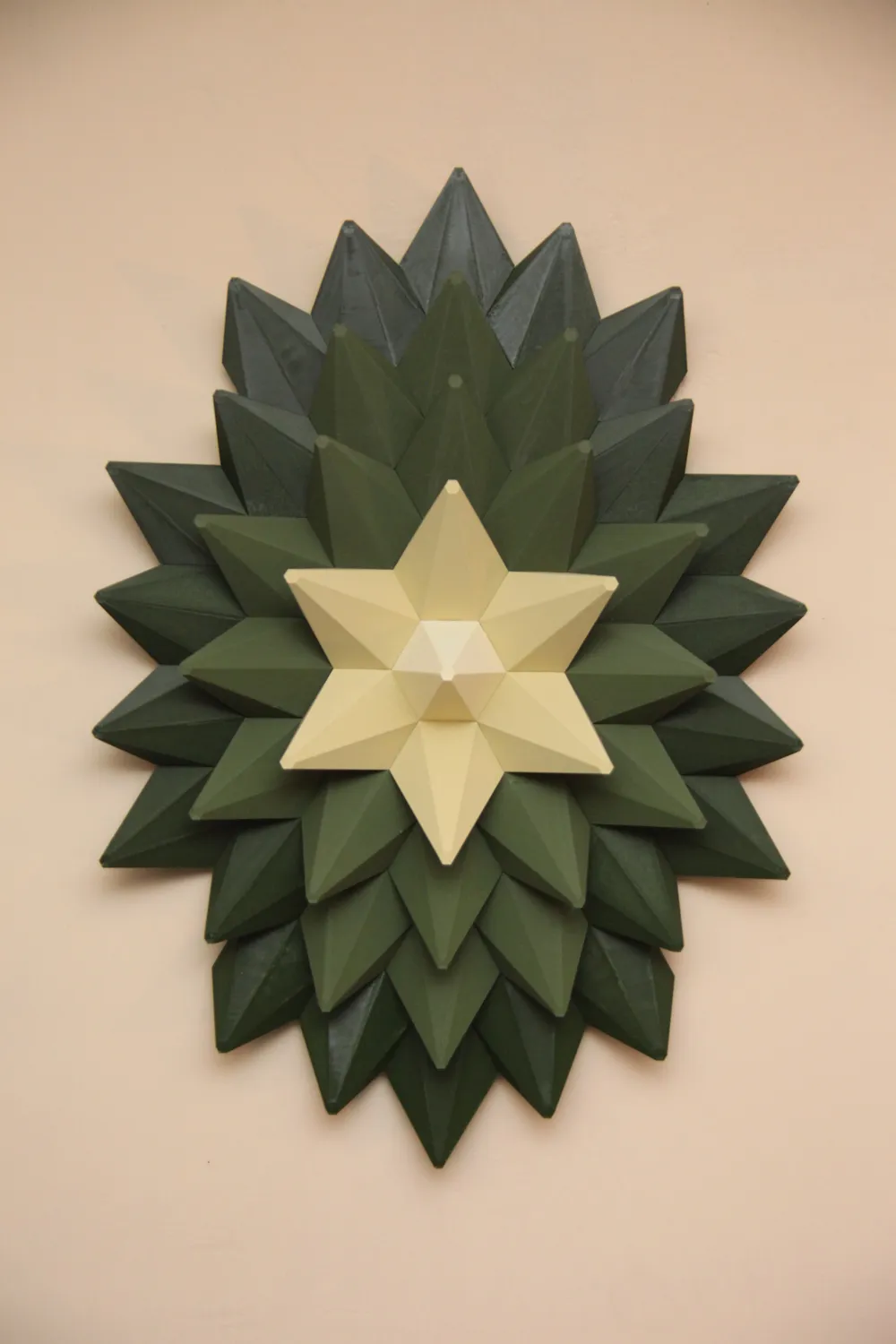
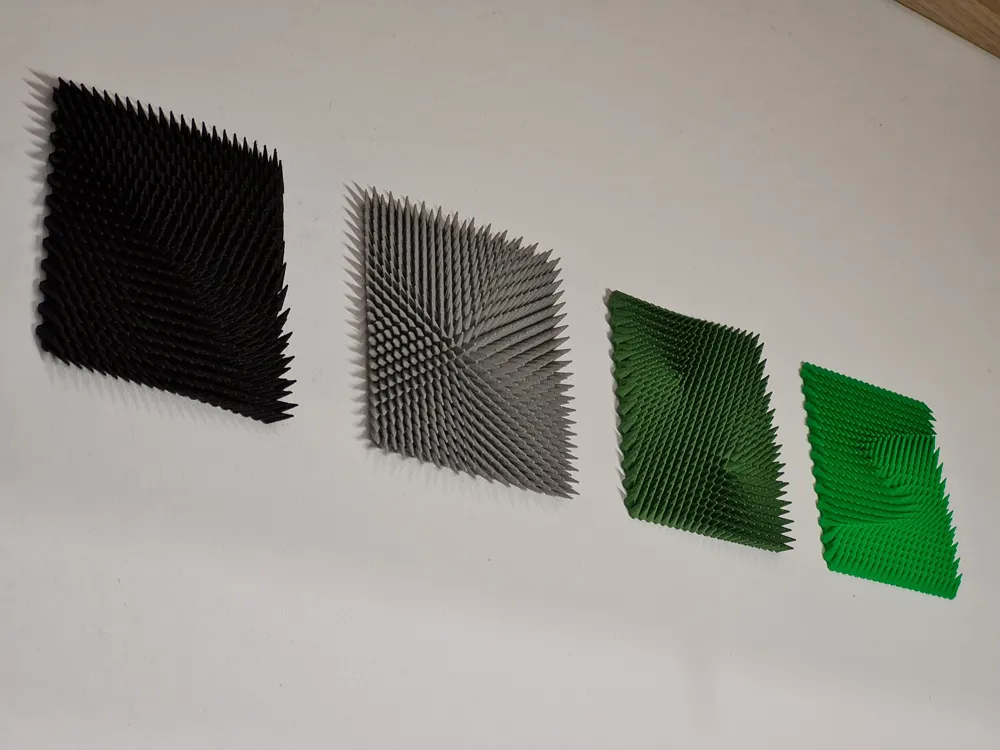
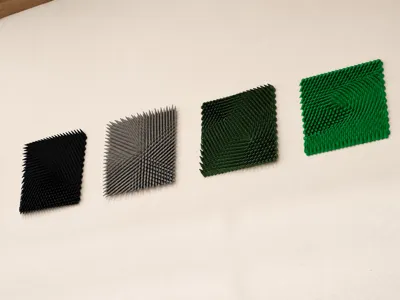
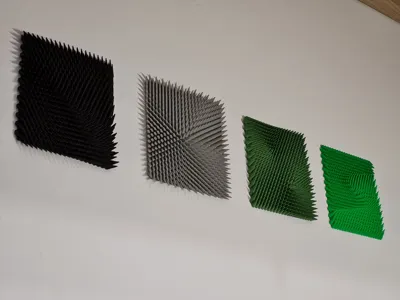
This parametric model turns mathematics, engineering, and art into a physical object.
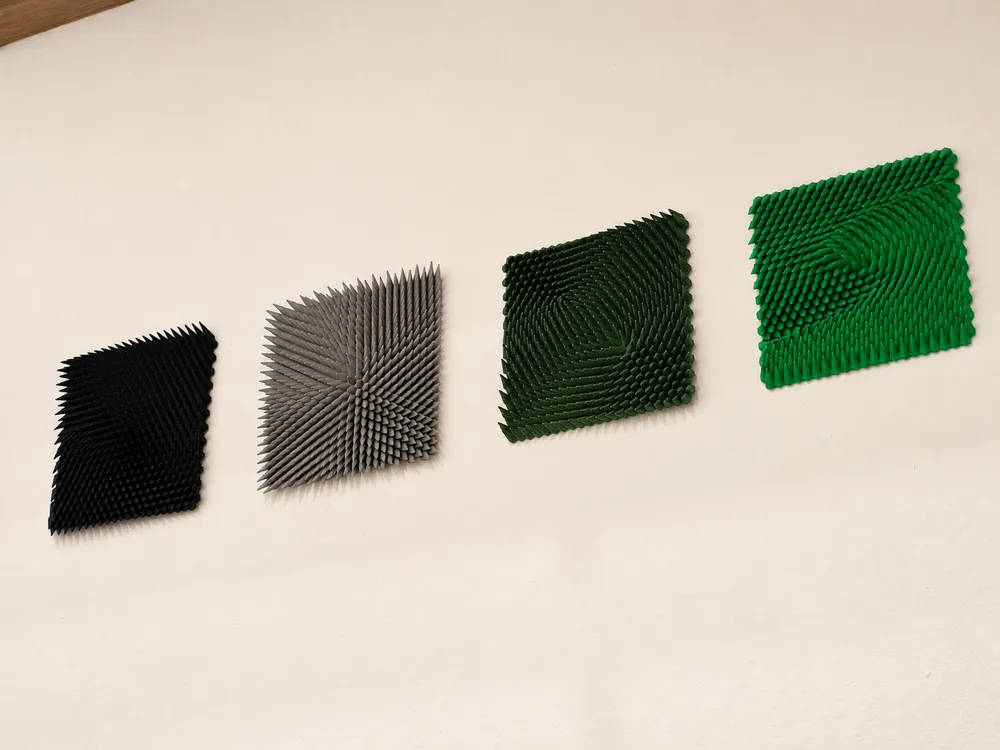
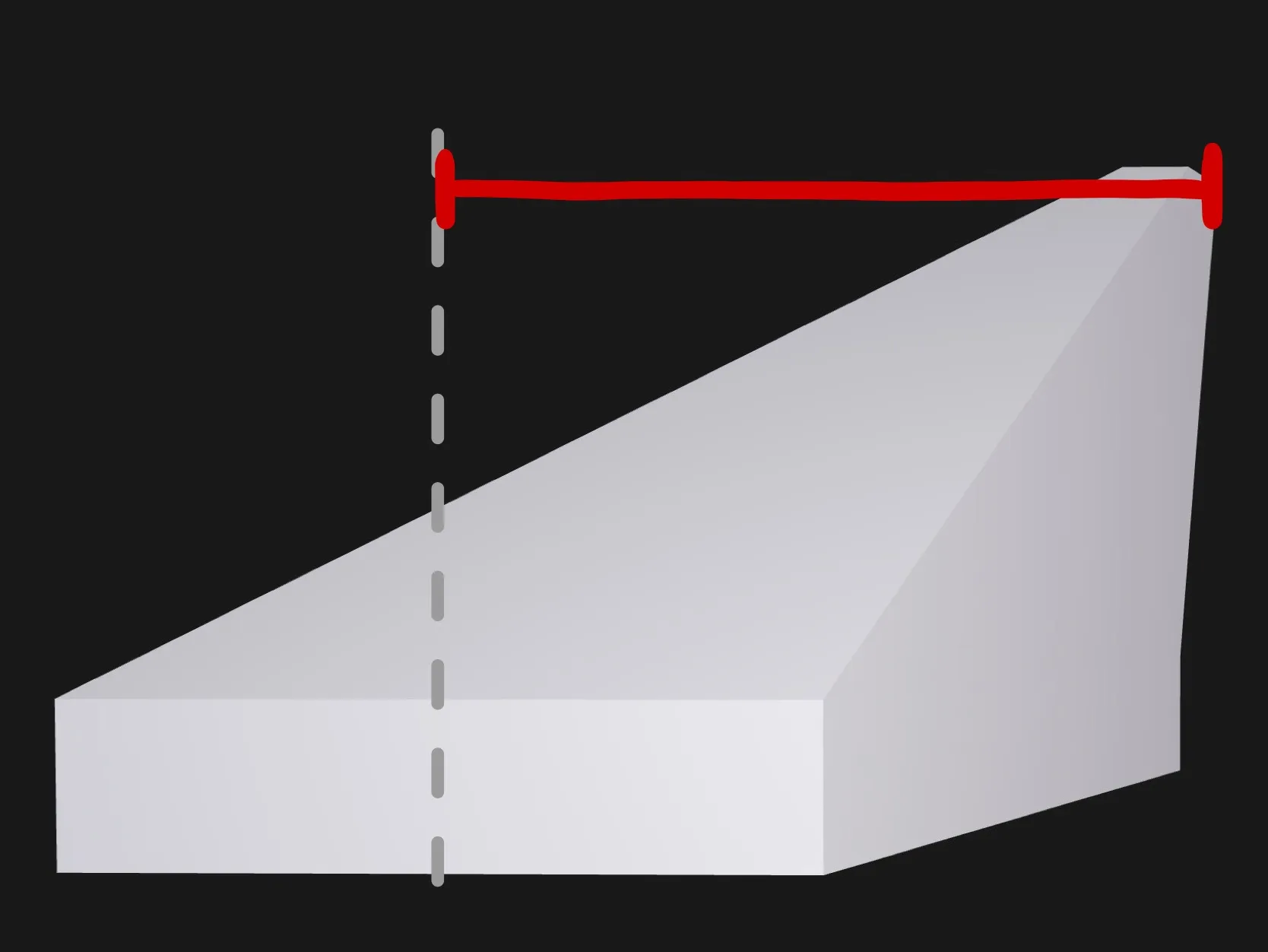
The design follows the idea of a vector field, which can be understood as a mathematical structure that assigns a vector to every point in a space. In this model, each hexagonal tile represents one point of that field. The direction and length of the vector is translated into the sideways movement of the top tip, while the height settings can turn the field into a sculptural surface.
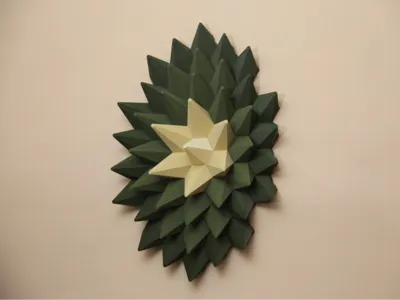
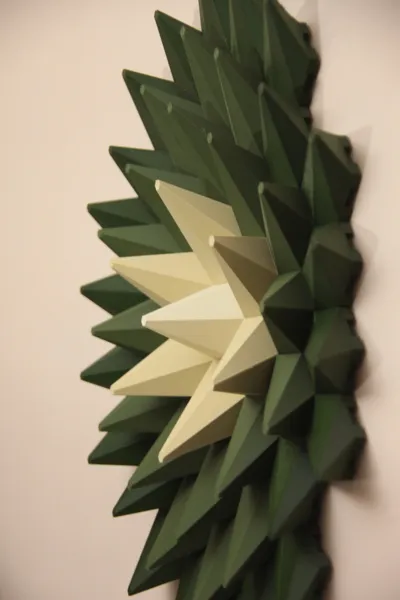
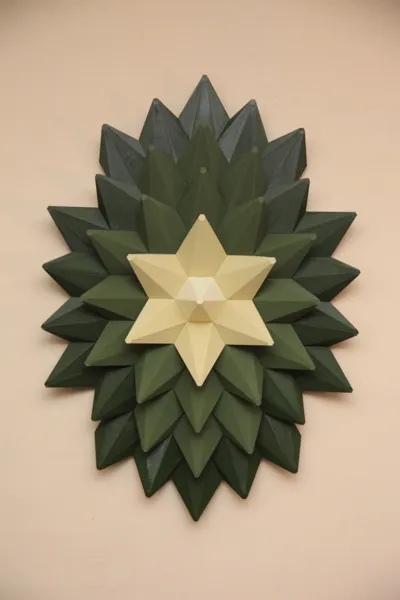
The result is a customizable 3D-printable sculpture that makes mathematical flow visible and turns it into a decorative object.
You can create your own version by choosing the field type, shape, and height behavior. Calm radial source fields, inward or outward spirals, sink fields, and Van der Pol oscillator patterns all create their own flow and visual character.
I got the idea from Herschel Shapiro on Youtube.
Want to build your own Field Wall Art?
Open the Parametric Model Maker and build your own design. The settings are grouped into sections.
Basic Shape:
This section defines the overall size and outline of your design.
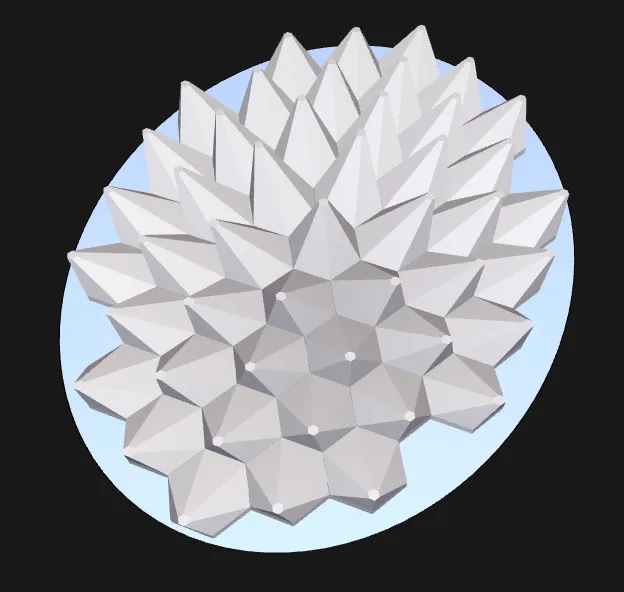
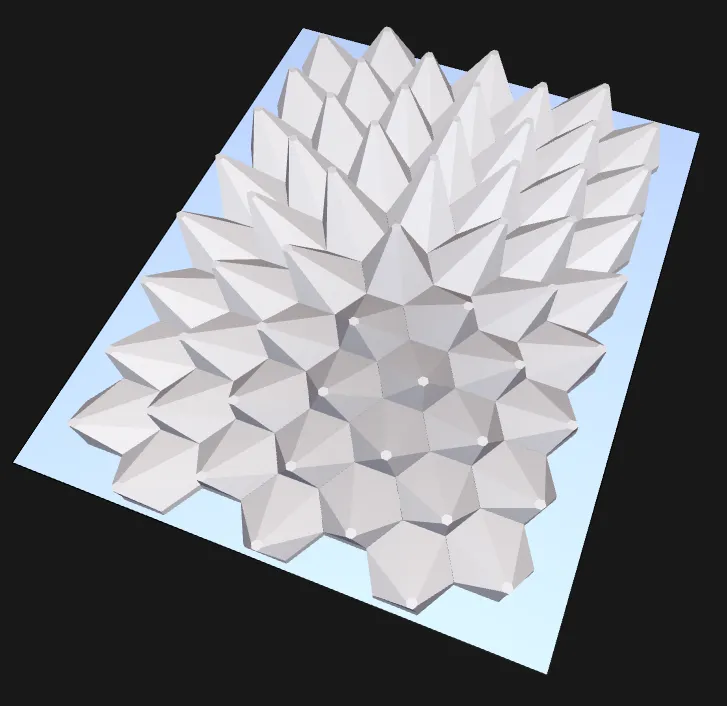
- Outline Form
Oval
Rectangle
- Outline Width/ Outline Height
change how you like
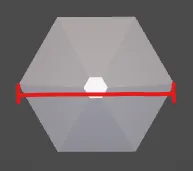
- Hex Base Width
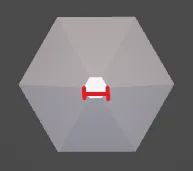
- Tip Width
Flow Design
This Section controls the mathematical flow
- Field Type
Spiral Inward
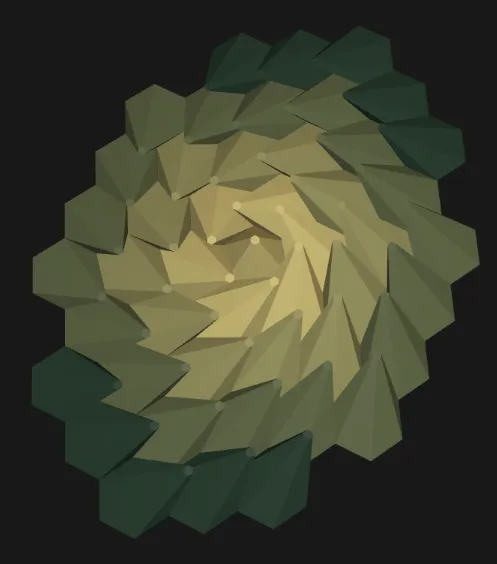
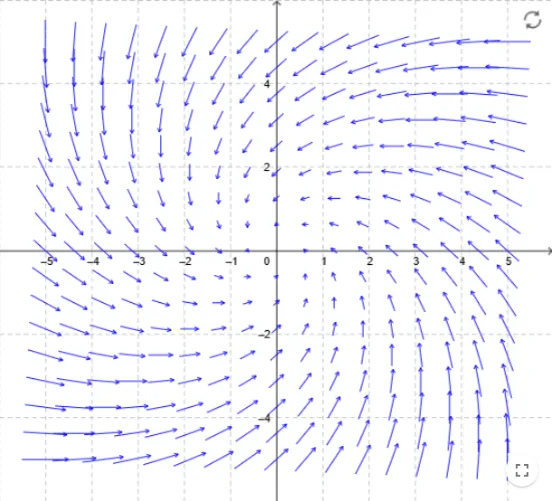
Spiral Outward
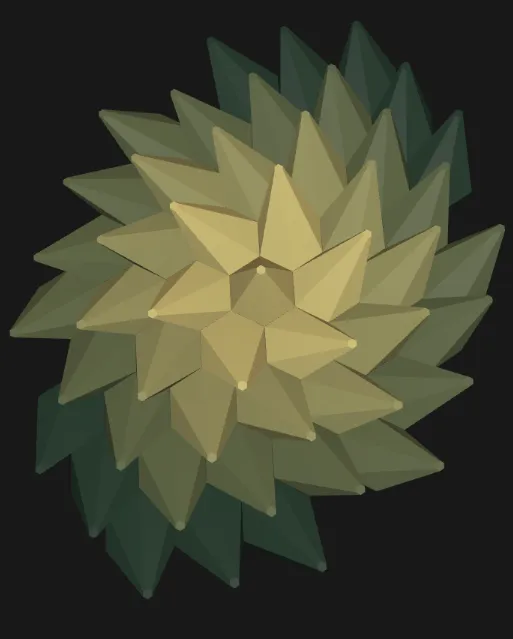
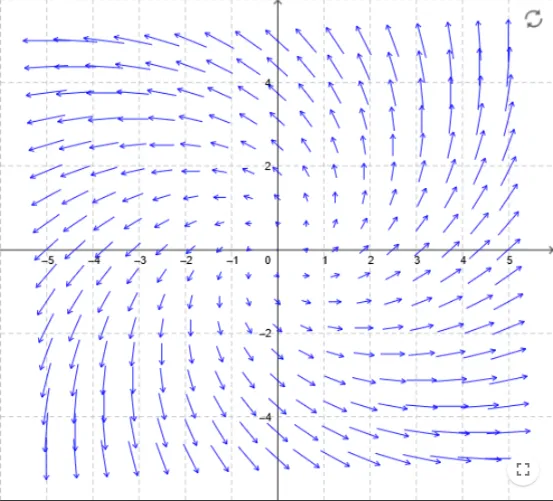
Van der Pol Oscillator
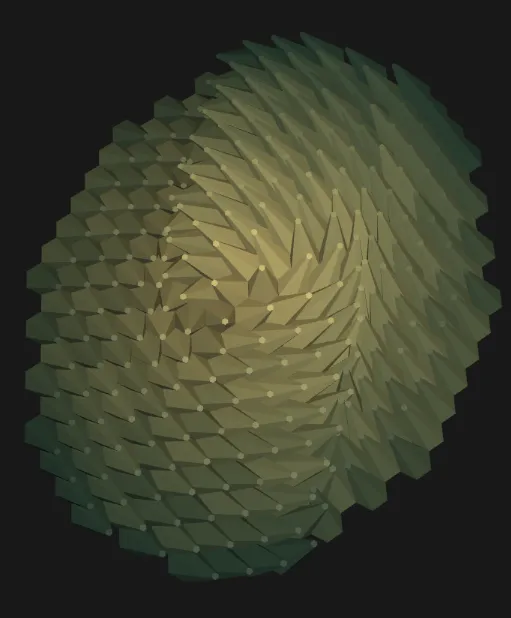
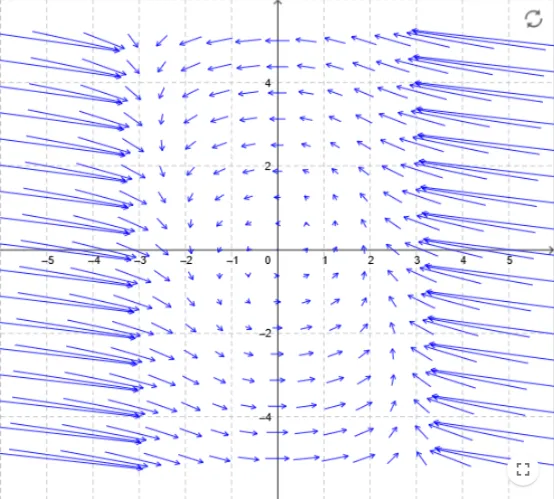
Source
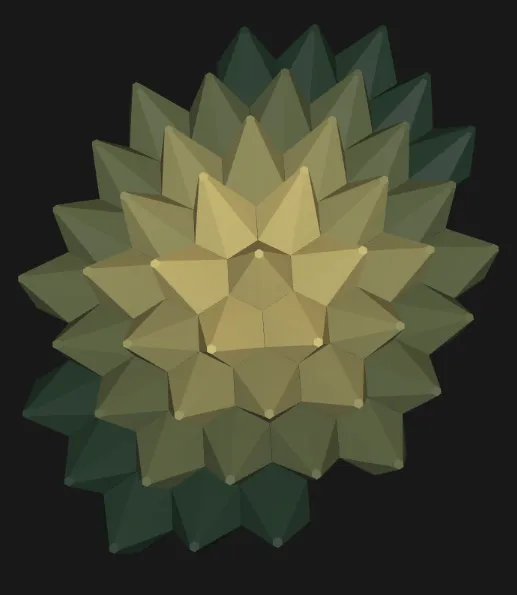
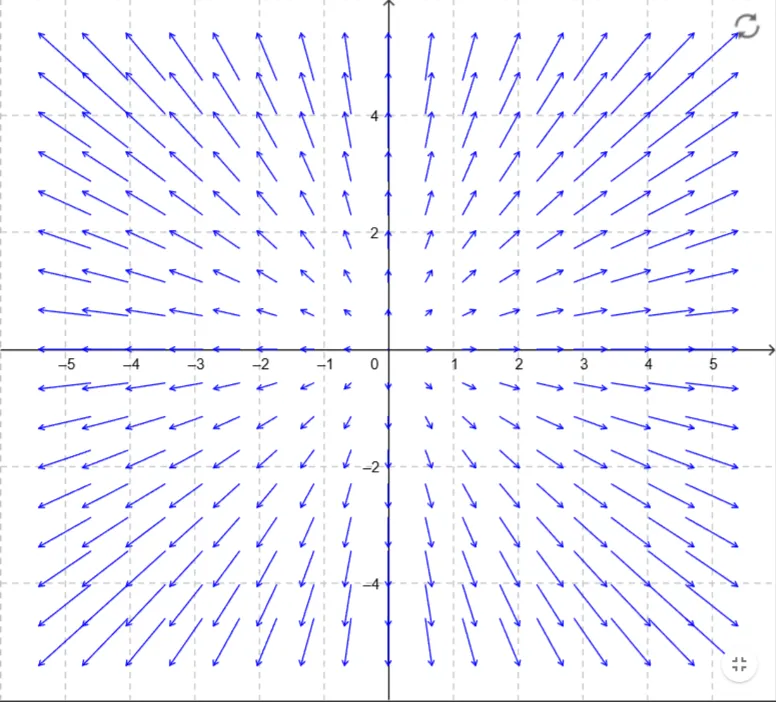
Sink
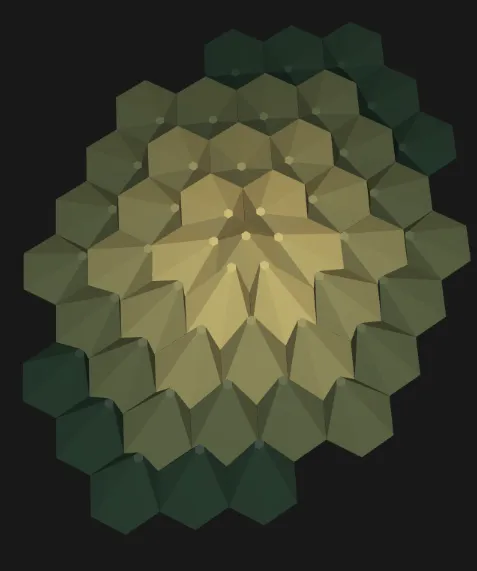
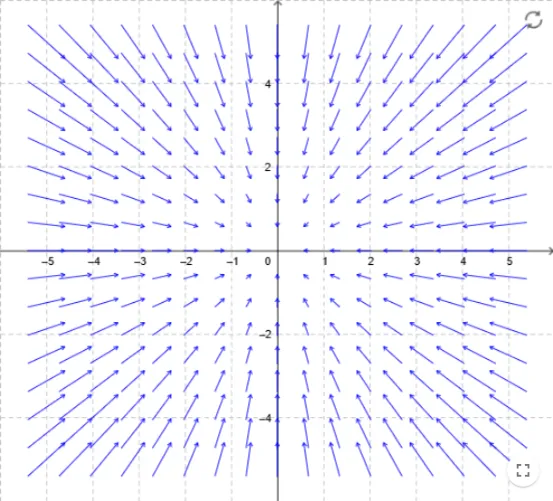
Saddle
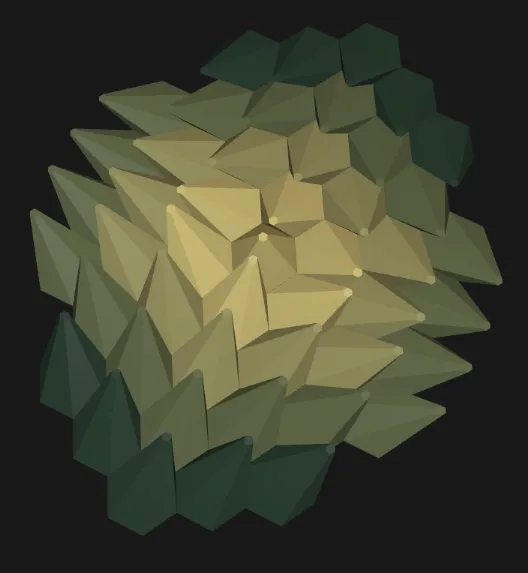
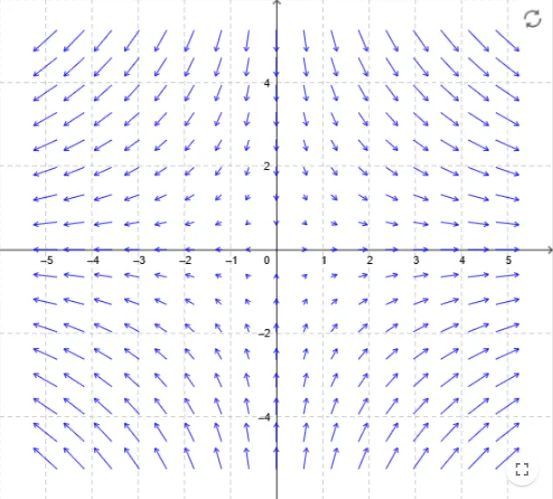
Rotated Saddle
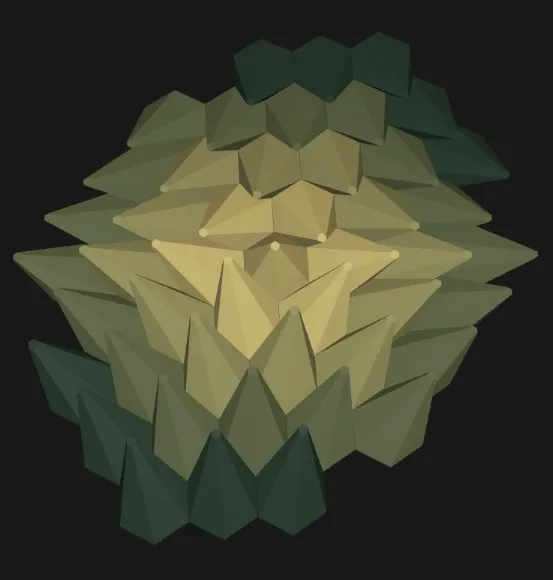
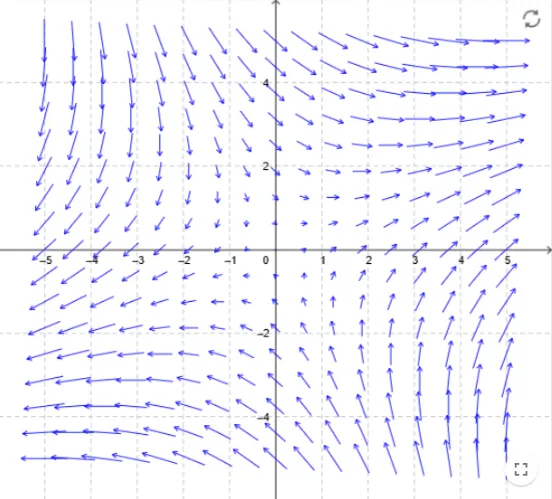
Swirl
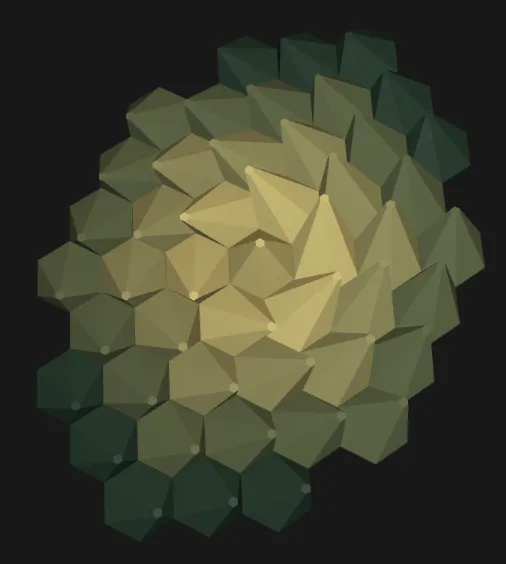
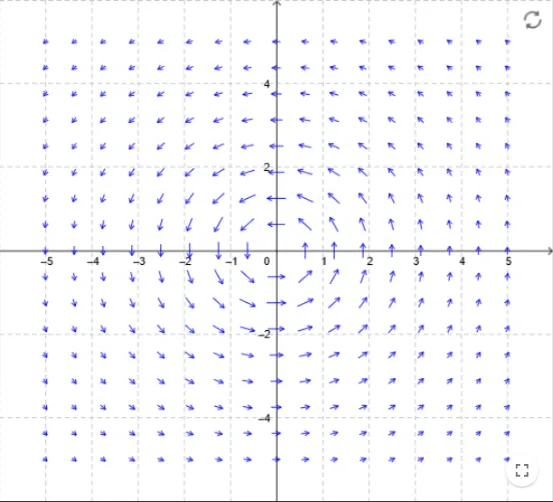
Attractor Ring
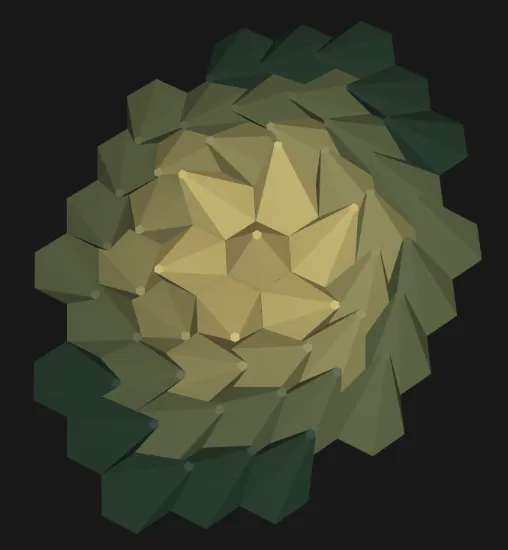
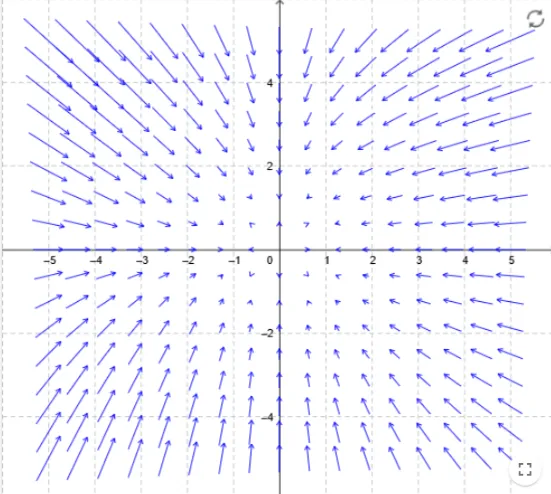
Shear Field
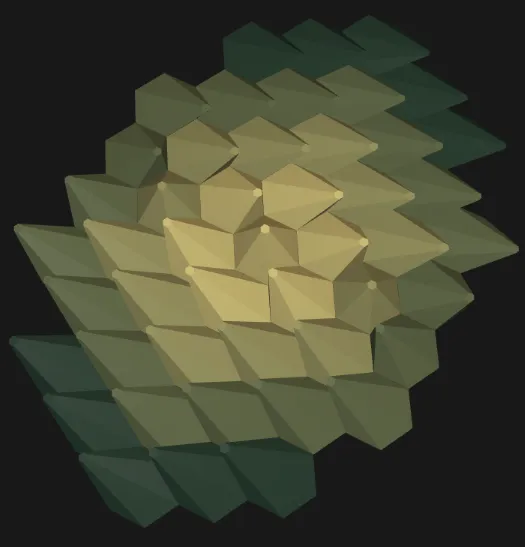
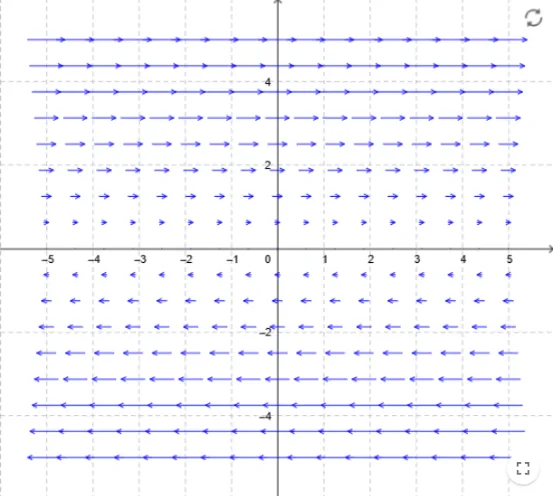
- Field Origin
Change coordinates of the field origin to make things interesting
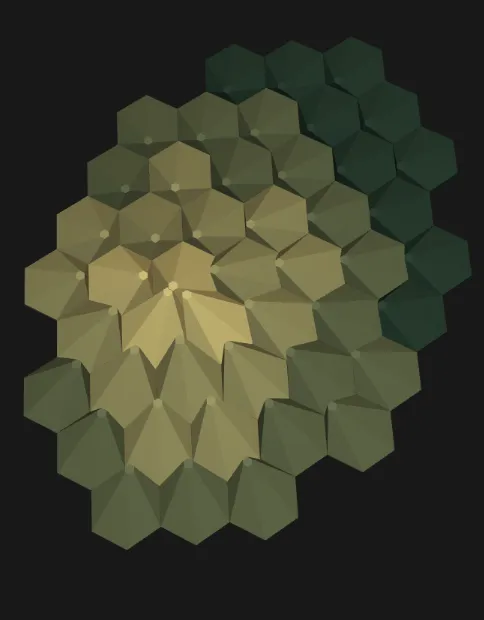
- Coordinate Scale
Controls how quickly the field changes across the model
- Flow Strength
Controls the intensity of the field behaviour
- Deflection Multiplier
Controls how far the top tips move sideways
Height
This section controls the vertical sculpture effect
- Hex Height
Defines the constant height of the Hex tiles
- Dynamic Hex Height
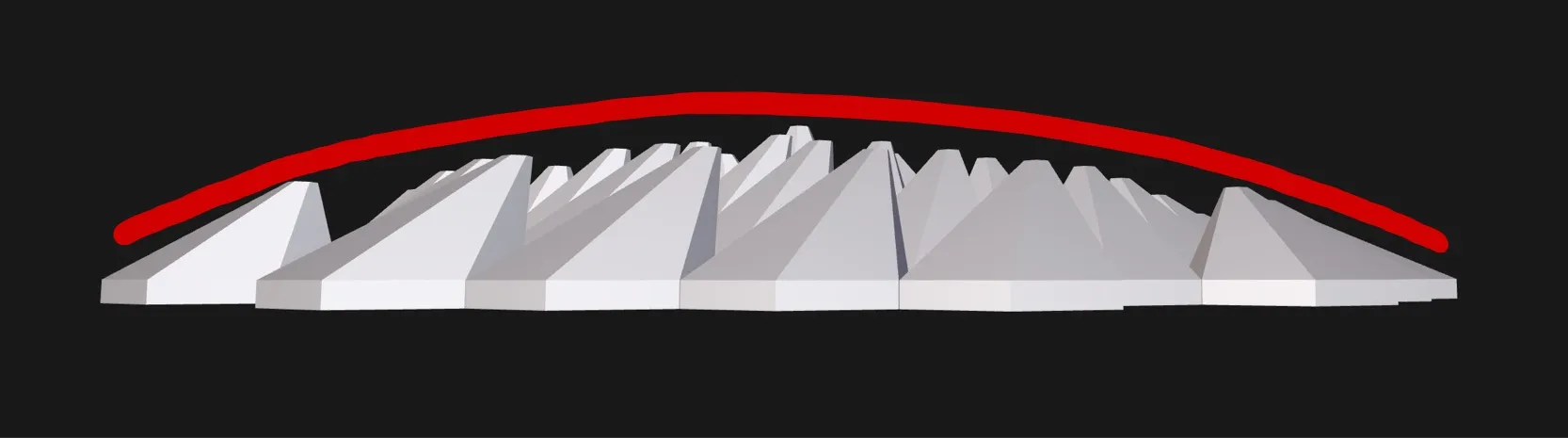
Defines how the height varies across the model
- None
- To Deflection
- To Field Strength
- Inverse Deflection
- Center High
- Edge High
- Wave
- Quantized
Random
- Dynamic Hex Height Amount
Amount of max Height added on top
Color
This section defines the color gradiant taken on your model.
- Use Color Gradiant
Enable/disable color gradiant.
- Color Mode
Algorithm how your color is put onto the hex tiles.
- Color Steps
Amount of gradients made between Color Start and Color End.
- Swap Colors
Swaps Color Start and Color End.
- Color Start/ Color End
Use RGB-Values to create your colors (0…255).
- Default Hex Color
If color gradiant is disabled.
Assembly
This section defines how the sculpture is assembled
- Assembly Mode
Connected Plate
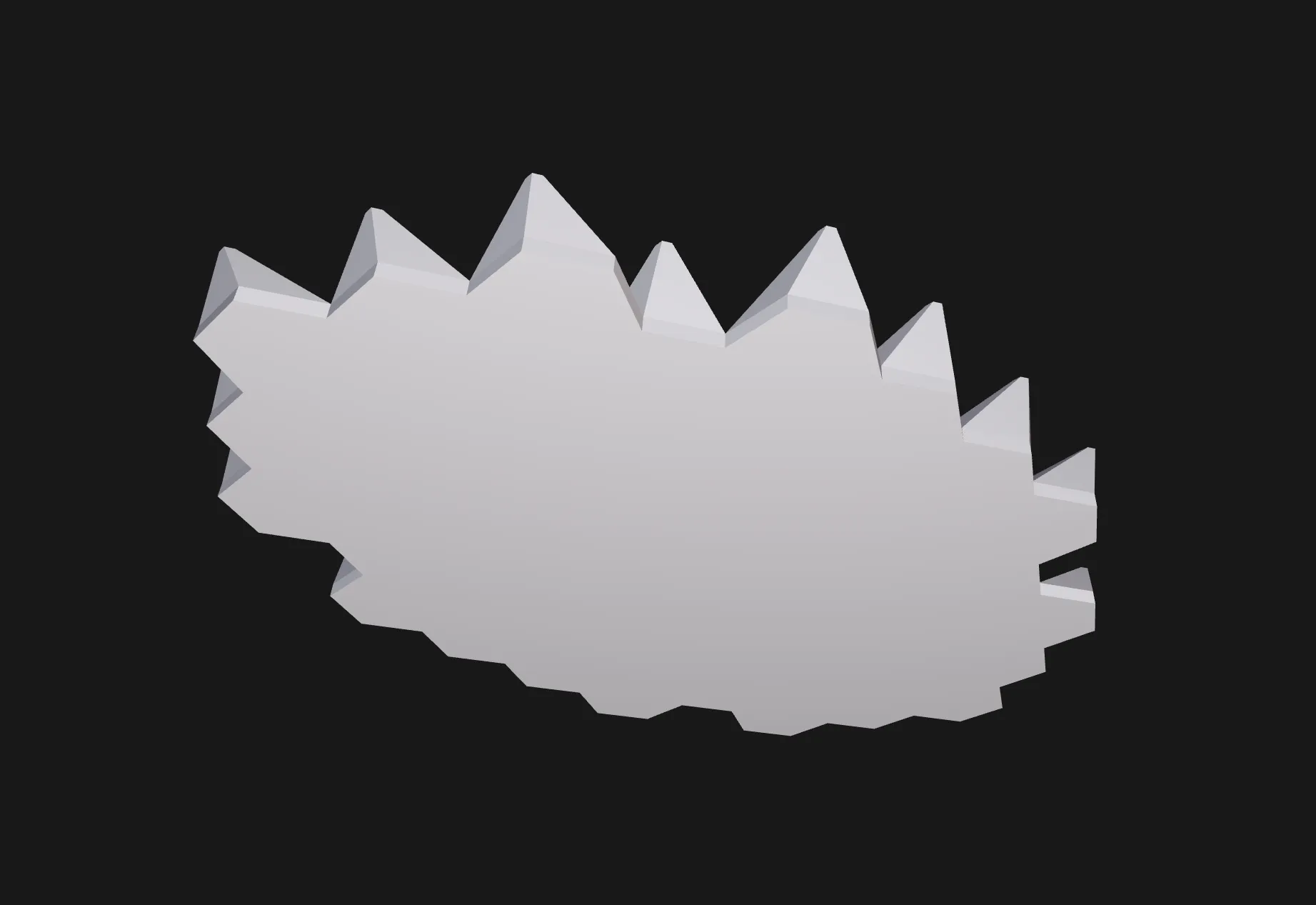
Separate Tiles With Bowties
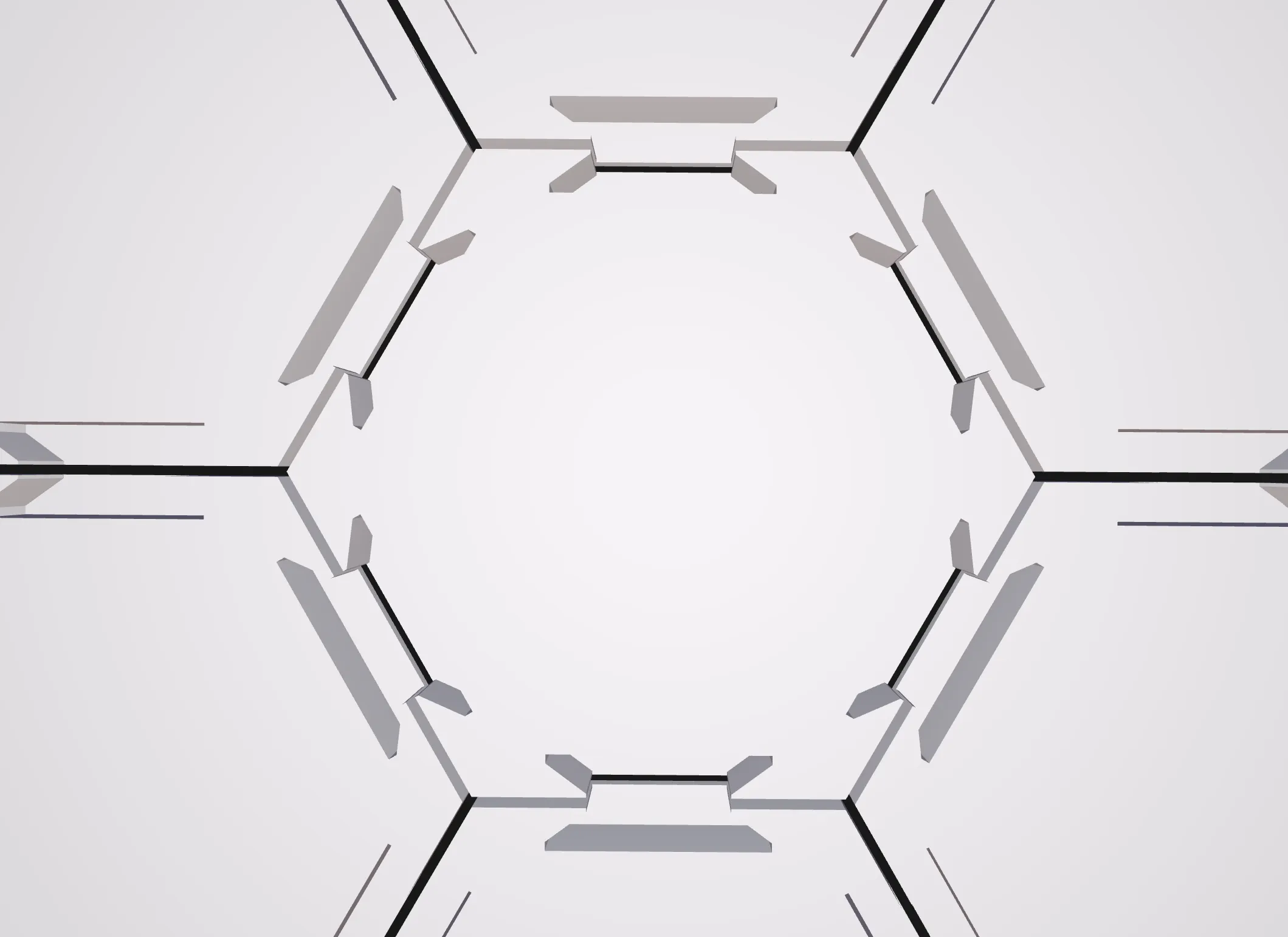
Separate Tiles Without Bowties
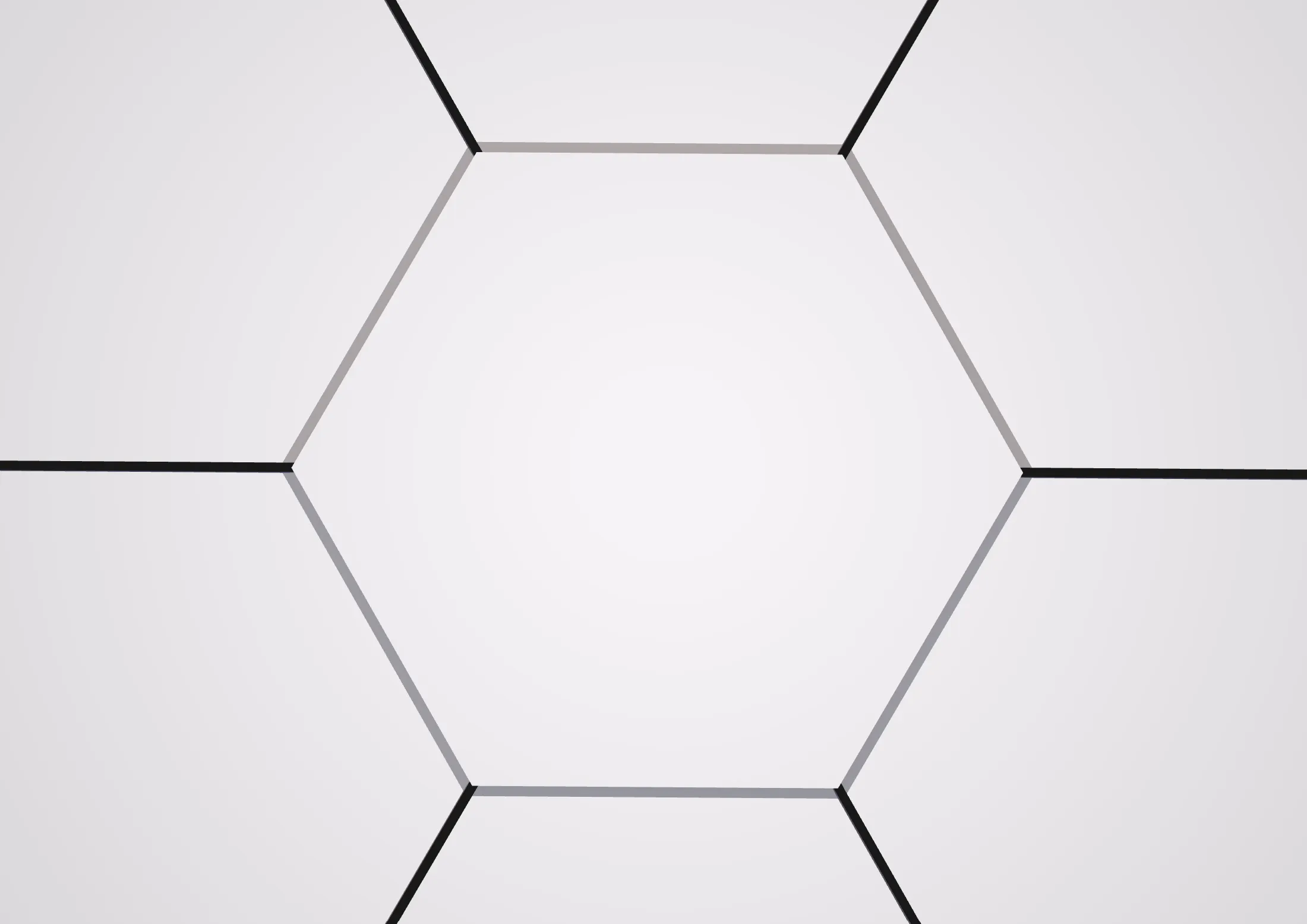
- Connection Thickness
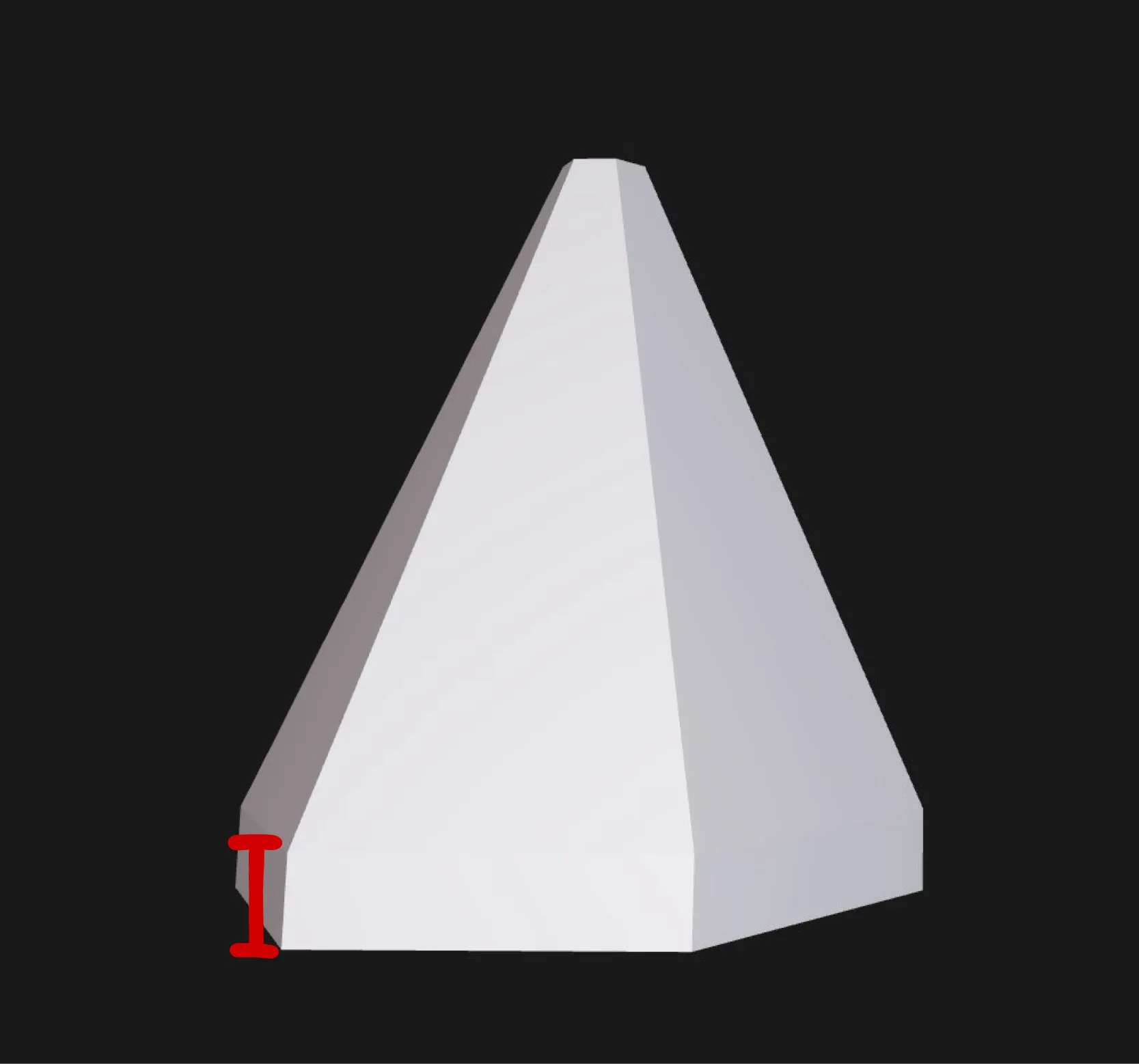
- Tile Gap Overlap
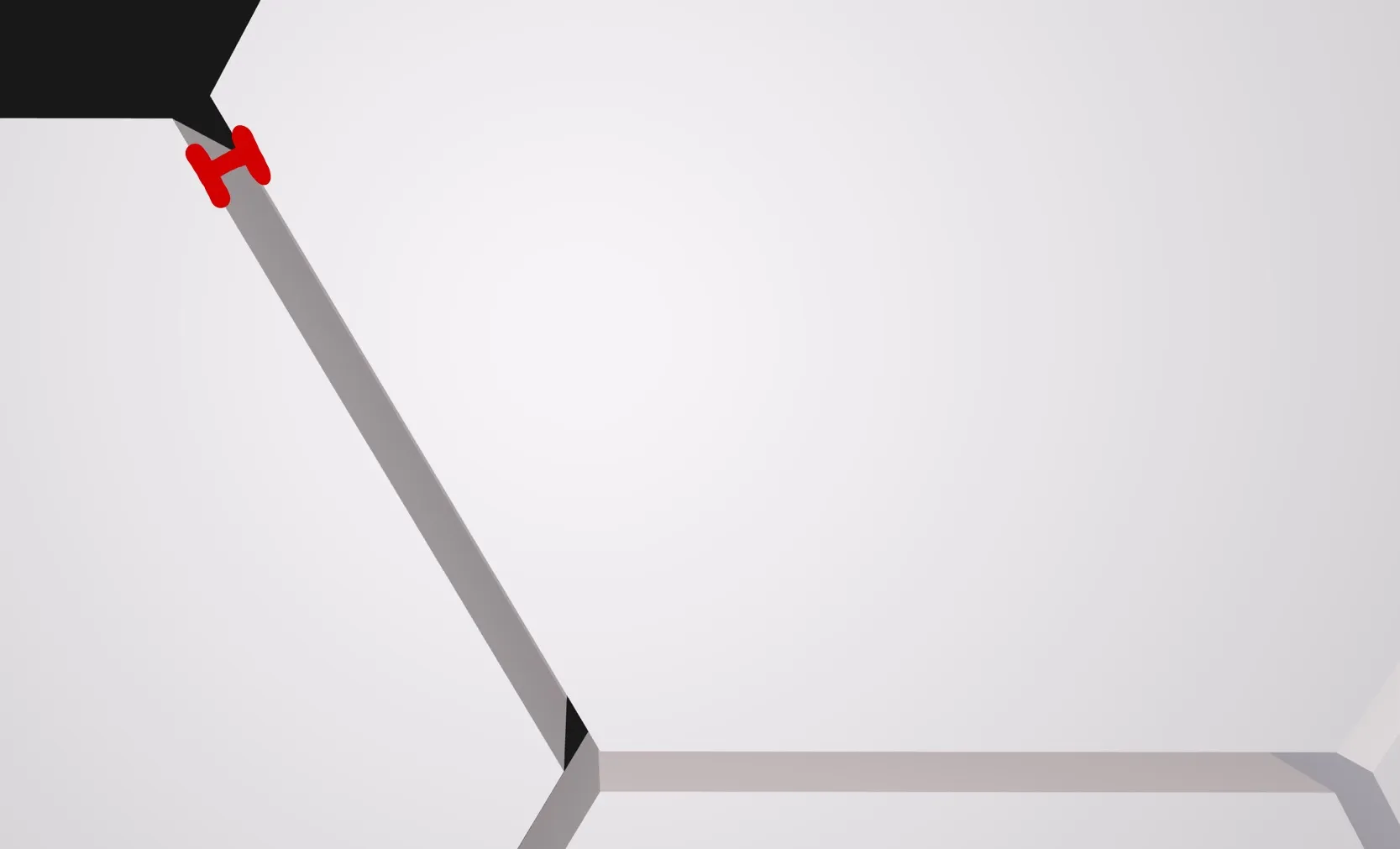
- Bowtie Scale
Scale of the bowtie connection
- Bowtie Height
Height of the bowtie
Labels
Labels help with assembly, especially for large designs.
- Label Mode
Fast
Best for large models and MakerWorld generation
Smart
More accurate label placement
Exact
Most precise, but slower
- Hex Text Size/ Hex Text Depth
Controls the size and engraving depth of the bottom labels
Pattern Settings
This section controls how the hex grid is aligned relative to the origin or field center.
Hanger Hole
This section controls where and if a hanger hole should be placed.
- Hanger Hole Labels
Put in the Labels of the Hex pieces you want a hole to hang the piece on a nail.
- Hanger Hole Diameter/ Hanger Hole Depth
Dimension the hanger holes.
License

You shall not share, sub-license, sell, rent, host, transfer, or distribute in any way the digital or 3D printed versions of this object, nor any other derivative work of this object in its digital or physical format (including - but not limited to - remixes of this object, and hosting on other digital platforms). The objects may not be used without permission in any way whatsoever in which you charge money, or collect fees.


Comment & Rating (7)