
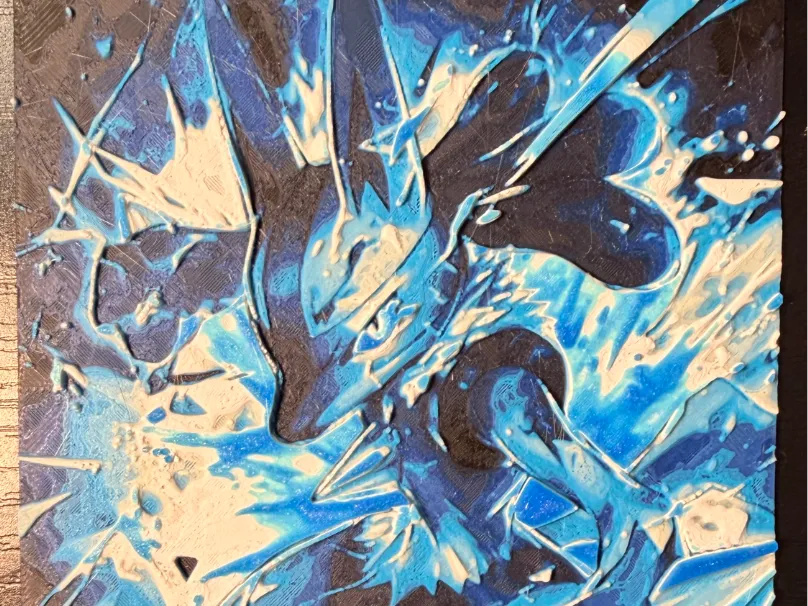
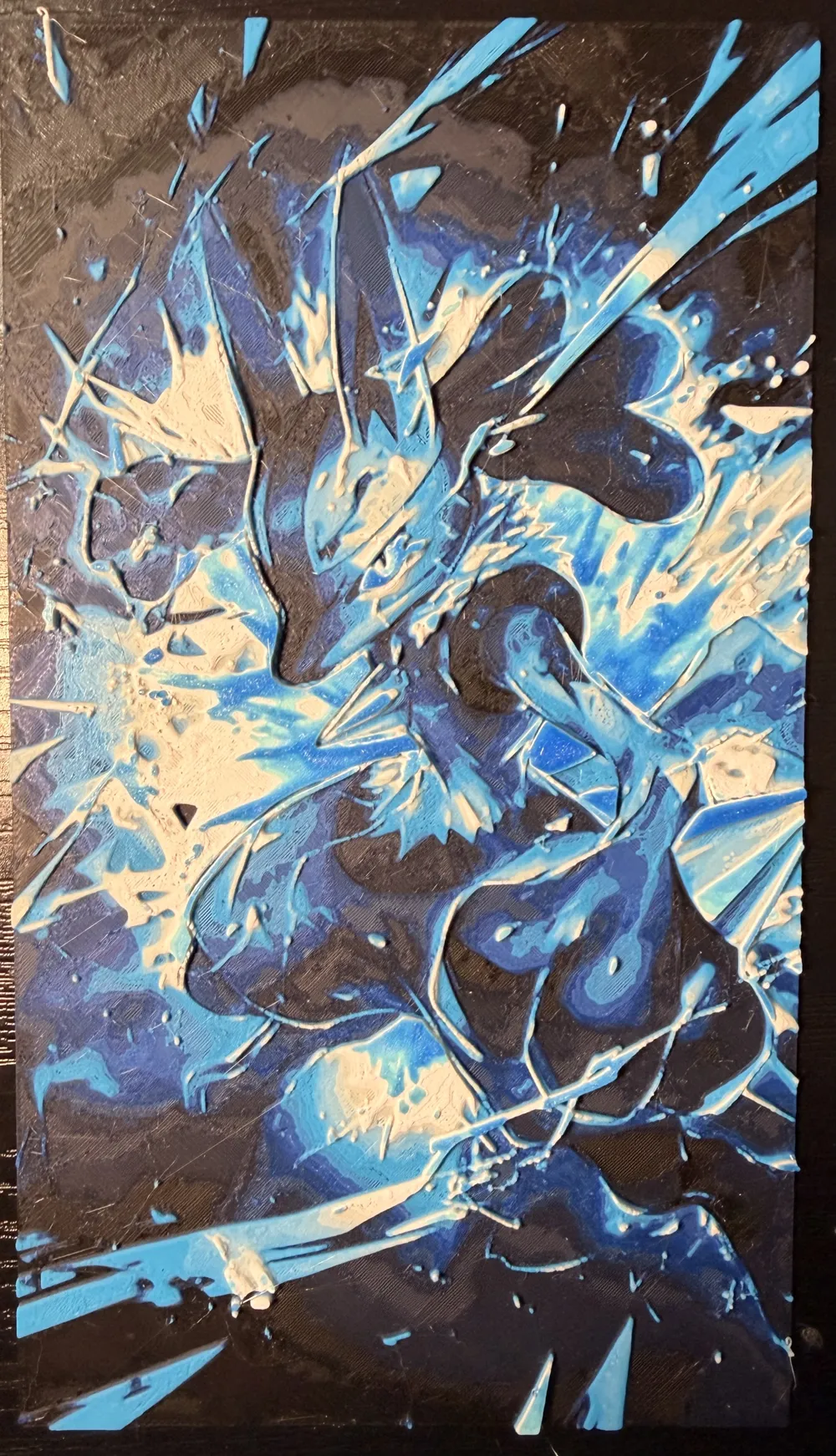
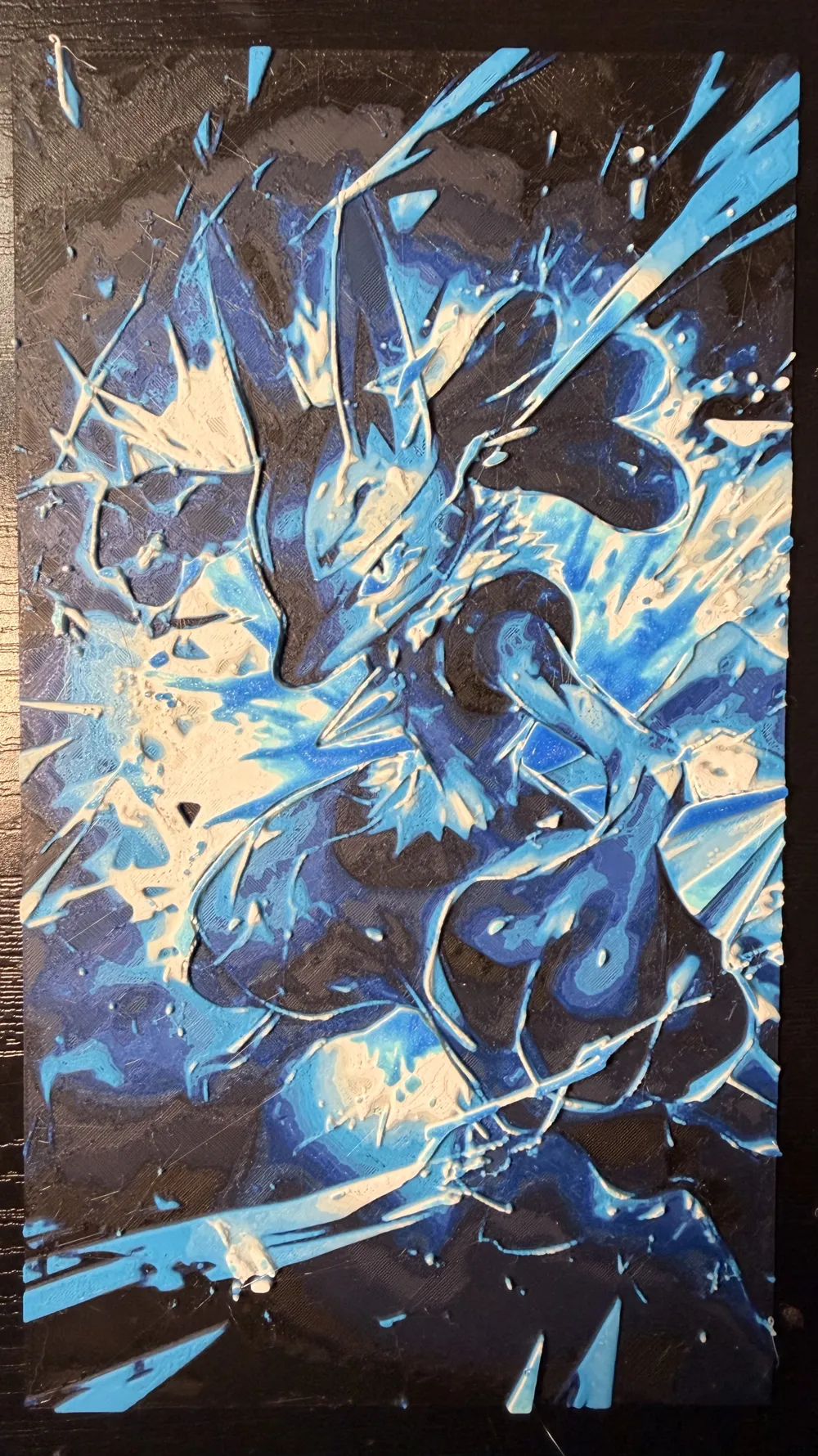
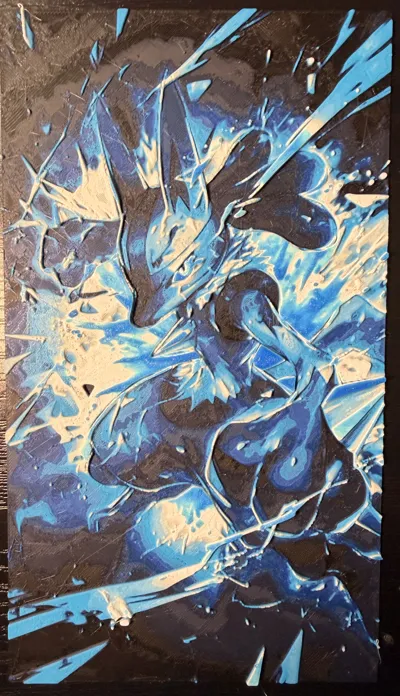
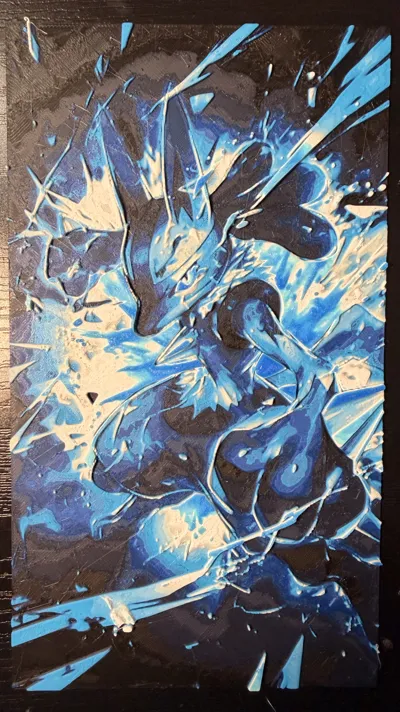
Mega Lucario Blue Dream
Print Profile(0)
Description
You will need at least one AMS/CFS to print this file. There are multiple color swaps and pauses that you will need to accomplish in sequence in order to achieve the desired end result. I have included a guide below on how this AMS/CFS exploit works. It sounds a bit tricky at first, but after you've done it once, it just ‘clicks’ and becomes second nature. Please let me know if you run into any issues; I'd be happy to help where I can.
Project: Mega Lucario Blue Dream 12 Color.hfp
Print at 100% infill with a layer height of 0.08mm with a base layer of 0.16mm
The Model is 63.22x112.36mm in size
You may print at higher layer heights below the Base Thickness of 0.48mm
The Max allowed Thickness is 3.52mm and the Actual Thickness is 3.52mm
#000008 PLA Sunlu Black Transmission Distance: 0.1
#00061b PLA Sunlu Midnight Transmission Distance: 0.1
#351ca5 PLA Sunlu Klein Blue Transmission Distance: 2.6
#2c70ed PLA Sunlu Blue Grey Transmission Distance: 1.4
#239eff PLA Sunlu Cyan CMYW Transmission Distance: 0.6
#43b4ff PLA Sunlu Sky Blue Transmission Distance: 1.5
#b9fff9 PLA Sunlu Ice Blue Transmission Distance: 4.5
#ffeda5 PLA Sunlu Beige Transmission Distance: 7.1
#fff8ae PLA Sunlu Bone White Transmission Distance: 3
#ffffff PLA 3DHoljor Cold White Transmission Distance: 1.8
#6cffc2 PLA Deeplee Turquoise Transmission Distance: 1.4
#001892 PLA Sunlu Transparent Blue Transmission Distance: 26
This print uses 12 unique filaments
Swap Instructions:
Start with Black
At layer #8 (0.72mm) swap to Midnight
At layer #11 (0.96mm) swap to Klein Blue
At layer #14 (1.2mm) swap to Blue Grey
At layer #15 (1.28mm) swap to Cyan CMYW
At layer #19 (1.6mm) swap to Sky Blue
At layer #20 (1.68mm) swap to Ice Blue
At layer #22 (1.84mm) swap to Beige
At layer #23 (1.92mm) swap to Bone White
At layer #26 (2.16mm) swap to Cold White
At layer #32 (2.64mm) swap to Turquoise
At layer #33 (2.72mm) swap to Transparent Blue for the rest.
Manual AMS/CFS Color Swap Method
This print uses a staged manual filament swap technique with the AMS/CFS to expand the effective color palette beyond the normal slot limit.
How it works:
- Start the print with the first set of filaments loaded into the AMS/CFS.
- Allow the printer to complete all color changes assigned to a specific slot.
- Once a slot is no longer needed later in the print, pause the print during an inactive layer.
- Remove that filament from the AMS/CFS slot and replace it with a new color.
- Resume printing so the new filament becomes the active color for future layers.
Important:
- The replacement filament MUST be assigned to the SAME AMS/CFS slot as the original filament.
- Only swap after the previous filament is completely finished being used in the print.
- Do NOT remap colors in the slicer mid-print.
- Keeping notes/screenshots of the swap order is strongly recommended.
Why do this?
This technique allows:
- more colors than the physical AMS/CFS limit
- smoother gradients
- better highlight/detail control
- expanded HueForge/FlatForge color blending possibilities
Then I’d add a super short practical example:
Example:
Slot 1 = Black → later swapped to Dark Blue
Slot 2 = White → later swapped to Light Cyan
License

You may create derivative works based on this object, provided that all such derivative works are published exclusively on the MakerWorld platform and include proper attribution to the original creator. You may not share, upload, host, distribute, or publish this object—or any derivative work of this object—on any other digital platform, marketplace, or distribution channel. Commercial use of this object and any derivative works is strictly prohibited. This includes, but is not limited to, selling, renting, sublicensing, or using the object in any context in which you receive monetary compensation or other financial benefits.


Comment & Rating (0)