BabyBoard Cloud — Parametric Birth Board A unique birth. A unique piece. >>> READ THE GUIDELINES!!
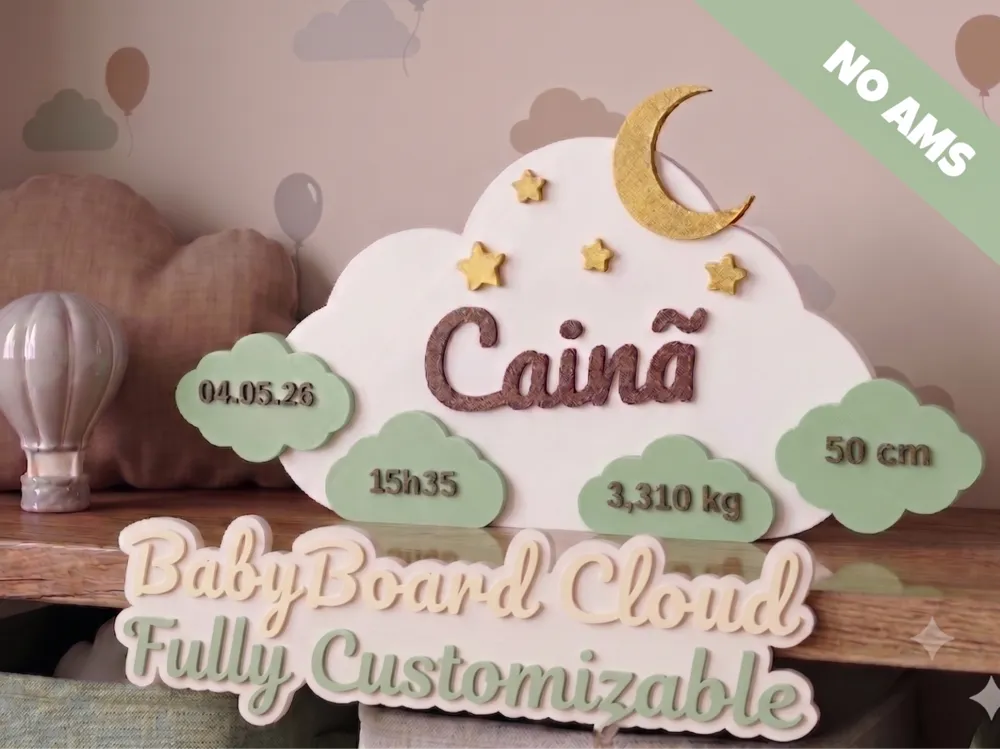
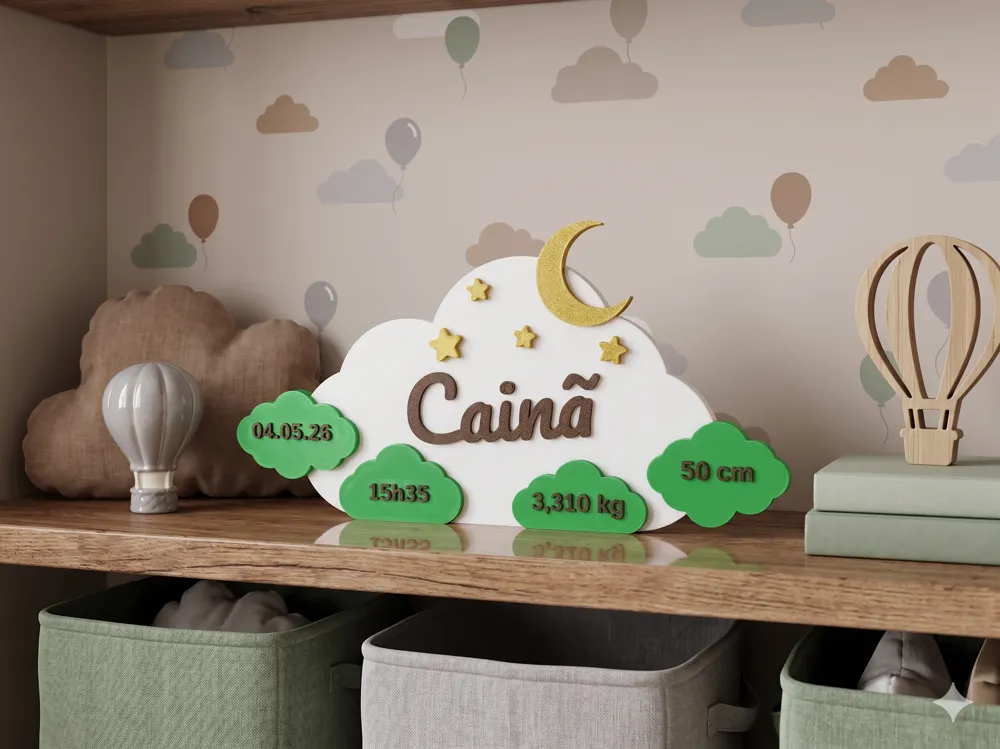
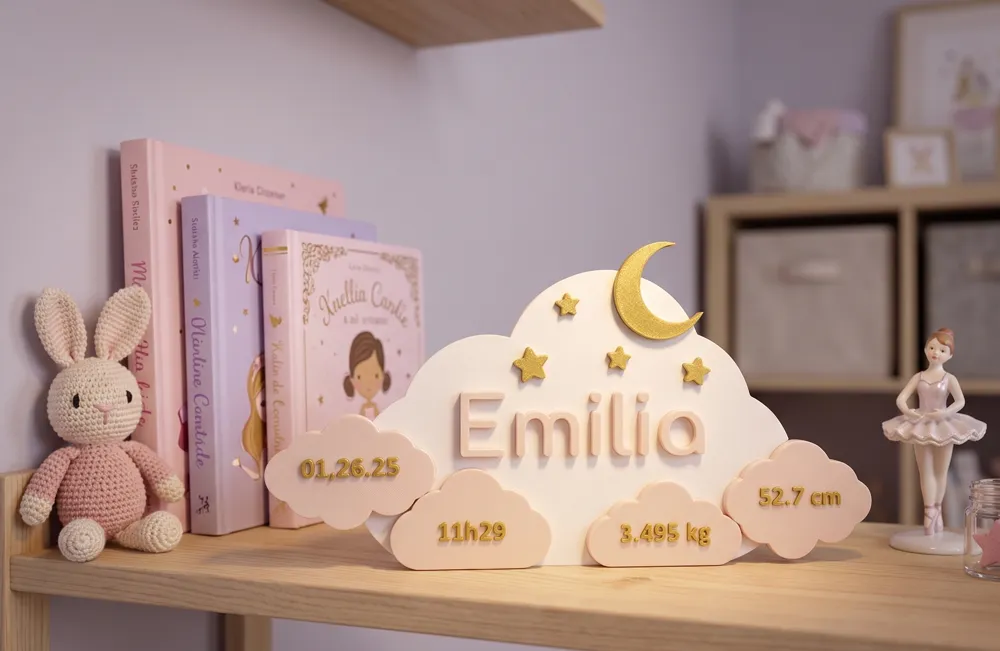
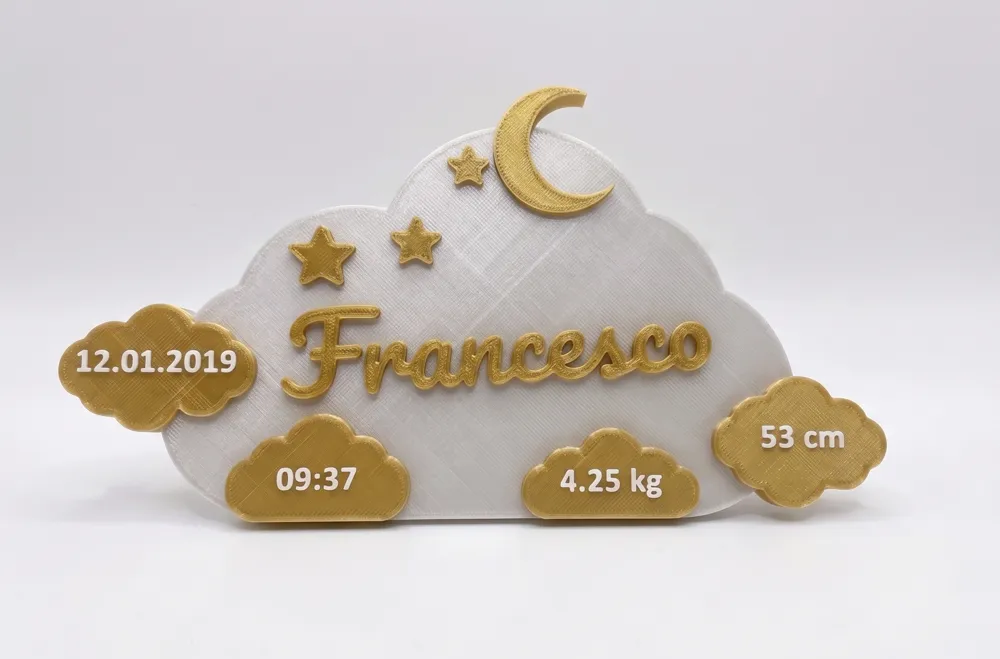
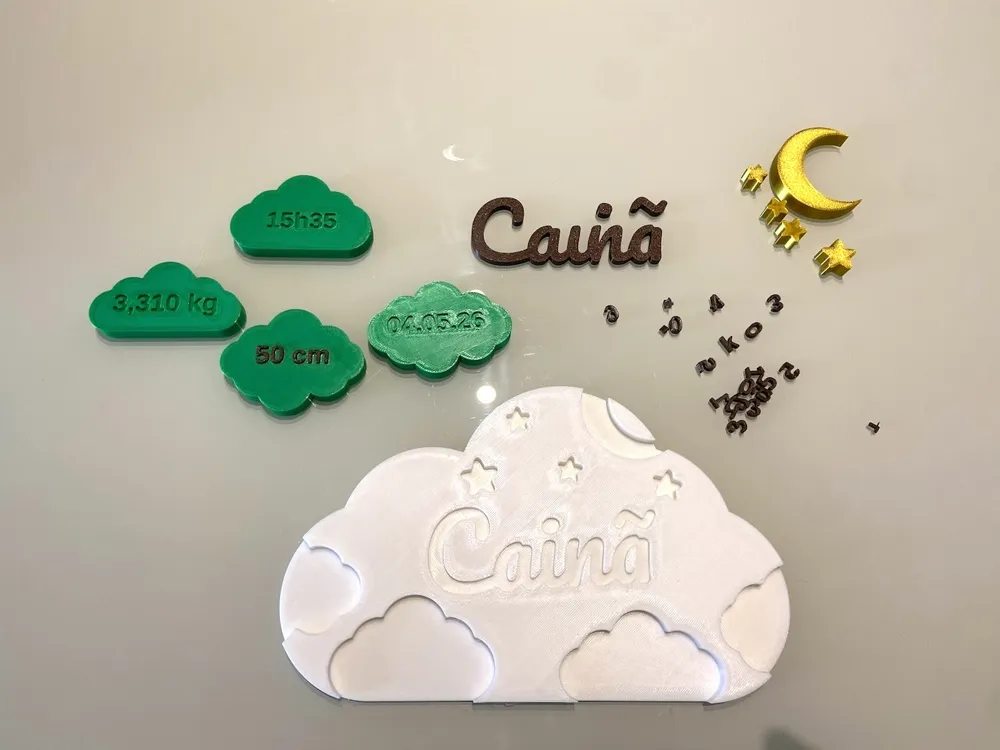
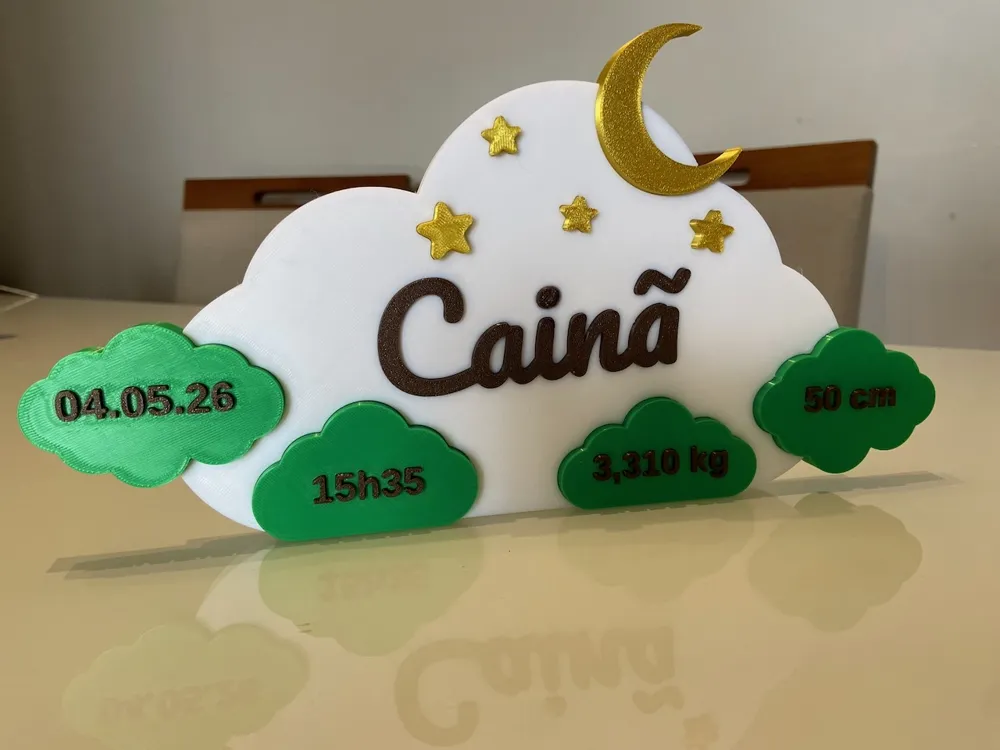
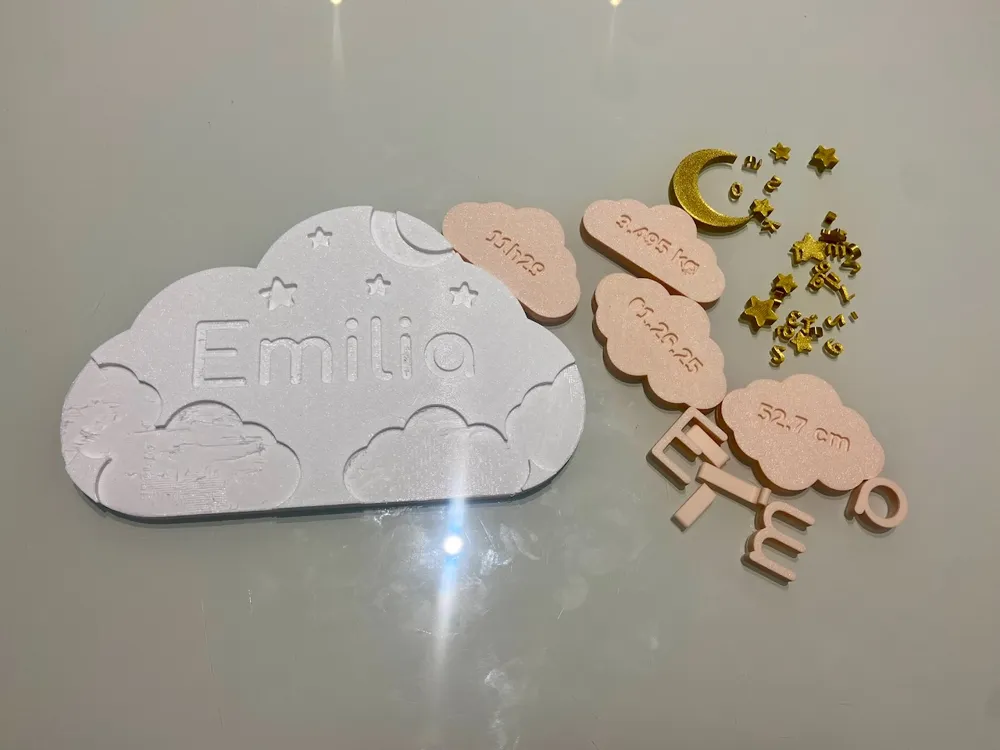
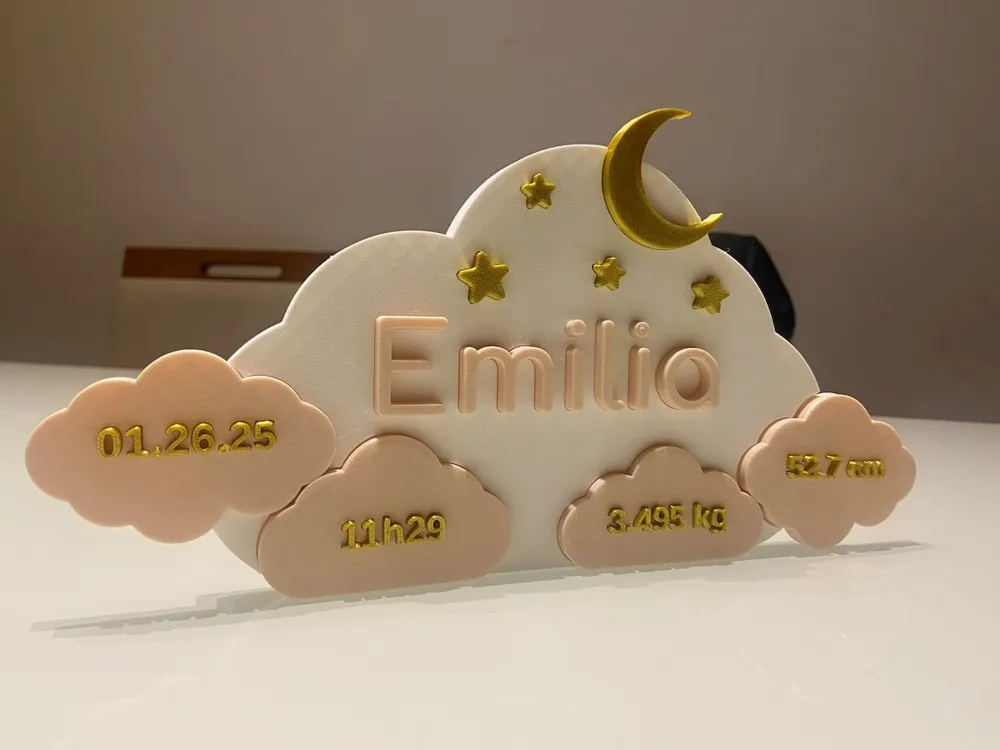
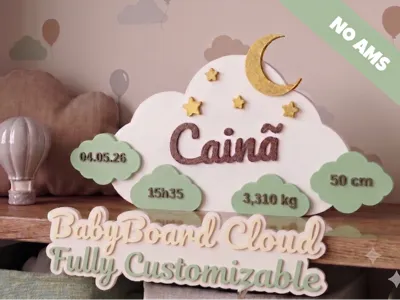
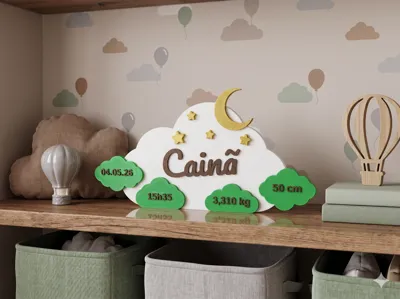
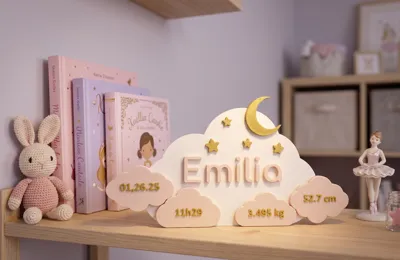
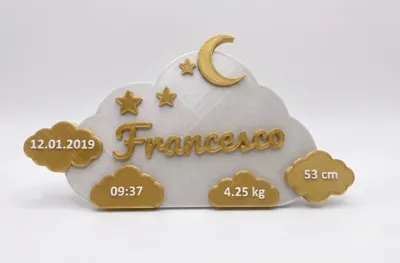
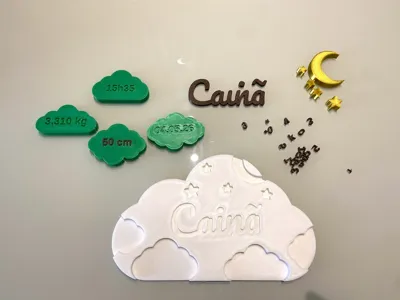
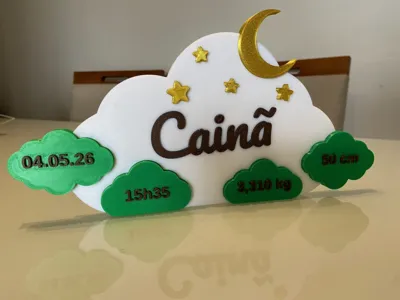
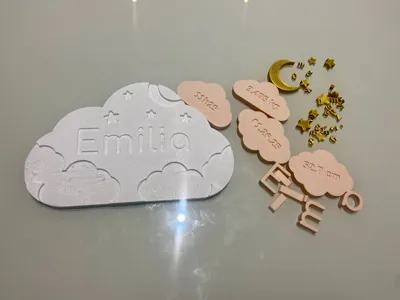
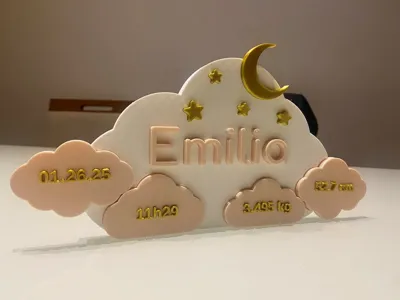
BabyBoard Cloud is a fully customizable decorative birth board, designed to be printed in multiple colors and assembled by interlocking. Each detail, the name, the data, the stars, the moon, is an independent piece that makes up the final set.
Made to be placed in the baby's room, on the baby shower table, or as an unforgettable gift for parents.
Boost Me (for free)
If you are using or planning to use it, please consider boosting the project, this will encourage me to keep publishing new projects! Thank you!
What's included in the piece
Main cloud with interlocking embossed baby name
4 smaller clouds with birth data: date, time, weight, and length
Stars (3 different sizes) and half moon as decorative accessories
All elements are separate pieces that fit into the main cloud
How to export for printing
The design is composed of several independent parts. Follow the flow below:
Step 1 — Download the large cloud in 3MF: Select Large cloud in the What to show on screen field and click Download to get the 3MF file. This file contains the print settings and serves as the base in the slicer.
Step 2 — Download the other parts in STL: For each group below, select the corresponding option and download the STL:
Selection
What it exports
Name
The baby's name piece
Smaller clouds
The 4 clouds with the data
Cloud texts
The 4 texts that fit into the smaller clouds
Stars and Moon
The stars and the half moon
Step 3 — Assemble in the slicer: Open the 3MF of the large cloud in the slicer and import the STLs of the other parts as additional objects. Assign a different color to each group and arrange them on the plate.
Tip: use the All assembled option only to preview the final result before exporting.
How to customize
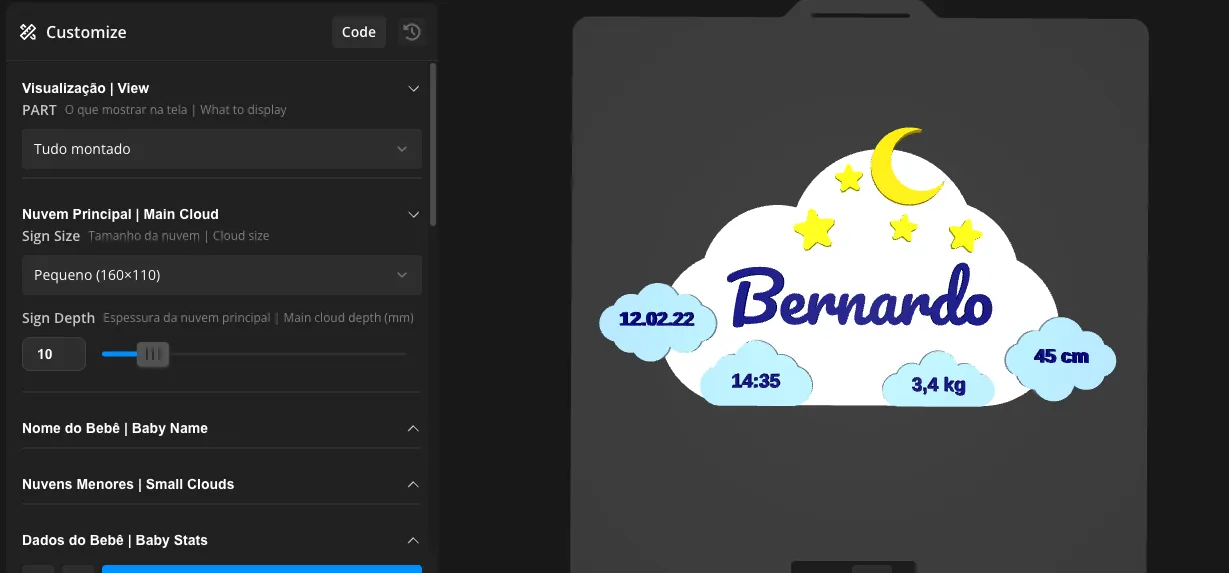
Piece size
Choose between three sizes, all proportions adjust automatically
Three options: Small (160×110mm), Medium (190×130mm), and Large (220×140mm). When changing the size, all elements scale together — name, clouds, stars, and moon maintain the correct proportions automatically.
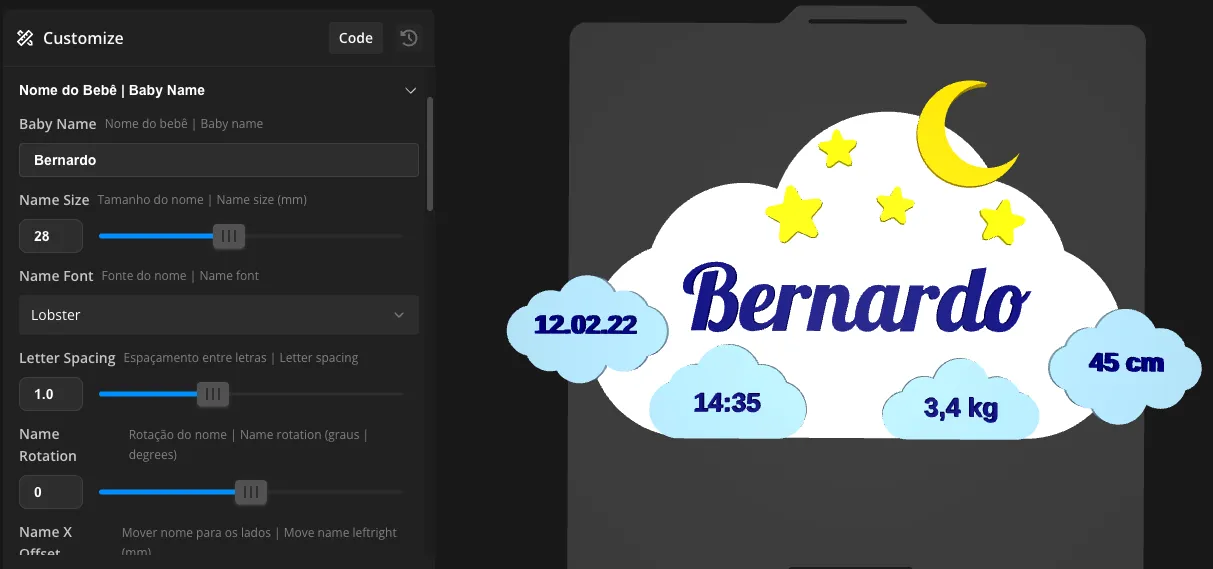
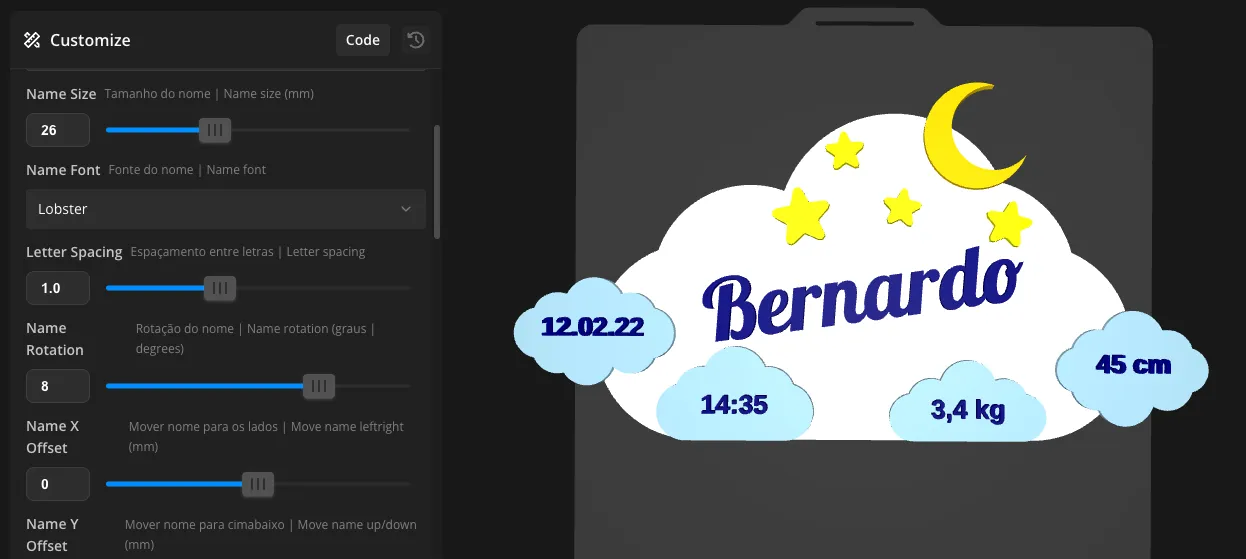
Baby's name — font, size, position, and rotation
4 fonts available — each gives a different personality to the piece
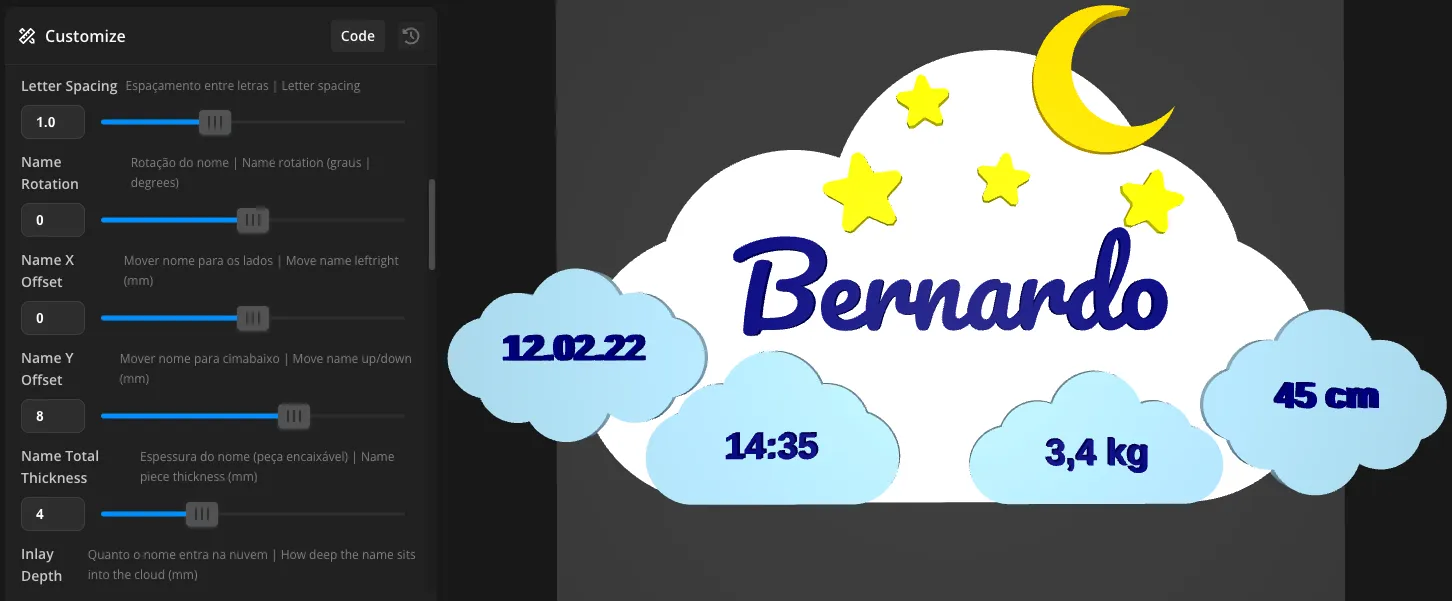
Also adjust the name's size, position, and rotation
Enter the name and choose from 4 fonts: Pacifico, Lobster, Righteous, or Comfortaa. Besides the font, adjust the size, letter spacing, horizontal and vertical position, and even rotation; each combination creates a unique result.
Smaller clouds — size and composition
Adjust the size of the smaller clouds and transform the piece's composition
Each smaller cloud is an independent piece — edit thickness and fit separately
The proportion slider controls the size of all smaller clouds at once. With larger clouds, the piece gains more presence and visual weight. With smaller clouds, the focus remains on the name. Each cloud can also have its thickness and interlocking depth adjusted individually.
Birth data — font and size
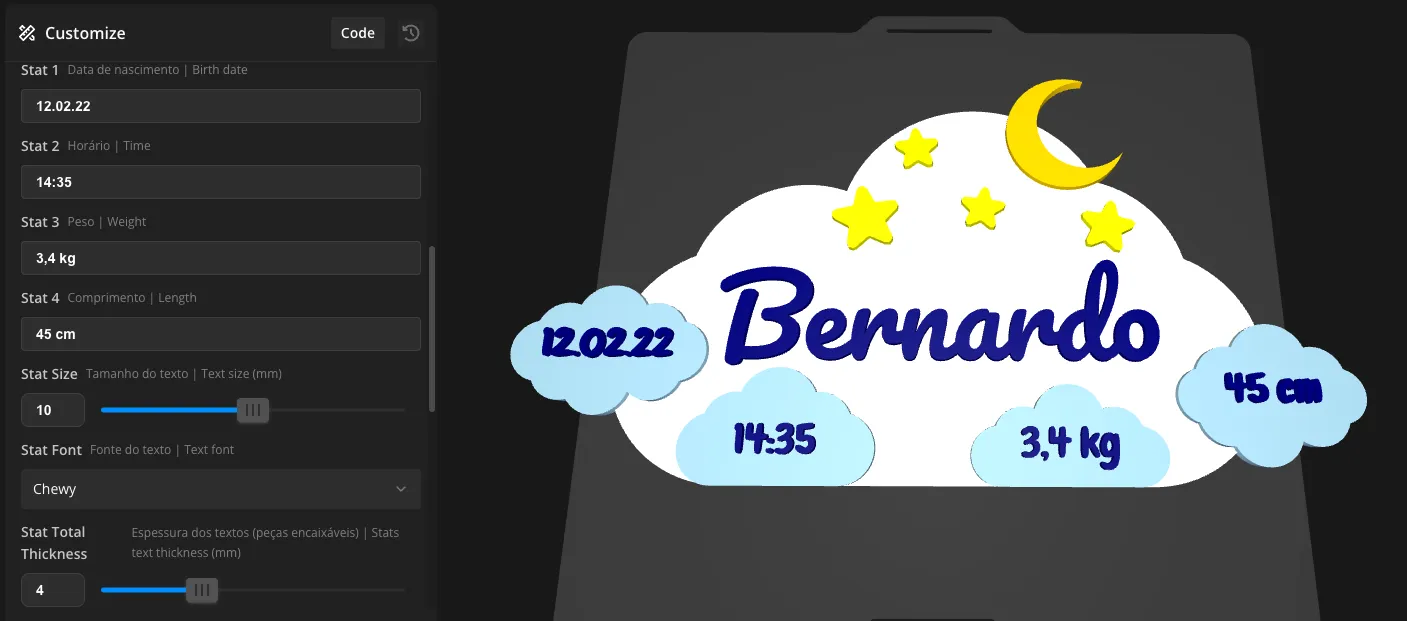
Change the font and size of the data — each choice creates a different look
Four editable fields: date, time, weight, and length. Choose from 5 fonts for the smaller cloud texts. Increase the font size, and the data takes center stage — creating a completely different design with the same file.
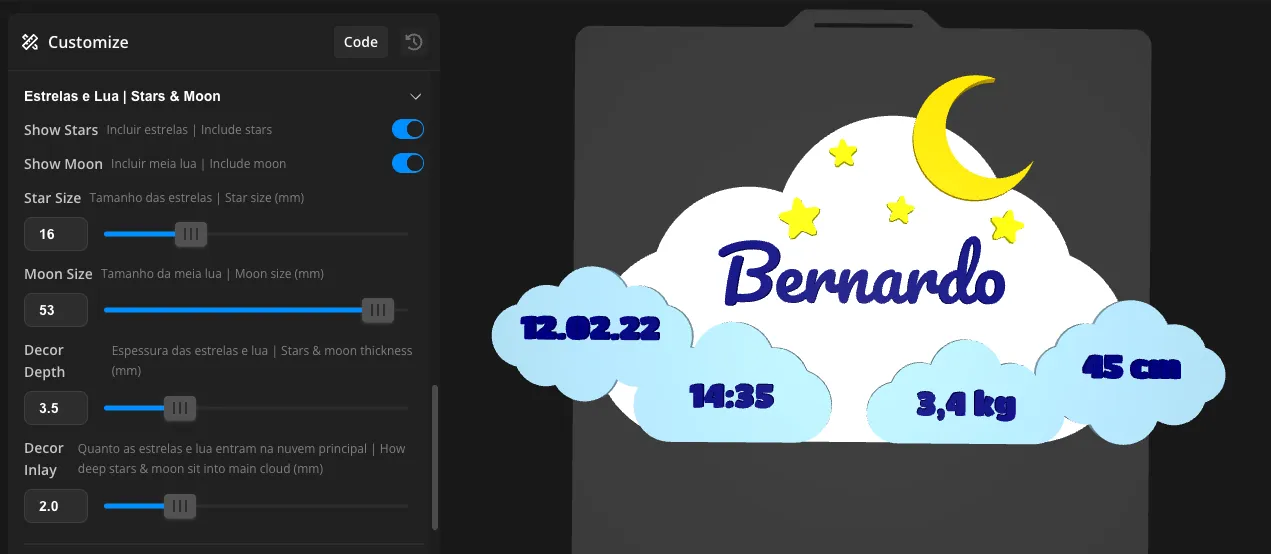
Stars and moon — optional and adjustable
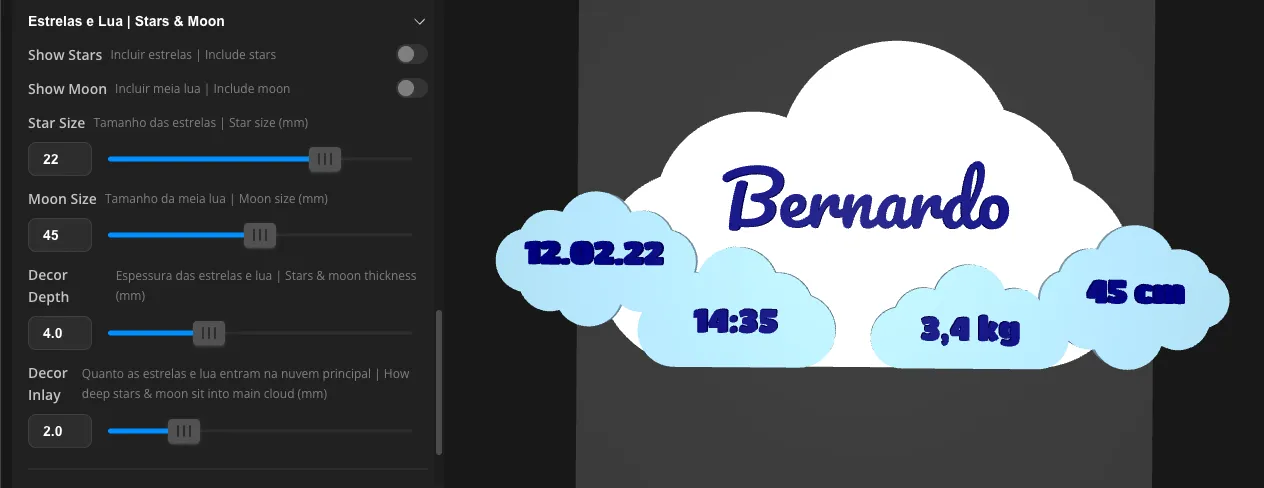
Without the accessories, the cloud remains clean, free space for the maker to add their own pieces
With accessories enabled, adjust the size of the stars and moon to balance the composition
Activate or deactivate the stars and half moon with a simple toggle. With accessories deactivated, the main cloud has free space, the maker can fit other printed pieces as desired, creating a totally personalized look. With accessories activated, adjust the size of each element to find the right balance.
Thickness and interlocking depth — full control
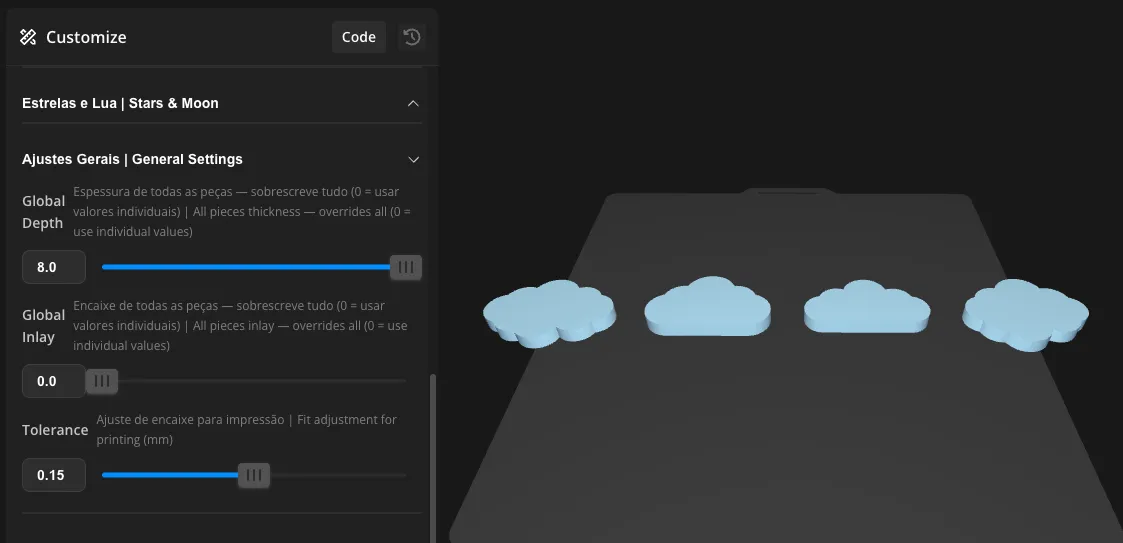
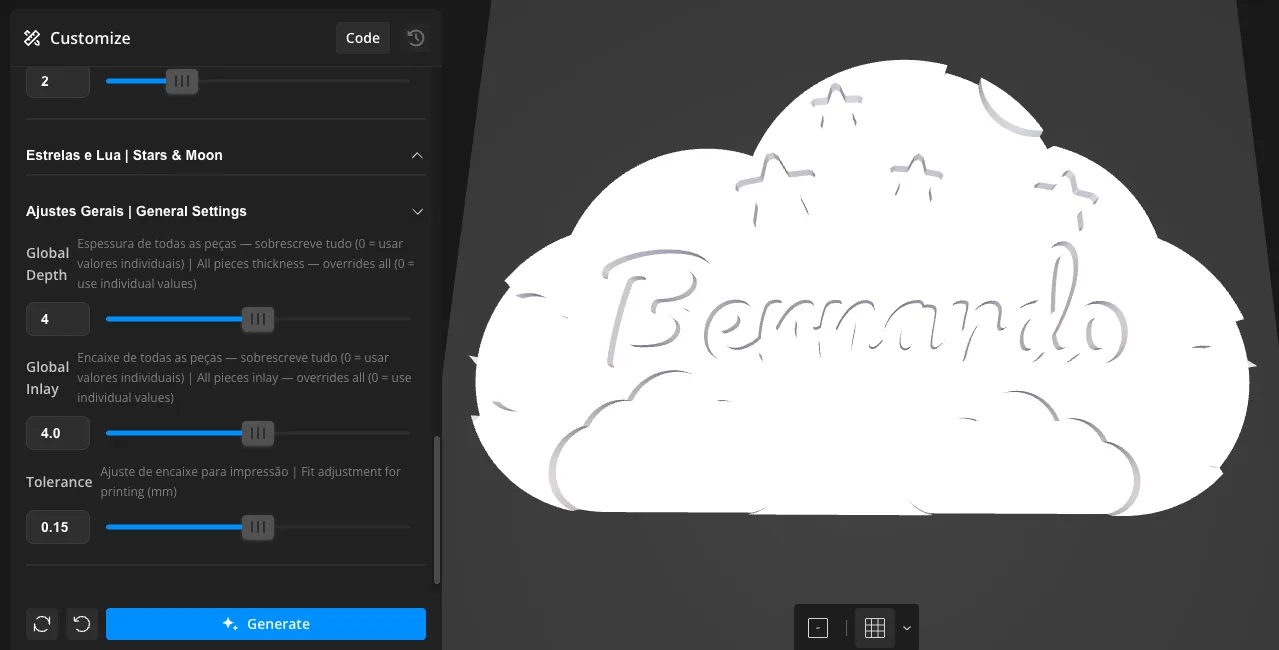
Adjust the thickness and interlocking depth of all pieces at once — or edit each one individually
Each piece has its own thickness and interlocking depth controls. Use individual adjustments for full control over each element, or use the General Adjustments to modify all pieces at once. Ideal for adapting the design to your printer's characteristics or the filament you are using.
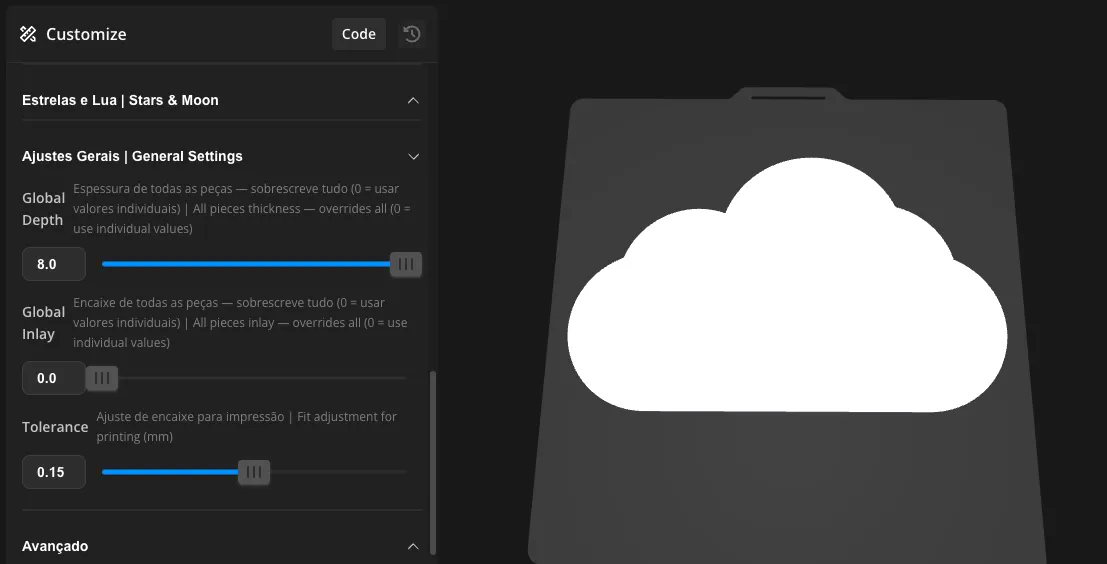
Blank cloud — free canvas
With the interlocking set to zero, the cloud becomes a blank canvas — position and glue the elements wherever you want
Set the global interlocking to zero. The main cloud becomes a blank canvas where you position and fix the elements as you prefer, without being constrained by predefined positions. Ideal for those who want a completely personalized composition.
Assembly
Each piece fits into the previous one by pressure. With the correct tolerance settings for your printer, the fit will be firm. For permanent fastening, we recommend white glue or super glue.
Recommended print settings
Material: PLA
Layer height: 0.2mm
Supports: Not required
Position: All parts lying flat on the print bed
Colors: Print each group in a different color for a multicolor final result
Looks beautiful? Share a photo in the comments, it's great to see each version come to life.
This user content is licensed under a Standard Digital File License.
You shall not share, sub-license, sell, rent, host, transfer, or distribute in any way the digital or 3D printed versions of this object, nor any other derivative work of this object in its digital or physical format (including - but not limited to - remixes of this object, and hosting on other digital platforms). The objects may not be used without permission in any way whatsoever in which you charge money, or collect fees.






Comment & Rating (4)