
The Ultimate Cup Holder_Sci-Fi Terrarium
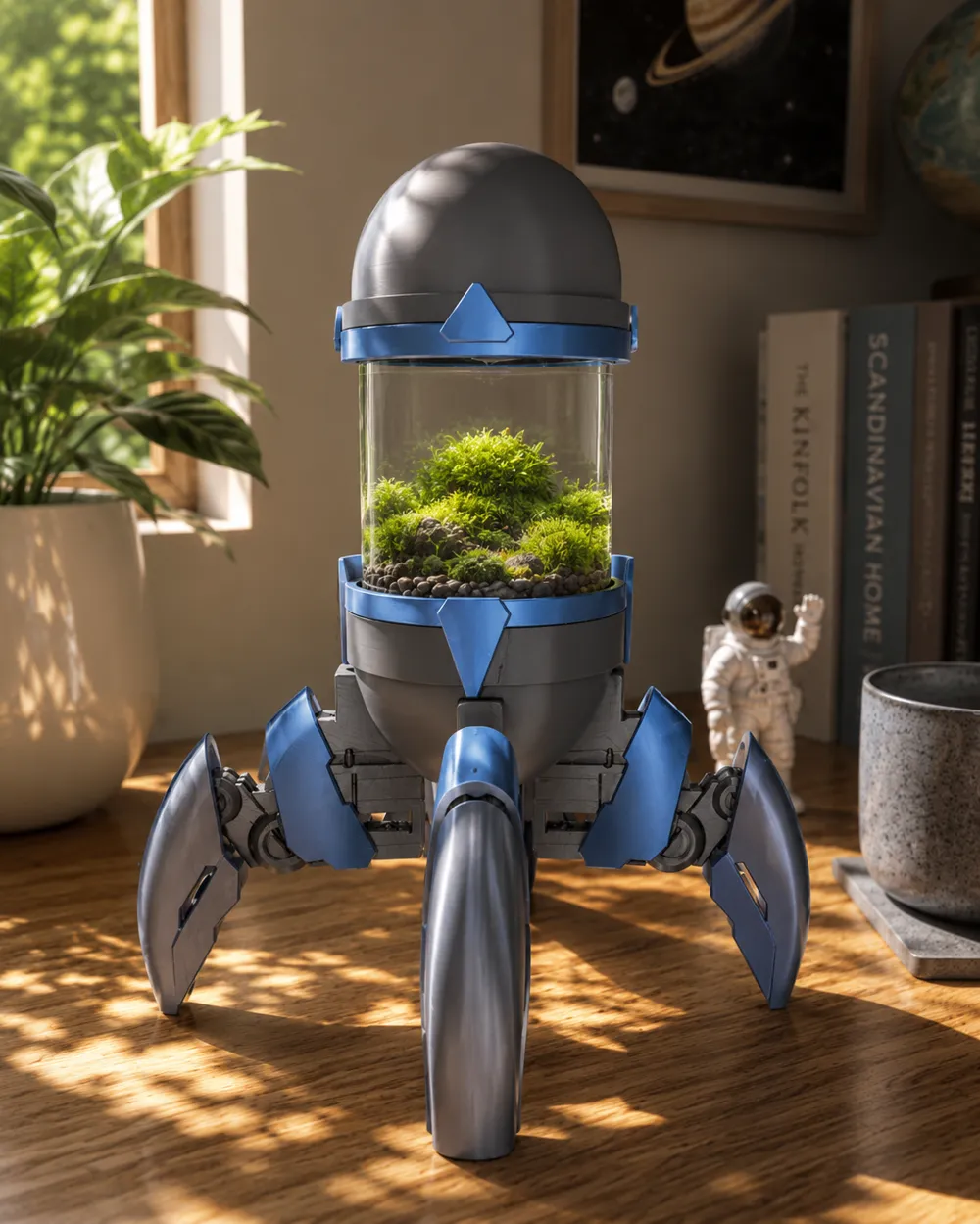
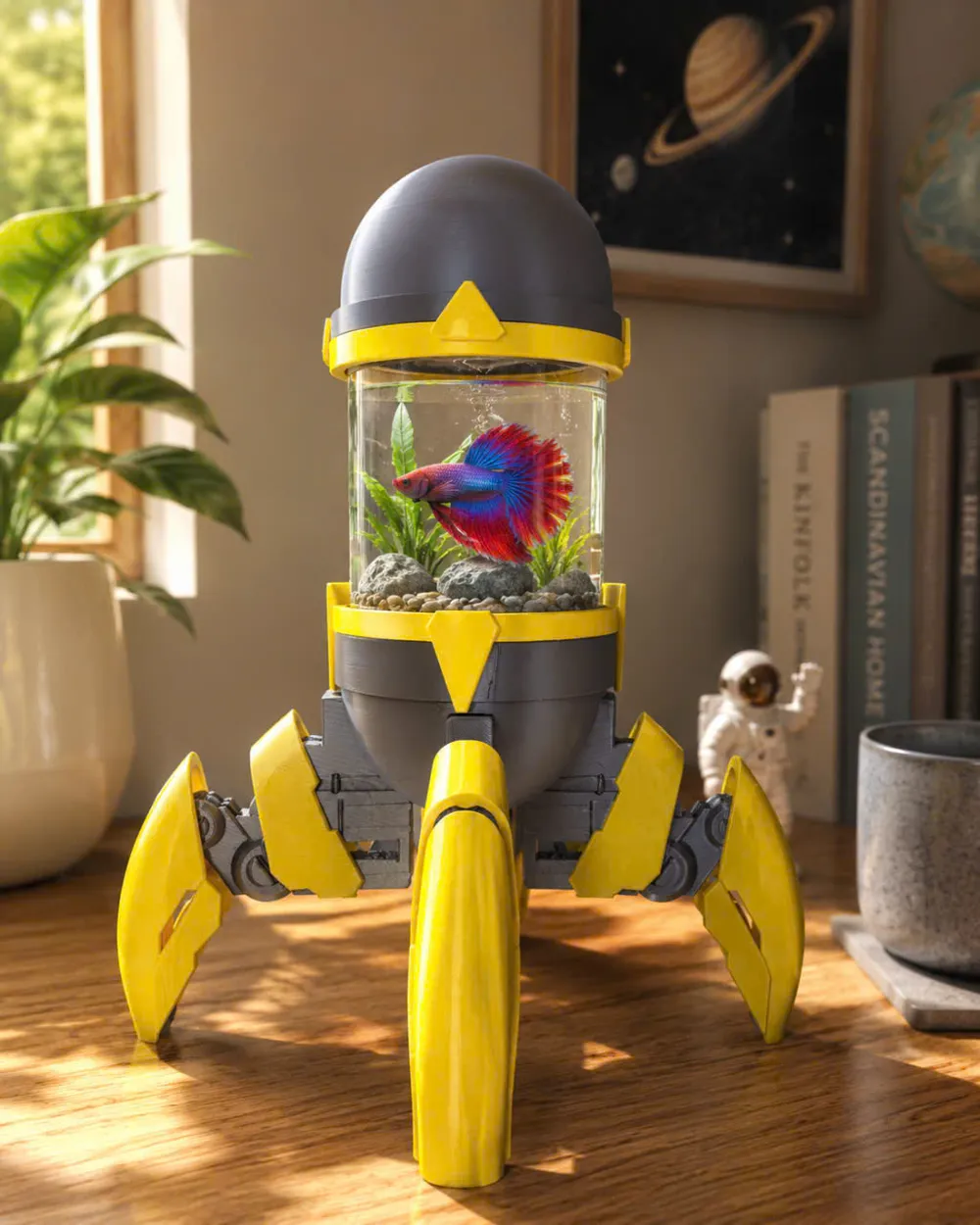
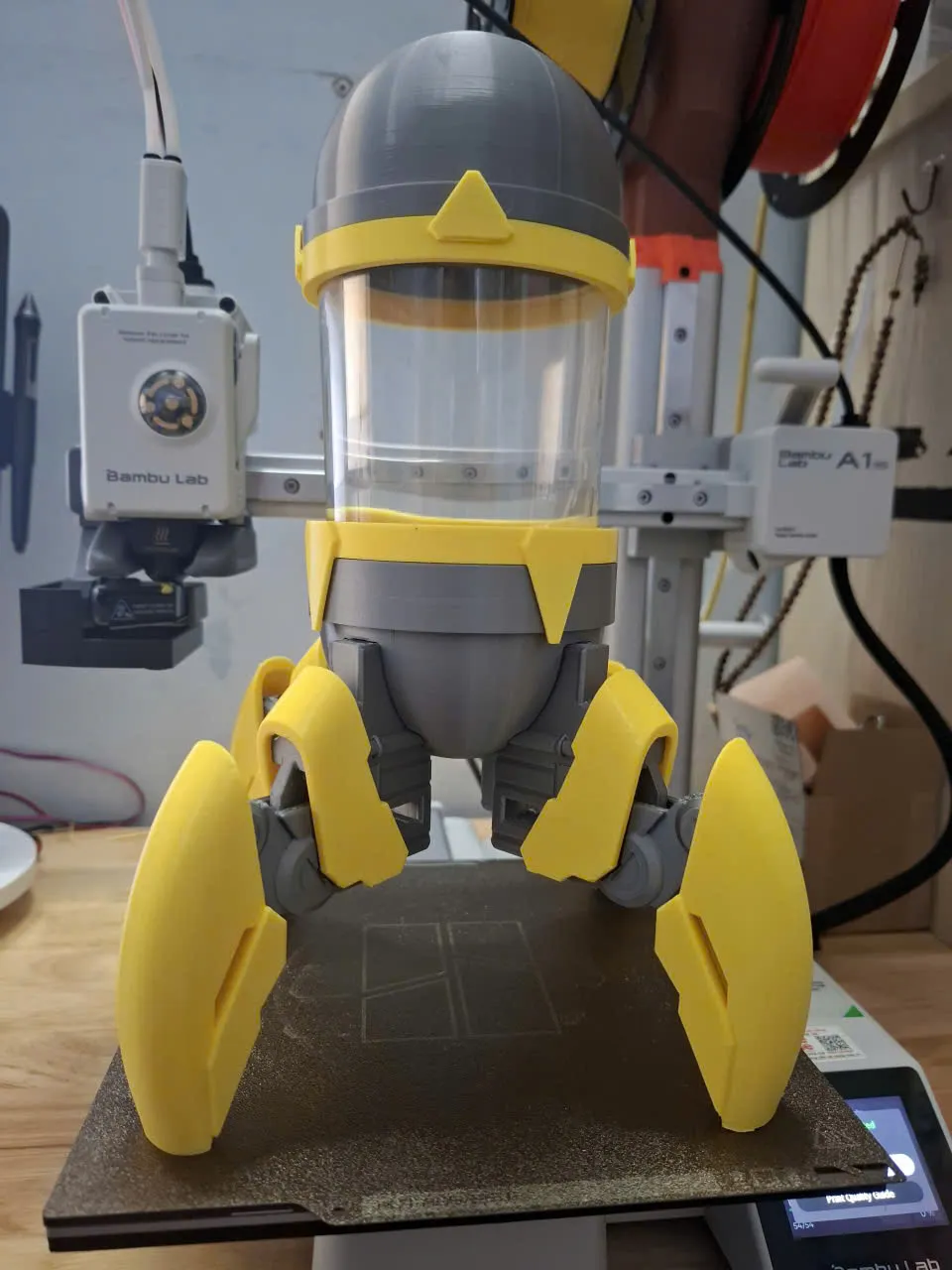
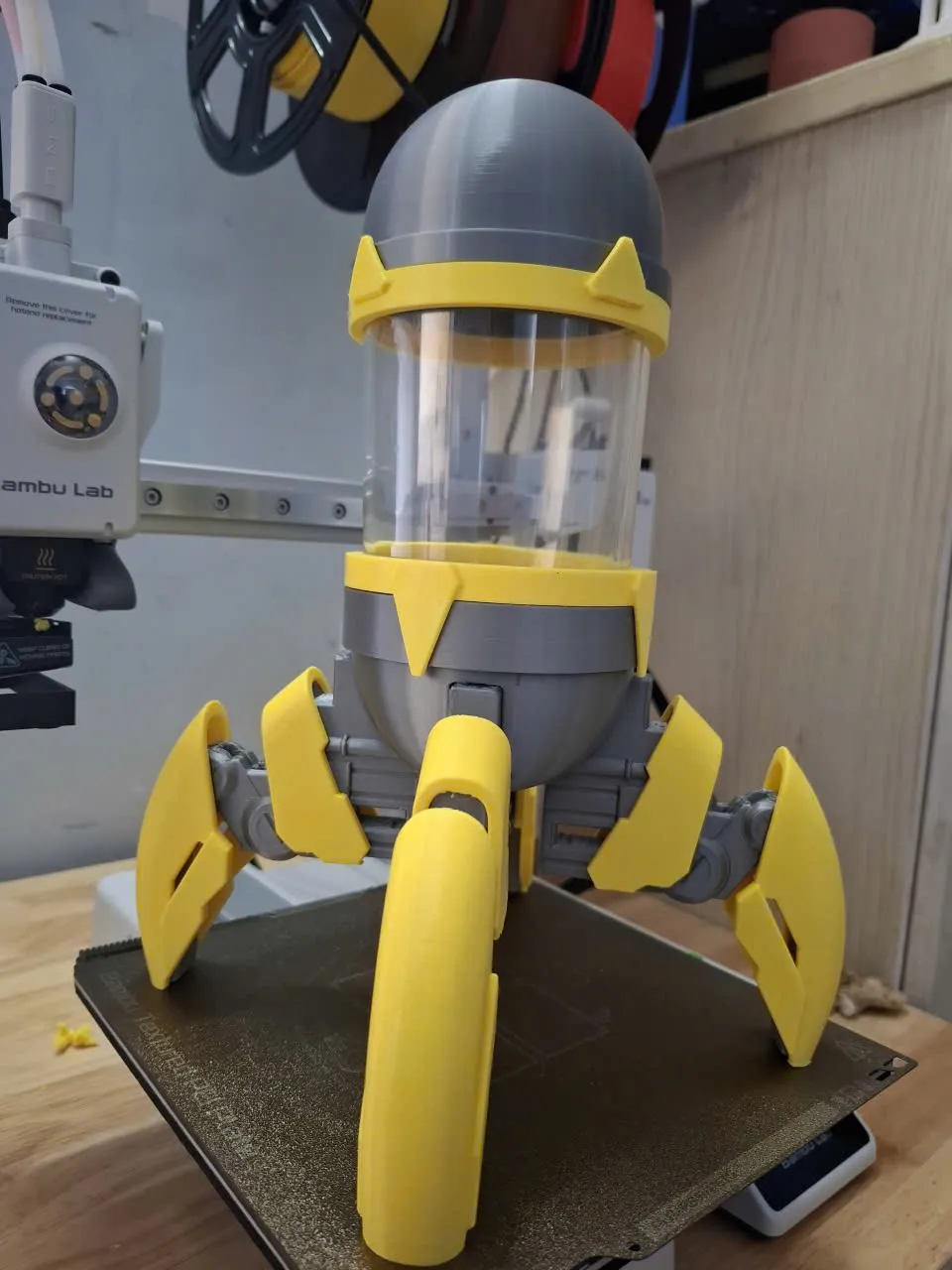
Print Profile(1)
Description
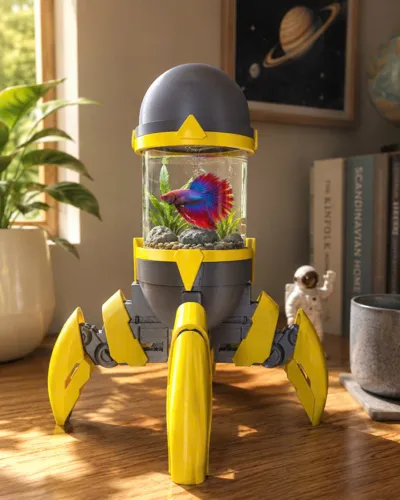
💡 Concept & Multi-Utility
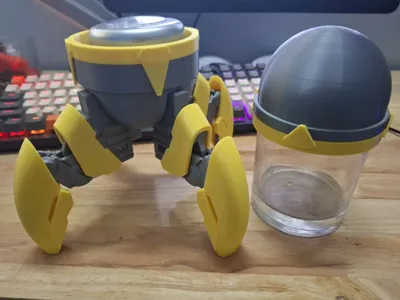
Why print a model that only does one thing? The MECH-POD is engineered for maximum versatility:
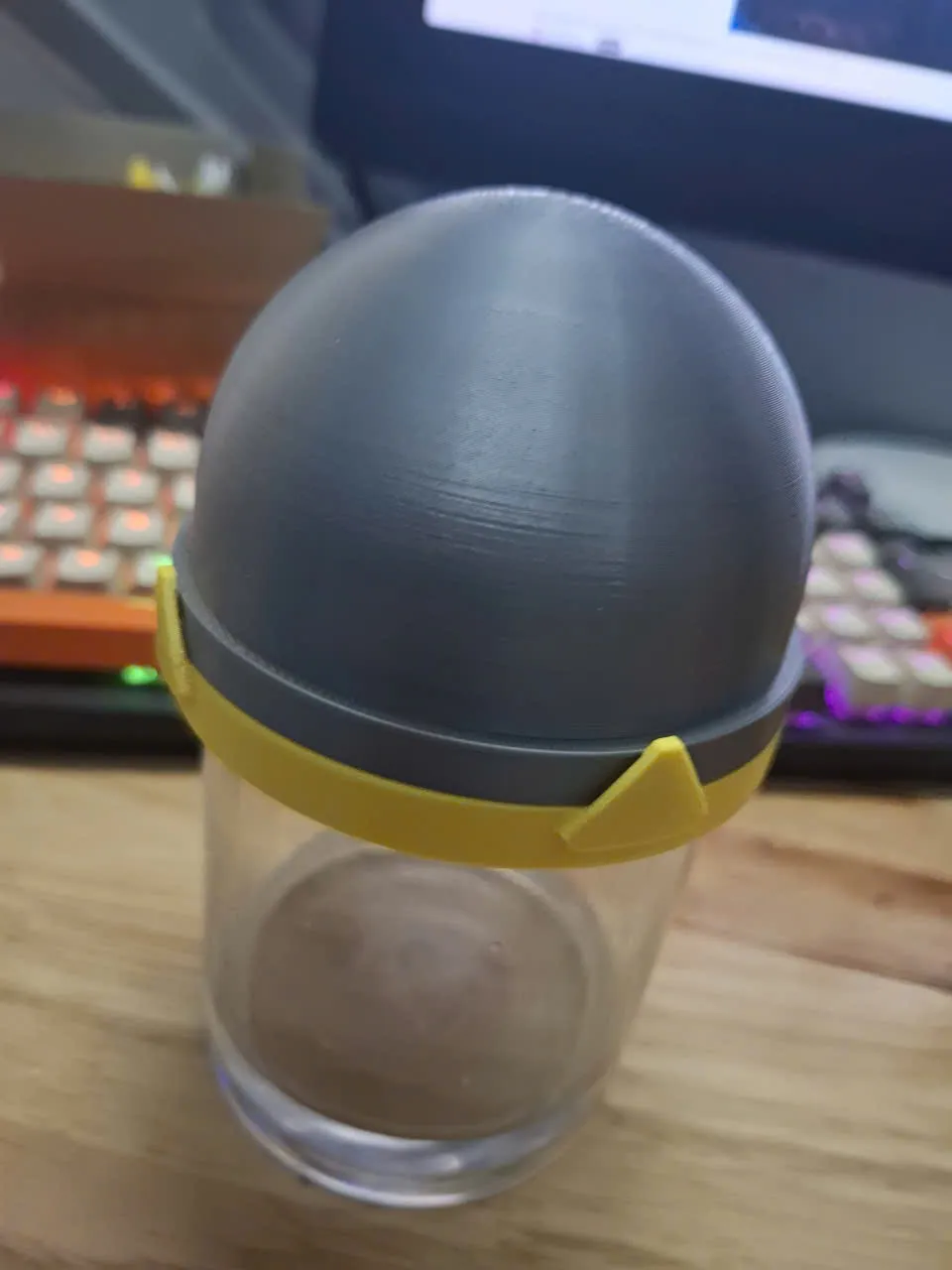
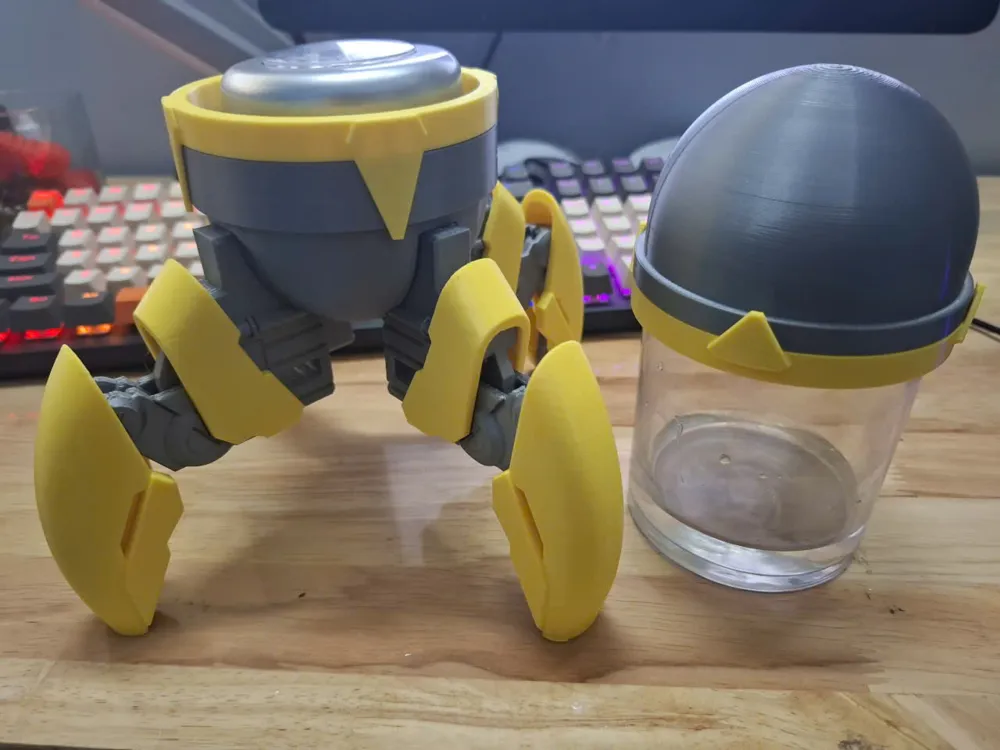
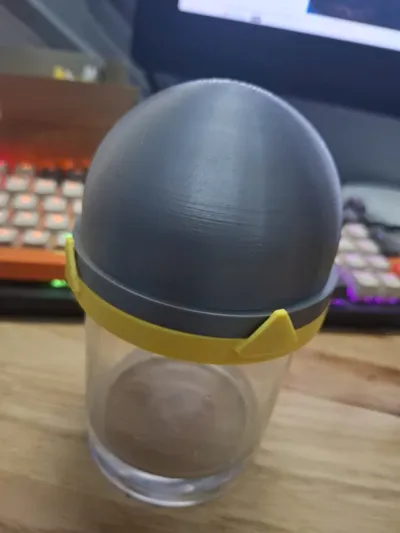
- Mode 1 [Cup Holder]: The open-top configuration fits standard cups/glasses perfectly, preventing accidental spills with its wide-set robotic legs.
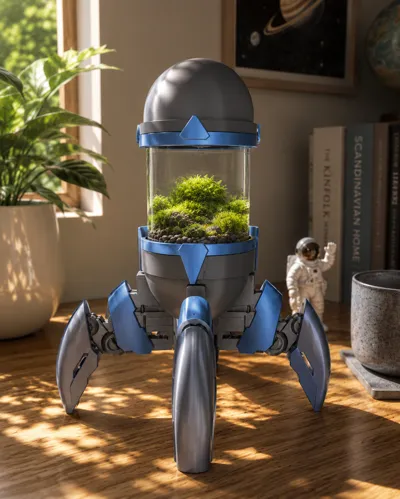
- Mode 2 [Cyber-Terrarium]: By utilizing the clear cylindrical space, it blends cold mechanical design with fresh green nature. A perfect cyberpunk biome!
- Mode 3 [Sci-Fi Prop / Energy Capsule]: The sleek dome top transforms the entire structure into an iconic sci-fi power cell or research test tube.
⚙️ Print Settings & Tips
- No Support Needed: Designed with clean overhangs and chamfers for a seamless printing experience.
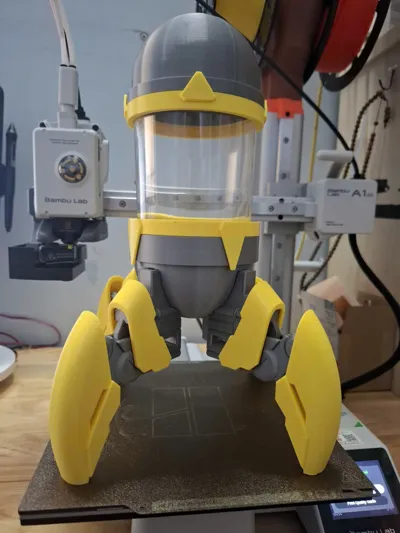
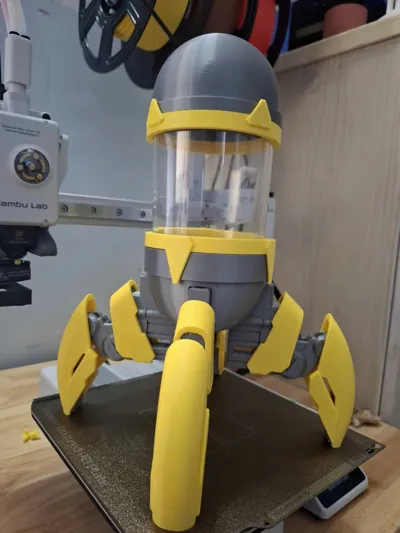
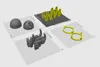
- Easy Multi-Color: Parts are split logically. You can easily achieve a striking industrial look (like the Grey & Yellow combo) even without an AMS system!
Printing & Scaling Guide
Step 1 – Check the Original Size
Open the file called “Helpyouscale” and go to the Scale menu to check the model dimensions.
By default, the file size should be:
- 80 x 80 x 90 mm (Image 1)
If your glass jar already matches this size, you do not need to scale anything.
You can simply print all the other files as they are.
Step 2 – Scale the “Helpyouscale” File
If your glass jar has a different diameter, scale the “Helpyouscale” file to match the diameter of your jar.
Important:
- The glass jar must be a cylindrical shape
- Height is flexible and does not need to match exactly
After scaling, remember the scale percentage (%) shown in the slicer (Image 2).
Example:
If you want to use a jar with a 90 mm diameter, the scale should become:
- 112.5%
That means all remaining files must also be scaled to 112.5%.
Step 3 – Apply the Same Scale to All Parts
Copy the exact same scale percentage and apply it to every other model file before printing.
This ensures all parts fit perfectly around your glass jar.
Small Note
- The glass container should be a straight cylinder
- There is no strict height limitation
- However, avoid using jars that are too tall or heavy, as the robot legs may not be able to support the extra weight properly.
Boost Me (for free)
💡 A small Boost from you is a huge support for independent creators.
License

You may create derivative works based on this object, provided that all such derivative works are published exclusively on the MakerWorld platform and include proper attribution to the original creator. You may not share, upload, host, distribute, or publish this object—or any derivative work of this object—on any other digital platform, marketplace, or distribution channel. Commercial use of this object and any derivative works is strictly prohibited. This includes, but is not limited to, selling, renting, sublicensing, or using the object in any context in which you receive monetary compensation or other financial benefits.


Comment & Rating (1)