
Open Screen | Open-Source Modular DM Screen
Print Profile(1)
Bill of Materials


Description
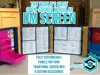
Introducing OpenScreen! Print what you need. Skin it however you want. Swap accessories between sessions.
OpenScreen is the world's first Free, Open-Source, Modular DM Screen for your favorite TTRPG!
What's that mean?
Free - Duh, you don't pay for it. And you never will. We won't monetize this project through patreon or any similar venture (although we benefit greatly from your Likes, Downloads, Boosts and Ratings :D).
Modular - The Open Screen System builds DM screens with 5 different types of Parts ranging from the aesthetic to the functional (more on that later), that you can mix and match to truly make your screen your own.
Open Source - This is the big one - anyone out there can design and create Parts that are Open Screen compatible because…let's face it, we can't think of everything (and also we're gamers - not engineers).
Boost Me (for free)
If you want to support this project, Boost It!
What's Included in this particular download?
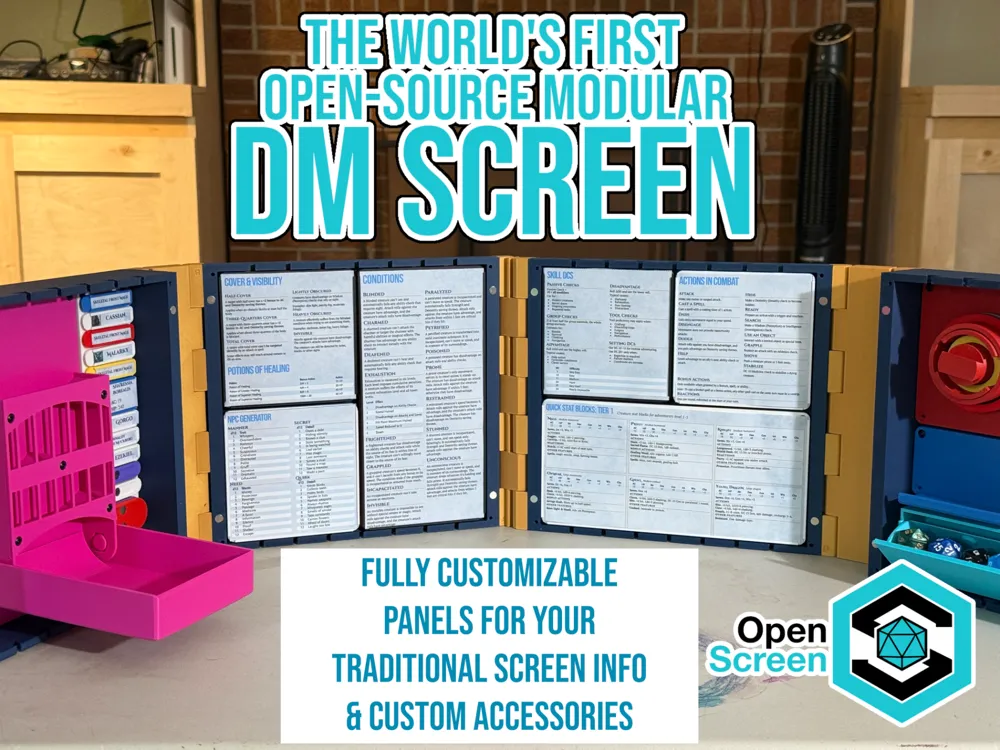
This download includes the base DM screen, which you build using 4 Panels and 3 Joints. Here's what's included:
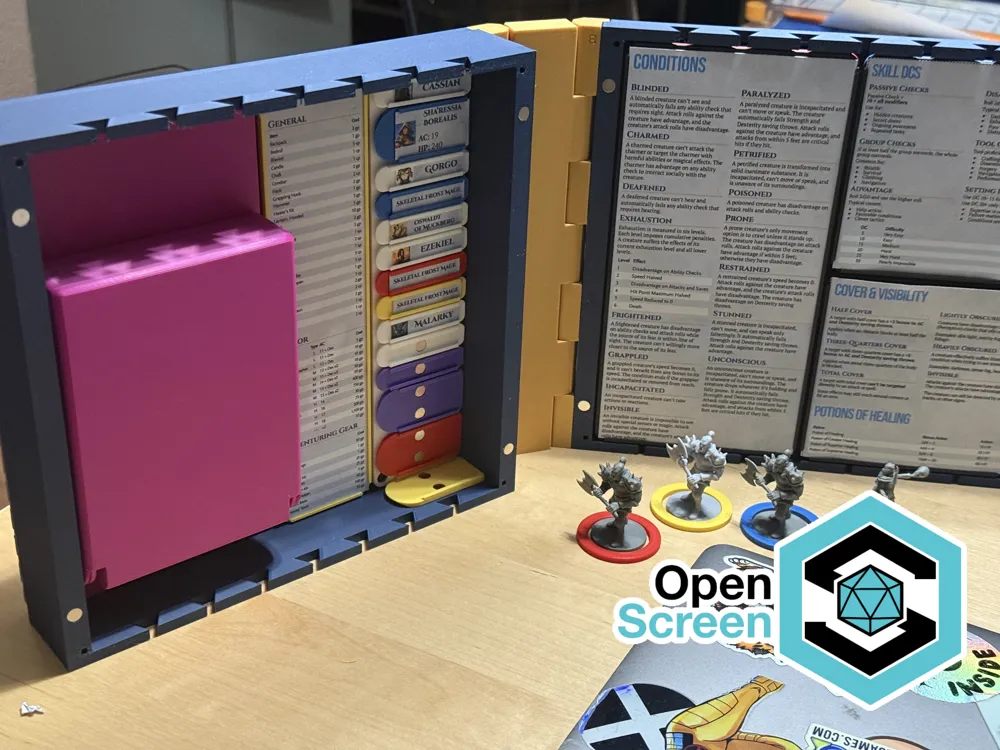
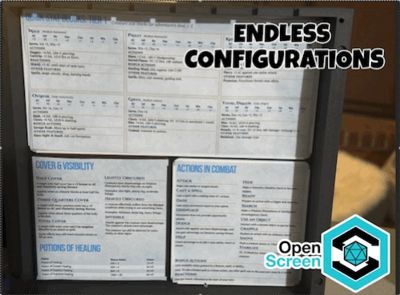
- The Slim Panel (Buildplate 1) - This is your standard DM screen panel that works like a typical cardboard DM screen - it's great at holding papers, tables, and reminders that are critical for DMs.
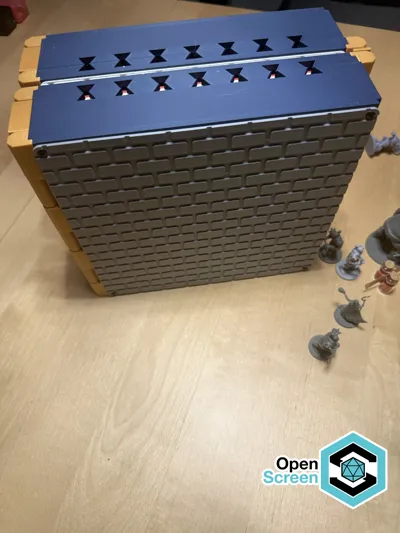
- The Deep Panel (Buildplate 2) - This is a deeper panel for the DM screen that is designed to hold more exciting accessories like Dice towers, drawers, and other functional bits.
- Joint Kits (Buildplates 3 & 4) - These are the joints that hold the parts of the screen together. They're arranged on two plates, depending on the basic configuration you wish to achieve. (Note, there are certainly more configurations, but this is what we've included in the basic pack)
And here's how you can mix and match:
- Configuration 1: This is a DM screen with two Deep Panels on the outside and two Slim Panels in the middle. For this configuration, you'll need to print two ‘B’ type Joints and one ‘A’ type Joint, which we've conveniently included on Buildplate 3.
- Configuration 2: This is for DMs that are more information-driven and want a more low-profile screen made of all Slim Panels. To build Configuration 2, you'll need one type ‘A’ joint and two type ‘C’ joints, which we've included on Buildplate 4.
Assembly Instructions
- Once you've printed the Panels and the Joints, align and press the T-shaped ‘zipper joint’ into the slots on the back of the Panels until they are FLUSH. These are fully symmetrical, so no need to worry about top or bottom.
Note 1: These are printed at very low tolerance, and require quite a bit of force to assemble. We personally find placing a piece of cardboard over parts and tappign them lightly with a hammer is the easiest way to get them to cooperate.
Note 2: Because of the low tolerance, these are very difficult (frankly, in our experience, impossible) to disconnect. Please take care to align the right pieces of the screen before assembly.
A Little Bit More About the Open Screen System
The open screen system uses 5 distinct parts, each with a specific function:
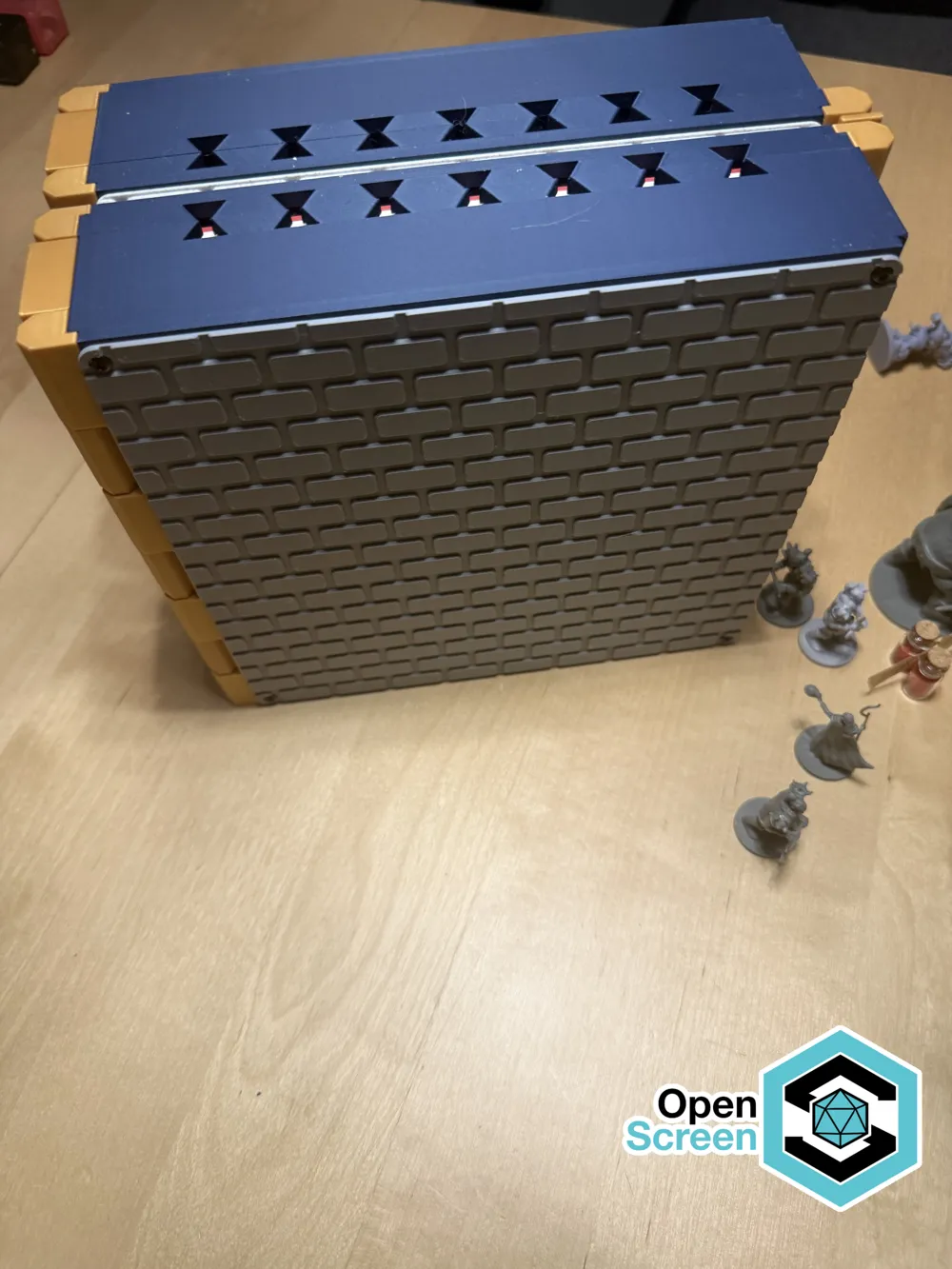
- Panels - These are the main panels of your DM screen. We've built several 4-panel configurations already, although it's quite possible for 3- or 5-panel configurations in the future. All panels include: (a) Zipper slots for connecting Joints; (b) slots along the top and bottom edges for attaching Toppers; (c) internal snaps for attaching Plates; and (d) holes on the front side for attaching Skins.
- Joints - These are the parts that connect between the Panels. The most common Joint is the Hinge Joint, but there are endless possibilities for what can be attached as a Joint, particularly at the end of your screen.
- Toppers - These are parts that fit along the top of your DM screen. Like with a cardboard screen, there is plenty of room for creativity for things like tracking initiative, or even more creative hardware uses like holding a reading light for the DM.
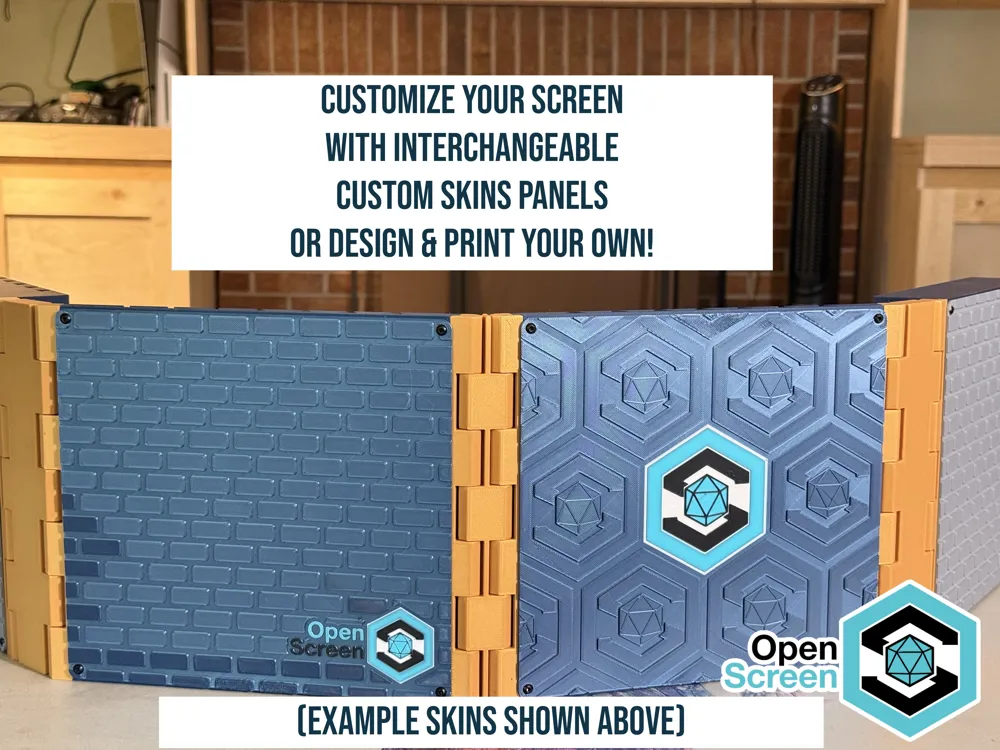
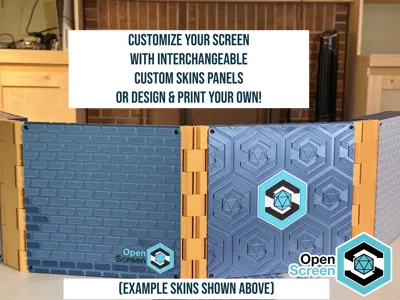
- Skins - These are slim 2mm panels that fit on the outside of your DM screen (facing the players).
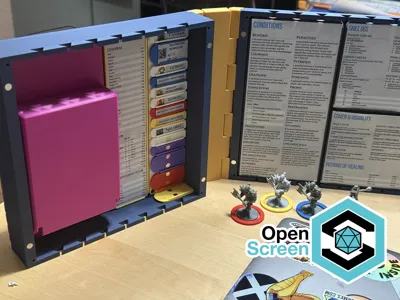
- Plates - This is where the action is: Plates are the functional pieces of your DM screen, whether you're looking for something to hold a piece of paper, or a dice tower. Plates come in two parts: The Base Plate which has the Snaps for connecting to your Panels, and The Top Plate, which is where the functional bits are. You'll need to attach a Base Plate to a Top Plate in order to have a working Panel.
Our design philosophy is simple - we designed all of our parts to be easily printable, with the important bits facing up on the build plate, and using as few supports as possible (although, don't be surprised: the panels use supports in the zipper slots).
Hardware: We expect anything you can do in the Open Screen system to be achievable with Glue, however for best results, we recommend the following:
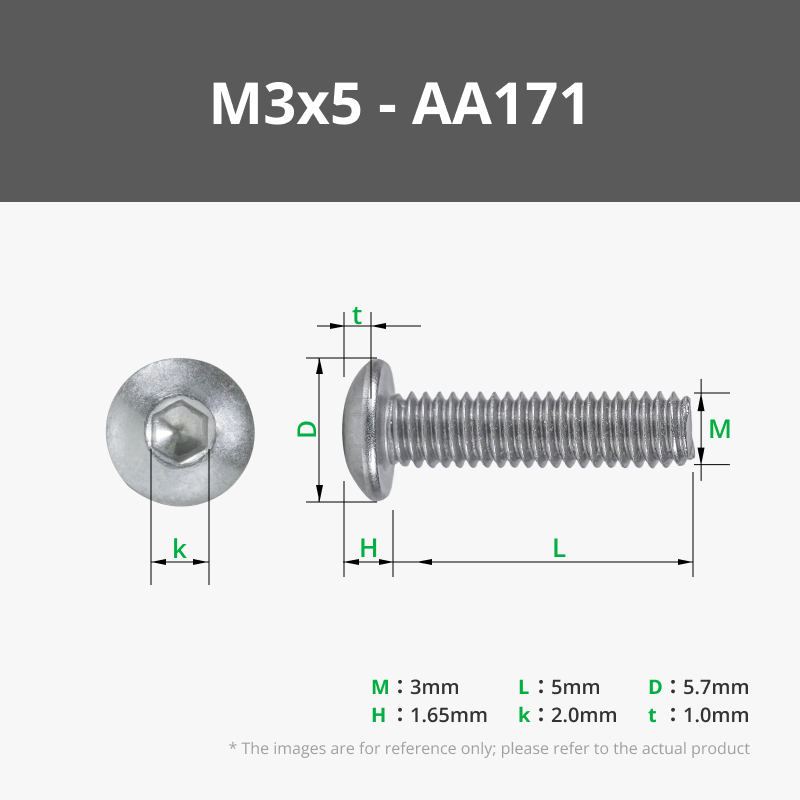
- 5mm M3 Screws - These are used to attach Skins to Panels, and used as the standard for connecting Base Plates and Top Plates. Additionally some Panels may use screws in their assembly.
- M3 Hex Nuts - These are primarily for connecting Top Plates to Base Plates and are completely optional. We've done a lot of testing with screws only and the plates hold just fine.
- 6mm x 2mm Magnets - There are a lot of optional uses for these magnets (for example, there are recesses in the Panels that allow you to use magnets to help keep them closed) and some Panels will require them to function (for example, the magnetic Initiative Tracker).
Additionally, the snaps that connect Panels to Plates are sized to accept 6mm magnets, however in testing we found that the snaps hold incredibly well without them.
Where Can I find Parts for the Open Screen System?
Here is a list of First-Party Parts that we've published on Makerworld. Hopefully the community creates others. We ask creators to include Open Screen in the title so that these are easily searchable on Makerworld or your favorite 3d printing space.
Plate - Dice Drawer (https://makerworld.com/en/models/2811272)
Plate - Dice Tower (https://makerworld.com/en/models/2811299)
Plate - Magnetic Initiative Tracker (https://makerworld.com/en/models/2811344)
Plate - Token Rings & Holder (https://makerworld.com/en/models/2811367)
Plate - Paper Receivers (https://makerworld.com/en/models/2811393)
Plate - Magnetic Clipboard (https://makerworld.com/en/models/2811412)
Plate - Storage Shelf (https://makerworld.com/en/models/2811421)
Skin - Basic Skin Pack (https://makerworld.com/en/models/2811443)
Topper - Dice Jail (https://makerworld.com/en/models/2811447)
Joints - Additional Configurations (D & E) (https://makerworld.com/en/models/2827176)
License



Comment & Rating (39)