
Print Profile(19)
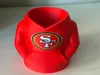
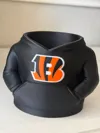
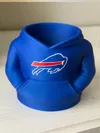
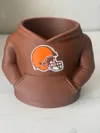
Description
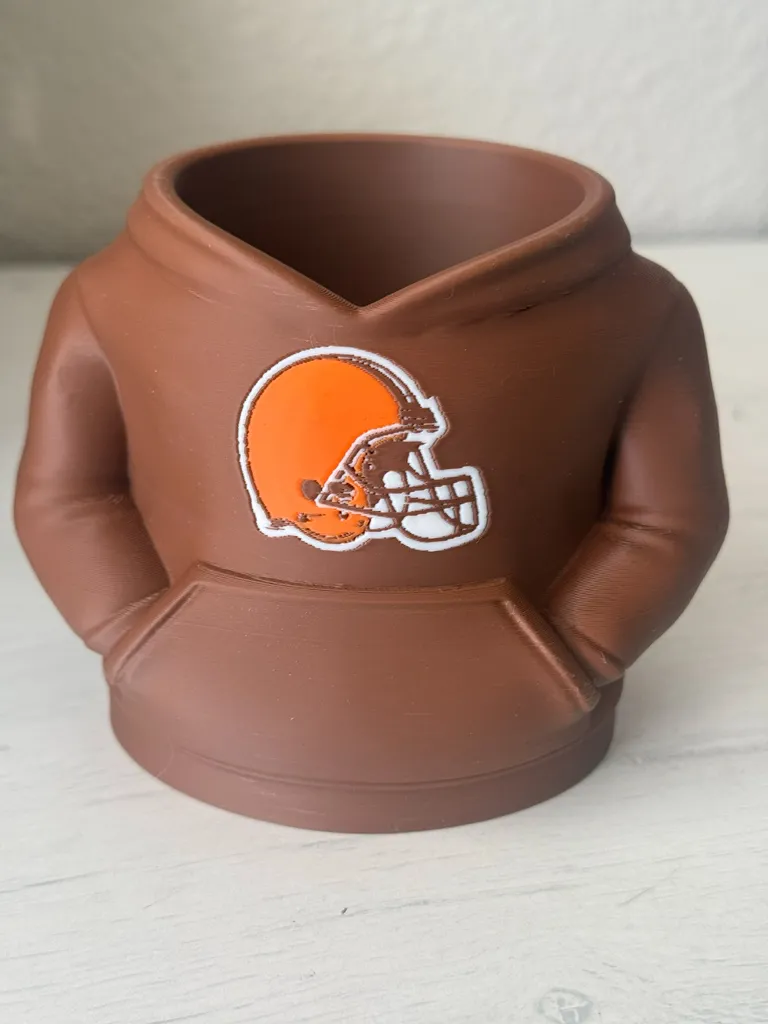
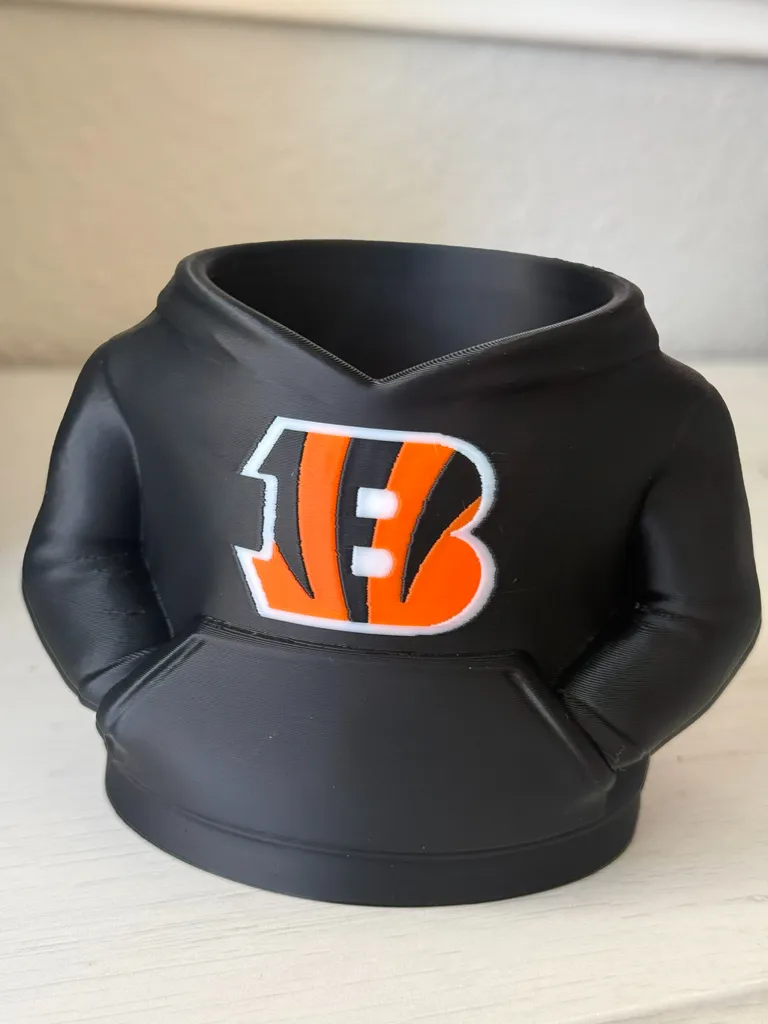
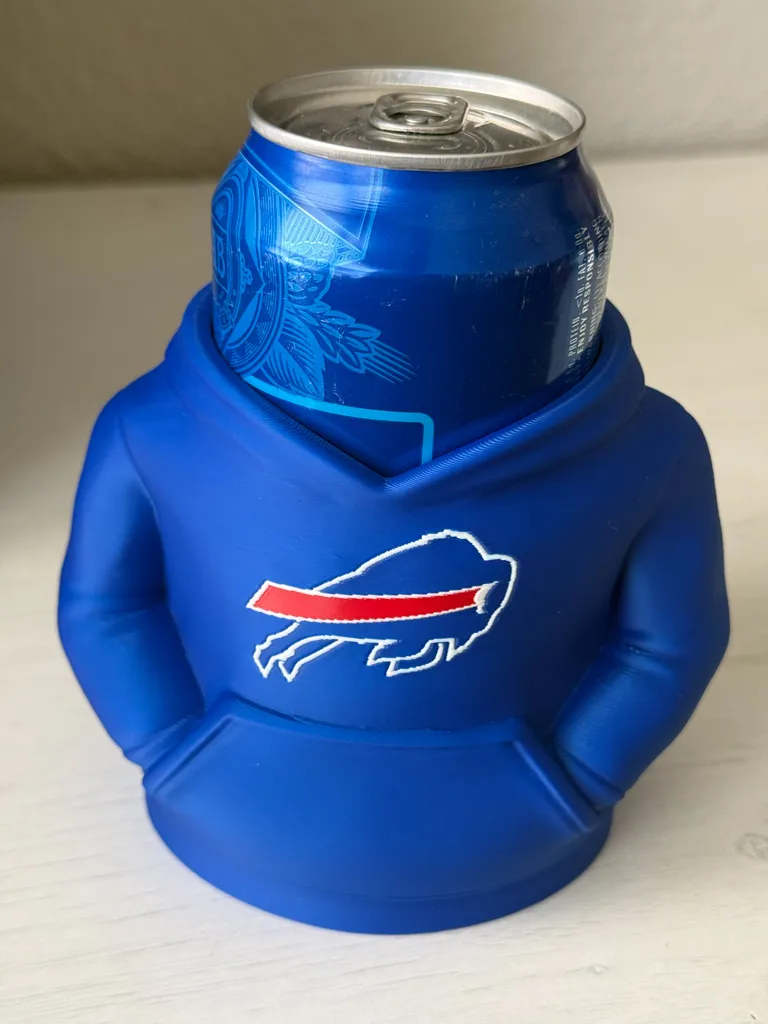
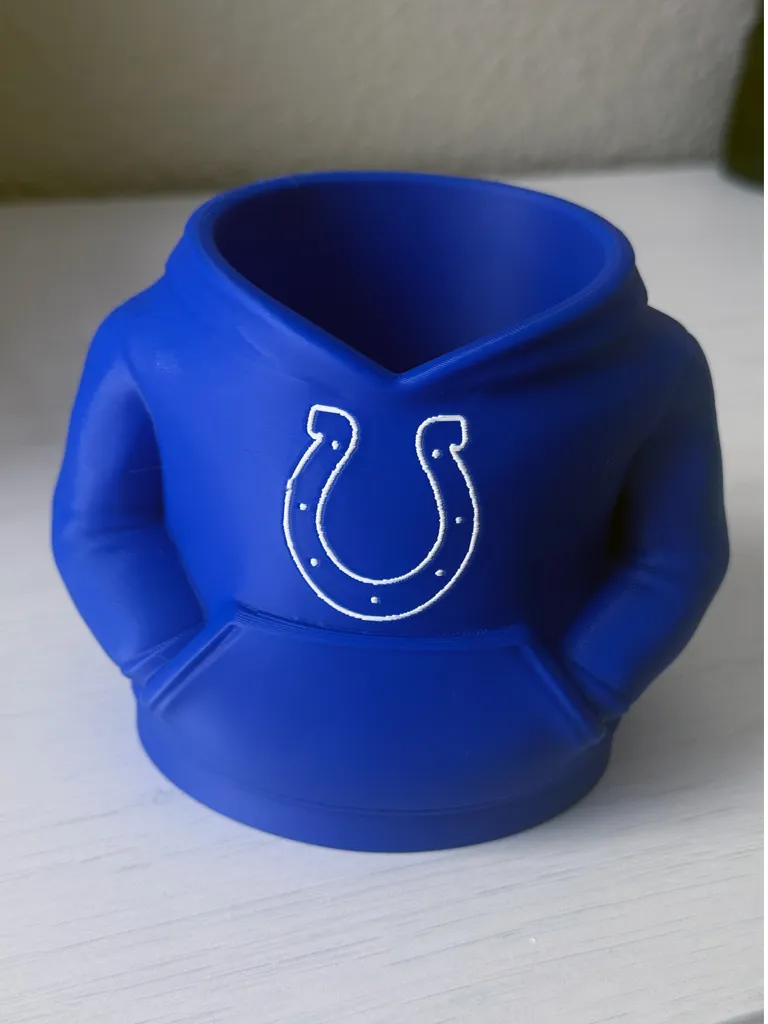
Check out all of my Sports related pencil holders here!
Also available, all new Football Team Spinning Keychains as well!
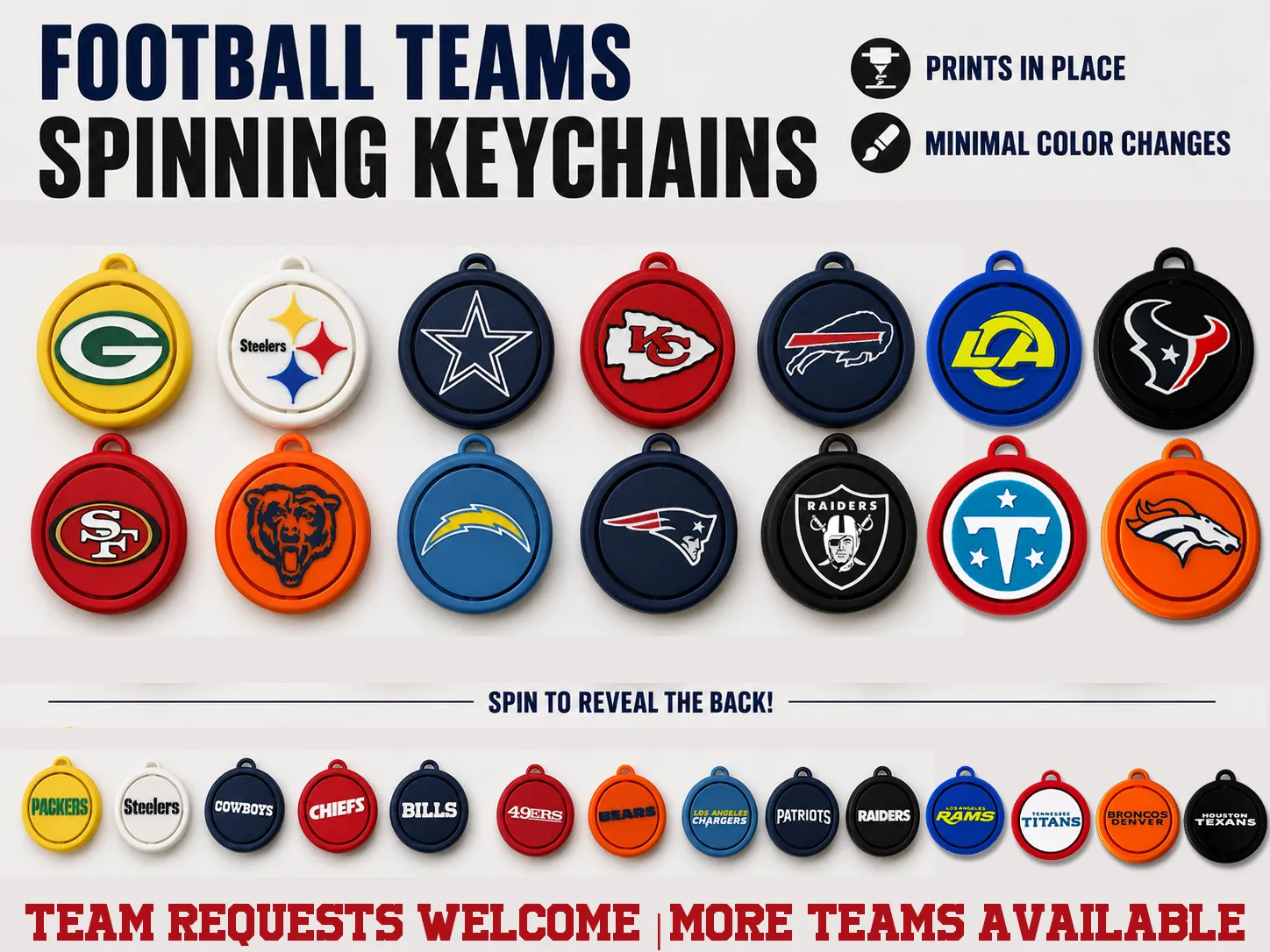
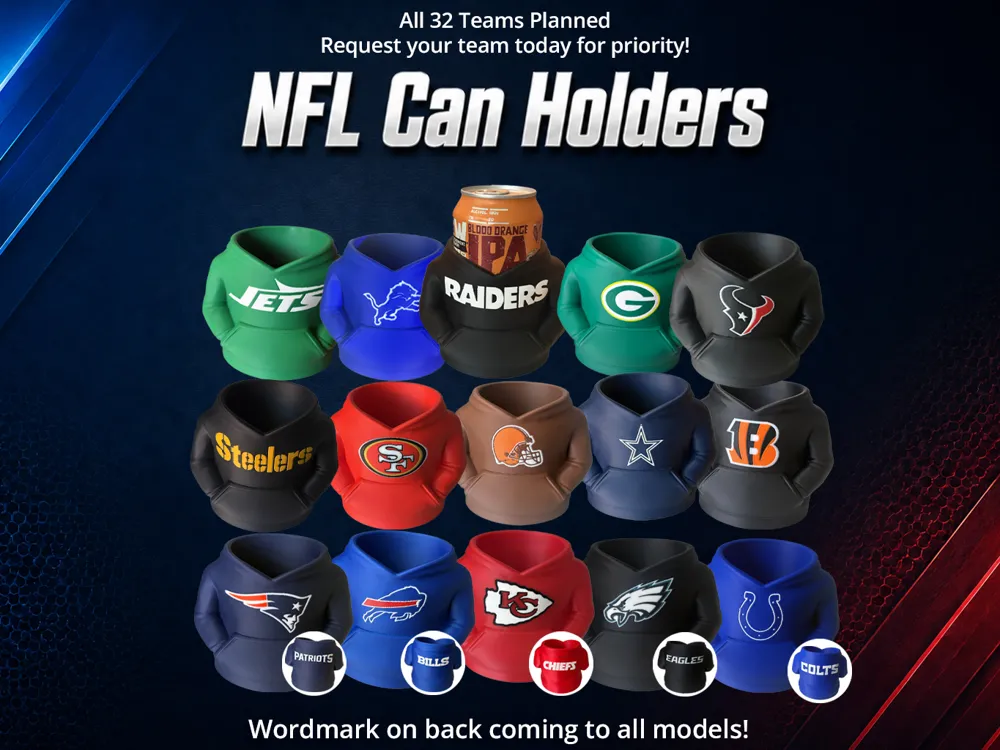
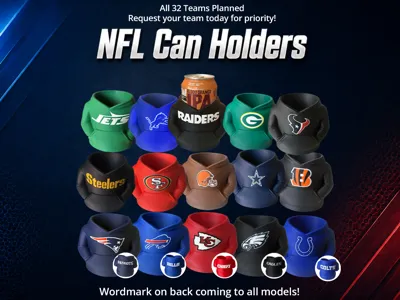
5/23/26 Update - Updating all models to include the team wordmark on the back. Both a wordmark version and a blank back will be available for each. Blank versions will be at the bottom of the print profiles.
Boost Me (for free)
Creating and printing 3D models is one of my favorite hobbies. If you like this model, found it useful or just want to help out you can support me with a boost! Thank you and enjoy!
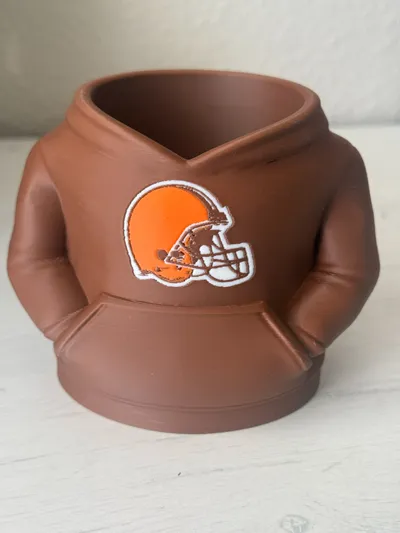
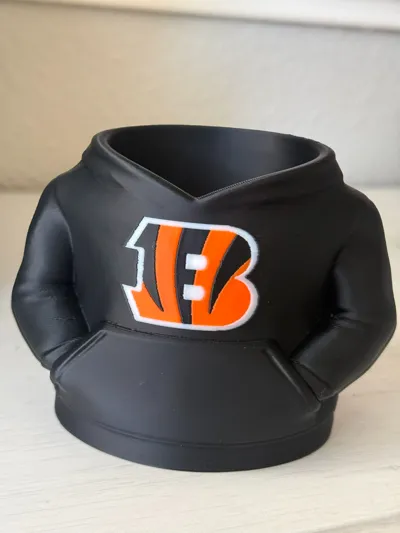
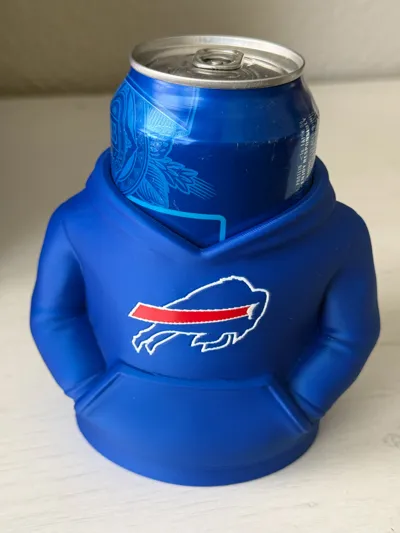
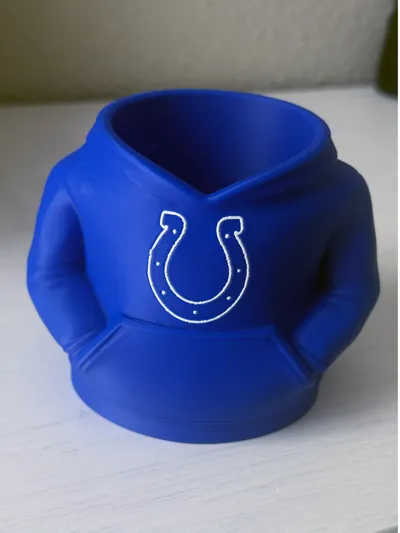
- Color Print (AMS Recommended)
- Minimal supports (minor supports under the bottom of the arms)
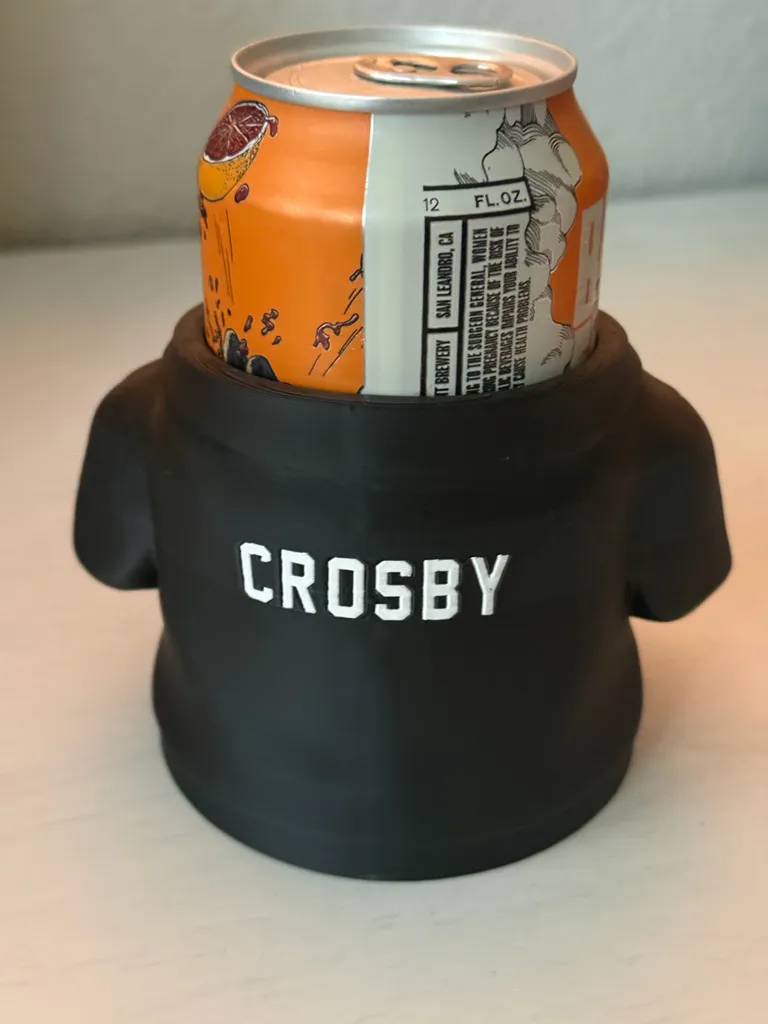
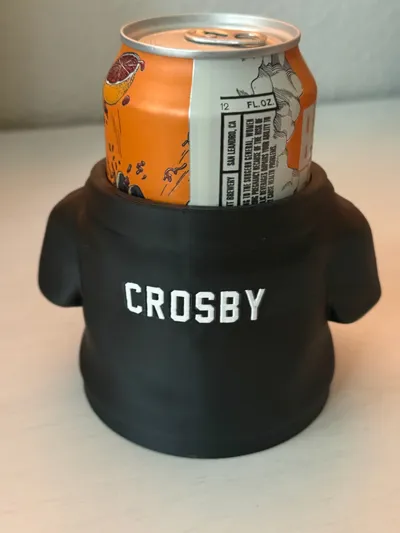
- Optional editable player name on the back
- The numbers align with the front logo so they do not increase print time
Instructions to edit the player number

Click the BACK view on the bottom left cube, you want a straight on view of the back.
Open the Object menu and right click the “Player Number (or Name) - Right Click This and Edit Text” object
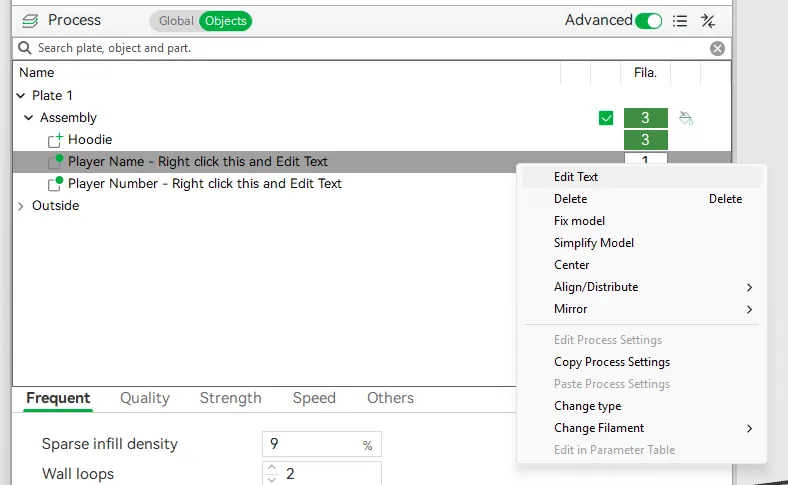
Change the Input text value:
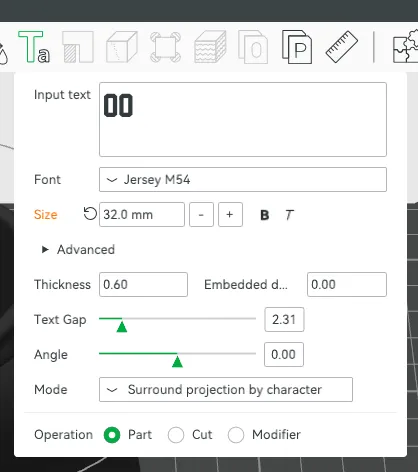
Click the Green “Ta” button on the menu, just above the Input text as seen in the previous image.
Change the Mode (at the bottom) to No Surround then back to Surround projection by character. DO THIS AFTER ANY CHANGE TO THE TEXT OR POSITION, if this is not done it will not be aligned.
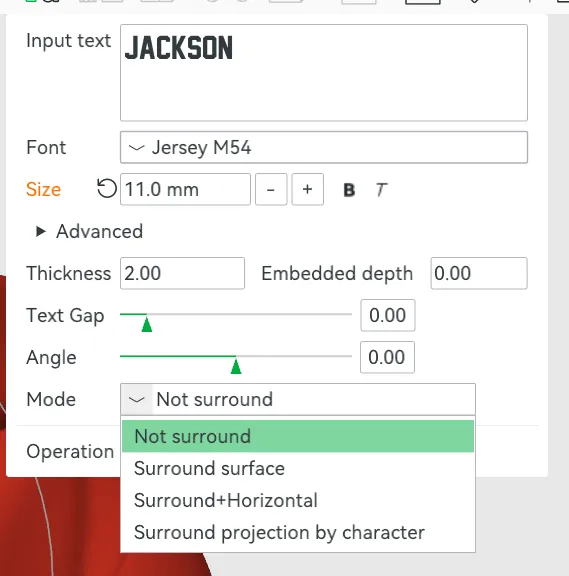
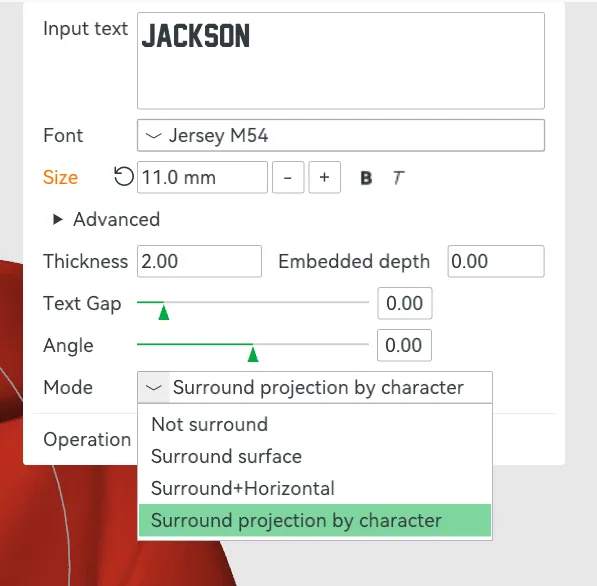
Verify the text is still in the center, if its not, move it then re-do the No Surround → Surround Projection by Characters steps above.
Slice the to confirm your text updated and is sitting on the back properly. If there are gaps between the text and the mode, change the mode in the Text Edit window, to anything else then back to Surround project by character.
License

You shall not share, sub-license, sell, rent, host, transfer, or distribute in any way the digital or 3D printed versions of this object, nor any other derivative work of this object in its digital or physical format (including - but not limited to - remixes of this object, and hosting on other digital platforms). The objects may not be used without permission in any way whatsoever in which you charge money, or collect fees.


Comment & Rating (136)