
Doodle Disc 111 Kakamora

Print Profile(1)
Description
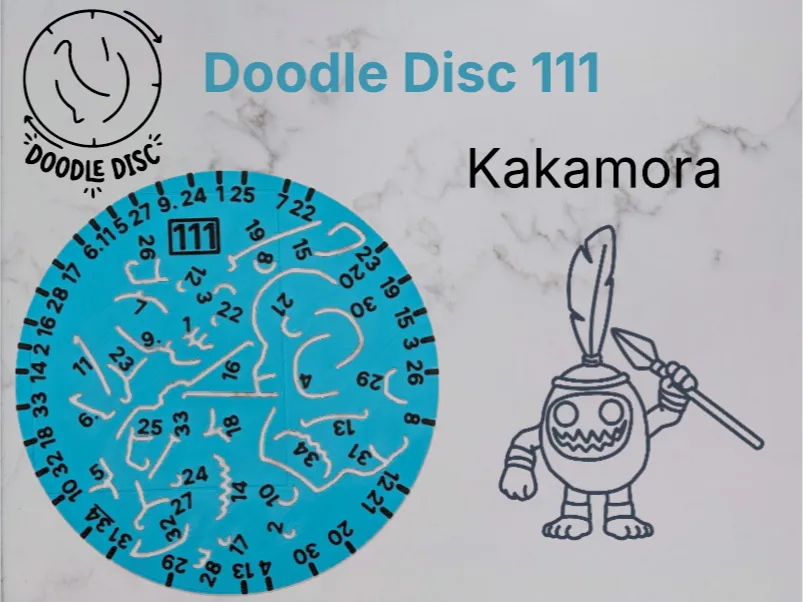
Kakamora Doodle Disc
Spin to Create!
This rotating stencil disc makes it easy and fun to draw your very own Kakamora from Moana! It's a fantastic, hands-on drawing activity for all ages.
Print Options & Accessories
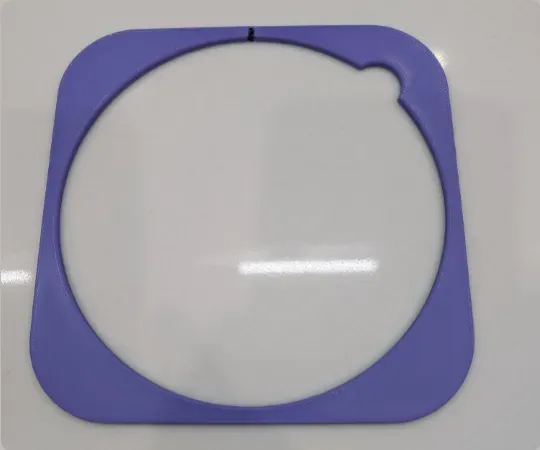
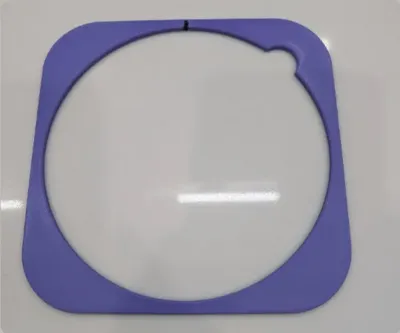
- Two versions of the holder included: Comes with both an AMS-ready profile for multi-color printing and a standard non-AMS version (which looks great colored in with a Sharpie).
- Magnetic Upgrade: Want a premium feel? Check out my Enhanced Magnetic Stencil Holder to keep your paper perfectly locked in place while you draw.
How to Use
- Align: Line up the notch in the stencil with the mark on the holder.
Trace: Trace the corresponding slots and holes in the stencil onto your paper.
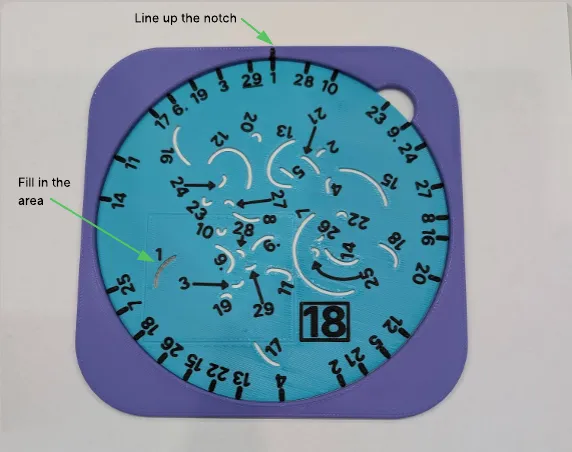
Rotate & Repeat: Move to the next notch and trace again!
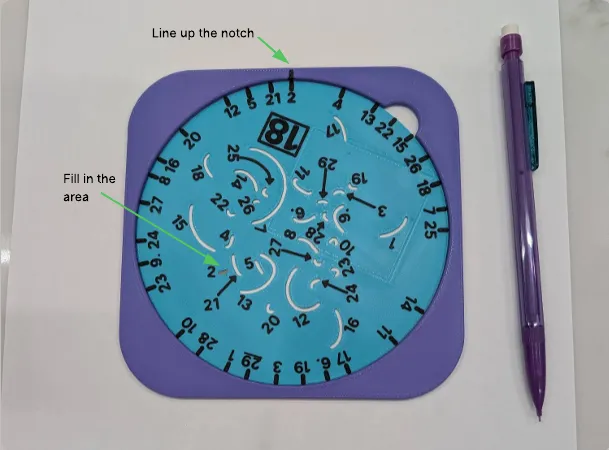
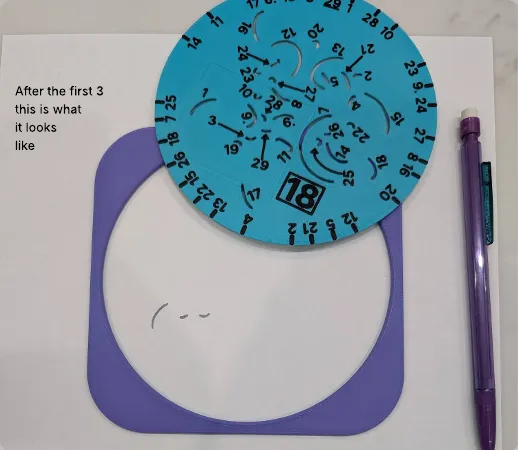
After the first three turns, your drawing will start taking shape like this:
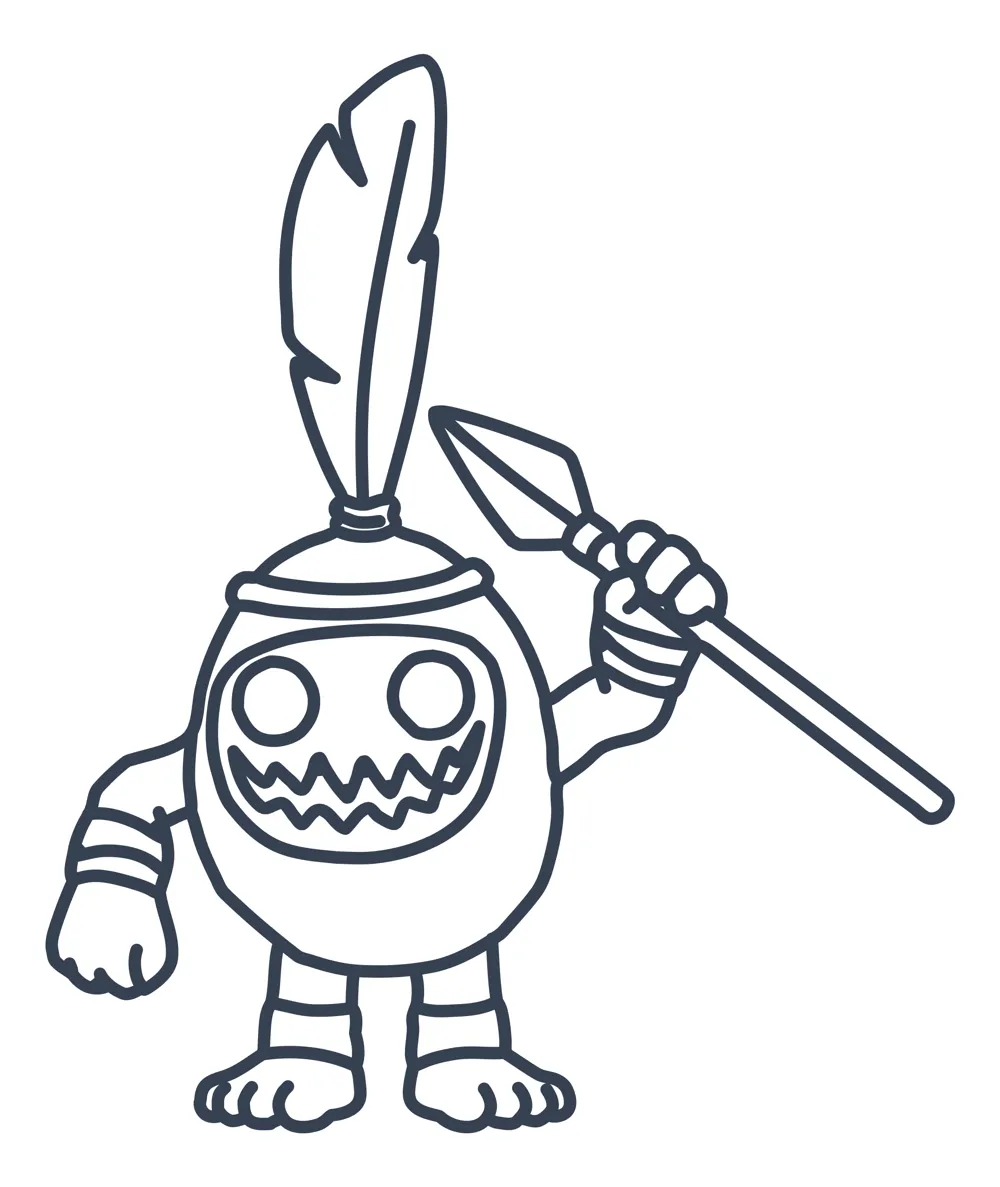
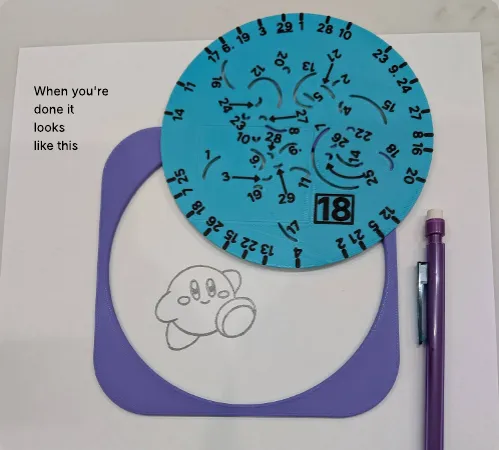
Once you have finished all of the numbers, lift up the stencil to reveal your finished drawing:
Pro Tips
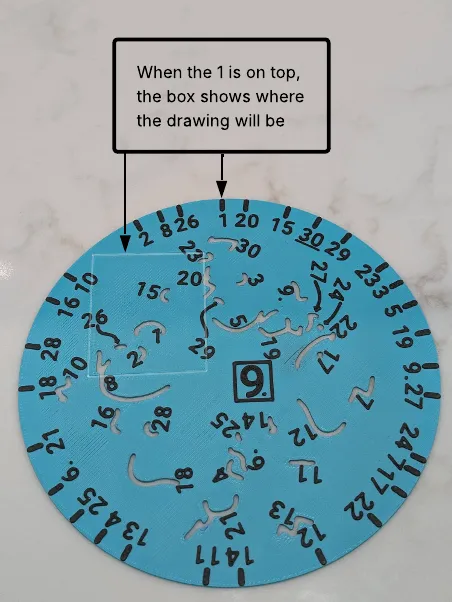
Placement Guide: There is a rectangular window on the stencil that shows you exactly where the drawing will be when notch #1 is aligned at the top. This is super useful for placing multiple stencil drawings next to each other on the same page.
- Go Your Own Way: You do not need to go in numerical order! I often start at 1 and then just turn the disk clockwise to the next notch, continuing until I get back to the start.
Doodle Disc models were inspired by the Twist Art series from THIMM1.
Boost Me (for free)
If you or your family enjoyed this model, please consider boosting!
License

You shall not share, sub-license, sell, rent, host, transfer, or distribute in any way the digital or 3D printed versions of this object, nor any other derivative work of this object in its digital or physical format (including - but not limited to - remixes of this object, and hosting on other digital platforms). The objects may not be used without permission in any way whatsoever in which you charge money, or collect fees.


Comment & Rating (4)