
Graduation Favor – Graduation Favor
Print Profile(1)
Bill of Materials
.jpg)

.jpg)


Description
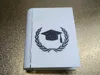
Graduation Favor
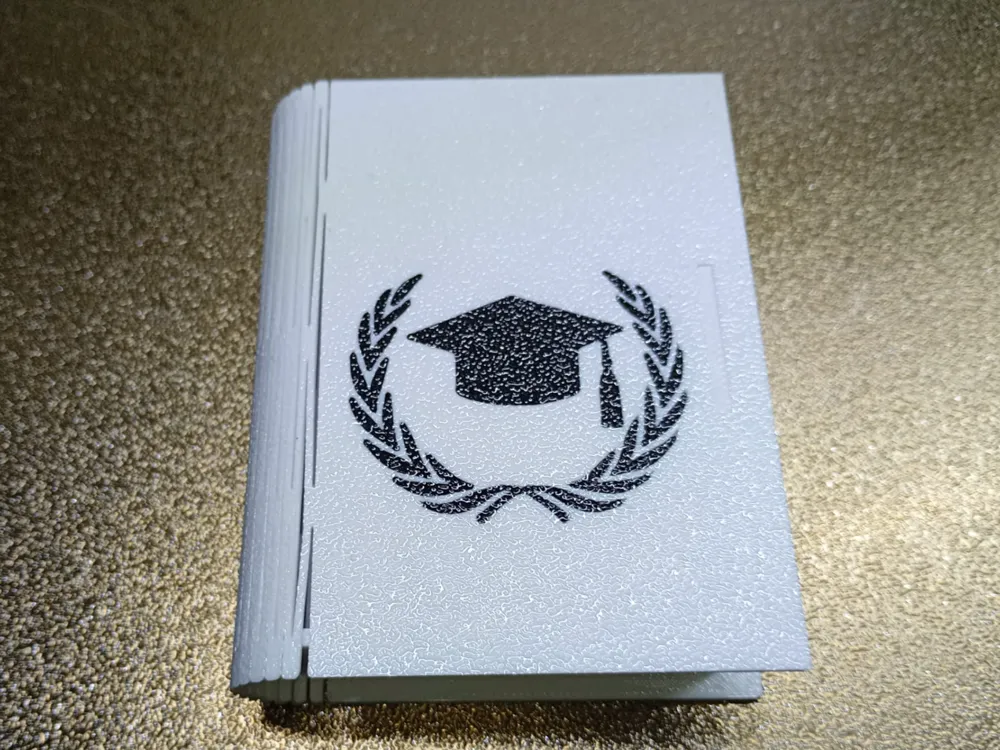
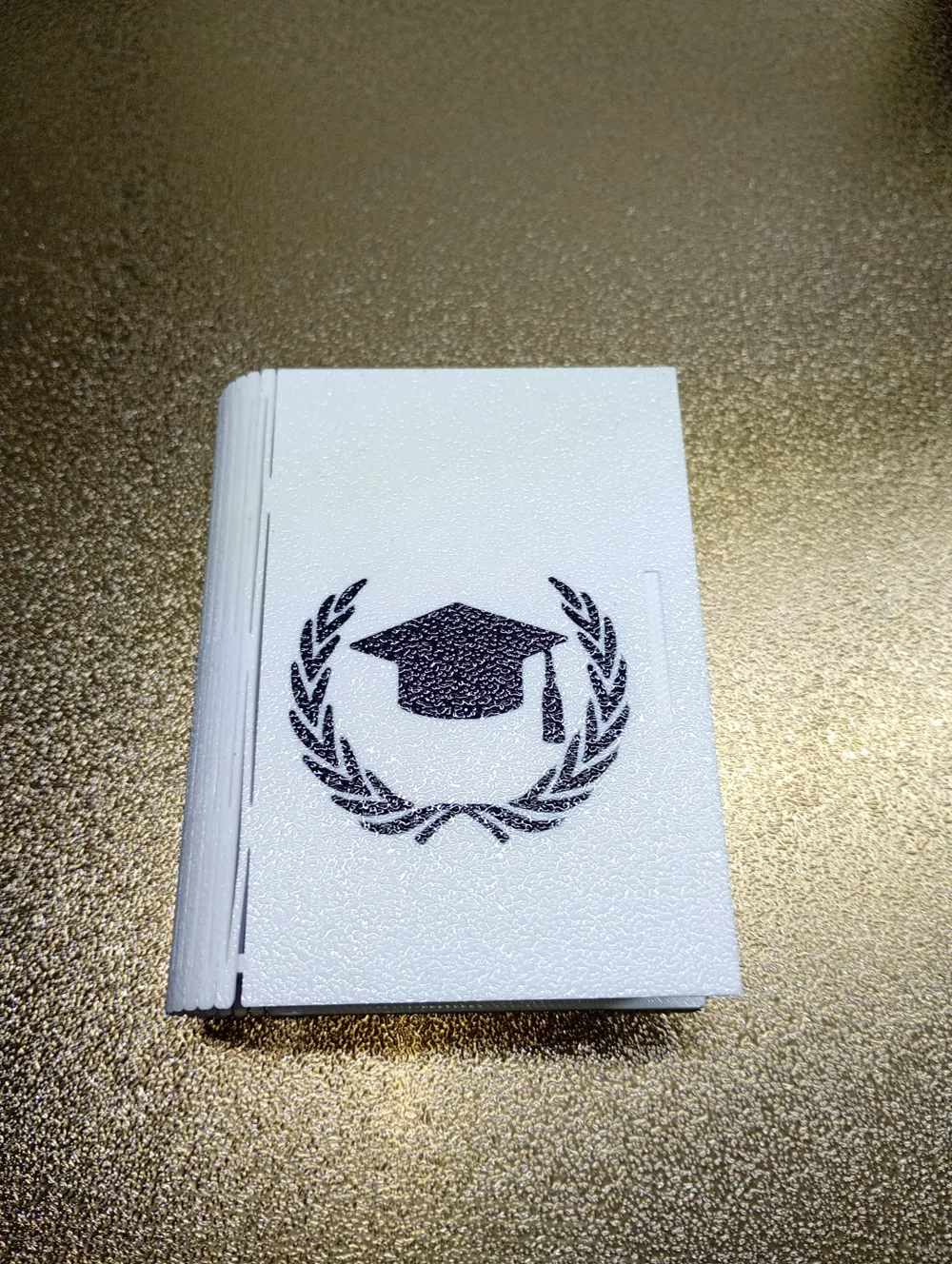
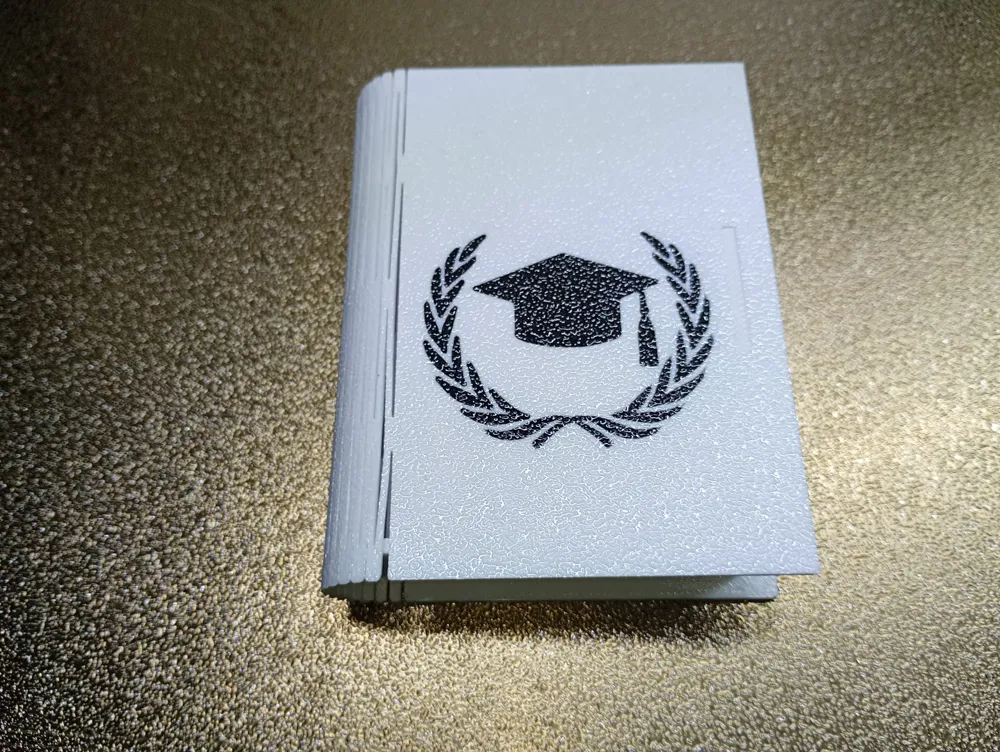
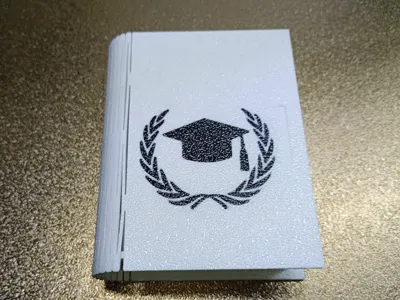
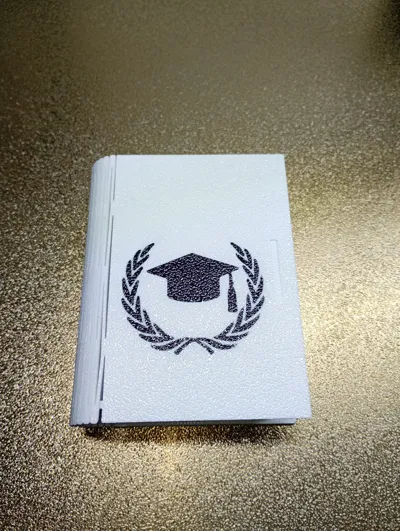
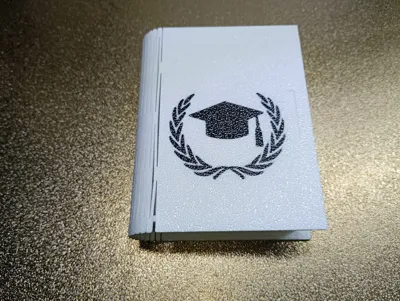
A book-shaped favor box with a simple yet effective closure.
Perfect as a favor to celebrate a graduation.
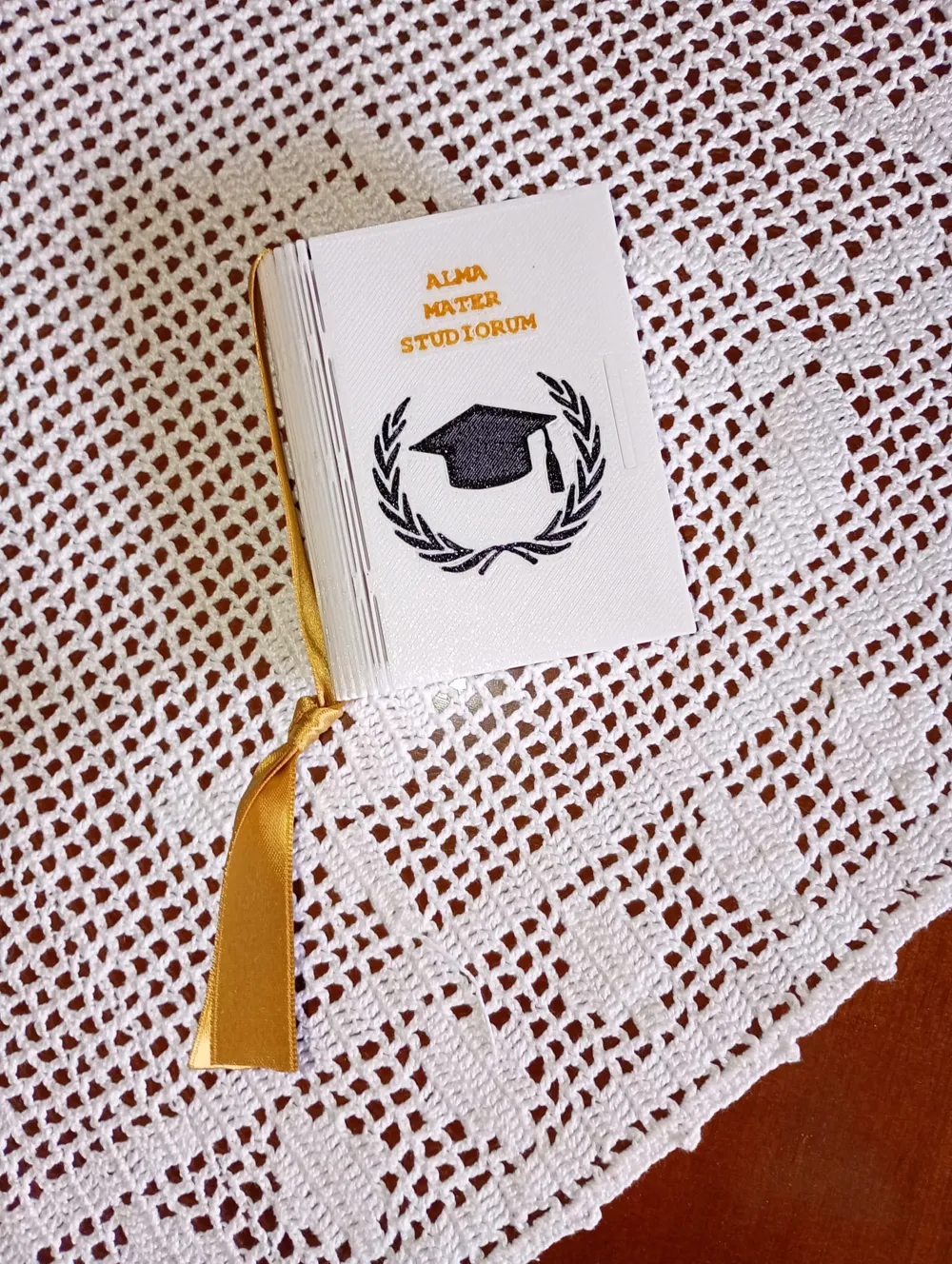
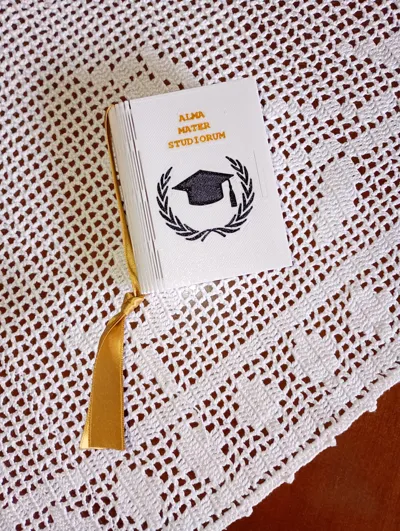
To make it even more beautiful and add a touch of elegance, I recommend adding a ribbon to the spine of the book.
The ribbon, if desired, can be the color of the completed course of study, for example, red for medicine, blue for engineering, etc.
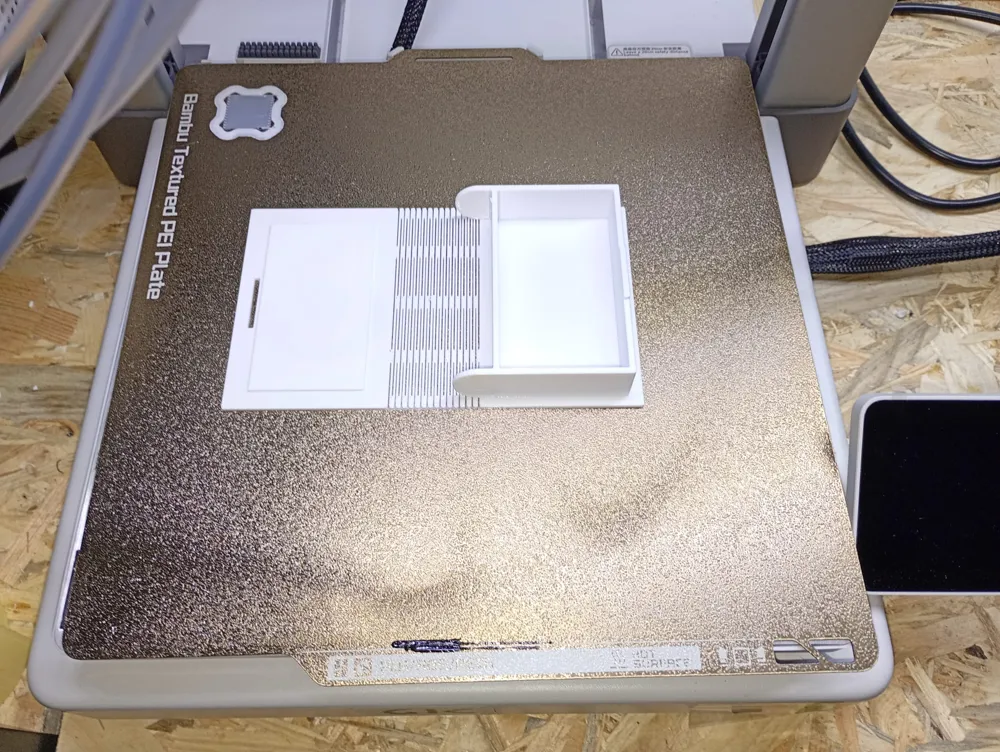
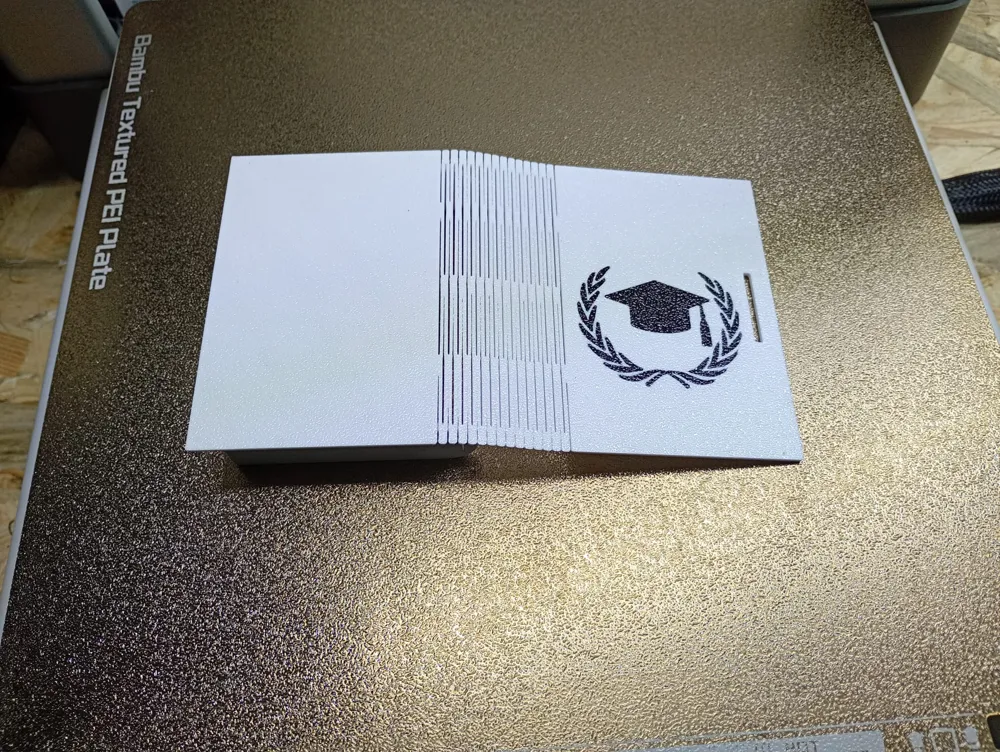
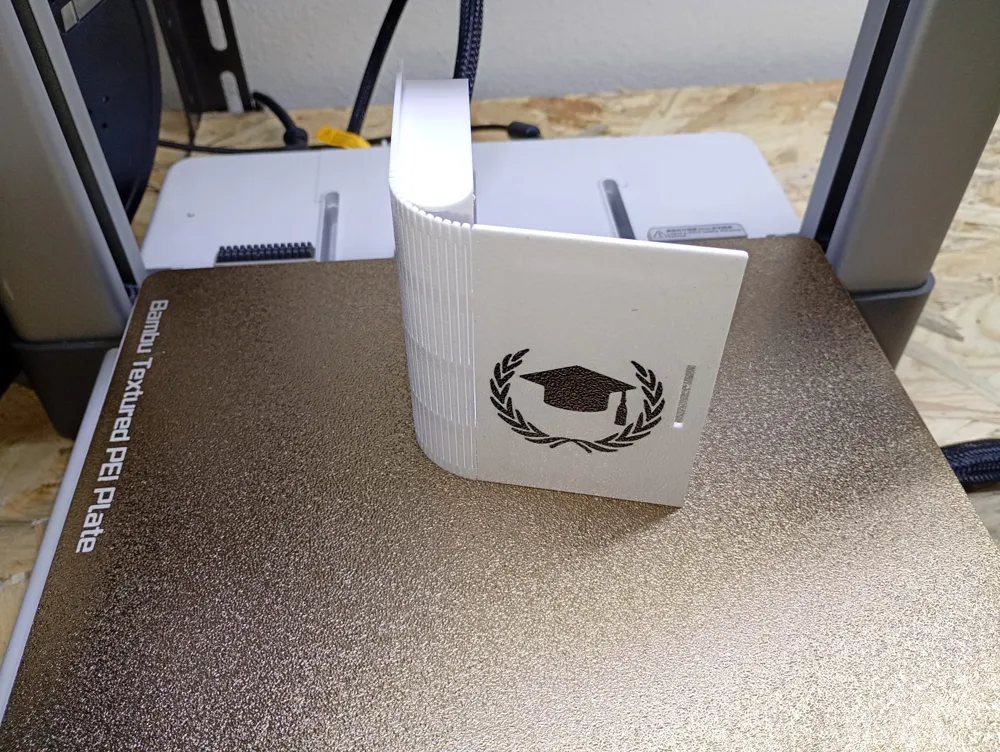
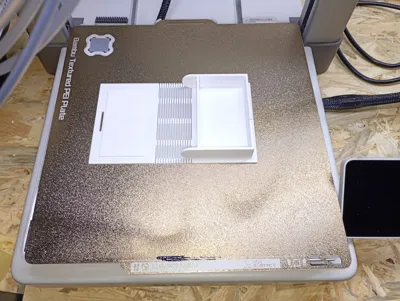
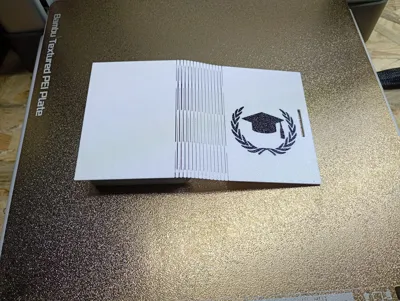
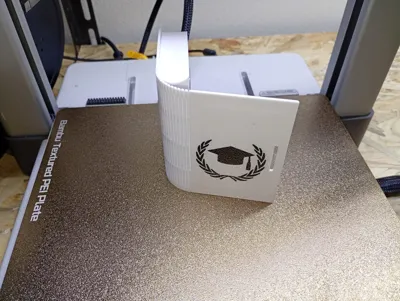
No supports required.
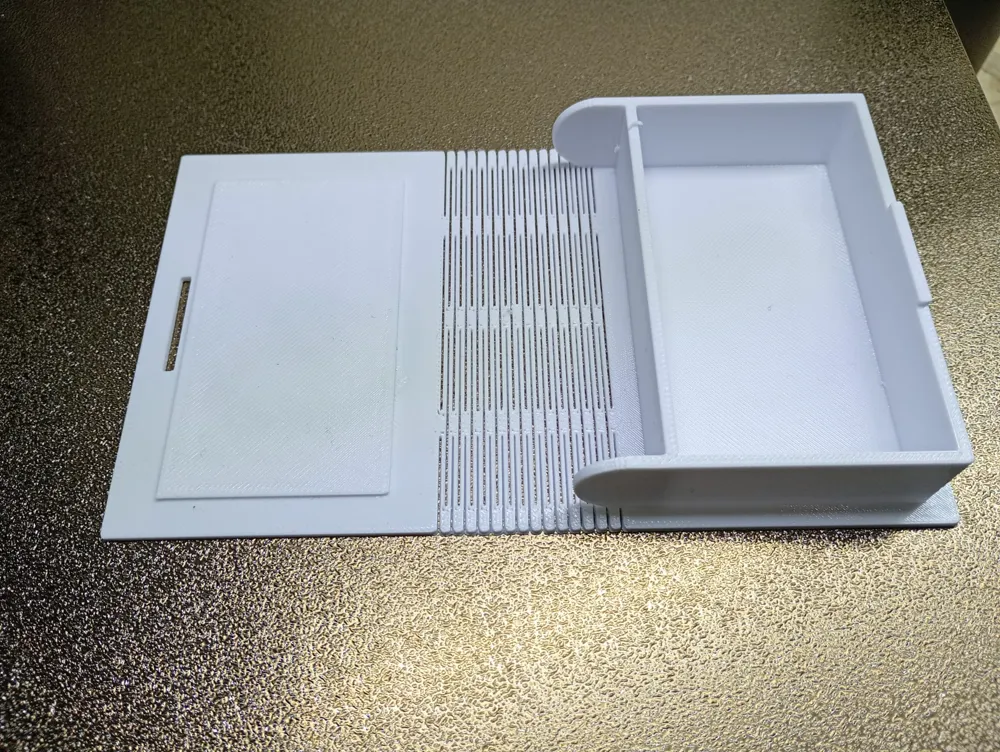
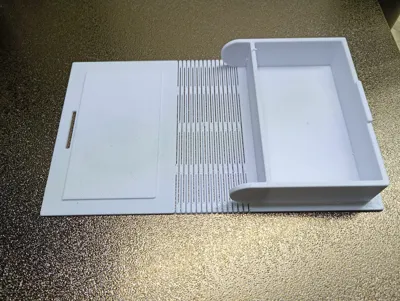
I designed it myself to celebrate a graduation; in fact, on both the right and left inside covers, I included the degree program, thesis date, and the name of the new graduate.
In fact, I highly recommend personalizing it with the name, date, etc., as desired.
I don't recommend placing text or anything else on the first cover (the one in contact with the printing plate) since it's easy to make mistakes and invalidate the print... I speak from experience...
Of course, those who know how to do it are welcome to do so. Just make sure the text isn't raised and is flush with the surface. Otherwise, the entire favor would be raised above the printing plate, and the printer, even if it's just 1 mm, would end up printing in a vacuum.
To customize the name and date:
Open the ".3mf" file (with the .stl file, the colors and designs of the front cover will be lost), use the "Text" tool (T button at the top) in the slicer to add the desired text.
Set the text to "Join" or "Part" with a height of 0.1mm above the lid surface.
You can color the letters using the paint bucket.
Have fun.
A LIKE is greatly appreciated, as is a photo of your print.
Scatolina porta confetti a forma di libro con una chiusura semplice ma efficace.
Perfetta per essere una bomboniera per celebrare il traguardo di Laurea.
Per renderla ancora più bella dando un tocco di signorilità consiglio di mettere un nastro sulla costa del libro.
Il nastro, volendo, può essere del colore del ciclo di studi completato, ad esempio, rosso per medicina, azzurro per ingegneria, etc.
Non sono necessari supporti
Io stesso l’ho disegnata per festeggiare una Laurea, infatti sia nella copertina interna destra che sinistra avevo inserito corso di Laurea, data della Tesi e nome del neo dottore.
Infatti consiglio vivamente di personalizzarla inserendo nome, data, etc. a proprio piacimento.
Non consiglio di inserire testo o altro sulla prima copertina (quella a contatto con il piatto di stampa) dato che è un attimo commettere errori ed invalidare la stampa... parlo per esperienza...
Naturalmente chi lo sa fare lo faccia pure, basta stare attenti che il testo non sia rialzato e sia allo stesso livello della superficie, altrimenti tutta la bomboniera verrebbe rialzata rispetto al piano si stampa e quindi la stampante, anche se per 1 mm si troverebbe a stampare nel vuoto.
Per personalizzare il nome e la data:
Aperto il file “ .3mf “ (con il .stl si perdono i colori ed i disegni della prima copertina), usa lo strumento "Testo" (pulsante T in alto) nello slicer per aggiungere il testo voluto.
Imposta il testo come "Join" o "Part" con un'altezza di 0.1mm rispetto alla superficie del coperchio.
Usando il secchiello è possibile colorare le lettere.
Buon divertimento.
Un LIKE è molto gradito, come sarebbe gradita una foto della vostra stampa.
Boost Me (for free)
License



Comment & Rating (6)