
Elas Filament Settings
Print Profile(1)
Description
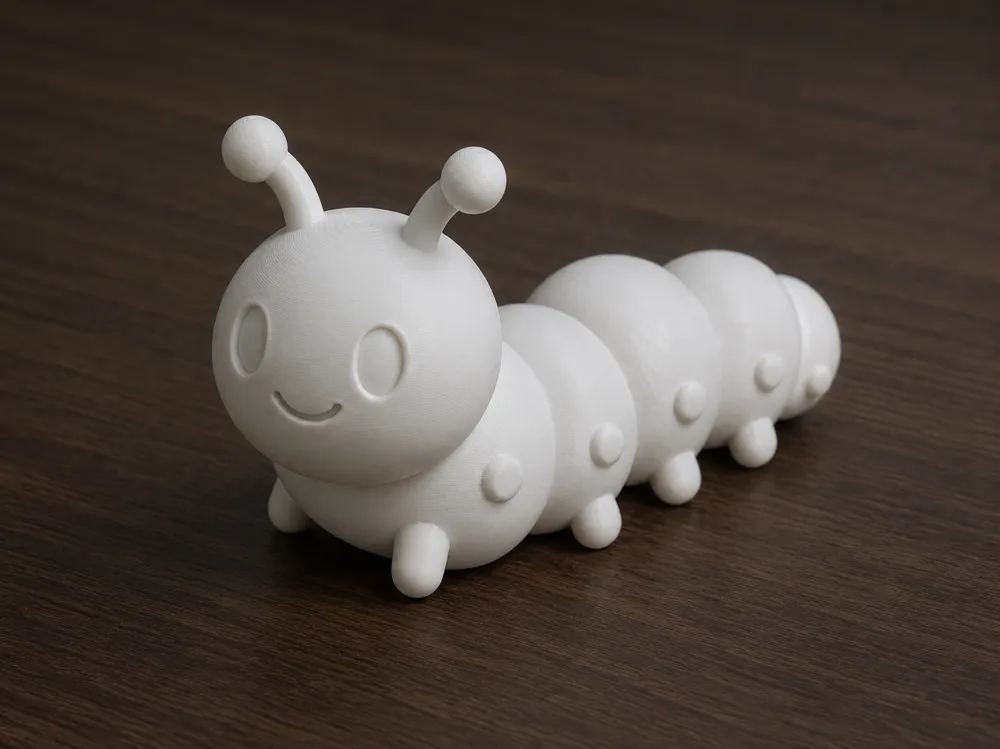
This model is designed to enable ELAS filament to be used directly with ready-made profiles, without any additional adjustments
The following slicer software is supported:
- Bambu Studio
- Orca Slicer
- QIDI Studio
- Elegoo Slicer
- Orca-Flashforge
- Snapmaker Orca (Snorca)
📌 Usage:


- Open the model in the slicer
- Select the appropriate ELAS profile from the filament section
- Do not change temperature, speed, or retraction settings
- Before starting the print, check the process by following the steps in the GIF
- Then slice and save the model and start the print
-----
This model is designed to allow ELAS filament to be used directly with pre-configured profiles, without any additional tuning or adjustments
The following slicer software are supported:
- Bambu Studio
- Orca Slicer
- QIDI Studio
- Elegoo Slicer (Orca-based)
- Orca-Flashforge
- Snapmaker Orca (Snorca)
📌 Usage:
- Open the model in your slicer
- Select the appropriate ELAS filament profile
- Do not change temperature, speed, or retraction settings
- Before starting the print, review the steps in the GIF to understand the process
- Then slice, save, and start printing
License

You shall not share, sub-license, sell, rent, host, transfer, or distribute in any way the digital or 3D printed versions of this object, nor any other derivative work of this object in its digital or physical format (including - but not limited to - remixes of this object, and hosting on other digital platforms). The objects may not be used without permission in any way whatsoever in which you charge money, or collect fees.


Comment & Rating (14)