
DCB118 Fast Charger Wall, HSW and Multiboard Mount
Print Profile(2)




Description
Membership
Becoming a member you will help to support me in my working on my models and also you will have rights to use prints commercially. Plus You will be first in line if any modifications of model will be needed in your case
Boost Me (for free)
If You like what I'm doing and want to support me in my work here. Every little helps.
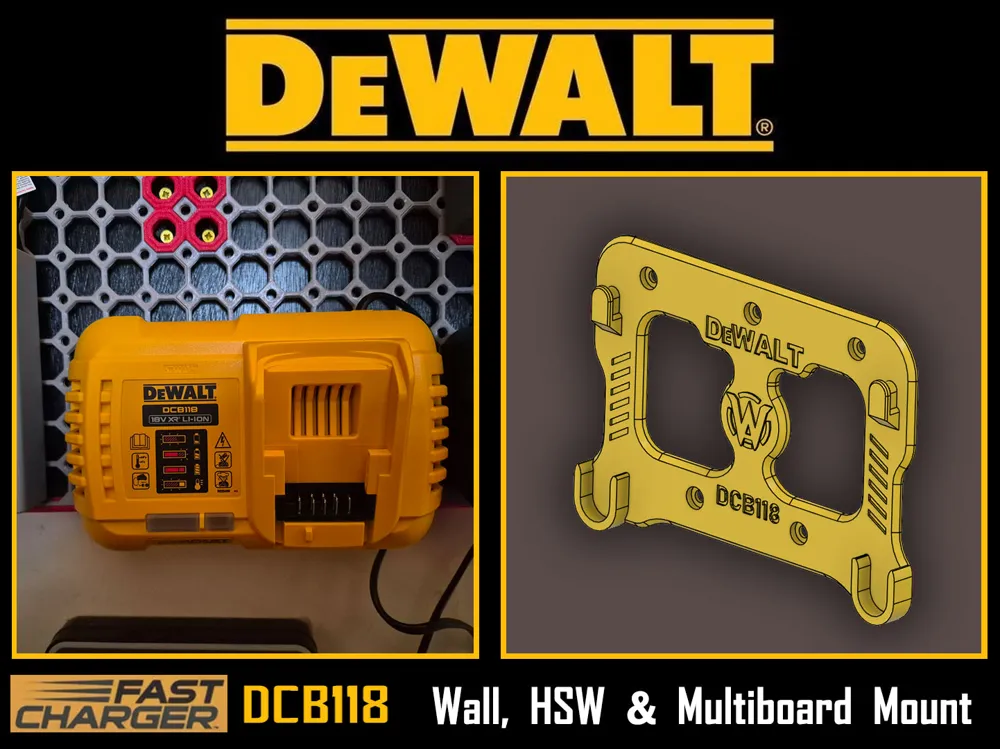
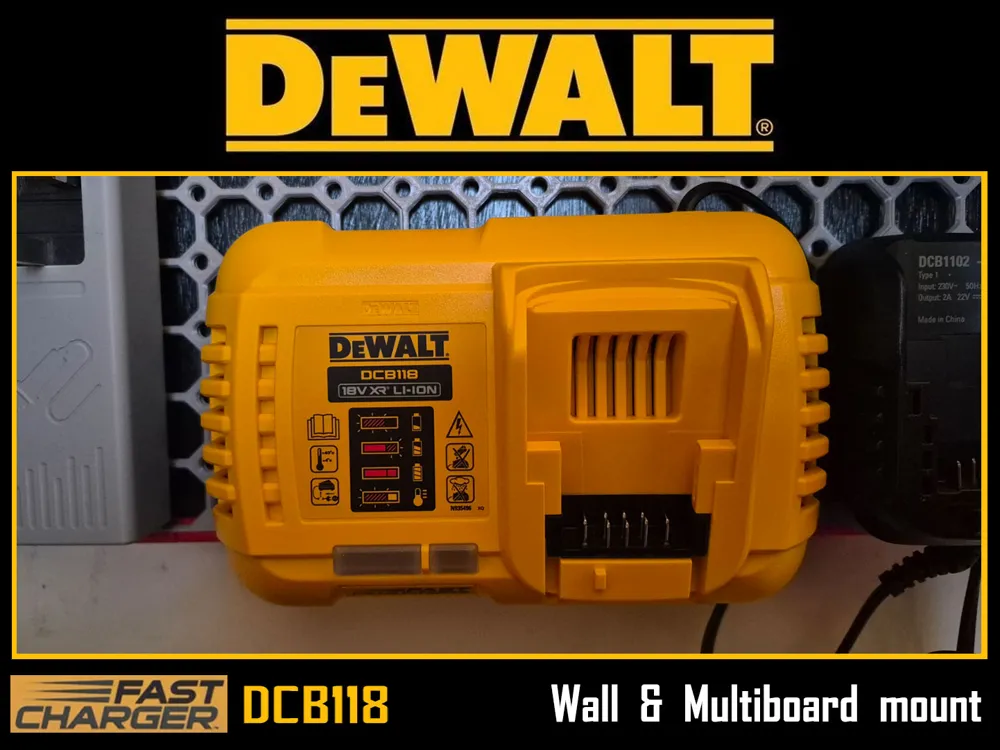
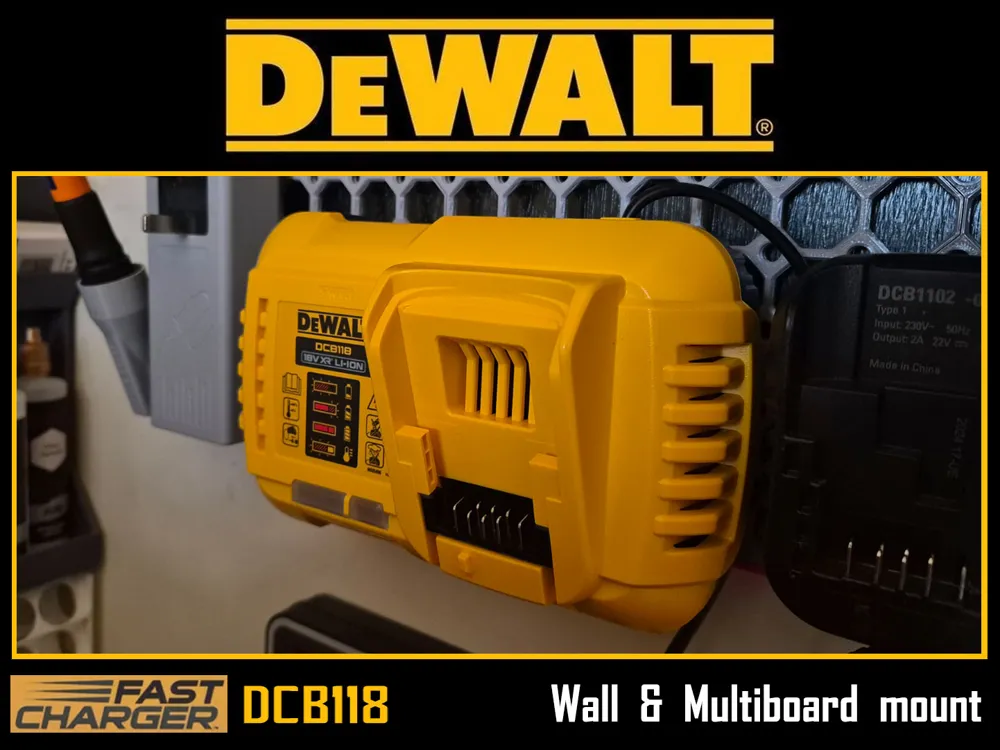
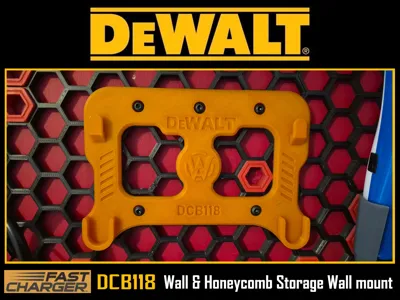
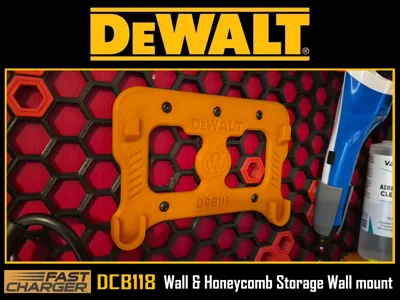
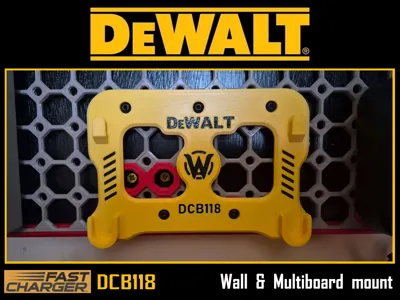
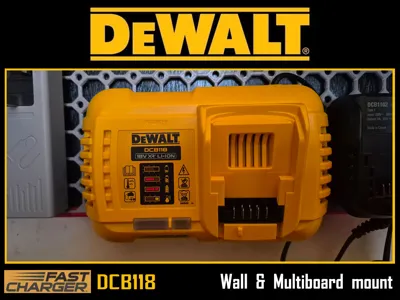
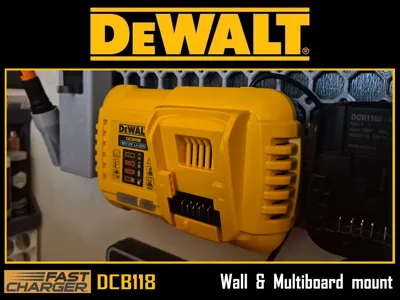
DeWALT DCB118 Fast Charger Mount for Wall, Multiboard and Honeycomb Storage Wall (HSW)
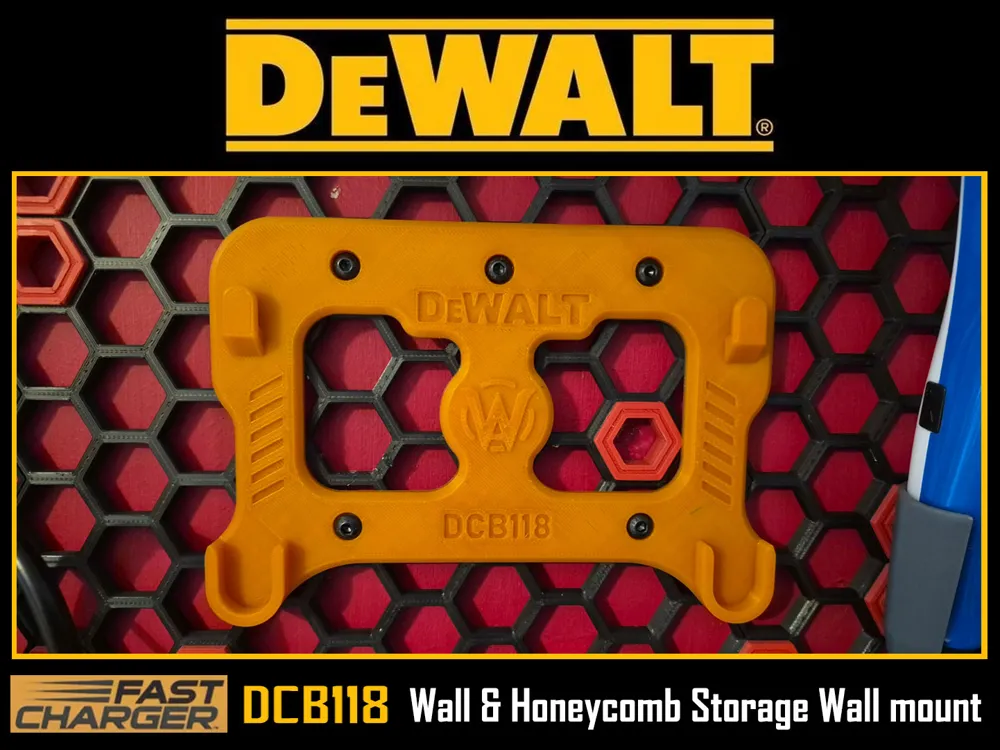
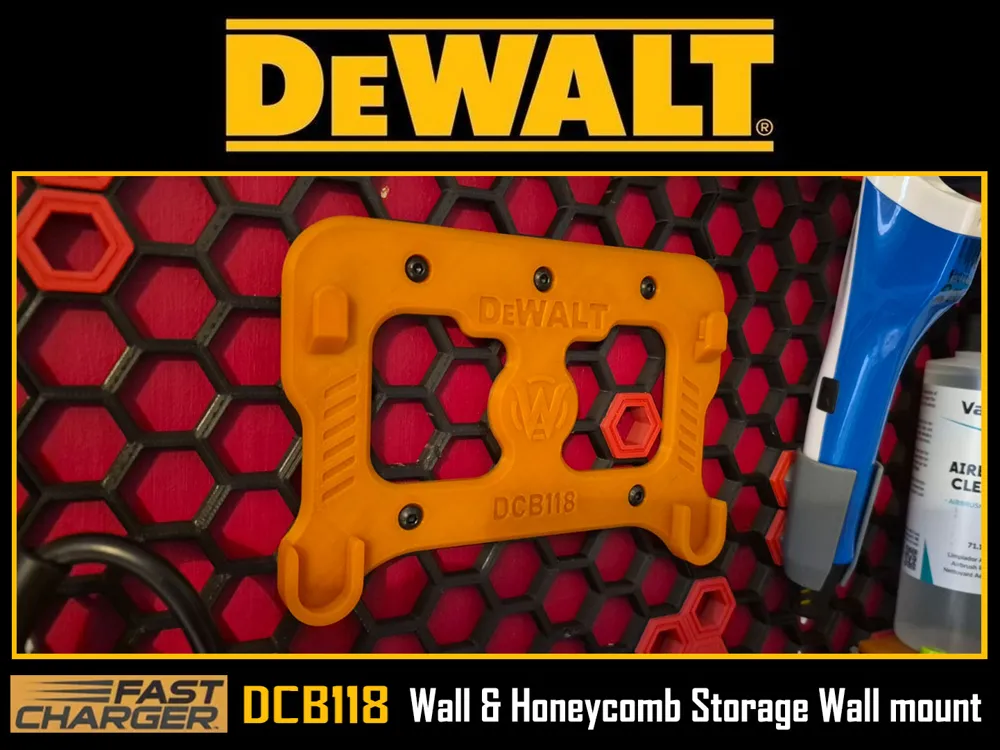
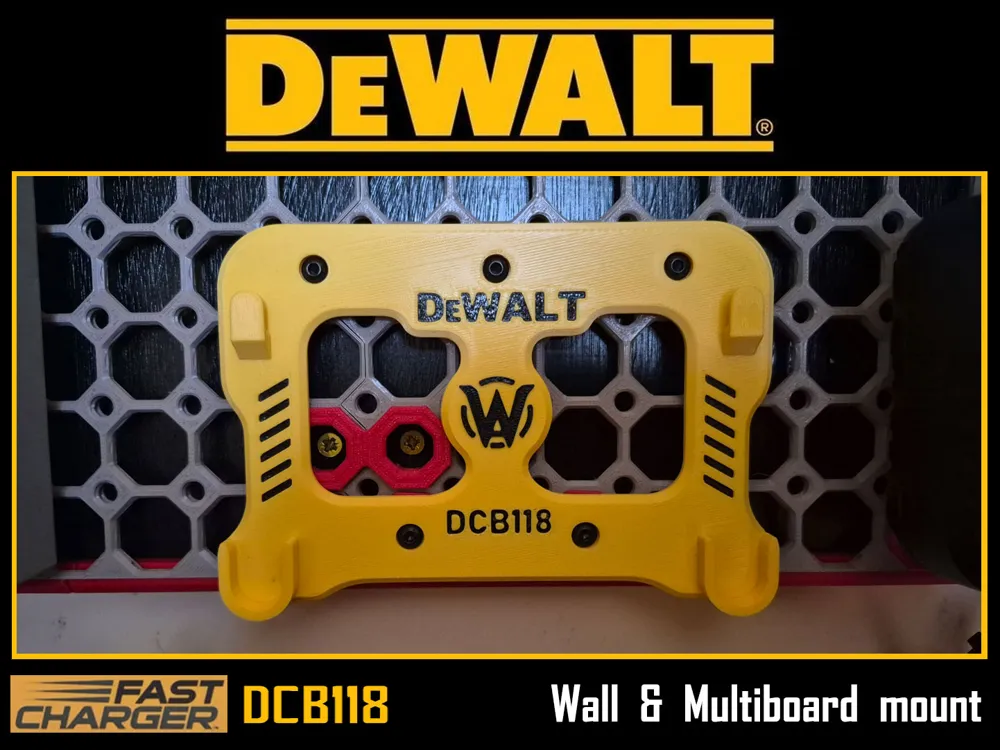
To reduce any possible confusing two Profiles are presented. One for Multiboard and one for Honeycom Storage Wall. Mounts from either of them can be used on bare Wall or any other flat surface as well. As you can see both profiles have 4 different versions of the mount. Here are differences between them:
- Plate - Single colour and Flat Head, Button head and similar type of screws to be used as fittings.
- Plate - Prepainted (two colours) and Flat Head, Button head and similar type of screws to be used as fittings.
- Plate - Single colour and Countersunk head type of screws to be used as fittings.
- Plate - Prepainted (two colours) and Countersunk head type of screws to be used as fittings.
This applies for both profiles.
For better bed adhesion and to prevent warping mouse ears are added. Just snap them off.
As for fittings, M4 screws should be used. I do prefer Flat head type for such applications, but you can use countersunk if you like. Just choose right mount to print. For simple wall fitting use appropriate M4 screws. When mounting mount to the Multiboard or Honeycomb Storage wall use M4x12 or M4x16 machine screws.
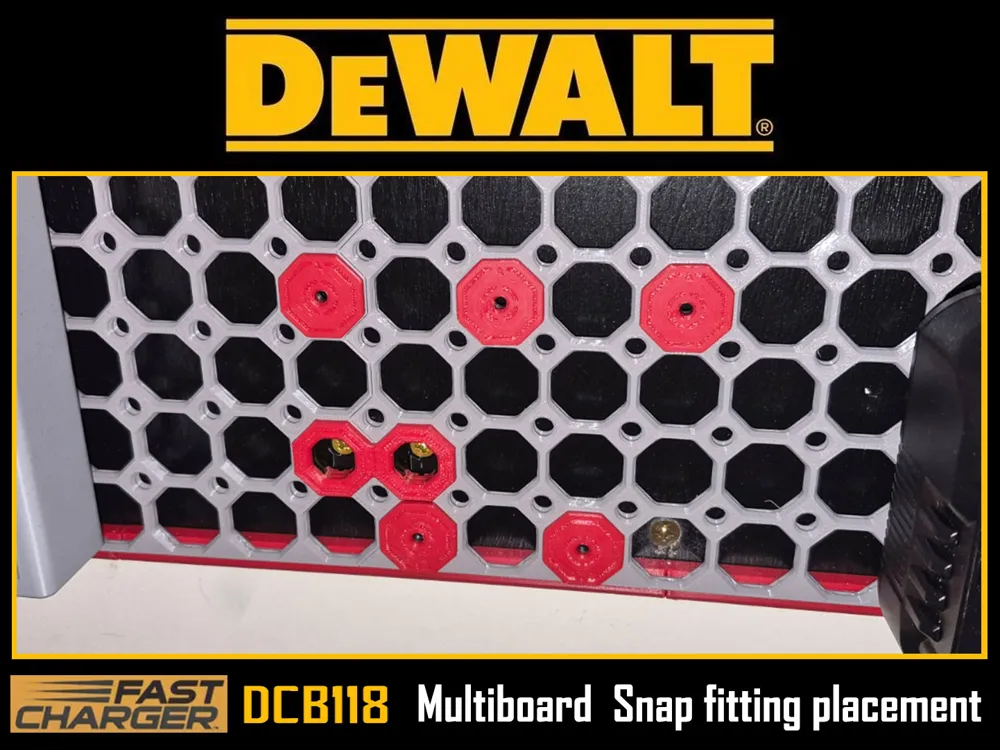
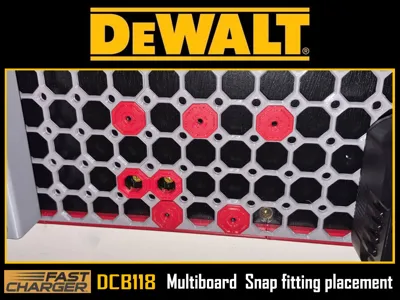
For Multiboard mount use Multiboard Weight Bearing Snaps. Drop-in-Nut or Heat Insert one. You can find them here:
A little lifehack from me. When using weight bearing snaps for this kind of mounts where you need to use some force pullung battery upwards to remove from charger, I like to use a bottom (lower) Weight bearing snaps upside down with arrow facing down. Top ones must be placed right with arrow facing up.
For Honeycomb Storage Wall mount use M4_insert_WD.STL provided here in STL files. This is modified (Better in my opinion) by me original insert or, if you prefer to use original one, then you can use insert M4.step from original HSW model by rostap.
As for filament I do recommend PETG/ABS/ASA. PLA will work, but can deform over some time.
If you are looking for more models done for DeWALT tools check my Collection of DeWALT accessories.
You can Buy me a coffee if You would like to support me even more :)

https://www.buymeacoffee.com/warlogh
(And very Big Thank You For interest in my work)
License

You may create derivative works based on this object, provided that all such derivative works are published exclusively on the MakerWorld platform and include proper attribution to the original creator. You may not share, upload, host, distribute, or publish this object—or any derivative work of this object—on any other digital platform, marketplace, or distribution channel. Commercial use of this object and any derivative works is strictly prohibited. This includes, but is not limited to, selling, renting, sublicensing, or using the object in any context in which you receive monetary compensation or other financial benefits.


Comment & Rating (1)