

Print Profile(2)
Bill of Materials


Description
Boost Me (for free)
I’m a hobbyist who loves creating 3D models for everyone to use. If you like what you see, a Boost is greatly appreciated—it directly supports this hobby and helps me bring future projects to life.
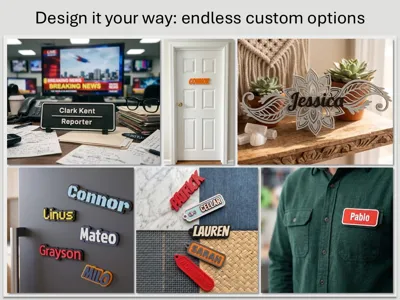
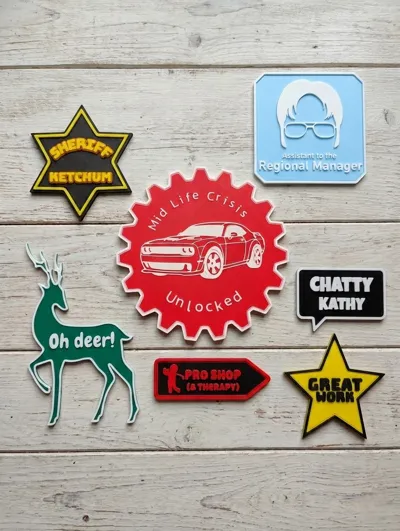
Explore endless customization options with a fun project that lets you generate unique nametags and bespoke identity accessories. These personalized creations are the perfect way to craft memorable, customized gifts for the people you care about.
This script is incredibly robust and capable of creating highly complex items—but with that flexibility comes a bit of a learning curve. Please read the documentation to understand the full range of options available to you. If you want to jump right in, I have built in templates you can use for your projects.
There are 5 steps to follow when creating your own custom designs:
- Choose and customize your base shape: Select from standard shapes or import your own SVG to use as a custom base.
- Customize your border: Adjust the framing and edges to suit your style.
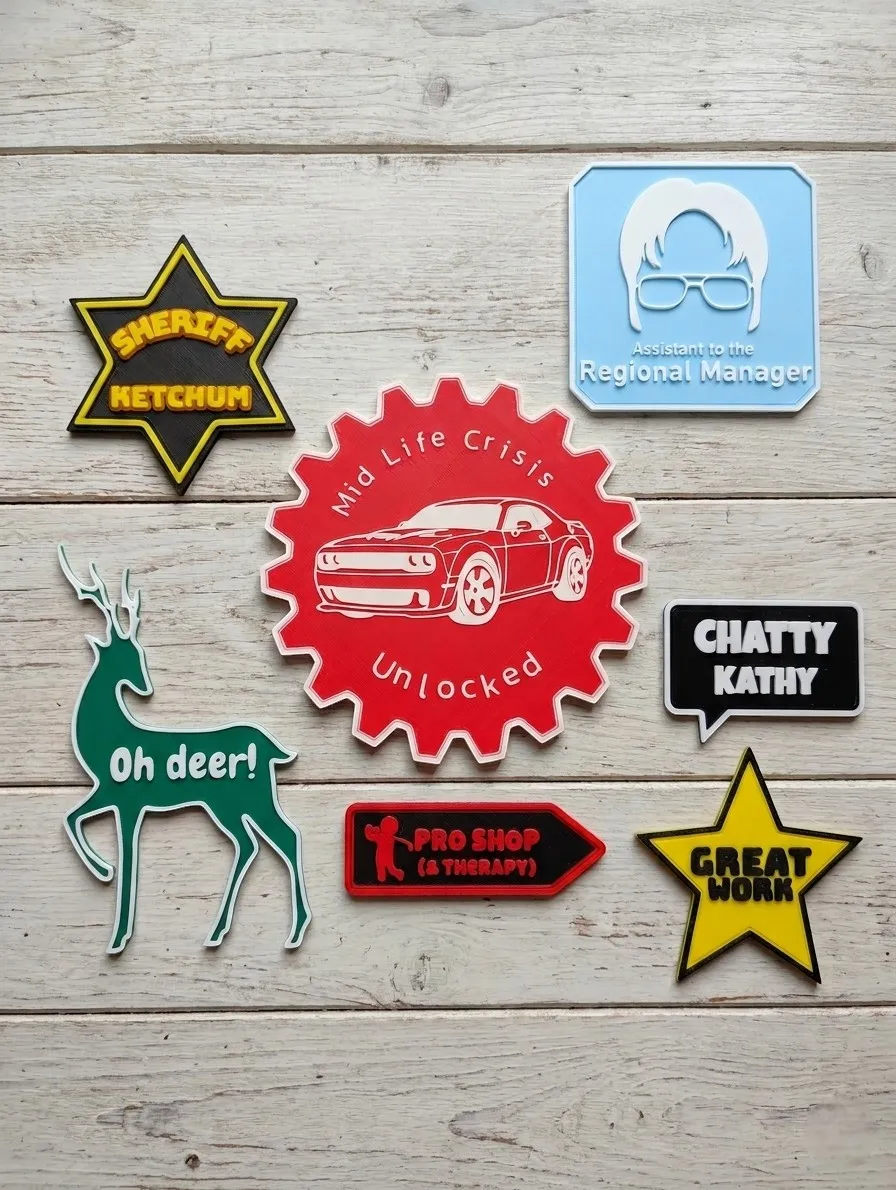
- Decorate your design: Personalize your piece with regular, curved, or dynamic lettered text, as well as SVG images and emojis.
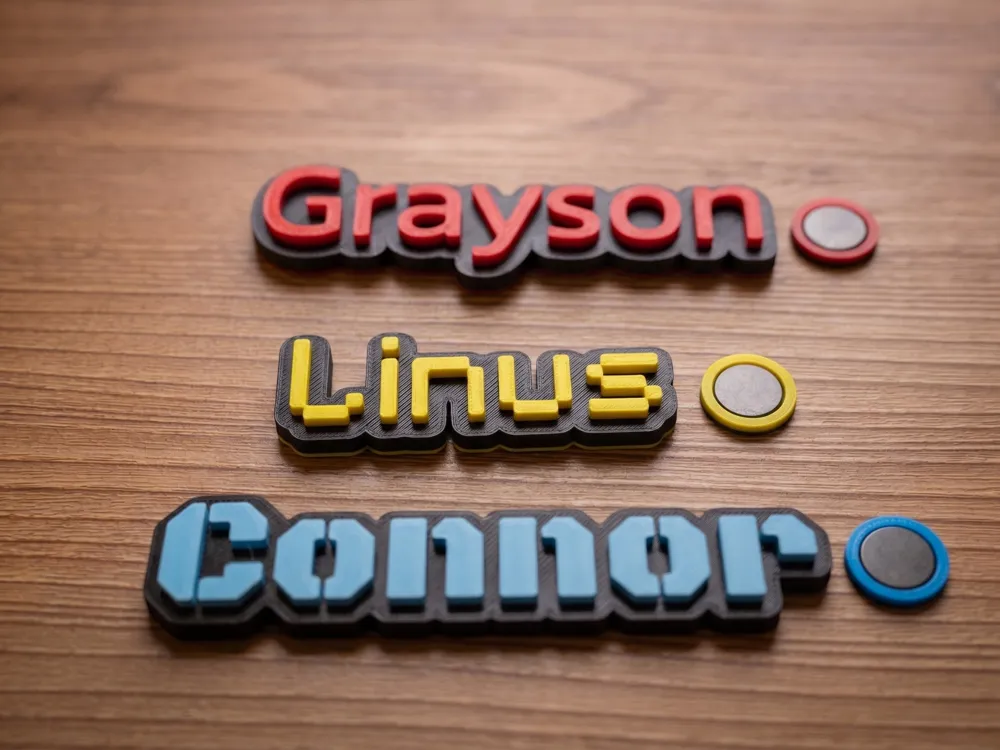
- Select your attachments: Add loops for keychains or choose magnetic mounting options.
- Choose your colors: Pick the perfect color palette to bring your final design to life.
The true power comes from building your own designs, please add them in the comments as I would love to see what you build. For those who would prefer to get a headstart, you can tweak the templates below.
Templates and what to tweak:
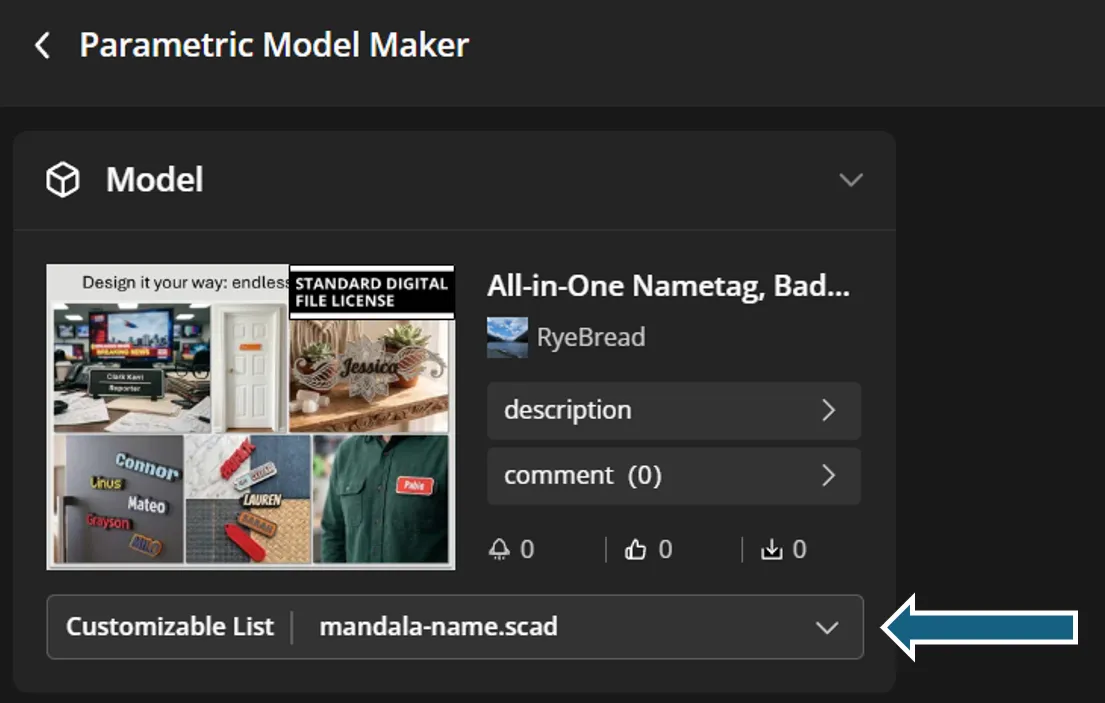
You can change template using this dropdown:
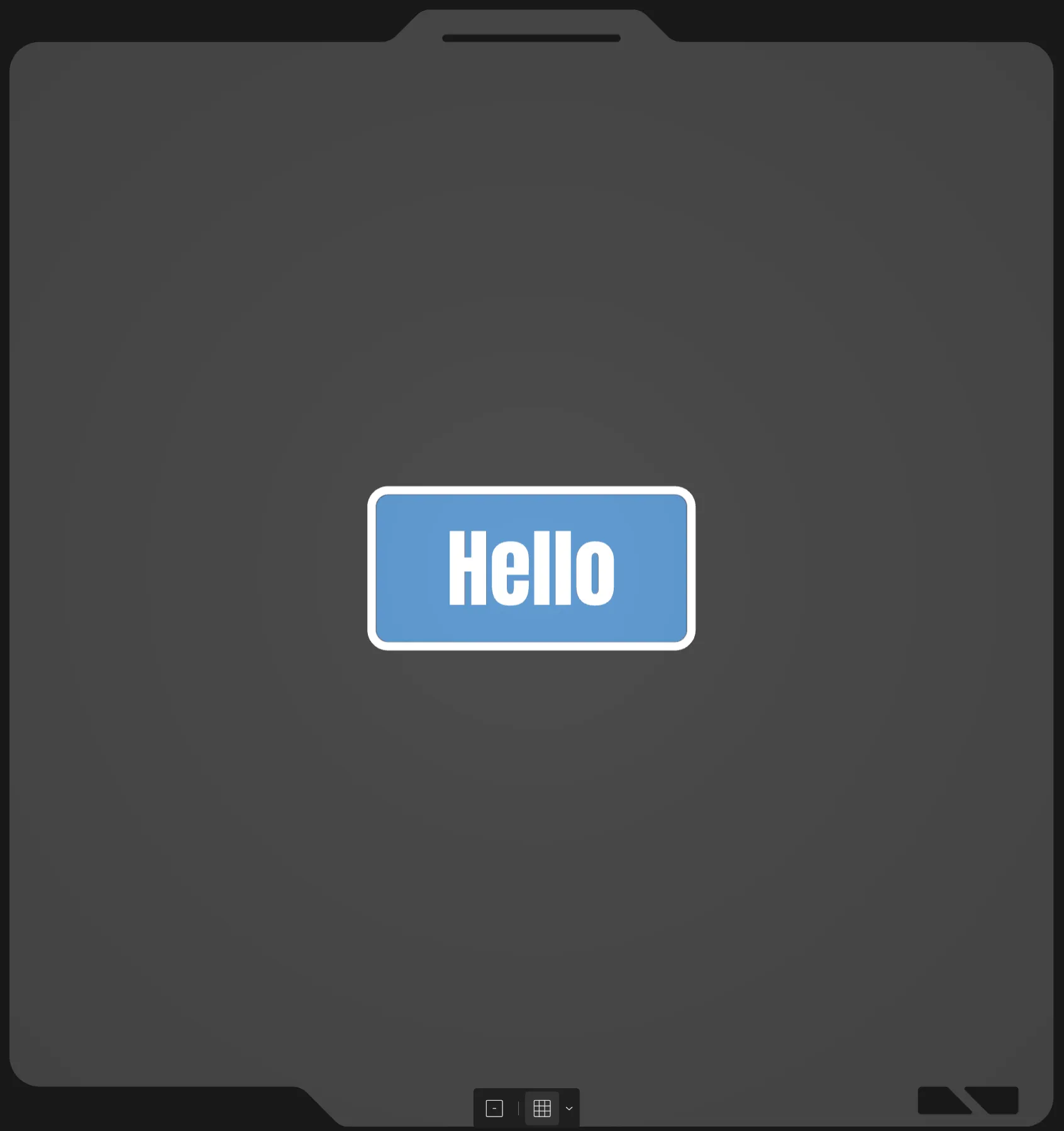 | default_starter.scad: If you want to create something custom, start with this.
Be creative, build whatever you want, and remember to please share it in the comments. |
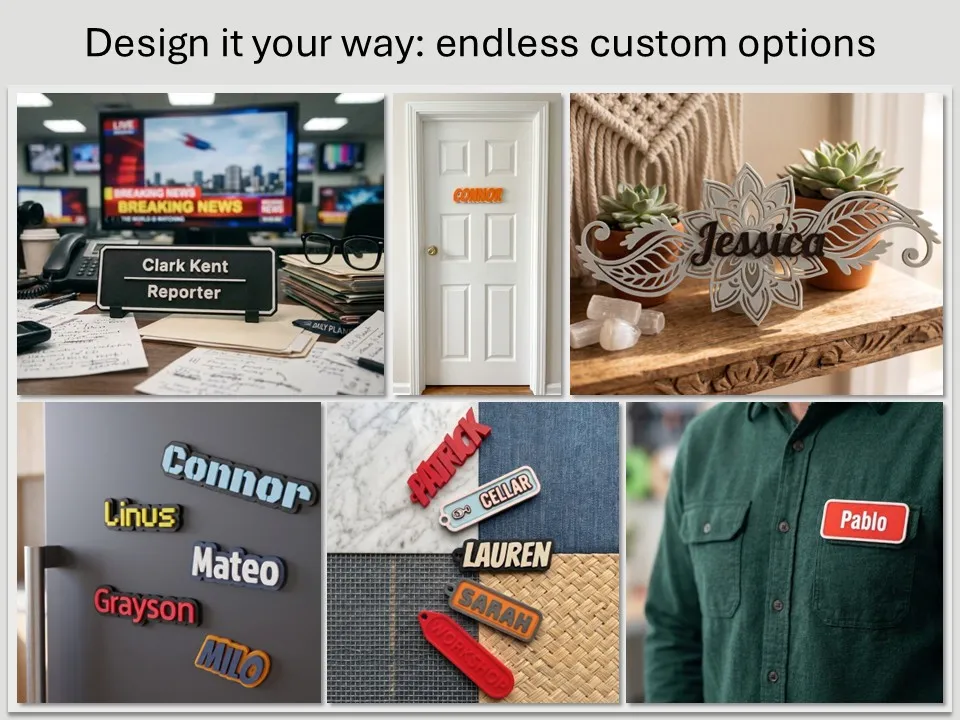
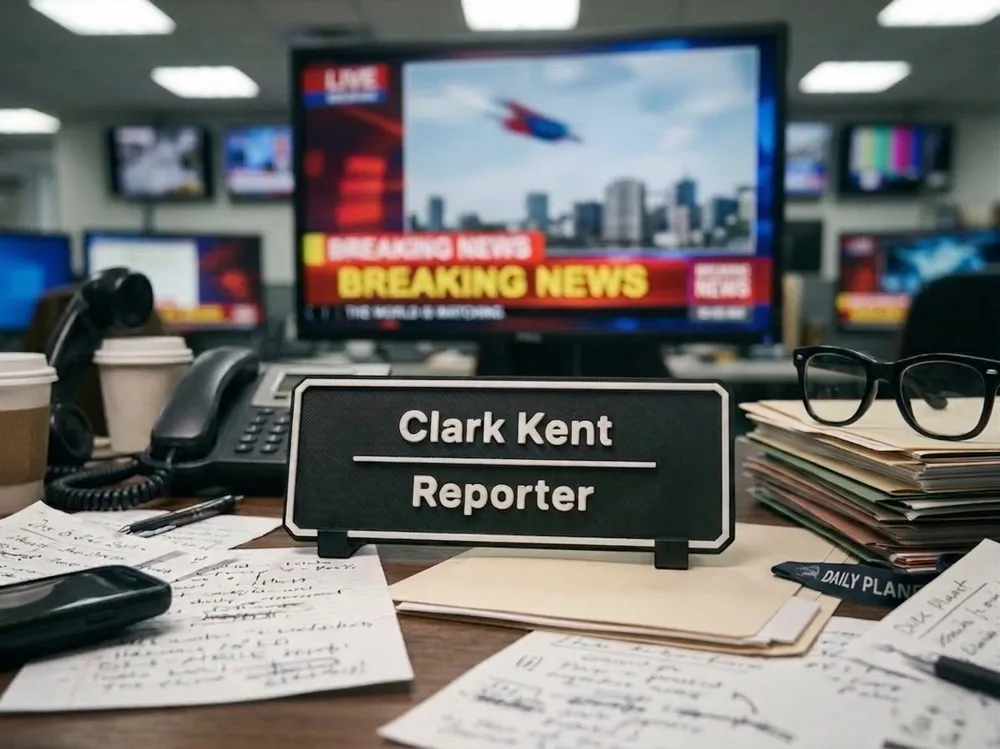
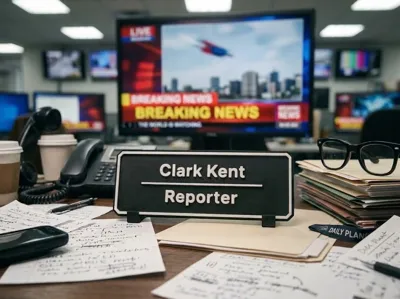
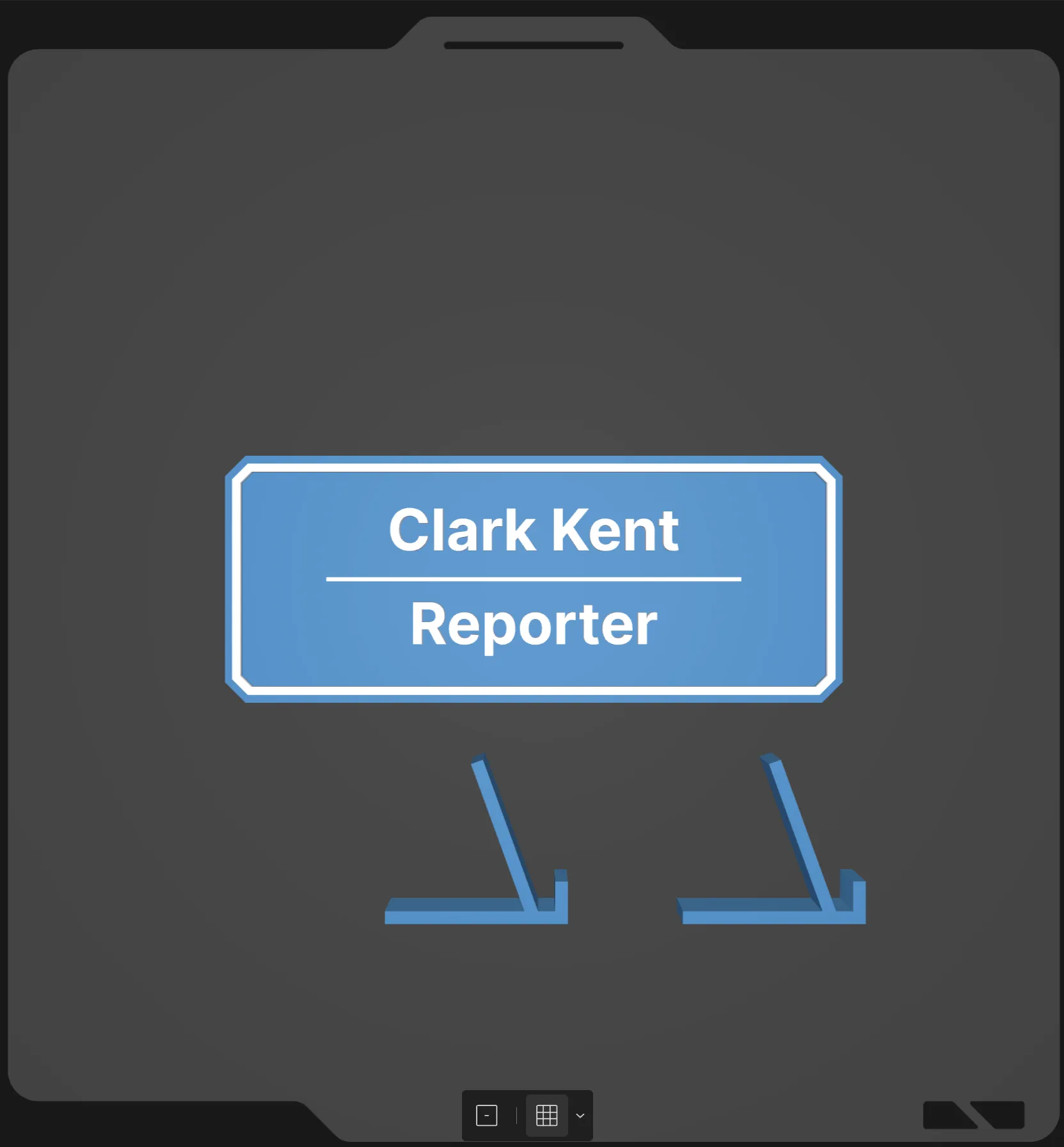 | desk-name-plate.scad: This is a simple name plate and includes two feet to support it.
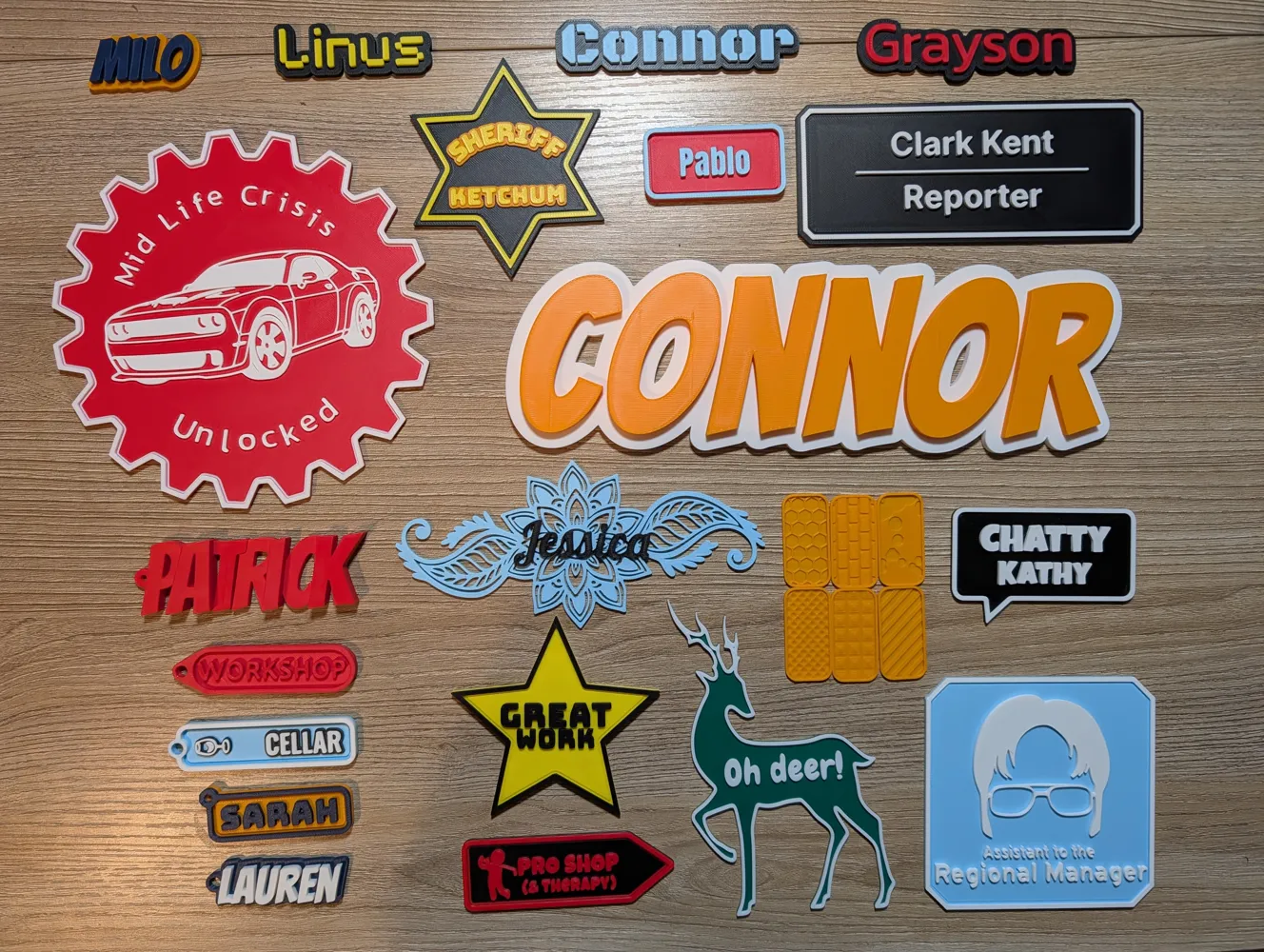
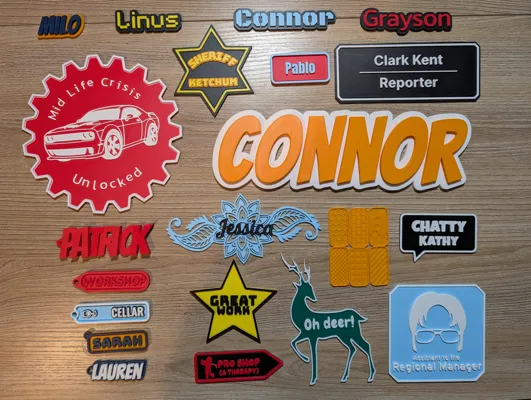
Settings to tweak Base Shape: Adjusts the base thickness. – Rectangle: Adjusts the dimensions and corner rounding/chamfering. Border: Adjusts the border width, offset and engraving. Text 1: Adjusts the font and text, currently set to Clark Kent. Text 2: Adjusts the font and text, currently set to Reporter. Line Decoration: Adjusts the rectangle between the text. Optional Extras: Adjusts the feet of the nameplate.
|
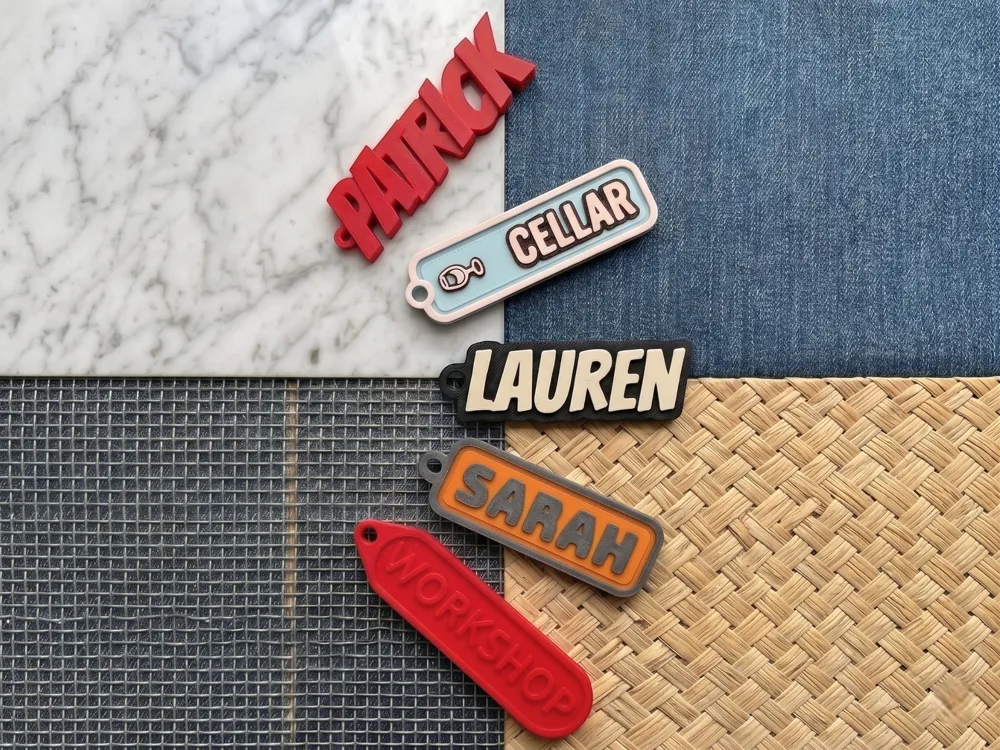
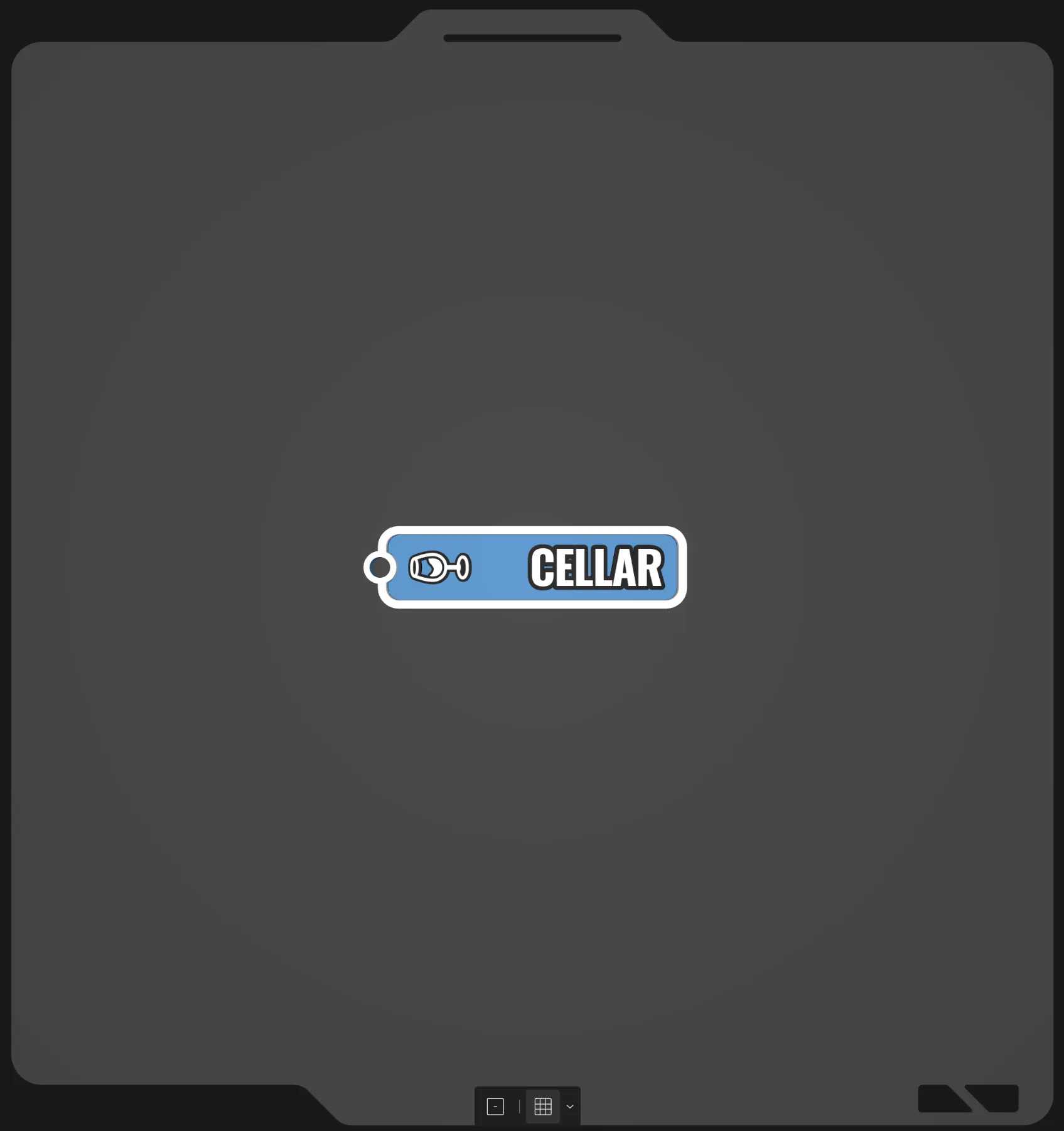 | emoji-key-tag.scad: This is a key tag using an emoji and text.
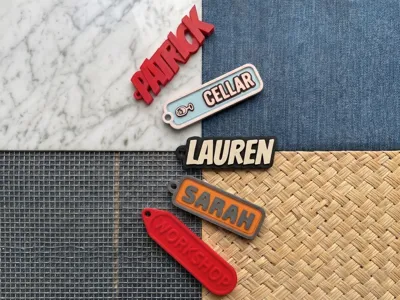
Settings to tweak Base Shape: Adjusts the base thickness. – Rectangle: Adjusts the dimensions and corner rounding/chamfering. Border: Adjusts the border width, offset and engraving. Text 1: Adjusts the font and text, currently set to Cellar. Image - Emoji: Adjusts the emoji used, currently set to 🍷. Loop 1: Is enabled, adjust the loop settings.
|
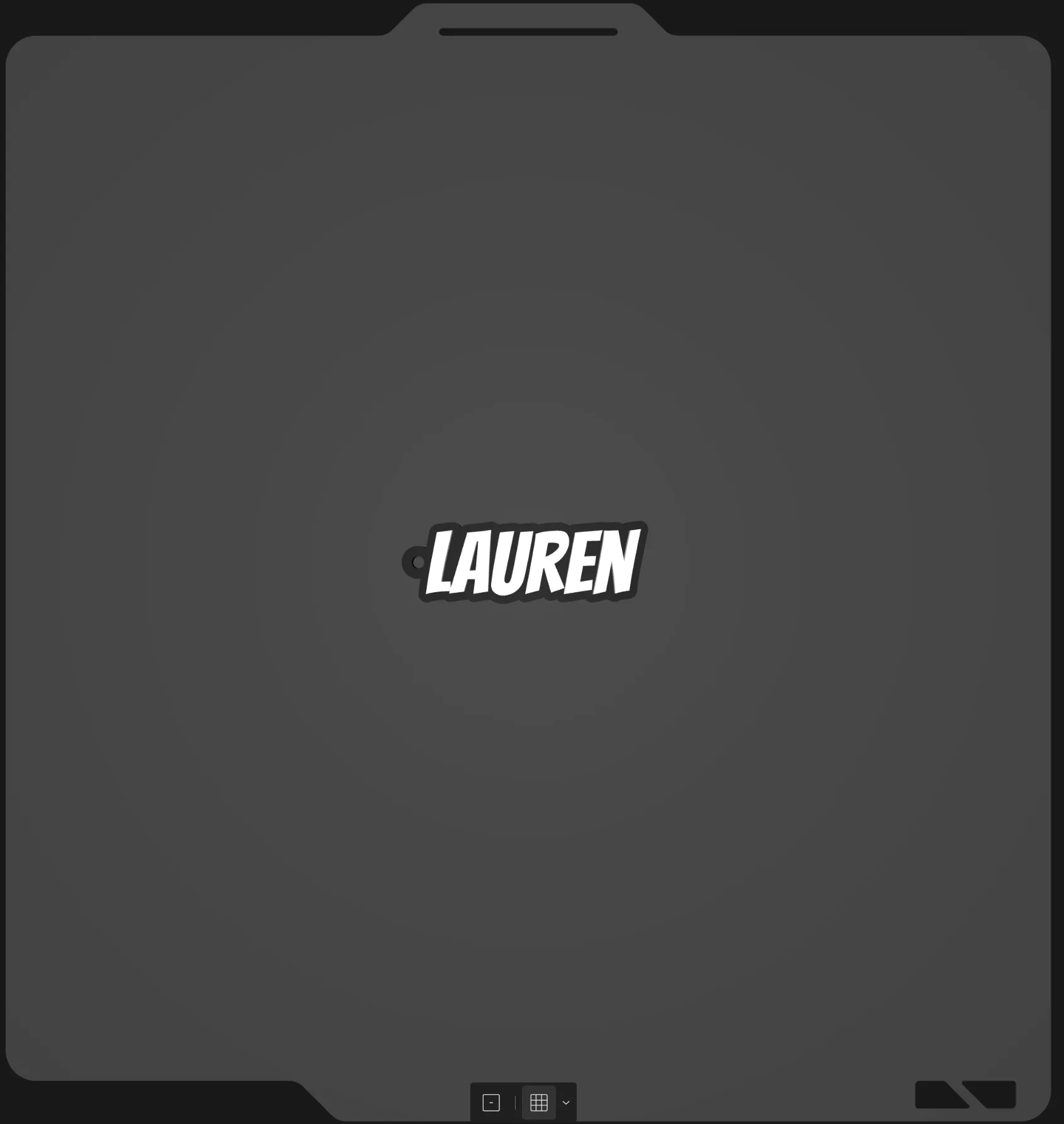 | emoji-key-tag.scad: This is a key tag using an emoji and text.
Settings to tweak Base Shape: is set to none. Border: is disabled Text 1: Adjusts the font and text, currently set to Lauren. Loop 1: Is enabled, adjust the loop settings.
|
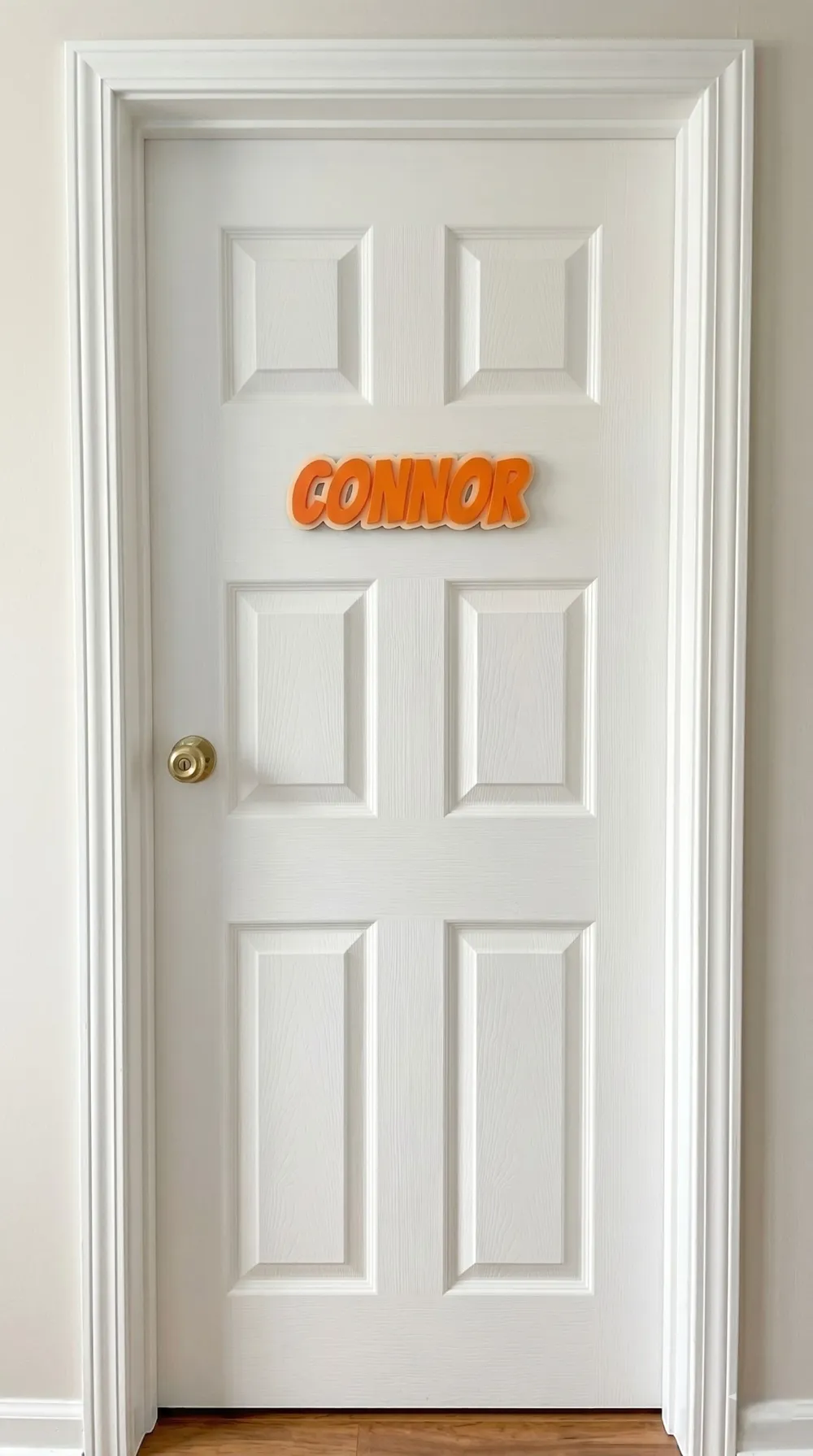
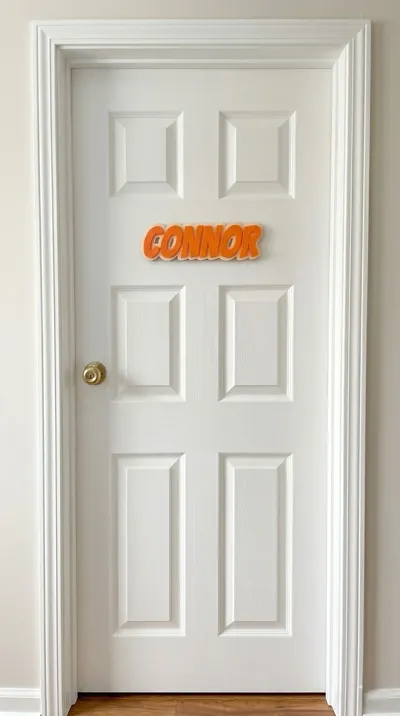
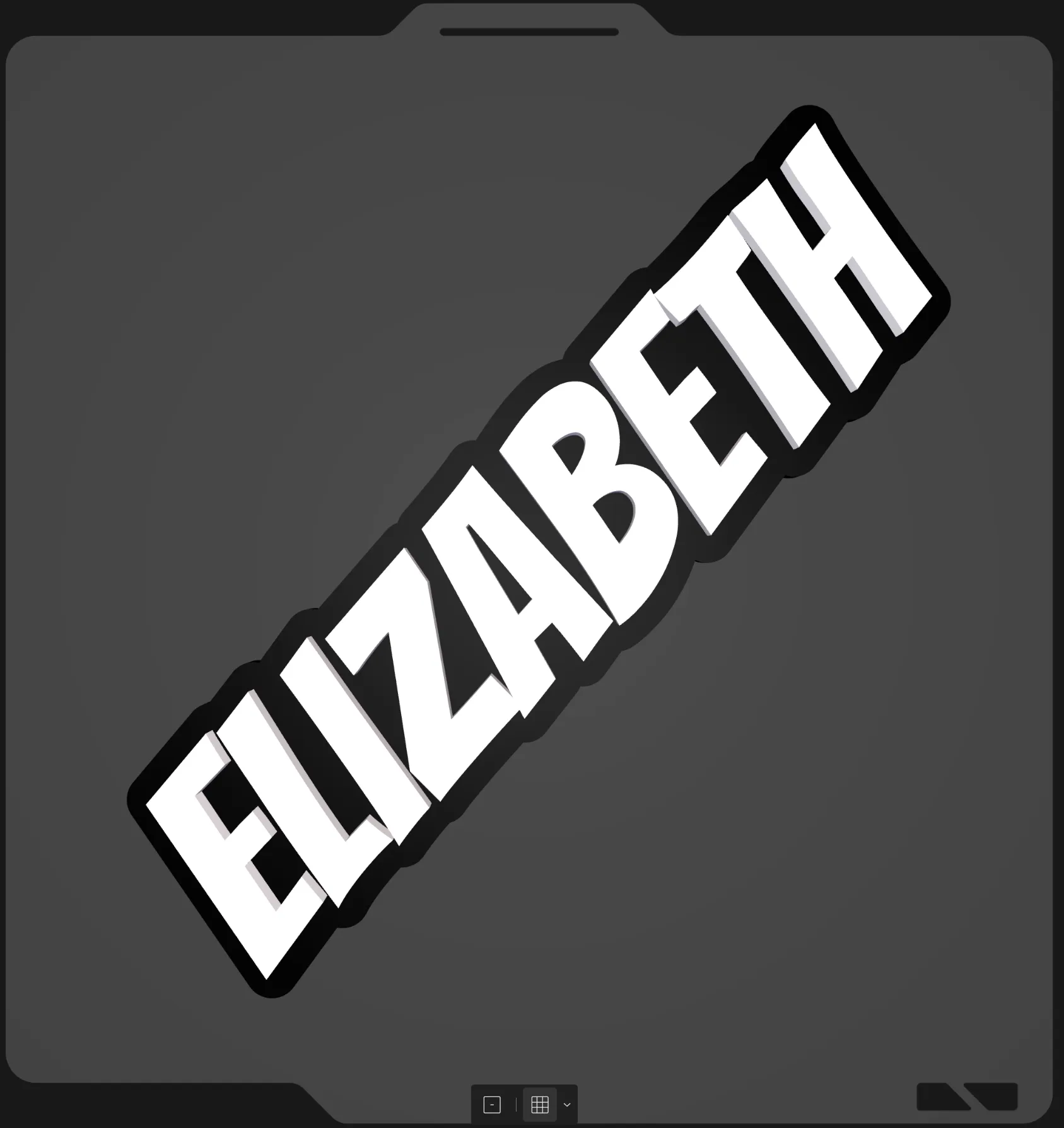 | door-name-plate.scad: This is a large plate to be stuck to a door with double sided tape
Settings to tweak Base Shape: is set to none. Border: is disabled Text 1: Adjusts the font and text, currently set to Elizabeth.
|
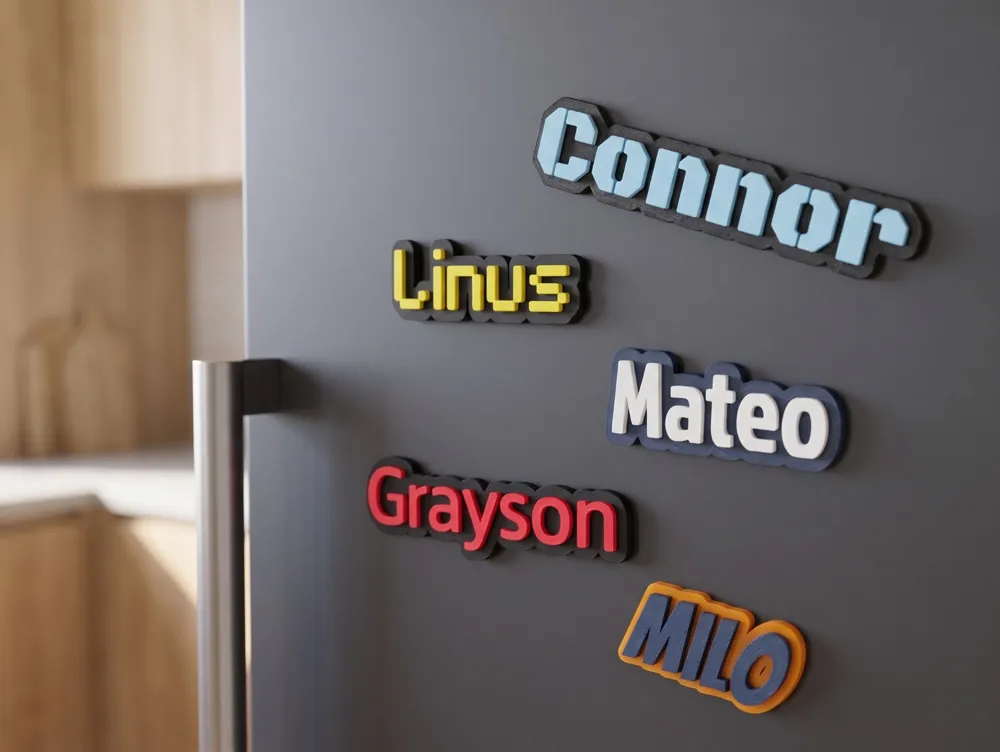
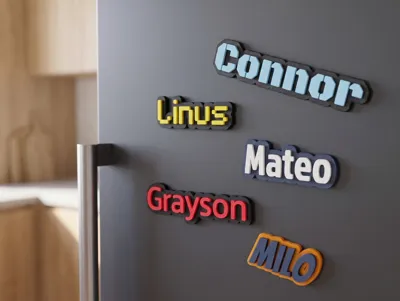
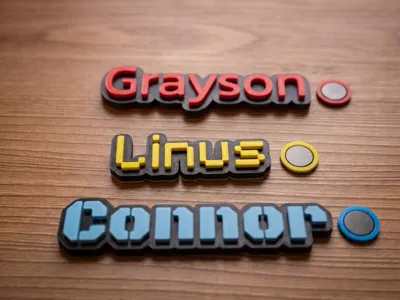
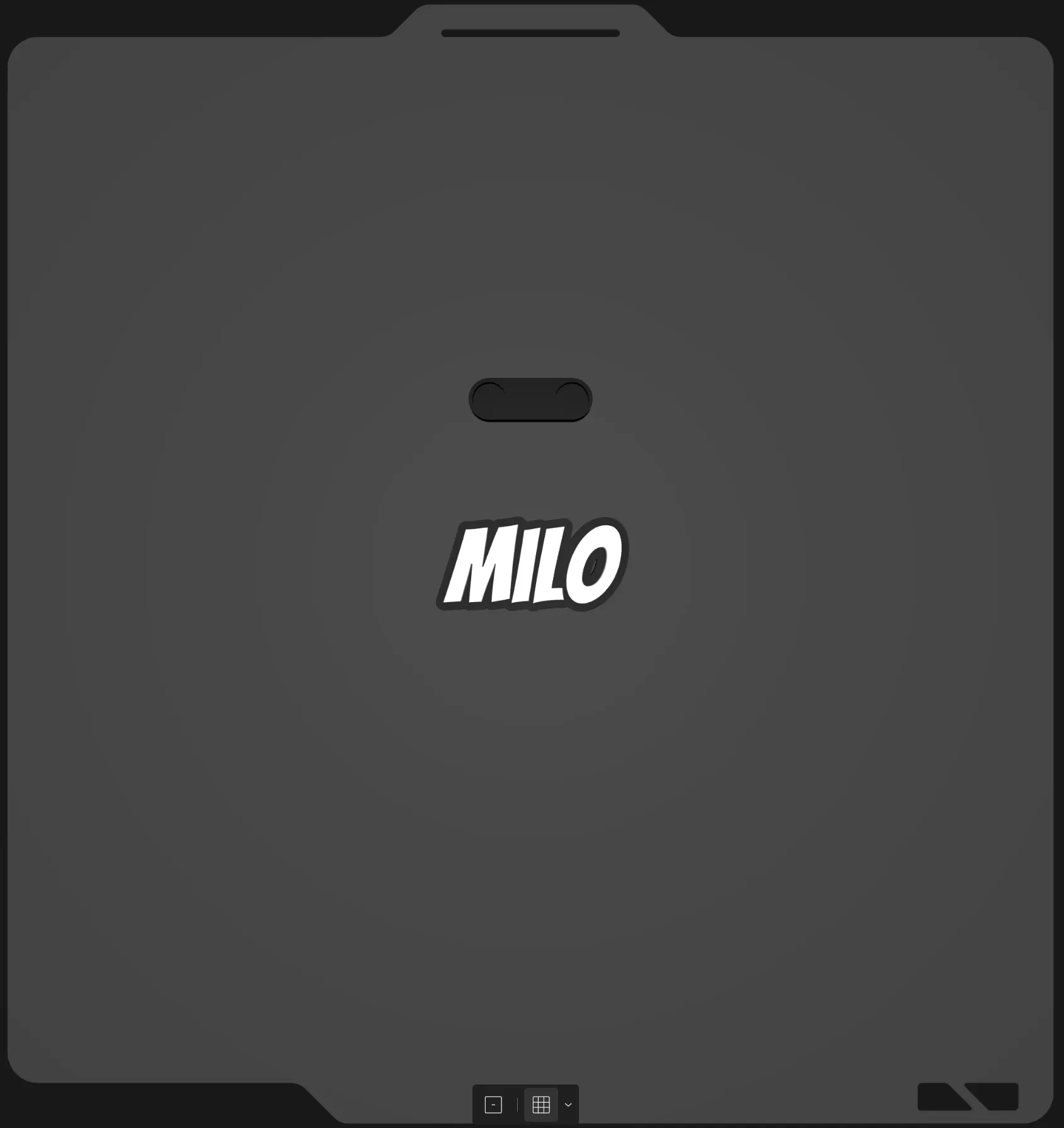 | magnetic-name-tag.scad: This creates a name tag with recess for magnets and a holder.
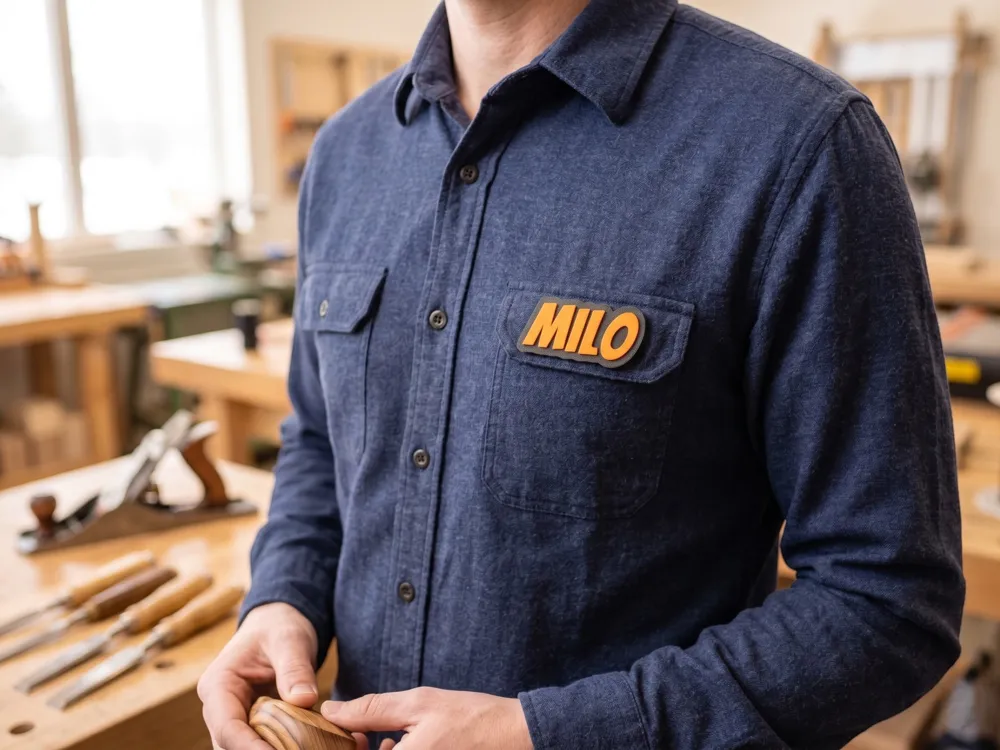
Settings to tweak Base Shape: is set to none. Border: is disabled Text 1: Adjusts the font and text, currently set to Milo. Magnets: is enabled. Adjust for magnet dimensions, hole placement and magnet holder type. |
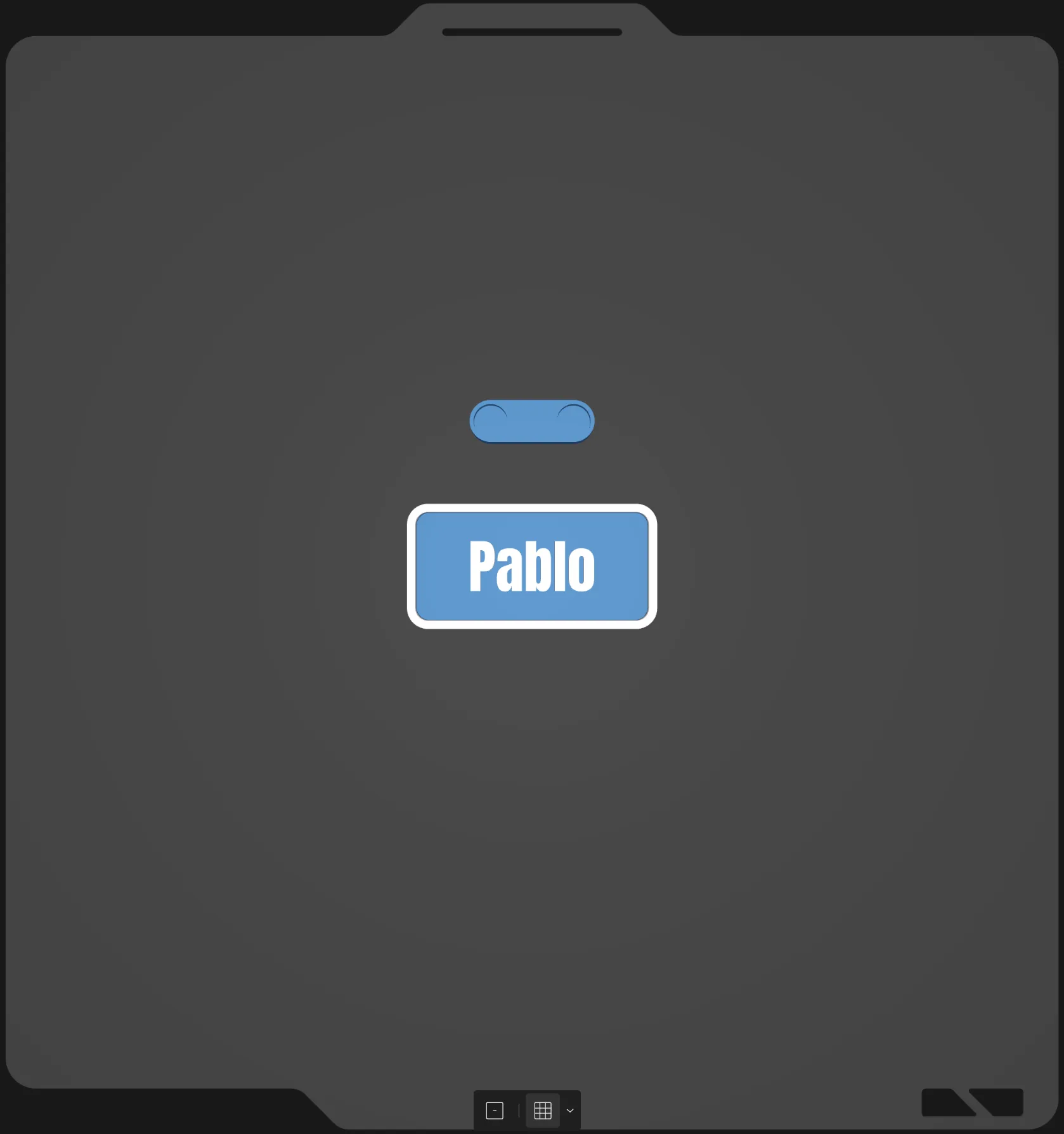 | magnetic-badge.scad: This is a badge with magnets.
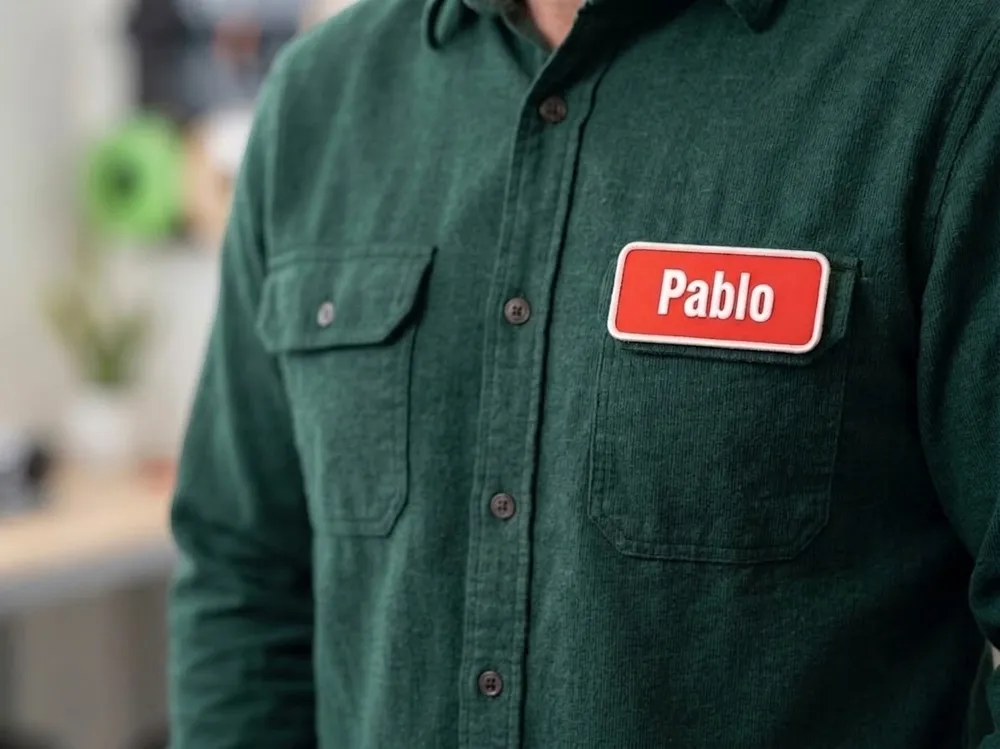
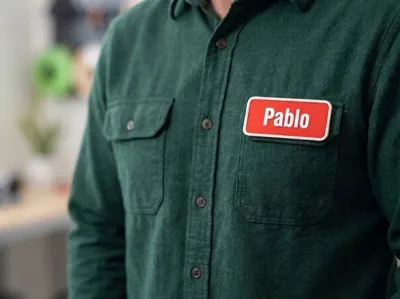
Settings to tweak Base Shape: Adjusts the base thickness. – Rectangle: Adjusts the dimensions and corner rounding/chamfering. Border: Adjusts the border width, offset and engraving. Text 1: Adjusts the font and text, currently set to Pablo. Magnets: is enabled. Adjust for magnet dimensions, hole placement and magnet holder type. |
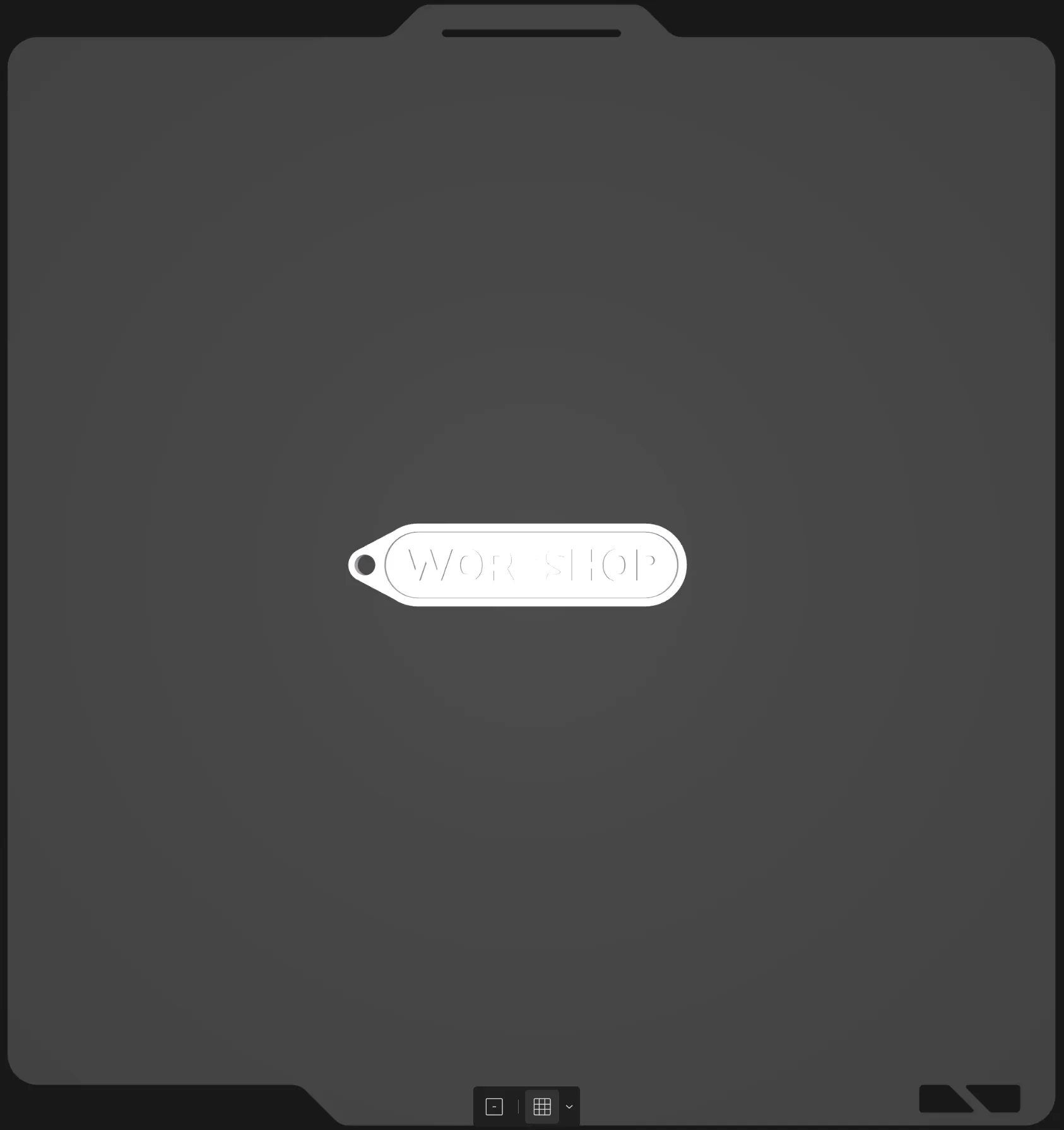 | magnetic-badge.scad: This is a single color looped badge.
Settings to tweak Base Shape: Adjusts the base thickness. – Rectangle: Adjusts the dimensions and corner rounding/chamfering. Border: Adjusts the border width, offset and engraving. Text 1: Adjusts the font and text, currently set to WORKSHOP. Loop 1: Is enabled and set to teardrop. Adjust the loop settings here. Colors: base color, border color and text 1 color are all set to white. Adjust colors here. |
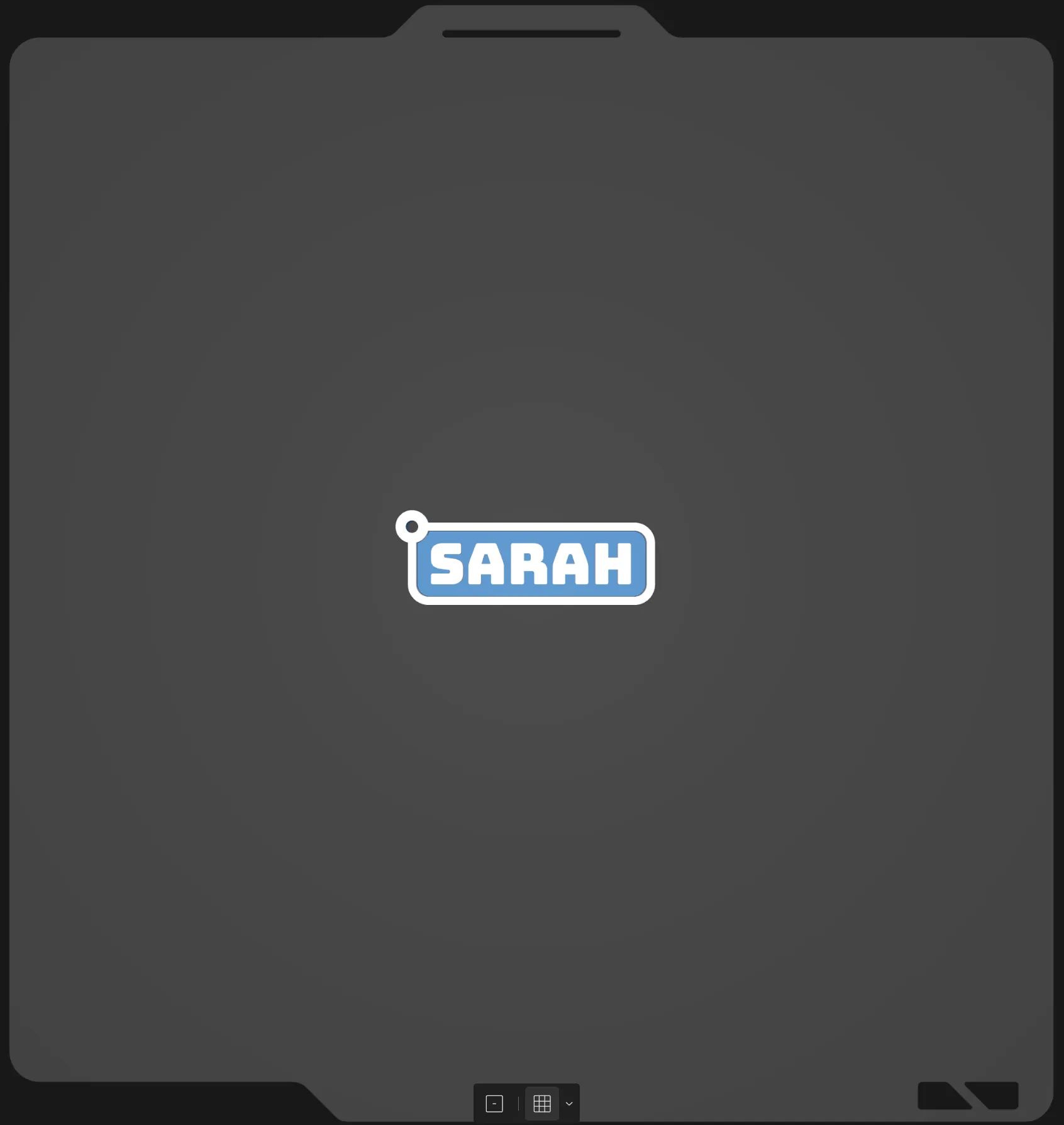 | looped-badge.scad: This is a looped badge.
Settings to tweak Base Shape: Adjusts the base thickness. – Rectangle: Adjusts the dimensions and corner rounding/chamfering. Border: Adjusts the border width, offset and engraving. Text 1: Adjusts the font and text, currently set to SARAH. Loop 1: Is enabled, adjust the loop settings. |
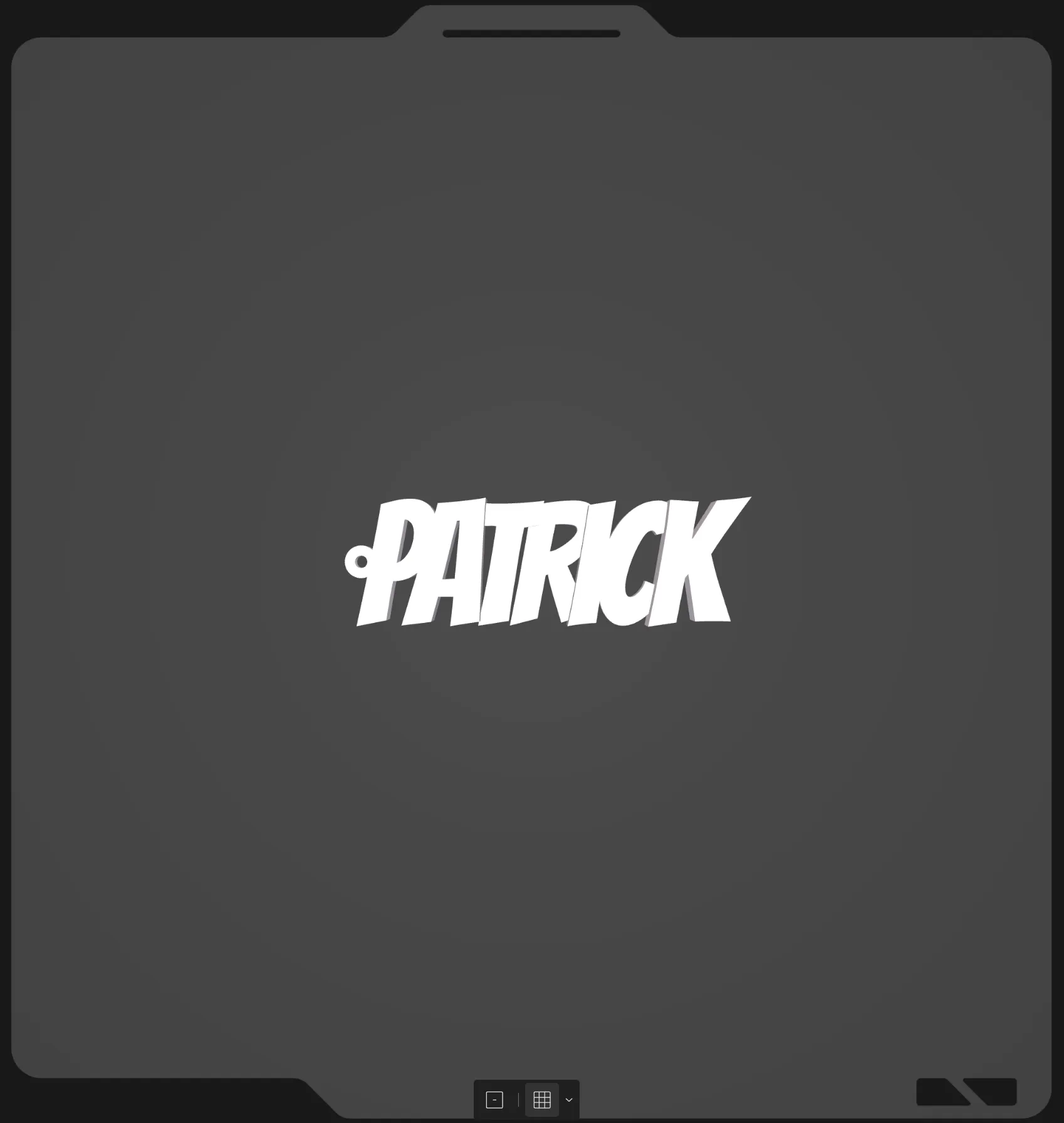 | 3d-letter-name-keychain.scad: This is a single color keychain with letter having a different height
Settings to tweak Base Shape: is set to none. Border: is disabled Dynamic Text: Adjusts the font and text, currently set to patrick. Loop 1: Is enabled, adjust the loop settings.
Note: this works better with a thick text. note that the text spacing is set low to make the letters appear closer together. The Dynamic Text contains multiple settings to tweak the letter height. |
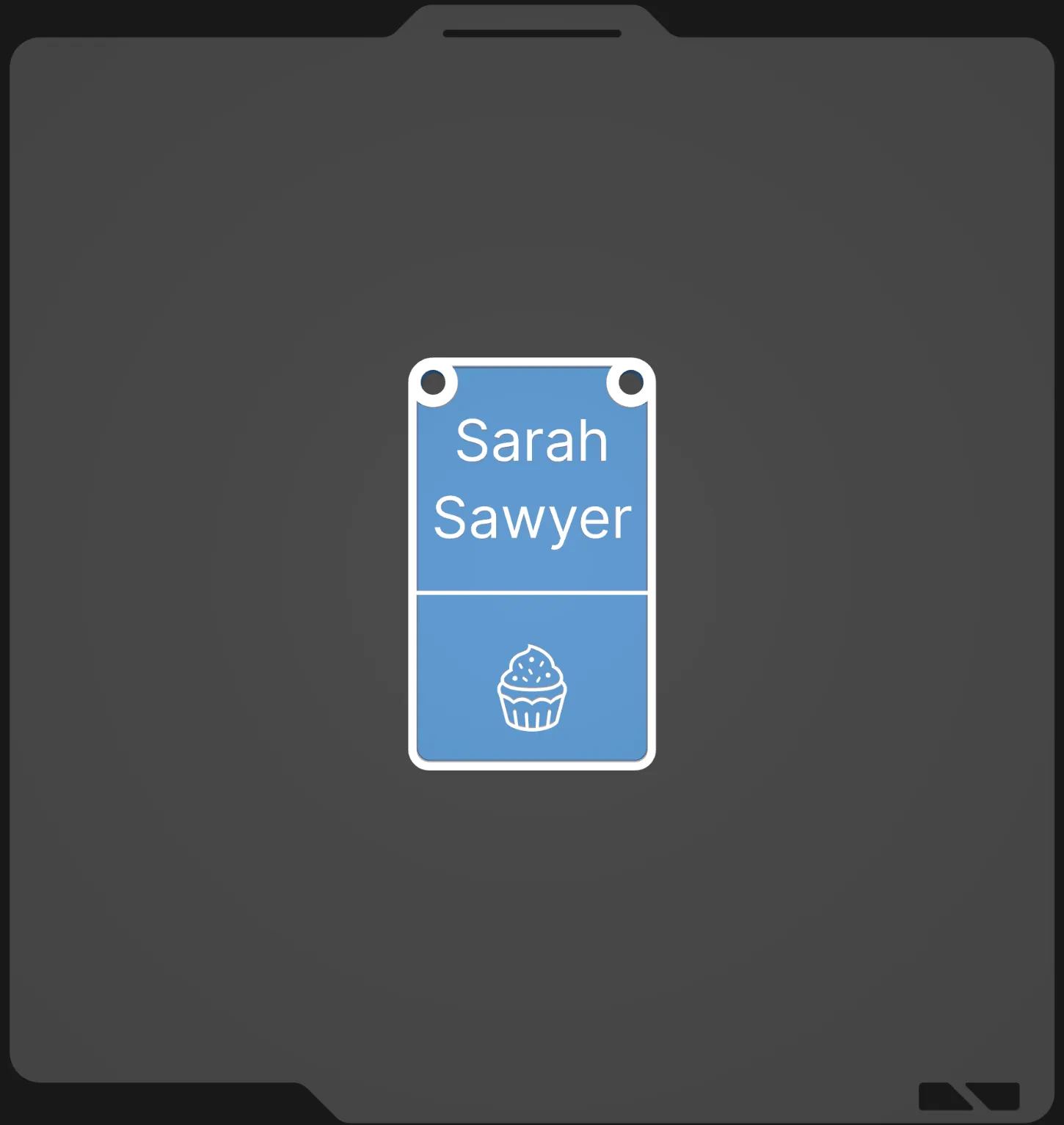 | lanyard-badge.scad: This is a simple lanyard shaped badge with an emoji.
Settings to tweak Base Shape: Adjusts the base thickness. – Rectangle: Adjusts the dimensions and corner rounding/chamfering. Border: Adjusts the border width, offset and engraving. Text 1: Adjusts the font and text, currently set to Sarah. Text 2: Adjusts the font and text, currently set to Sawyer. Line Decoration: Adjusts the rectangle below the text. Image - Emoji: Adjusts the emoji used, currently set to 🧁. Loop 1: Is enabled, adjust the loop settings. Loop 2: Is enabled, adjust the loop settings.
|
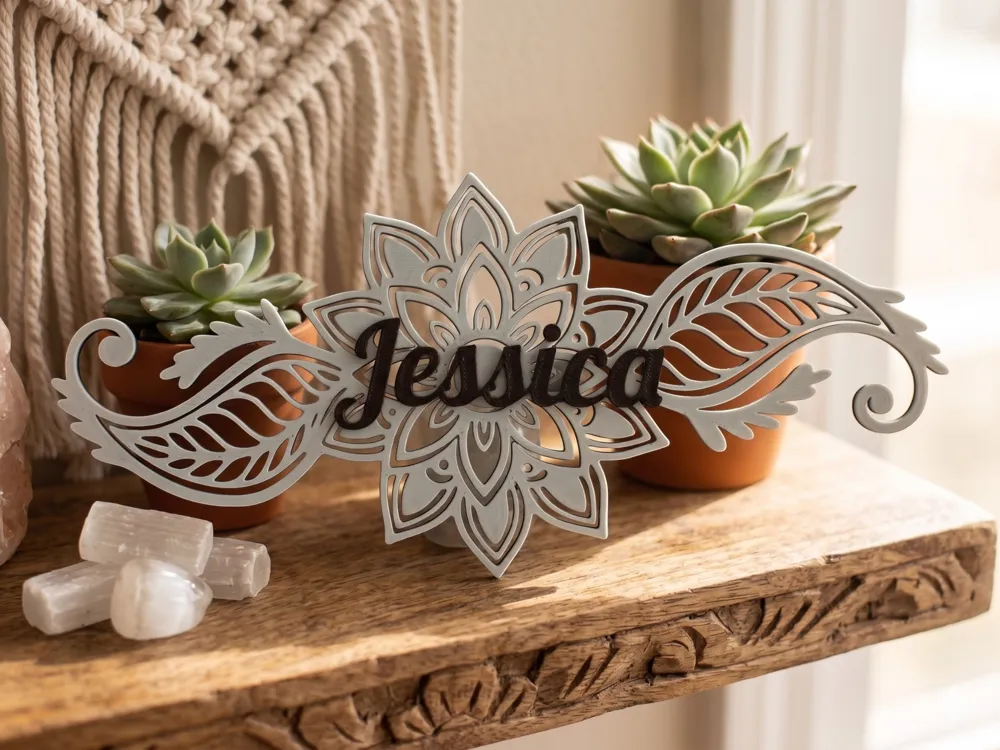
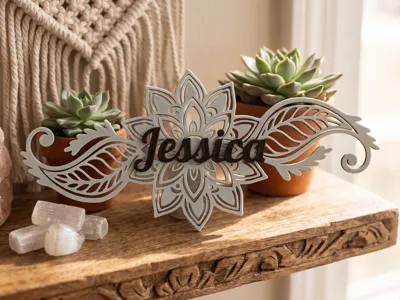
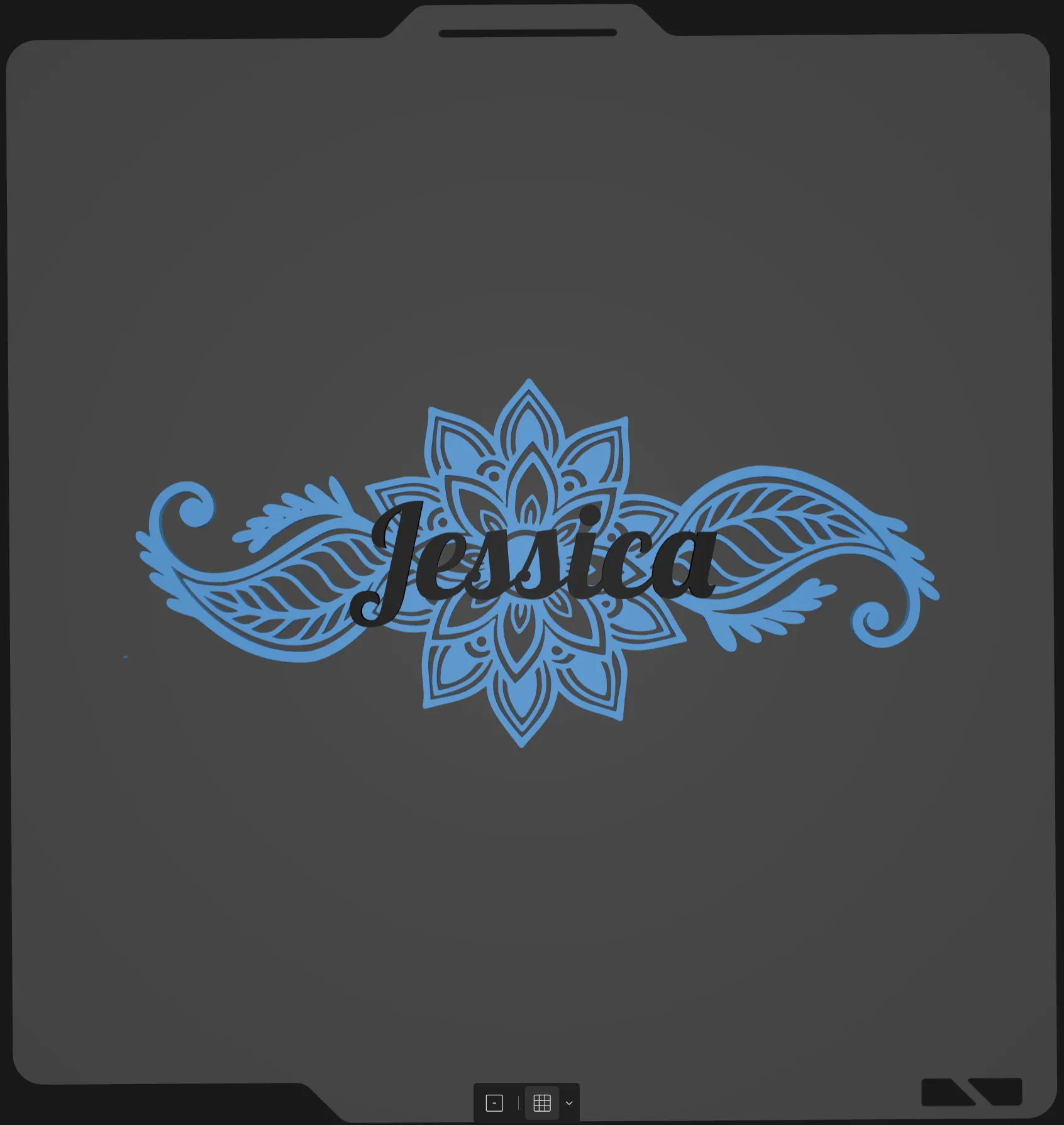 | mandala-name.scad: Allows text to be drawn over an svg mandala.
This one is a little special. You will need the correct svg image. I have attached it to this project and it is in a zip file called mandala-svg.zip. You will need to download the zip file and extract the svg.
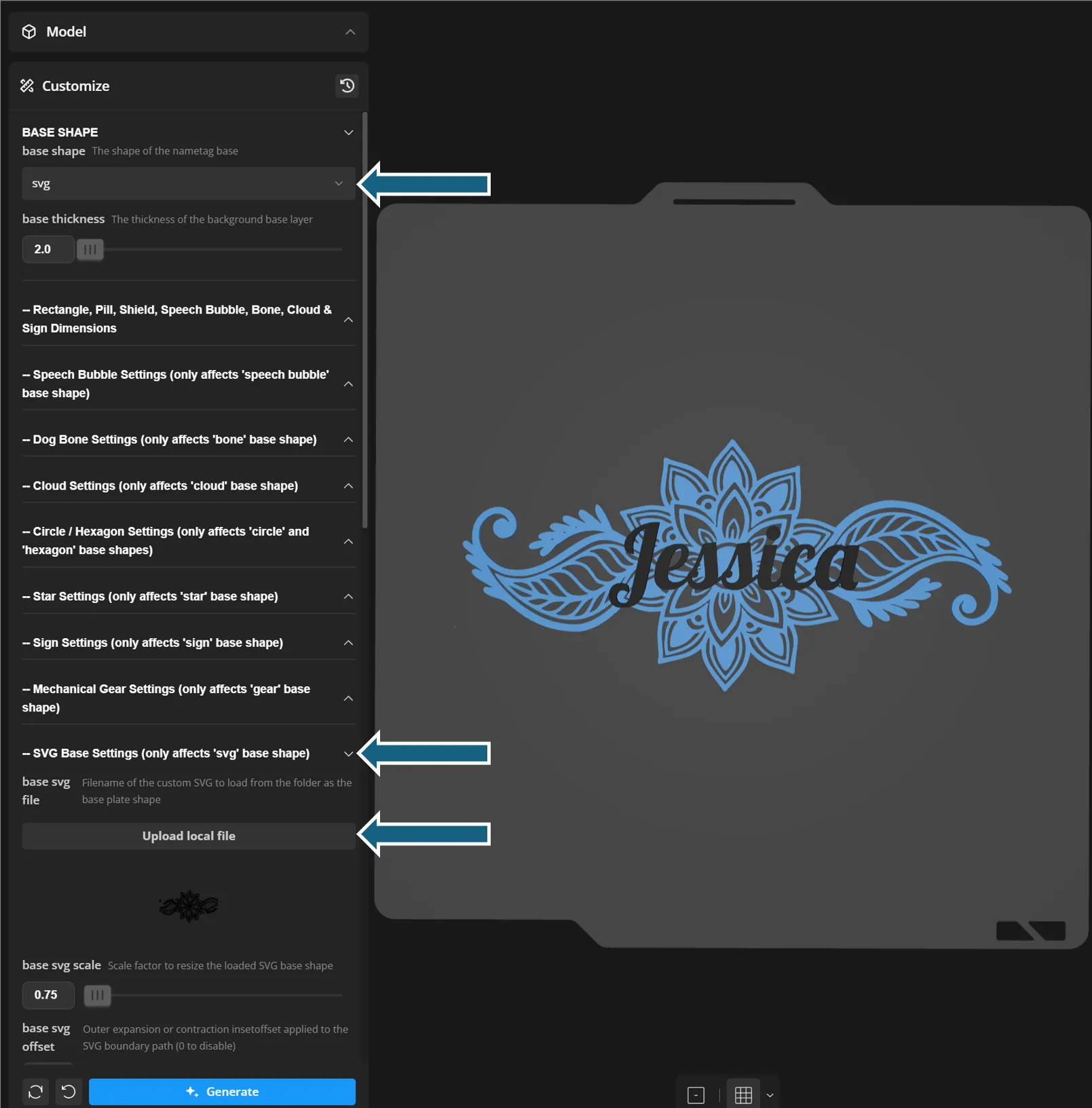
when the image first renders it will have the Maker World Logo, this is normal! You will need to upload the mandala file in the SVG Base Settings (not the Image-SVG Settings).
Settings to tweak Base Shape: Adjusts the base thickness Note that the shape is set to svg. – SVG Base Settings: Adjust the svg image, height, border. This is where you upload the svg. Text 1: Adjusts the font and text, currently set to Jessica.
|
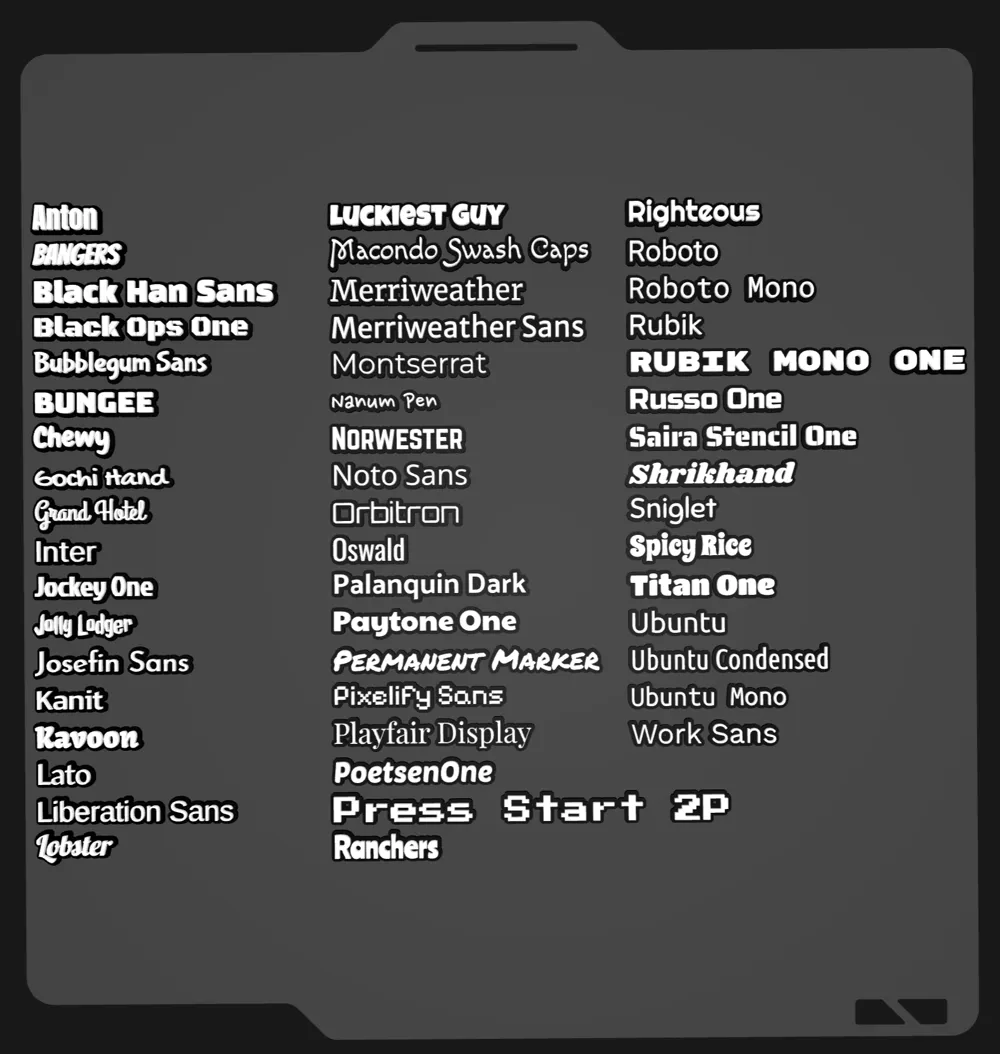
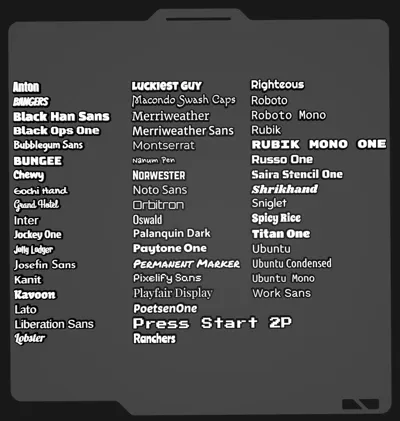
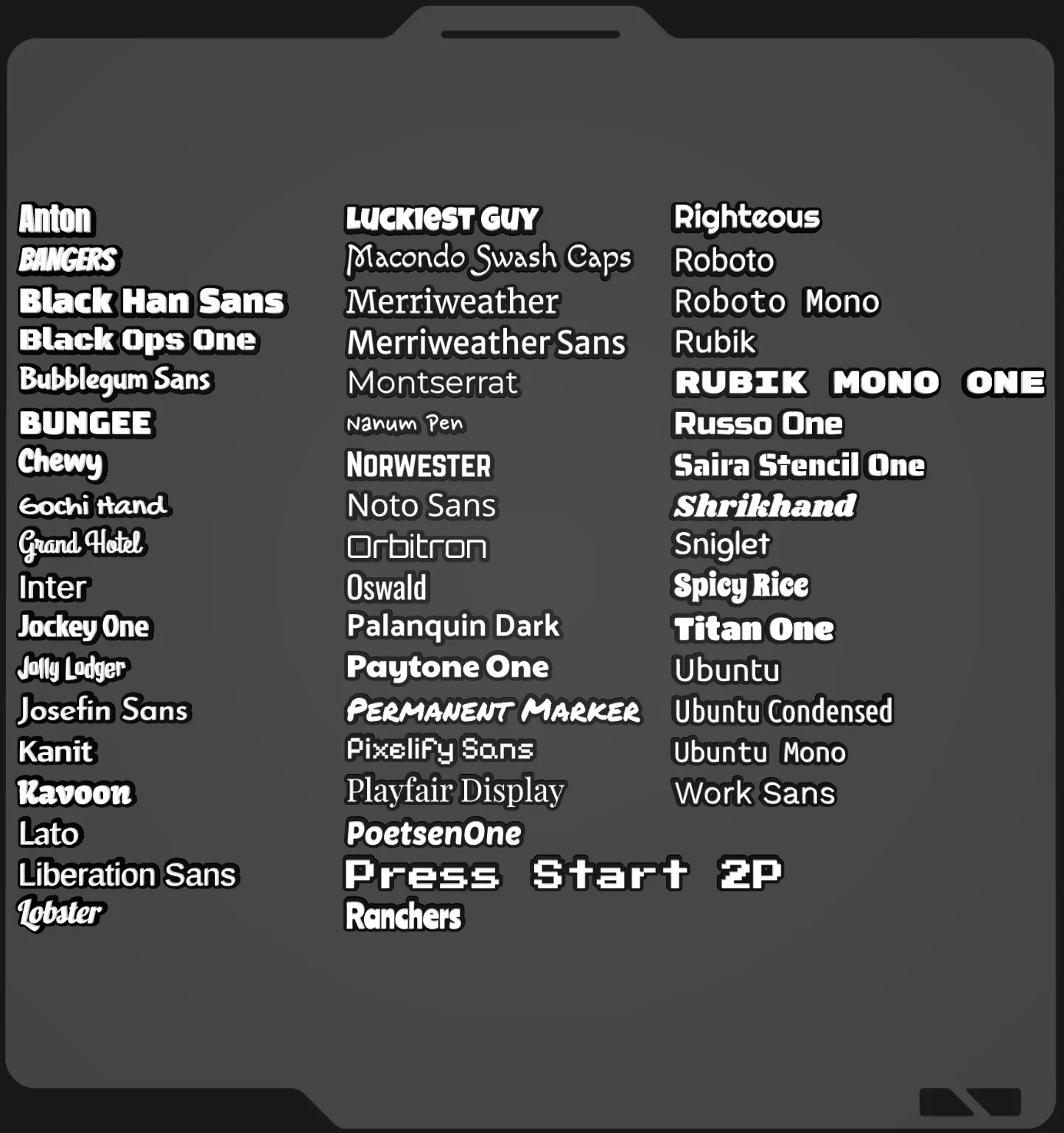 | test_fonts.scad: This is a simple file that allows you to see how fonts are rendered. Custom fonts can also be included. |
Note:
Model may comprise small parts that could pose a choking hazard and is therefore not suitable for small children under the age of 3.
Membership
Commercial licenses are available if you wish to sell prints of my designs.
Documentation (2)
License

You shall not share, sub-license, sell, rent, host, transfer, or distribute in any way the digital or 3D printed versions of this object, nor any other derivative work of this object in its digital or physical format (including - but not limited to - remixes of this object, and hosting on other digital platforms). The objects may not be used without permission in any way whatsoever in which you charge money, or collect fees.


Comment & Rating (0)