
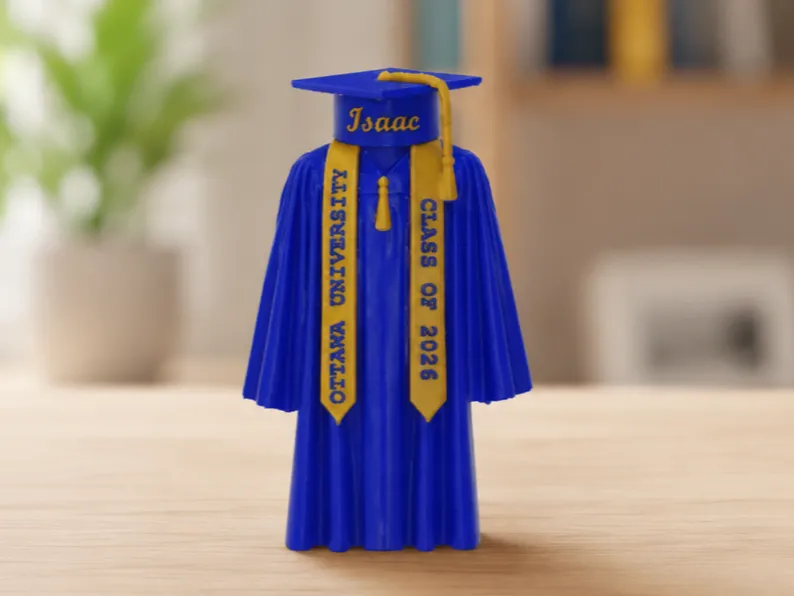
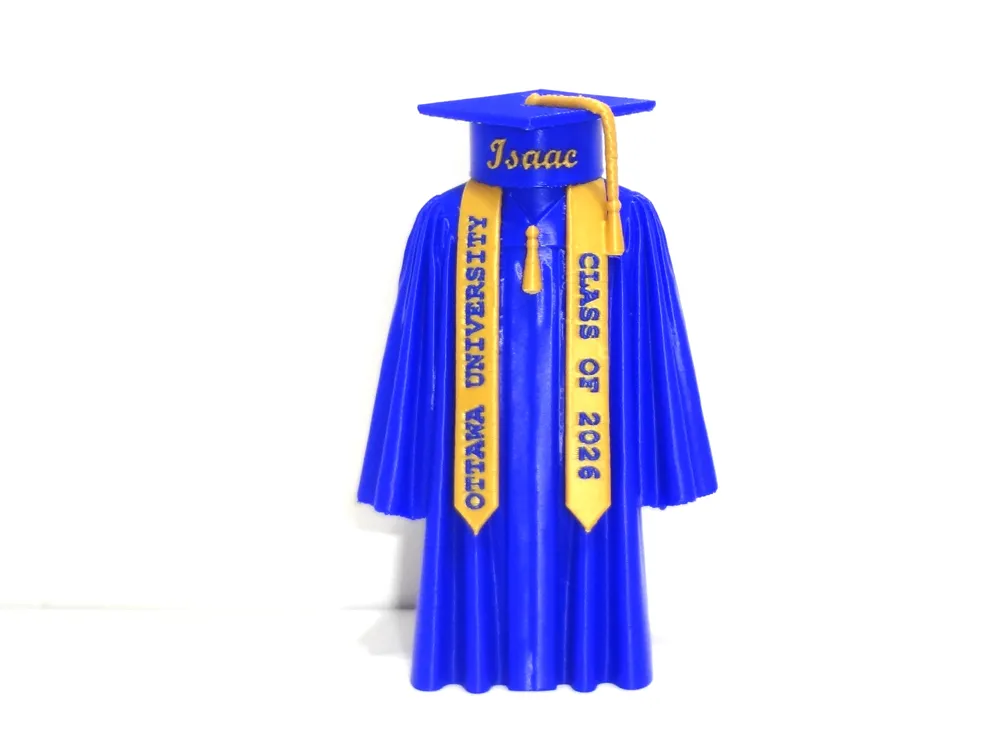
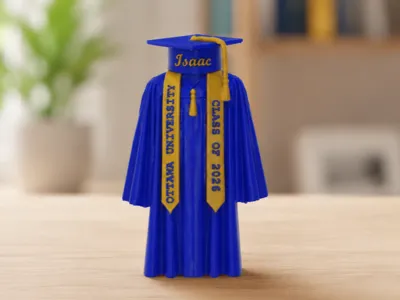
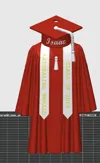
Customizable Graduation Cap & Gown Hang or Shelf!
Print Profile(2)

Description
Membership
Thank you for supporting my work! ❤️ Commercial members receive access to a growing library of unique designs, including seasonal releases, trending creations, and collectible-style prints added regularly. Perfect for makers, craft fairs, booths, and online shops. Your support helps me continue creating new designs for the community!
Boost Me (for free)
If you enjoy this customizable graduation keepsake, I’d really appreciate a Boost! Your support helps me continue creating unique personalized designs for graduations, holidays, and special occasions. Thank you so much for supporting independent creators!
I made this for my grandson and wanted to share so others might enjoy it!
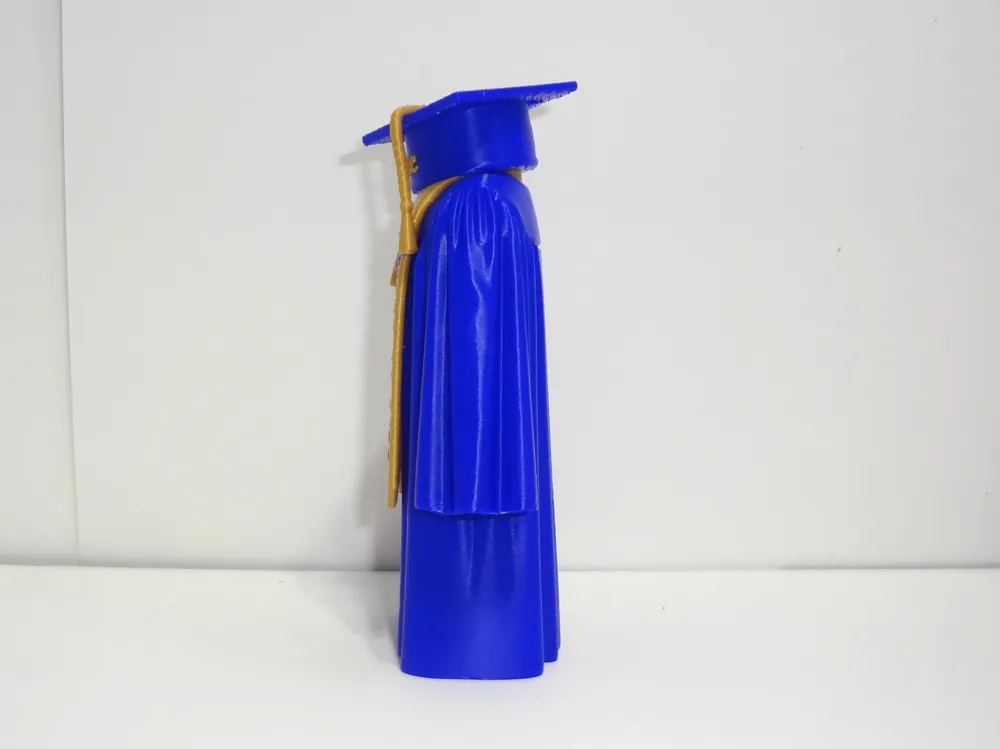
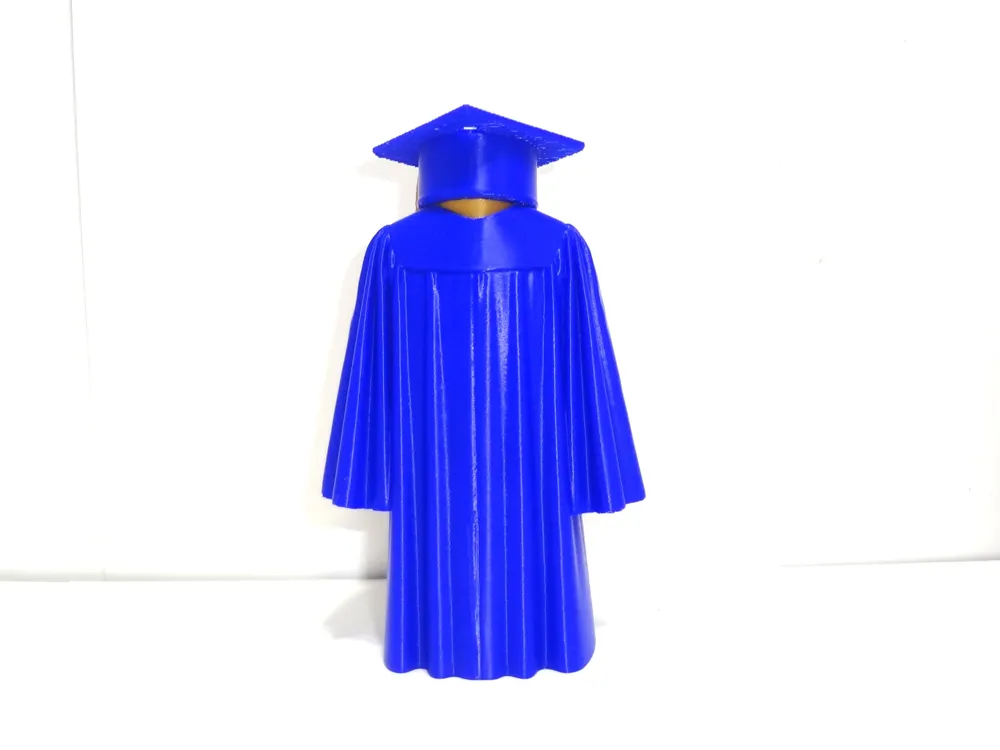
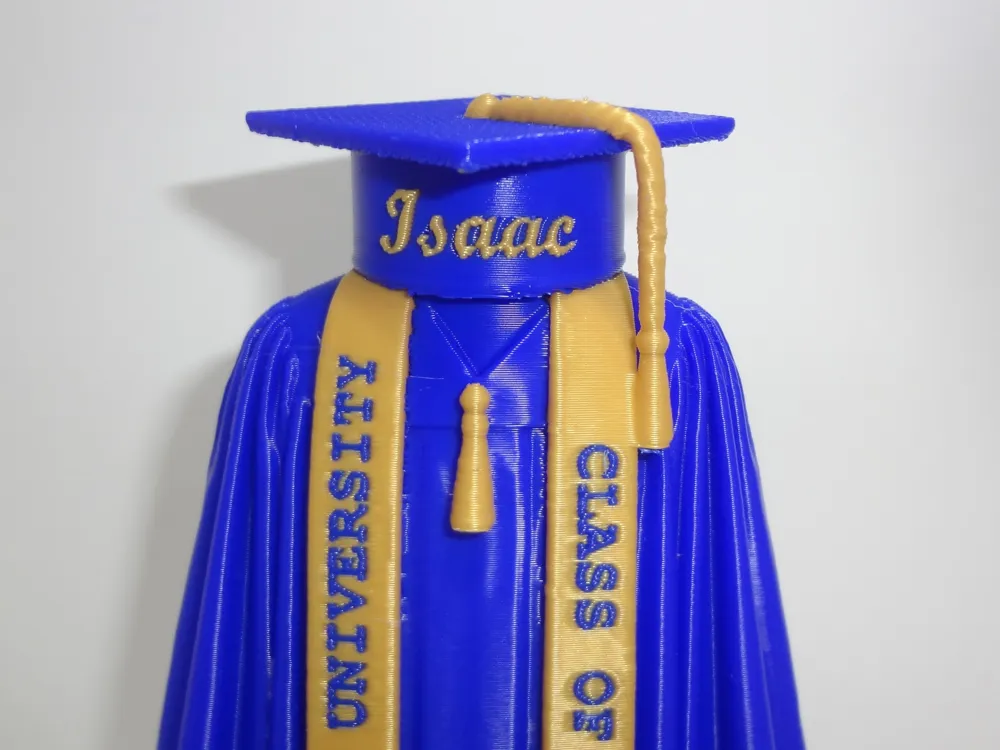
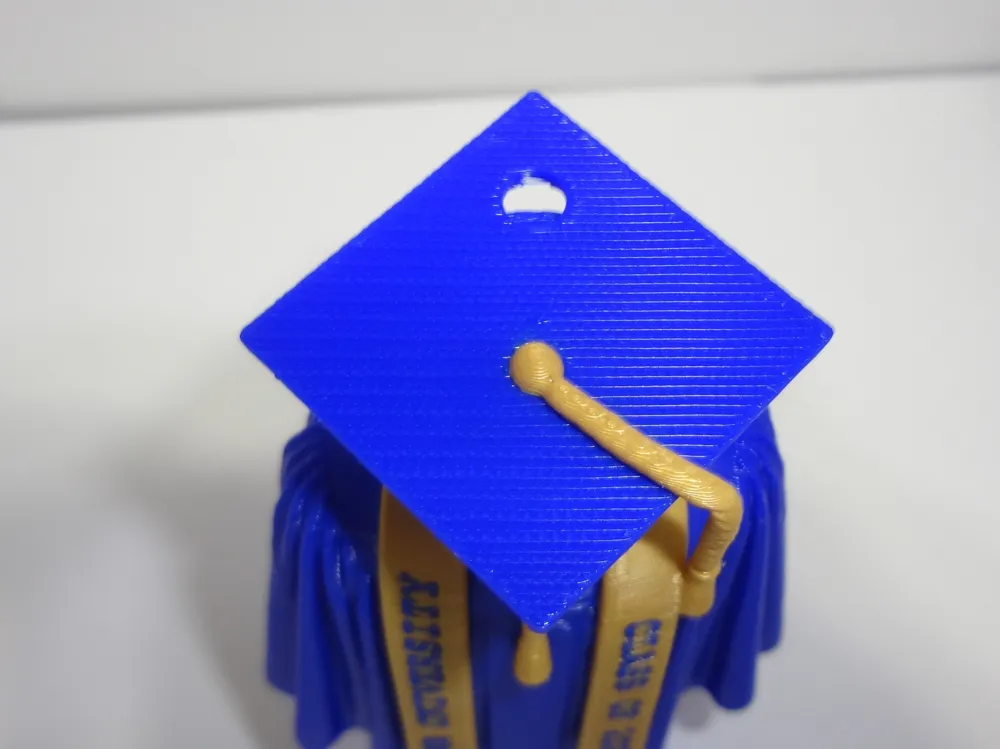
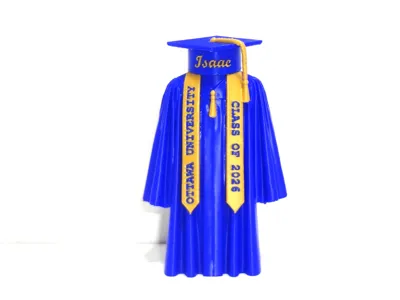
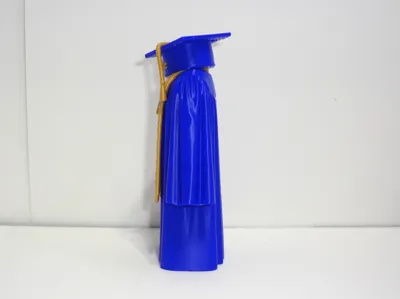
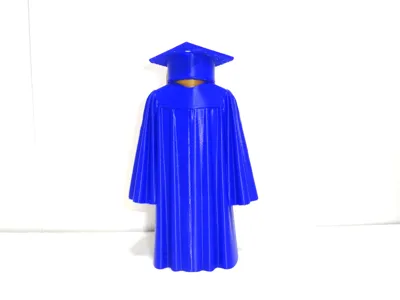
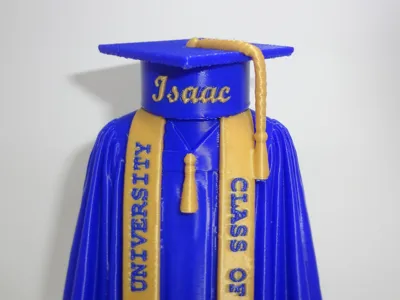
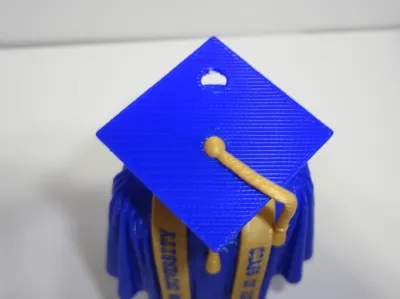
You can celebrate your graduate with a personalized graduation keepsake! This customizable design features the graduate’s name, school, and class year, and can be displayed on a bookshelf or hung using the built-in top hole as an ornament or car charm.
Perfect for high school or college graduations, senior gifts, memory displays, and graduation party decor.
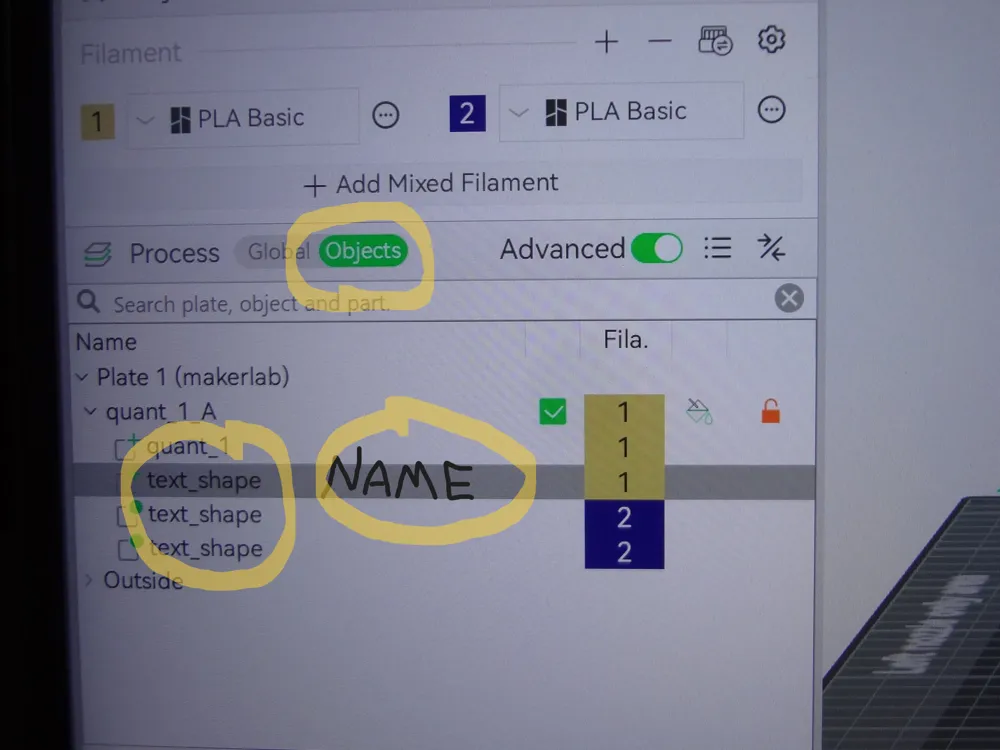
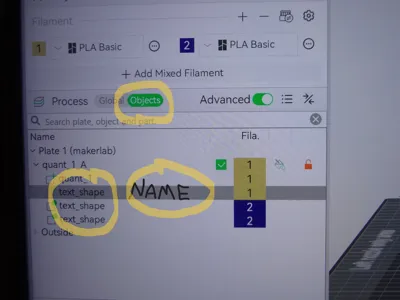
I don't think you can change the text on your phone or with an ipad - only a desktop. When you download and open in Bambu you will see something called 'process' underneath the filament colors. Click on 'objects' and you will see three items called "text_shape". Each of these is one of the areas of the texts.
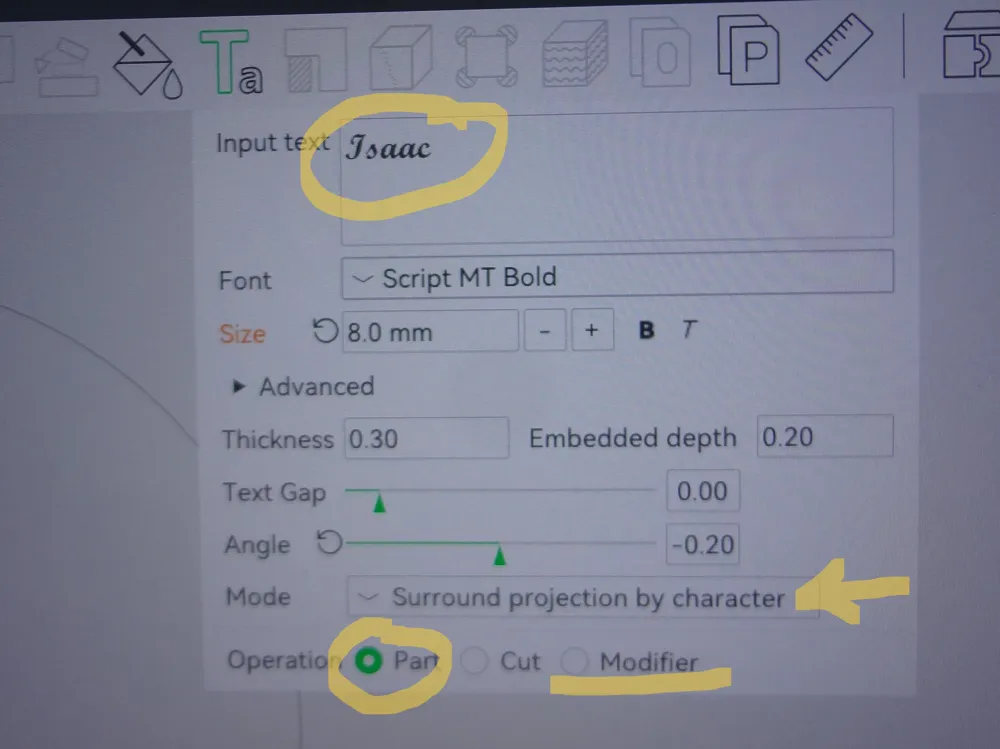
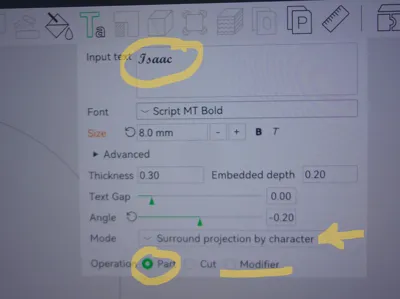
Now click on the top text_shape and you will see the "T" on the top toolbar close to the center. Click on the "T" and it will drop down a dialogue box with the name "Isaac" at the top. Change the name to whatever you prefer. In that same box, make sure that "surround projection by character" is selected and "part" is selected for the name. The school and class year are the same except on the very bottom of the text box "modifier" should be selected since this text is inset.
See the last 2 photos for help.
License

You shall not share, sub-license, sell, rent, host, transfer, or distribute in any way the digital or 3D printed versions of this object, nor any other derivative work of this object in its digital or physical format (including - but not limited to - remixes of this object, and hosting on other digital platforms). The objects may not be used without permission in any way whatsoever in which you charge money, or collect fees.


Comment & Rating (71)