
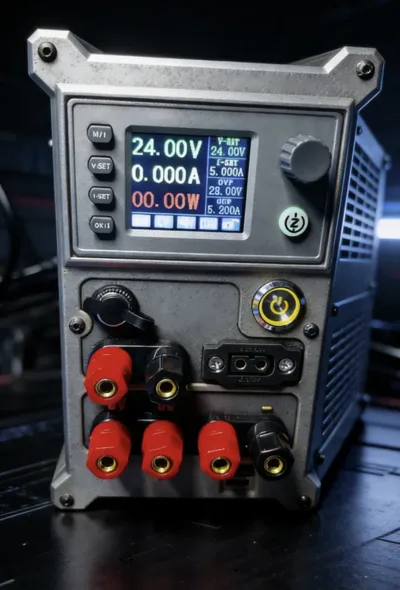
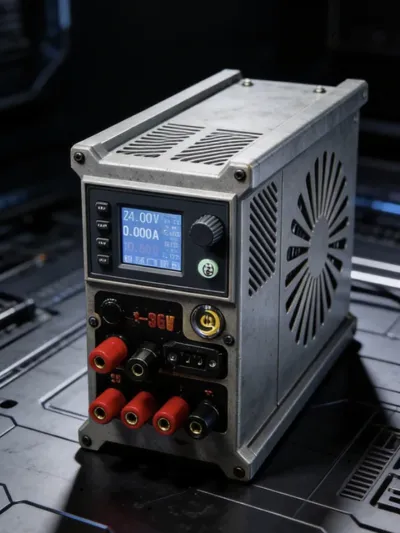
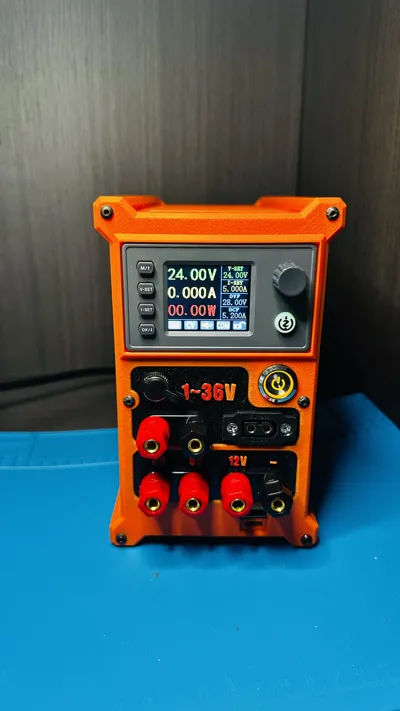
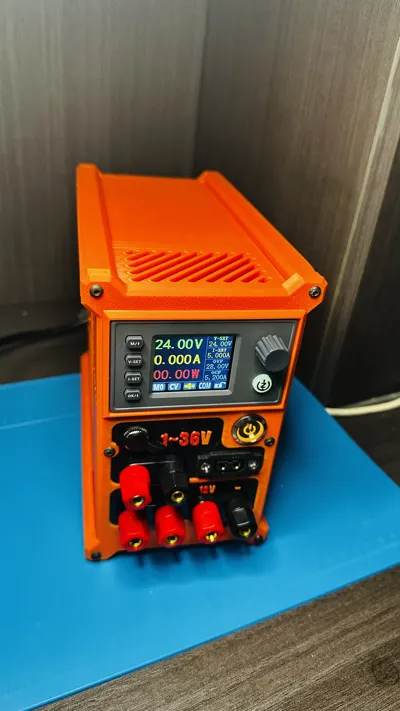
Power Mate 150 Adjustable Power Supply (ATX Power Supply Mod)
Print Profile(2)

Description
Boost Me (for free)
If you find the model good, please boost me, thank you for your support
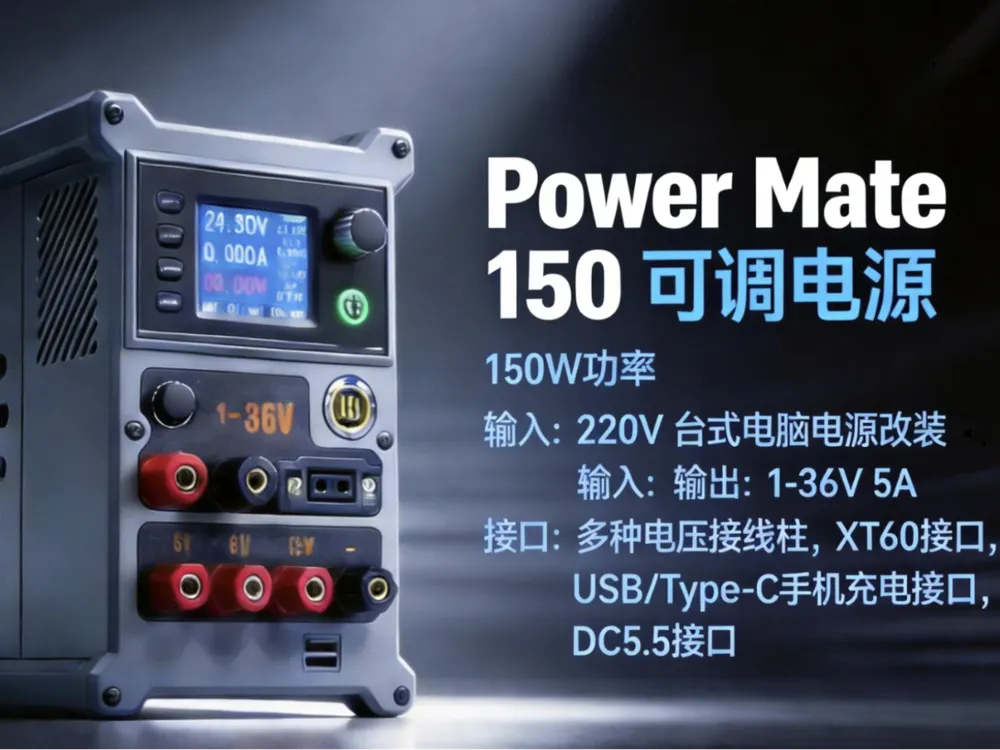
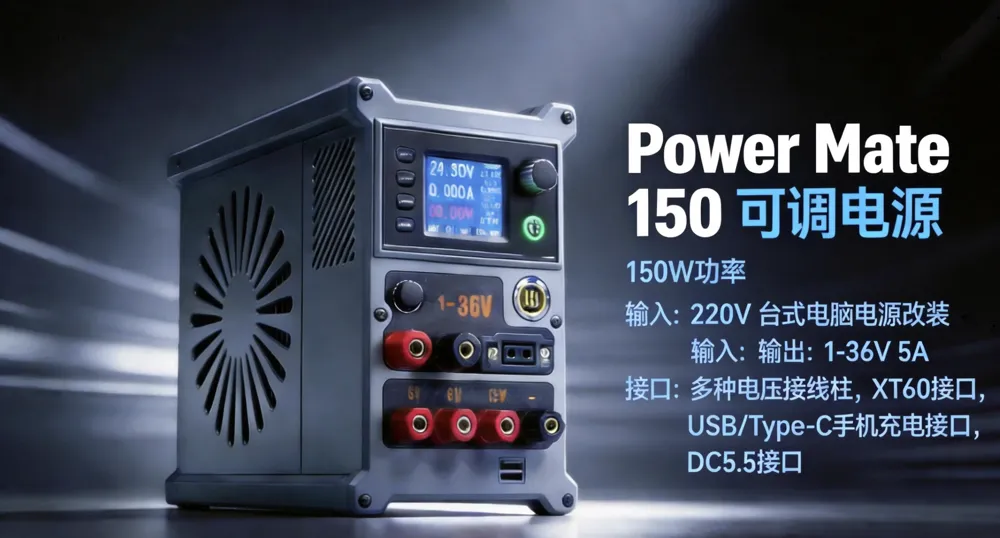
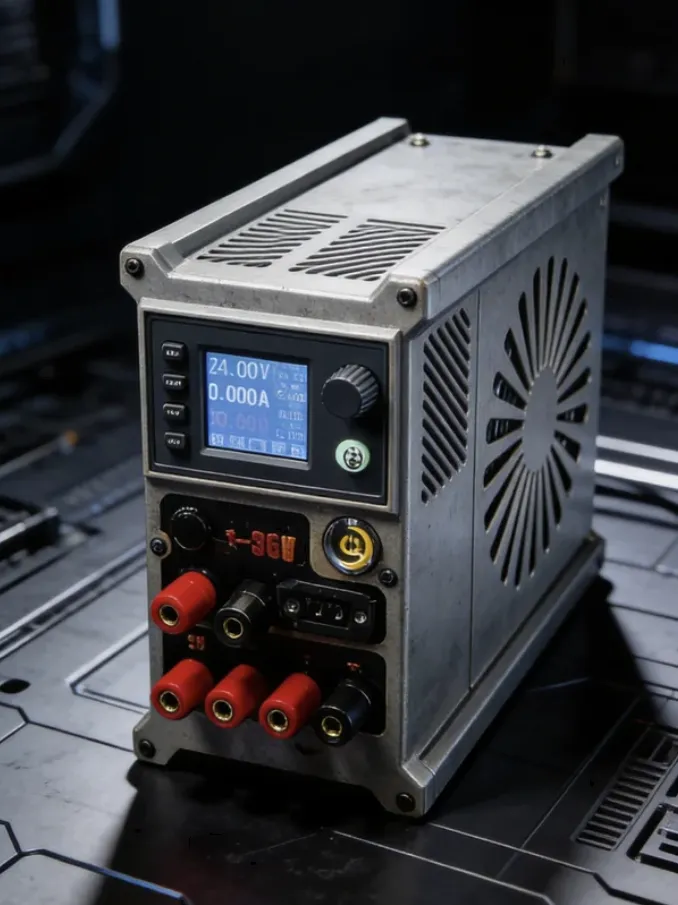
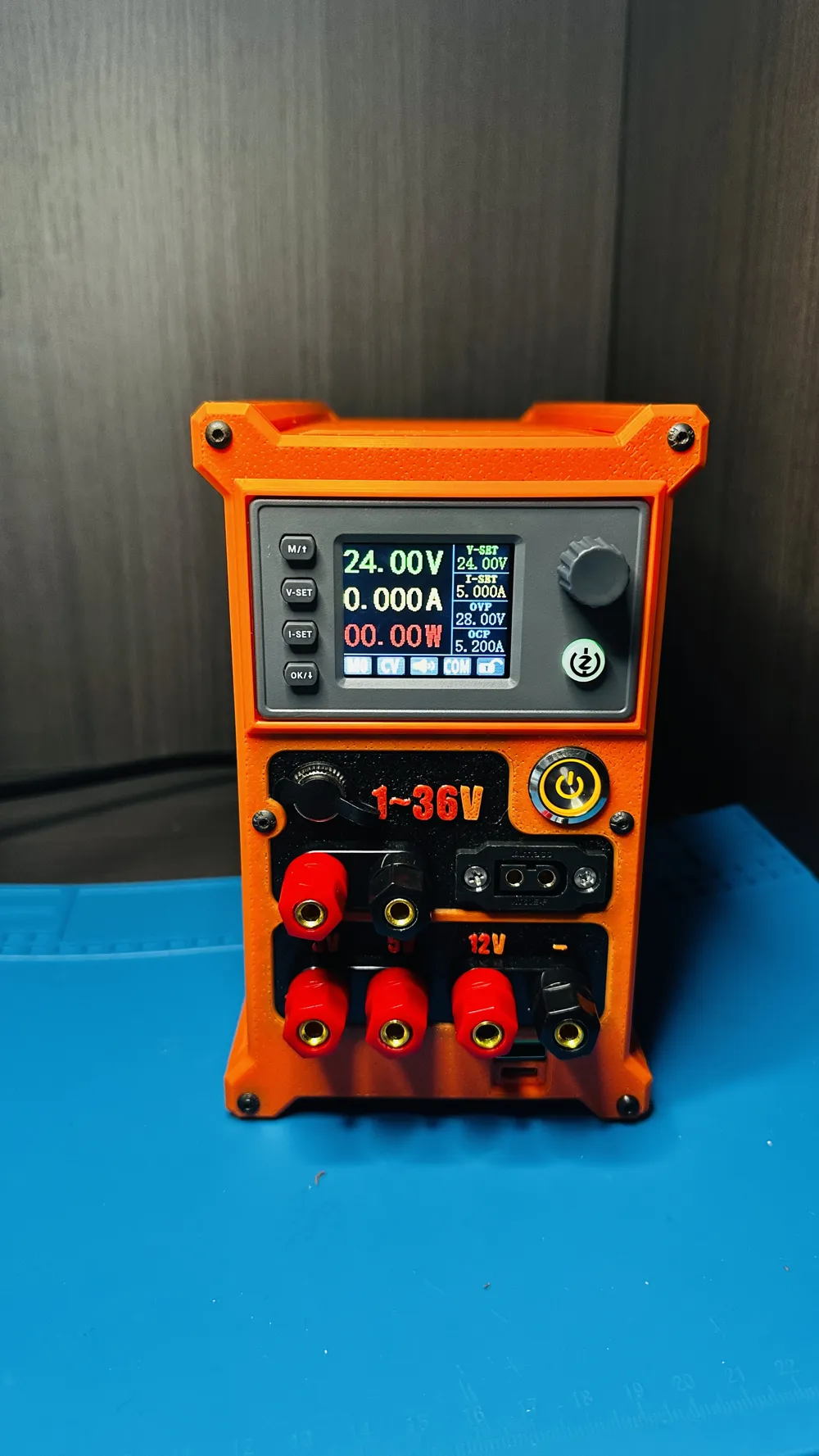
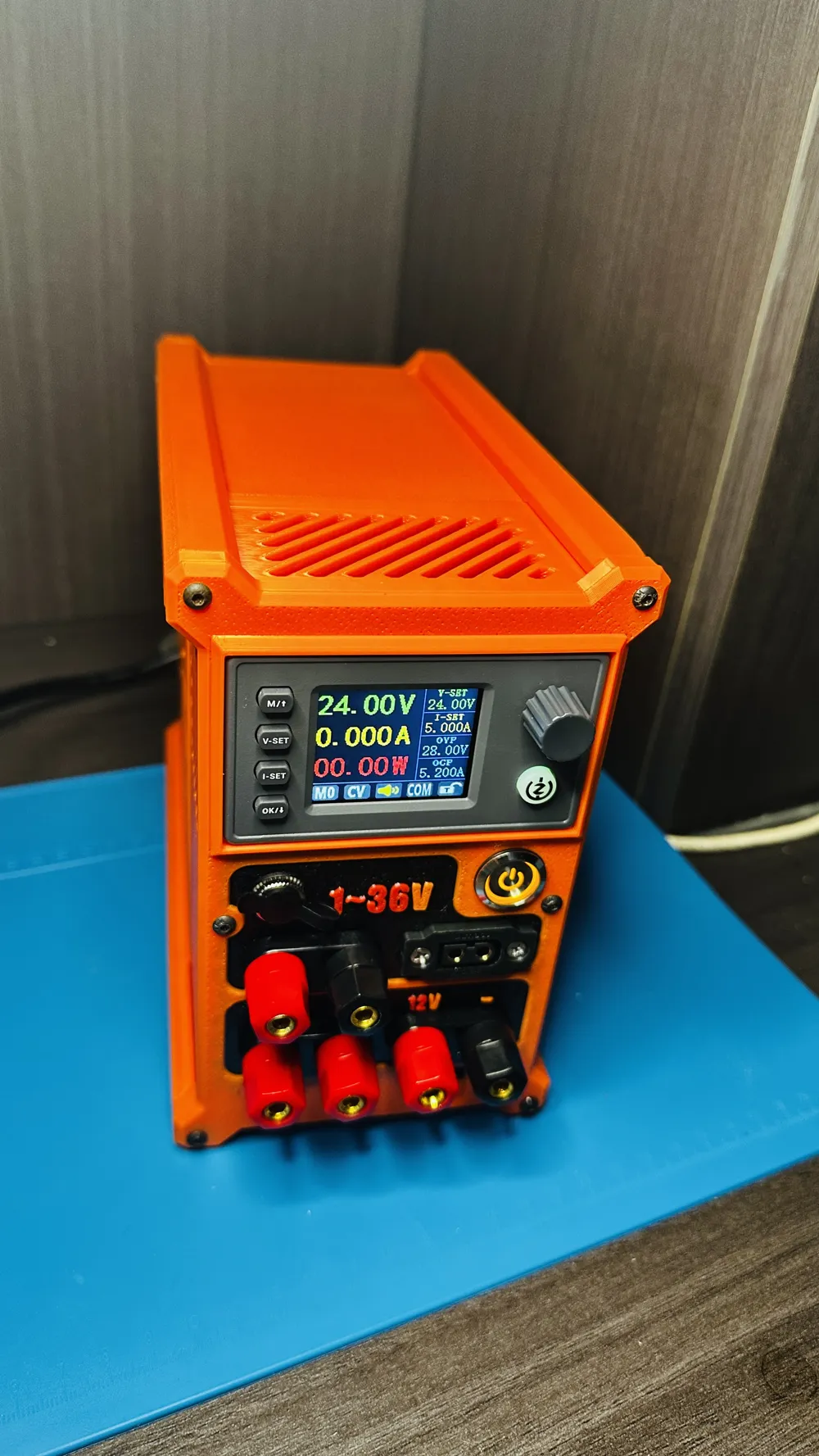
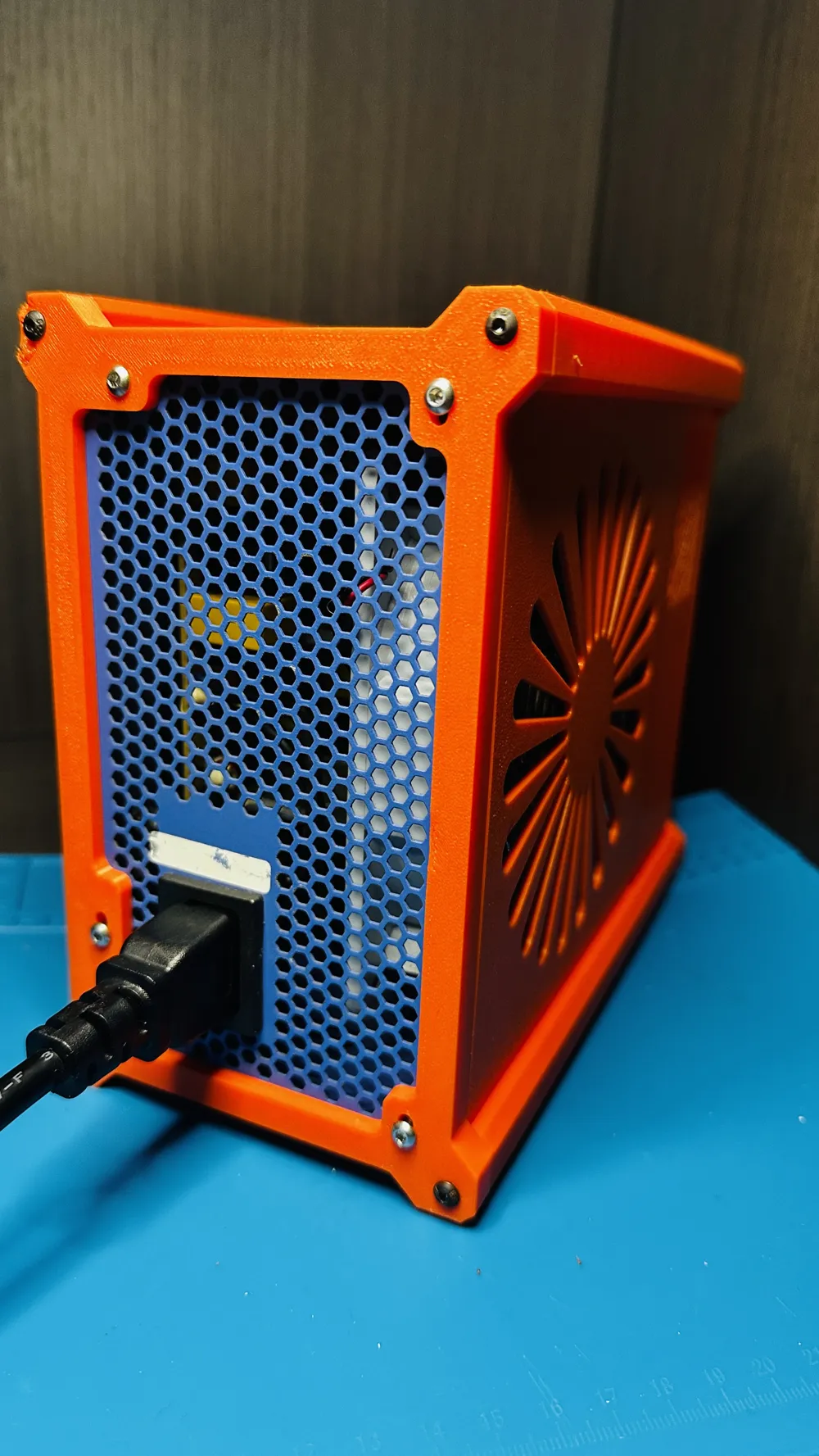
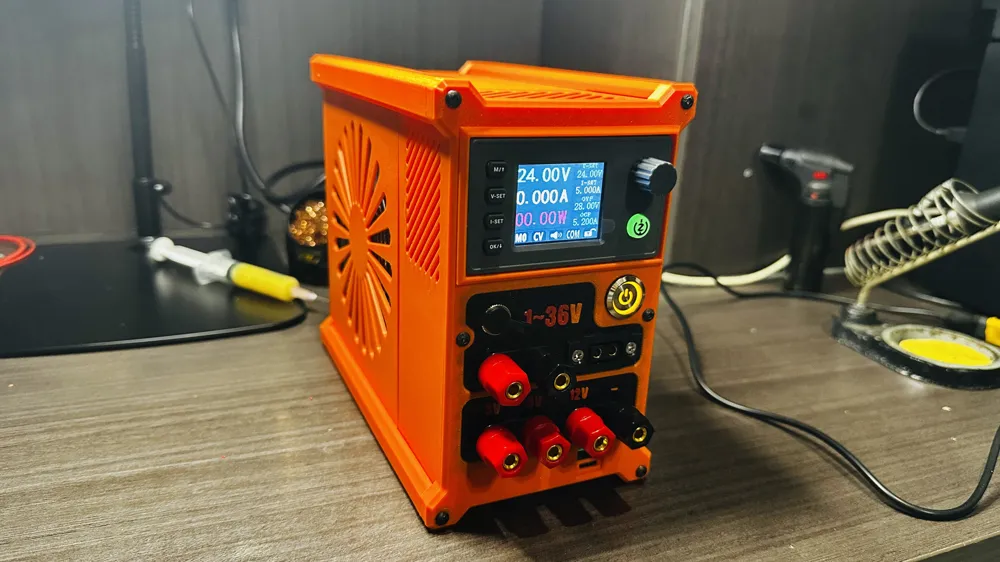
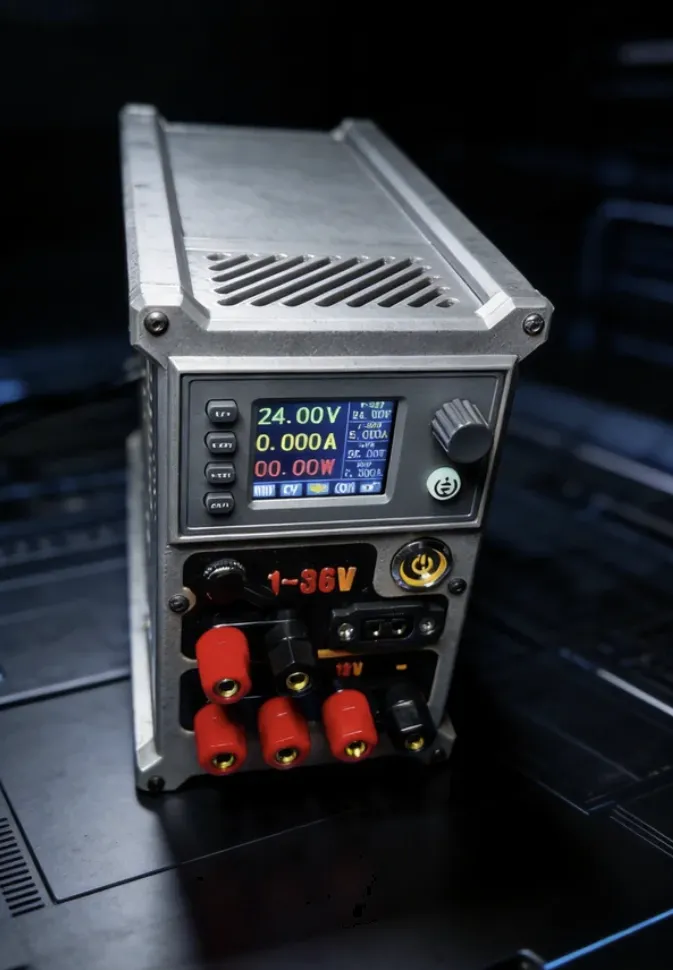
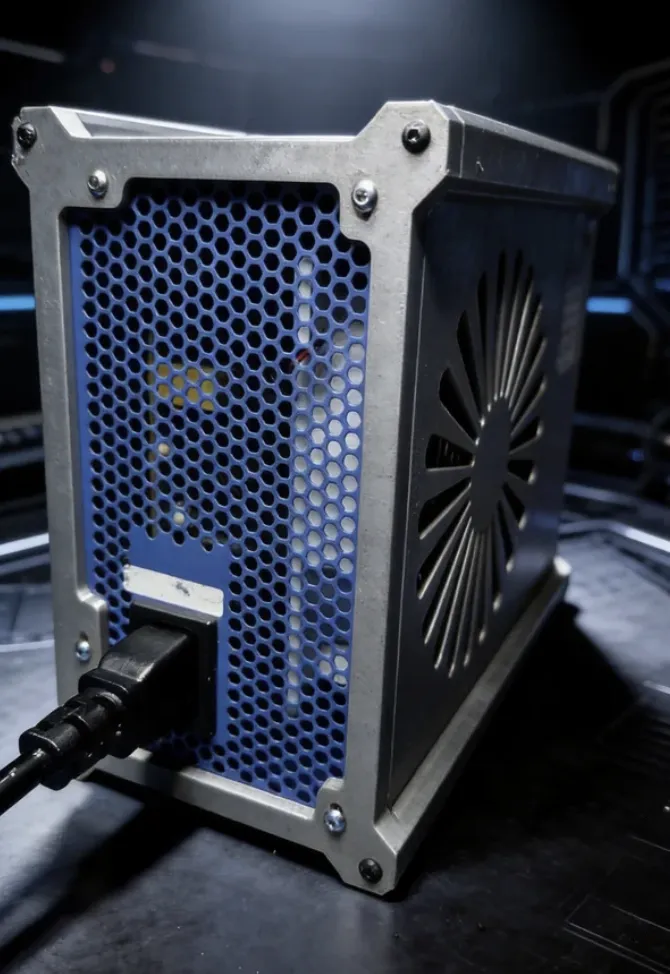
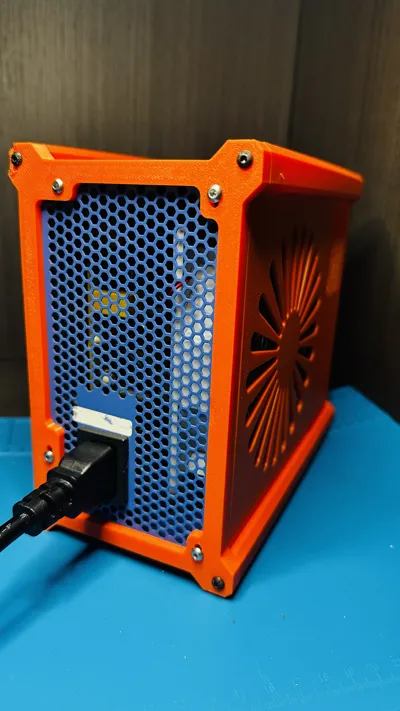
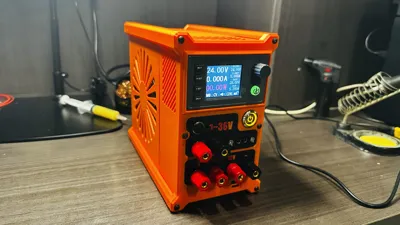
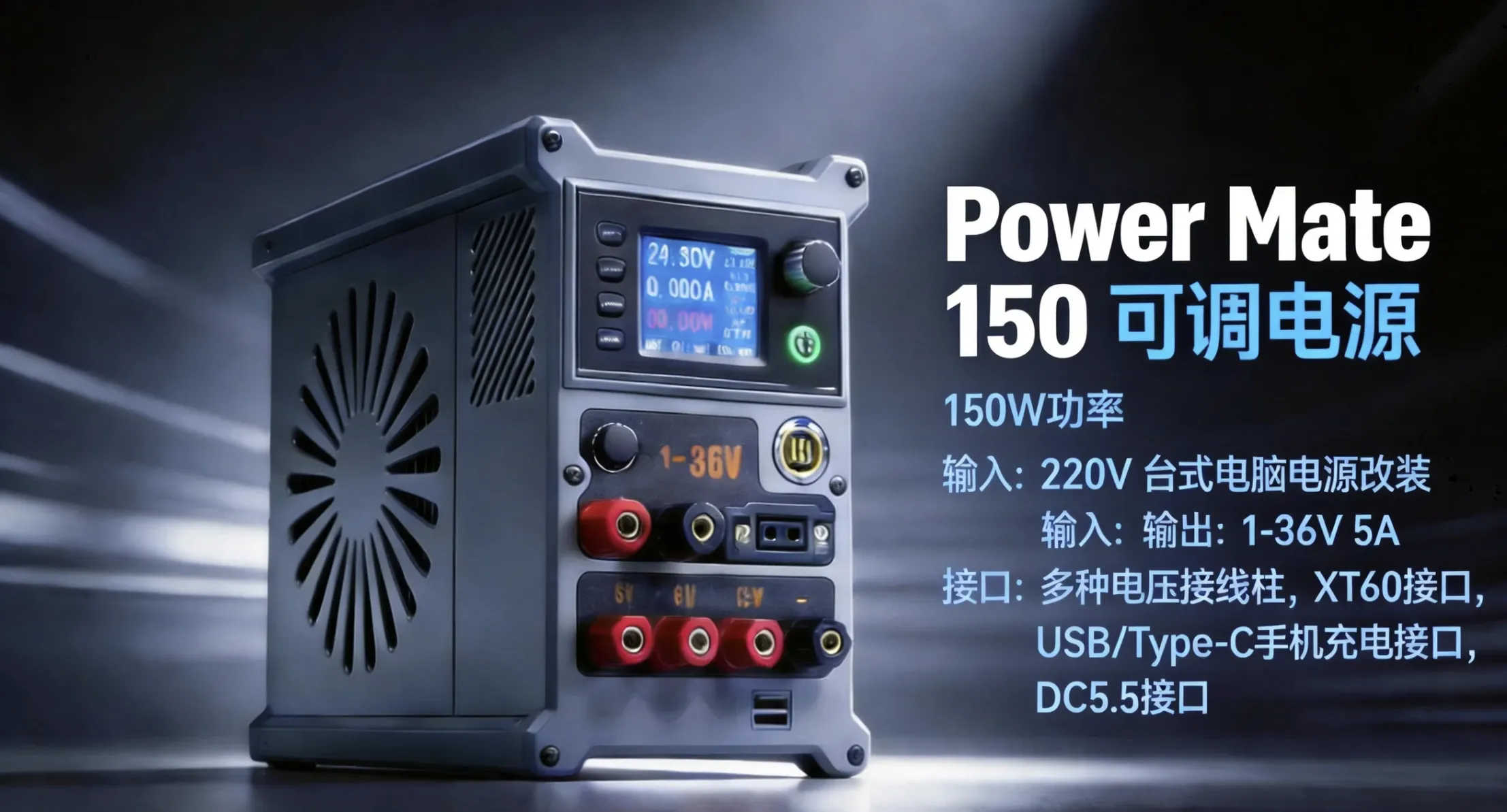
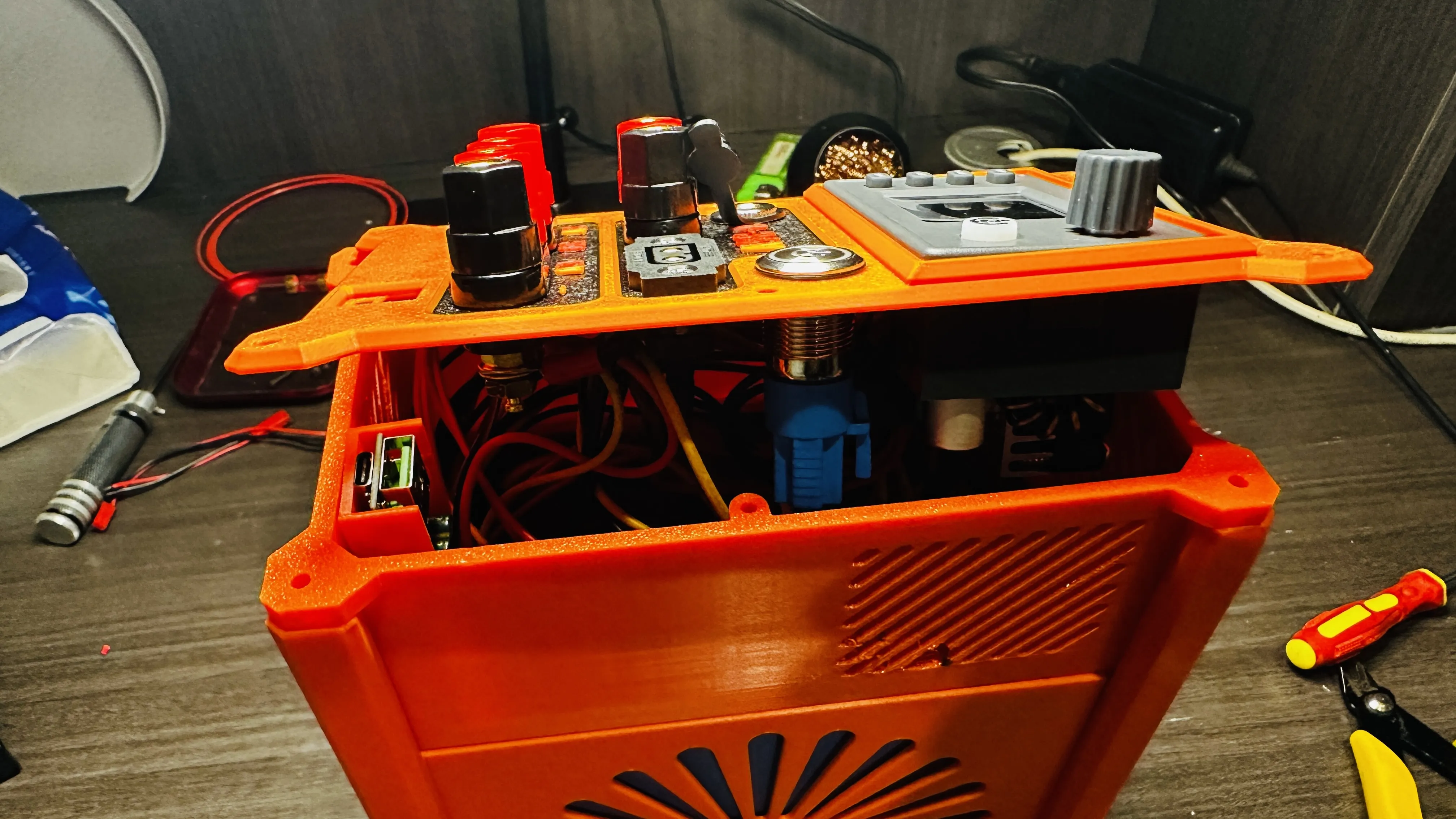
Thank you for choosing Power Mate 150! This product is modified from a standard desktop ATX power supply, transforming an idle computer power supply into a powerful, feature-rich 150W adjustable DC regulated power supply. Whether for electronics projects, repairs, battery charging, or powering various devices, the Power Mate 150 can handle it with ease
Introduction
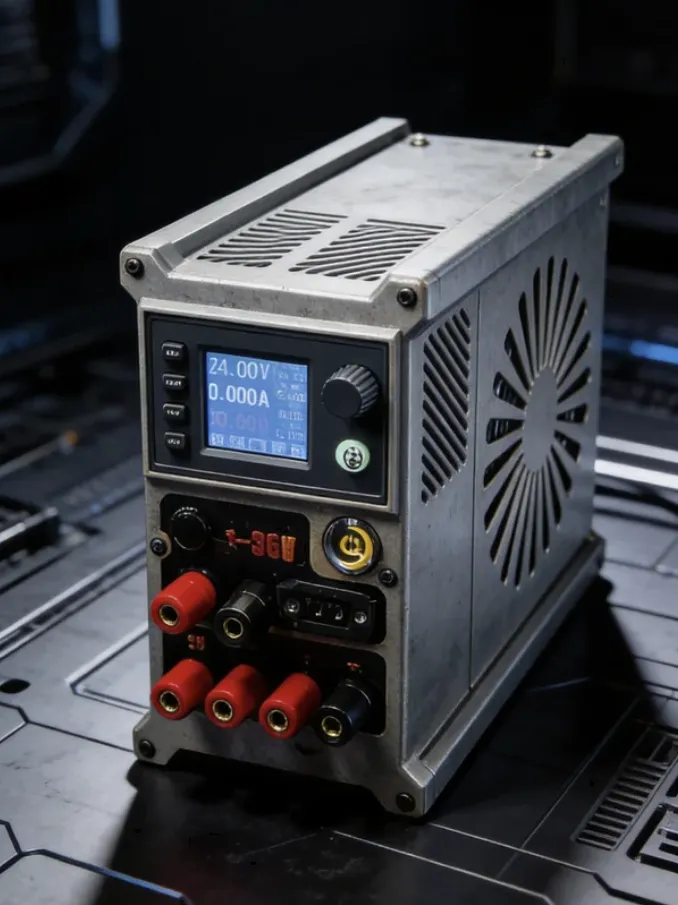
The Power Mate 150 is a DIY modification kit for a finished/semi-finished power supply, utilizing a 300W ATX power supply in conjunction with a CNC buck module, fast charging module, and various output interfaces to achieve the following:
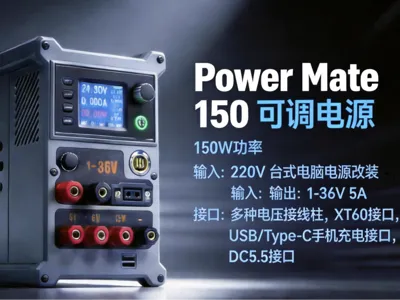
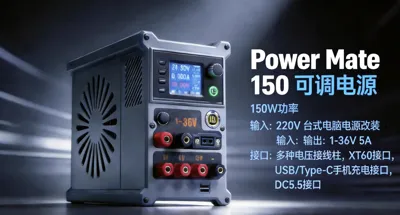
- Output voltage 1–36V continuously adjustable
- Output current max 5A (power limit 150W)
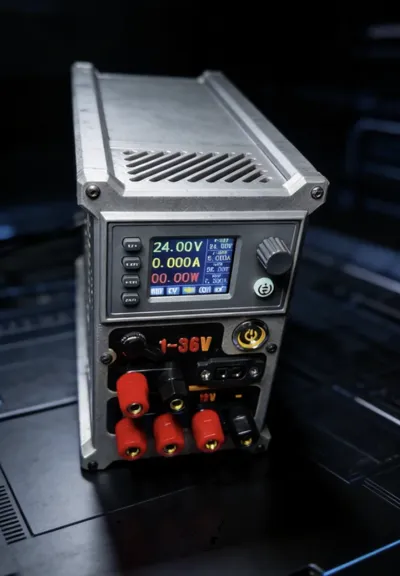
- Multiple output ports: banana socket terminals, XT60, DC5.5, USB-A + Type-C fast charging
Suitable for laboratories, workbenches, outdoor emergency power, model power supply, mobile phone/tablet fast charging and other scenarios
Features
- Wide range adjustment: 1–36V / 0–5A, covering common voltage requirements (e.g., 3.3V, 5V, 9V, 12V, 19V, 24V, 36V)
- Multi-interface integration:
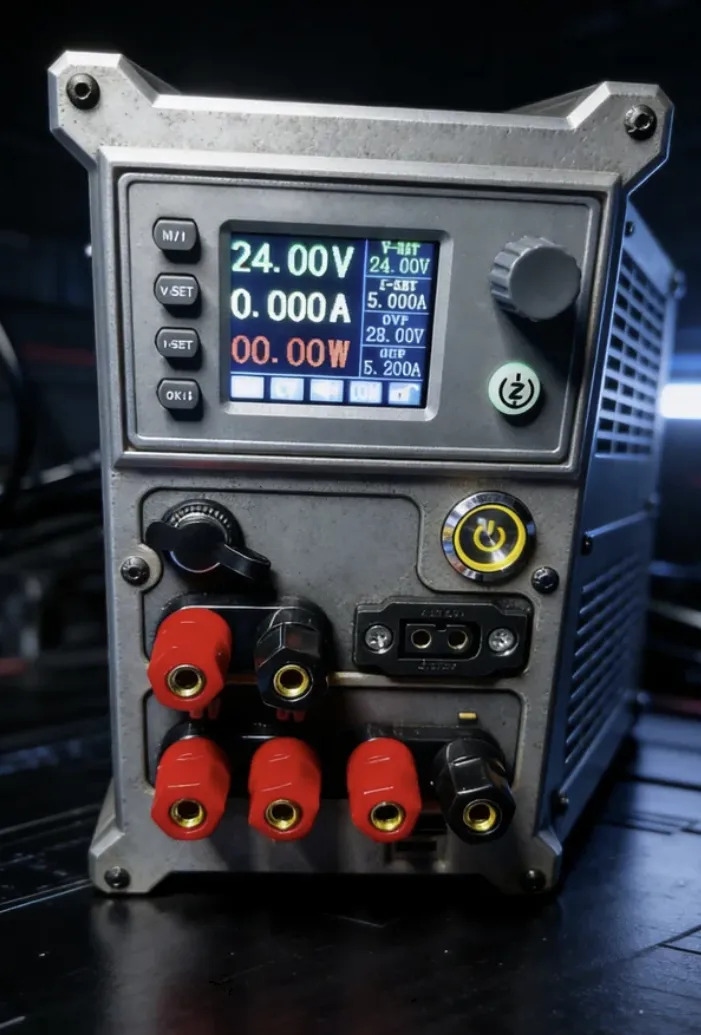
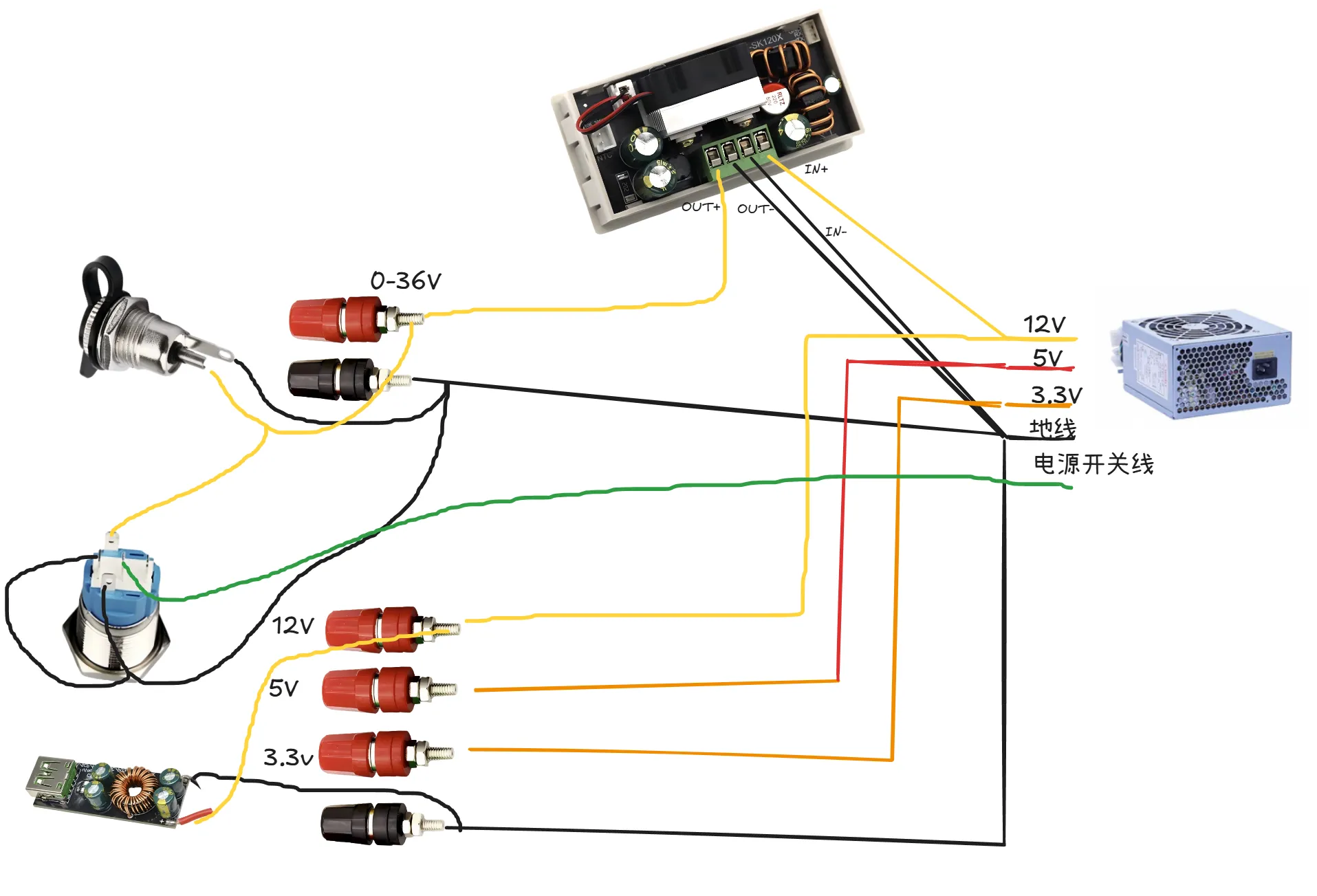
- 3 pairs of 4mm banana socket terminals, providing 1-36V (adjustable), 3.3V (fixed), 5V (fixed), 12V (fixed) respectively
- XT60 dustproof female connector (high current RC model interface) (1-36V)
- DC5.5×2.1mm all-metal power socket (1-36V)
- Independent USB-A + Type-C full protocol fast charging module (QC3.0/4.0, PD, etc.)
- Digital control adjustment: The SK150C module comes with a color display and encoder knob, allowing precise voltage/current setting and real-time display
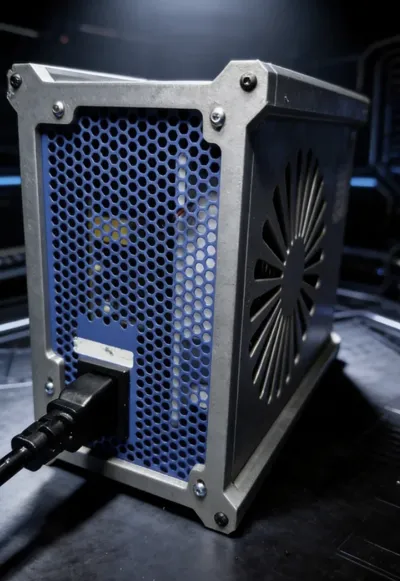
- Safety protection: Built-in input overcurrent, output overvoltage/overtemperature protection, ATX power supply with its own cooling fan
- Retro rugged style: Metal buttons with indicator lights, clear terminal layout, adaptable to 3D printed enclosures or original power supply case modifications
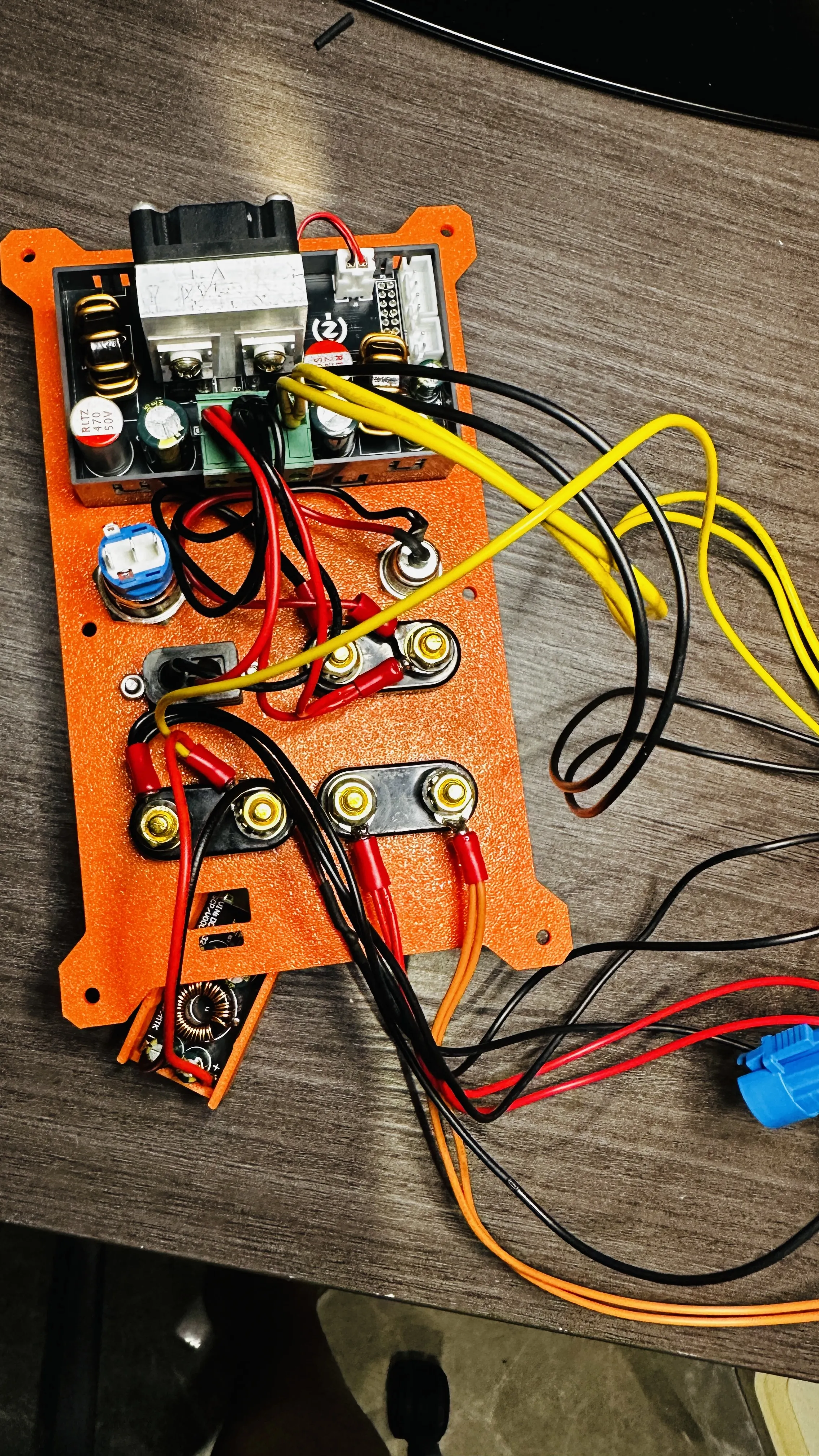
Parts List
All parts required for this kit (to be prepared by yourself or provided with the kit):
| Name | Specification/Model | Quantity |
| ATX Desktop PC Power Supply | 300W, size 150*141*86 mm (reference) | 1 set |
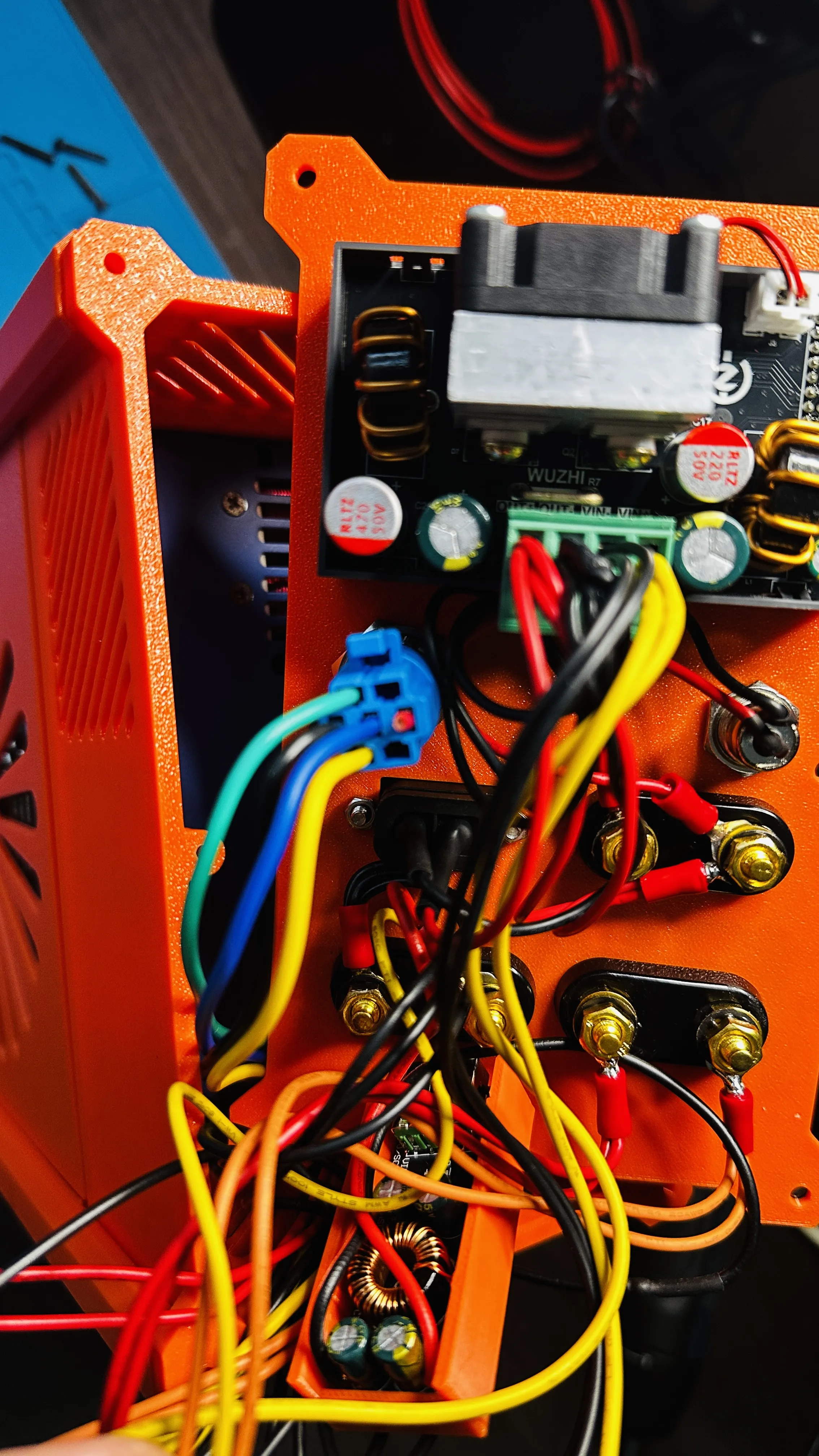
| SK150C CNC Boost/Buck Module | SK150C (with encoder, display) | 1 pc |
| 16mm Metal Push Button Switch (self-locking, with light) | 16mm, 12V indicator light | 1 pc |
| XT60 Fixed Female Connector (with dust cap, with wire) | XT60E-F | 1 pc |
| Integrated Double Terminal (Red/Black) | 4mm banana socket, double blossom head | 3 pairs |
| Banana Plug to Alligator Clip/Test Lead (optional) | 4mm banana head, 1 pair | 1 pair |
| DC Power Socket (with waterproof cap) | DC-099, 5.5×2.1mm, all-metal | 1 pc |
| SW3518S Full Protocol Fast Charging Module | SW3518S | 1 pc |
| U-type Fork Cold Press Terminal (with insulation sheath) | SV1.25-5 (inner diameter 5mm) | ≈10 pcs |
| Bolts (for fixing the enclosure) | M3×16 | 10 pcs |
| Bolts (for fixing the ATX power supply) | M3×8 | 4 pcs |
| High Temperature Wires (Red/Black) | Can use wires cut directly from ATX | As needed |
| Heat shrink tubing, cable ties, soldering tools, screwdrivers, multimeters, etc | - | Several |
Note: The SK150C module can be a 150W CNC buck constant voltage constant current module (input DC 6~40V, output 0.5~36V adjustable). For the ATX power supply, it is recommended to use a branded disassembled power supply, paying special attention to the 12V output capability
Instructions for Use
Basic Operation
- Power on: Plug in the 220V power cord, press the metal button on the panel (self-locking to maintain connection), the ATX fan will spin, and the SK150C screen will light up
- Adjust voltage: Rotate the encoder (short press to switch voltage/current settings, long press to enter the menu). Clockwise increases, counter-clockwise decreases
- Adjust current (constant current value): Short press the encoder to enter current setting mode, rotate to modify
- Output: Connect the load via banana plug, XT60, or DC cable. It is recommended to set the voltage first before connecting the device
- Fast charging port: Independent output, not affected by adjustable voltage, always outputs the voltage requested by the fast charging protocol
Precautions
- Maximum output power 150W, strictly prohibit overload (e.g., 36V/5A=180W is already over the limit)
- Do not use in wet or flammable environments
- When adjusting the voltage, please ensure that the connected device can withstand that voltage
- In case of overload or short circuit, the SK150C will trigger constant current or overcurrent protection, reducing the output. If it is still abnormal after protection, please power off and check
- The USB fast charging module has a maximum total power of 30W (single port 20W), suitable for mobile phones, tablets, etc
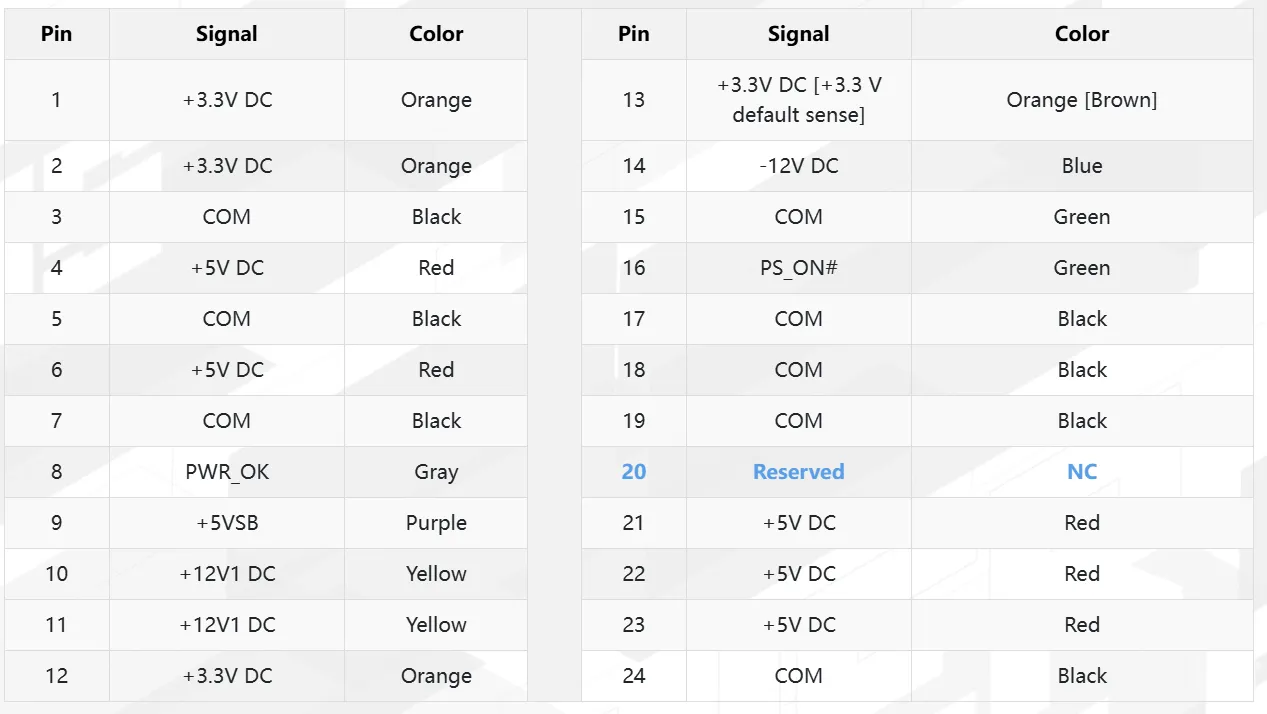
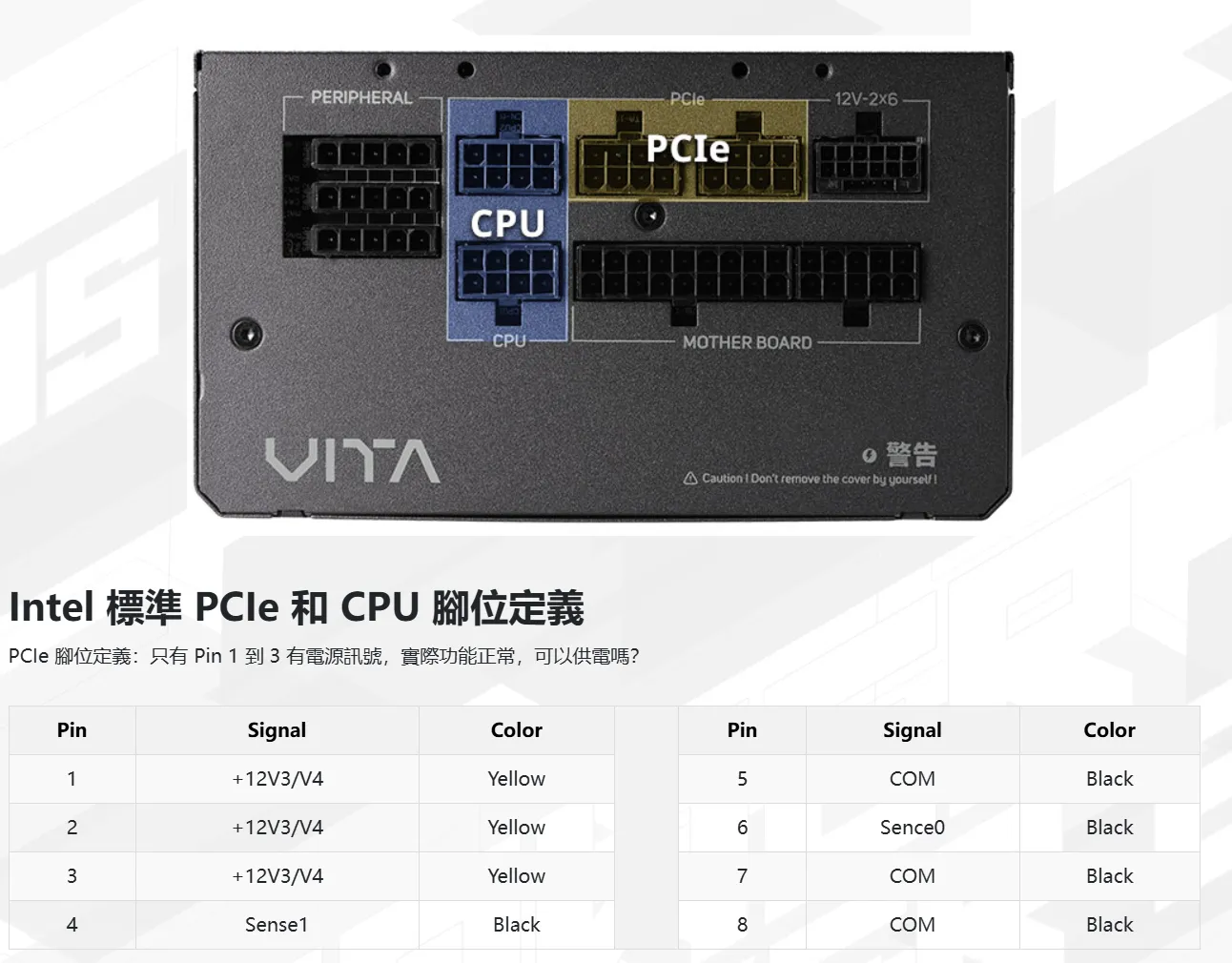
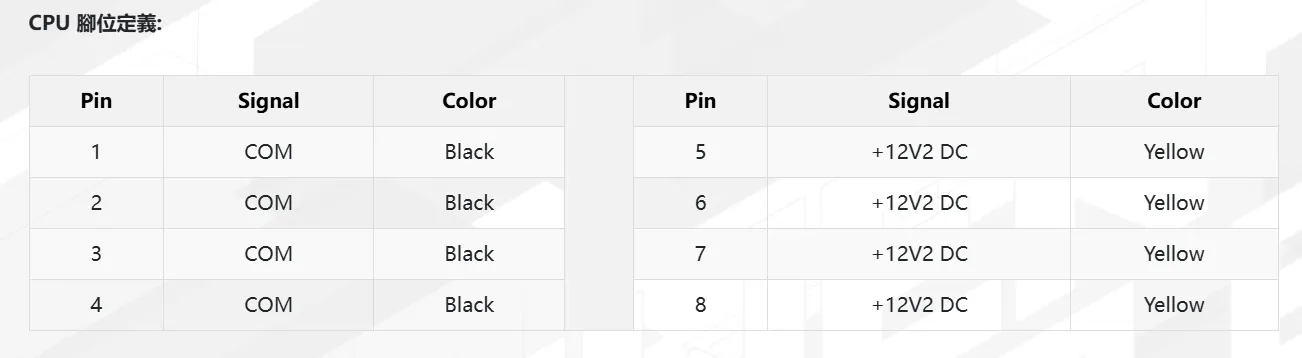
Regarding the adoption of a full modular design and all-black flat cable voltage identification
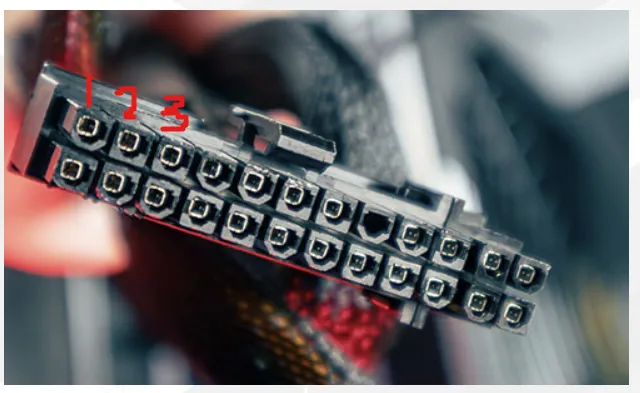
24pin motherboard cable:
Documentation (2)
License

You shall not share, sub-license, sell, rent, host, transfer, or distribute in any way the digital or 3D printed versions of this object, nor any other derivative work of this object in its digital or physical format (including - but not limited to - remixes of this object, and hosting on other digital platforms). The objects may not be used without permission in any way whatsoever in which you charge money, or collect fees.


Comment & Rating (2)