
Pokemon Card Display Frame
Print Profile(6)





Description
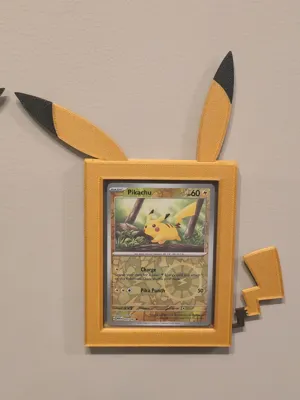
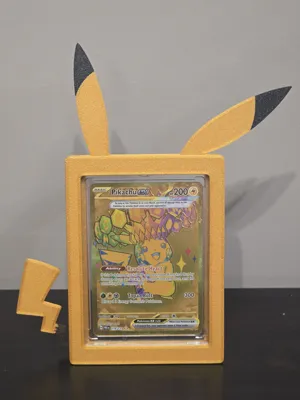
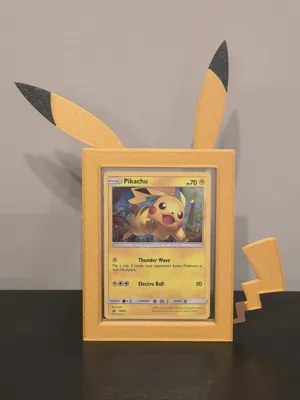
Pika Pika!
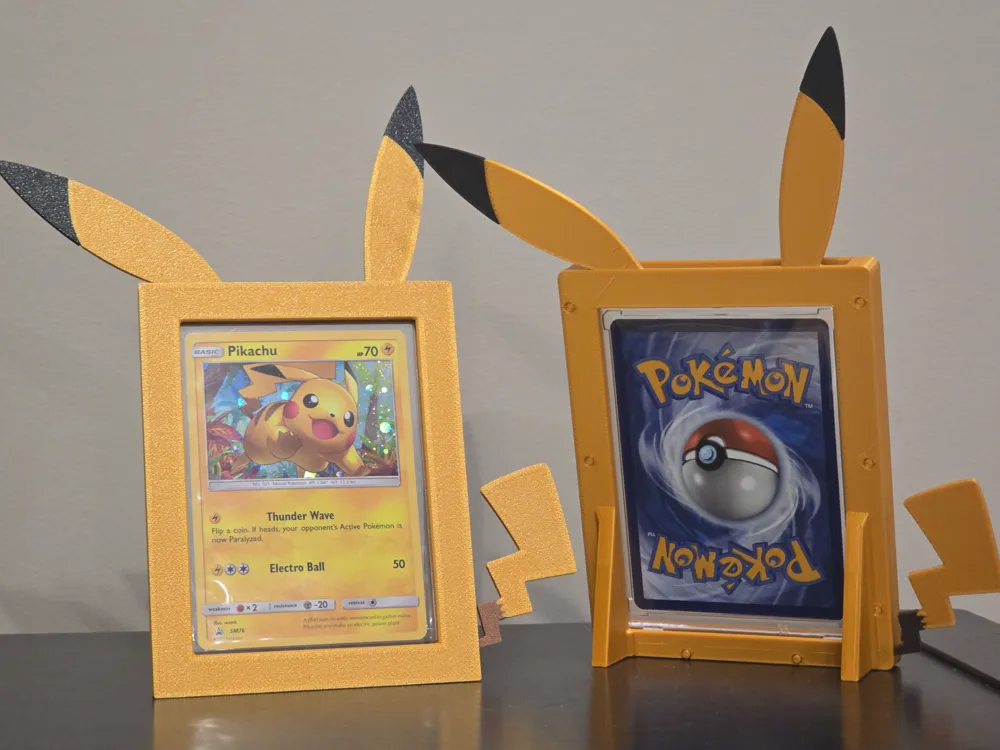
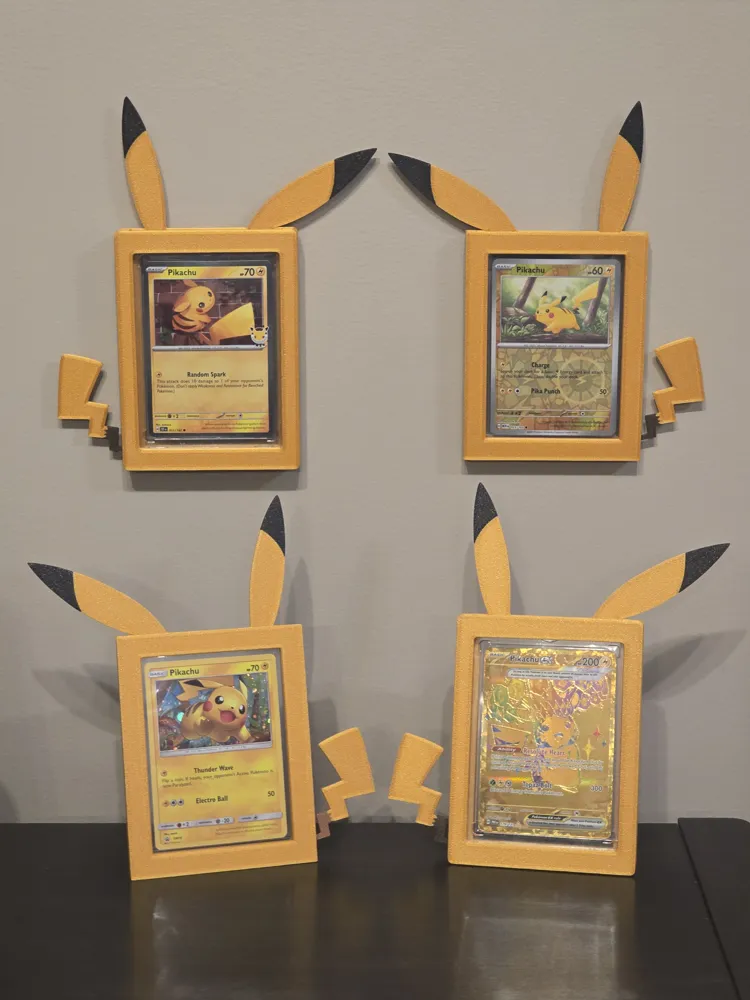
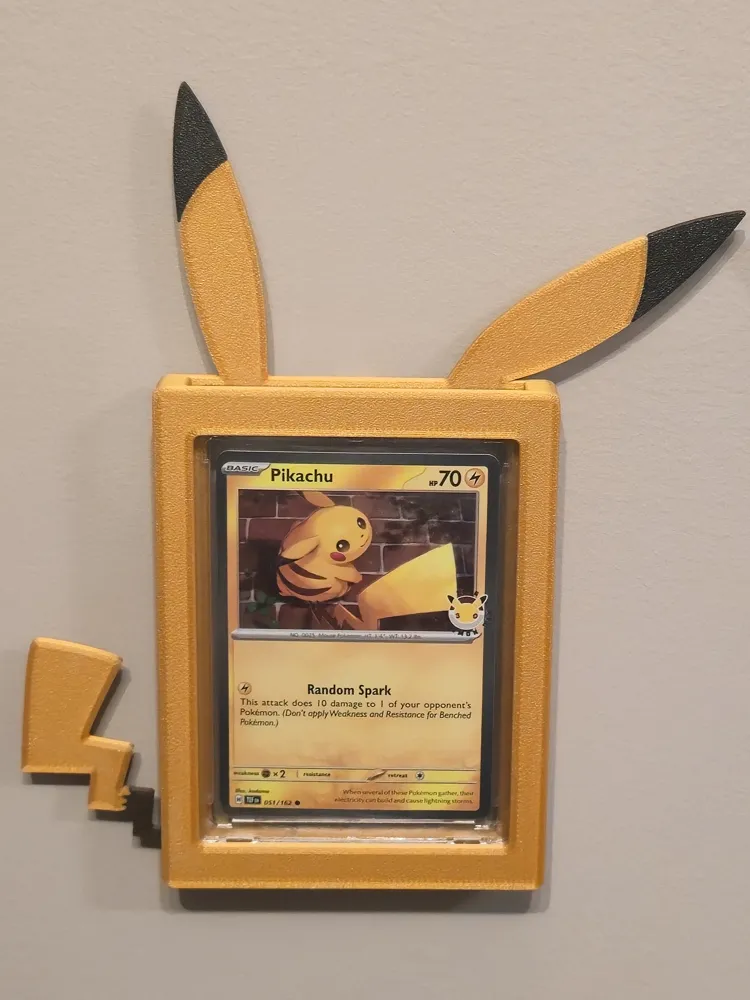
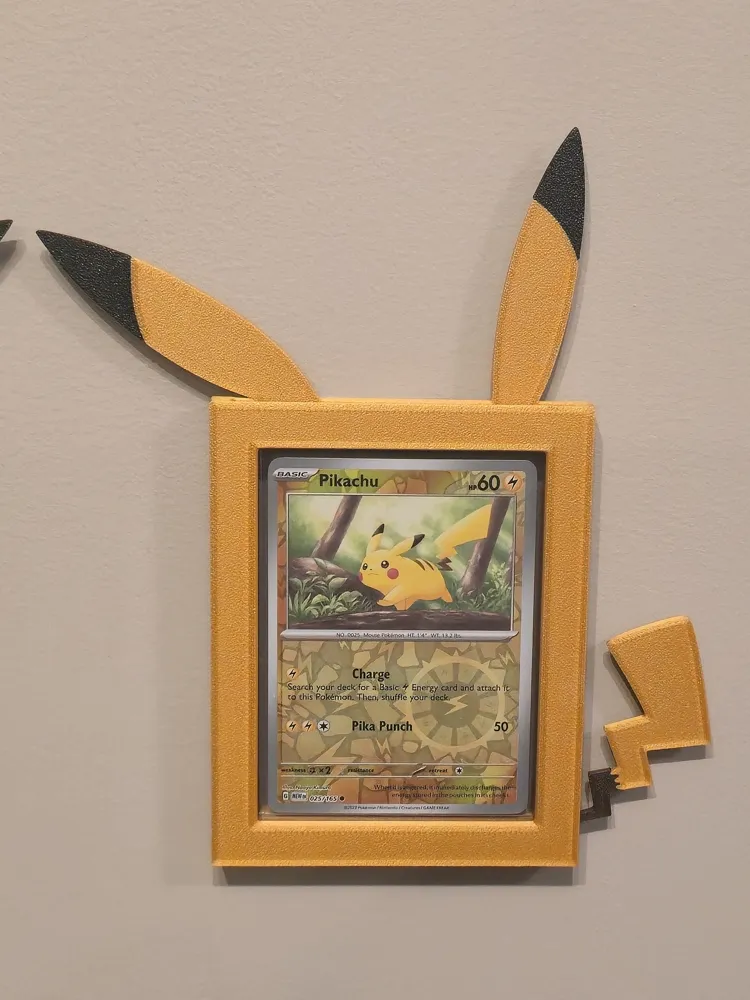
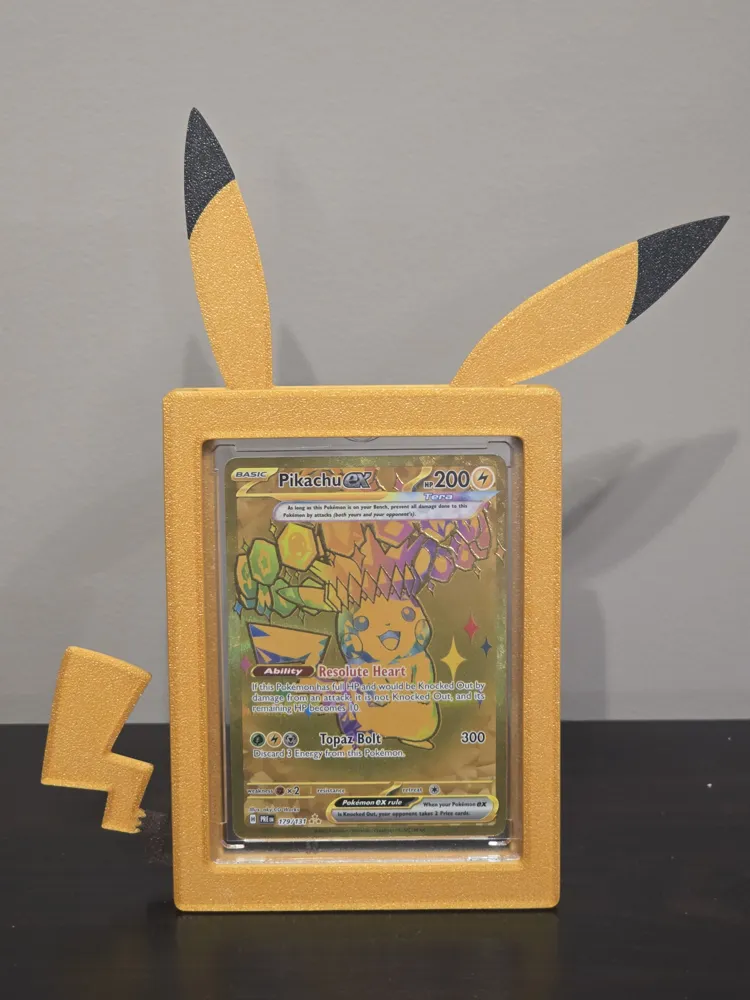
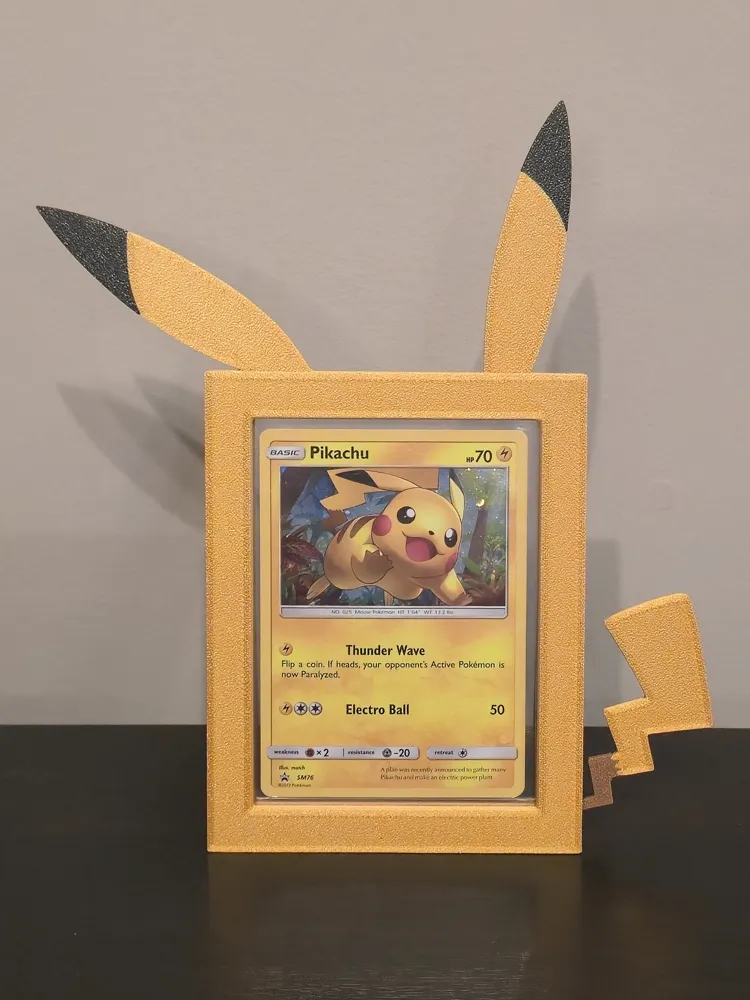
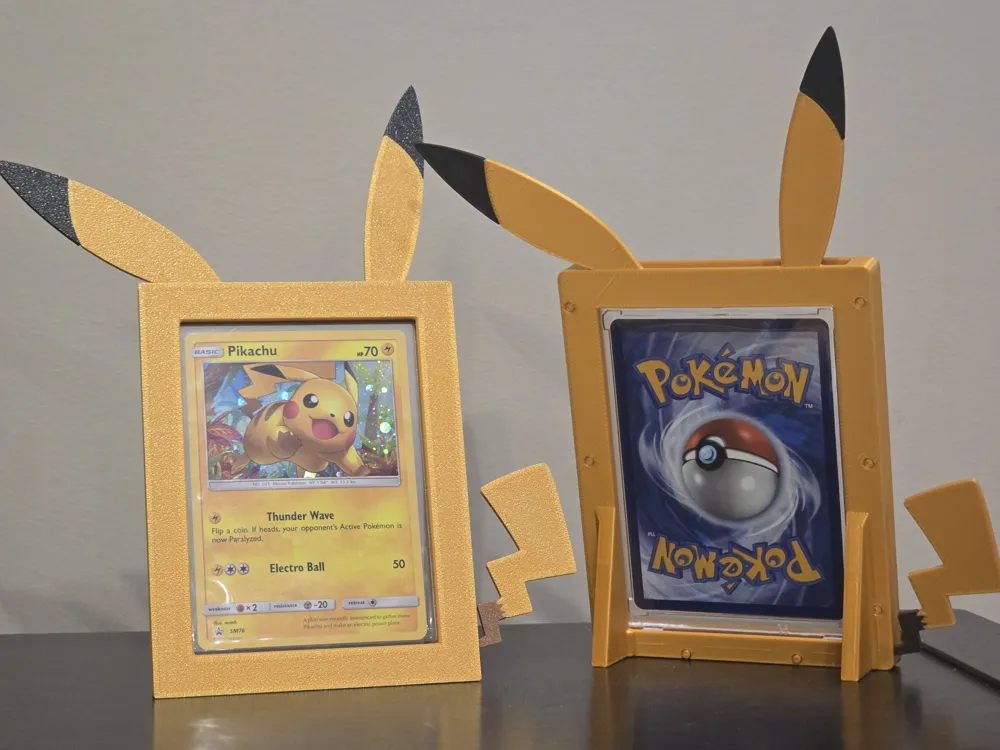
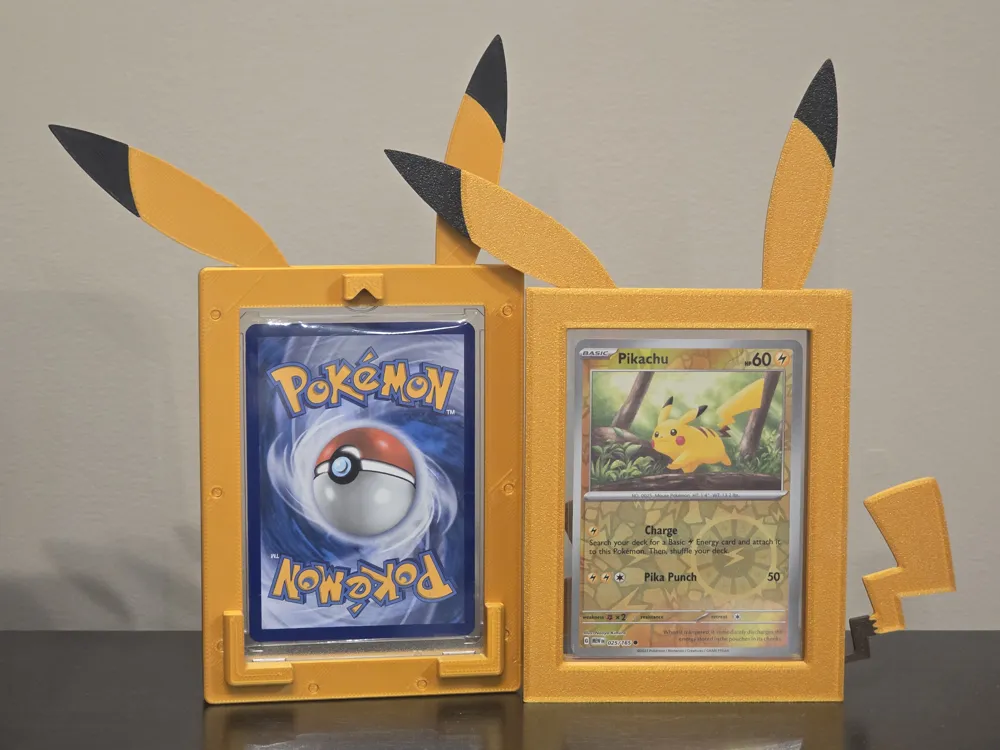
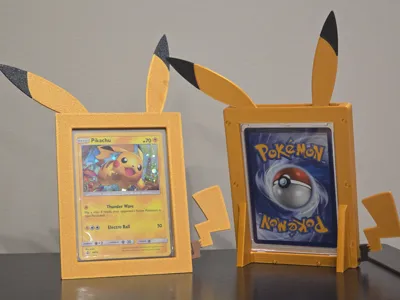
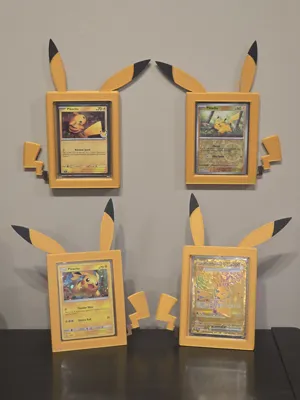
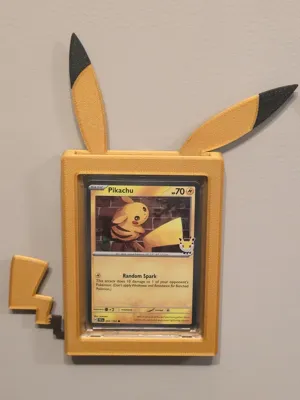
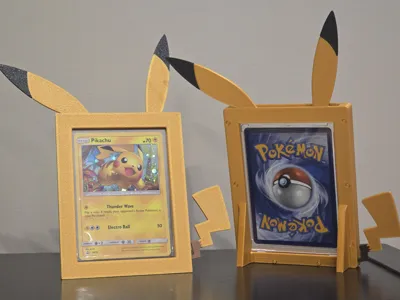
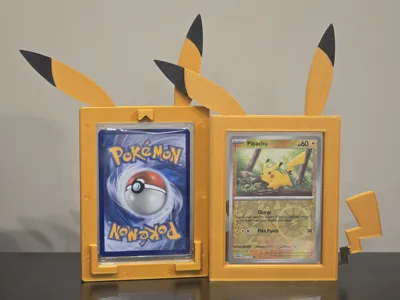
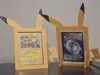
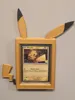
Introducing my new Pikachu themed card frames! Comes in 4 variations: Standing desk or shelf frames, the classic wall frame, and fitting either top loaders or magnetic one touch cases. I am still using the Beckett Shield 35pt top loaders and Ultra-Pro one touch magnetic cases so that's what these were designed to fit.
Boost Me (for free)
Please choose this Pikachu for a boost!
Some card protectors that are sold on 3rd party sites (like Amazon) do fit but it is not possible for me to test them all, even from the other high tier manufacturers so, do keep this in mind when printing them please.
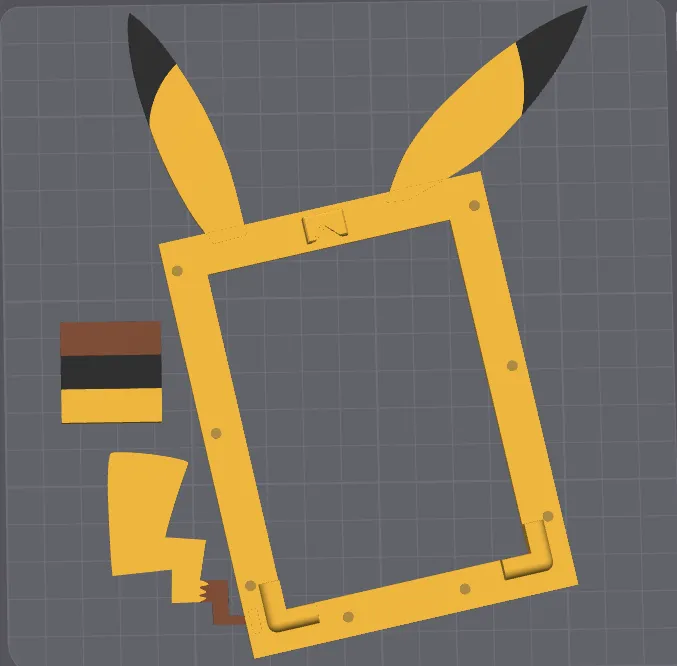
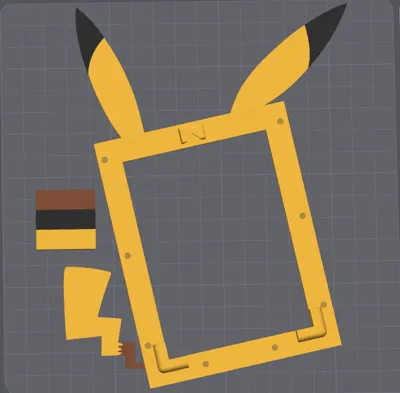
The top loader desk frame and wall frame do fit on the A1 and their profiles have been added but their fit onto the build plate is pretty close to the edges. See the picture below:
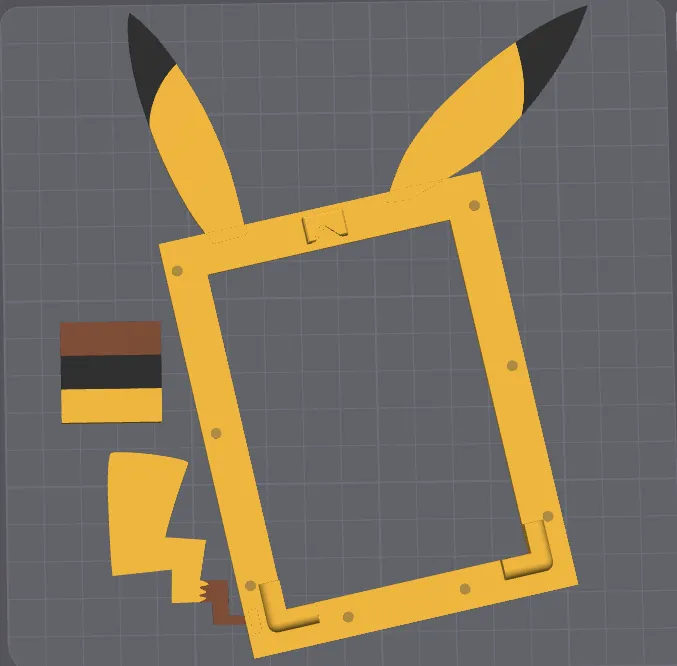
The ears and bottom corner are very close to the edges. I do not own an A1 Mini and can not test how well they actually print on those machines. The magnetic one touch frames are sadly just to large for the A1 Mini.
Let me know how this prints. The tolerances have been increased for the connectors from 0.19 mm (my usual number) to 0.2 mm. This should fix some fitment issues some users were experiencing.
I don't have the STL files ready for upload at this time. Users who may still experience fitment issues with the connectors may need to wait until I get the STLs uploaded so they can cut the model and add their own connectors with their own tolerances. I will add the proper heights for cutting at that time. If someone knows a way to edit connectors in Bambu Studio please, let me know. I would love to learn how.
Also, I realized after uploading the models, you can not mirror the parts after they have been cut and connectors added. Once the STL files have been uploaded, users should be able to mirror flip the model so the tail and ears can point in the other direction. Ooops.
License

You shall not share, sub-license, sell, rent, host, transfer, or distribute in any way the digital or 3D printed versions of this object, nor any other derivative work of this object in its digital or physical format (including - but not limited to - remixes of this object, and hosting on other digital platforms). The objects may not be used without permission in any way whatsoever in which you charge money, or collect fees.


Comment & Rating (10)