
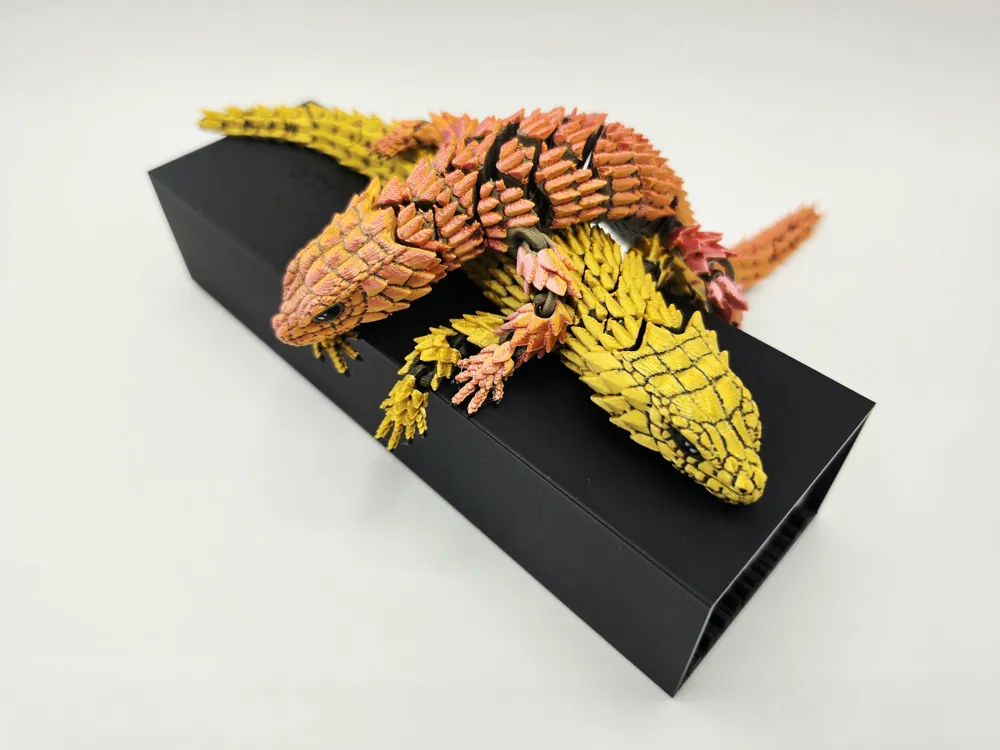
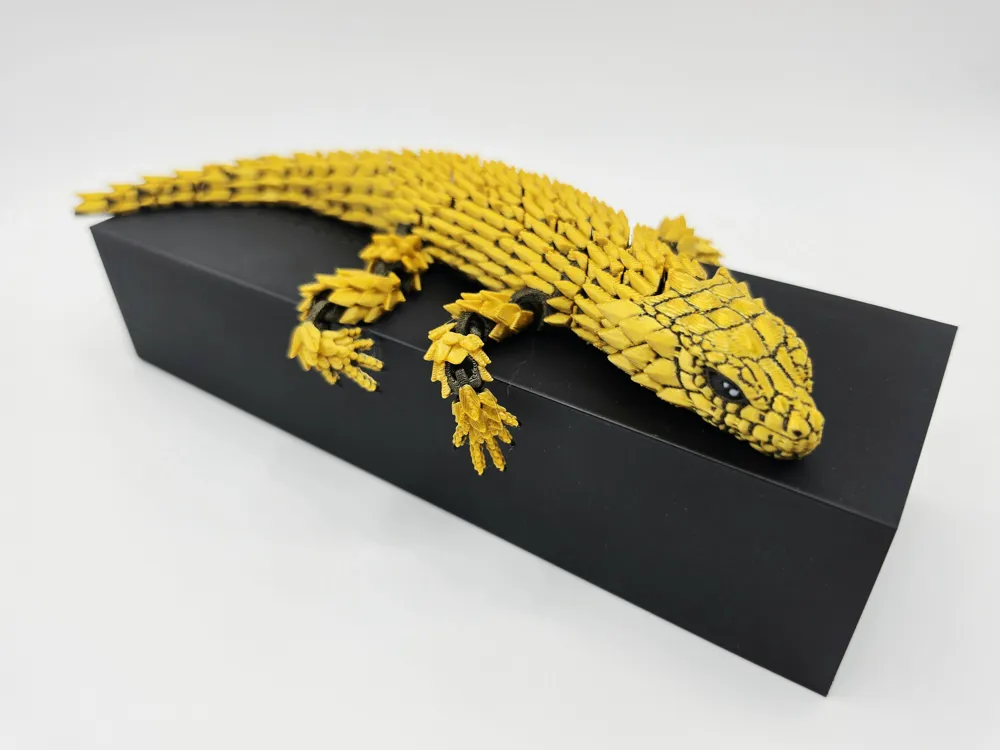
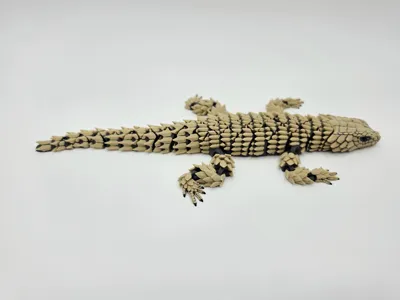
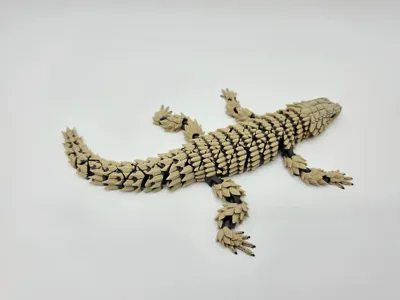
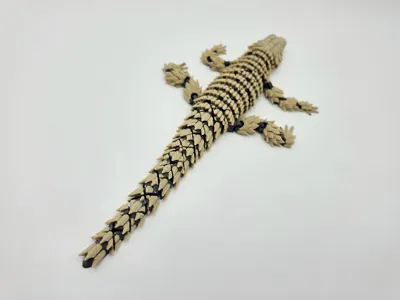
Flexi Armadillo Girdled Lizard
Print Profile(5)


Description
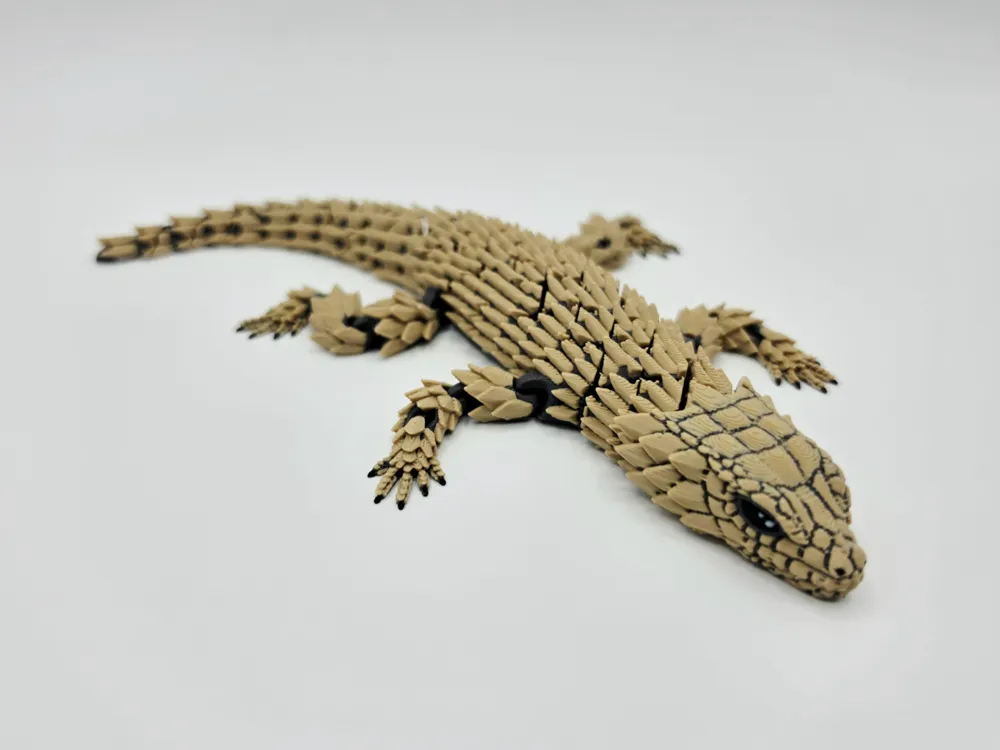
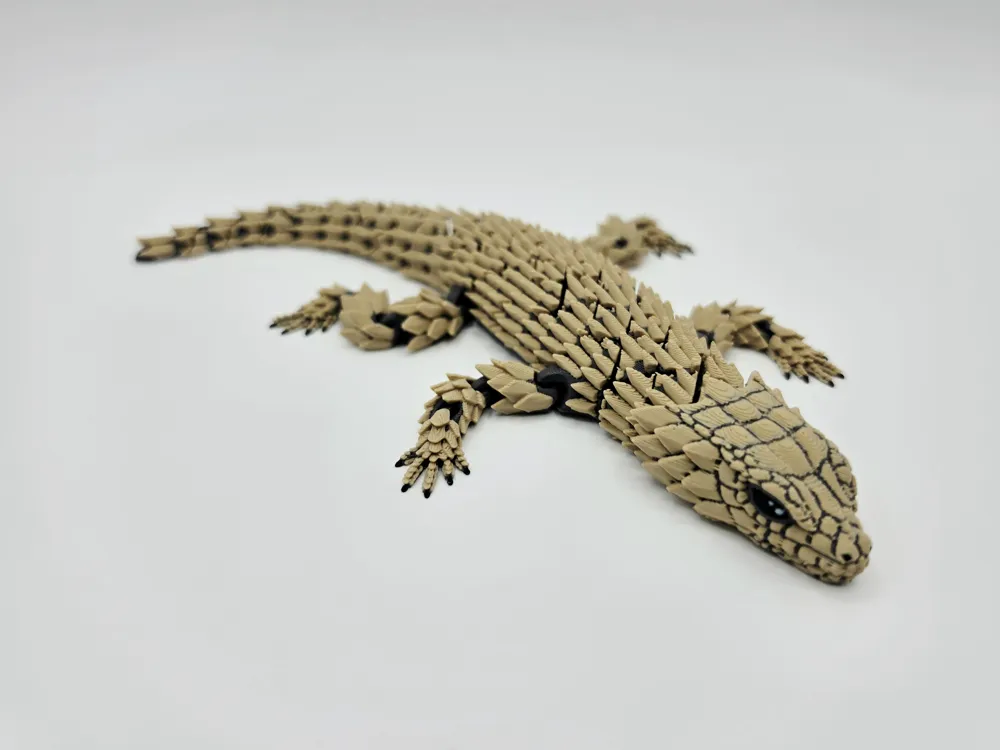
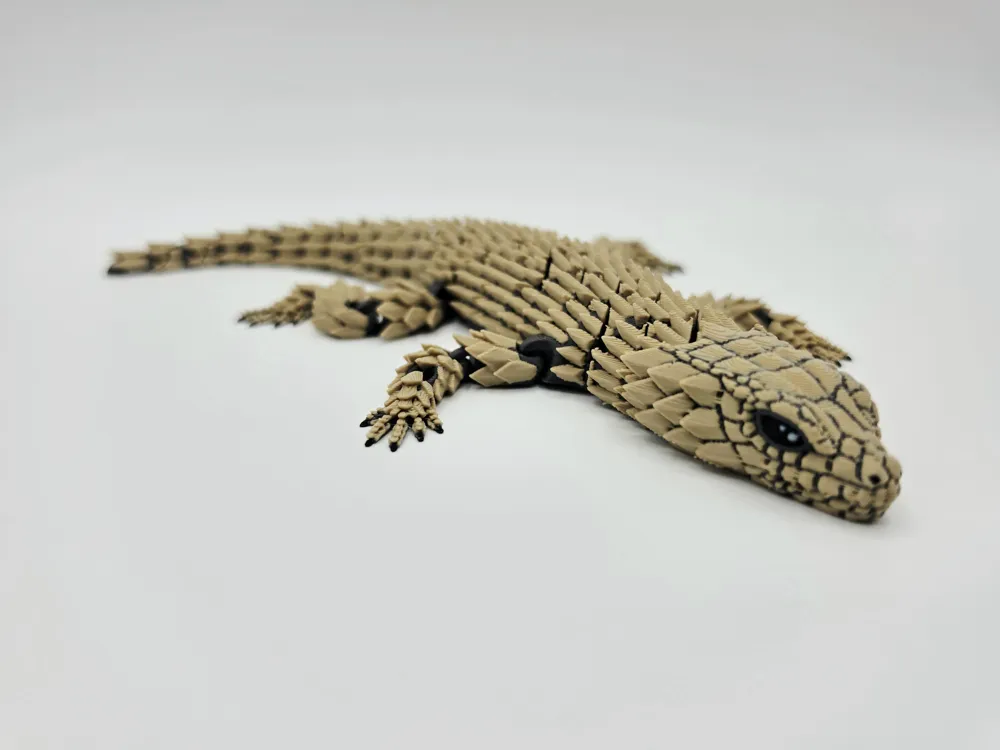
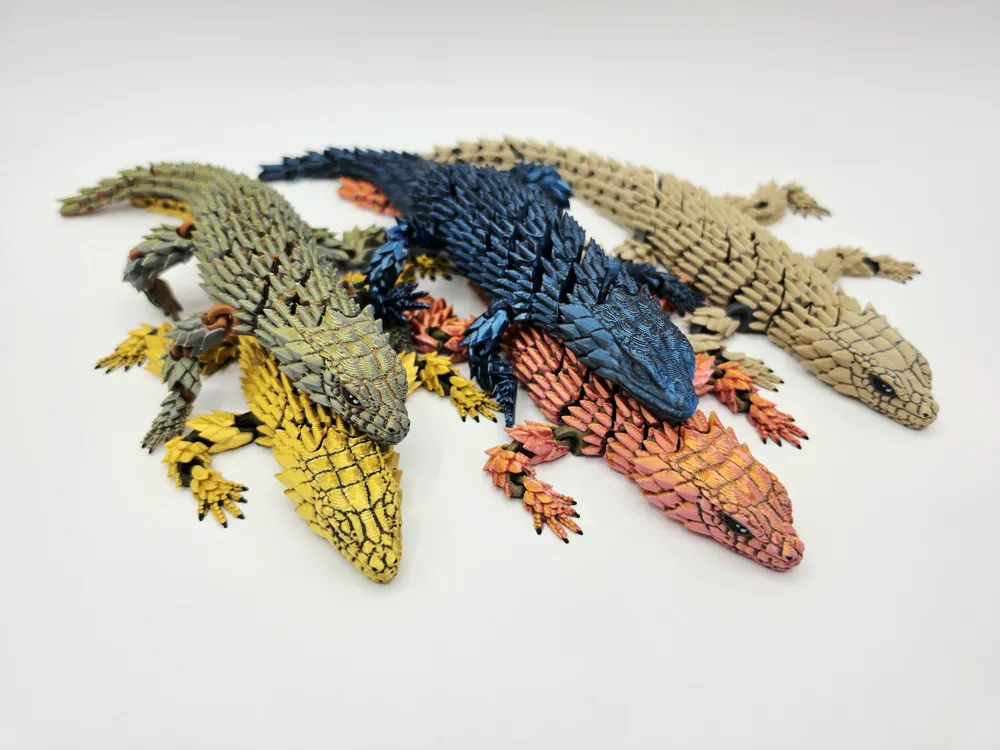
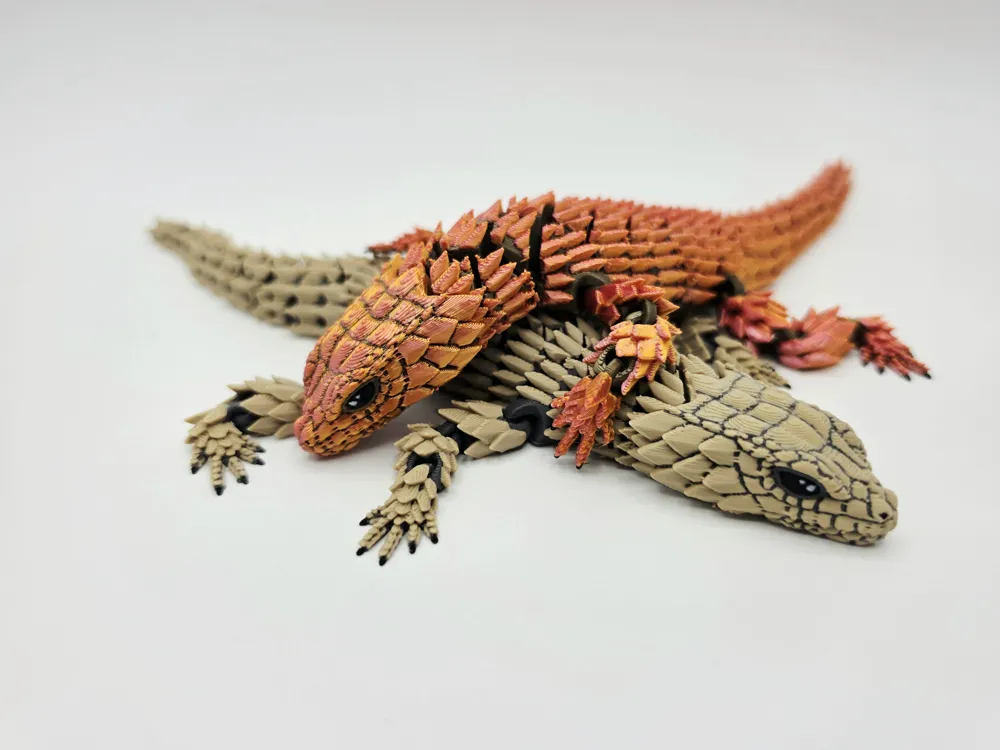
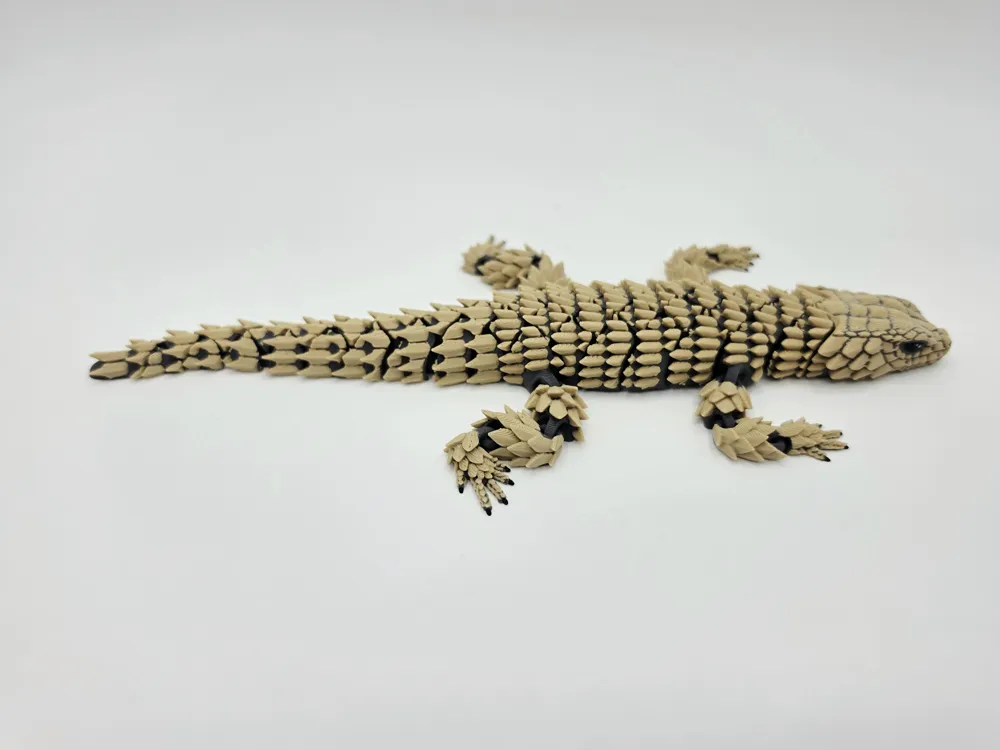
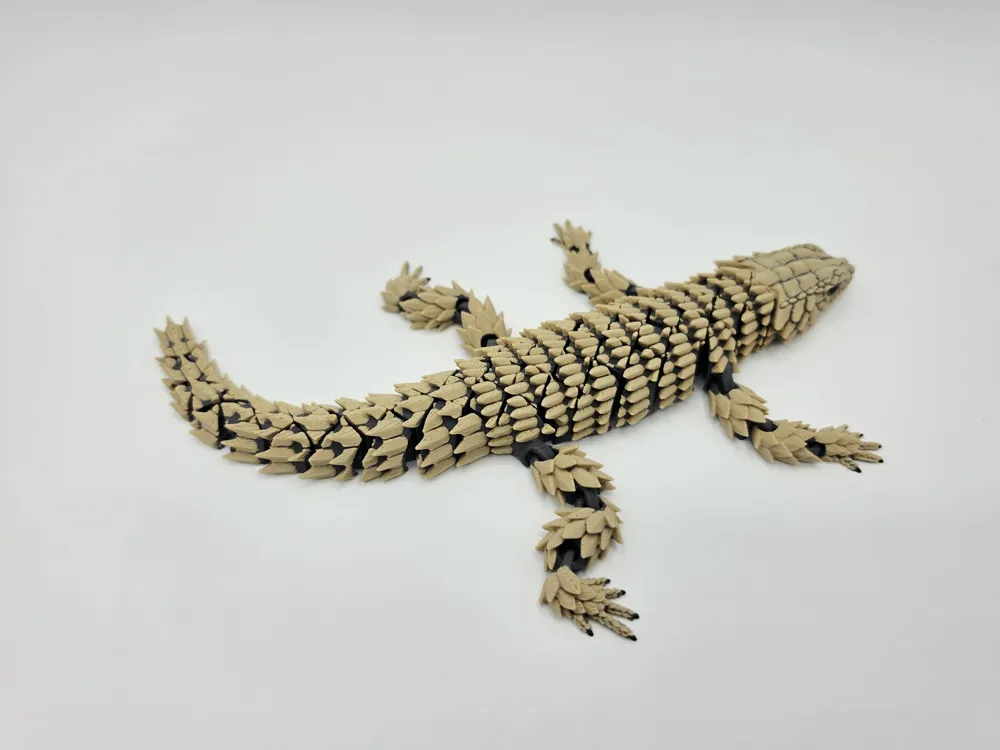
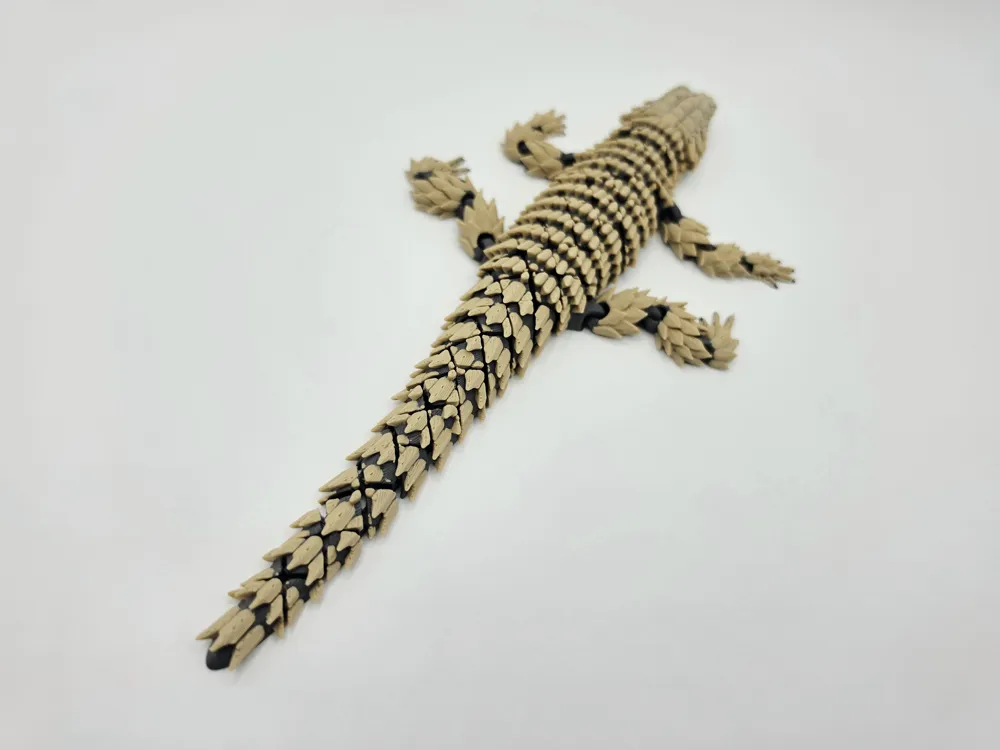
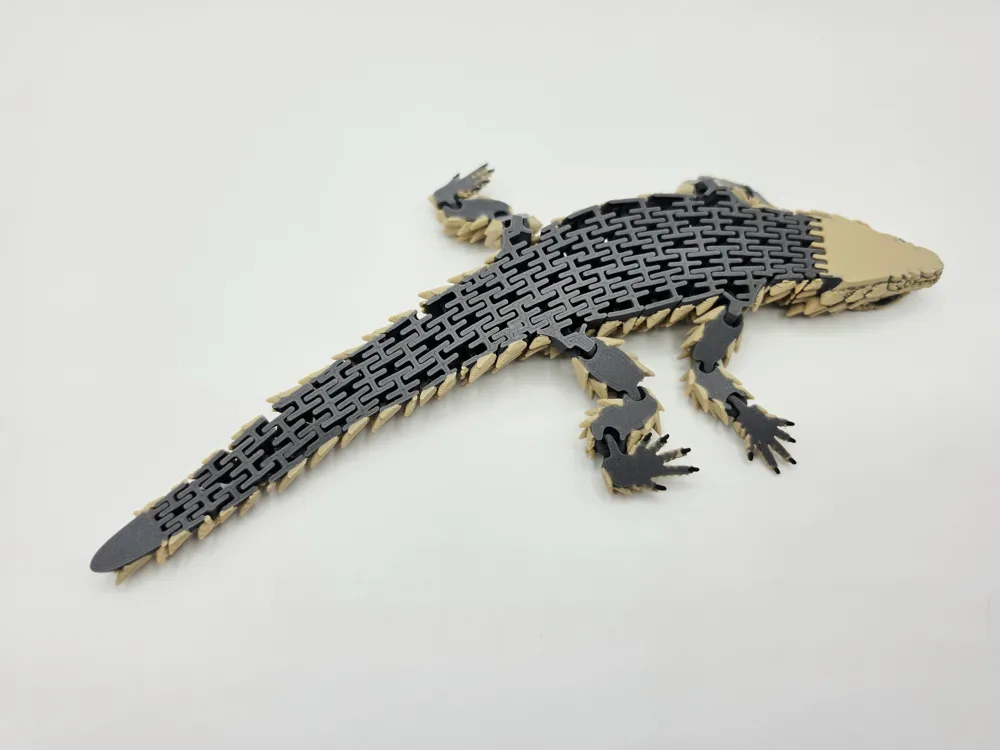
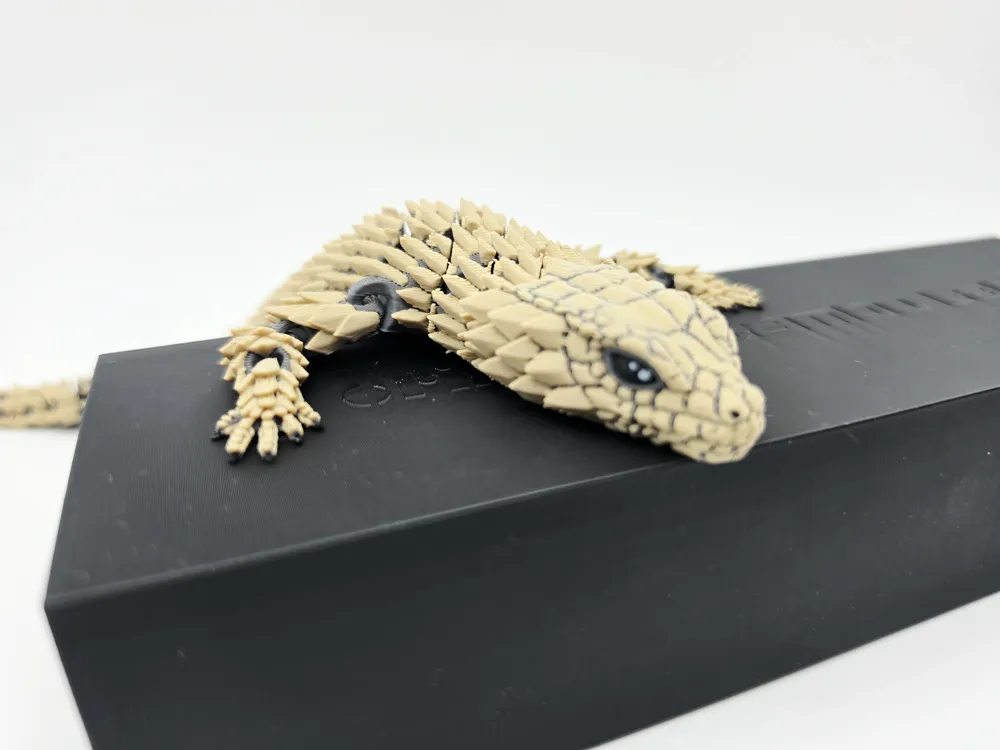
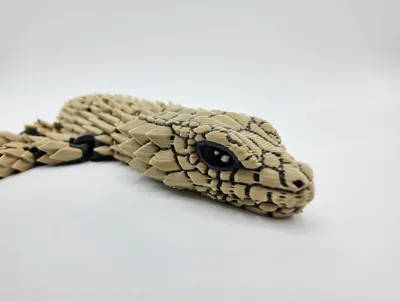
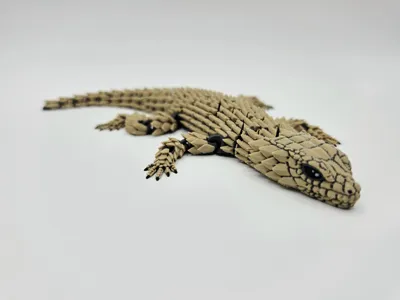
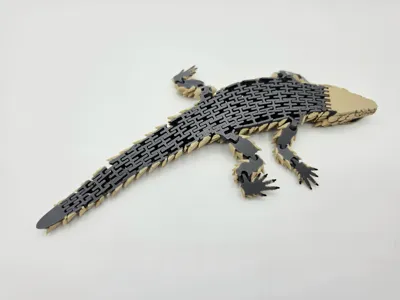
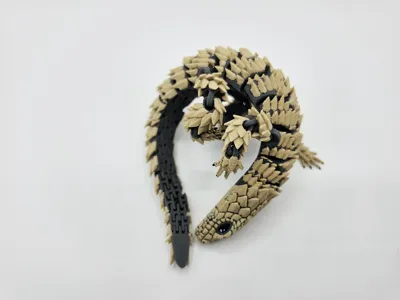
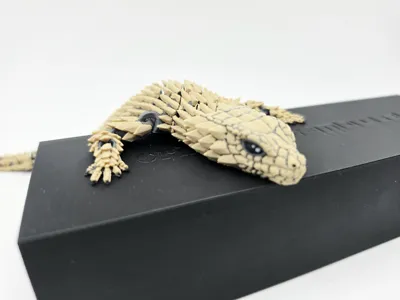
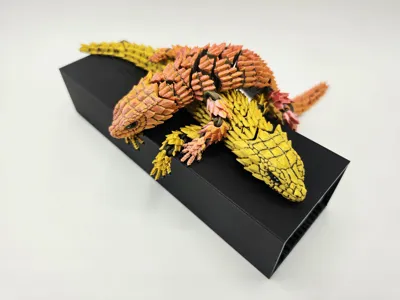
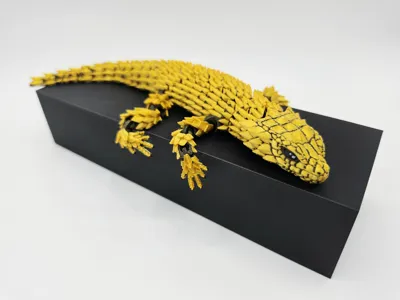
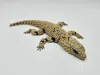
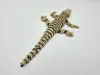
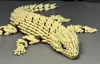
New Hybrid Flexi Armadillo Girdled Lizard - Features the new link flexi body & classic link flexi arms
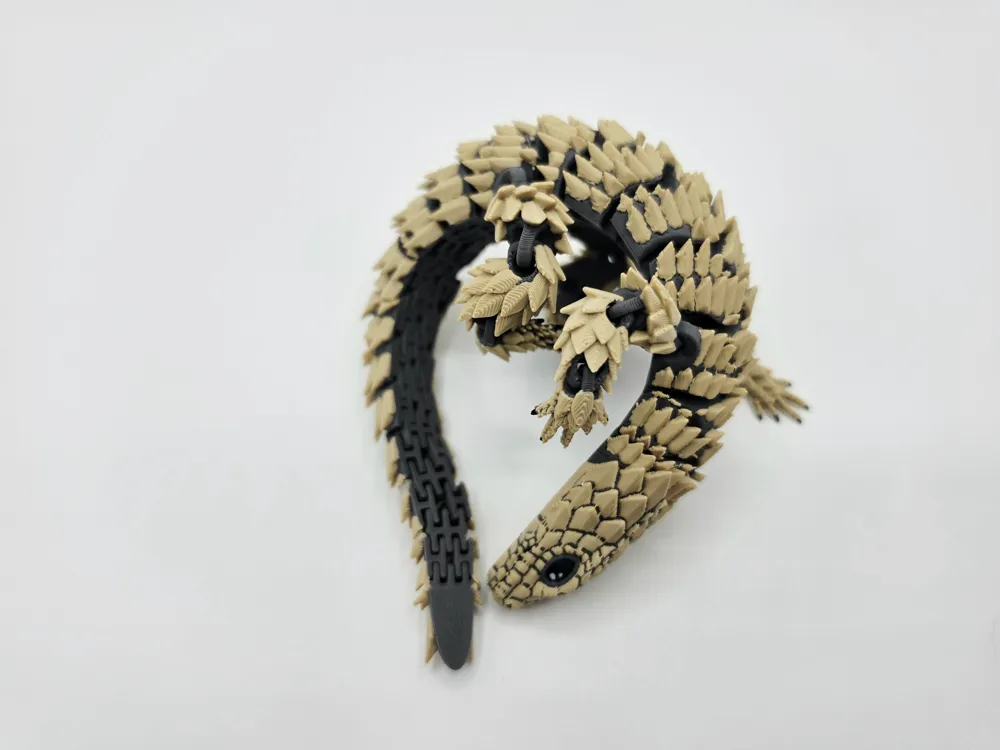
These cute little lizards when threatened curl into a ball to protect themselves from danger
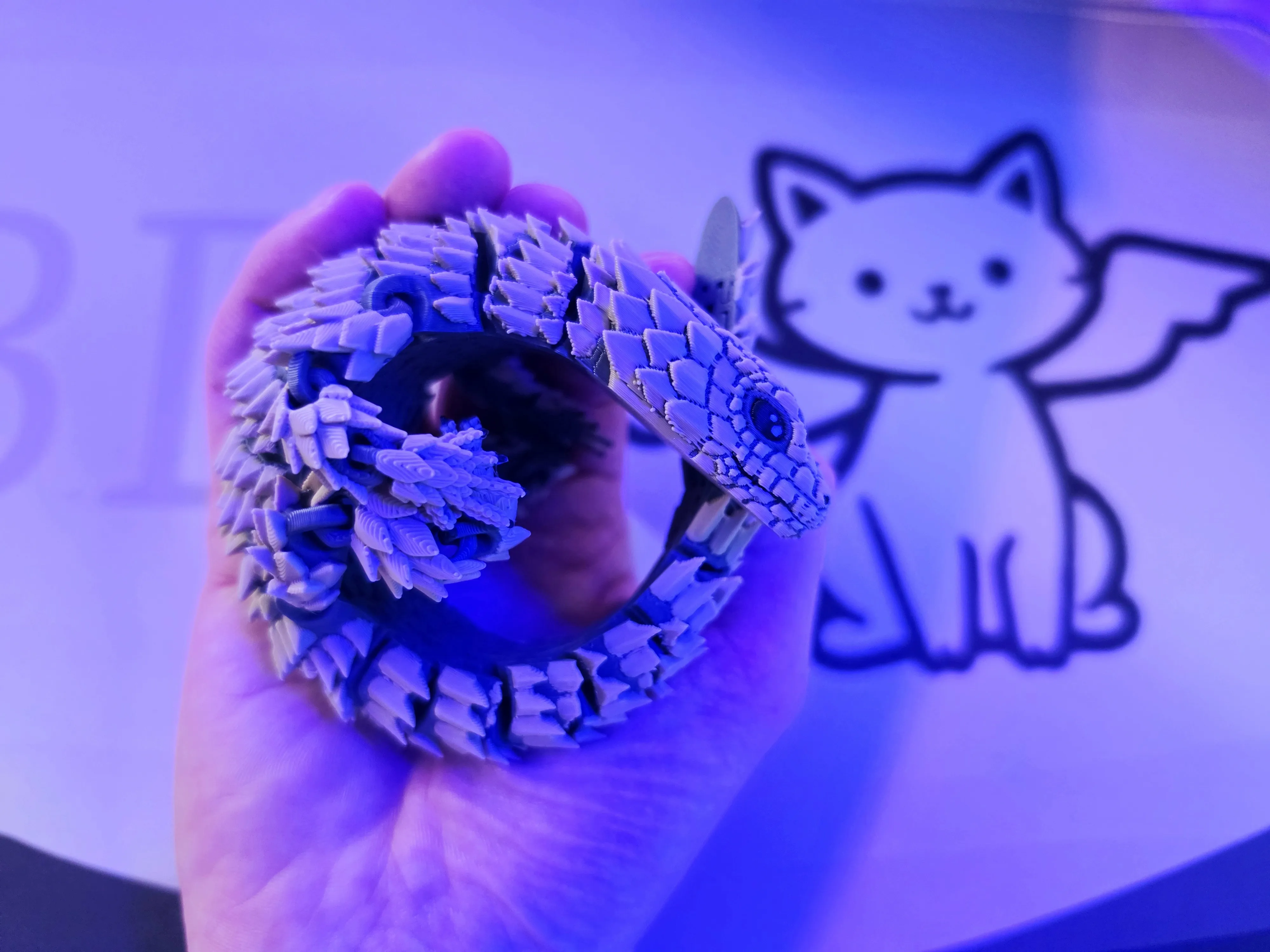
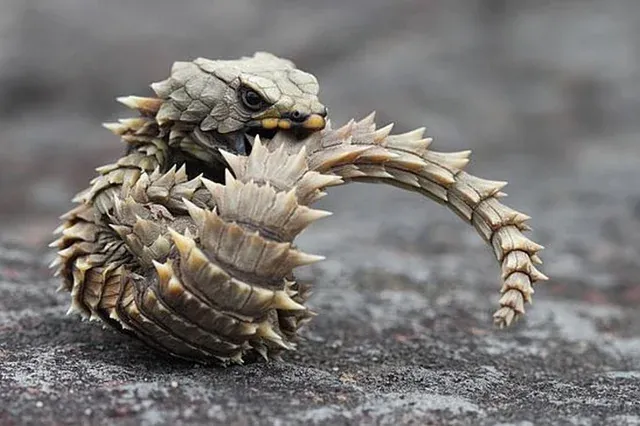
Just like the real lizard, this flexi can roll, flex, twist & fidget - a faithful & cute sensory fidget that's fully print in place with no brim or support needed
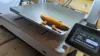
Full color print profile that's optimised for easy printing - Print times are greatly reduced on any dual nozzle printer such as the Bambulab H2D or H2C
Fits on any Bambulab printer, can easily be scaled up in size - I do however recommend scaling no smaller then 80%
Print Settings
Can be easily printed with default slicer settings however I recommend the following settings (included in the supplied print profiles)
- 15% gyroid infill
- No brim or support
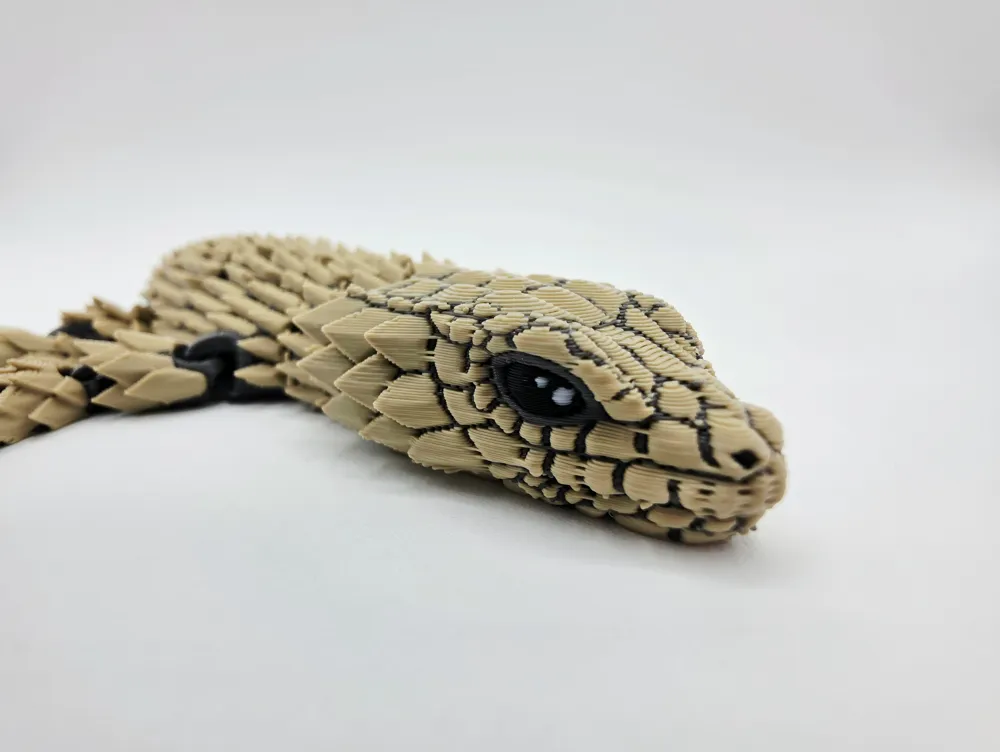
- Arachne walls for improved facial detail using the painted profile
- z-hop enabled for printers with lower bed adhesion
Troubleshooting
It is recommended to print the main body (brown section) in regular PLA, the spike sections are perfectly fine to print in silk or any material you choose
Although I have printed many on multiple printers typical failures are likely due to adhesion problems, simple fixes include the following -
- Slowing the print to under half the supplied speed
- increasing z-hop height distance
- Cleaning your print bed thoroughly using warm soap water, scrubbing in multiple directions for approximately 5 minutes & air drying vertically
- Increasing bed temperature slightly or swapping to a cool plate super tack can also help
- Increasing elephant foot compensation can help however may affect functionality on some smaller links
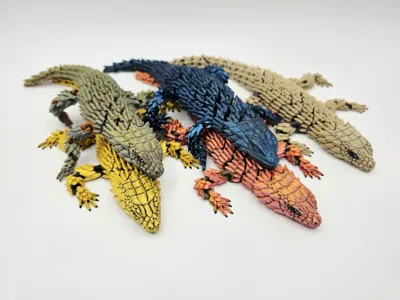
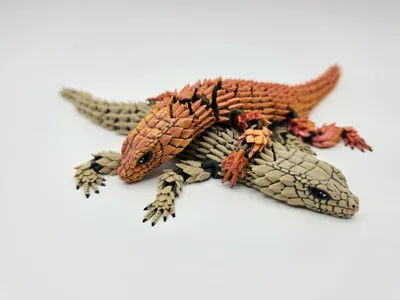
Have fun printing everyone, I look forward to seeing all the fantastic color choices you choose to print with!
License

You may create derivative works based on this object, provided that all such derivative works are published exclusively on the MakerWorld platform and include proper attribution to the original creator. You may not share, upload, host, distribute, or publish this object—or any derivative work of this object—on any other digital platform, marketplace, or distribution channel. Commercial use of this object and any derivative works is strictly prohibited. This includes, but is not limited to, selling, renting, sublicensing, or using the object in any context in which you receive monetary compensation or other financial benefits.


Comment & Rating (228)