Search models, users, collections, and posts

Tablet Stand for 10–11" Home Assistant
IP Report
Print Profile(1)
0.2mm layer, 3 walls, 15% infill
Designer
1.3 h
1 plate
Open in Bambu Studio
Boost
0
1
0
0
2
1
Released
Description
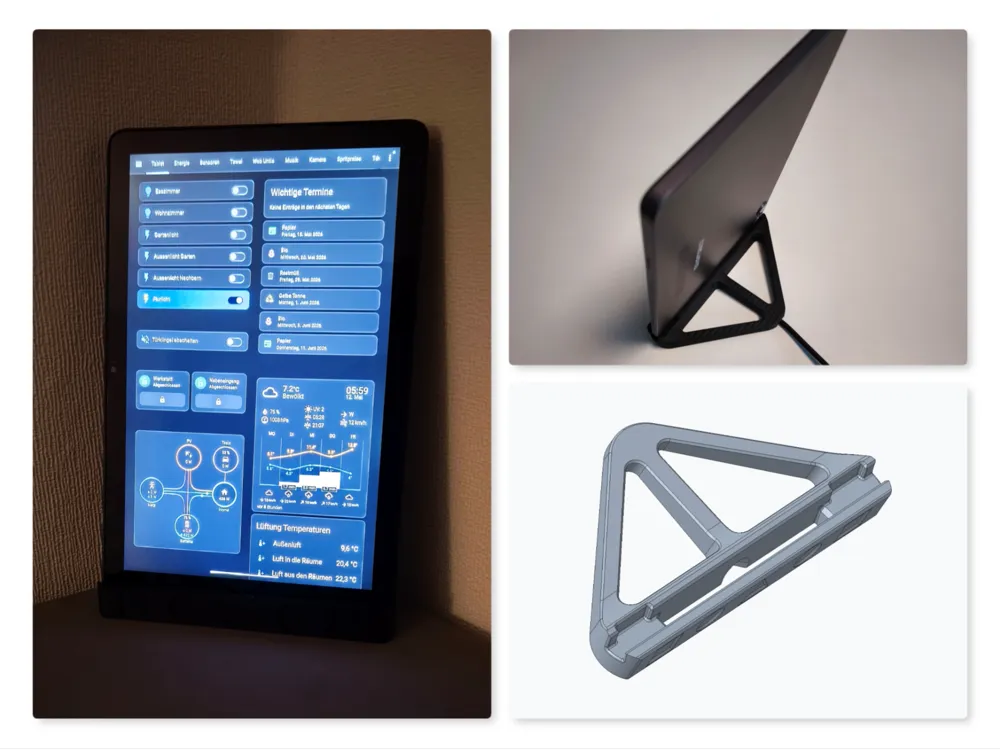
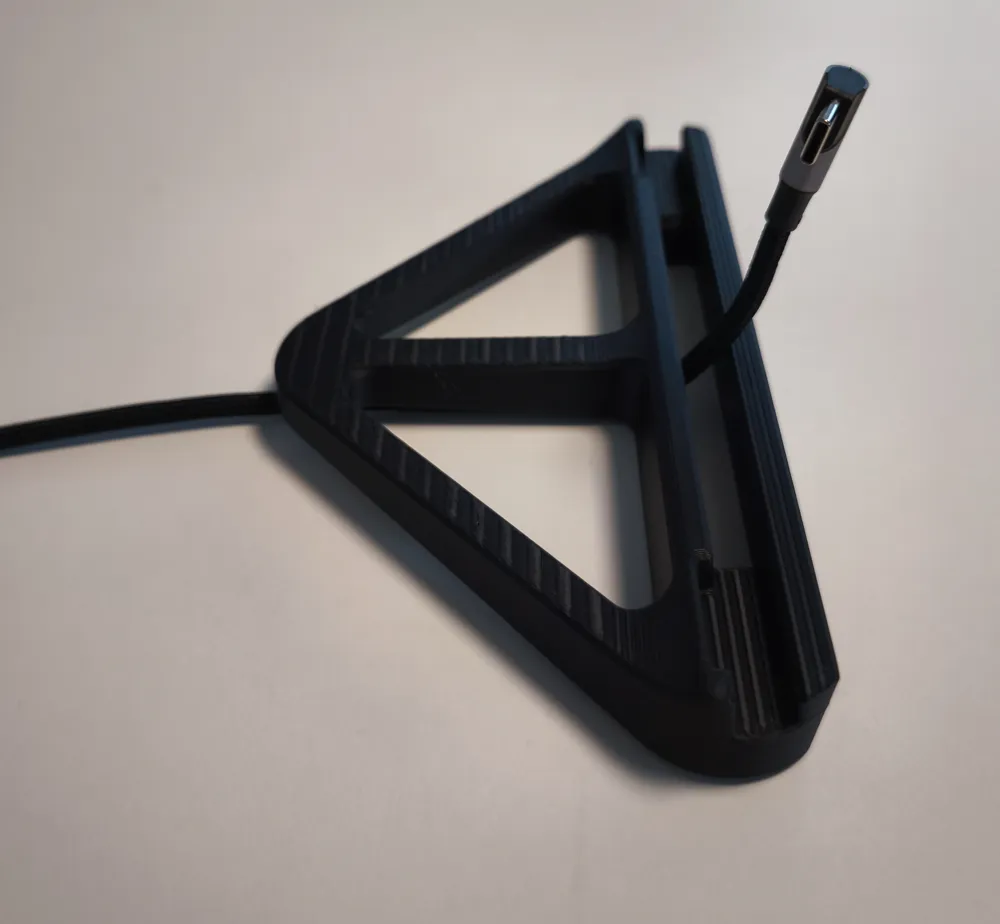
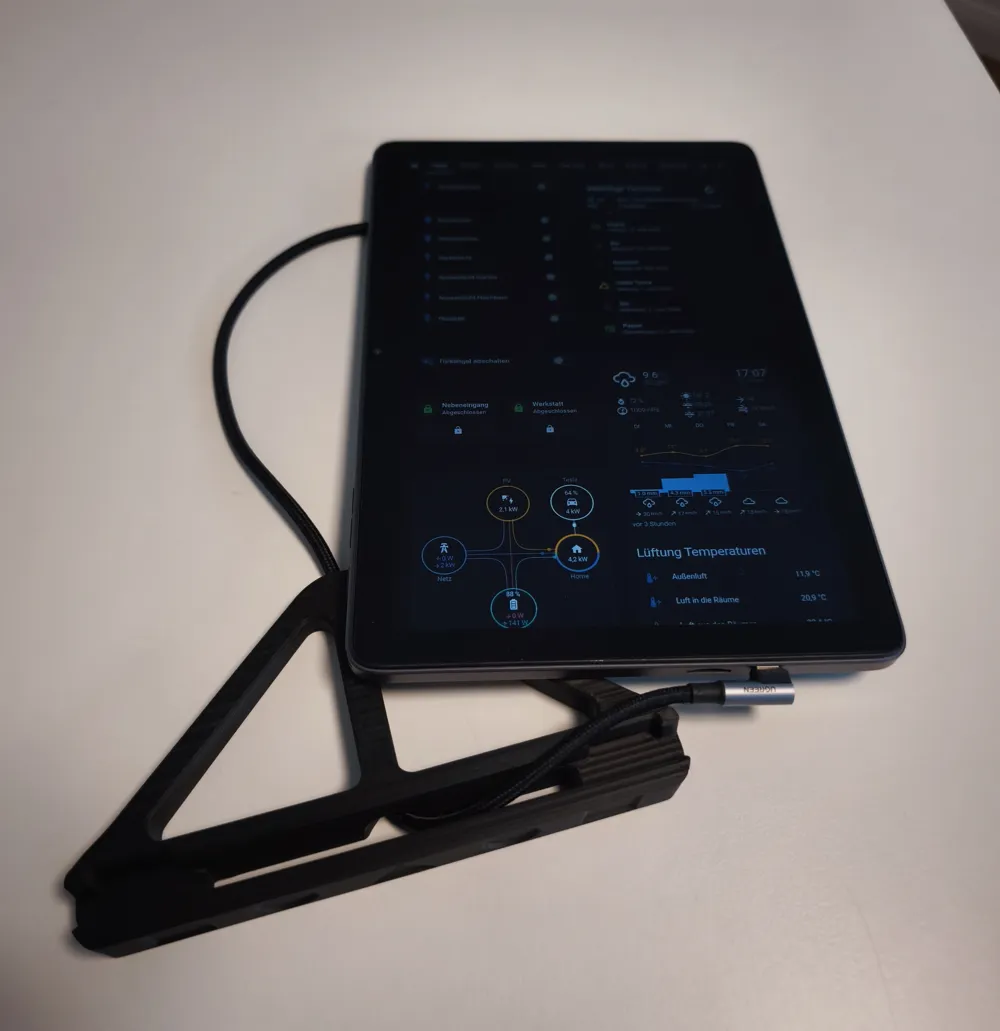
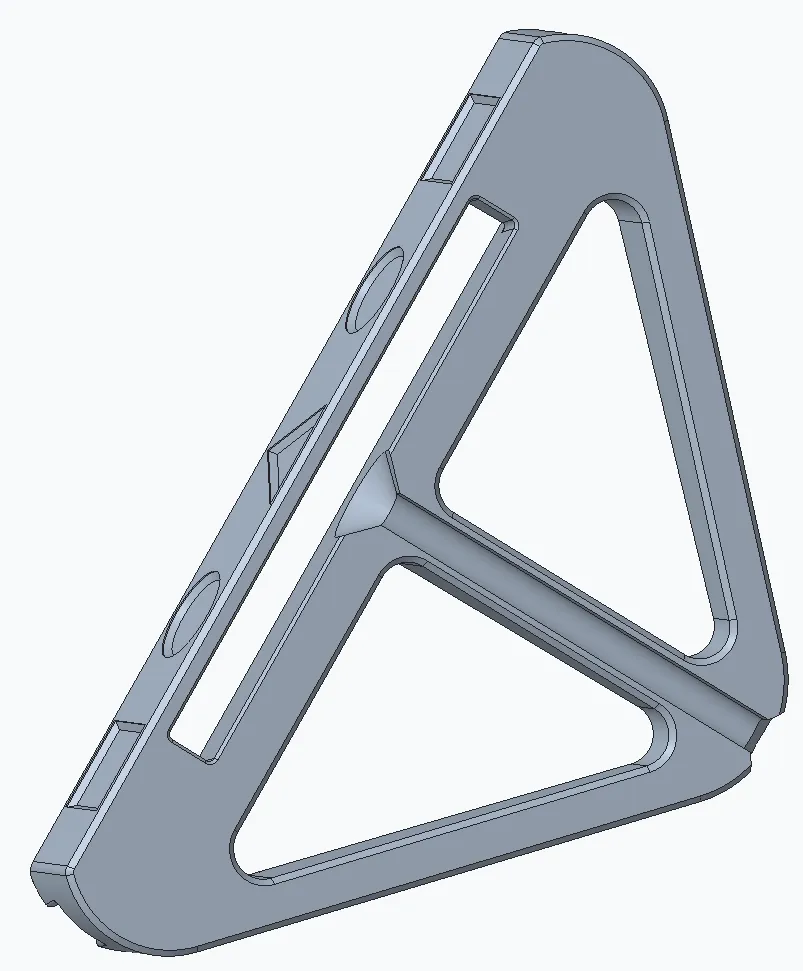
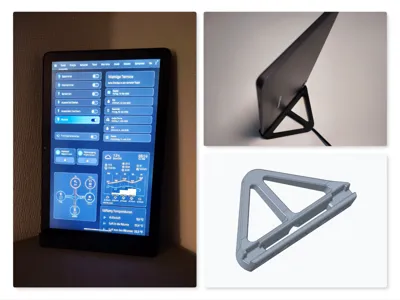
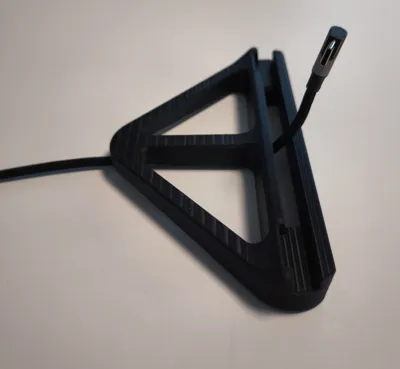
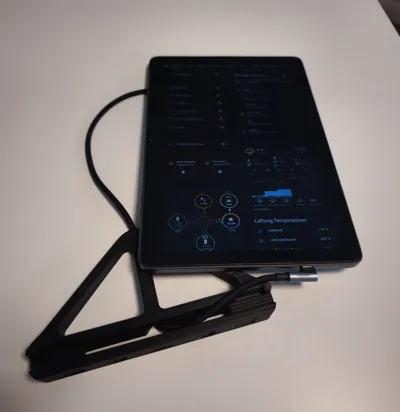
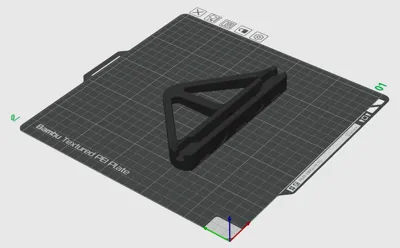
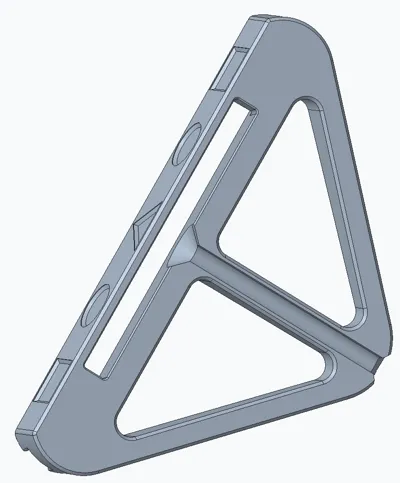
Freestanding tablet holder for permanent display use — e.g. as a Home Assistant kiosk screen. The tablet sits upright at 80° and can be operated without removing it from the stand. The cable routes hidden through the rear. A 90° USB plug is required.
Included Files
- ha_tablet_halter.stl
- ha_tablet_halter.3mf
Specifications
| Fits | 10–11" tablets, up to 8 mm thick |
| Dimensions | 165 × 93 × 20 mm |
| Slot width | 8.5 mm |
| Slot depth | 6.2 mm |
| Cable opening | max. 6 mm diameter |
| Angle | ~80° (thinner tablets sit slightly flatter) |
| Tested with | Teclast P30T |
Print Settings
| Material | PLA, PETG, ABS, ASA |
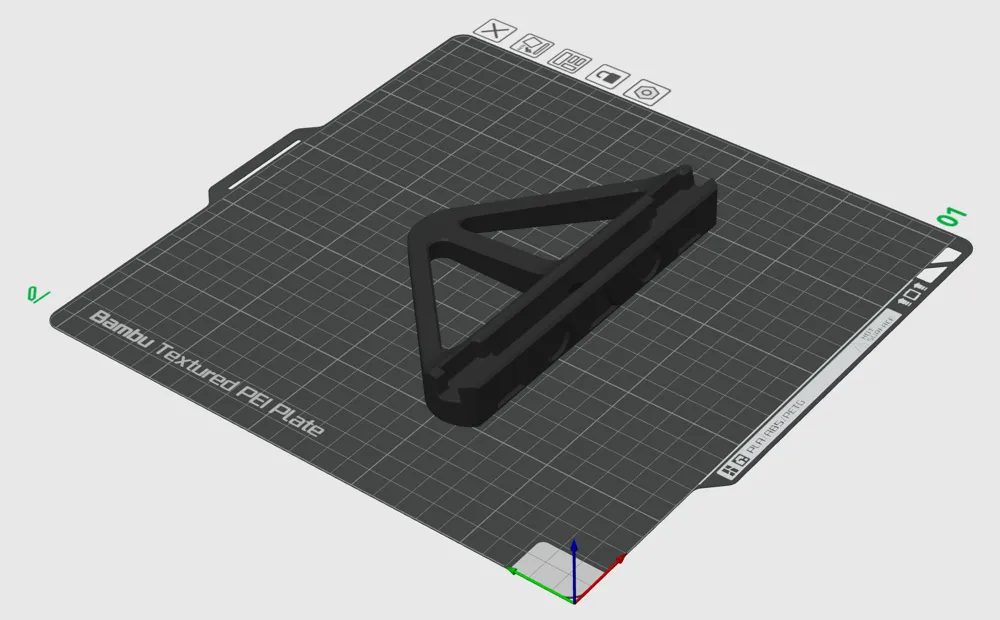
| Supports | None required |
| Orientation | As in file |
Assembly
- Route cable through the rear opening
- Connect to tablet using a 90° USB plug
- Insert tablet into the slot
Freistehender Tablet-Halter für den dauerhaften Einsatz als Display — z. B. als Home-Assistant-Kiosk-Bildschirm. Das Tablet steht hochkant bei 80° und kann in der Halterung bedient werden. Das Kabel wird verdeckt durch die Rückseite geführt. Ein 90°-USB-Stecker wird benötigt.
Enthaltene Dateien
- ha_tablet_halter.stl
- ha_tablet_halter.3mf
Spezifikationen
| Passend für | 10–11"-Tablets bis 8 mm Dicke |
| Abmessungen | 165 × 93 × 20 mm |
| Nutbreite | 8,5 mm |
| Nuttiefe | 6,2 mm |
| Kabelöffnung | max. 6 mm Durchmesser |
| Winkel | ~80° (dünnere Tablets stehen etwas flacher) |
| Getestet mit | Teclast P30T |
Druckeinstellungen
| Material | PLA, PETG, ABS, ASA |
| Stützen | Keine erforderlich |
| Ausrichtung | Wie in der Datei |
Montage
- Kabel durch die hintere Öffnung führen
- Mit 90°-USB-Stecker am Tablet einstecken
- Tablet in den Halter stecken
License

This user content is licensed under a
Creative Commons Attribution-Noncommercial


Comment & Rating (0)