
CYD Desk Buddy for Bambu Lab / Home Assistant
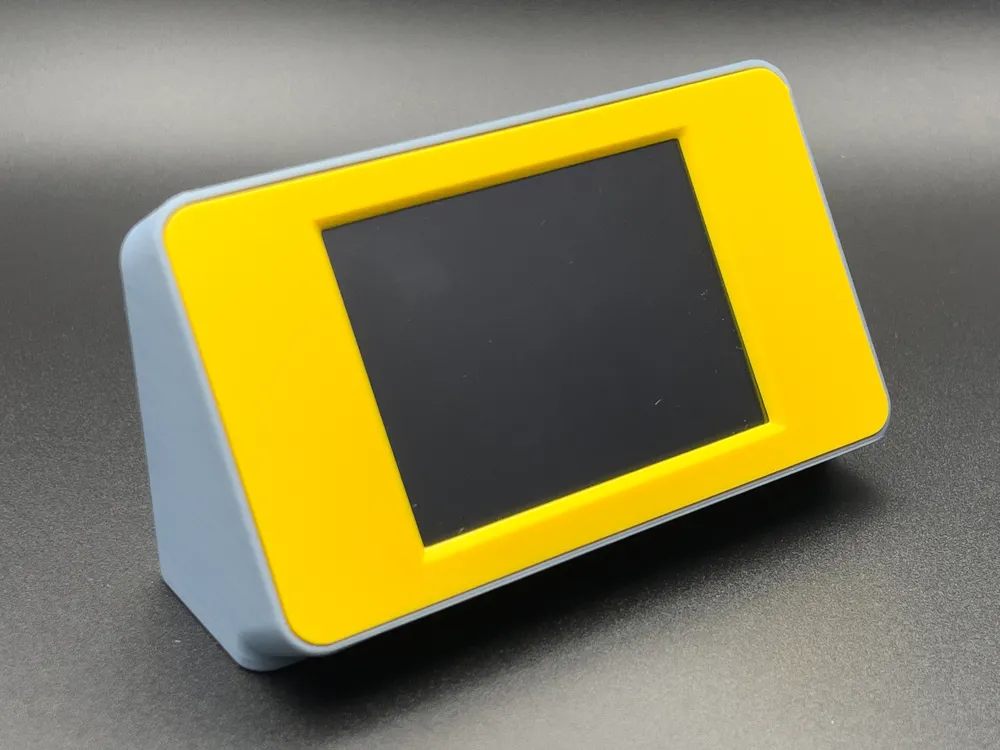
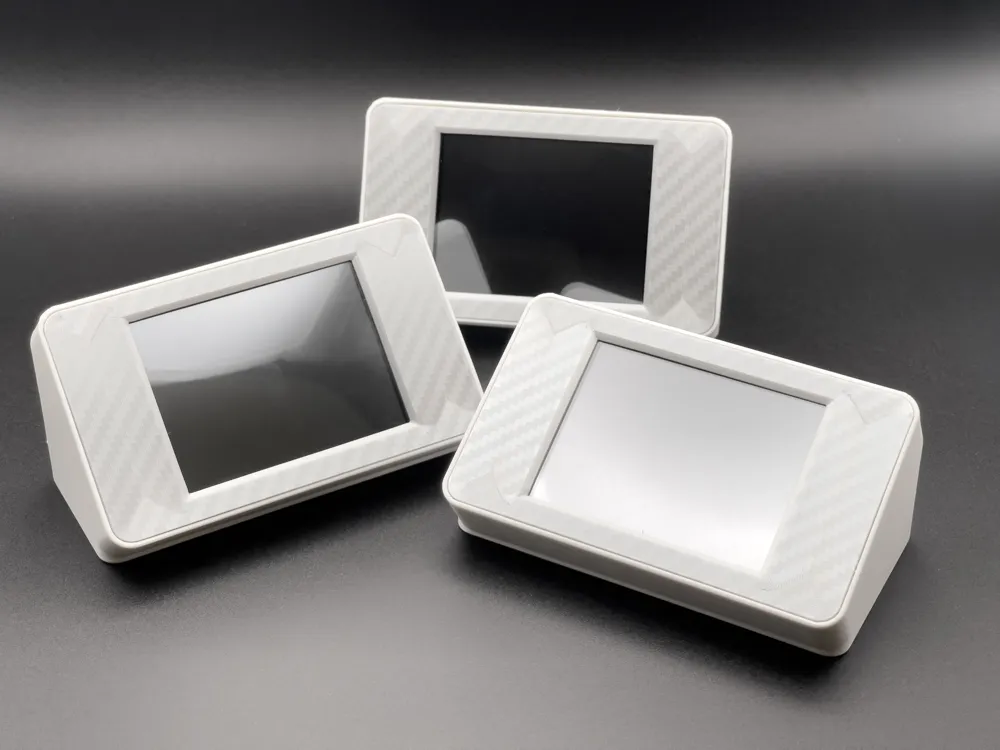
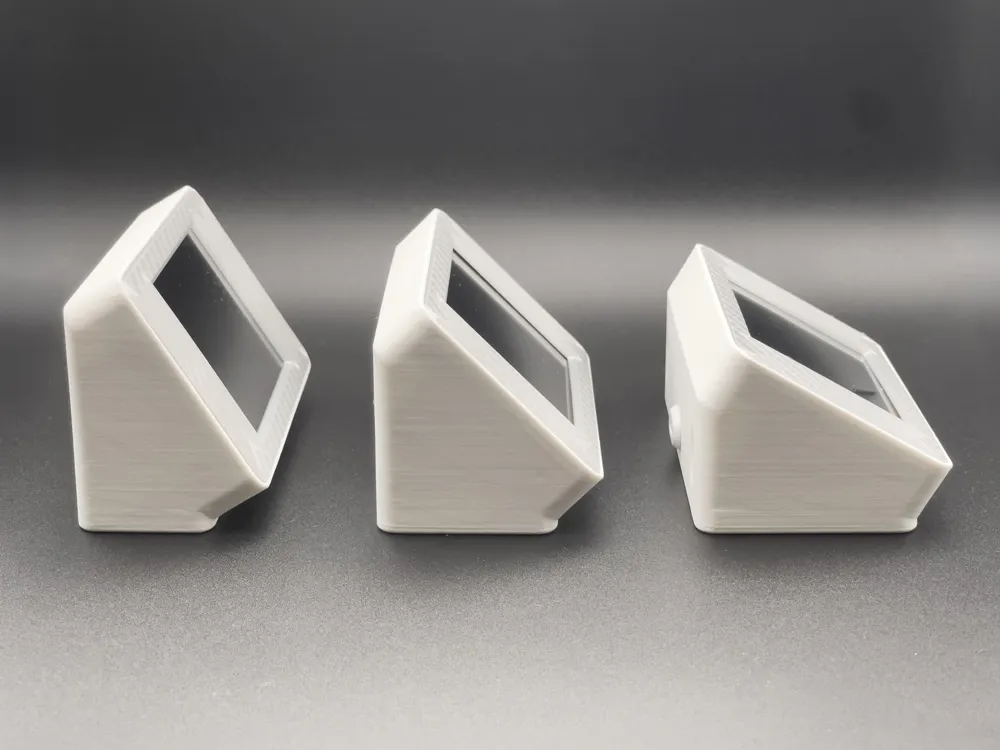
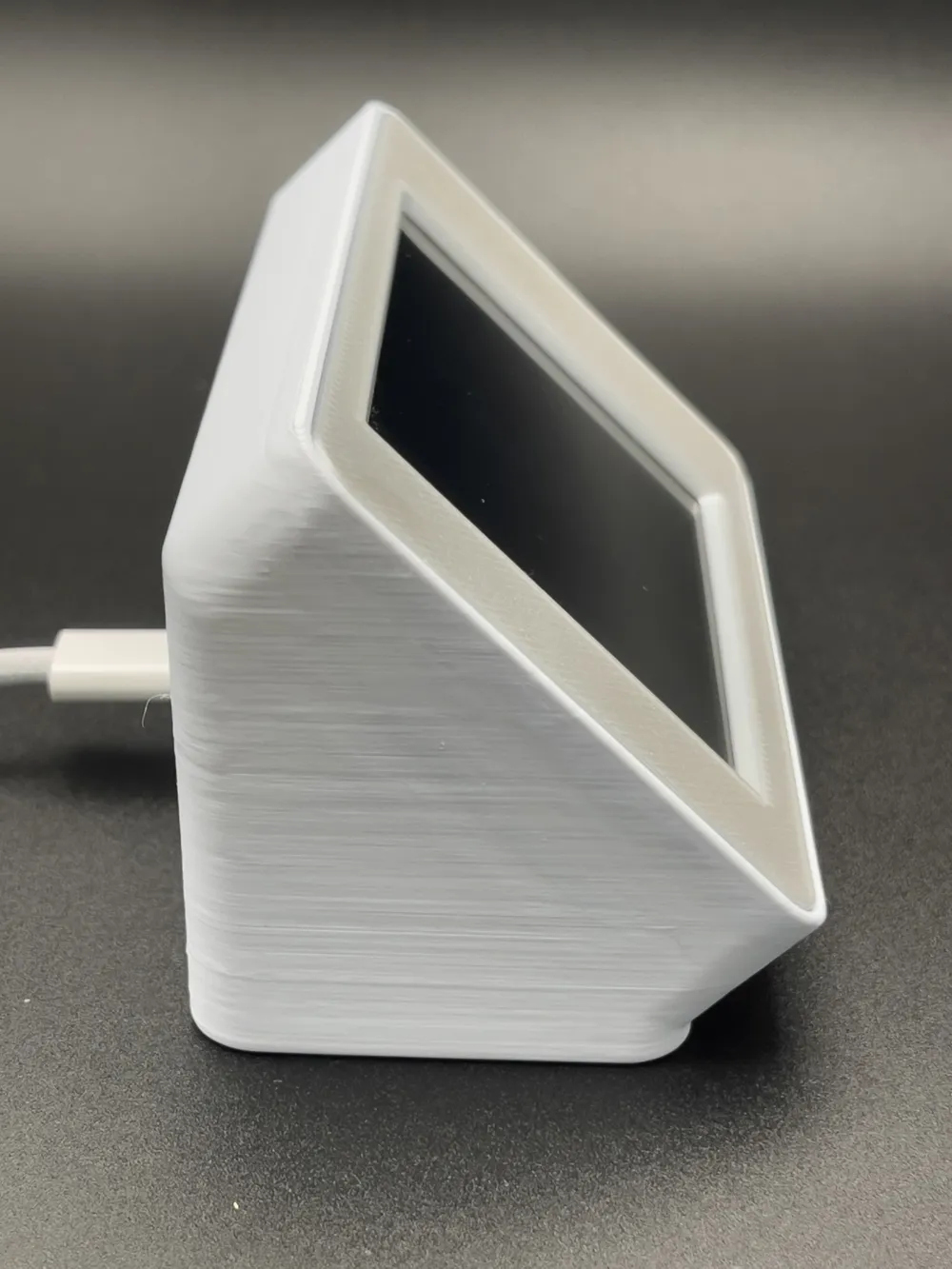
Print Profile(4)

Bill of Materials



- USB Type C Panel Mount Connector (Amazon DE) x 1: https://amzn.eu/d/01LBdiyW
- USB Type C Panel Mount Connector (Amazon US) x 1: https://a.co/d/06kqDkg2
- USB Type C Panel Mount Connector (Amazon UK) x 1: https://amzn.eu/d/0j2K2rwl
Description
Updated: 03 June 2026
New: Added multi-angle enclosure variants (32°, 45° and 60° viewing angles)
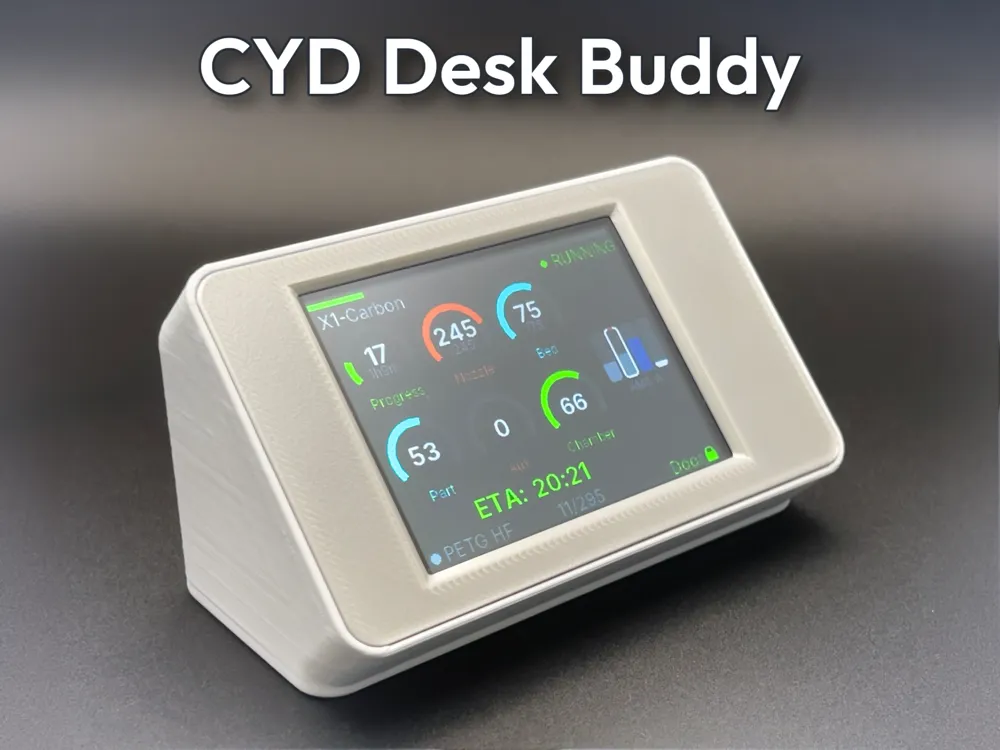
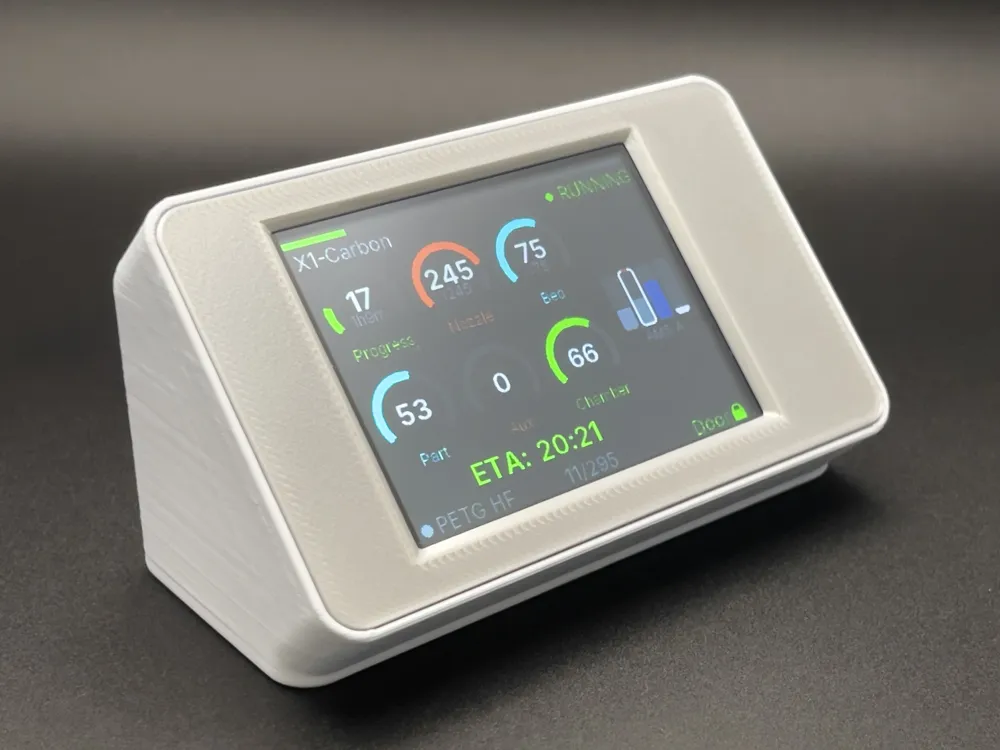
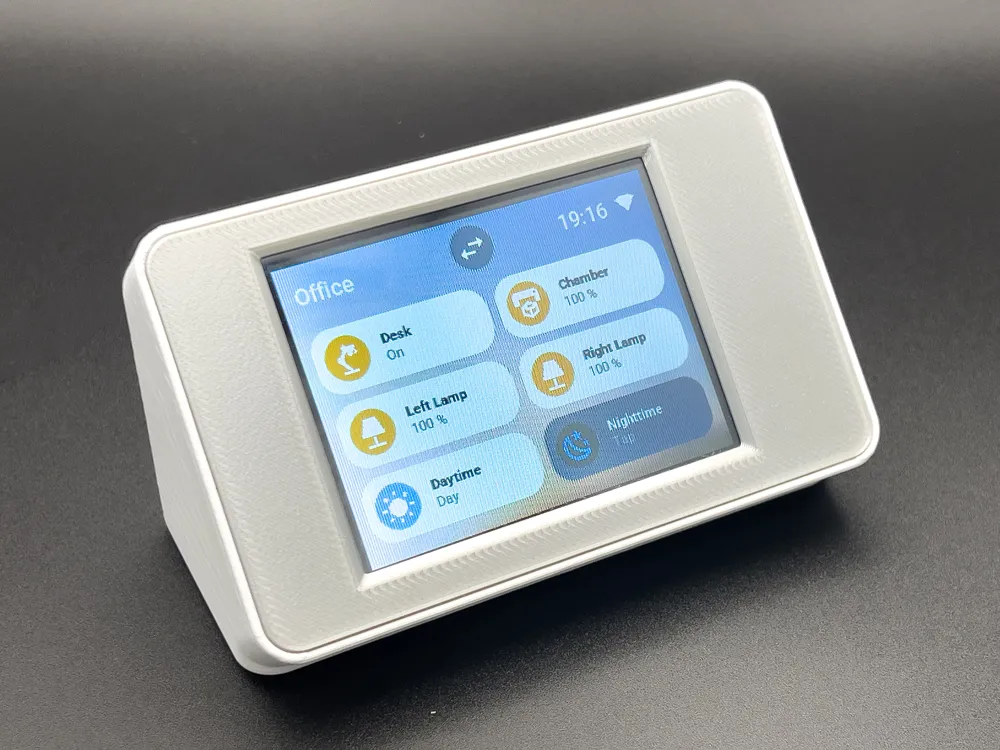
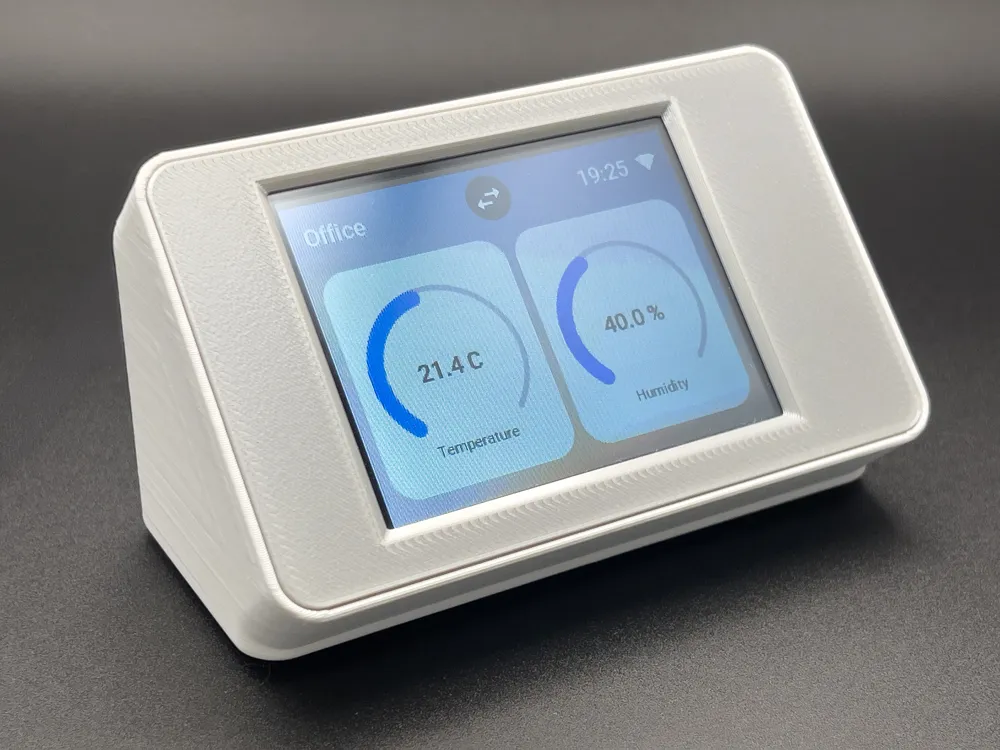
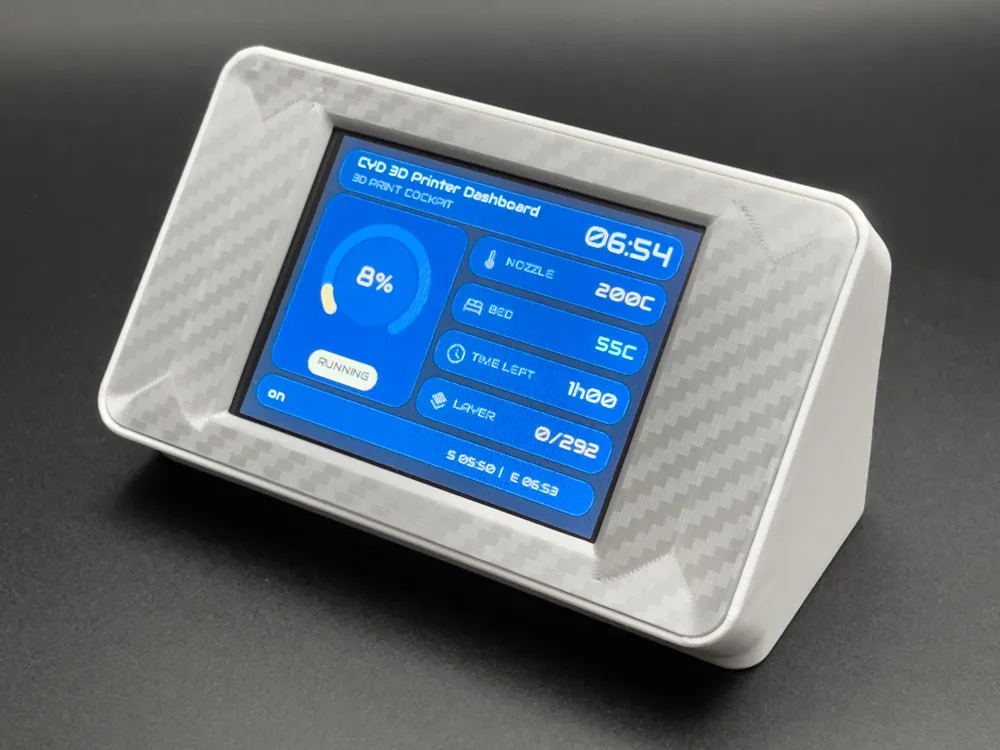
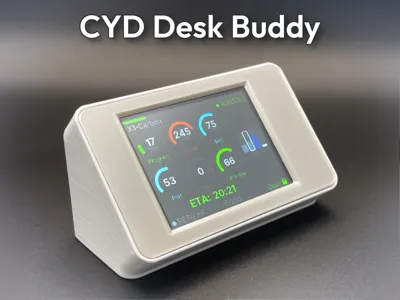
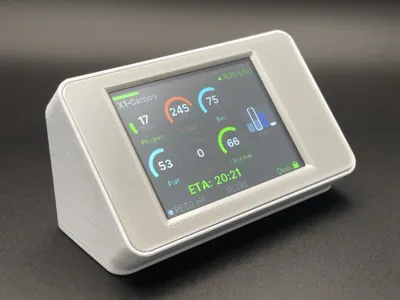
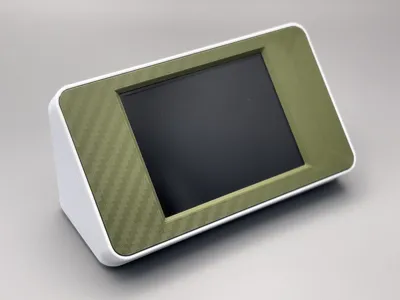
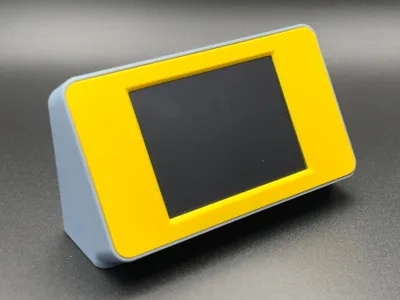
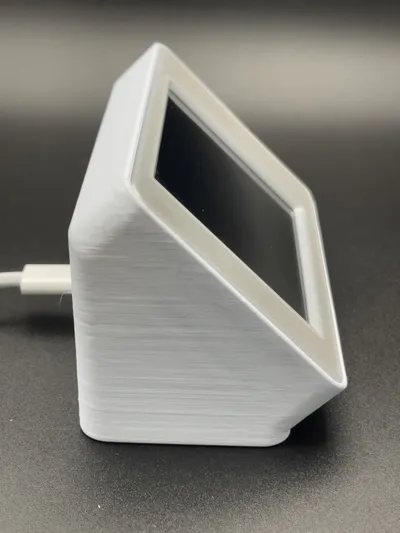
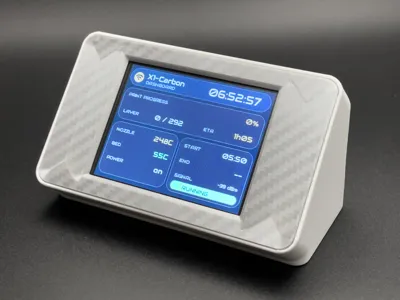
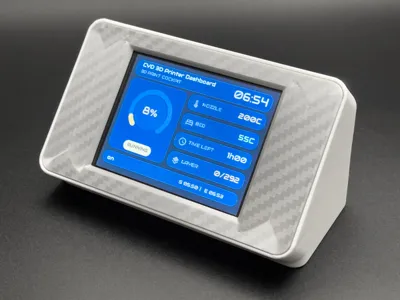
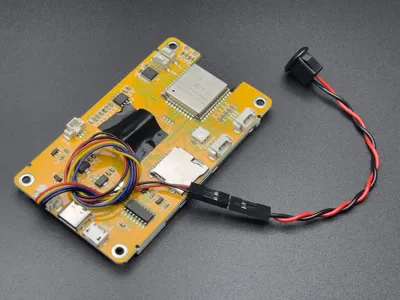
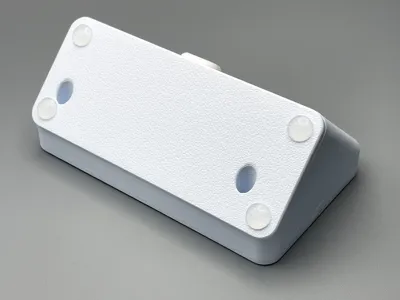
A simple angled desk stand/enclosure for the ESP32-2432S028R “Cheap Yellow Display” (CYD) with 2.8" 240x320 TFT touchscreen, designed to turn the little touchscreen into a clean desktop status display for your printer, Home Assistant dashboard, MQTT monitor, or any other ESPHome project.
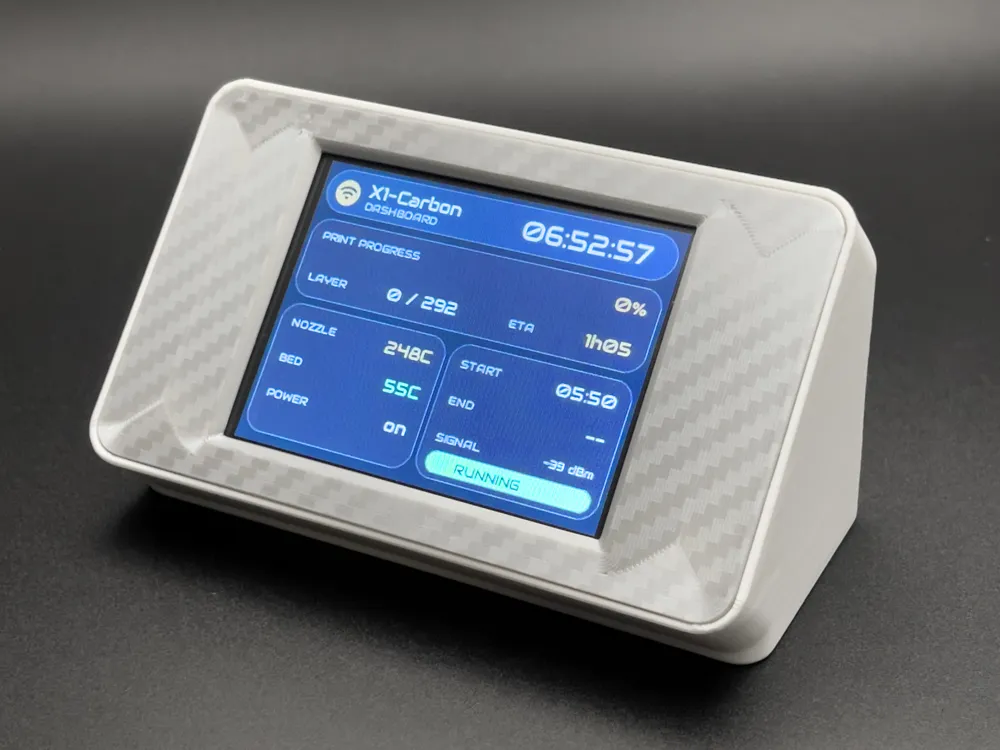
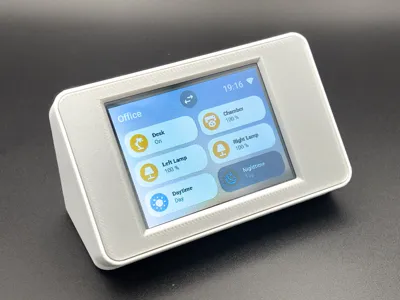
I originally made this for my Home Assistant setup so I could control lights, scenes and automations from my desk. However, it also works brilliantly with the Bambu Helper project, allowing me to glance across the room and quickly see print progress, temperatures, ETA and AMS status without opening the app. A few people asked for the enclosure after seeing it running, so here it is.
Features
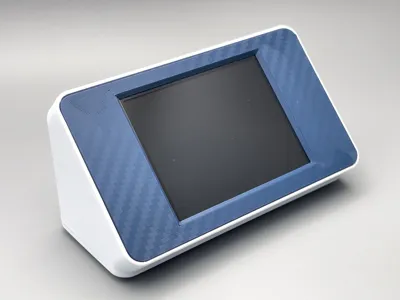
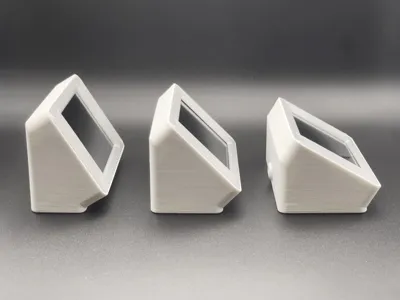
- Clean low-profile wedge shape
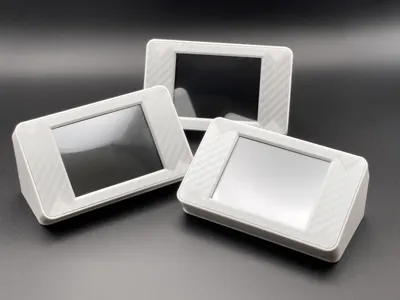
- Multiple viewing angles (32°, 45° and 60°)
- Symmetrical bezel option
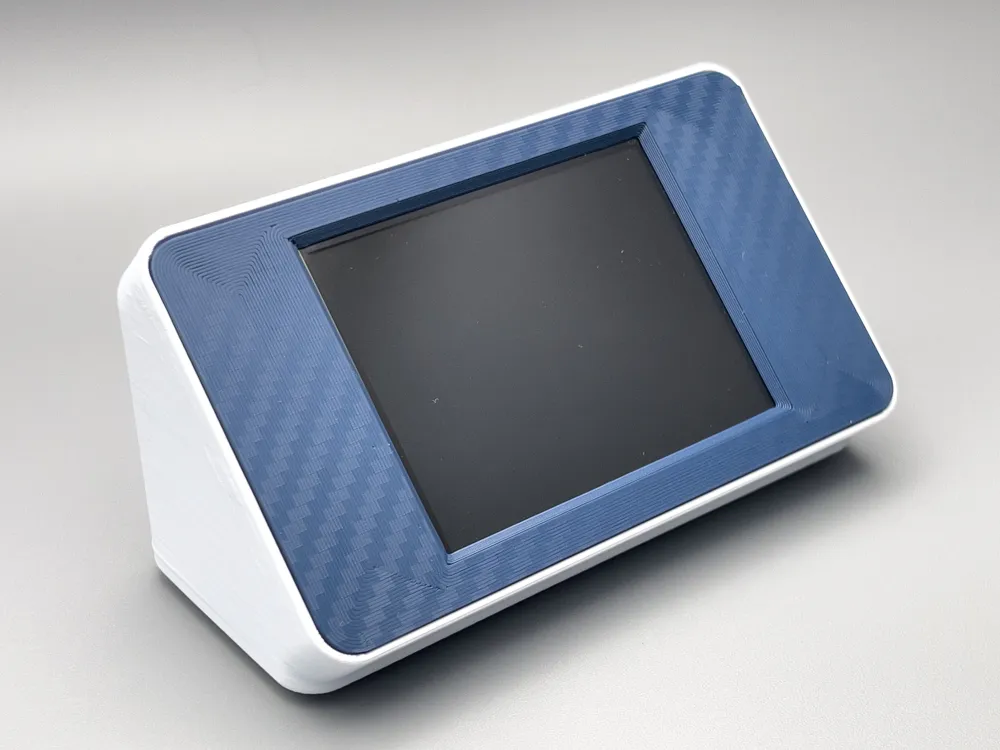
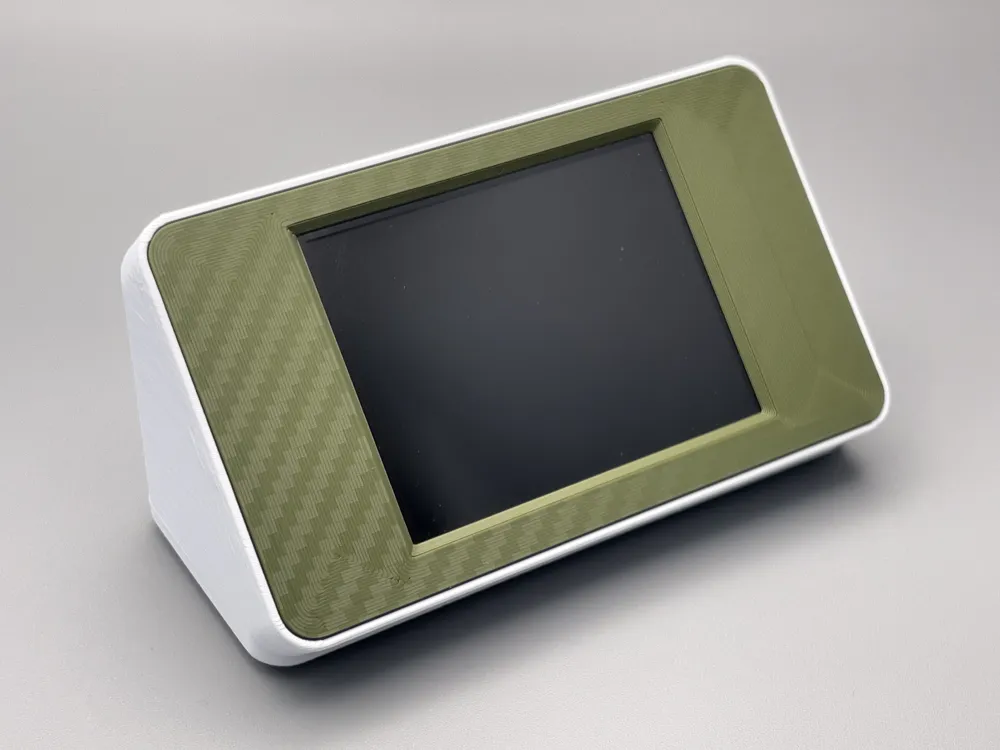
- Customisable colours for bezel and enclosure body
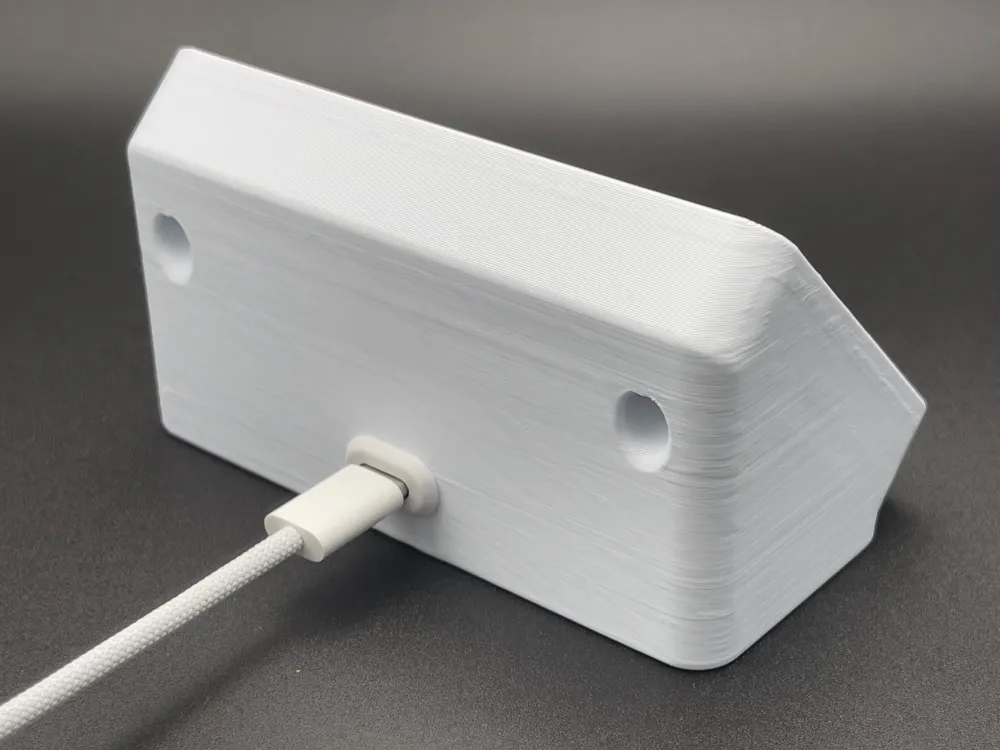
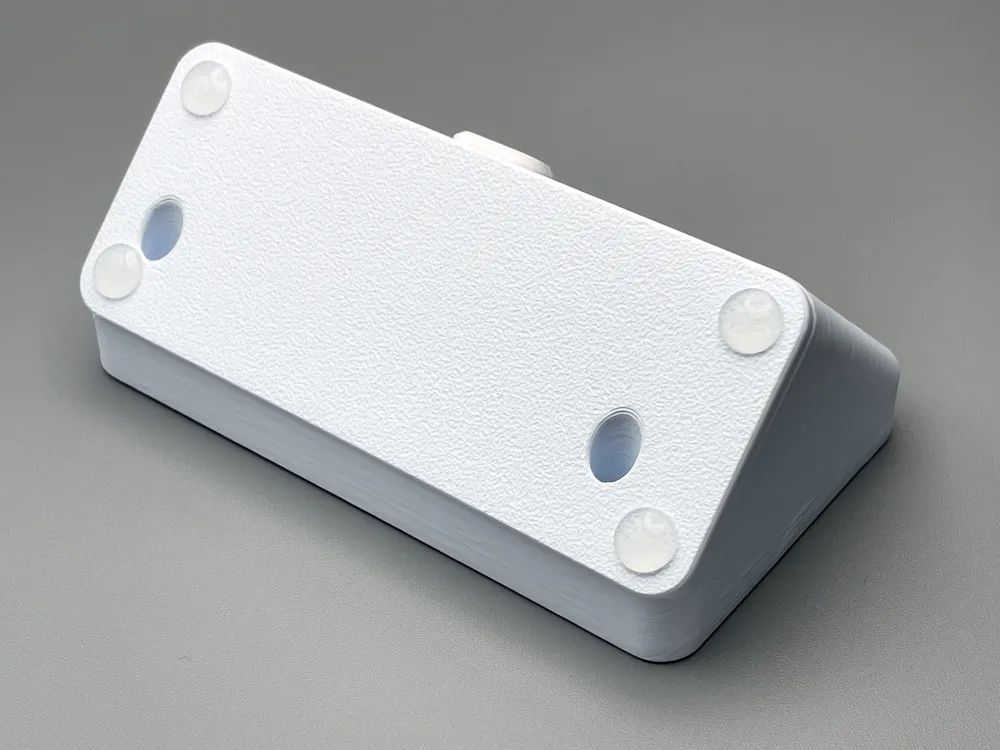
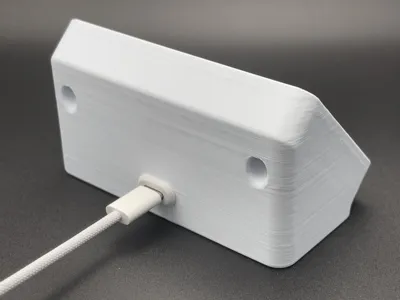
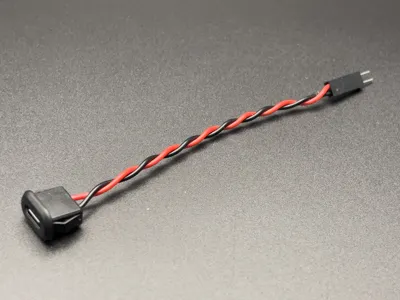
- Fully enclosed rear with USB-C panel mount support
- Minimal support material required
Fast print with low filament usage
Hardware
Designed for:
- ESP32-2432S028R (CYD / Cheap Yellow Display)
- CYD boards are widely available on AliExpress, Amazon and other electronics suppliers.
- 4x M3x10mm screws
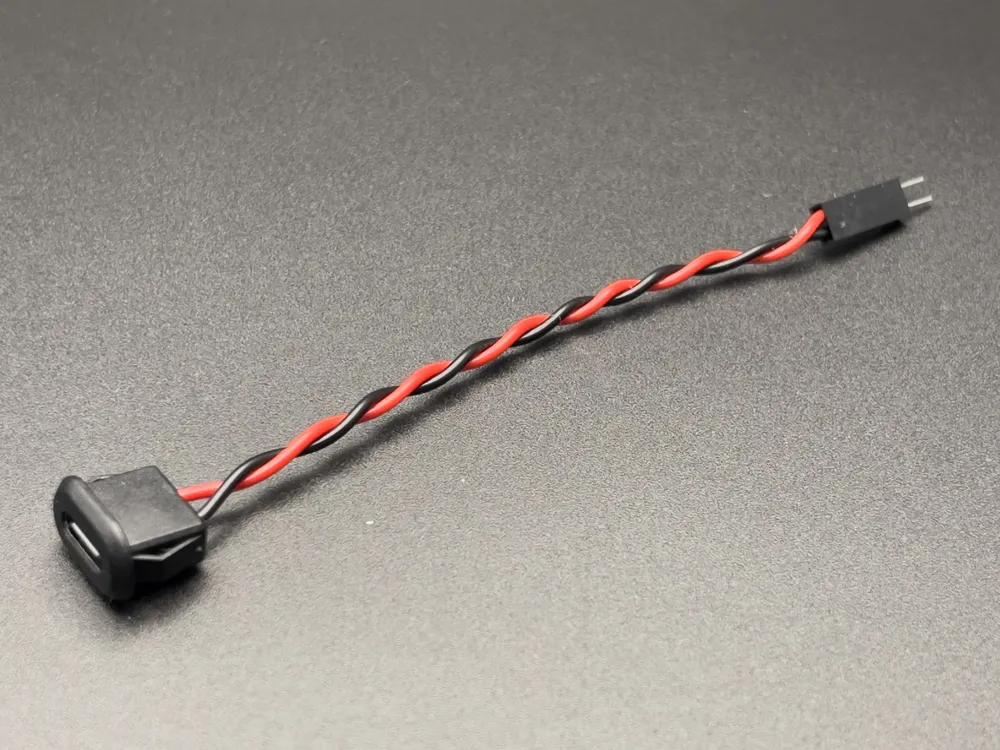
USB-C panel mount connector
* Links can be found in the Bill of Materials
Printing
Recommended settings:
- 0.20 mm layer height
- PLA or PETG
- 2–3 walls
10–15% infill
No supports are required for the main parts, although the USB-C panel mount slot may benefit from a small amount depending on your printer and bridging performance.
Print orientation:
- Print the case flat on its base
Print the front bezel face-down
Assembly / Wiring
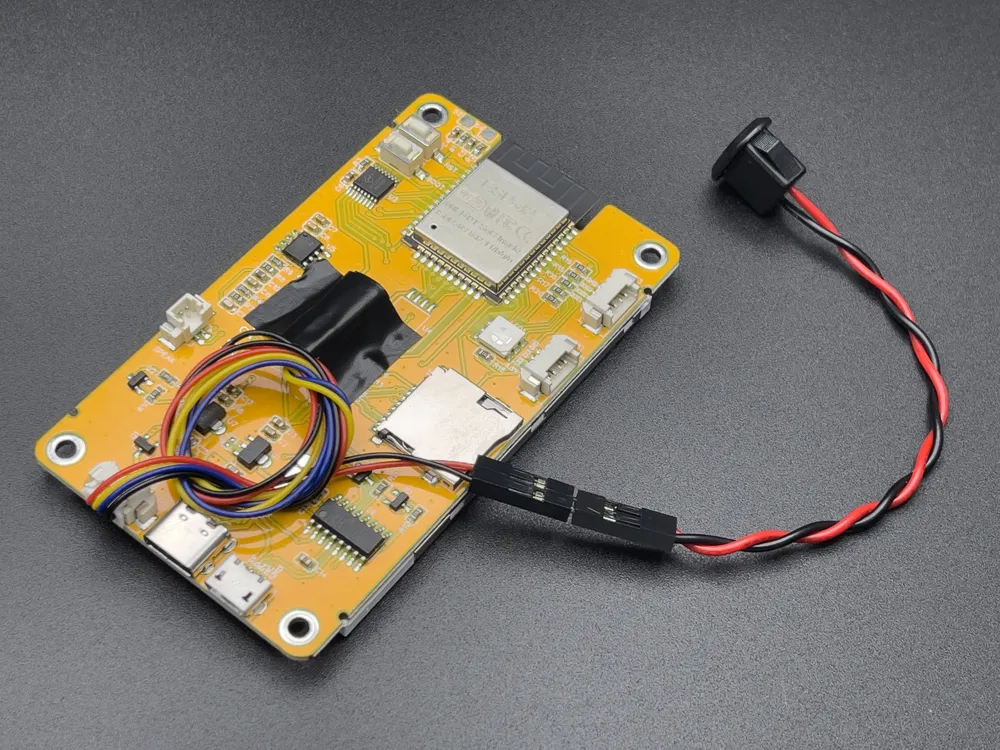
The CYD already includes a 4-wire JST lead with female Dupont connectors attached.
For this project, only the power wires are used:
- Red → +5V
- Black → GND
The yellow and blue wires are data lines and are not required.
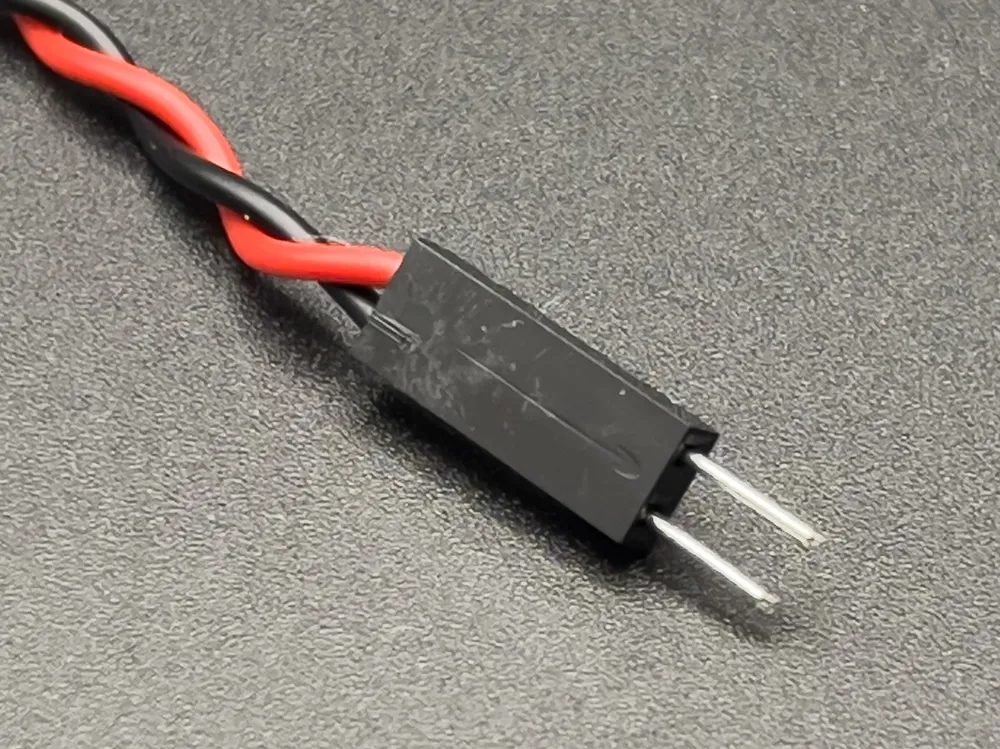
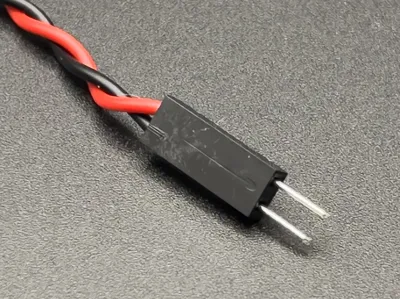
Crimp 2x male Dupont connectors onto the USB-C panel mount pigtail wires, then connect:
- Red → Red
- Black → Black
A wiring reference image is included in the listing photos.
If you do not have Dupont connectors or a crimping tool, you can cut the red and black wires, join them directly to the USB-C pigtail and insulate the connections. Soldering is recommended where possible.
STEP File Included
A STEP file is included for anyone wishing to adapt the enclosure for their own projects.
Please note that I only test and support the ESP32-2432S028R version shown in this listing.
Notes
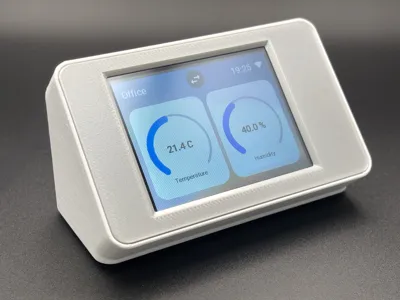
The screen UIs shown in the photos are based on:
- The fantastic Bambu Helper by Keralots
- The brilliant ESPHomeTouchDisplay by akuehlewind
- The excellent CYD 3D Printer Dashboard by Maelremrem
- I actively maintain a fork of this repository which can be found by here with new features and fixes.
These dashboards are not included with the model. The enclosure will work with any firmware or interface you choose to run on the CYD.
The enclosure was designed as a finished desktop display rather than a development enclosure. Once configured and connected to Wi-Fi, most firmware updates can be performed OTA without needing access to the onboard USB or BOOT/RESET buttons.
Would love to see what people use these for, so please post your makes and use cases.
Parametric Fusion Version
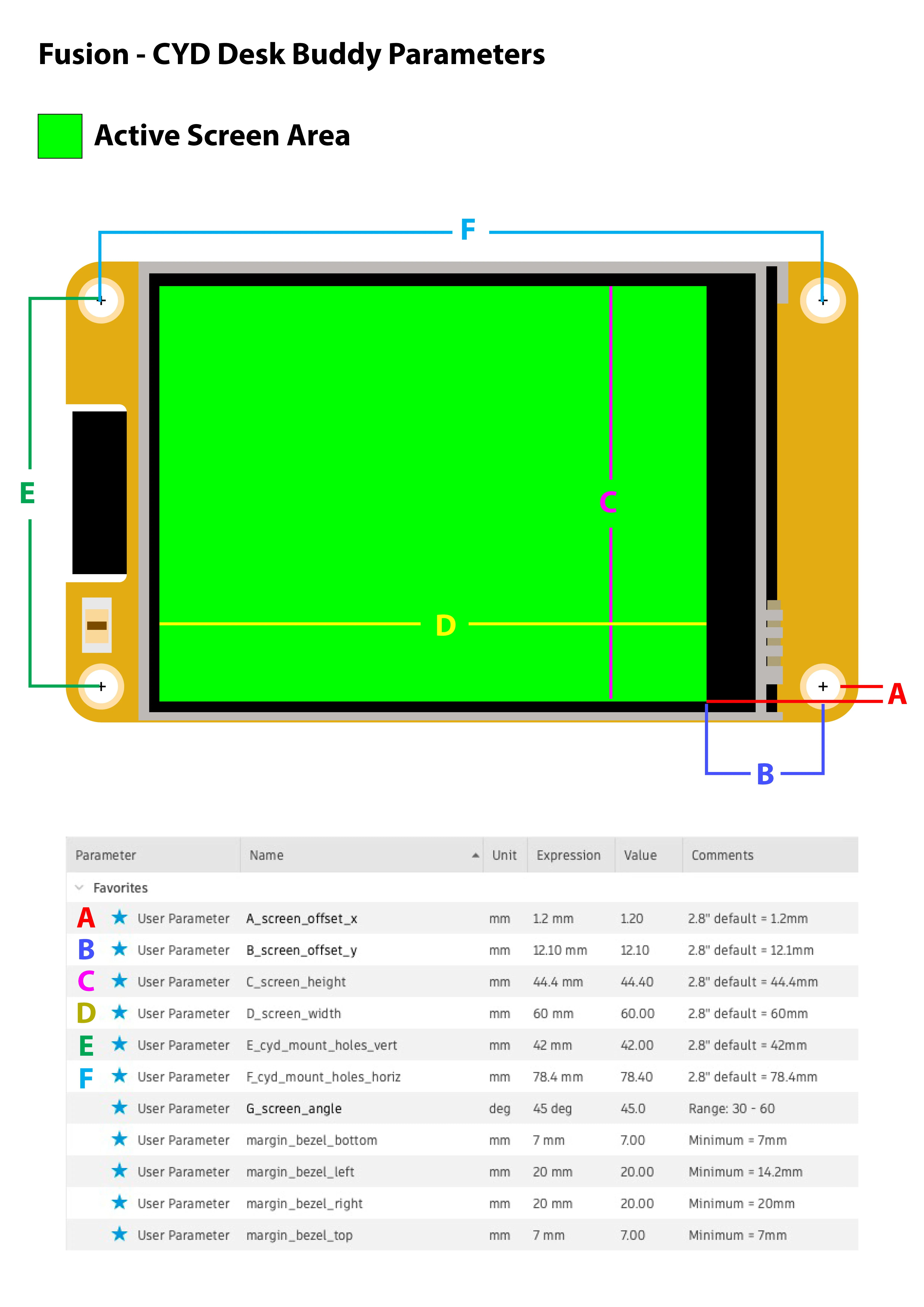
The parametric Fusion model is intended to make adapting the enclosure for different CYD variants much easier. Simply update the key parameters to match your board and the model will adjust automatically.
The default values are for the ESP32-2432S028R (2.8" CYD), and have been thoroughly tested. While the model has been designed to cope with realistic values, it's still possible to create combinations that don't make physical sense.
A few recommendations:
- Only modify the starred Favourite parameters.
- Measure your board carefully and double-check the values before printing.
- If you're adapting the enclosure for a different CYD variant, print a prototype first to verify the fit before committing to a final print.
- If you do manage to break the model... congratulations, you've found something I didn't!
If you successfully adapt the enclosure for another board, I'd love to hear from you.
Documentation (1)
License

You may create derivative works based on this object, provided that all such derivative works are published exclusively on the MakerWorld platform and include proper attribution to the original creator. You may not share, upload, host, distribute, or publish this object—or any derivative work of this object—on any other digital platform, marketplace, or distribution channel. Commercial use of this object and any derivative works is strictly prohibited. This includes, but is not limited to, selling, renting, sublicensing, or using the object in any context in which you receive monetary compensation or other financial benefits.


Comment & Rating (144)