
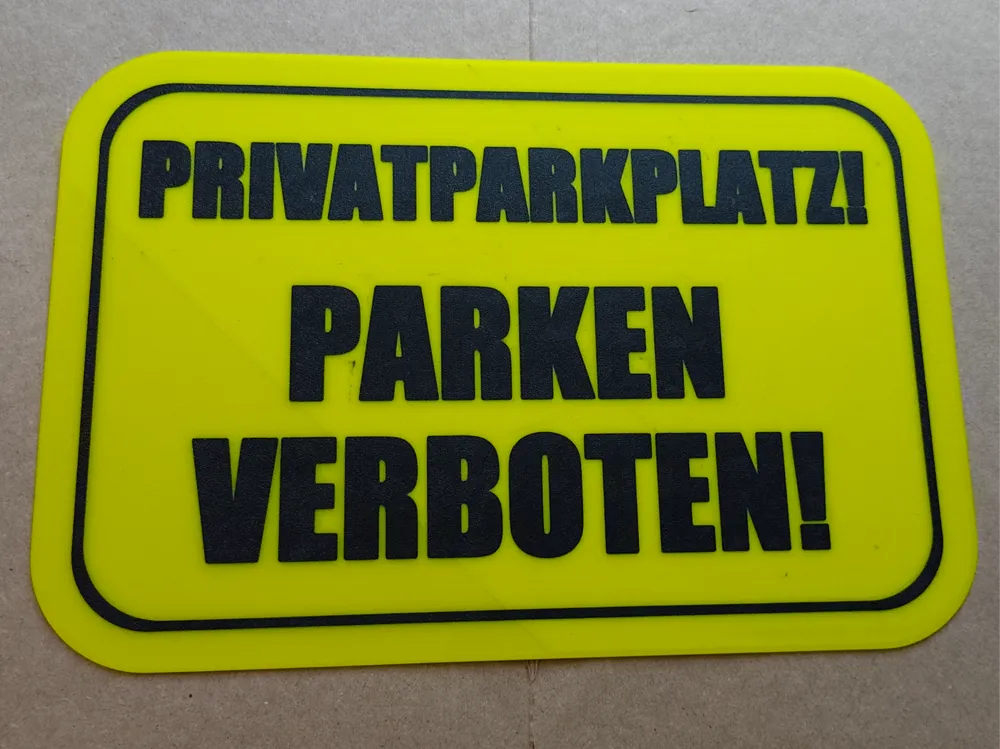
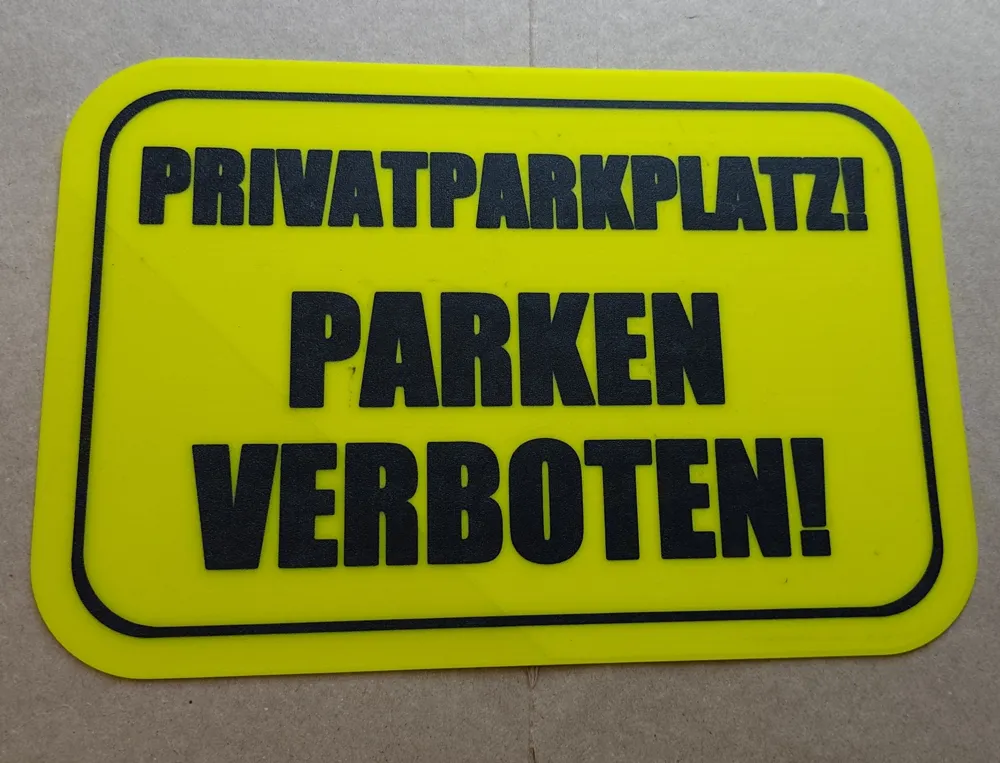
Private Parking - No Parking Sign
Print Profile(1)
Description
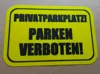
Heyy i cant found a sign i needed, so here is my version. Im printed with glow in dark yellow, bcause i think its cool. One layer text. 10 Layer all. Fully customizable text and frame in Bambu Studio.
here is one tipp if you wanna print with filament change in one layer
Boost Me (for free)
Please boost me if you like it
-Slice the model in Bambu Studio using your preferred settings.
-Use two filaments/colors:
˙--Filament 1 = body/main color
--Filament 2 = logo color (the one you want to appear in the first layer)
-Important – add the pause command (this is the trick):
Go to Filament tab →
- select Filament 2 (the starting/logo filament) →
- click the settings/gear icon to edit it.
-Go to the Advanced tab.
At the very end of the Filament end G-code box, add this line:
M400 U1
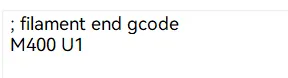
Bambu Studio will place the M400 U1 pause command exactly where it would normally do an AMS filament swap
— that is, right after the logo part finishes printing and before the body color continues.
When the printer reaches that point:
- It will pause automatically
-You manually unload the first filament
-Load the second filament (Body color)
-Press Resume on the printer screen
→ The print continues with the body color without needing any AMS!
Result: a super strong, permanently embedded logo in the keychain body – no gluing for the logos. Looks clean and pro from both sides.
Enjoy printing!
Any questions → feel free to ask in the comments.
License



Comment & Rating (1)