
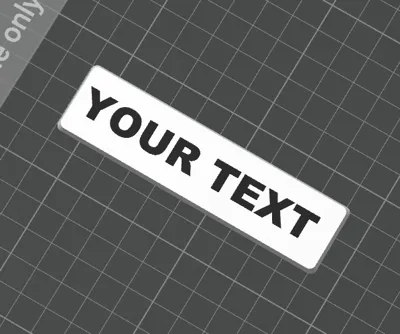
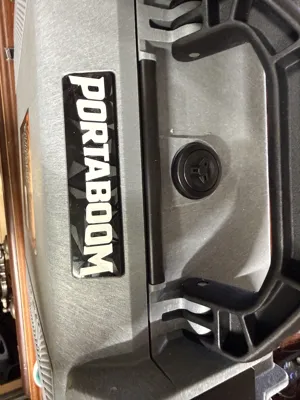
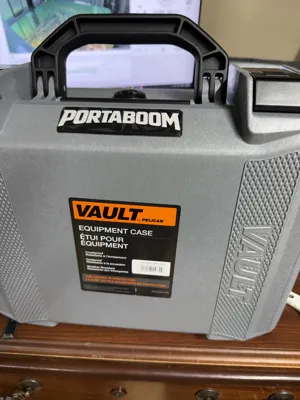
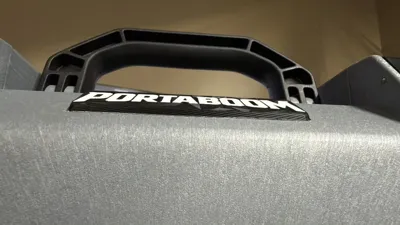
Editable Pelican Vault V100 and V200 Nameplate Tag
Print Profile(1)

Description
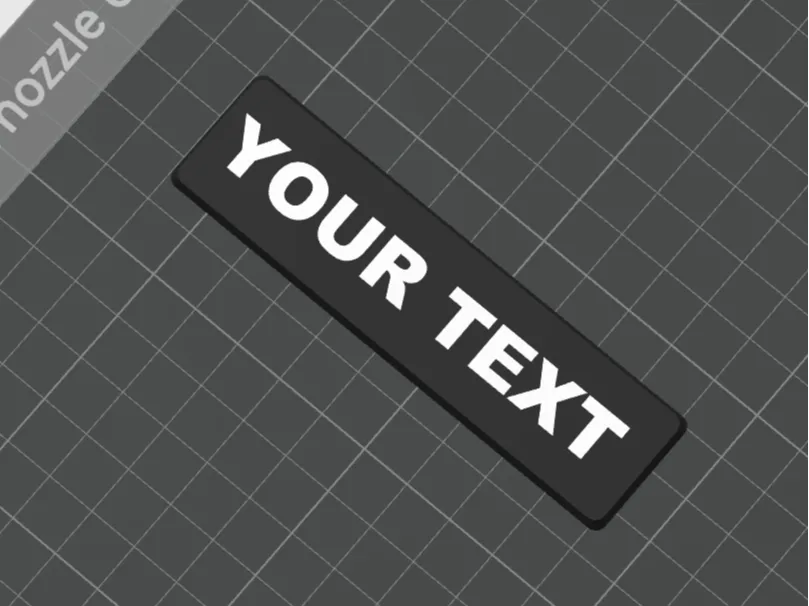
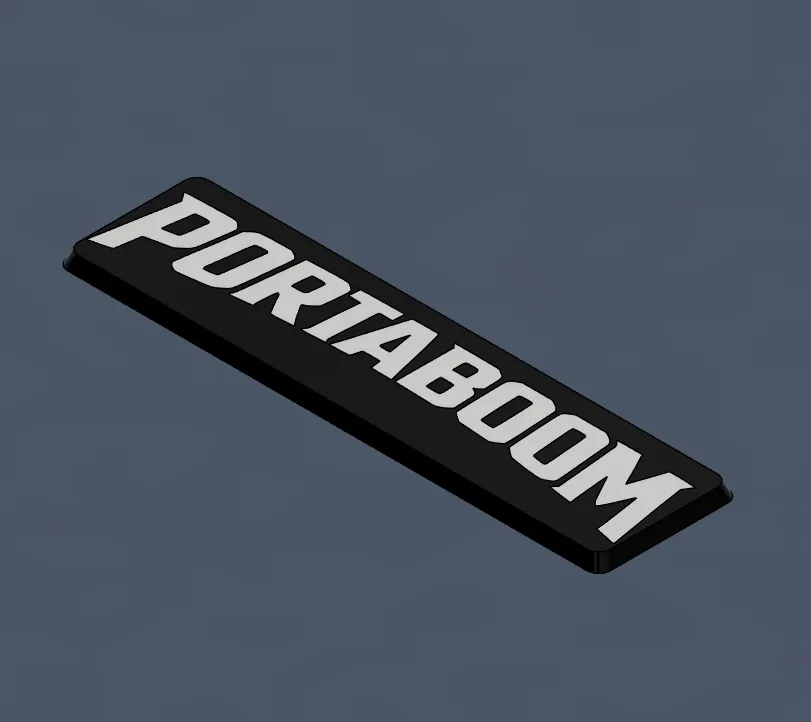
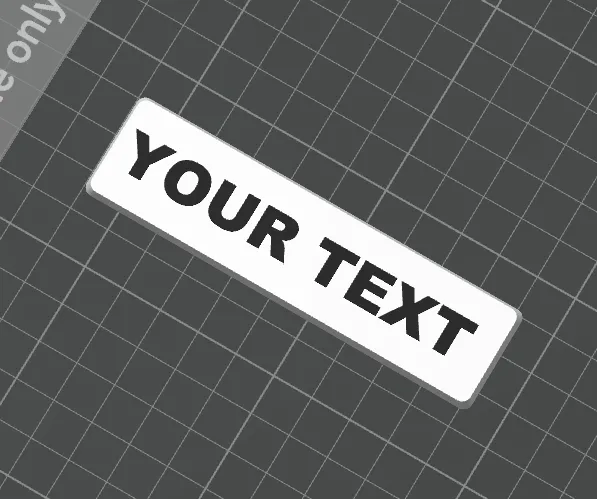
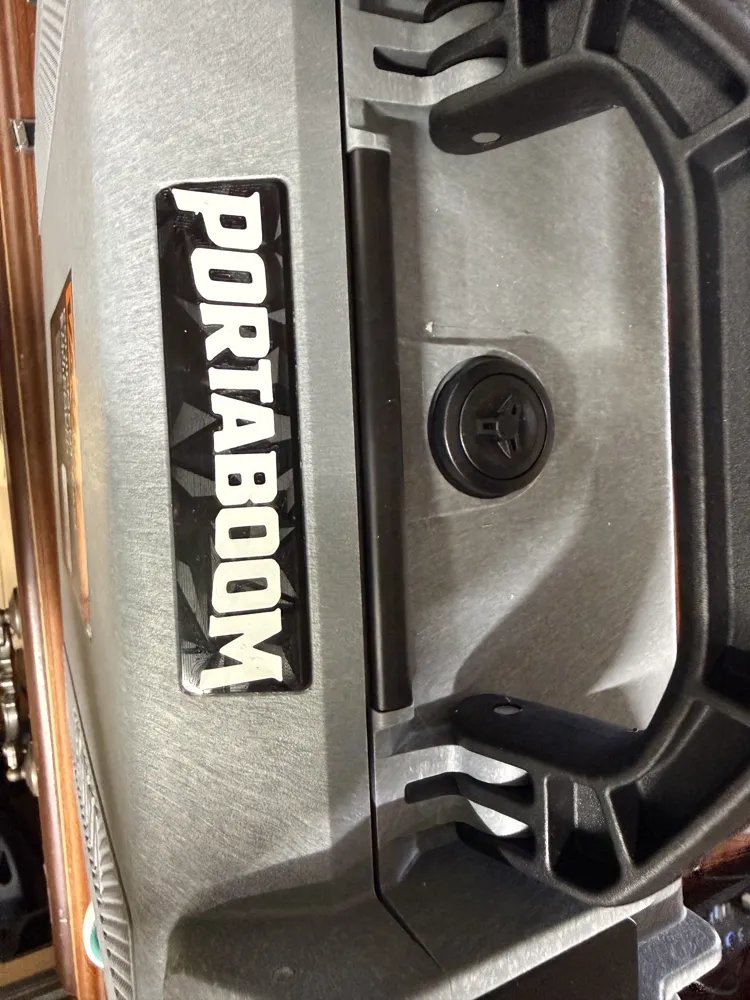
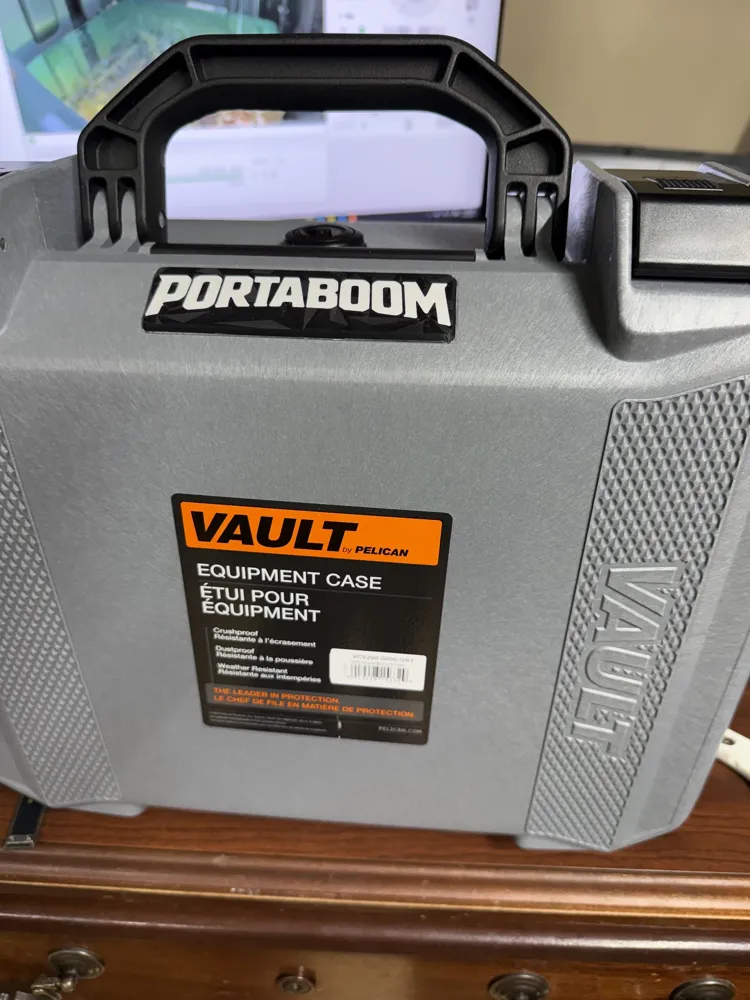
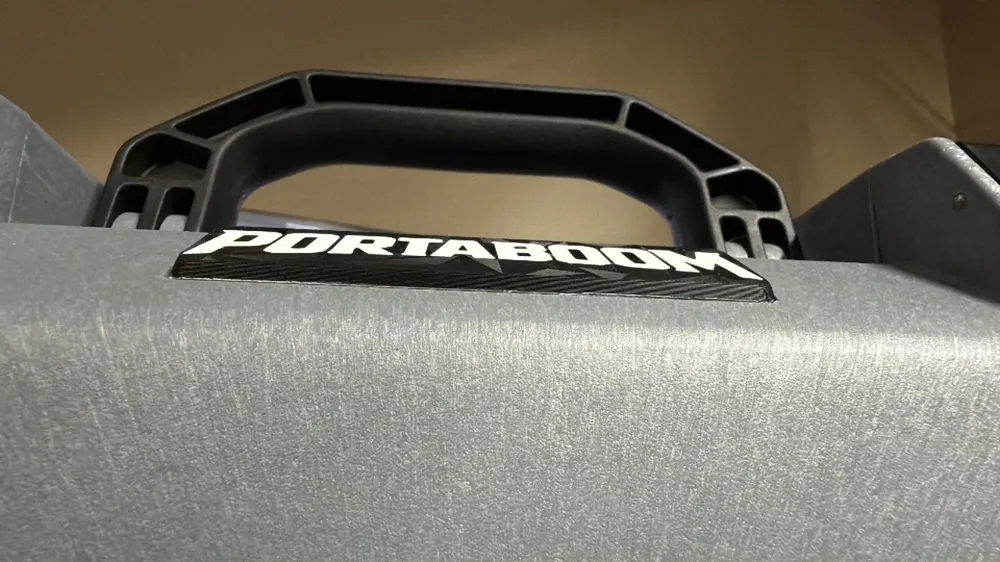
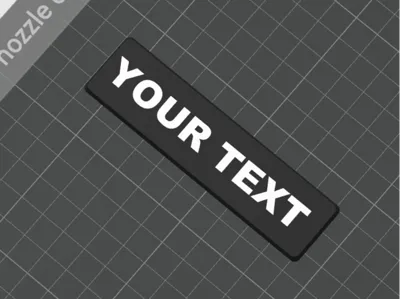
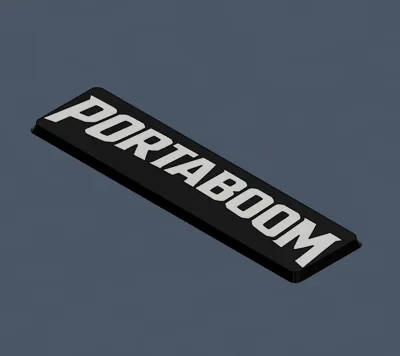
Simple name plate for the V100 or V200 Pelican Vault cases. This may fit other sizes i just have not confirmed it. Edit text to your desired font, size, etc. Attach with your favorite adhesive (CA glue, E6000, etc) or some thin double sided tape. If you have a desired Font or style thats not supported in slicers text editor message and i'll try to get you a version of what you are looking for. Happy printing and like, follow, & boost if you see fit to do so.
License

You shall not share, sub-license, sell, rent, host, transfer, or distribute in any way the digital or 3D printed versions of this object, nor any other derivative work of this object in its digital or physical format (including - but not limited to - remixes of this object, and hosting on other digital platforms). The objects may not be used without permission in any way whatsoever in which you charge money, or collect fees.


Comment & Rating (2)