
Dual Ultimate Piston Fidget Toy (Print in Place)
Print Profile(4)



Bill of Materials

Description
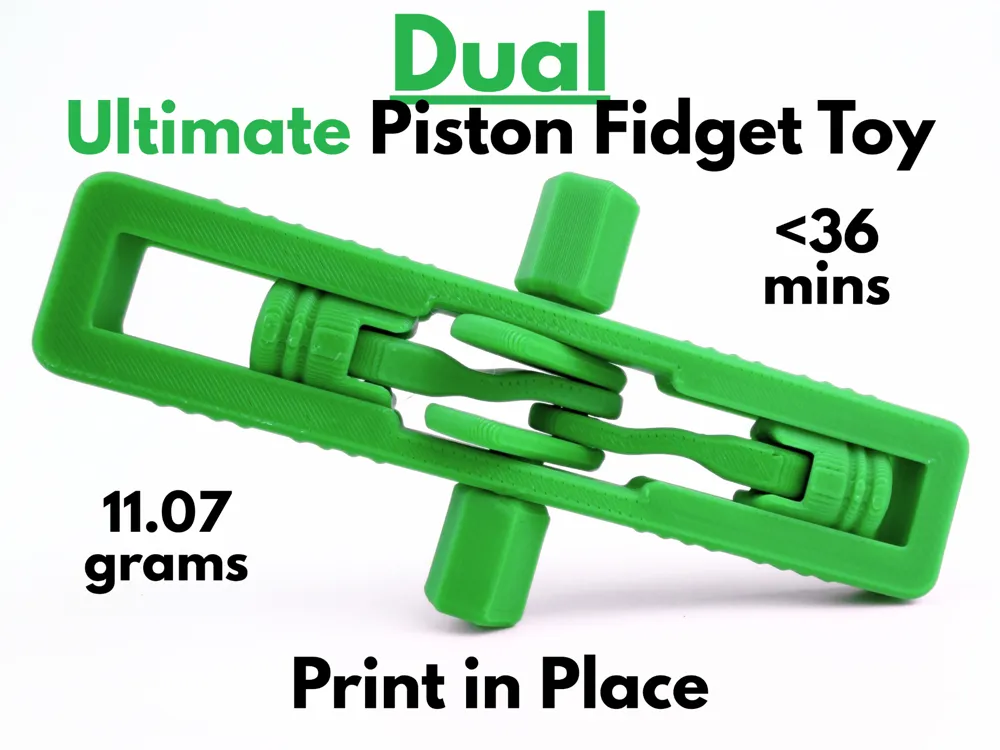

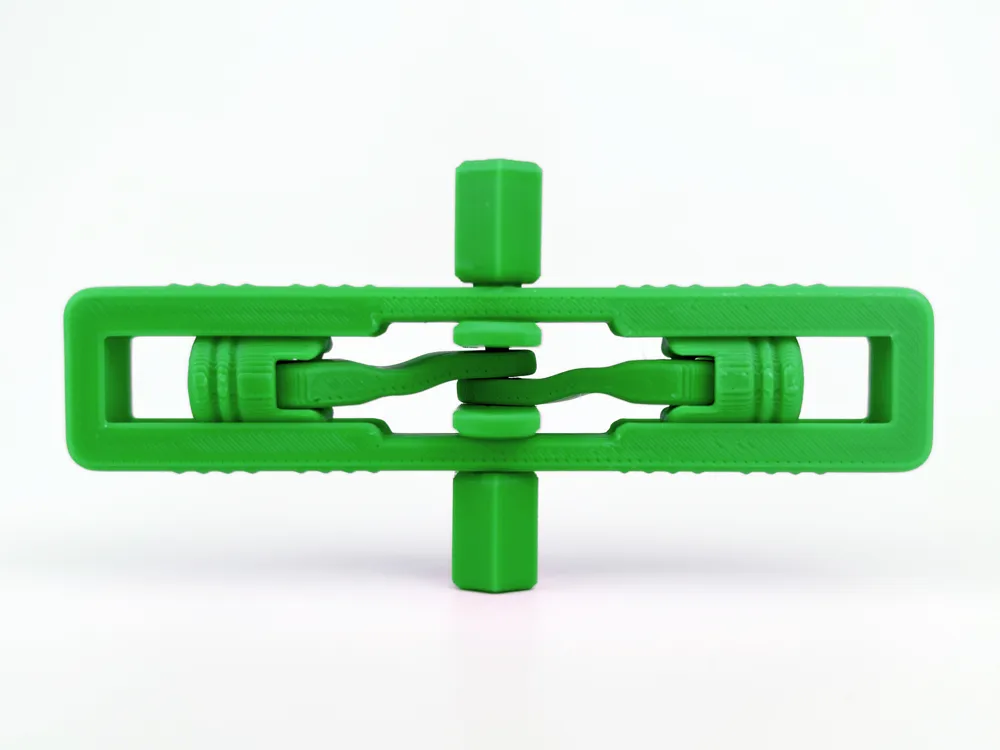
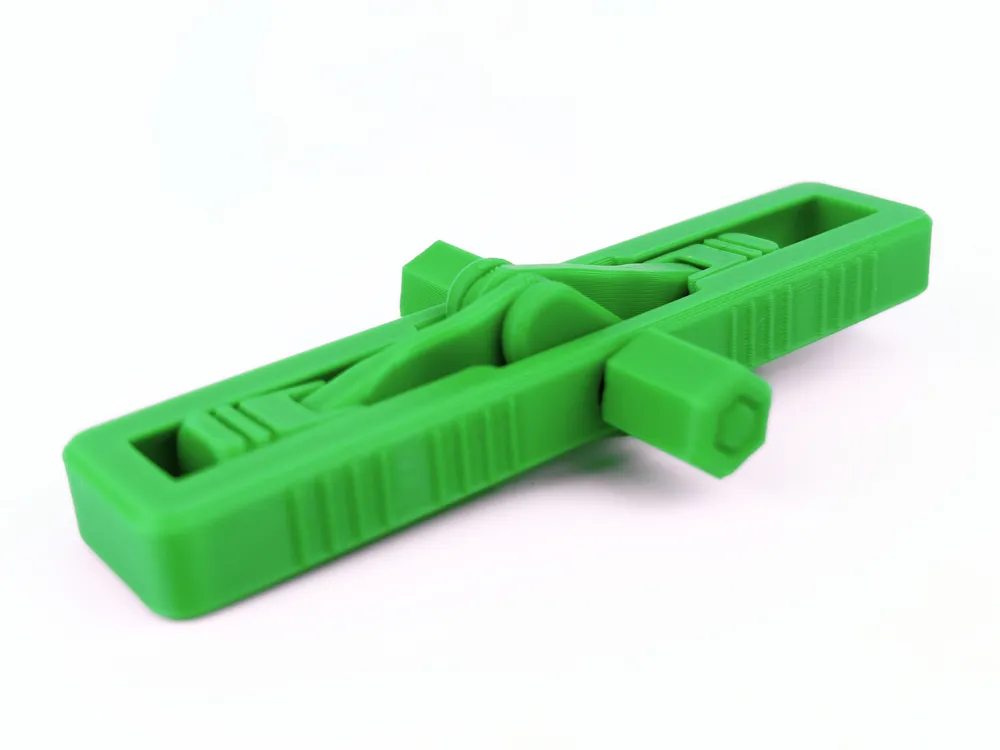
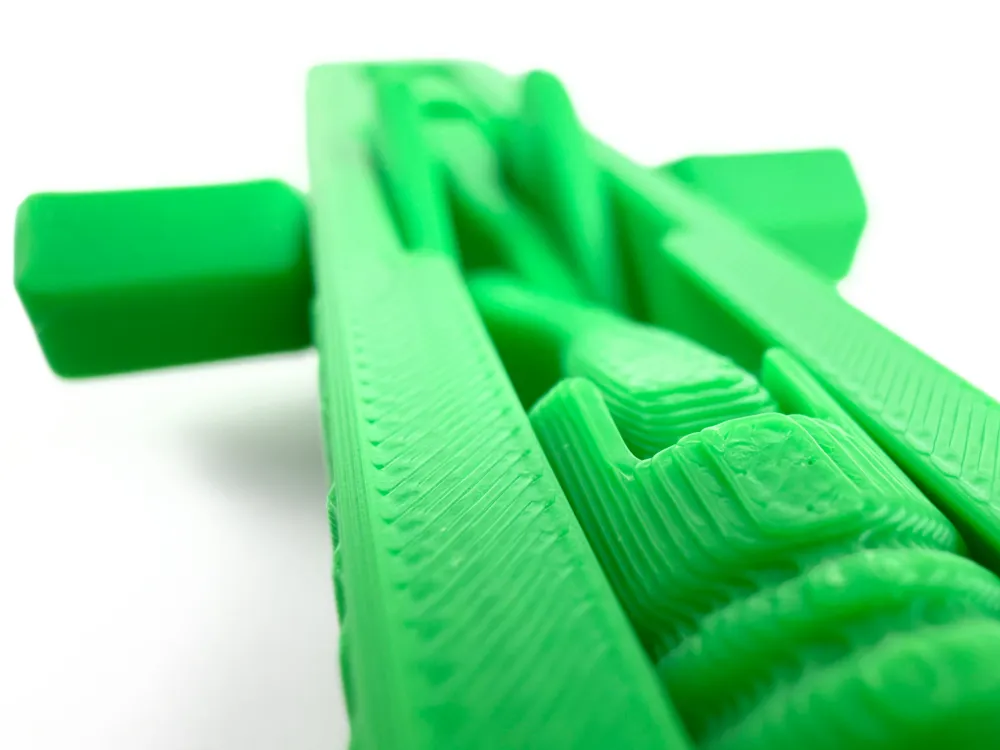
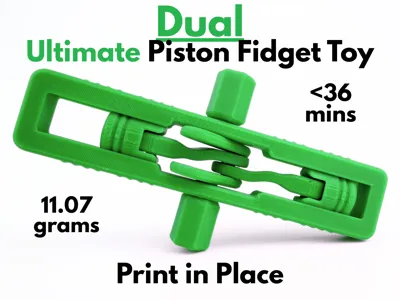
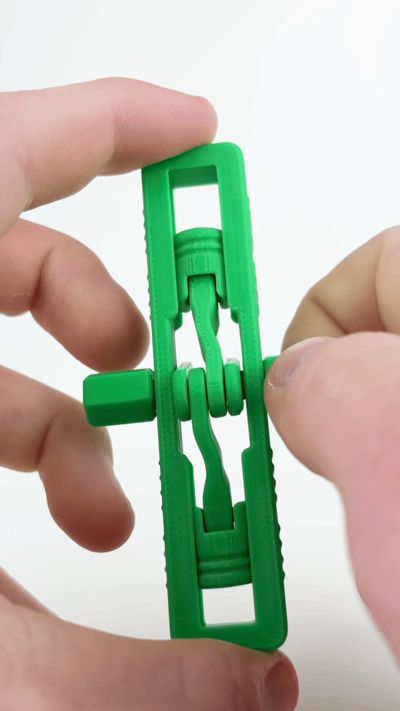
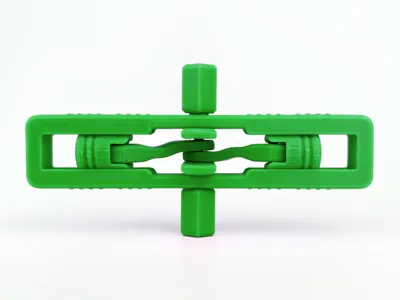
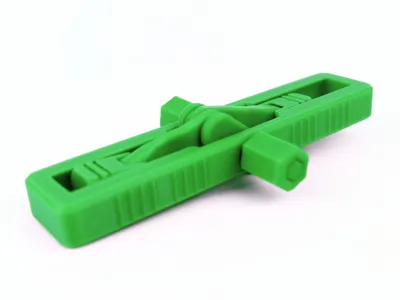
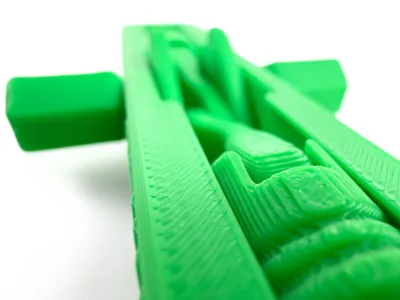
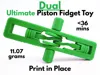
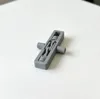
This dual piston fidget is crazy satisfying to use and spin around. It uses dual pistons mounted on the same camshaft to get inverted motion on the pistons relative to each other. Despite this model's complexity, the entire fidget is fully print in place, meaning that no assembly and no external hardware is required, allowing you to just pop it off the build plate and start fidgeting. The piston uses the same reliable mechanism as my previous viral piston toy, ensuring a smooth and near silent experience. This entire fidget takes under 36 minutes and only 11.07 grams to print, making it the perfect choice for mechanism loving makers.
Boost Me (for free)
If you like this model, please consider boosting it! It helps out a ton :)
Membership
Want to sell my 3D printed fidget toys? Become part of my Commercial License Membership program!
Printing Instructions:
- Prepare the Print Bed
- Clean the print bed thoroughly with isopropyl alcohol to ensure proper adhesion.
- Additional adhesive for the print bed is highly recommended! I suggest using 3D-Lac spray or a glue stick.
- Download the Print Profile
- Send the pre-configured print profile to your Bambu Lab printer through the Bambu Handy app or Download and open the pre-configured print profile in Bambu Studio.
- Select Your Printing Options
- Choose your filament type and color.
- Select your print bed type (e.g., textured or smooth).
- Confirm your printer settings, ideally for a Bambu Lab printer.
- Start Printing
- Begin the print job. No supports are necessary.
License

You shall not share, sub-license, sell, rent, host, transfer, or distribute in any way the digital or 3D printed versions of this object, nor any other derivative work of this object in its digital or physical format (including - but not limited to - remixes of this object, and hosting on other digital platforms). The objects may not be used without permission in any way whatsoever in which you charge money, or collect fees.


Comment & Rating (91)