
Eagles Hotel California (Chroma Canvas)
Print Profile(2)
Description
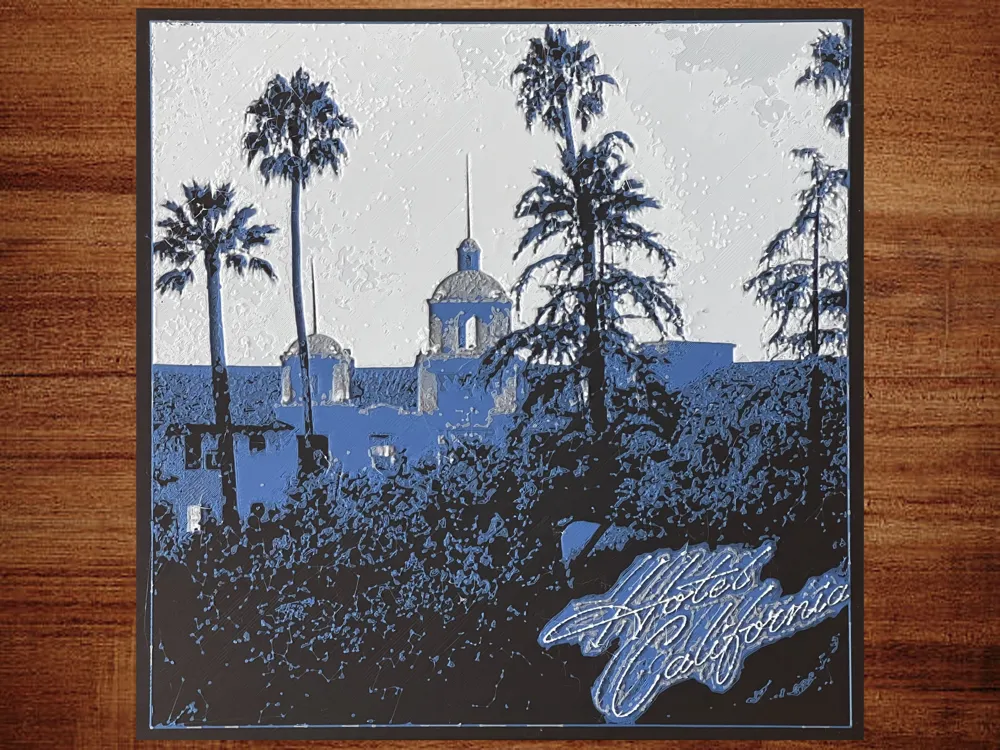
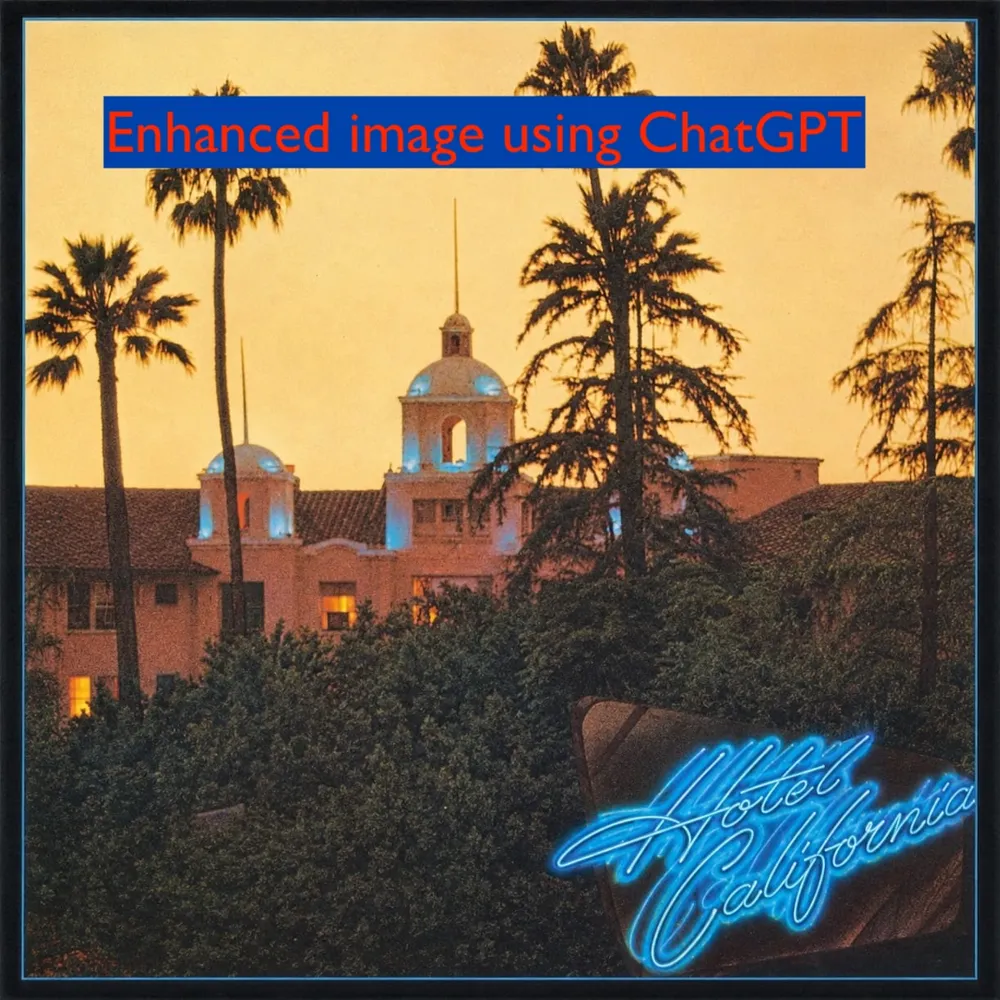
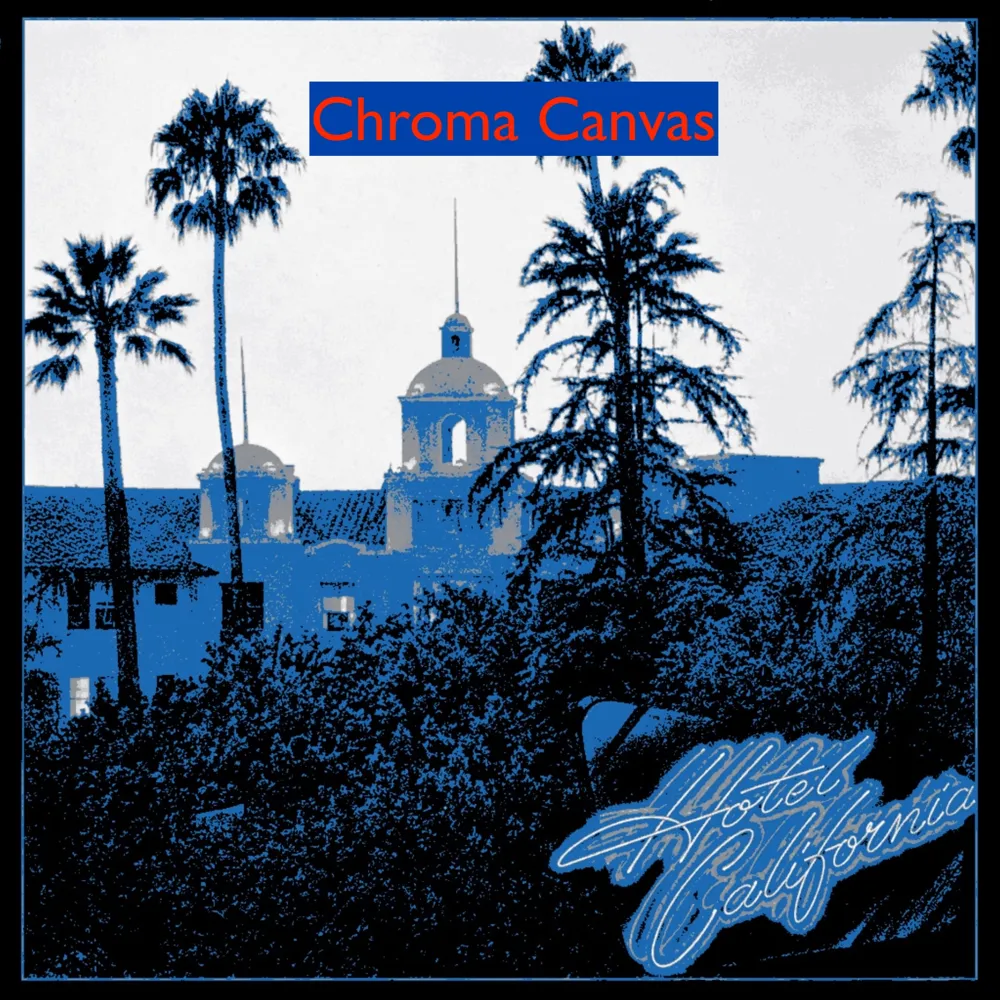
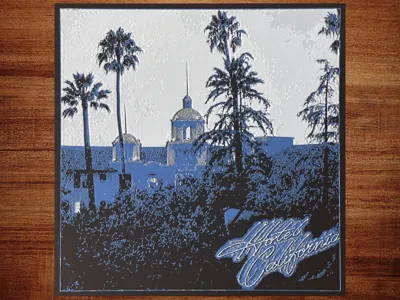
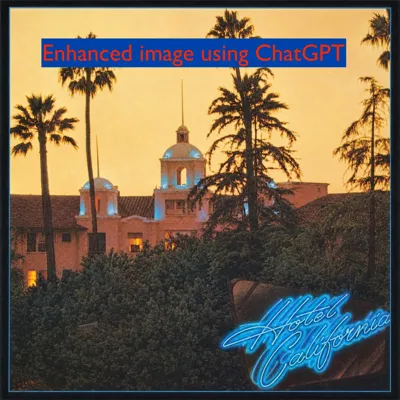
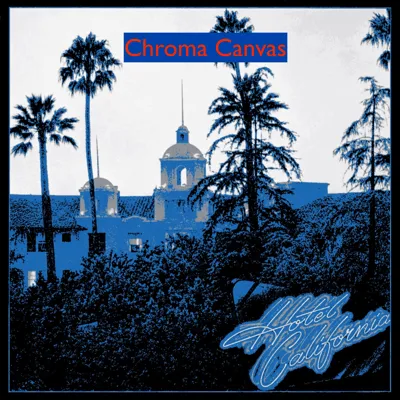
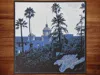
There are some other Hotel California album cover models out there, but I wanted one that had a little bit of detail in the darker areas in the bottom half of the image. I used ChatGPT to merge a couple of album cover images together and recover detail in the dark regions. Then I used Chroma Canvas (https://makerworld.com/en/makerlab/chromaCanvas) to create the model.
The main print profile was generated by Chroma Canvas. Even though it says there is a 0.2 mm layer height, only layer 1 is 0.2 mm. Layers 2-5 are 0.1 mm, and the rest of the layers are 0.8 mm. I disabled the prime tower because there are only 3 color changes in the entire print, and there is no obvious color bleeding as a result. The model is 220x220x2.19 mm. You can resize to fit any print bed, but make sure to change only the X and Y dimensions (changing the Z height could alter the color composition). Chroma Canvas says that when slicing the model, it is possible that Bambu Studio will warn you about floating regions. If you receive this warning (I did not), it can be safely ignored. That is, you do not need to set infill to 100% (in contradistinction to HueForge), nor do you need to enable supports.
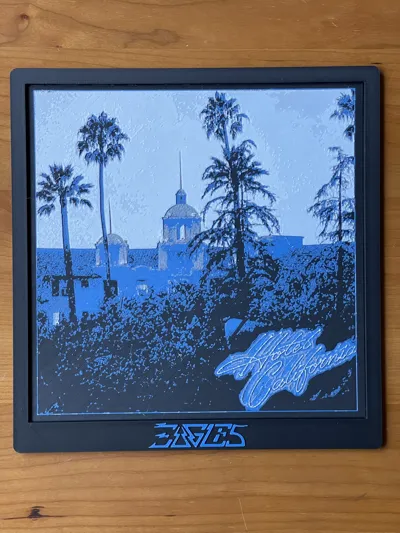
As you can see from the images, while I was able to recover detail from the shadows, I wasn't able to generate the same mix of colors from Chroma Canvas as the original album cover, so I settled on a black-blue-gray-white combination. If you want to change the colors, in Bambu Studio you can toggle the Process from Global to Objects. Then under Plate 1 > Eagles Hotel California > Layers, you can swap the colors.
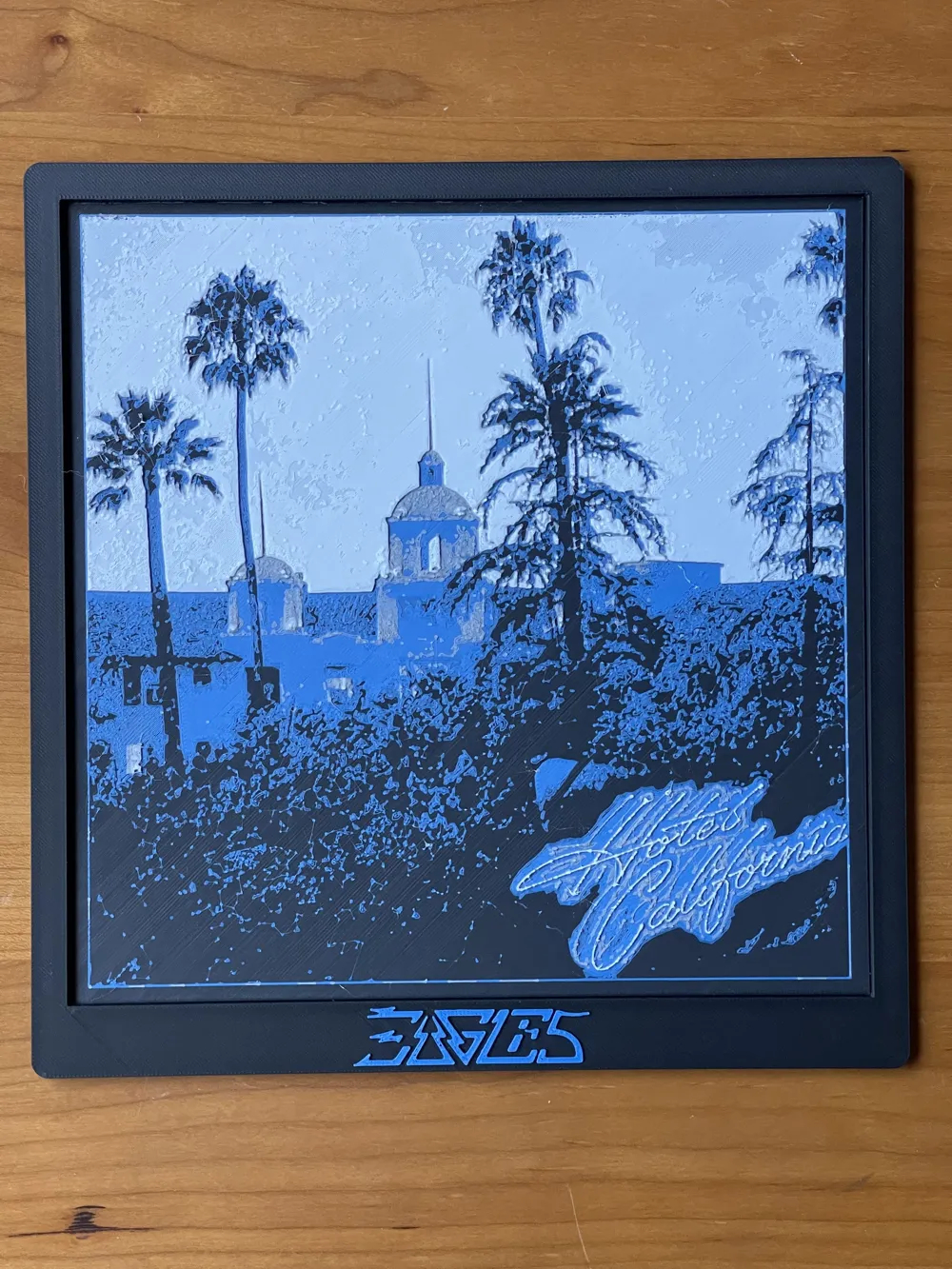
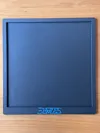
I added a print profile for a frame to accompany the 220x220 mm Chroma Canvas print. It features the Eagles logo at bottom center and a small hole in the back for optional hanging. It is not necessary to turn on supports to print the hole, as bridging should be easily achievable.
License



Comment & Rating (0)