
MSI B650 Gaming Plus Wifi VRM Cooling Shroud
Print Profile(1)

Bill of Materials


Description
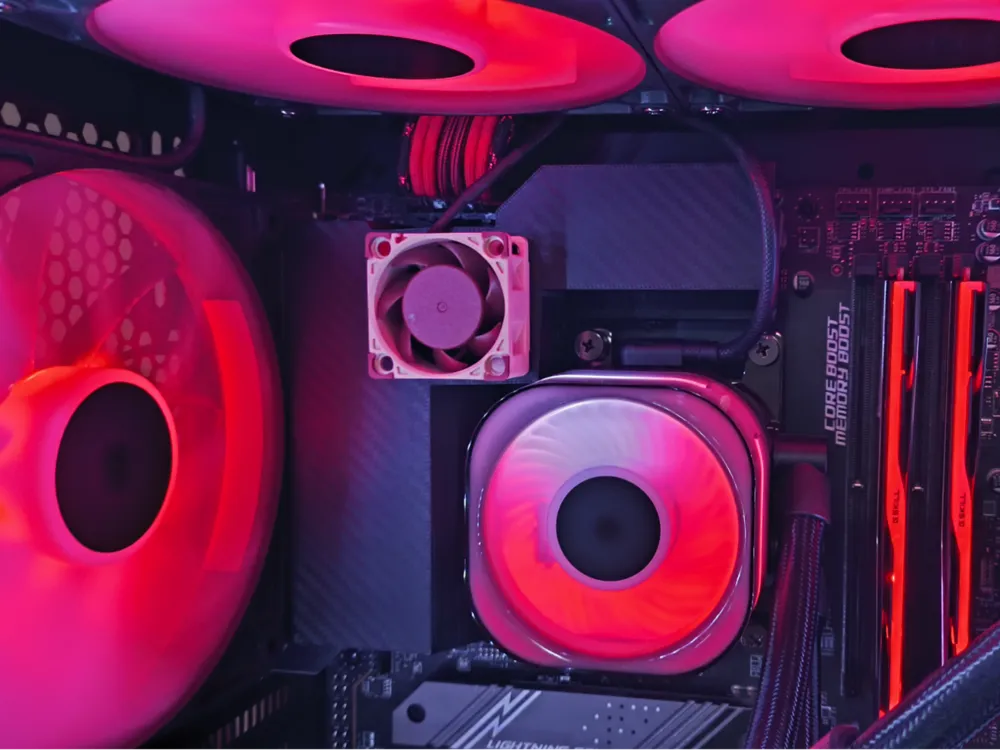
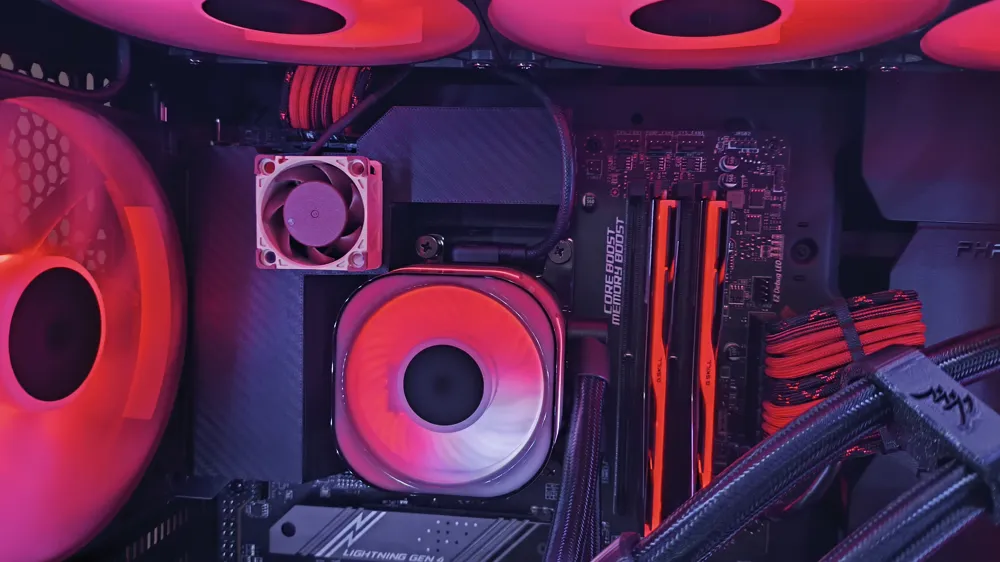
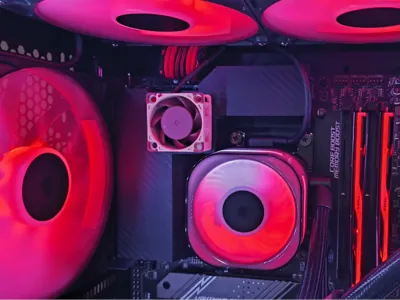
After upgrading my CPU, I encountered high temperature issues with my motherboard's VRMs. I resolved this by replacing the thermal pads with Thermal Grizzly Advanced Putty and then designing this custom cover. Previously, temperatures were reaching up to 100°C, which prompted me to stop testing. With the new cover, the system can now run for 30 minutes straight with a maximum temperature of approximately 70°C.
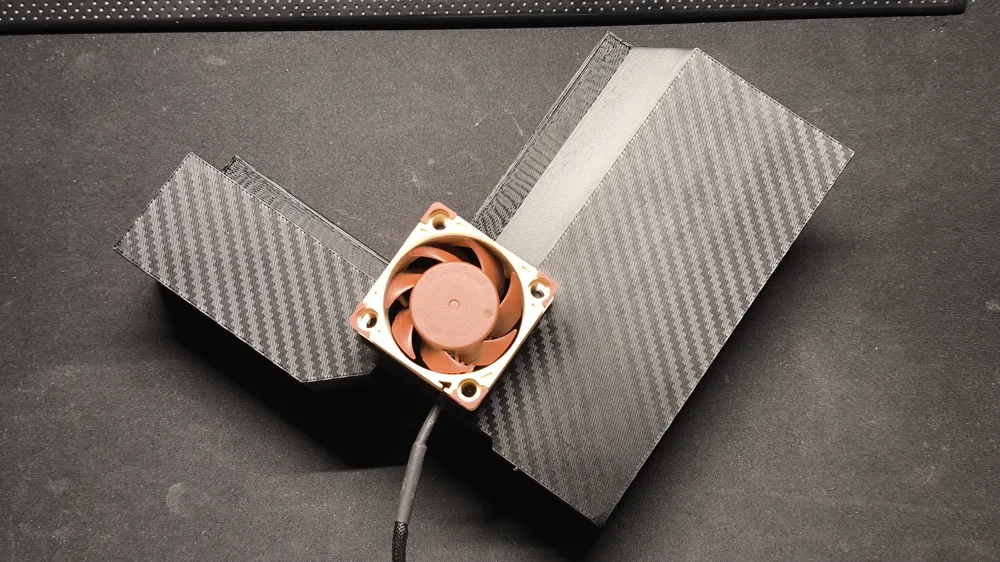
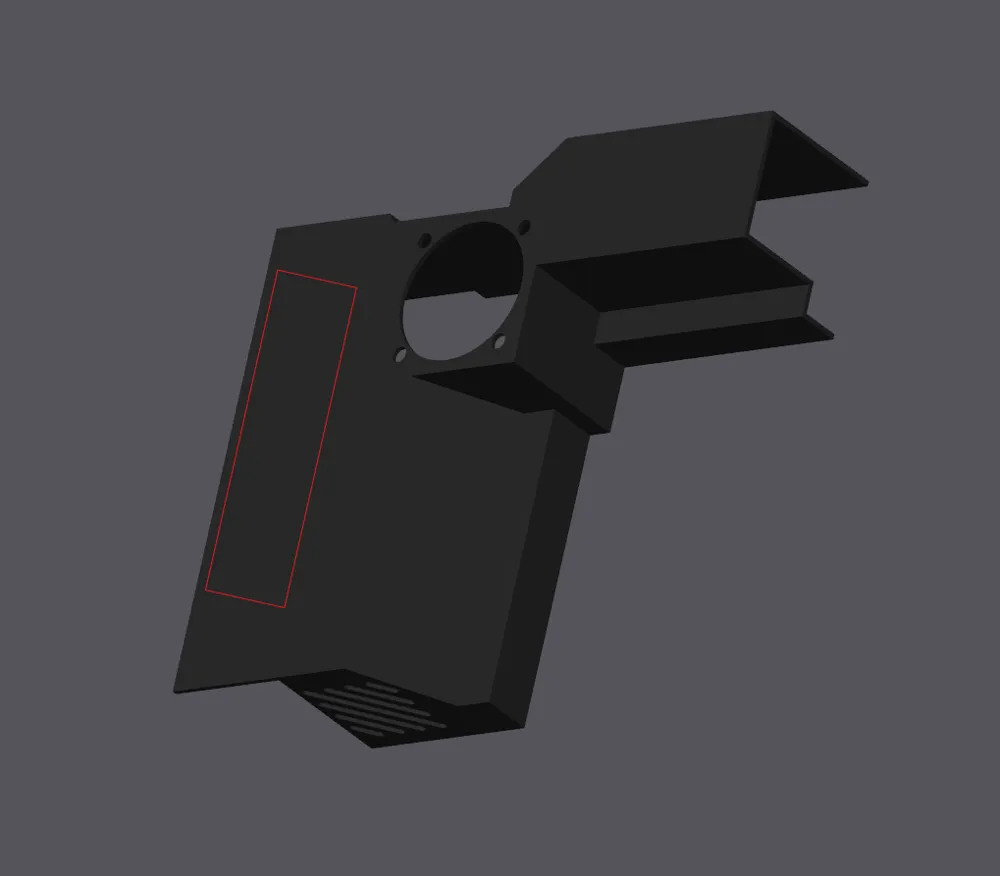
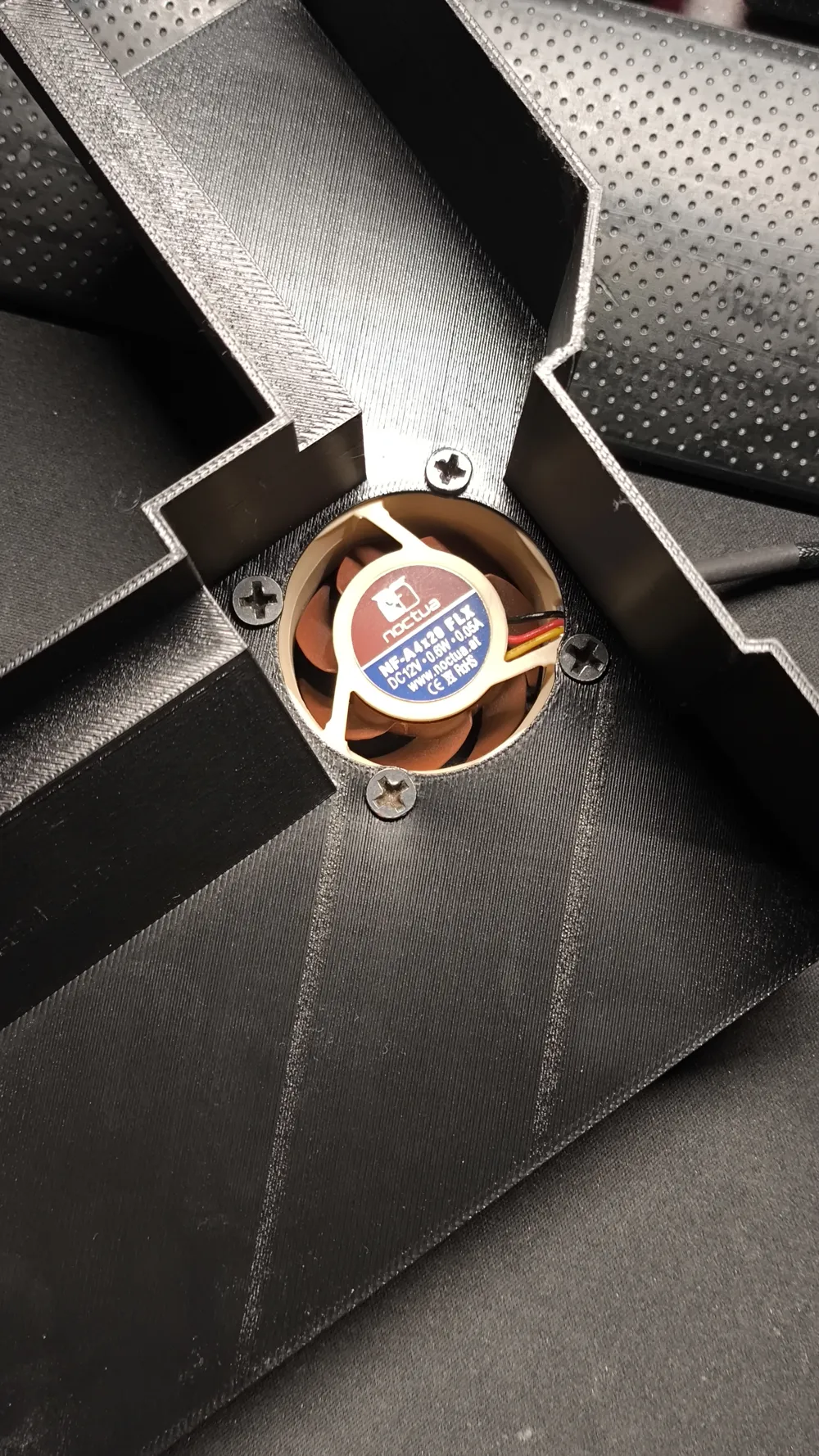
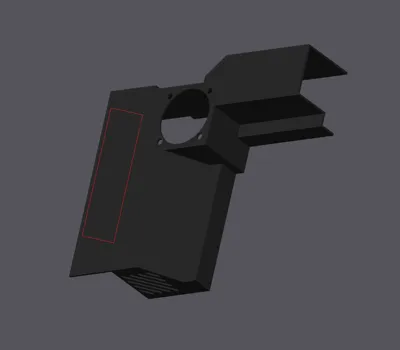
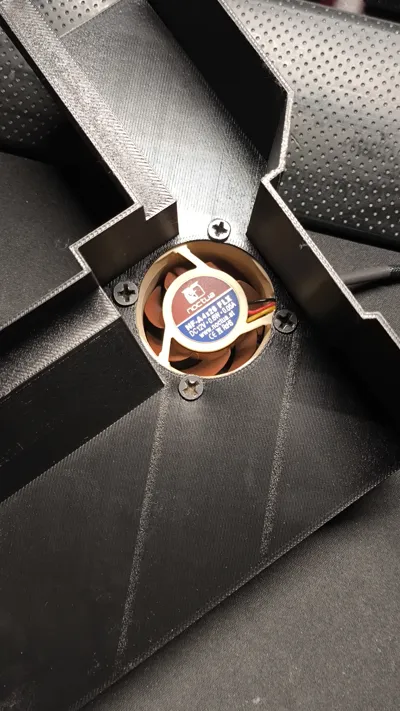
This design accommodates any 40mm fan. To mount the fan, you can use standard PC fan screws from the inside of the shroud, as shown in the accompanying picture.
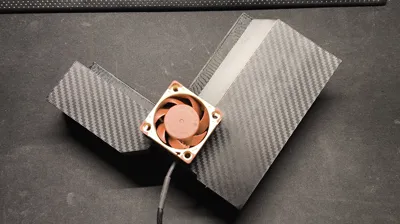
For mounting the shroud to the motherboard, double-sided foam tape can be applied at the specific point indicated in the picture.
I printed this on a Carbon Fiber Effect plate using Bambu Lab PETG HF on a P1S, but feel free to use your preferred plate.
Please note that you may need to remove your CPU cooler to mount the shroud and then reinstall it. However, with my Corsair 360mm Titan, I was able to install it without removing the pump from the CPU.
The fan I used for this setup is: Noctua NF-A4x20 FLX
License

You shall not share, sub-license, sell, rent, host, transfer, or distribute in any way the digital or 3D printed versions of this object, nor any other derivative work of this object in its digital or physical format (including - but not limited to - remixes of this object, and hosting on other digital platforms). The objects may not be used without permission in any way whatsoever in which you charge money, or collect fees.


Comment & Rating (0)