
Ruckus AP HomeRacker Mount
Print Profile(1)
Description
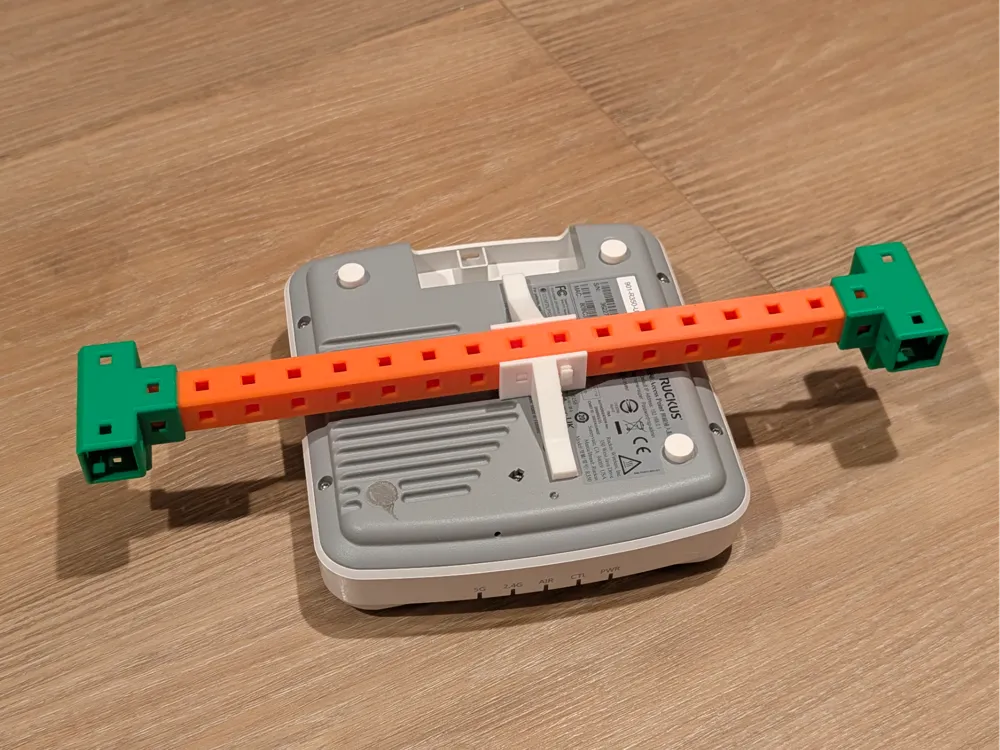
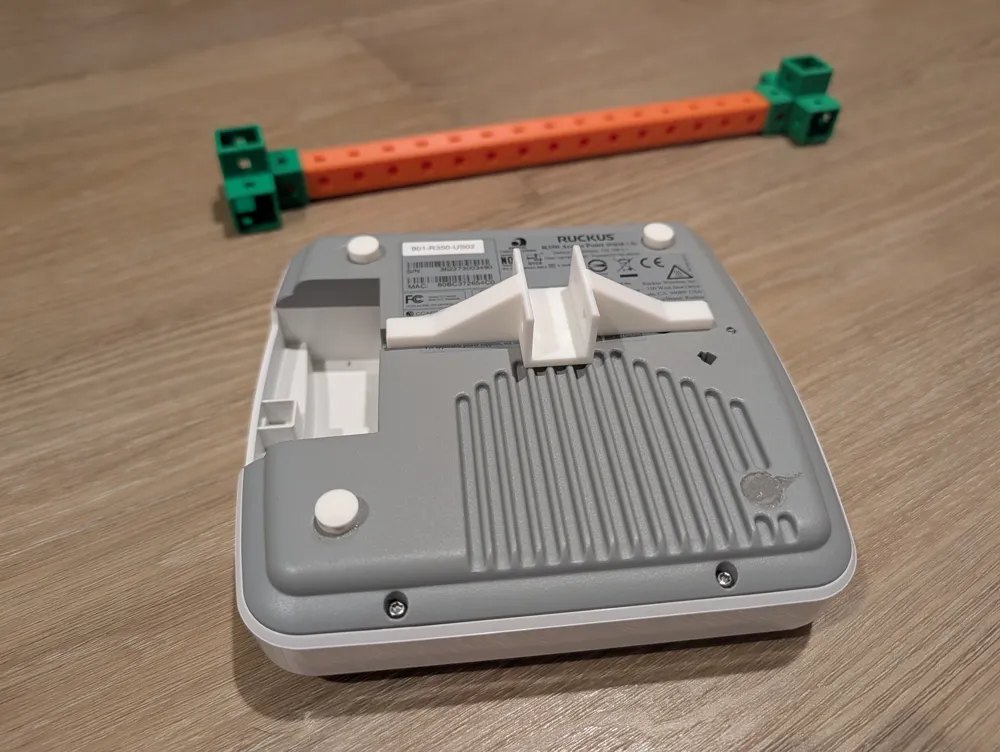
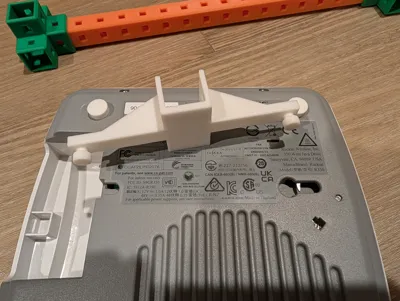
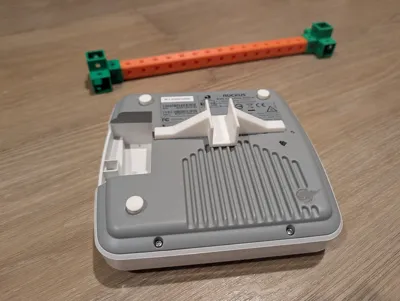
Mount Ruckus wireless access points to a HomeRacker bar.
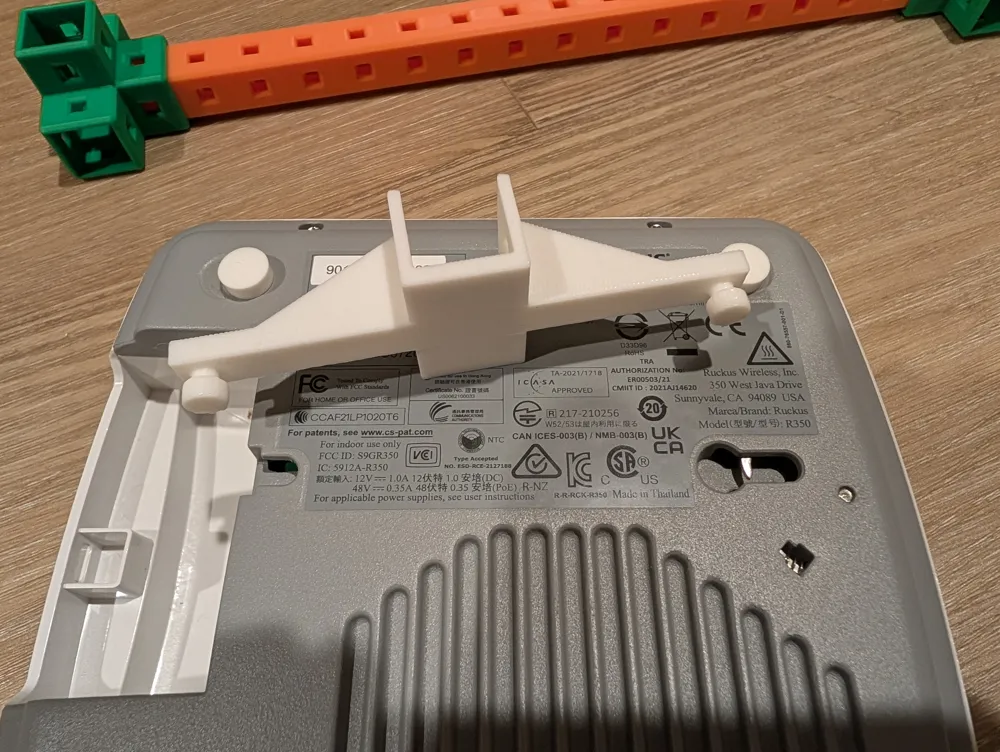
The current model combines a HomeRacker sleeve with a Ruckus AP prong mount prototype. It uses a segmented sleeve around a 15 mm HomeRacker support/bar, standard 4 mm lock-pin holes, and a sideways Ruckus prong strip with printable gussets under the prong-to-mount connection.
Required Print Orientation
Print the part sideways in the exported/default STL orientation. Do not use slicer auto-orient.
The intended orientation has:
- The HomeRacker sleeve standing upright, with the open channel facing upward
- The Ruckus prong strip running horizontally across the build plate
- The round Ruckus pegs pointing sideways, parallel to the build plate
- The gussets rising from the build plate toward the prong support strip
This orientation is required so the prong support strip and the prong-to-mount connection print in the strongest practical direction. Do not rotate the model onto the prongs, peg caps, sleeve side, or open channel.
Source: https://github.com/nelsonjchen/ruckus-ap-homeracker-mount-openscad
License



Comment & Rating (0)