
Ultimate Clicker Fidget Hand Spinner
Print Profile(4)




Description
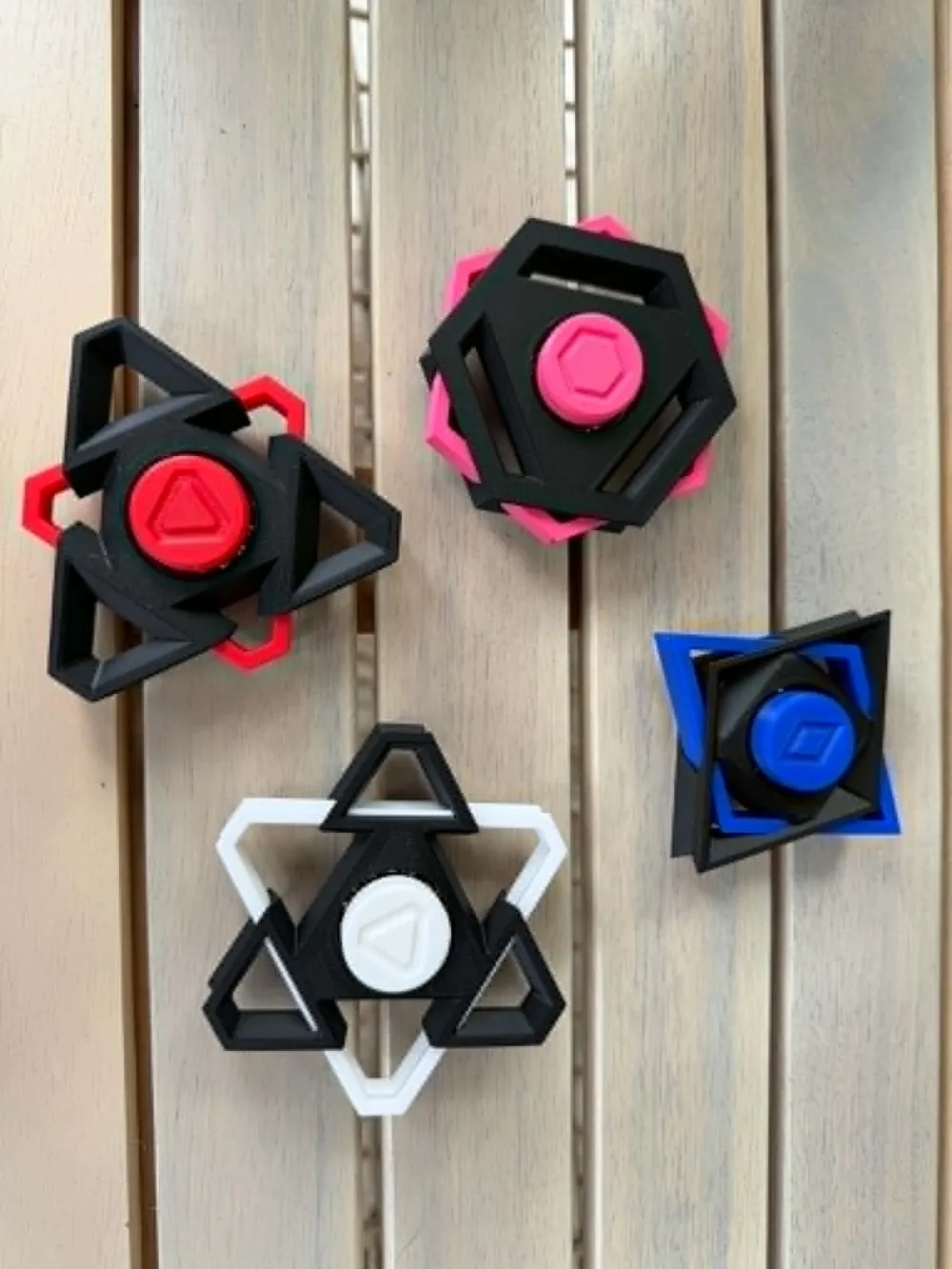
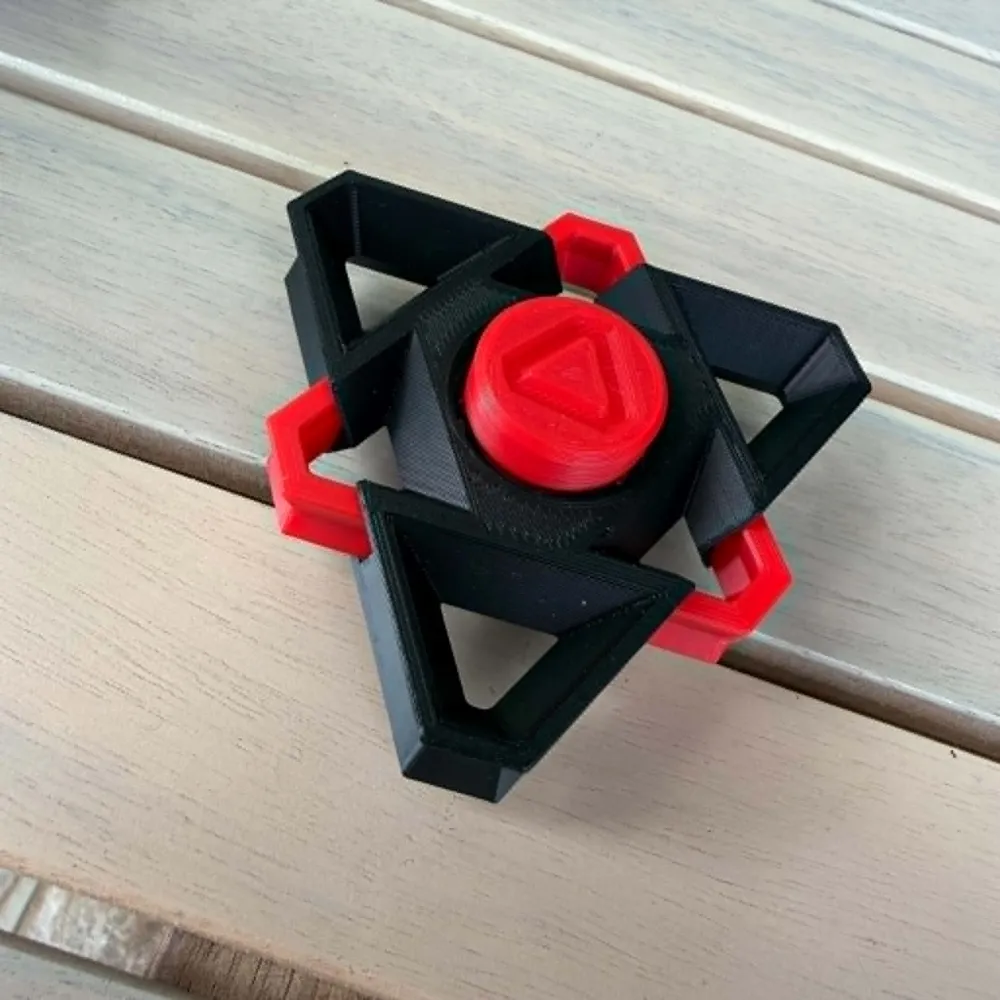
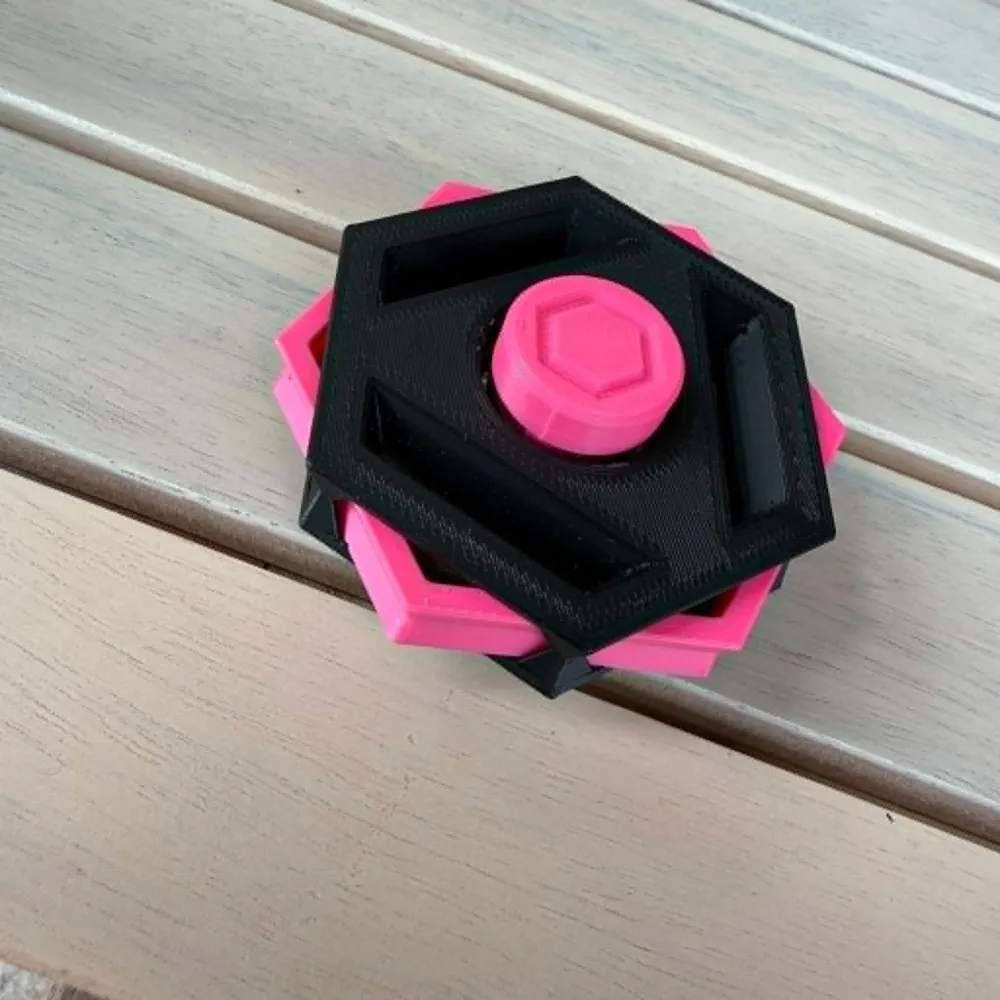
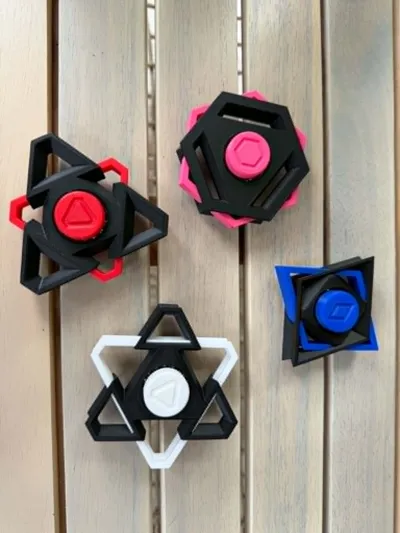
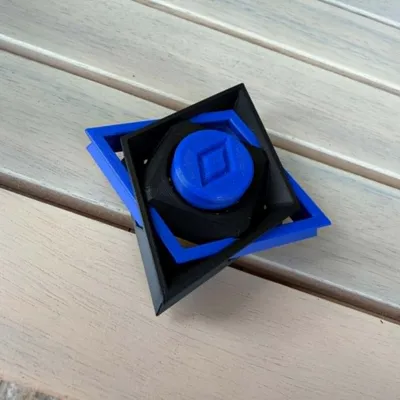
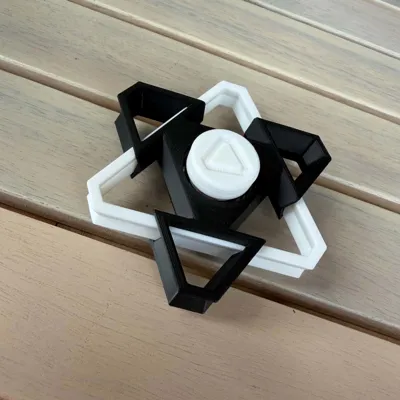
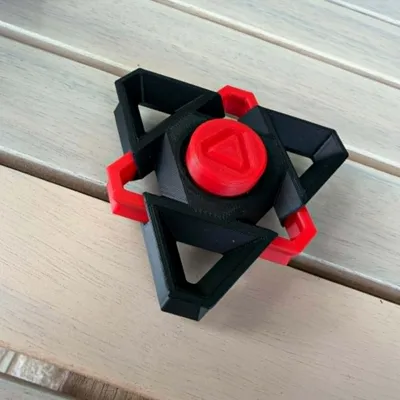
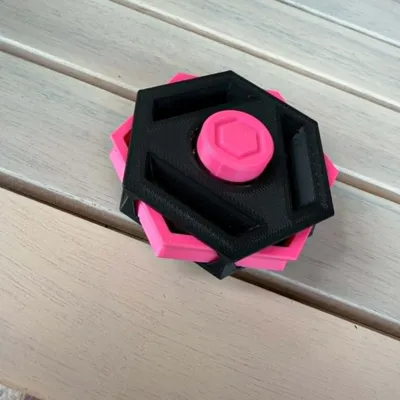
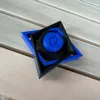
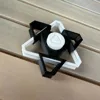
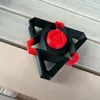
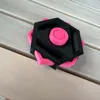
Geometric Clicker Spinner Collection

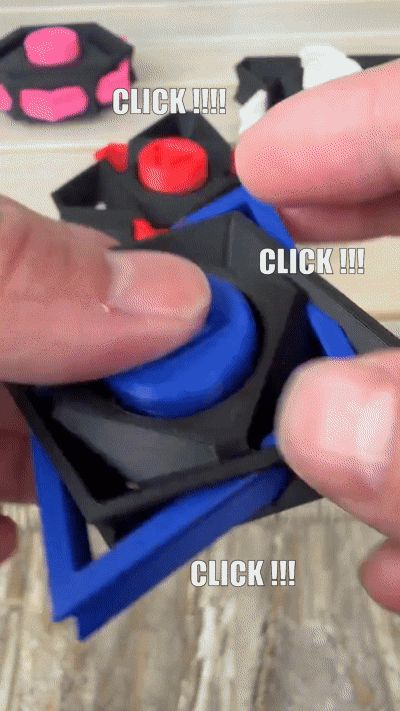

A unique fusion of a fidget spinner and mechanical keyboard clicker!

Each spinner combines smooth spinning with a satisfying tactile click using a real mechanical keyboard switch mounted inside a 6803 bearing core.
Designed with bold geometric shapes and clean layered symmetry, every version has its own personality while keeping the same addictive feel.
Perfect for:
- Desk fidgeting
- Stress relief
- Mechanical keyboard fans
- Everyday carry (EDC)
- Display pieces
Multicolor Without AMS
No AMS? No problem!
These spinners were specifically designed to support easy multicolor printing without needing an AMS system.
Simply:
- Print the main body
- Pause the print at the correct layer (65)
- Insert the separately printed center accent piece
- Resume the print
The printer will lock the accent piece directly into the model during printing.
This makes it easy to create clean multicolor designs using a single-color printer.
Included Versions
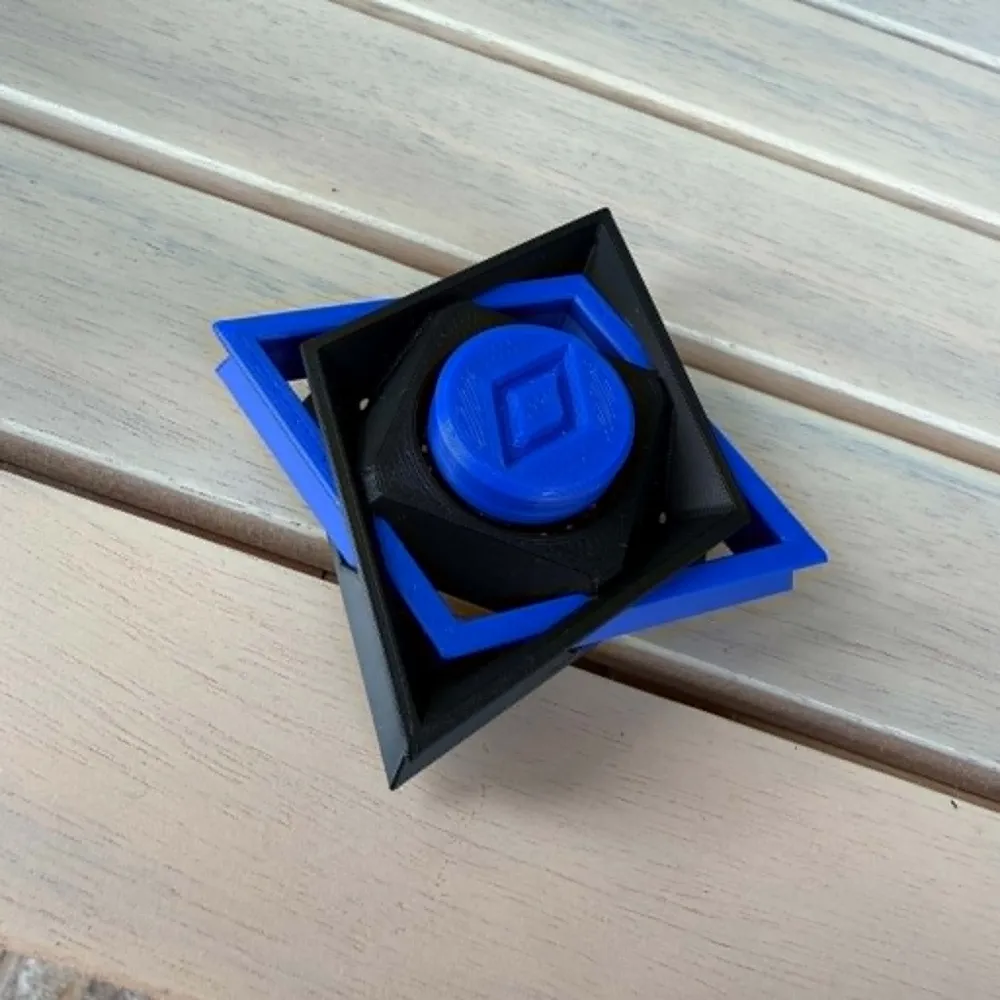
Losenge Edition
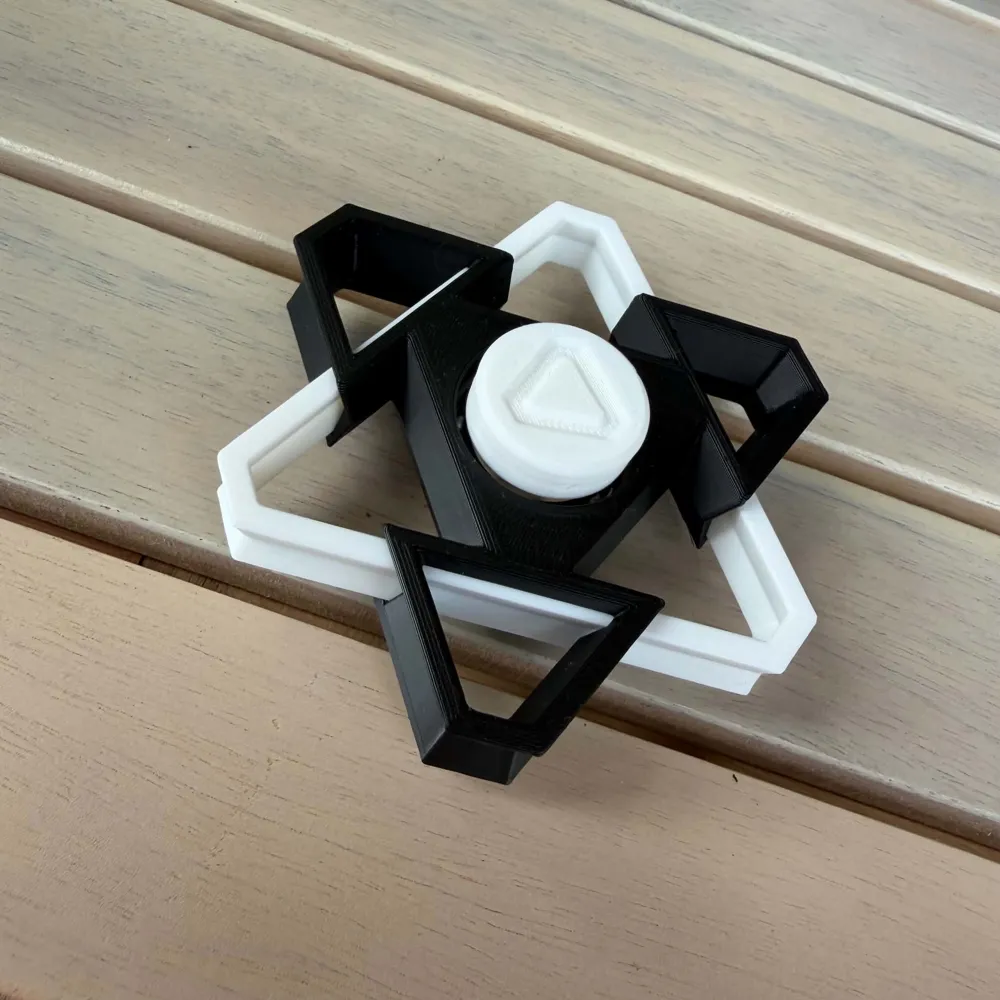
Triangle Edition 1
Triangle Edition 2
Hex Edition
Hardware Required
- 1x 6803 bearing (17mm x 26mm x 5mm) (remove seal and remove grease with break cleaner for better spin effect !! )
- 1x MX-style mechanical keyboard switch
Print Settings
Recommended:
- Layer height: 0.2mm
- Walls: 2
- Infill: 15%
- Supports: No
- Material: PLA / PETG
Assembly Instructions
Step 1 — Print the plate 1
Step 2 — Start the plate 2
Step 3 — Pause (layer65)
When the printer pauses, carefully place the accent piece into its matching cavity.
Step 4 — Resume the Print
Step 5 — Install Hardware
- Cut the terminal wire clip
- Press-fit the keyboard switch
- Insert the 6803 bearing
- Install the click cap
Notes
- Compatible with most MX mechanical keyboard switches
- Different switches create different click feels
- Bearing fit may vary slightly depending on printer calibration
Creator Notes
This project combines:
- Mechanical keyboard click satisfaction
- Smooth spinner motion
- Geometric visual design
- Easy multicolor printing without AMS
Mix colors, swap switches, and create your own unique combinations!
License

You shall not share, sub-license, sell, rent, host, transfer, or distribute in any way the digital or 3D printed versions of this object, nor any other derivative work of this object in its digital or physical format (including - but not limited to - remixes of this object, and hosting on other digital platforms). The objects may not be used without permission in any way whatsoever in which you charge money, or collect fees.


Comment & Rating (3)