
Custom Name & Number Stand - Birthday / Date Sign
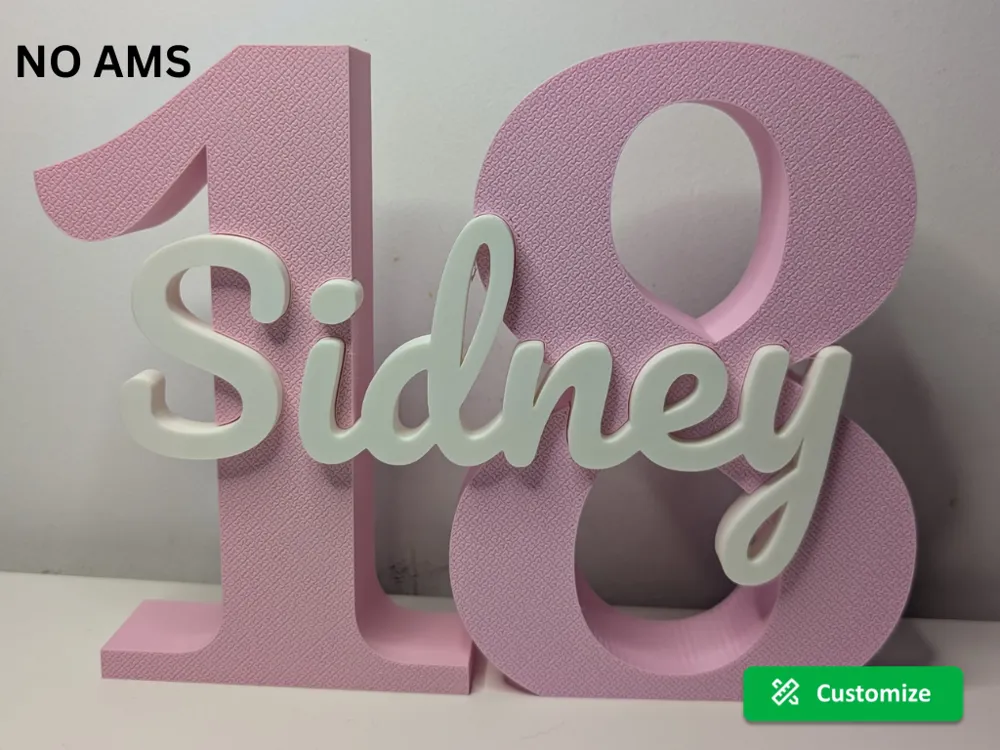
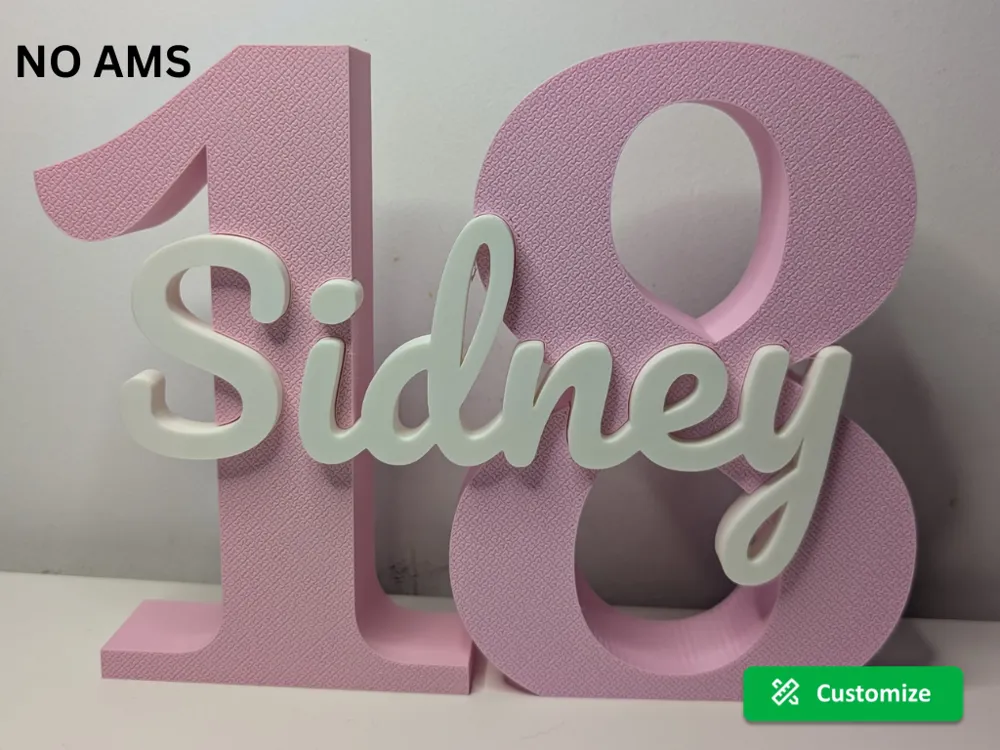
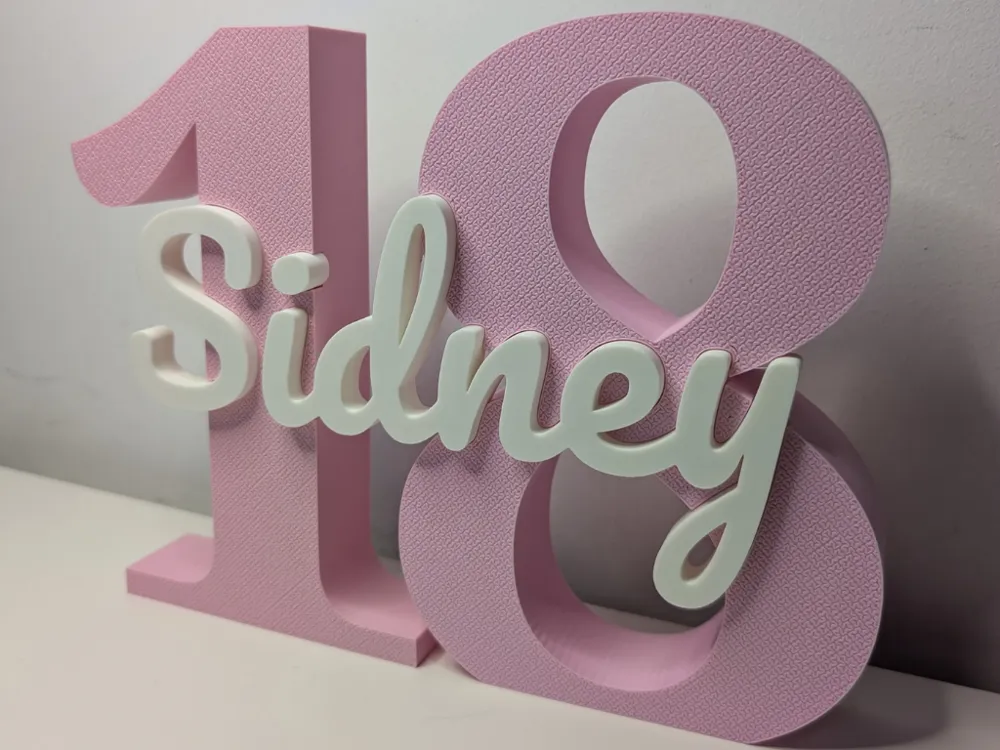
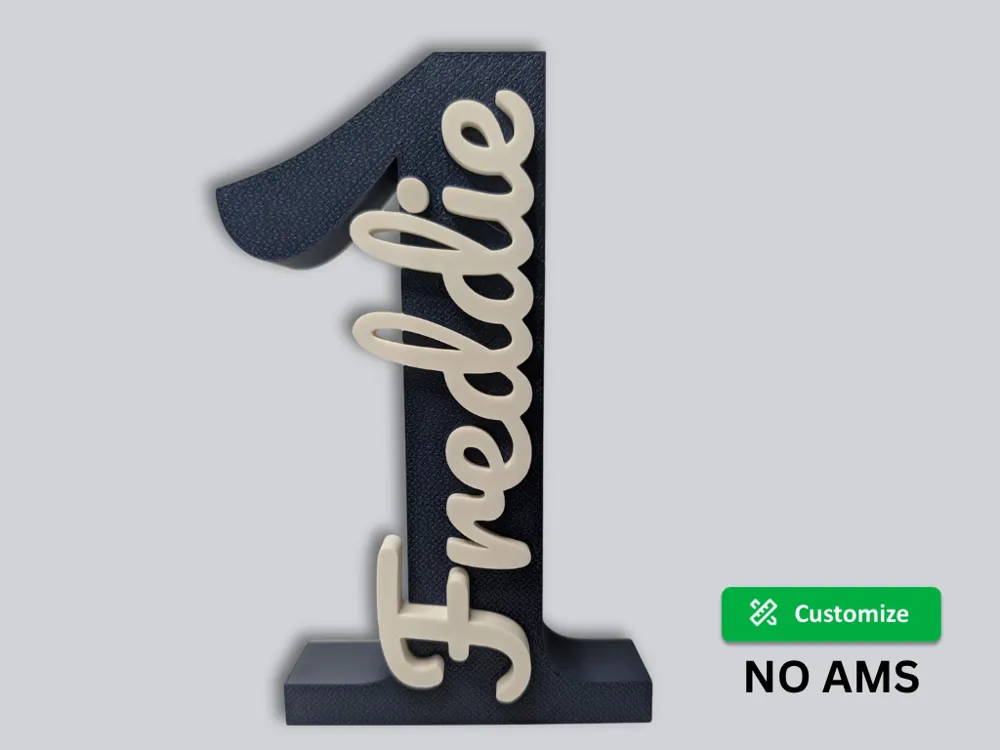

Print Profile(3)

Description
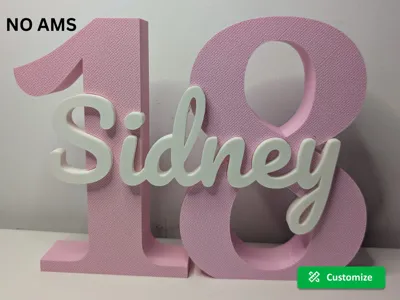
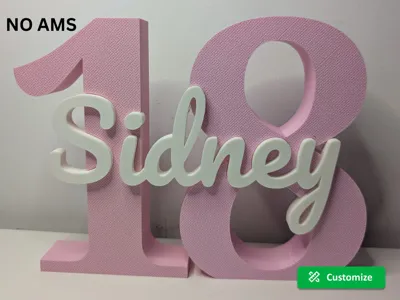
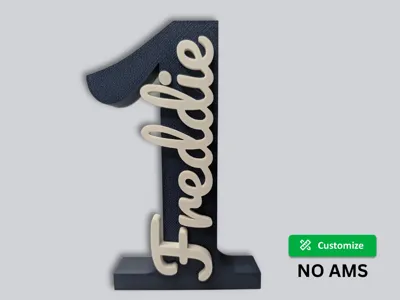
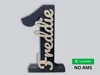
Create clean, personalized name and number stands in seconds. Just enter your text to generate a perfectly aligned, 3D design.
Why You’ll Like It
- Fast & Easy: Fully customizable directly in the browser.
- Clean Look: Modern design perfect for gifts or decor.
- No AMS Needed: Print parts separately in different colors.
- Print-Friendly: Designed to print without supports.
🚀 How to Customize
- Click the "Customize" button.
- Enter your number/date and name.
- Adjust spacing, fonts, or position if needed.
- Download and print both plates.
🧩 How It Works
- Plate 1: Number base (with slot)
- Plate 2: Name insert
- Print both parts and press-fit the name into the base.
⚠️ Important: Freestanding Stability
If your number has a rounded bottom (0, 6, 8, 9), enable the "Flat Base" option in the customizer.
✨ Pro Tip: Clean Surface Finish
For a premium look, adjust these settings in your slicer:
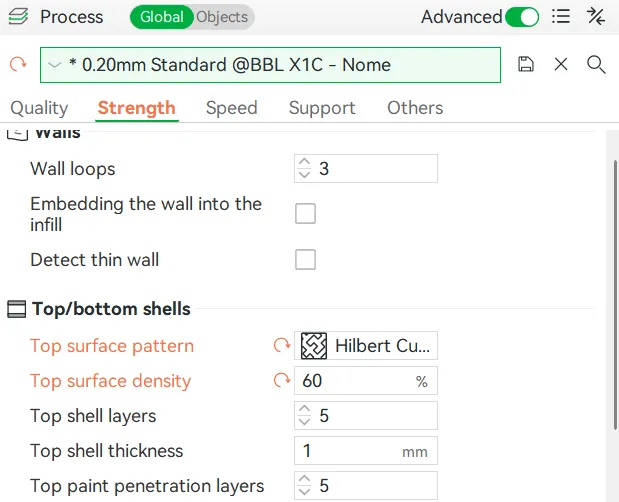
- Top Surface Pattern: Set to “Hilbert Curve” for a textured finish that hides layer lines.
- Top Surface Density: Set to 60% for a soft matte effect.
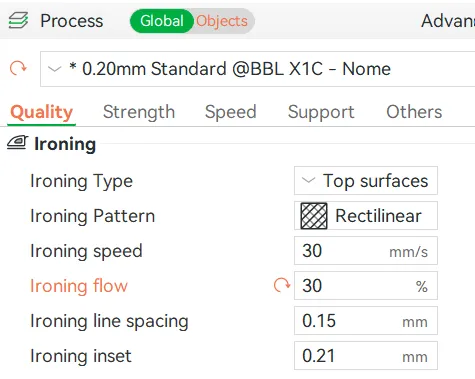
For the Name (Smooth Finish):
Enable "Top Surface Ironing" to get a clean, polished look on the text.
🎉 Perfect For
- Birthday numbers (18, 21, 30, 40, 50…)
- Personalized gifts
- Kids room decor
- Event decorations
Want a specific name?
Drop it in the comments and I’ll add it when I can!
If you enjoy the model, photos and boosts are always appreciated 😊
Boost Me (for free)
If you enjoyed this model, please consider boosting the model
Your support helps me keep creating new names and improving the parametric model.
Membership
If you’d like to sell prints of my designs, a commercial license is available through my membership. Thanks for supporting my work!
📍 Handling the "Dot" on 'i' and 'j'
If you use a lowercase i or j, the dot (tittle) might sometimes land outside the boundary of the large initial. You have two simple solutions:
- Option 1: Remove the Dot Simply delete the dot in your slicer or use an uppercase I or J in the customizer to keep the design compact.
- Option 2: Reattach in the Slicer (Recommended) To keep the dot while ensuring it prints as one solid piece:
- Right-click the name object and select "Split to Objects".
- Manually move the dot down until it overlaps with the letter below it.
Important: Select both the dot and the letter, right-click, and select "Merge". This ensures the printer sees them as one single part.
License

You shall not share, sub-license, sell, rent, host, transfer, or distribute in any way the digital or 3D printed versions of this object, nor any other derivative work of this object in its digital or physical format (including - but not limited to - remixes of this object, and hosting on other digital platforms). The objects may not be used without permission in any way whatsoever in which you charge money, or collect fees.


Comment & Rating (6)