
Ghostbusters Proton Pack inspired clicker fidget
Print Profile(2)


Description
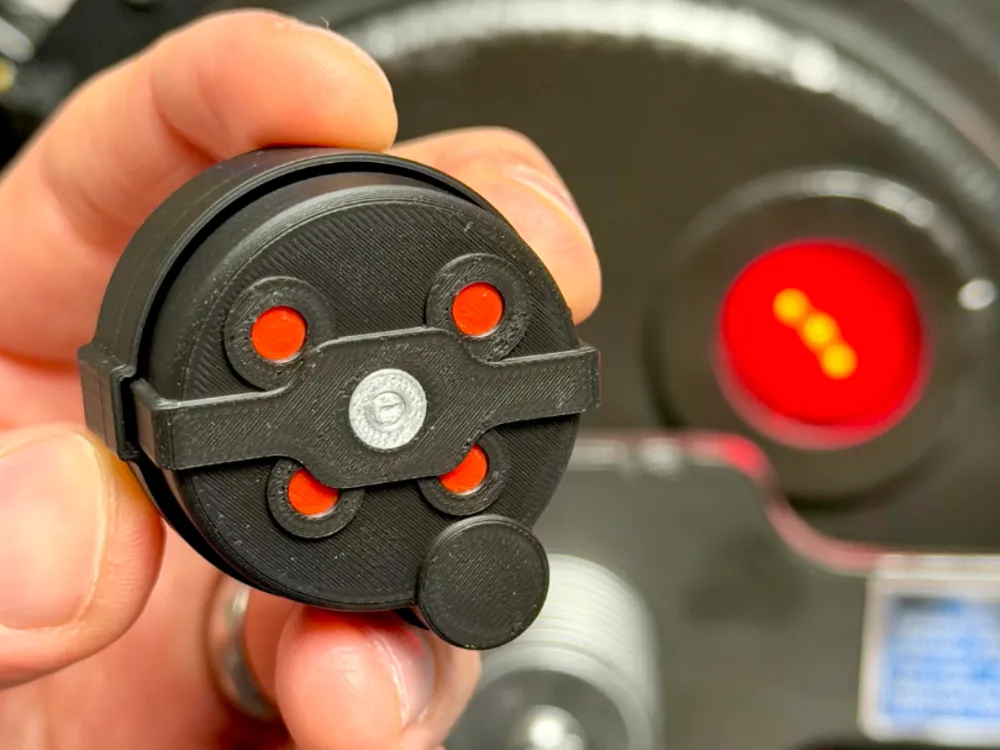
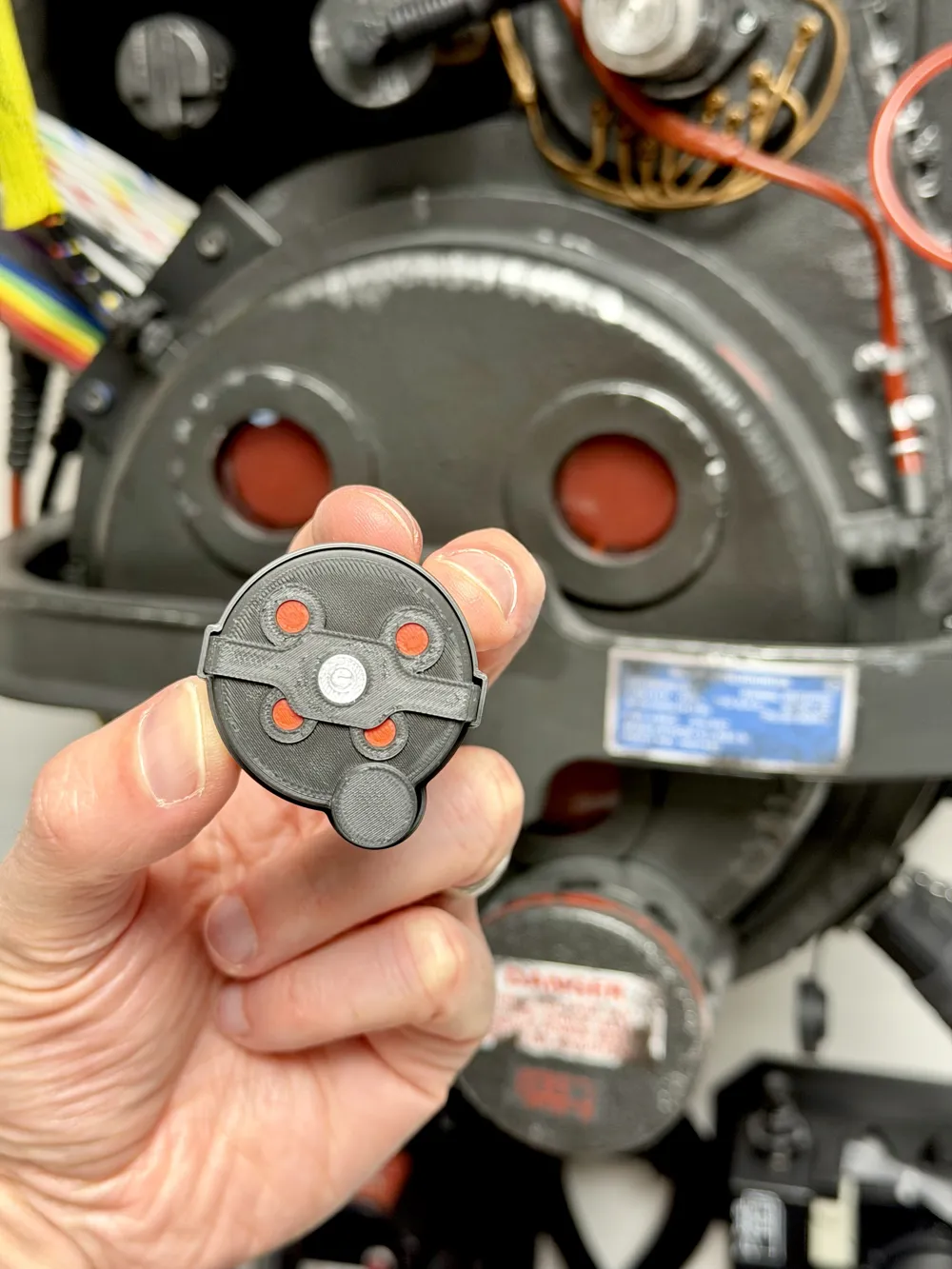
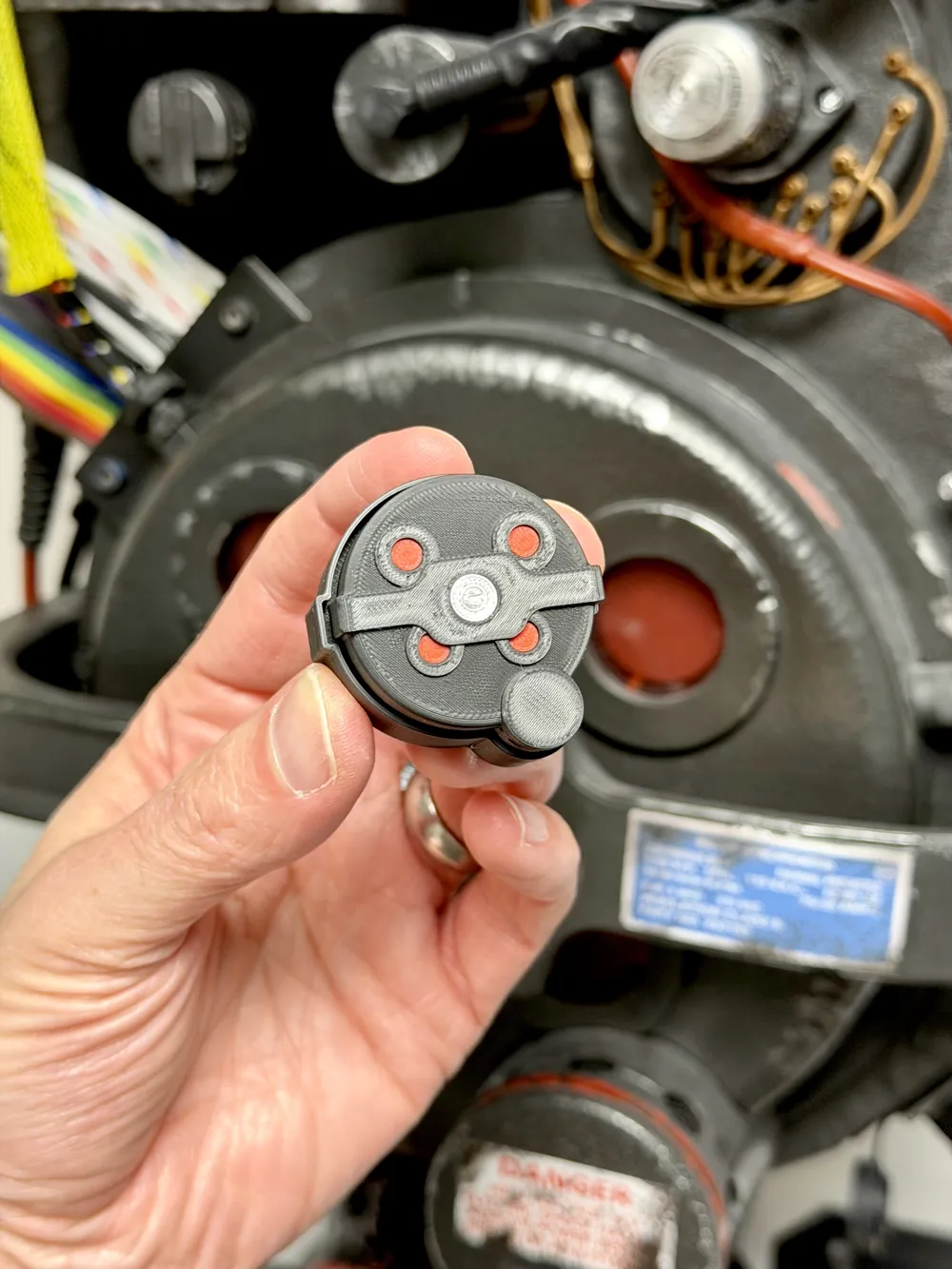
Ghostbusters Proton Pack Inspired Clicker Fidget Toy
When there's something strange, and it don't look good, what you gonna do? CLICK A FIDGET!
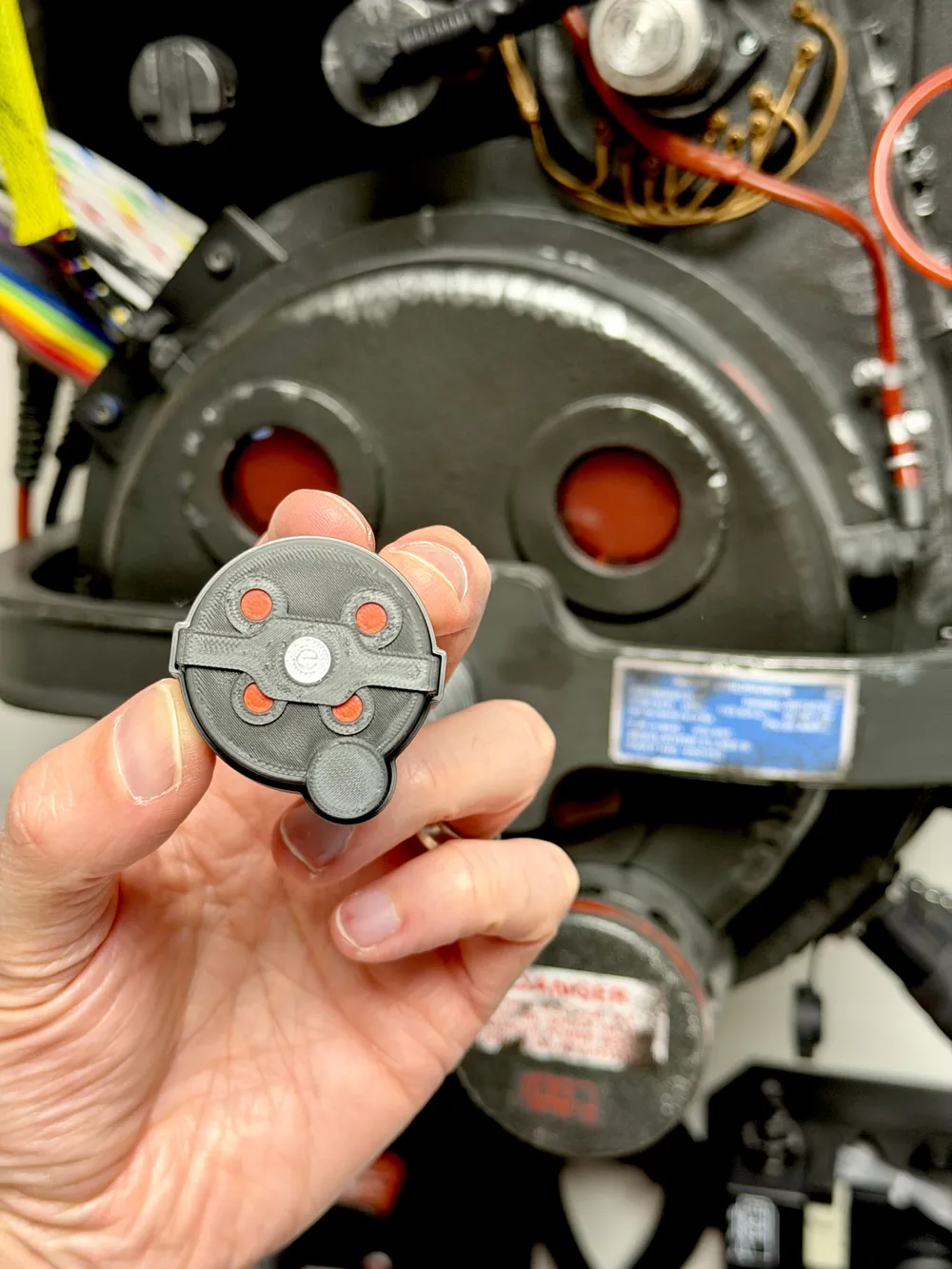
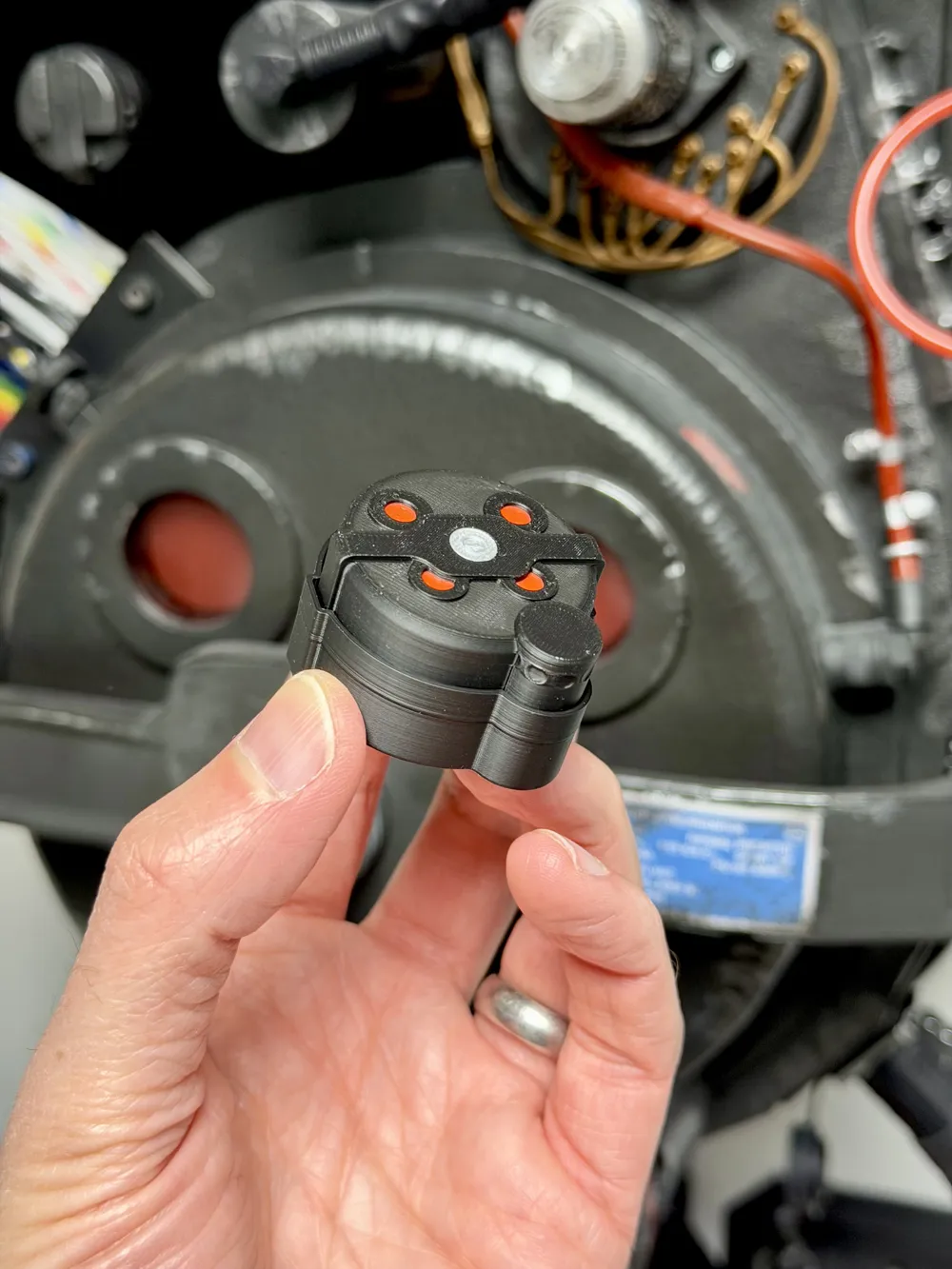
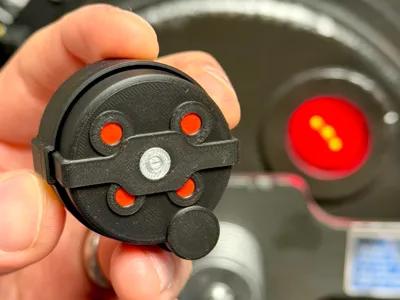
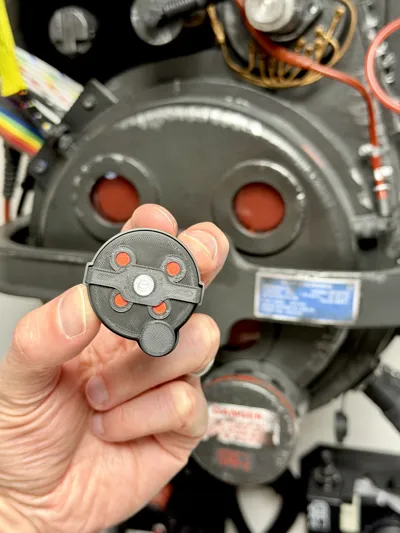
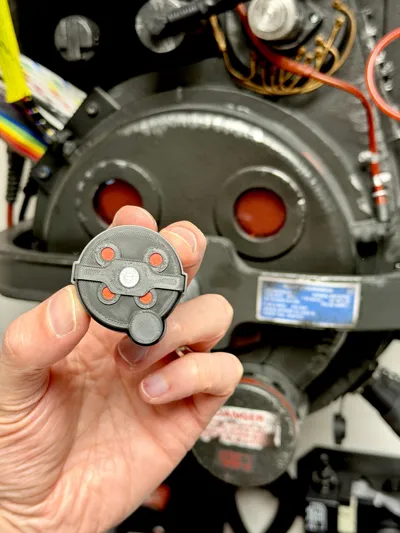
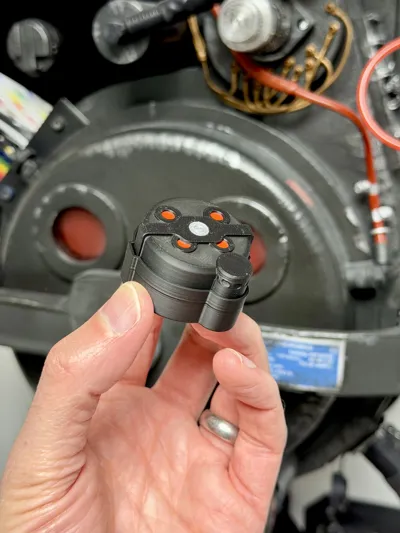
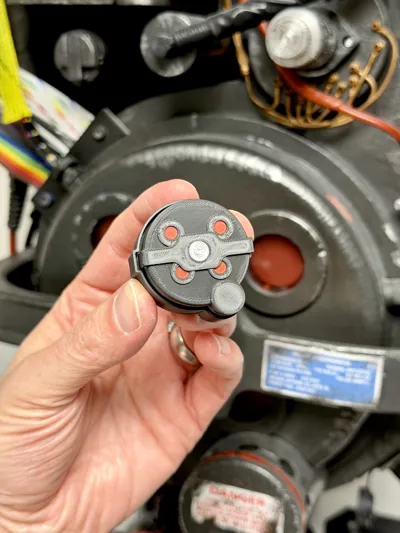
Not sure that quite works, but still… with this clicker, you can bring a little paranormal engineering to your desk with this Ghostbusters proton pack inspired clicker fidget toy. Designed around the iconic cyclotron cover and N filter from the proton pack, this compact print combines satisfying tactile feedback with classic GB detailing.
The model is a 3 colour print using primarily black filament, with silver and red accents to help capture that unmistakable look. Once assembled with a standard keyboard clicker switch, it creates a crisp and satisfying click, making it perfect as a desk toy, display piece, or gift for fellow Ghostbusters fans.
To complete the build, you will need:
- 1x keyboard clicker switch
Boost Me (for free)
If you like this print, a boost is a great and free way to support me on here
·····
Tips before you start
Having a clean print bed and hot end(s) free from filament is essential in getting that crisp, clean look. Here's some tips on what to do to get the best print possible;
Cleaning
Clean your plate first, following your usual routine. Dish soap works best, clean and then rinse thoroughly, ensure the plate is dry and free of debris before putting back in the printer.
Leftover filament residue on your hot end can cause unwanted colour streaks, which will show very clearly against the white parts of the print. Please inspect your hot end before starting the print, if you spot any clumps or leftover filament, follow Bambu's recommended cleaning guide to remove.
·····
Printing setup
This model has been designed as a straightforward 3 colour print using black, silver, and red PLA.
Both the base and top part fit on one plate on all sized BL printers. The top part does use supports, so you will have to remove those before assembly.
Recommended filament colours
- Black PLA for the main housing
- Silver PLA for the metallic detailing
- Red PLA for the cyclotron accents
All filaments used are included in the Bill of Materials, accessible from the desktop version of Makerworld (doesn't show on Bambu Handy at the time of writing).
Additional hardware
To complete the build you will need:
- 1x keyboard clicker switch
·····
Assembly
What you will need
- Printed parts
- 1x keyboard clicker switch
Assembly steps
- Carefully remove all printed parts from the build plate.
This is what we need before starting
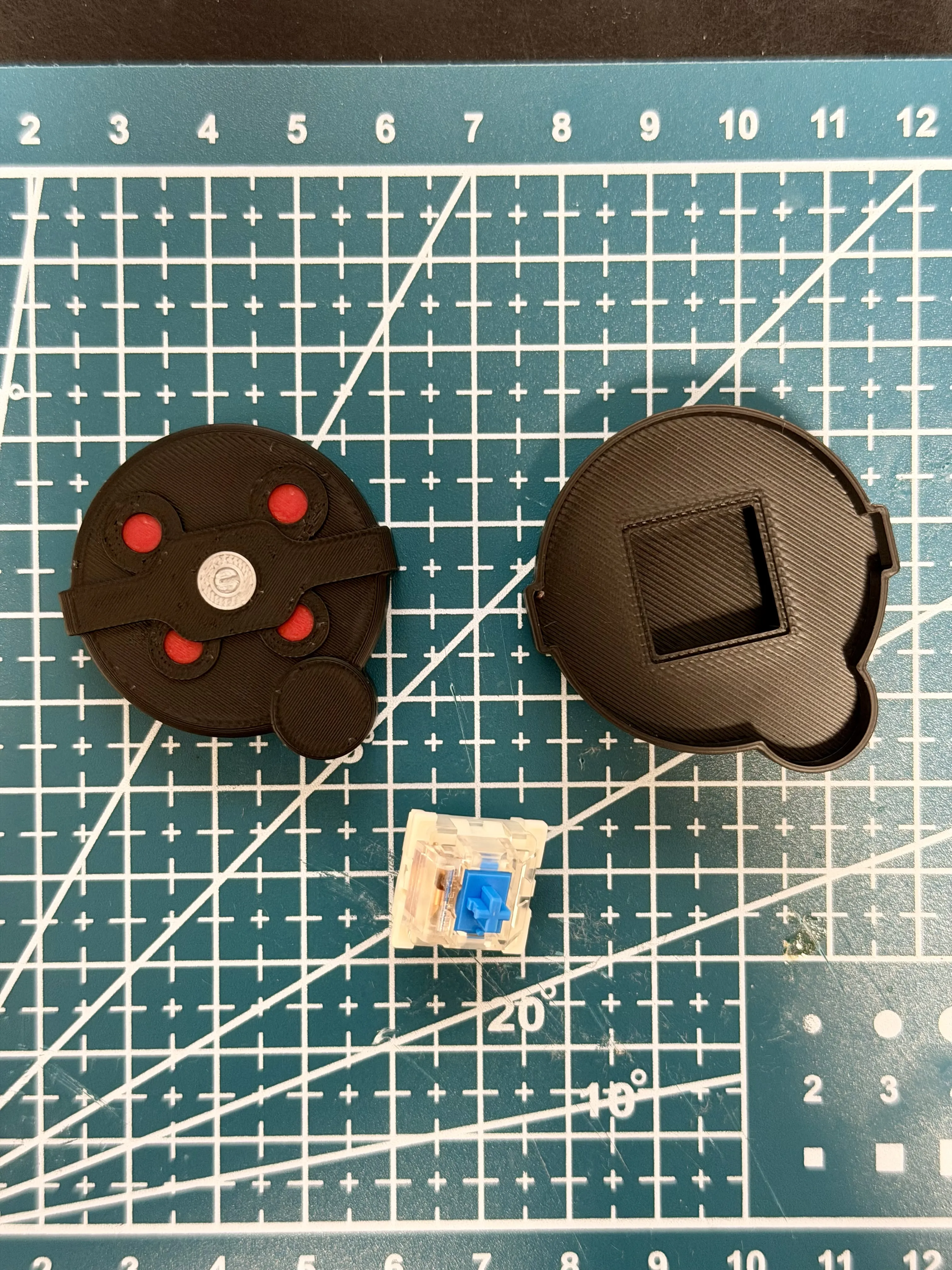
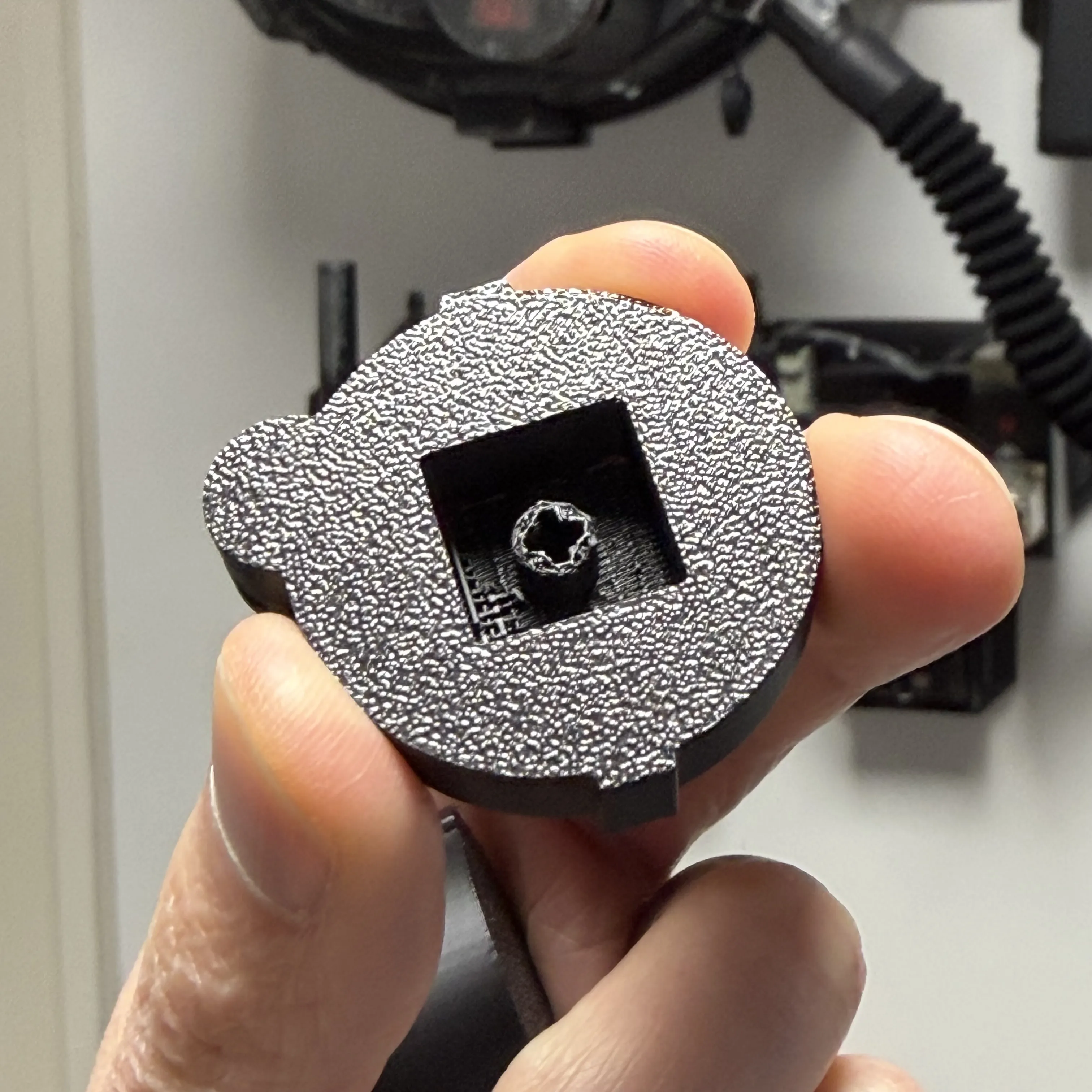
Next, you'll need to remove the supports from underneath the cyclotron lid, these are needed as the bit that grips the keyboard clicker is set back from the bottom of the design. This can be a bit fiddly, and you must do it from the edges.
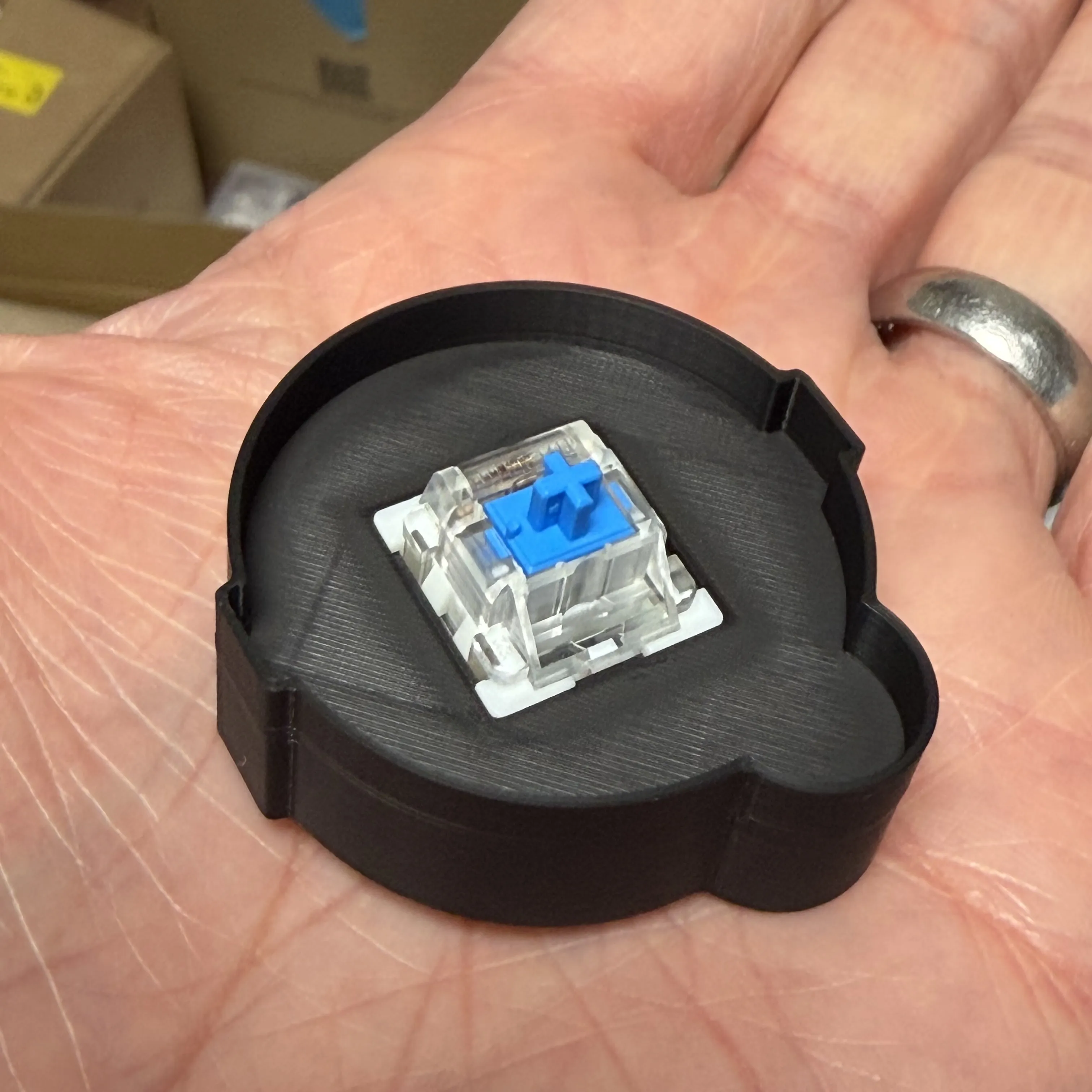
Insert the keyboard clicker switch into the rear housing section.
Align the top section over the switch and press into place.
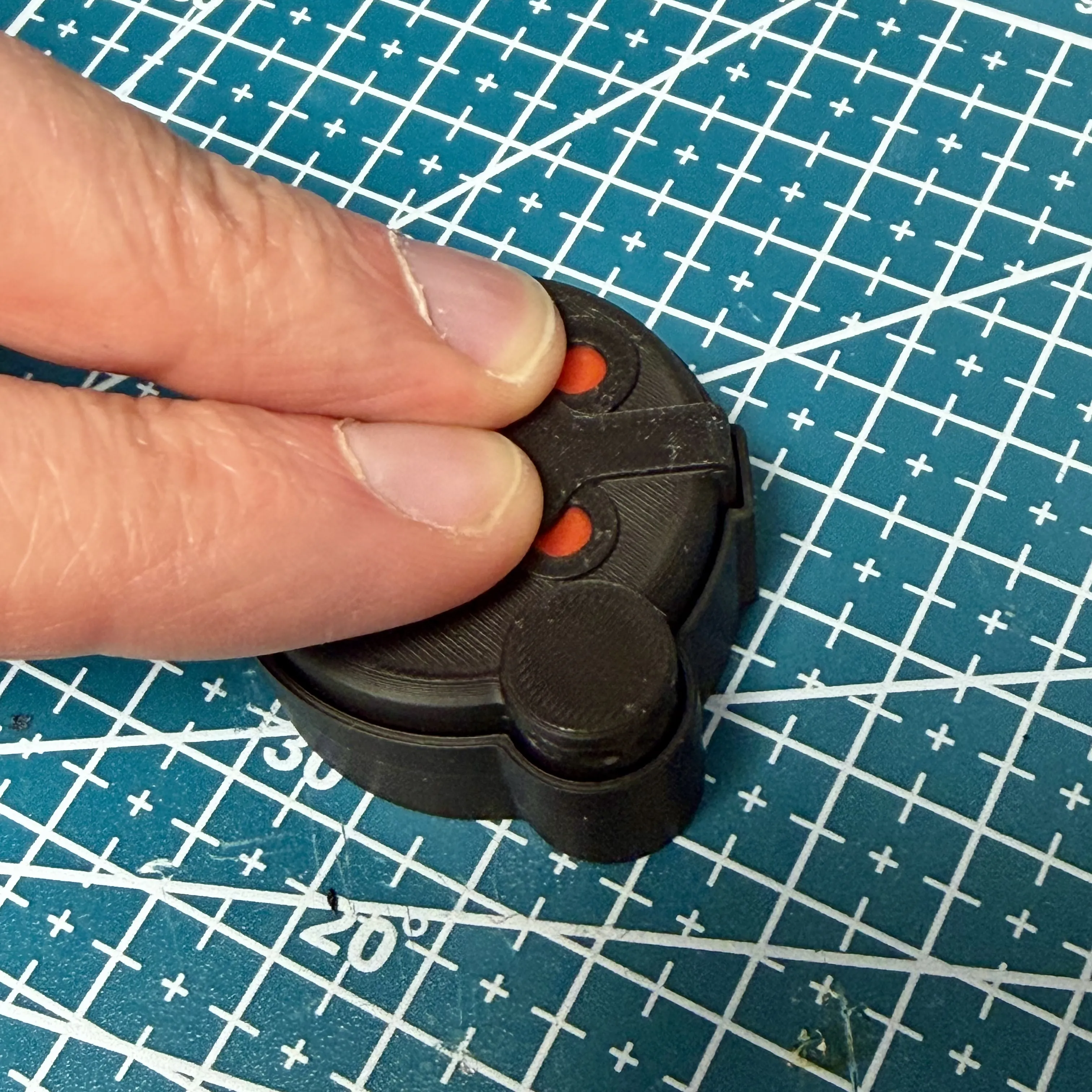
- Start clicking!
·····
Troubleshooting
Model Doesn’t Match Preview / Wrong Colours / Odd Layout / Dots instead of lines or shapes
If your model looks misaligned, missing colours, or prints incorrectly, please make sure you are using the supplied 3MF print profiles, not the raw STL or STEP files.
The 3MF files contain all the model specific tuning, including:
- Colour allocations
- Line width settings
- Print specific adjustments
- Supports
To use them properly:
- Either click “Open in Bambu Studio” directly from MakerWorld,
- Or download the .3MF file and open it manually in Bambu Studio.
Avoid using the raw STL or STEP files unless you specifically want to rebuild your own profiles, they do not include the tuned print settings.
License

You shall not share, sub-license, sell, rent, host, transfer, or distribute in any way the digital or 3D printed versions of this object, nor any other derivative work of this object in its digital or physical format (including - but not limited to - remixes of this object, and hosting on other digital platforms). The objects may not be used without permission in any way whatsoever in which you charge money, or collect fees.


Comment & Rating (15)