Search models, users, collections, and posts

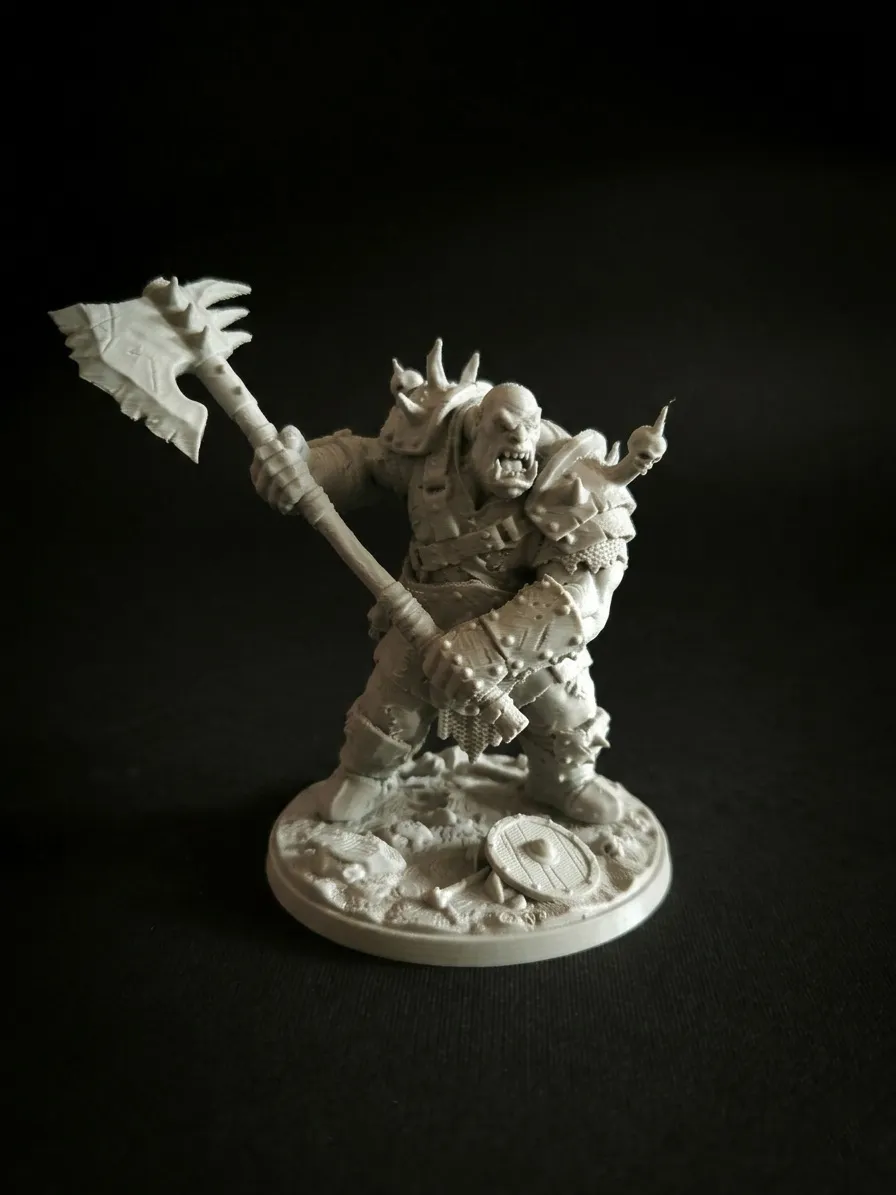
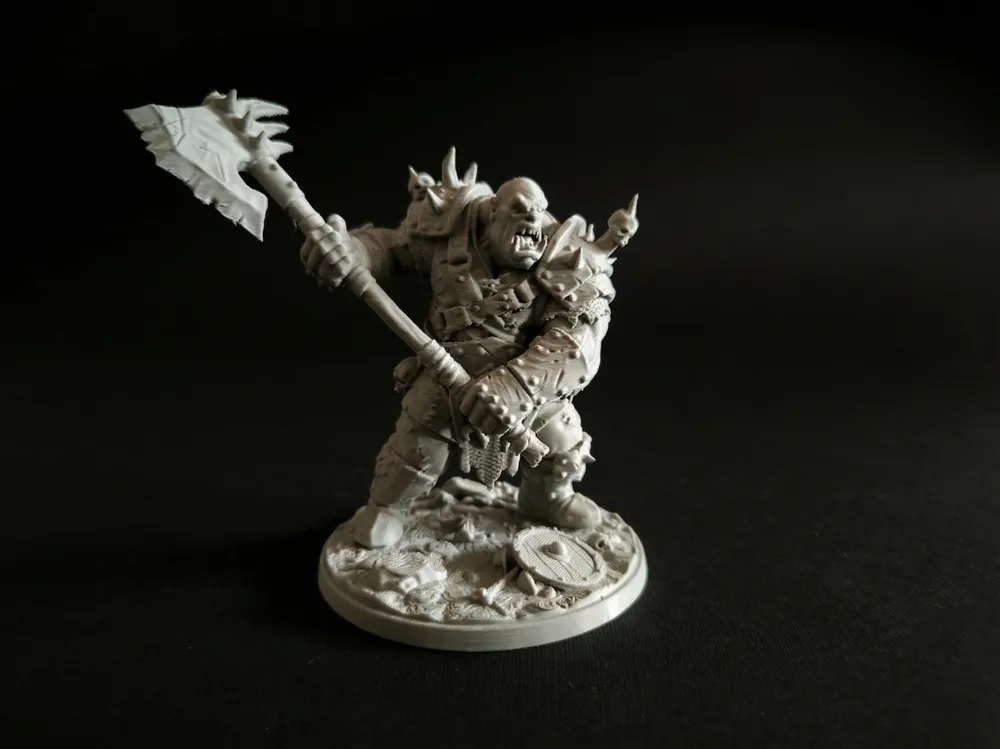
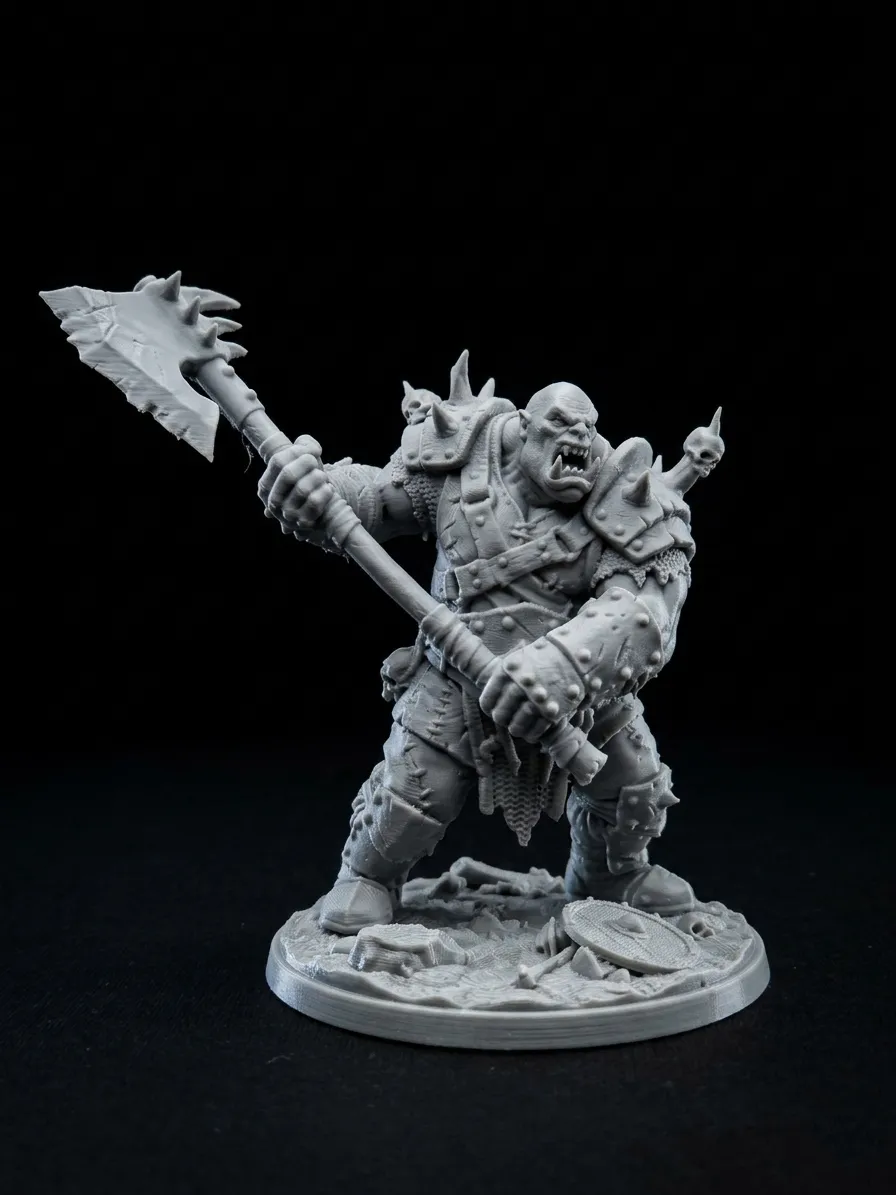
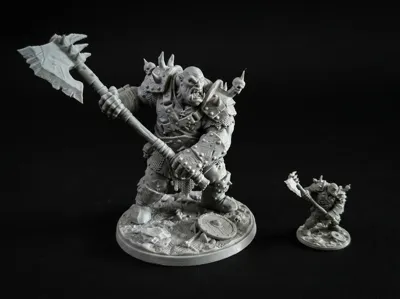
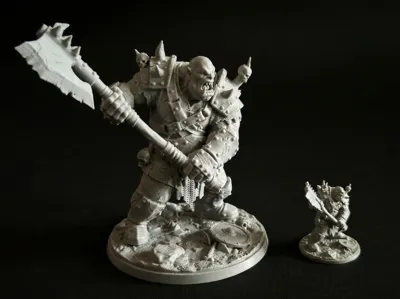
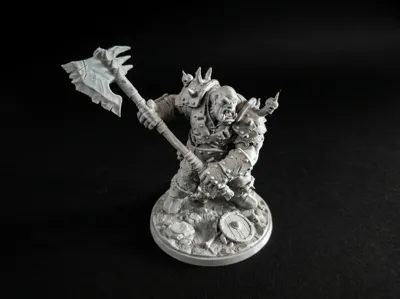
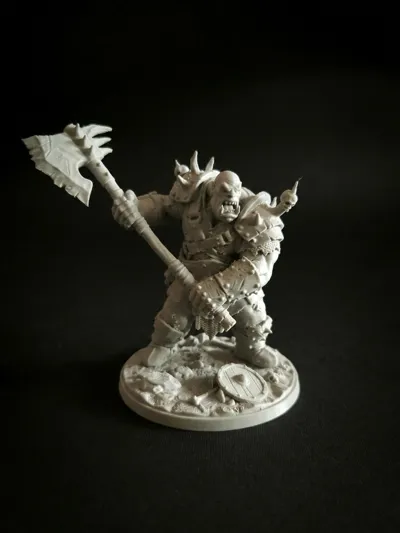
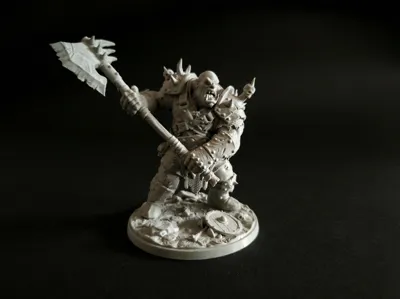
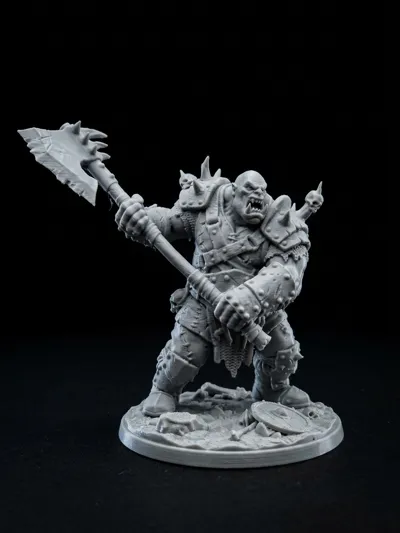
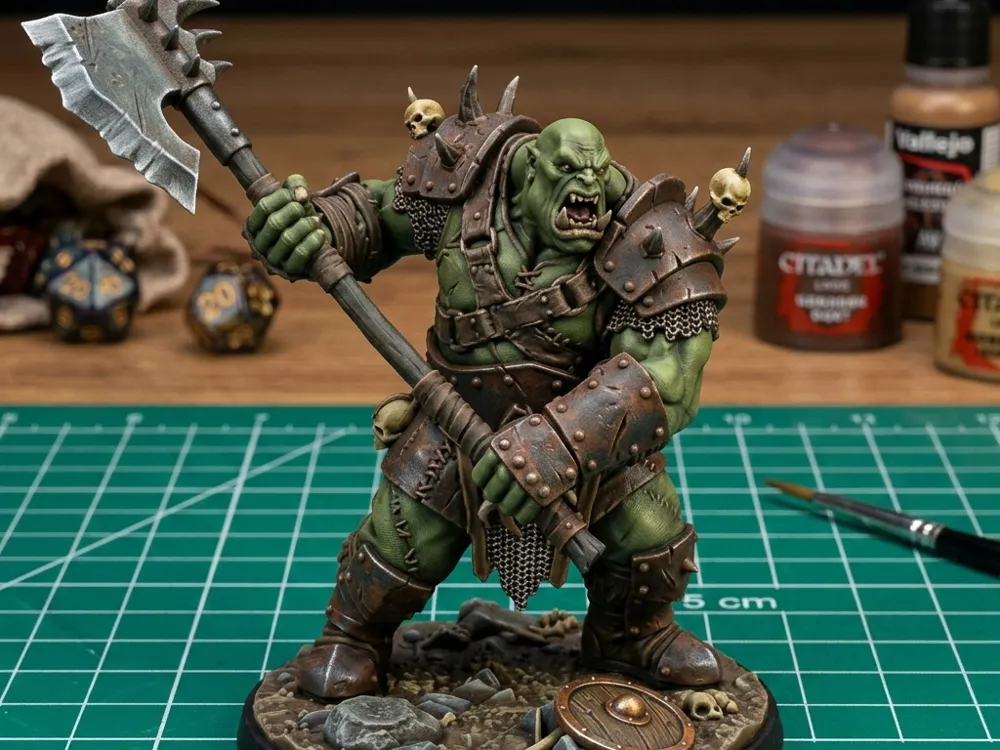
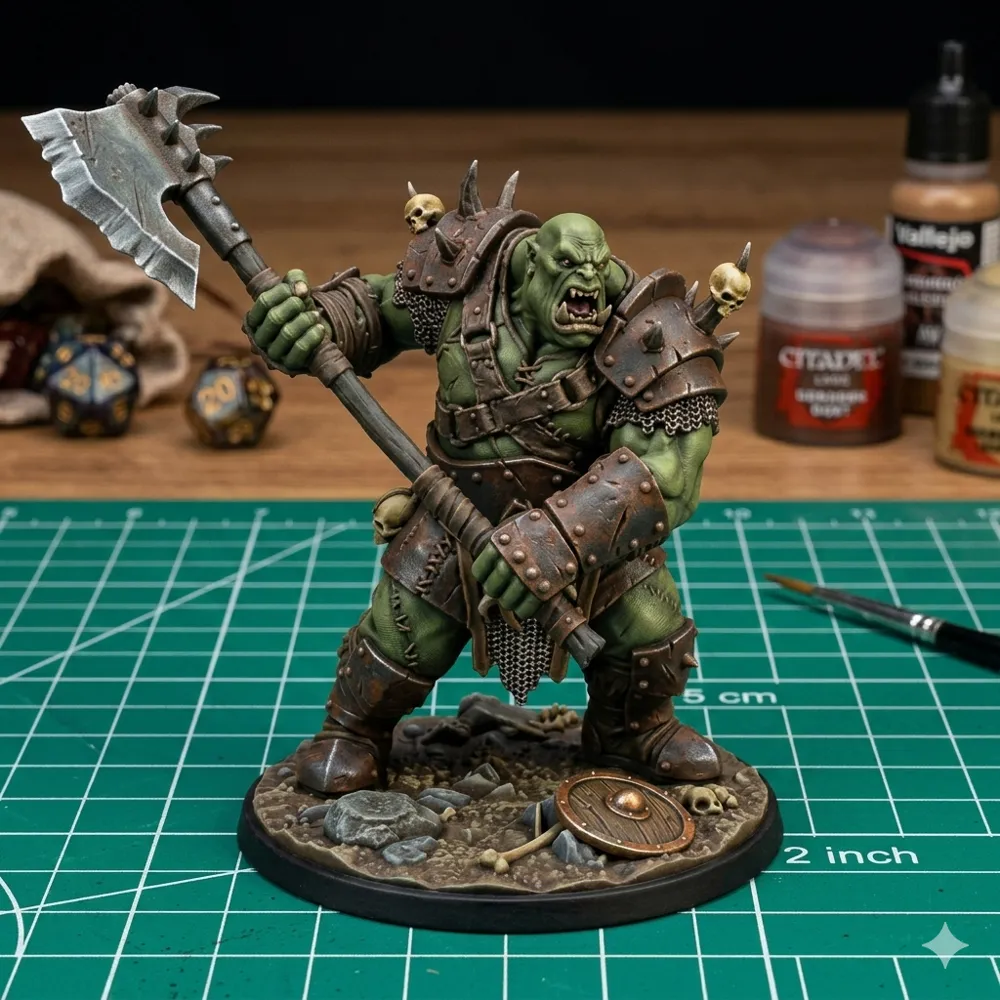
Savage Orc Warlord - Statue & Tabletop Scale
Print Profile(3)
All
P1S
X1E
H2D
A1 mini
X1 Carbon
H2D Pro
P2S
H2S
X2D
A1
X1
H2C
P1P
A2L

0.16mm layer, 3 walls, 4% infill
Designer
6.1 h
1 plate
5.0(1)

0.08mm layer, 2 walls, 15% infill
Designer
1.6 h
1 plate

0.08mm layer, 2 walls, 15% infill
Designer
1.9 h
1 plate

Open in Bambu Studio
Boost
85
313
5
0
61
23
Released 

Description

Boost Me (for free)

If you like my work, a Boost would be greatly appreciated to help me create more high-quality models

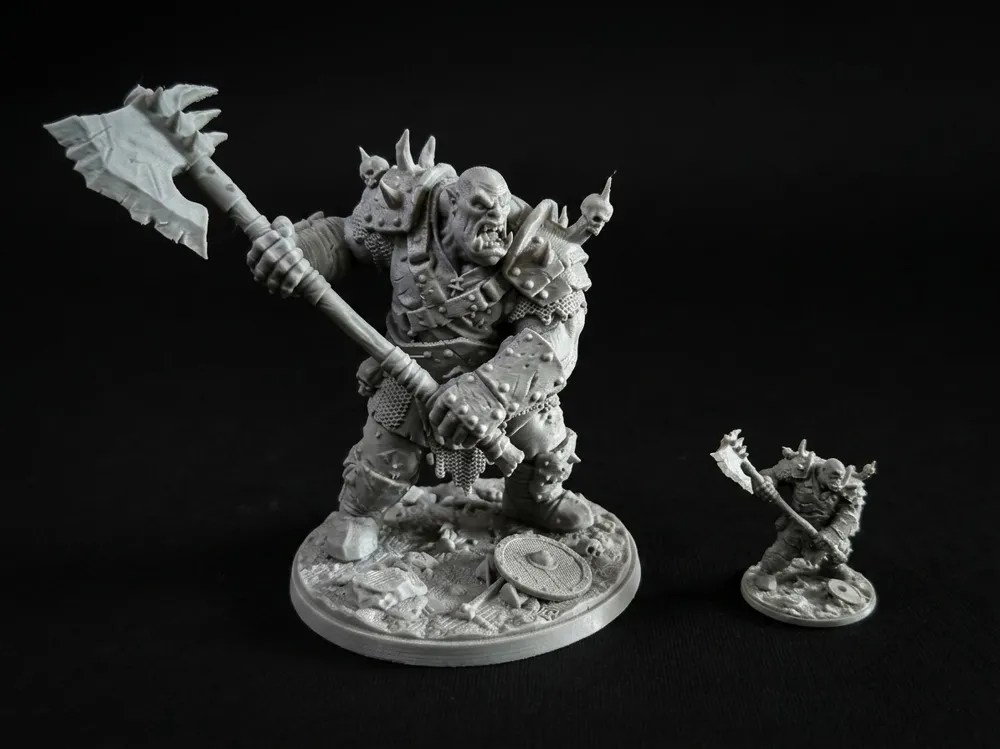
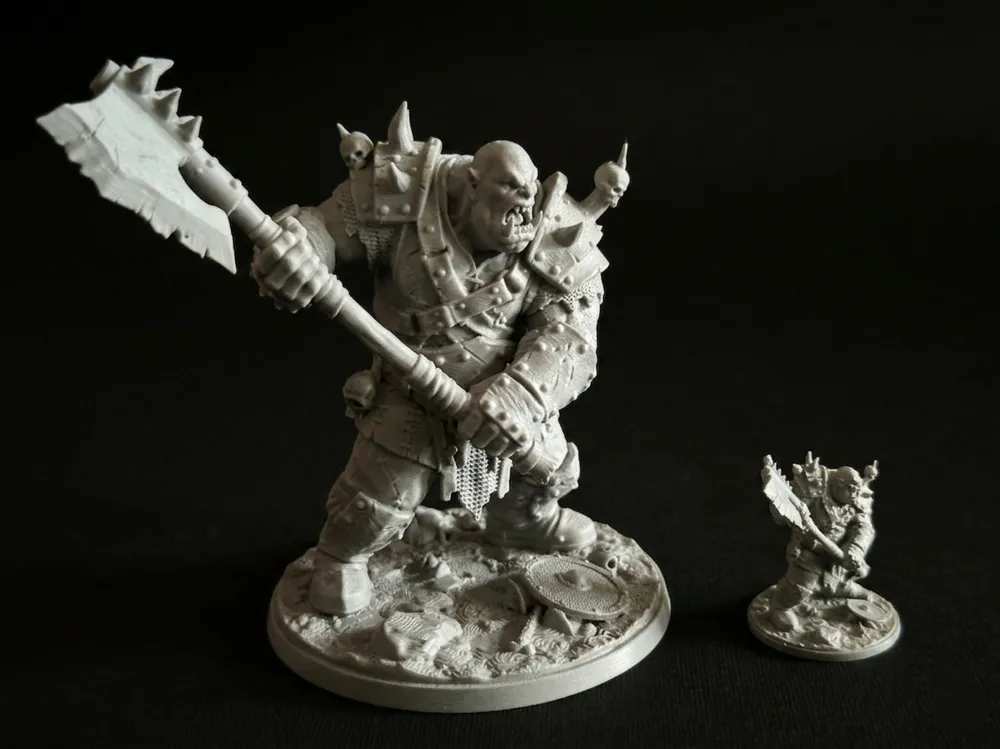
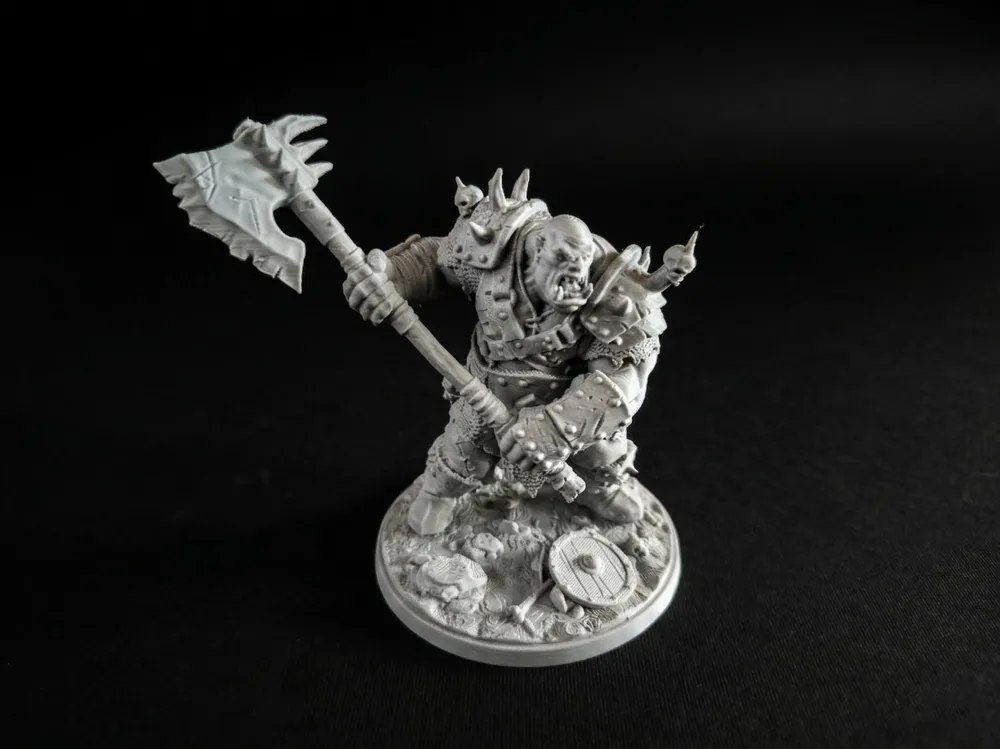
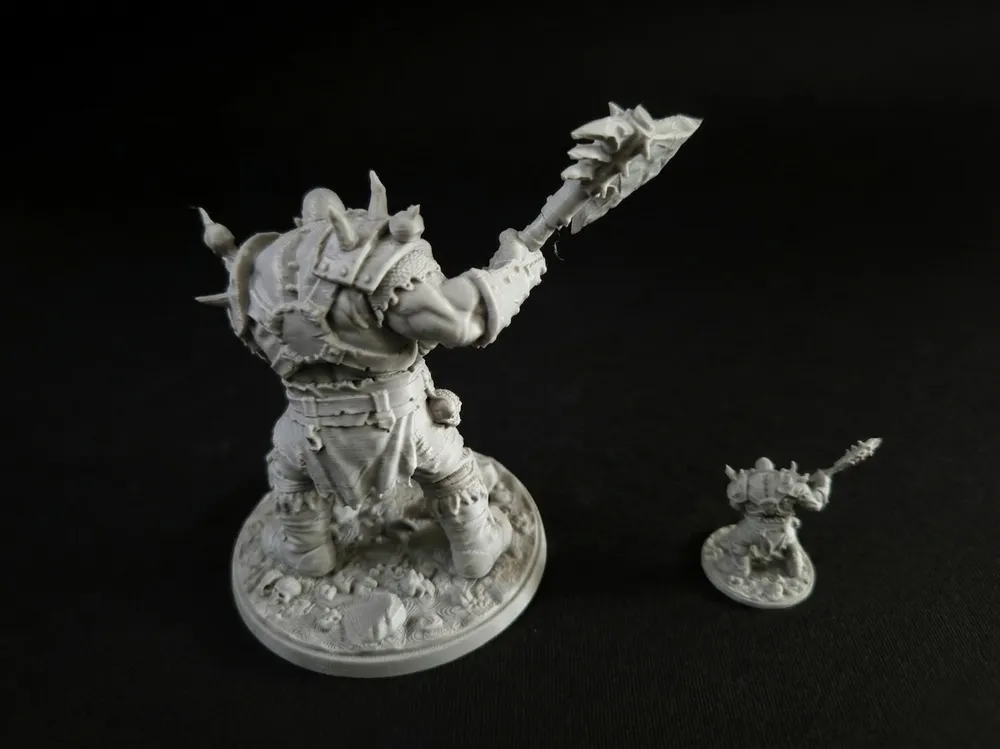
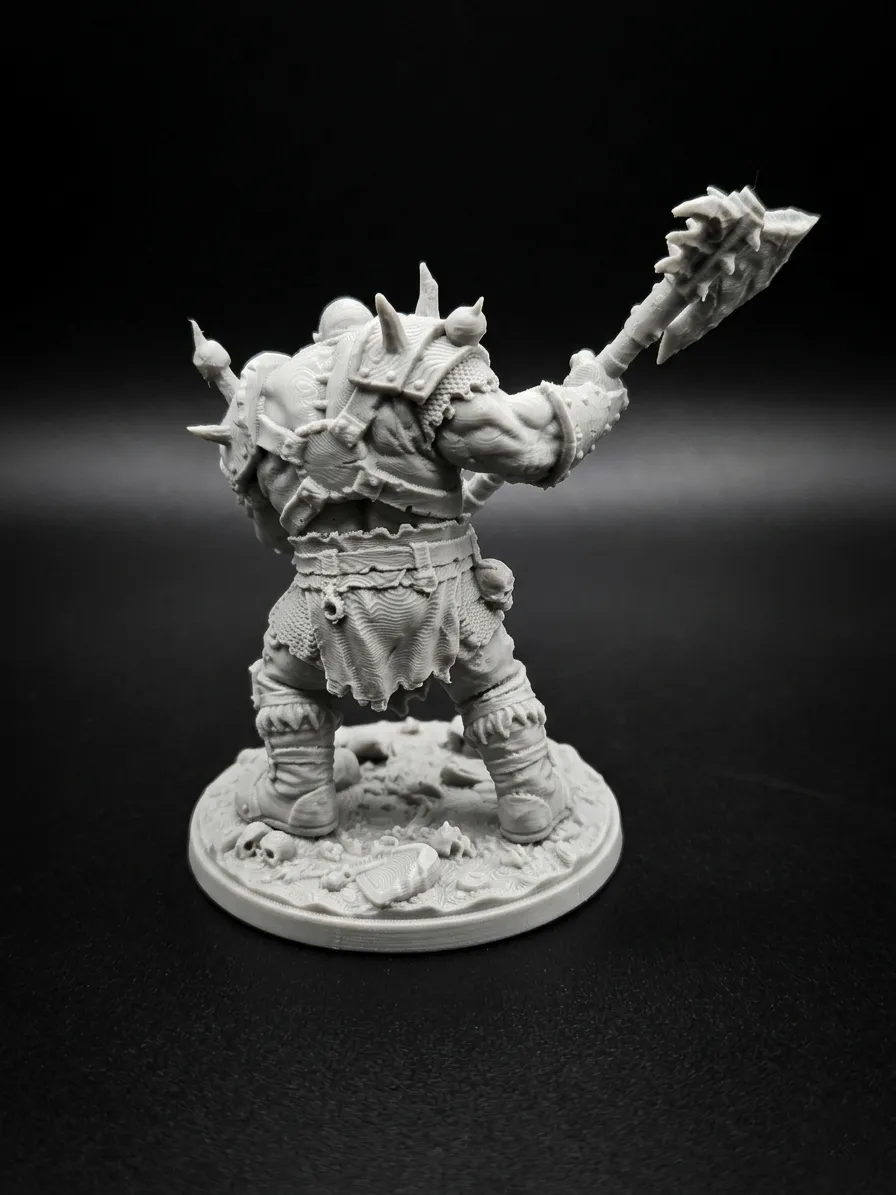
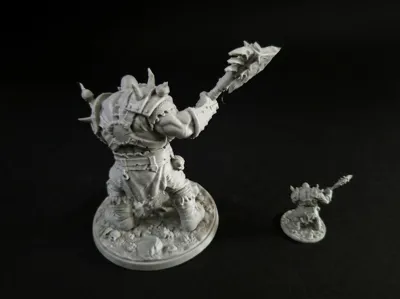
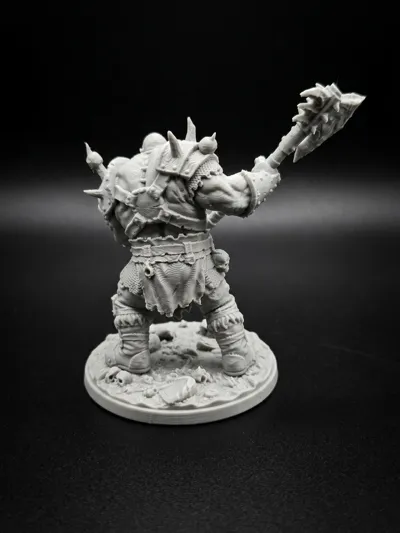
 Following the Olog-hai, I am proud to present the next piece the Savage Orc Warlord. I made this model with a specific focus on textures—from the hammered metal of his pauldrons to the weathered skin and chainmail—to ensure it looks as good on your shelf as it does on the gaming table.


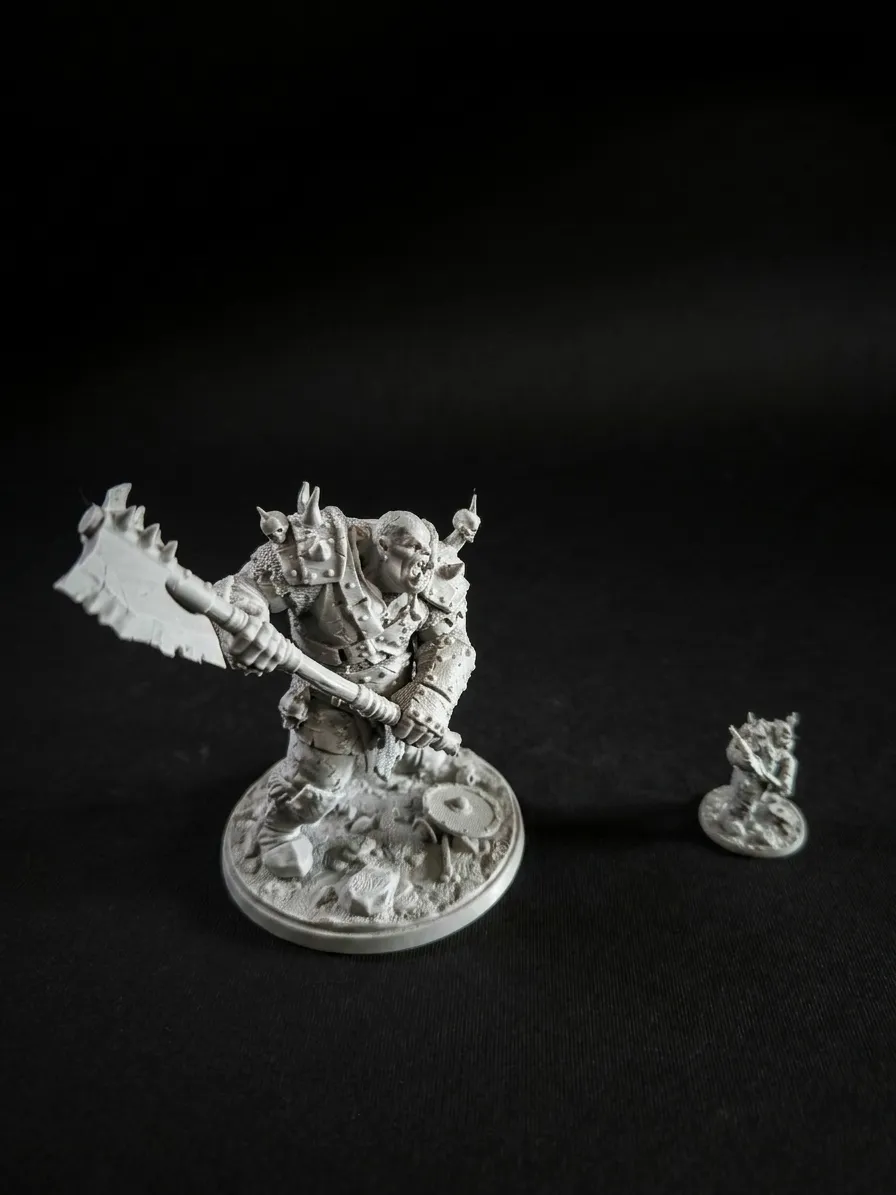
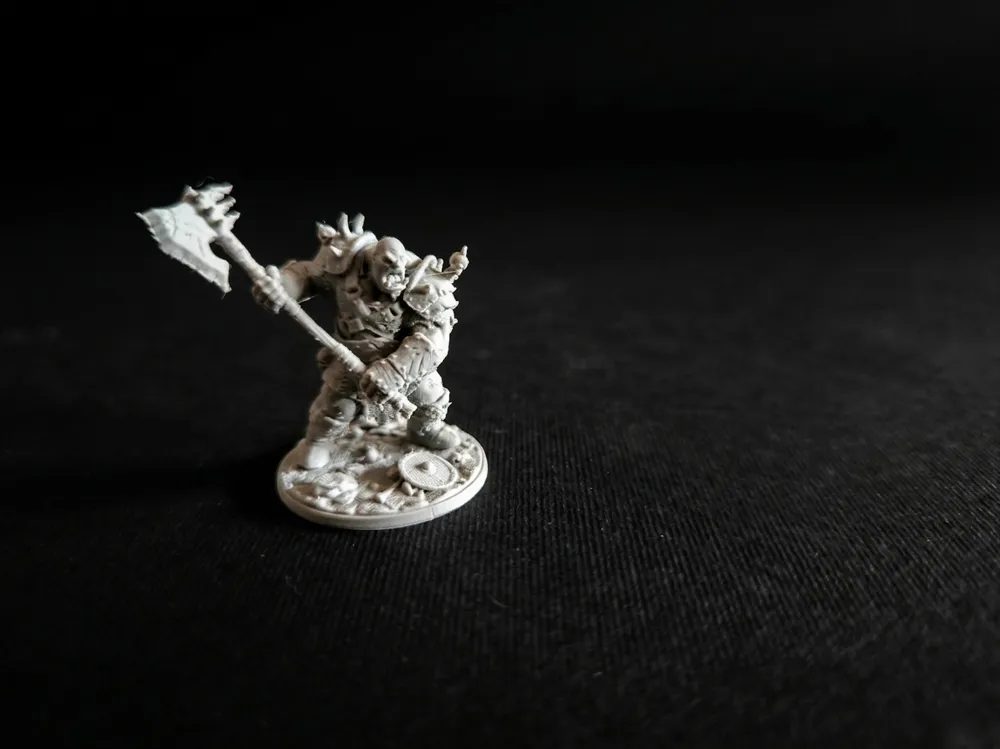
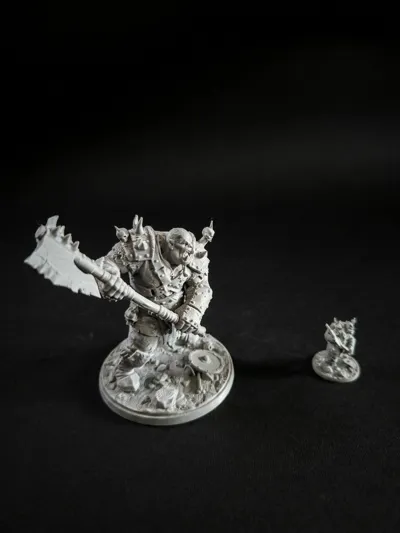
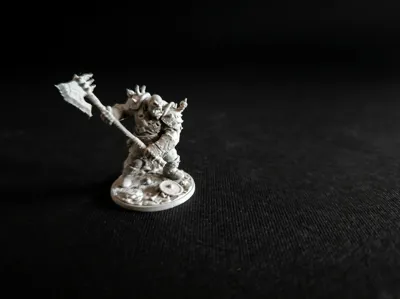
Dual-Scale Design: The package includes a 10cm display version for collectors and a 32mm version for tabletop RPG games.


Painter-Friendly Details: Every surface is designed for easy painting, making it perfect for techniques like washes and dry-brushing.


FDM Optimized: I tested this model on my Bambu Lab P1S, but it is also fully compatible and ready for printing on the A1 Mini.


Pre-Supported: The tabletop version comes with optimized supports for easy removal and crisp details.


Statue (10cm): 0.12mm or 0.16mm layer height for the best balance of speed and detail.


Tabletop (32mm): 0.08mm layer height to capture the finest facial expressions and armor textures.


Wall Loops: 3 for extra strength.


Infill: 10% Gyroid.


If you enjoy this model, please consider supporting me with a "Boost" or sharing a photo of your print! It helps me keep creating high-quality free models for the community.

Comment & Rating (5)

(0/1000)

Lots of issues with the print, used automatic tree supports. Axe, cloth did not come out well.
The designer has replied
0
Reply
The same problemy with my print.
0
Reply
Hi there! Thank you for the feedback. Let's fix this The issue with the axe usually happens if the slicer misses the very bottom edge of the blade during automatic generation. For a model with this orientation, the axe cannot print properly without a solid foundation at its lowest point. When you slice the model, please double-check if the automatic tree supports actually caught the very bottom of the axe. If they didn't, you can easily fix this by using the Support Painting tool to manually brush over that bottom edge. I highly recommend using the print profile I provided, or tweaking your settings to match the support guide in the description (especially the Z-distance ). Regarding the cloth and overall sharpness of the details: for a miniature at this scale, it's best to use a lower layer height like 0.08mm, 0.1mm, or 0.12mm combined with a high-quality Matte PLA. Glossy or generic filaments can sometimes visually mush fine details like fabric textures under harsh lighting.
0
Reply
Replying to @gustav777 :
I have uploaded additional photos to the model page showing my exact support placement from both the front and back, as well as the support painting layout for reference.Give it a look, and let me know if changing the layer height and boosting that bottom support helps on your next run! Happy printing!
0
Reply
Print Profile
0.16mm layer, 3 walls, 4% infill
great print lots of detail
0
Reply
No more

License

This user content is licensed under a Standard Digital File License.

You shall not share, sub-license, sell, rent, host, transfer, or distribute in any way the digital or 3D printed versions of this object, nor any other derivative work of this object in its digital or physical format (including - but not limited to - remixes of this object, and hosting on other digital platforms). The objects may not be used without permission in any way whatsoever in which you charge money, or collect fees.