
Wera Gridfinity Screwdriver Module Insert
Print Profile(21)






Description
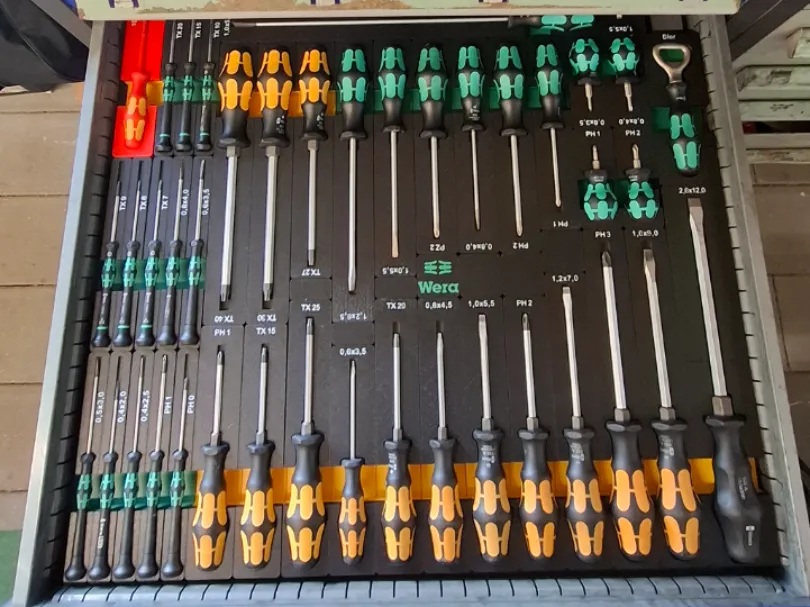
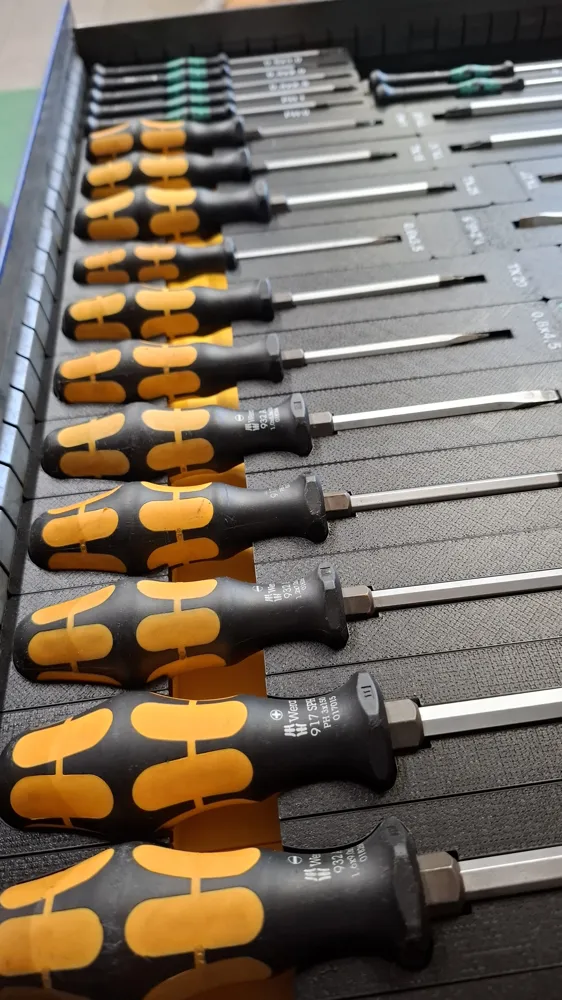
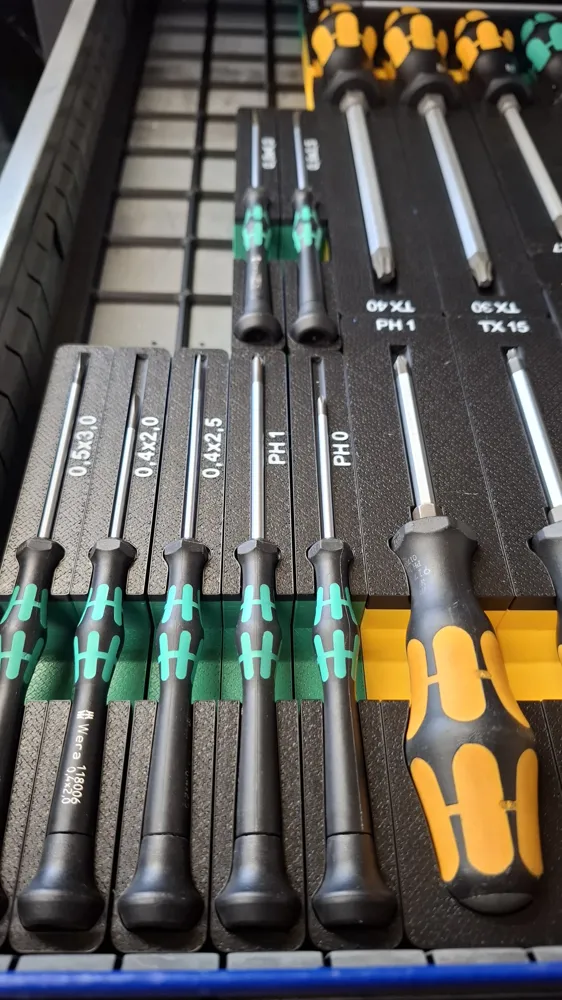
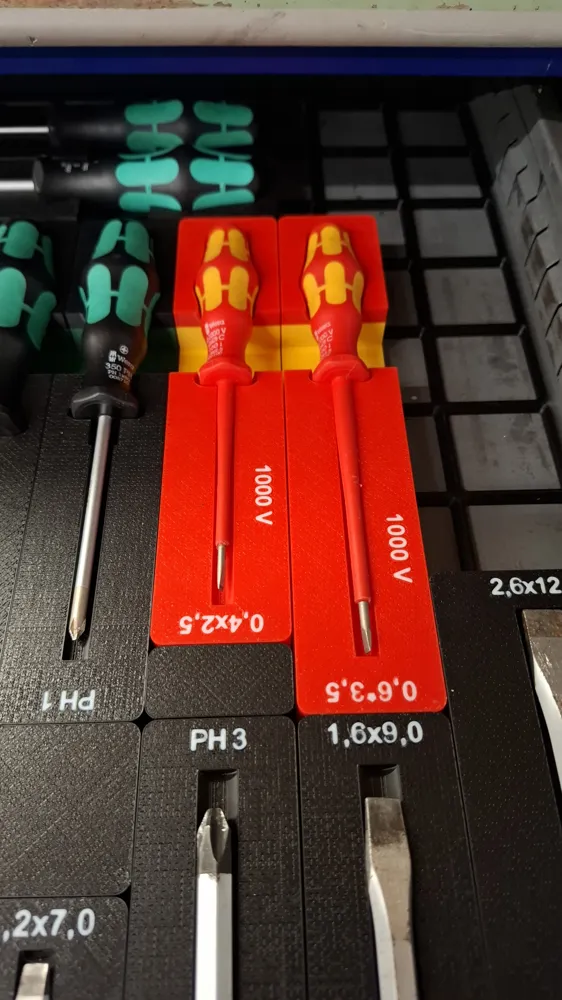
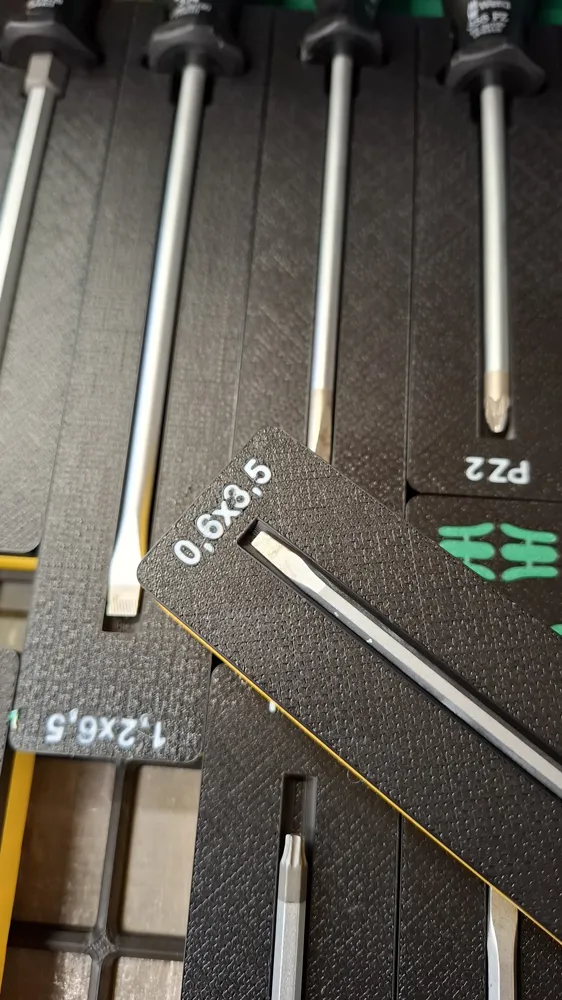
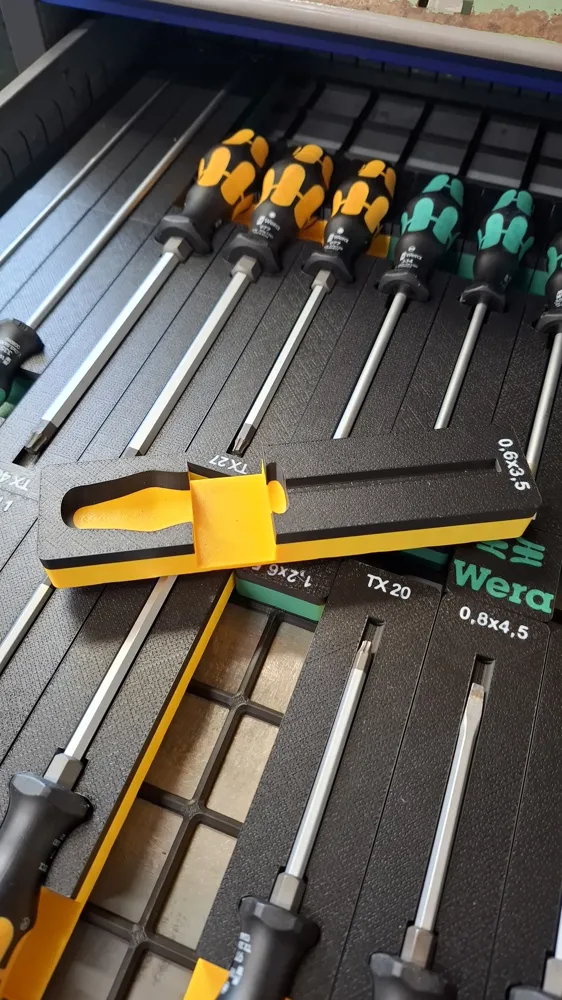
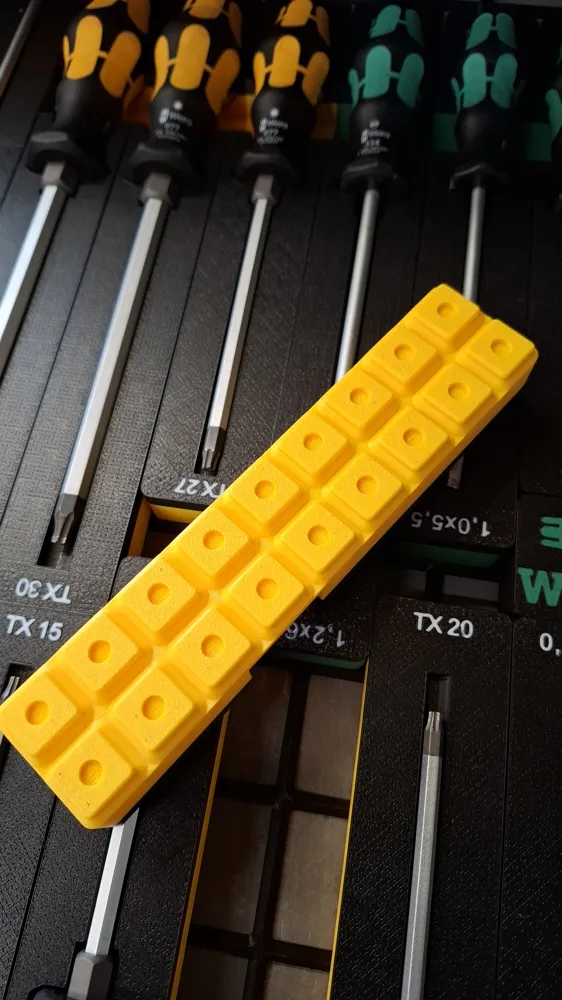
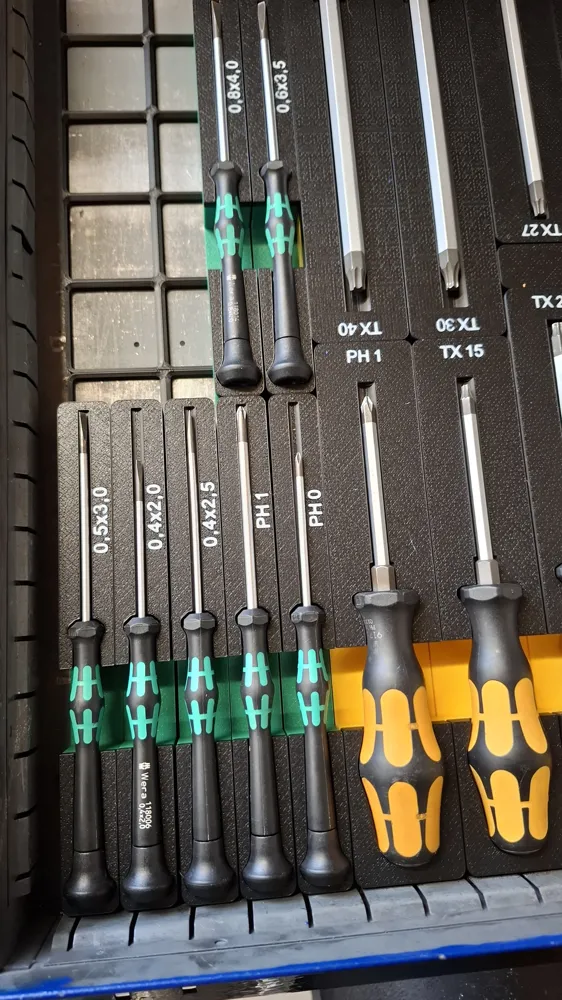
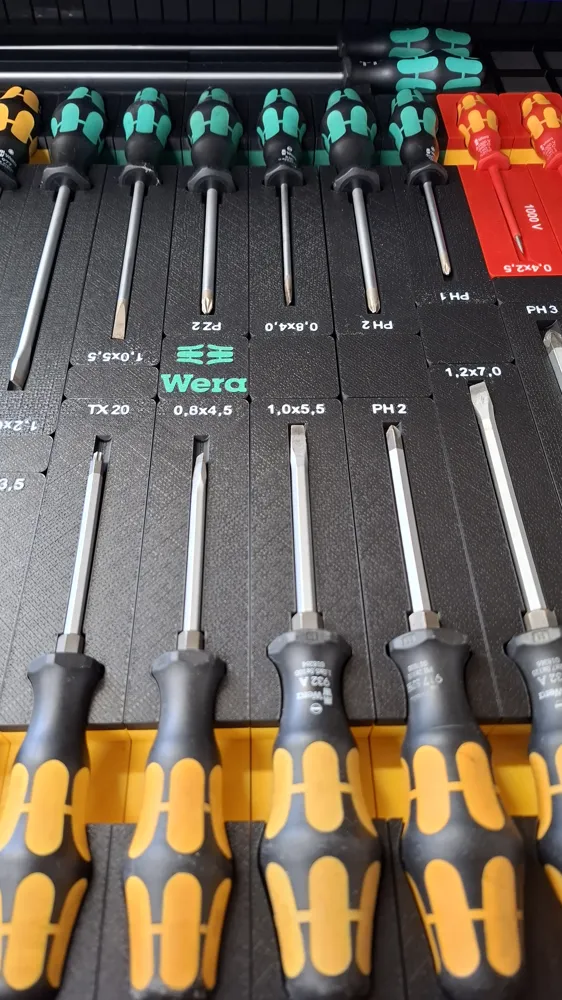
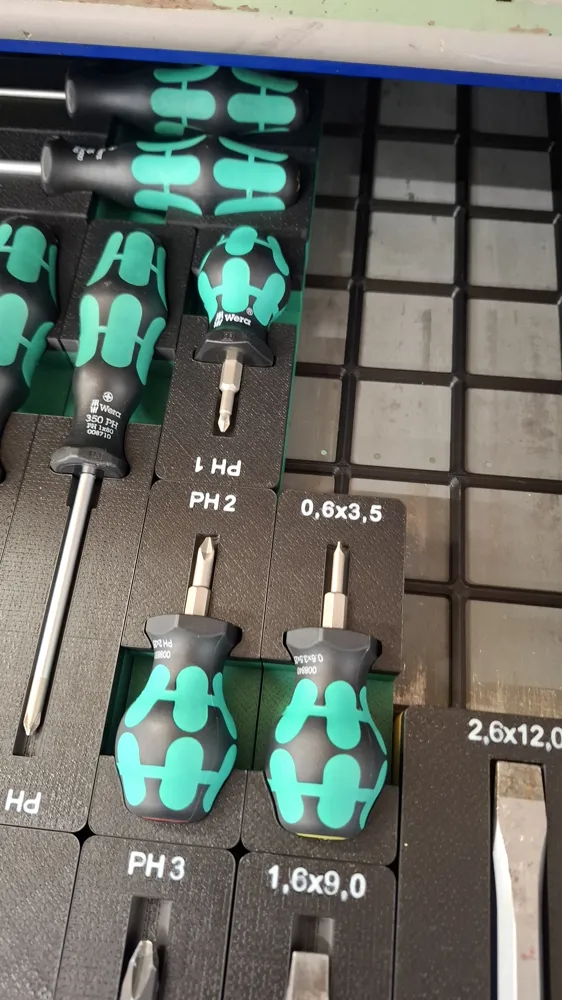
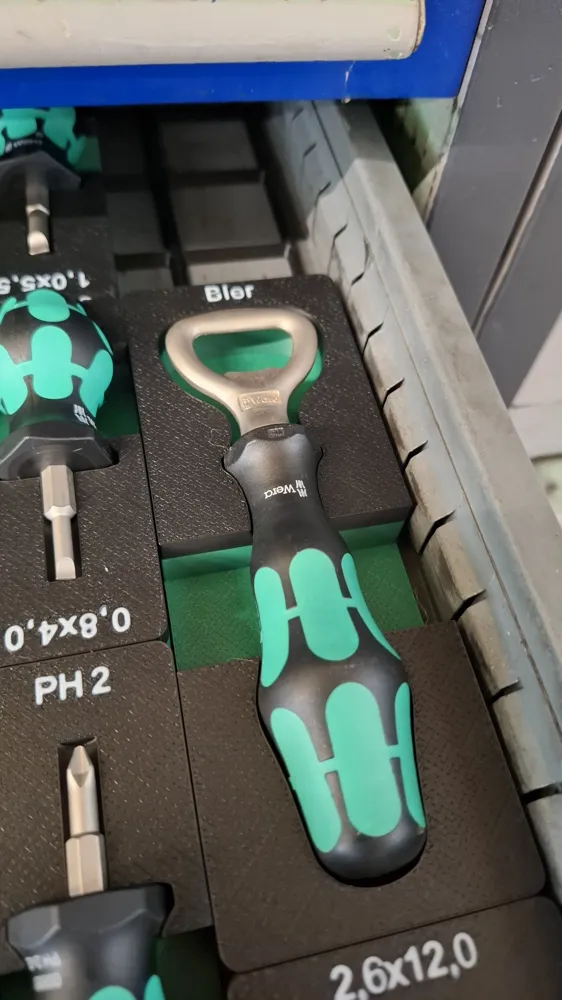
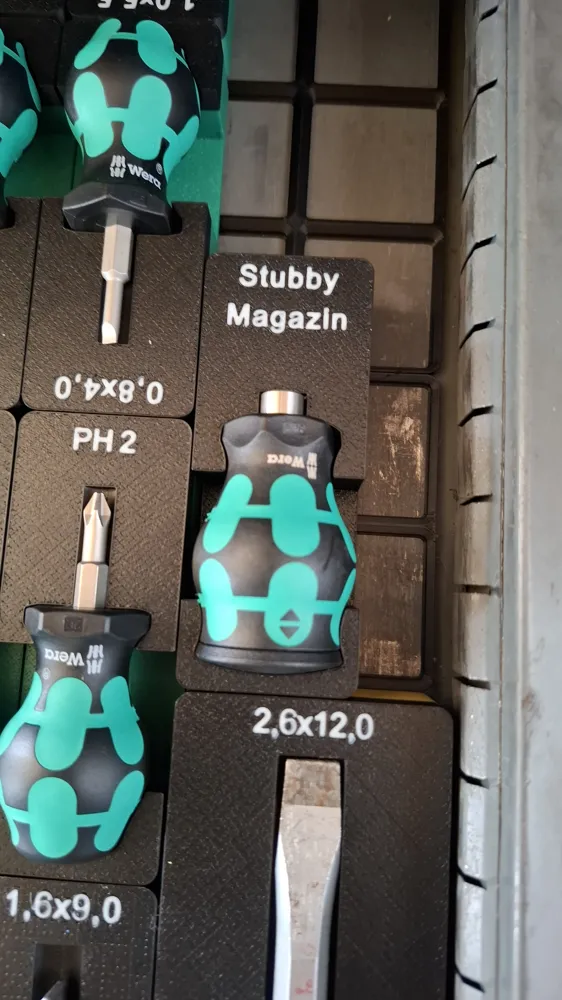
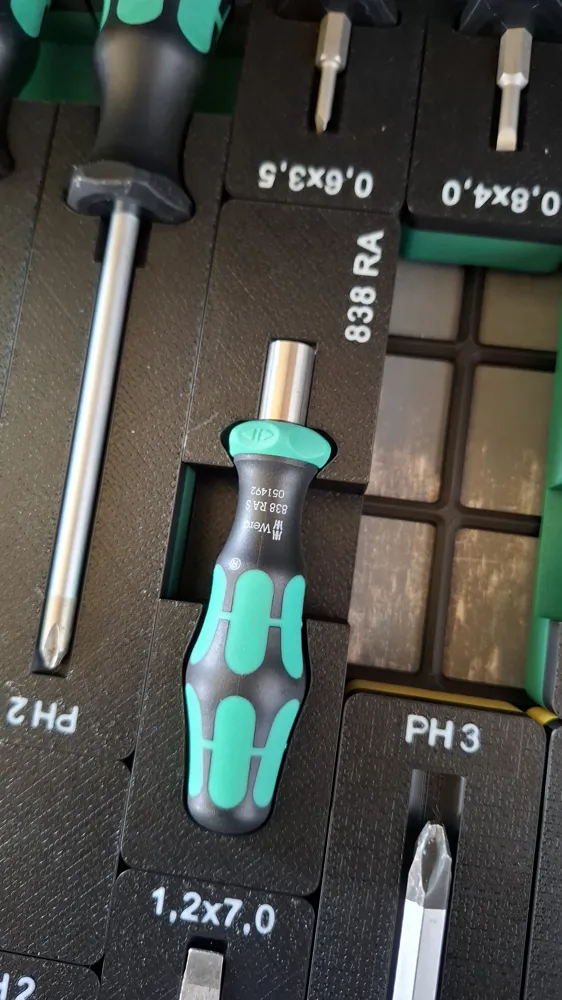
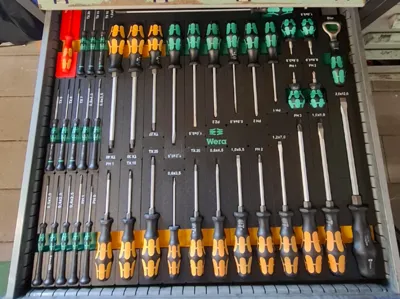
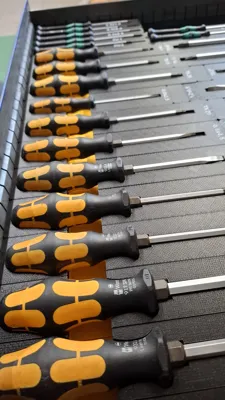
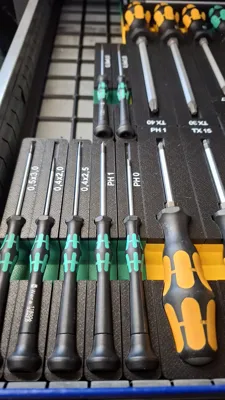
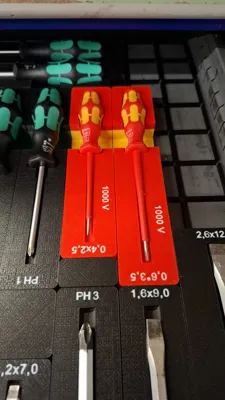
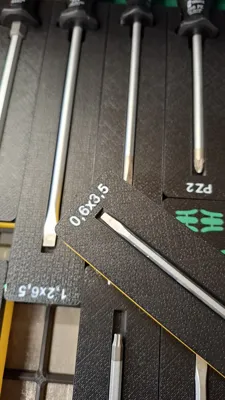
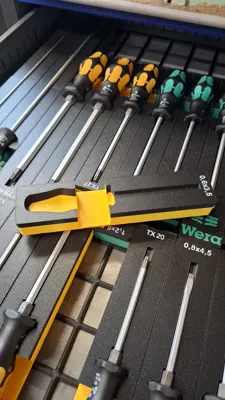
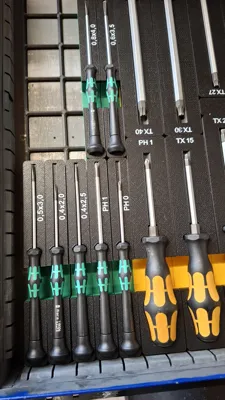
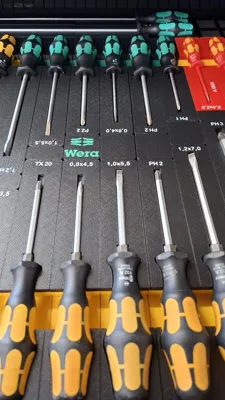
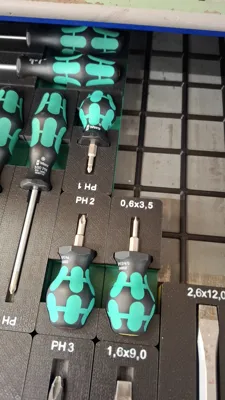
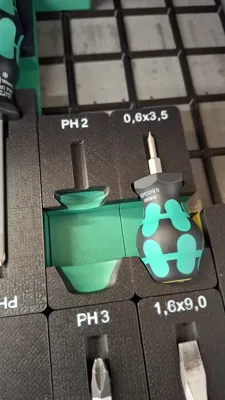
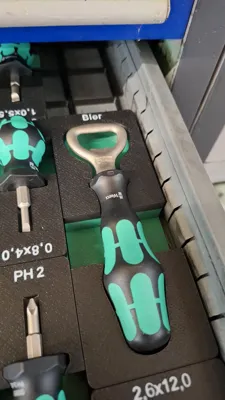
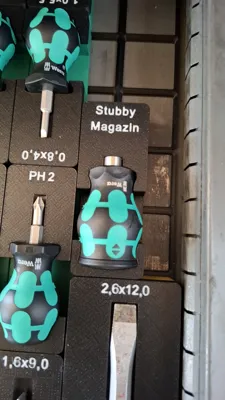
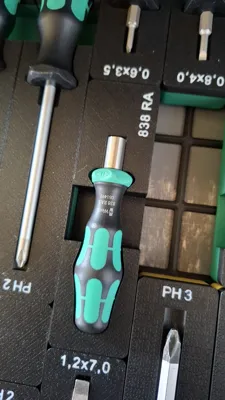
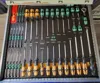
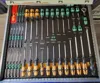
Hierbei handelt es sich um Gridfinity Container für die bekannten und beliebten Wera Schraubendreher. Die Container sind so ausgelegt, dass sie die gelben Schraubendreher mit Sechskant aufnehmen können. Die normalen grünen passen dann auch mit rein. Im Druckprofil gibt es zusätzlich noch einige Profile für die VDE 1000V Schraubendreher. Dort passen die 1000V passgenau. Da ich aber nicht mehr habe als im Druckprofil abgelegt sind müsst ihr mir entweder die Maße mitteilen oder probieren. Der Erfahrung nach passen die Griffe zu 100% jedoch kann es sein, dass der Schafft aufgrund der Isolierung nicht 100% passt. Die Container sind auf der Unterseite zu beiden Seiten halbiert, so ist eine maximale Flexibilität auf dem Gridfinity-Raste gegeben. Des Weiteren sind noch 6mm*2mm Magnetlöcher vorhanden.
Ich habe die einzelnen Druckplatten in die einzelnen Griffgrößen unterteilt. Hier Größe 1-5. Bitte dann einfach nur die jeweilige Grifflängen messen.
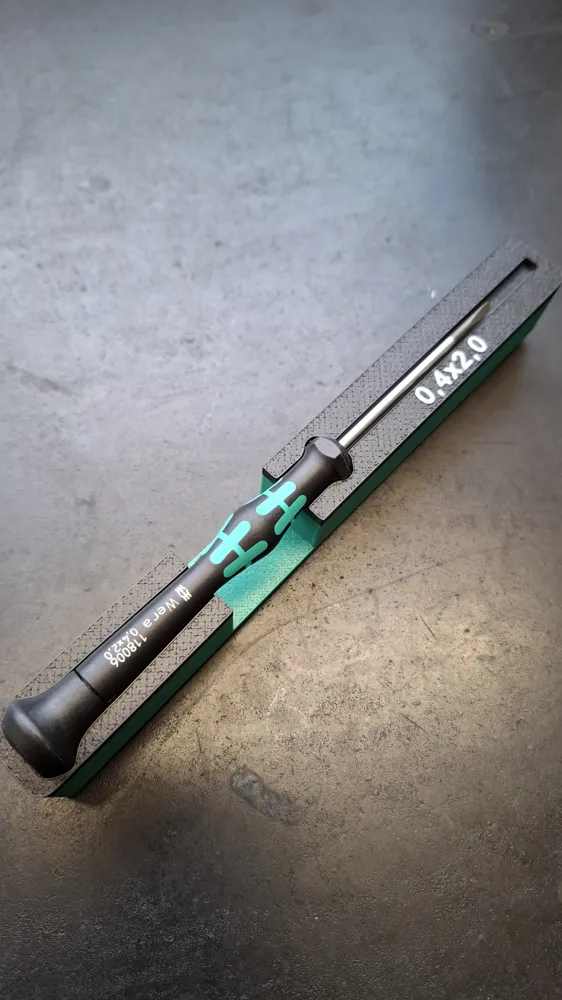
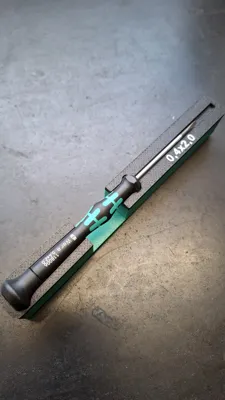
- Micro
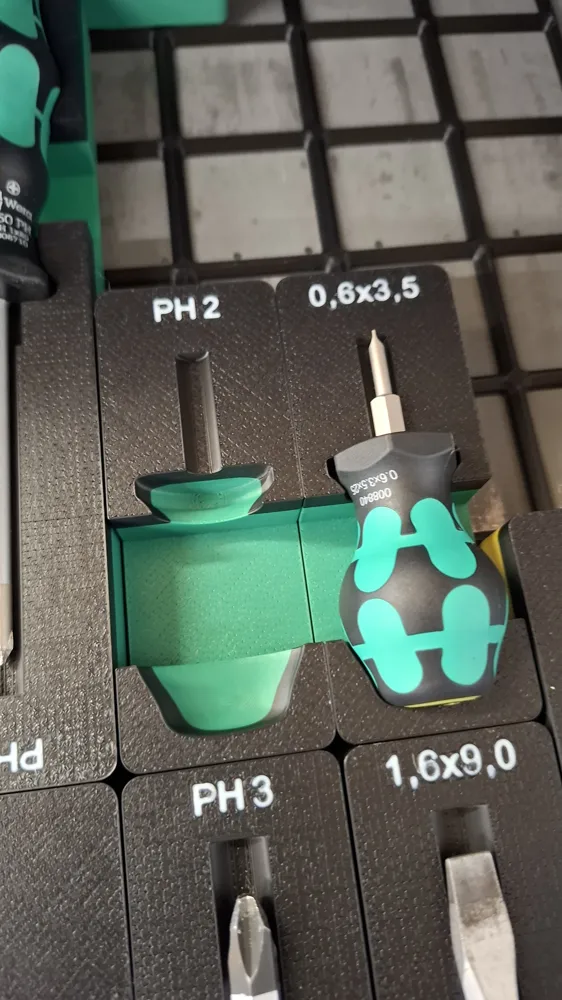
- Stubby
- Stubby Magazin
- 817R Griff
- 838 RA Griff
- Flaschenöffner
- Griff 1 = 82mm
- Griff 2 = 98mm
- Griff 3 = 107mm
- Griff 4 = 112mm
- Griff 5 = 117mm
Des Weiteren habe ich den Container noch einen Schriftzug hinzugefügt der von euch individuell angepasst werden kann. Dazu bitte wie folgt vorgehen:
Zunächst erstmal auf “Objekt” (rote Markierung) im linken Objektbaum klicken. Im Anschluss erscheinen dann die einzelnen Druckplatten. Diese setzt sich wie folgt zusammen:
- Container -→ der eigentliche Container an sich, hier nur Farbe anpassen
- Größe -→ hier wird Beschriftung angepasst
- ggbf 1000V --→ hier kann der 1000V Schriftzug angepasst werden
- Schichten -→ Ich habe die Container je nach Schraubendreher Farbe 2 farbig gedruckt. Hier kann dann die gewünschte Farbe eingestellt werden. Falls das nicht gewünscht ist, einfach löschen oder der Schicht die gleiche Farbe wie den Container geben
Falls ihr keine Schraubendreher mit 1000V habt könnt ihr die Container trotzdem nutzen, falls ihr die passende Größe habt. Sonst einfach den 1000V Schriftzug löschen.
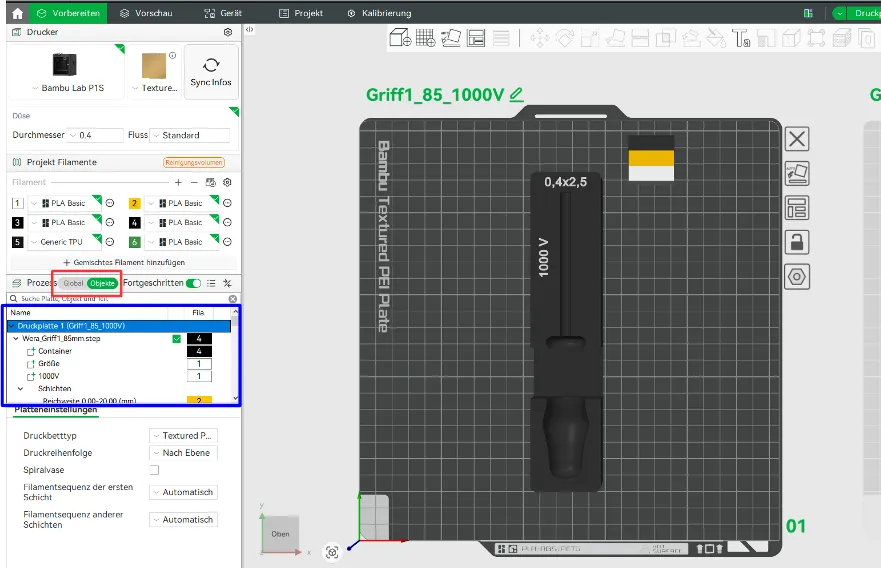
Um den Schriftzug zu ändern einfach mit der rechten Maustaste auf “Größe” klicken und es erscheint folgenden Menü:
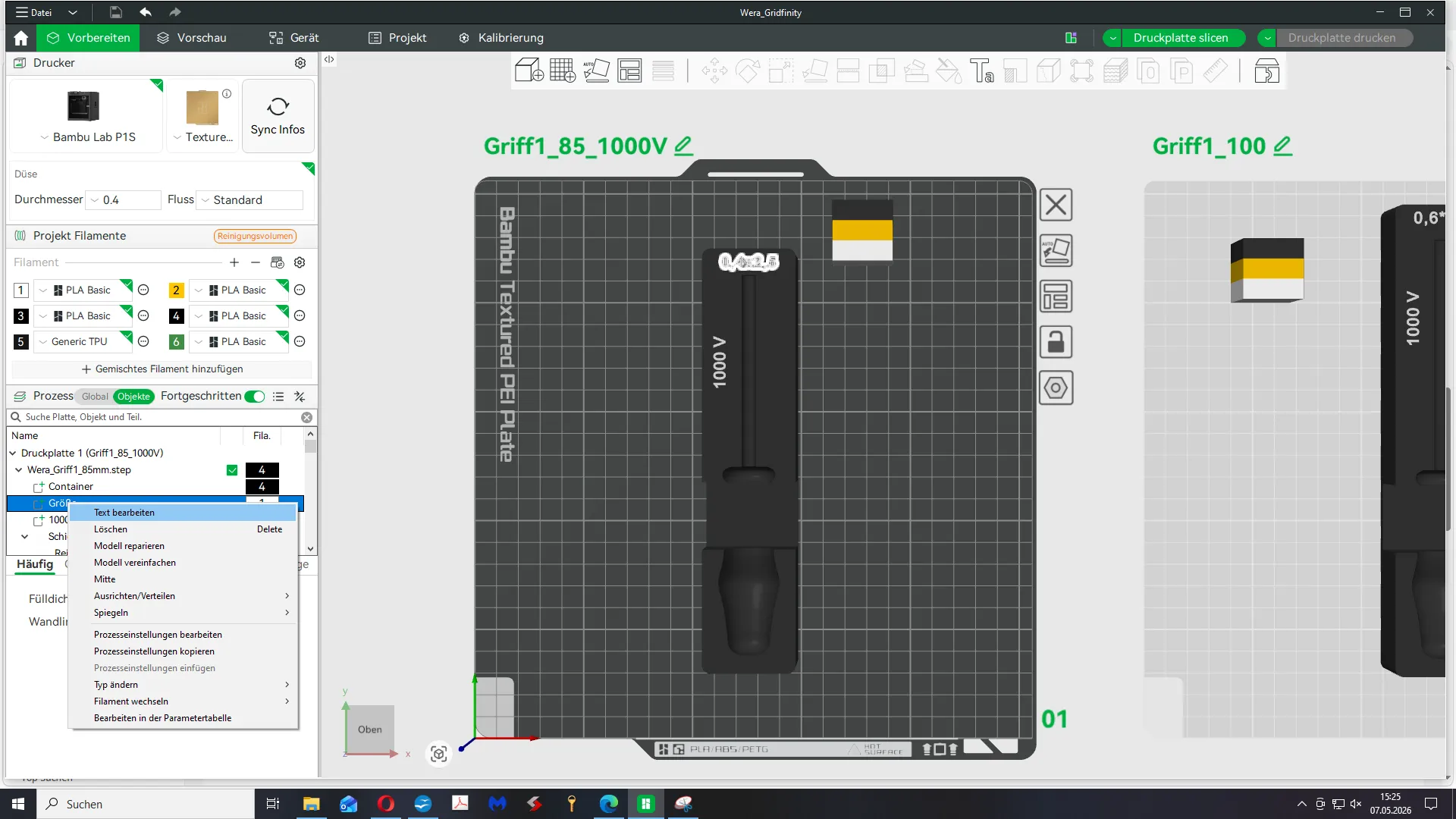
Im Anschluss “Text bearbeiten” auswählen und die gewünschte Größe eintippen:
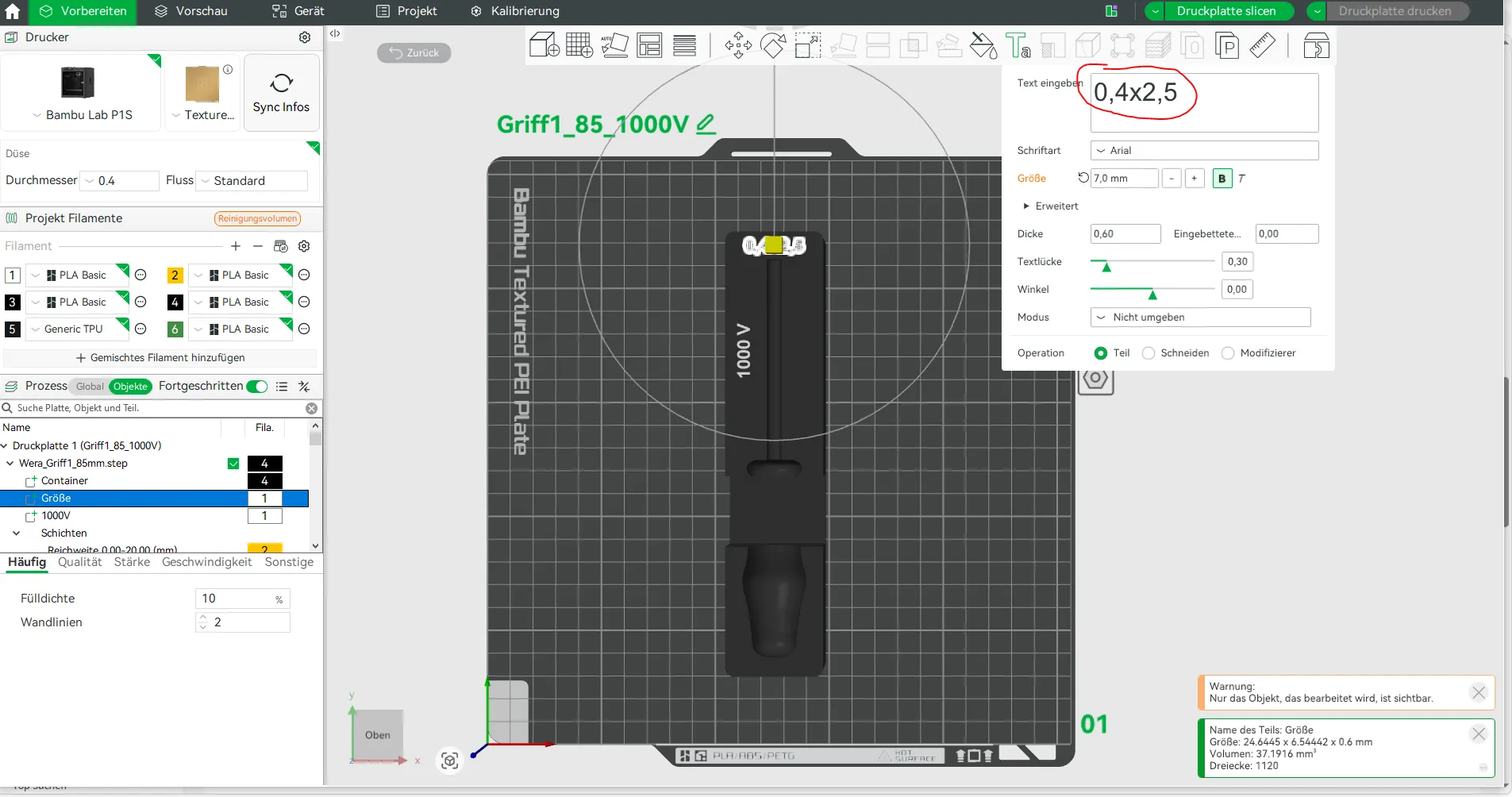
Dummerweise verschiebt sich im Anschluss der Text etwas, das muss ein Bug im Slicer sein. Aber kein Problem. Im Objektbaum wieder “Größe” mit der linken Maustaste auswählen und oben auf das Verschiebewerkzeug klicken. Hier dann unbedingt auf "Objektkoordinaten wechseln.
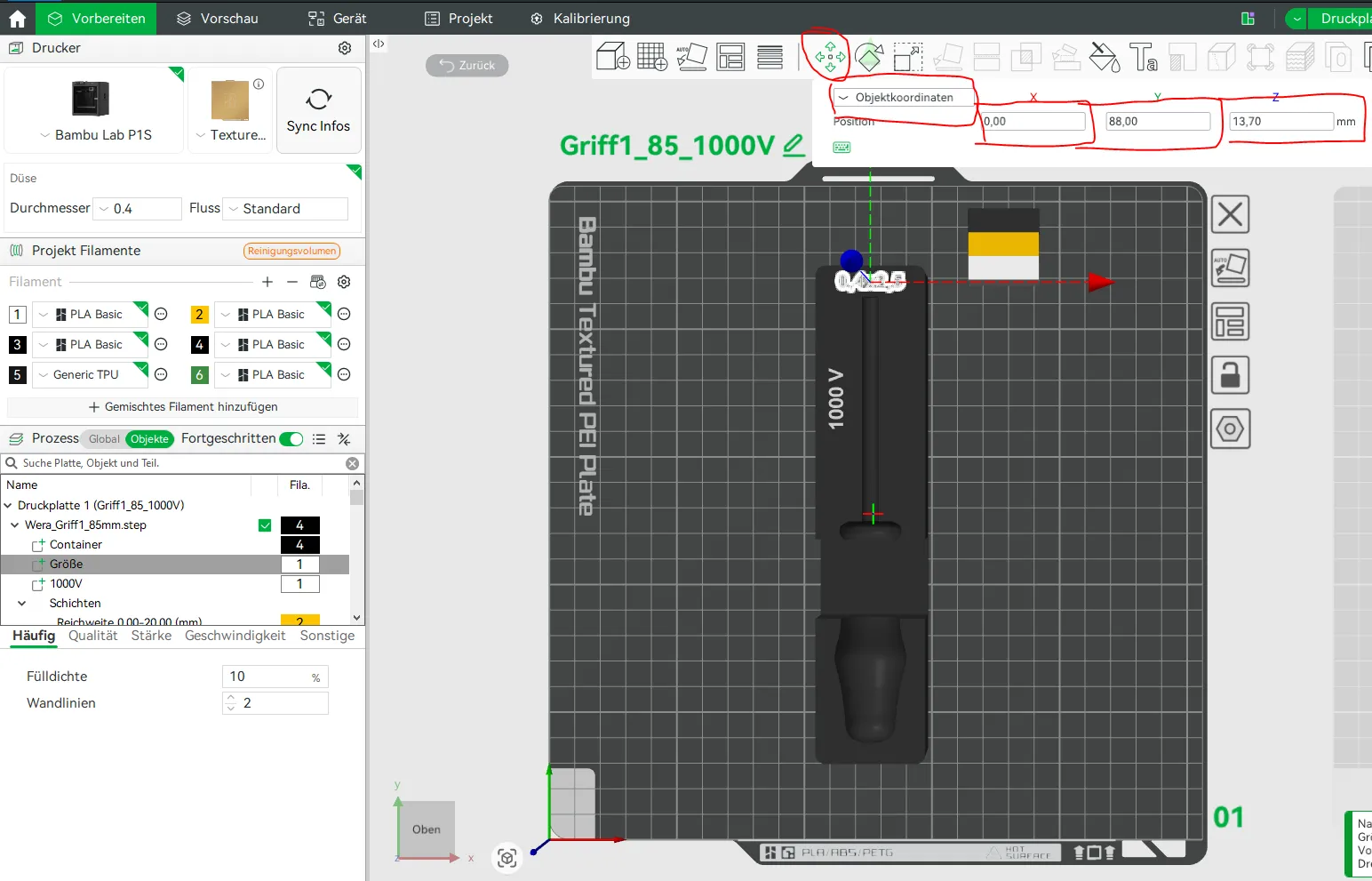
Zur besseren Übersicht habe ich für die einzelnen Druckplatten die Werte für X, Y und Z-Achsen als Tabellenform aufgeschrieben. Die zweite Zahl hinter dem Griff ist dann die entsprechende Schaftlänge. Diese steht eigentlich auf jedem Schraubendreher drauf.
| Schraubendreher | x-Achse | Y-Achse | Z-Achse |
| Micro | 47 | -4,7 | 13,7 |
| Stubby | 0 | 46 | 13,7 |
| Stubby Magazin | 0 | 46 (36 Magazin Text) | 13,7 |
| 817R Griff | 56 | -14 | 13,7 |
| 838 RA Griff | 56 | -14 | 13,7 |
| Flaschenöffner | 0 | 79,5 | 13,7 |
| Griff1_85_1000V | 0 | 88 | 13,7 |
| Griff1_100 | 0 | 98,5 | 13,7 |
| Griff1_150 | 0 | 129,5 | 13,7 |
| Griff2_80 | 0 | 98,5 | 13,7 |
| Griff2_80_1000V | 0 | 98,5 | 13,7 |
| Griff2_100 | 0 | 108,5 | 13,7 |
| Griff2_125 | 0 | 118,5 | 13,7 |
| Griff2_300 | 0 | 203 | 13,7 |
| Griff3_100 | 0 | 108,5 | 13,7 |
| Griff3_100_1000V | 0 | 108,5 | 13,7 |
| Griff3_125 | 0 | 120 | 13,7 |
| Griff3_150 | 0 | 141 | 13,7 |
| Griff4_150 | 0 | 141 | 13,7 |
| Griff5_200 | 162 | 0 | 13,7 |
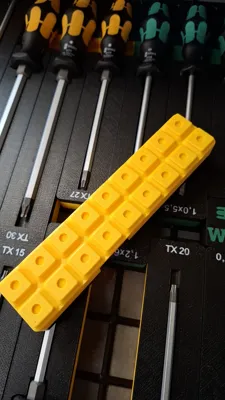
Da die Container nicht alle gleichlang sind habe ich noch kleine Lückfüller erzeugt, das man nicht auf das leere Grid schaut. Ein Lückenfüller hat dann noch das Wera Emblem, kann aber auch bei Bedarf gelöscht werden.
Falls Ihr Schraubendreher habt die nicht dabei sind, einfach melden und ich erzeuge weitere Container.
If you like my work, please leave a like, a comment, and a boost. Even if something doesn't fit, just contact me, because there is a solution for everything. Do you have ideas for a printed part, but cannot operate a CAD program yourself, let me know and I will check the feasibility.
Boost Me (for free)
License

You shall not share, sub-license, sell, rent, host, transfer, or distribute in any way the digital or 3D printed versions of this object, nor any other derivative work of this object in its digital or physical format (including - but not limited to - remixes of this object, and hosting on other digital platforms). The objects may not be used without permission in any way whatsoever in which you charge money, or collect fees.


Comment & Rating (25)