Search models, users, collections, and posts

Customizable Rainbow - Keychain custom name
IP Report
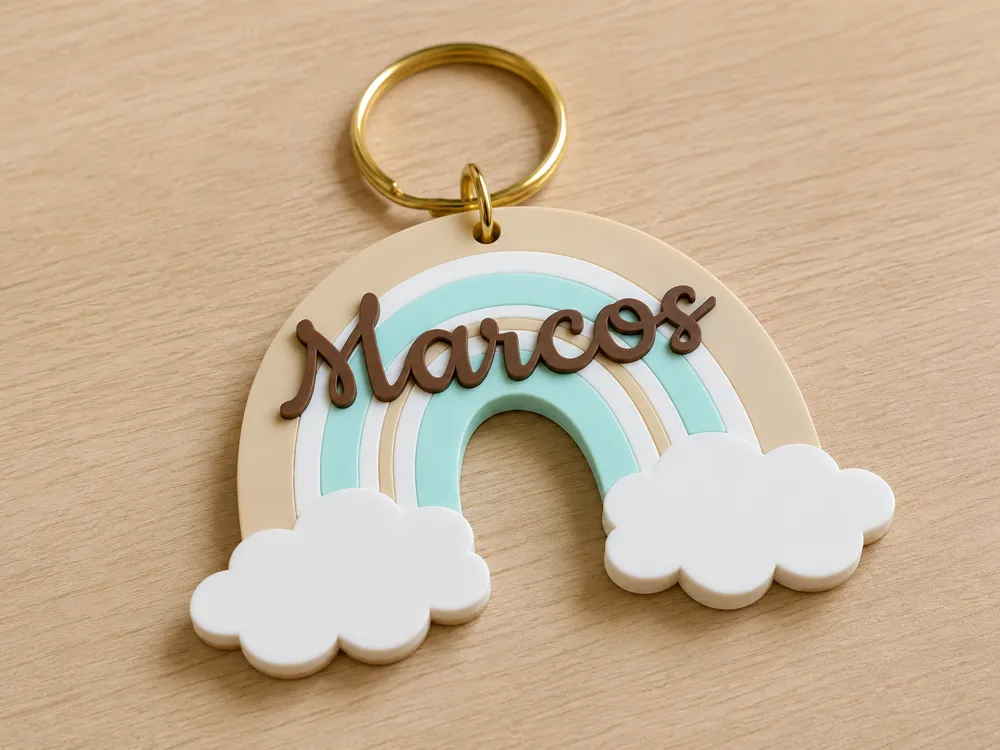
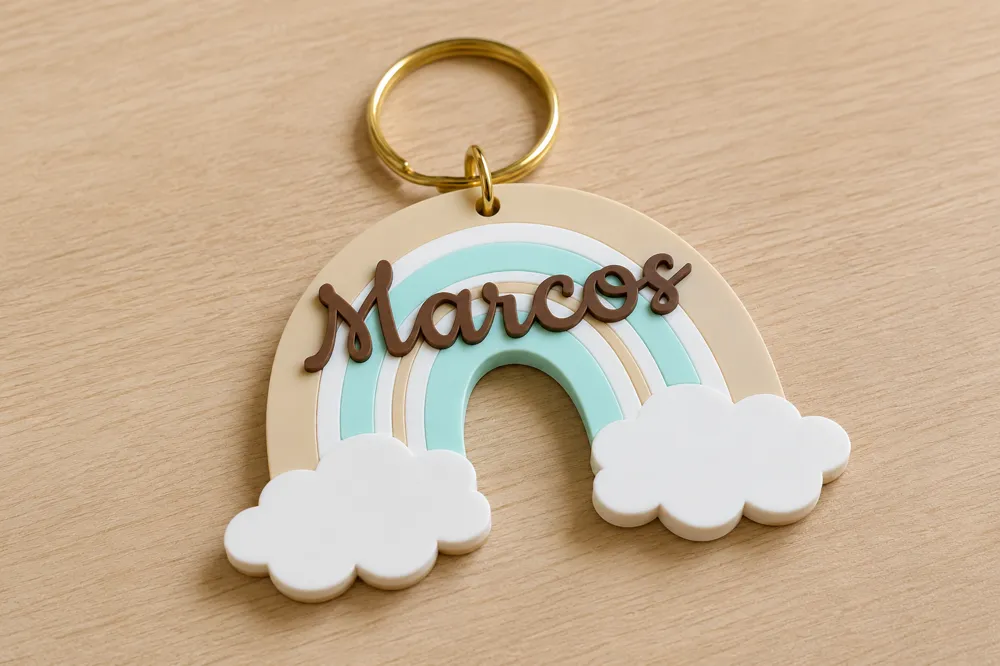
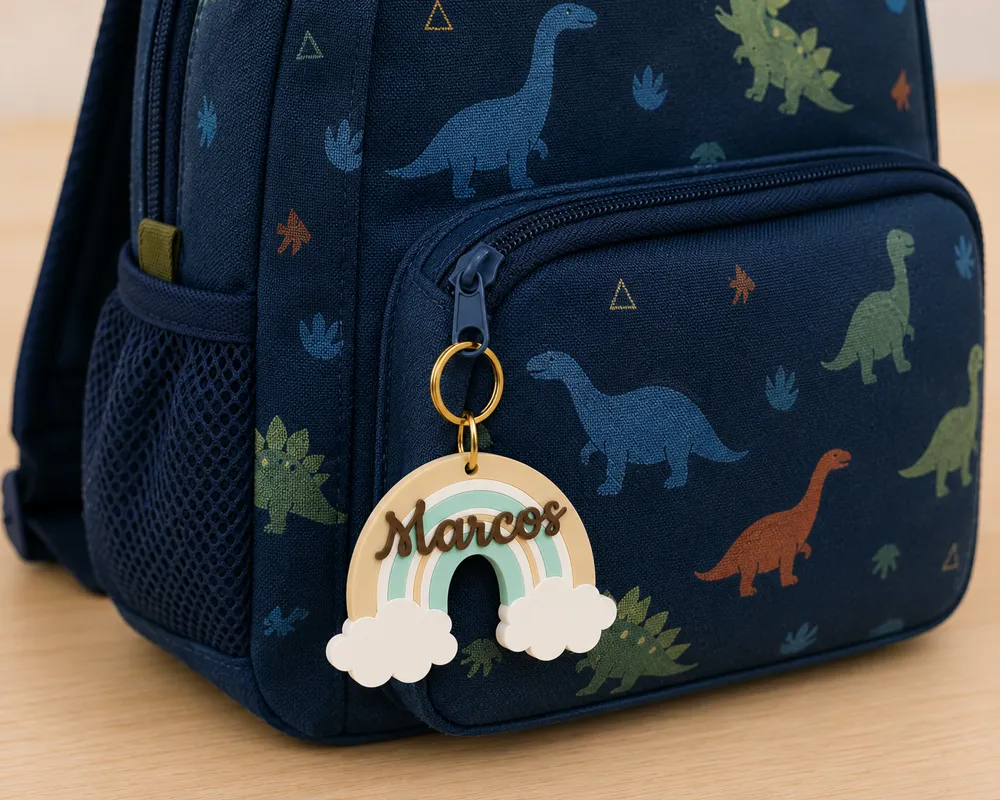
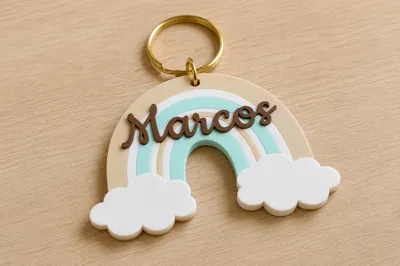
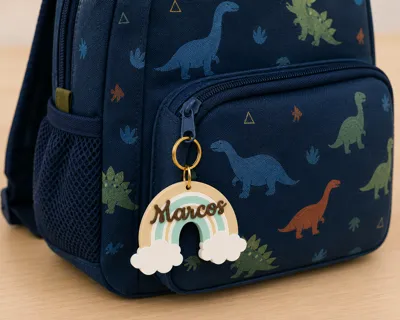
This model is created by Image to Keychain
Make Your Model
Print Profile(1)
0.2mm layer, 2 walls, 15% infill
Designer
40 min
1 plate
Open in Bambu Studio
Boost
170
490
2
0
65
30
Released
Description
How to customize the name
It's very simple! You can put any name you want directly from Bambu Studio:
- Go to the Objects tab (Objects).
- Find and select the object called "text custom".
- Select the Text (T) tool in the top bar.
- Type the desired name and adjust the size if necessary.
I hope you enjoy printing this design! If you like it, don't forget to upload a photo of your result.
License

This user content is licensed under a Standard Digital File License.
You shall not share, sub-license, sell, rent, host, transfer, or distribute in any way the digital or 3D printed versions of this object, nor any other derivative work of this object in its digital or physical format (including - but not limited to - remixes of this object, and hosting on other digital platforms). The objects may not be used without permission in any way whatsoever in which you charge money, or collect fees.


Comment & Rating (2)