
Jellycat store sign inspired lightbox
Print Profile(1)
Bill of Materials







Description
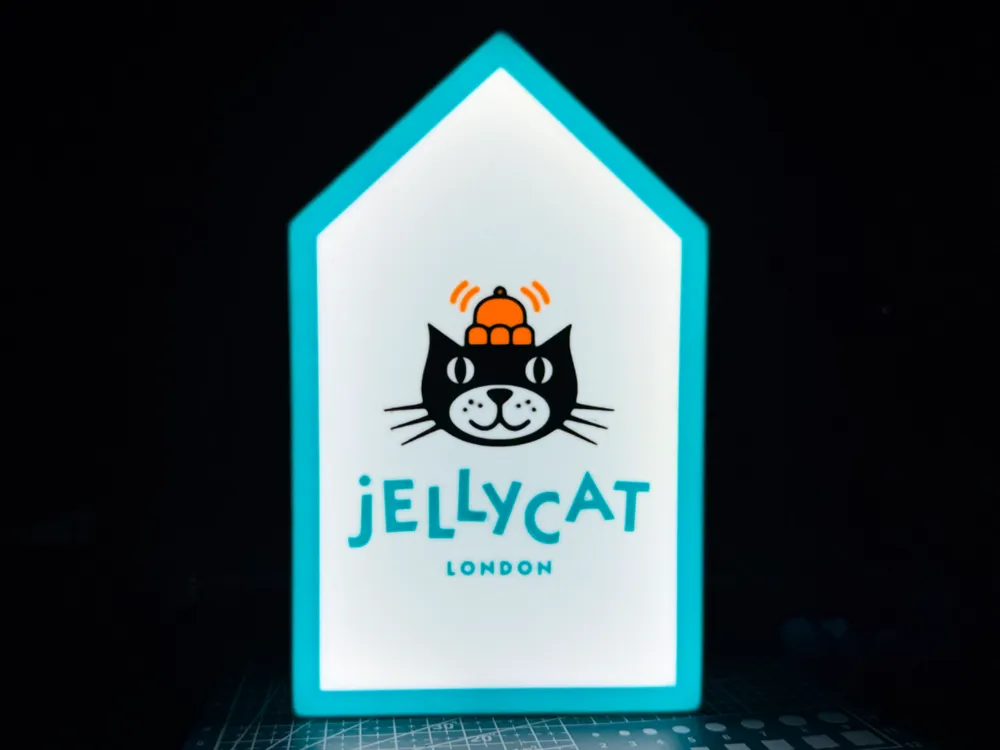
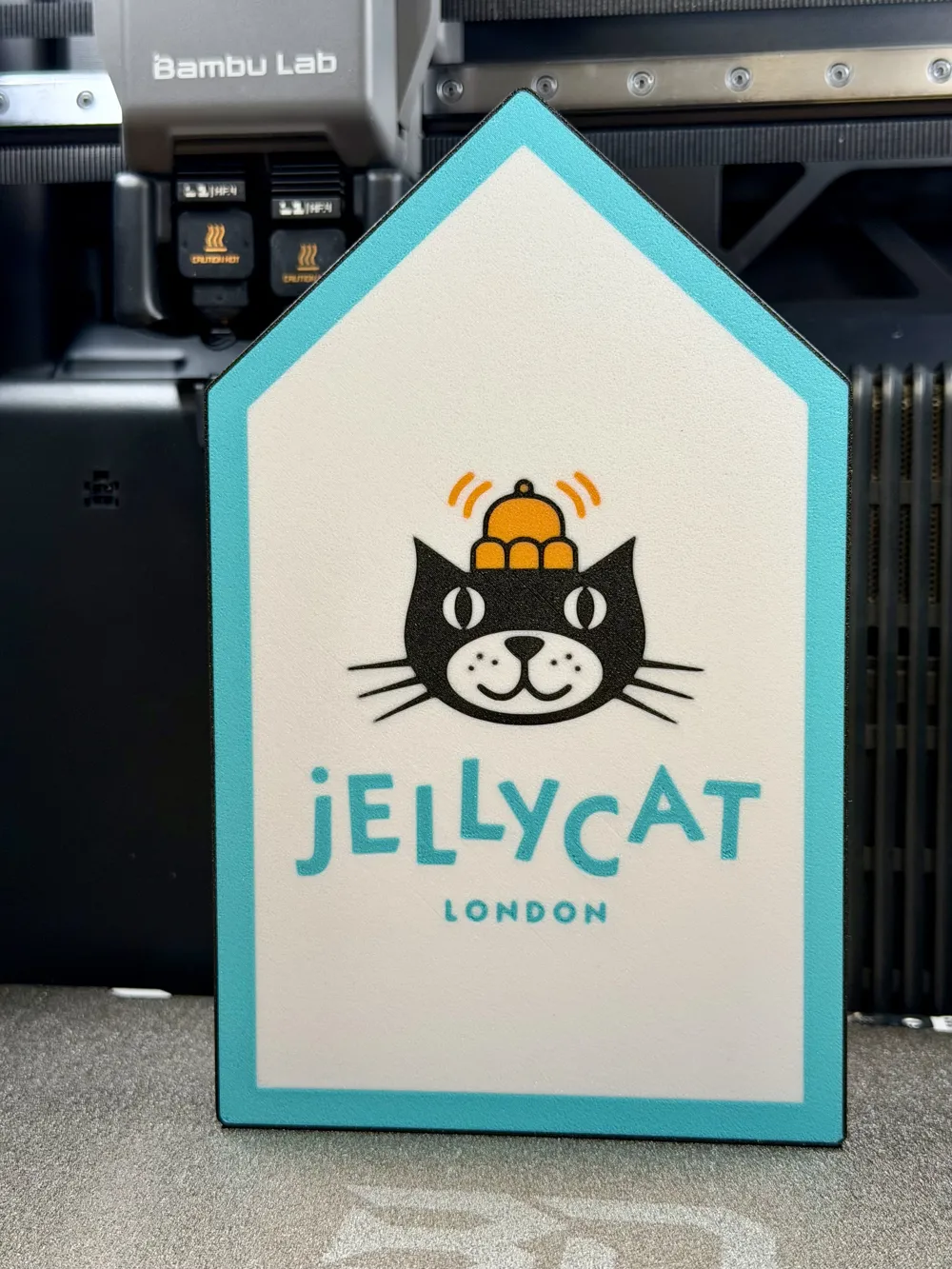
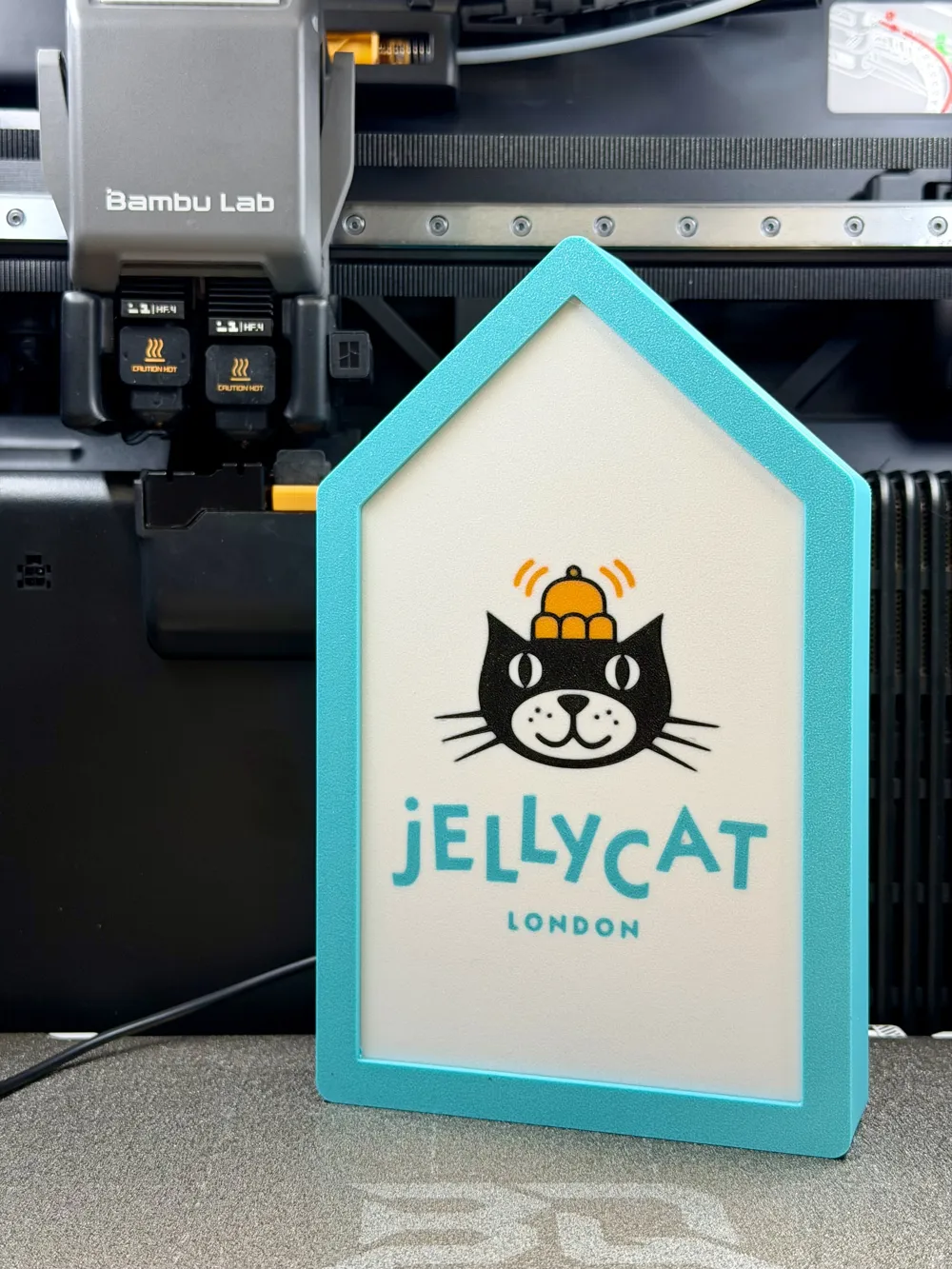
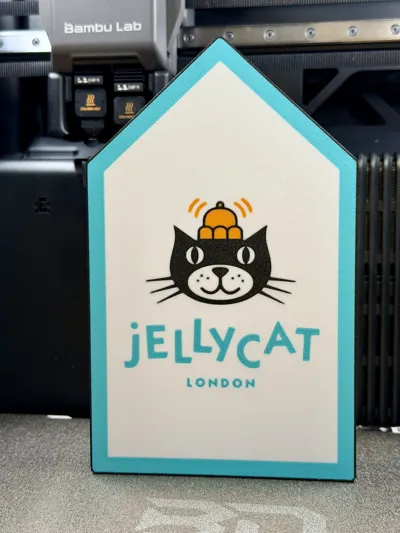
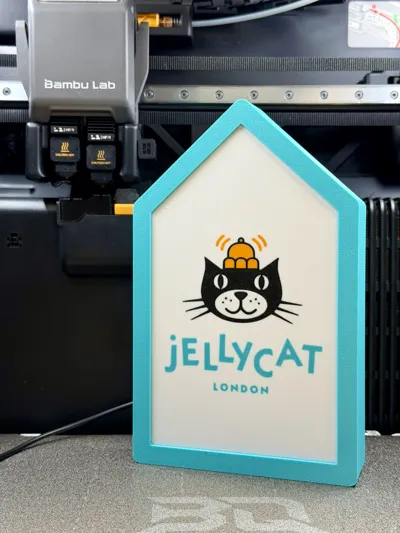
Jellycat store sign style lightbox
Bring some light to your Jellycat collection, with this simple lightbox inspired by the iconic store sign design.
The model is designed to be an easy print, hat works great both lit and unlit. An optional outer cover is also included if you'd like to give the sign a more authentic store-style appearance.
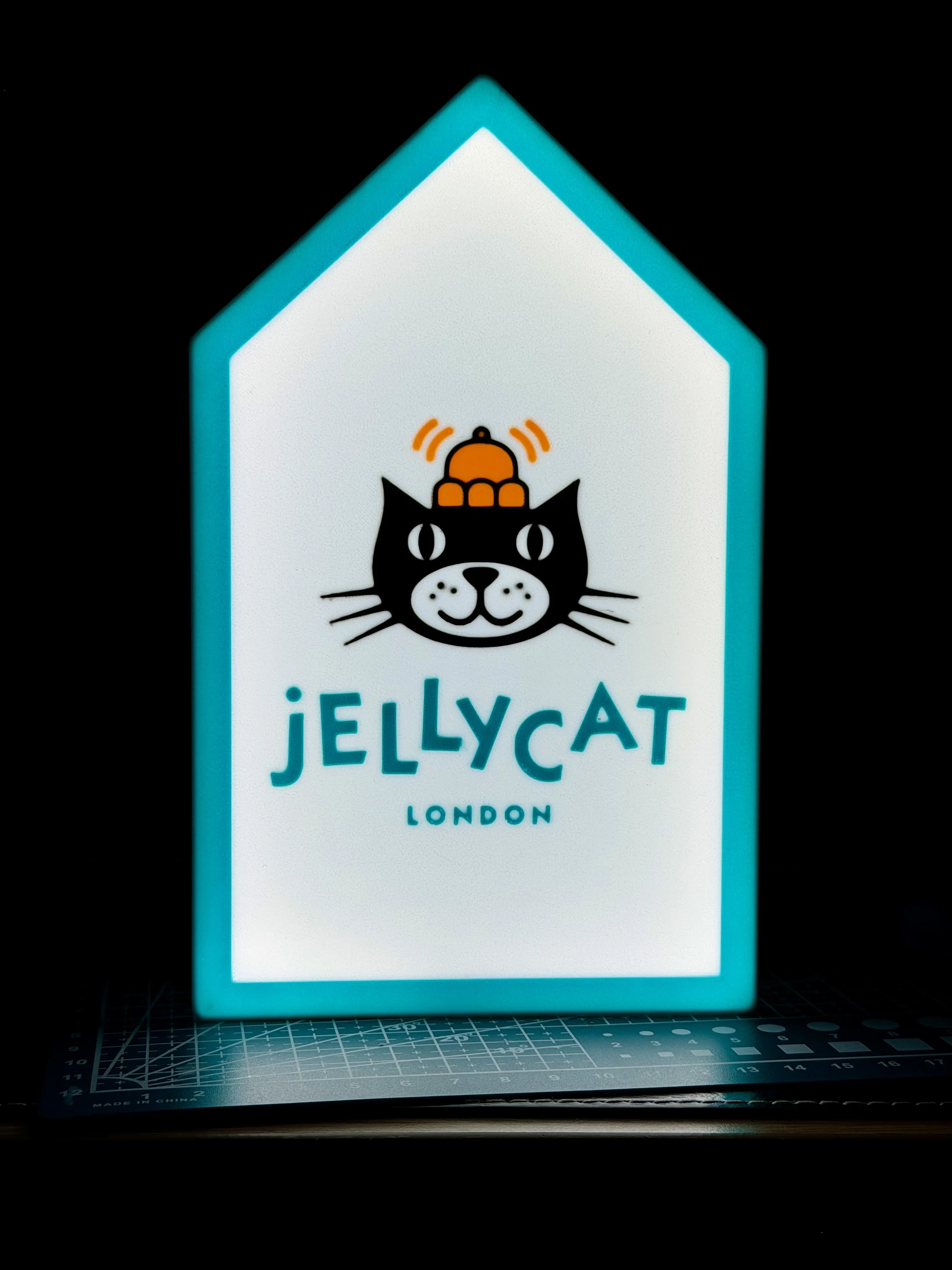
Please note that fitting the outer cover does slightly reduce the lighting effect, meaning the blue border section will no longer glow through once installed.
Without the cover fitted, the full lightbox effect remains visible across the entire front panel.
Glow without the cover vs with the cover:
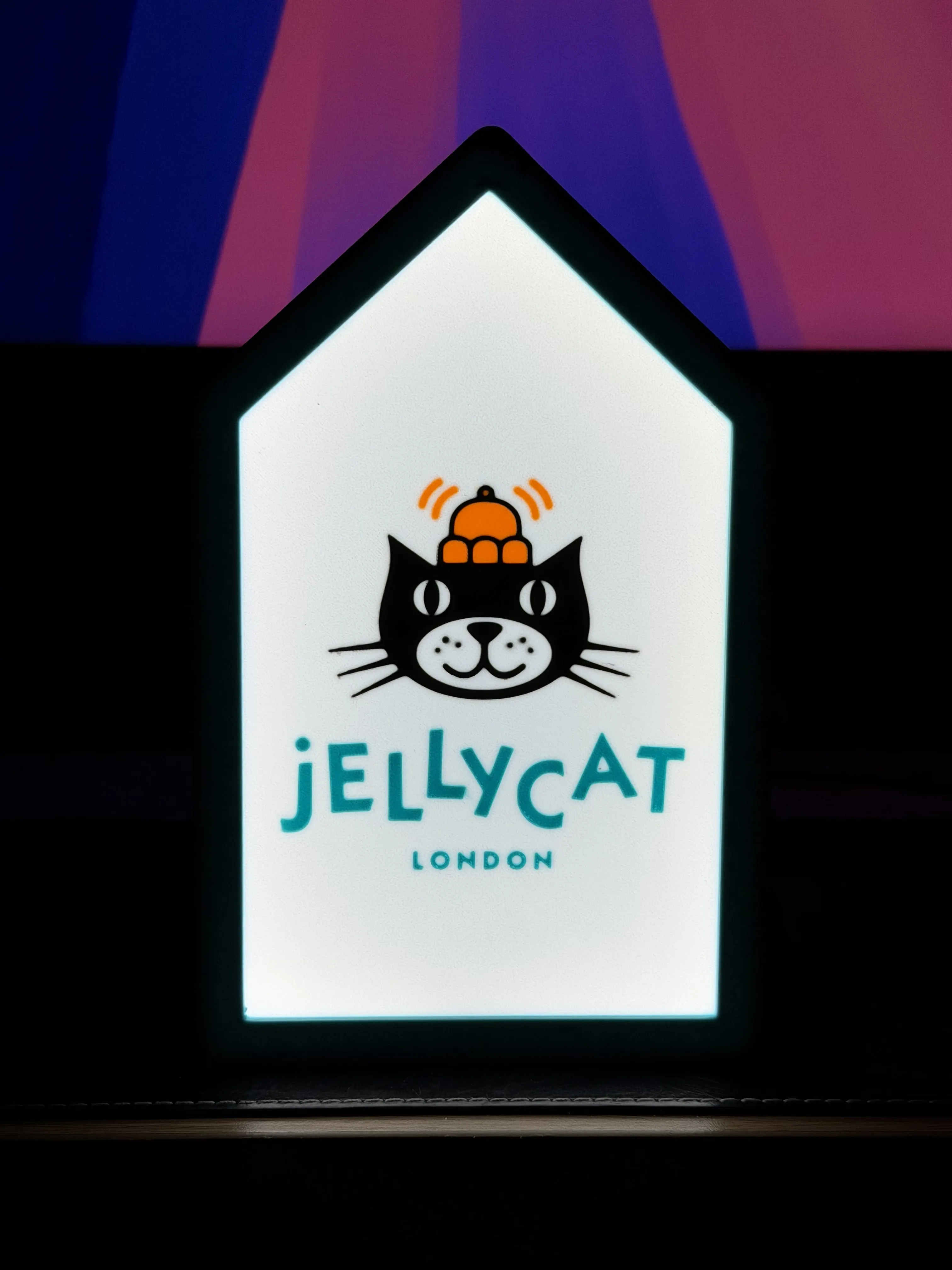
This is a straightforward print with minimal setup required, making it ideal for quick printing and easy assembly, it does however require the use of an AMS.
Boost Me (for free)
If you like this print, a boost is a great and free way to support me on here
·····
Before you begin
Having a clean print bed and hot end(s) free from filament is essential in getting that crisp, clean look. Here's some tips on what to do to get the best print possible;
Cleaning
Clean your plate first, following your usual routine. Dish soap works best, clean and then rinse thoroughly, ensure the plate is dry and free of debris before putting back in the printer.
Leftover filament residue on your hot end can cause unwanted colour streaks, which will show very clearly against the white parts of the print. Please inspect your hot end before starting the print, if you spot any clumps or leftover filament, follow Bambu's recommended cleaning guide to remove.
·····
Printing setup
This print has been designed for straightforward printing using a 0.4 mm nozzle.
Main sign
- Print face down on a textured PEI plate
- PLA recommended
- No supports required
Optional outer cover
- Available on plate 3 in the print profile.
- PLA recommended
- Designed to press fit over the main lightbox body
All filaments used are included in the Bill of Materials (only available to view on the desktop site)
Lighting
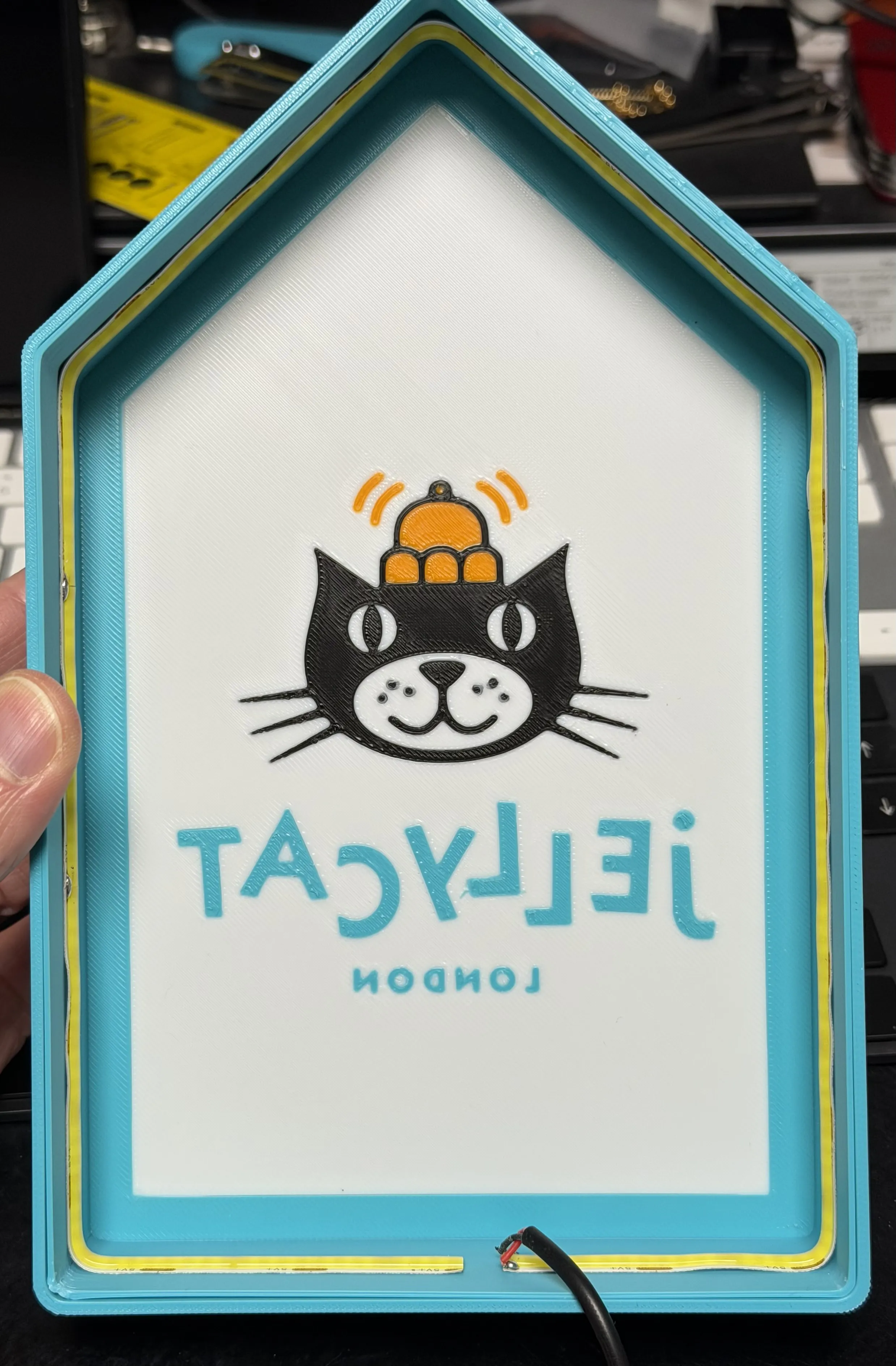
LED strip lighting recommended, you can either use the Bambu light kit (linked) or your choice or led light strip and USB connector. I fitted the lights around the edges on the inside of the design, then applied some foil tape on the rear cover which helps to spread the light more evenly.
·····
Troubleshooting
Model Doesn’t Match Preview / Wrong Colours / Odd Layout / Dots instead of lines or shapes
If your model looks misaligned, missing colours, or prints incorrectly, please make sure you are using the supplied 3MF print profiles, not the raw STL or STEP files.
The 3MF files contain all the model specific tuning, including:
- Colour allocations
- Line width settings
- Print specific adjustments
To use them properly:
- Either click “Open in Bambu Studio” directly from MakerWorld,
- Or download the .3MF file and open it manually in Bambu Studio.
Avoid using the raw STL or STEP files unless you specifically want to rebuild your own profiles, they do not include the tuned print settings.
·····
Copyright / Safety / Final notes
This is a fan-inspired design created for personal use only.
Please do not sell, redistribute, remix, or upload the files to other platforms.
Jellycat and related branding, logos, and store styling remain the property of their respective owners. This model is not affiliated with or endorsed by Jellycat in any way.
Please use responsibly and ensure any installed lighting is suitable for enclosed printed parts and operated safely.
License

You shall not share, sub-license, sell, rent, host, transfer, or distribute in any way the digital or 3D printed versions of this object, nor any other derivative work of this object in its digital or physical format (including - but not limited to - remixes of this object, and hosting on other digital platforms). The objects may not be used without permission in any way whatsoever in which you charge money, or collect fees.


Comment & Rating (0)