
Coinshot Allomancer Magnet - Mistborn
Print Profile(1)

Description
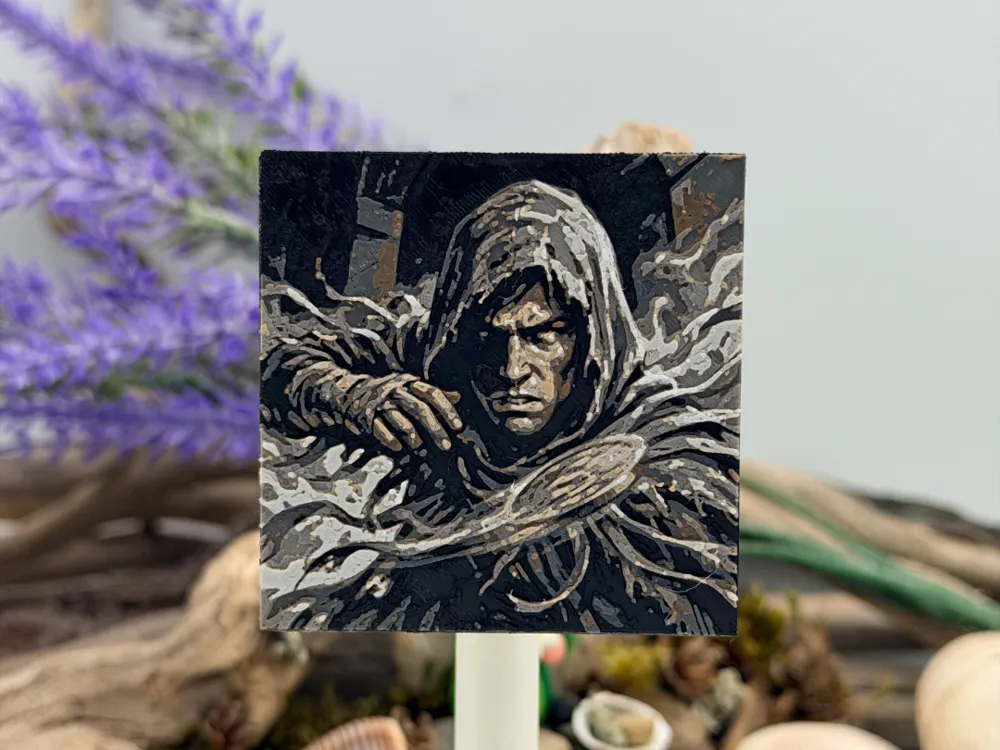
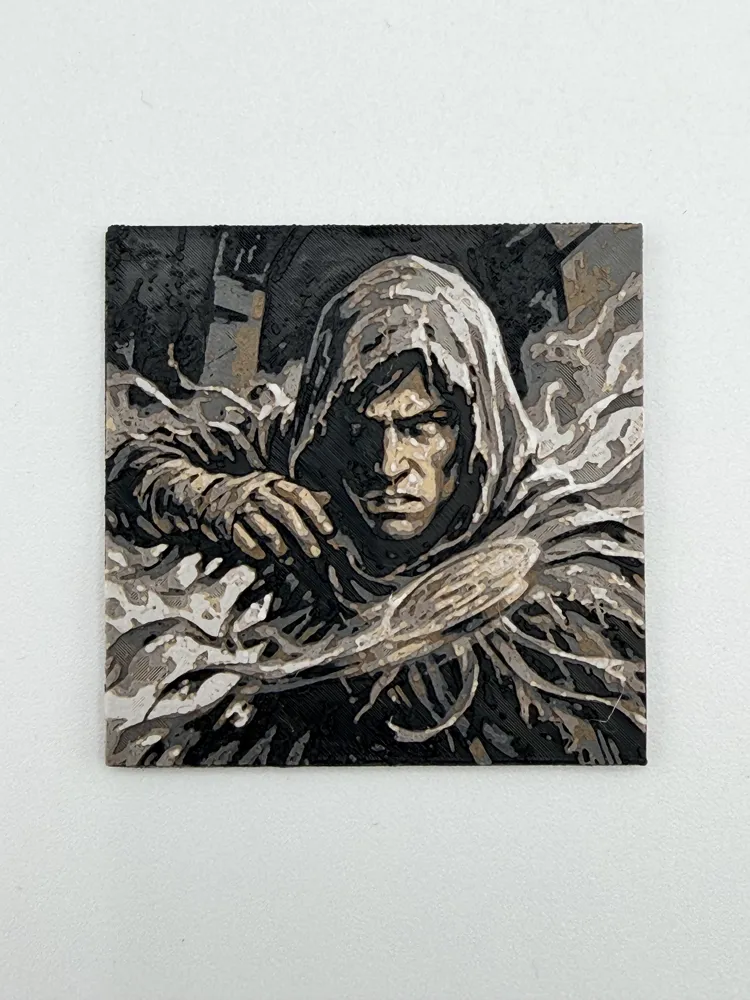
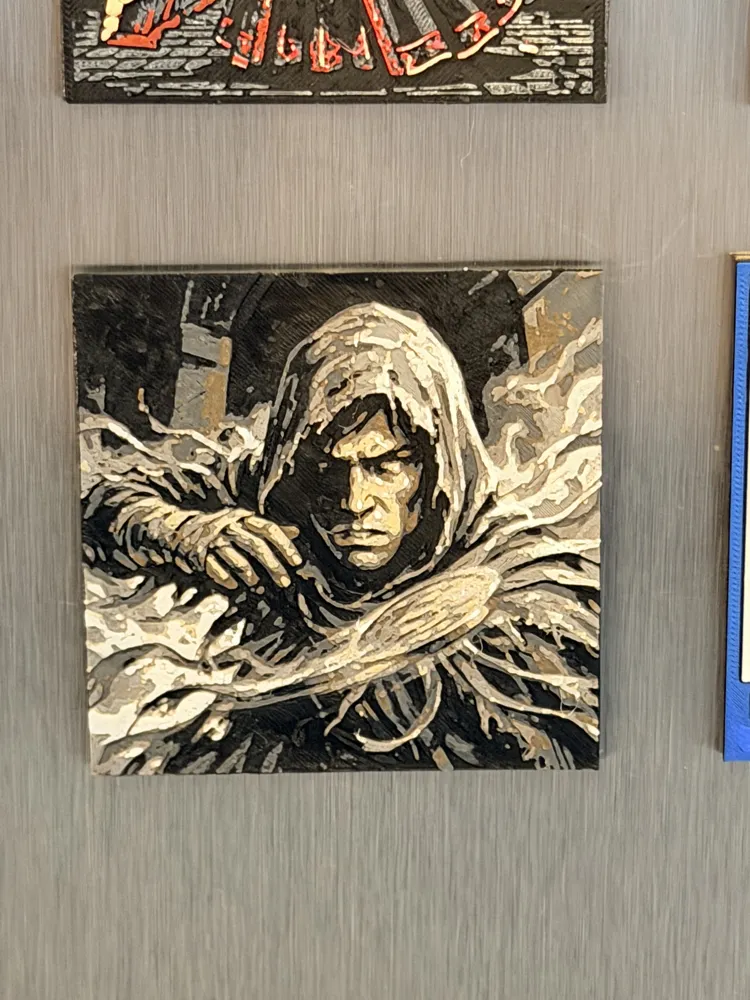
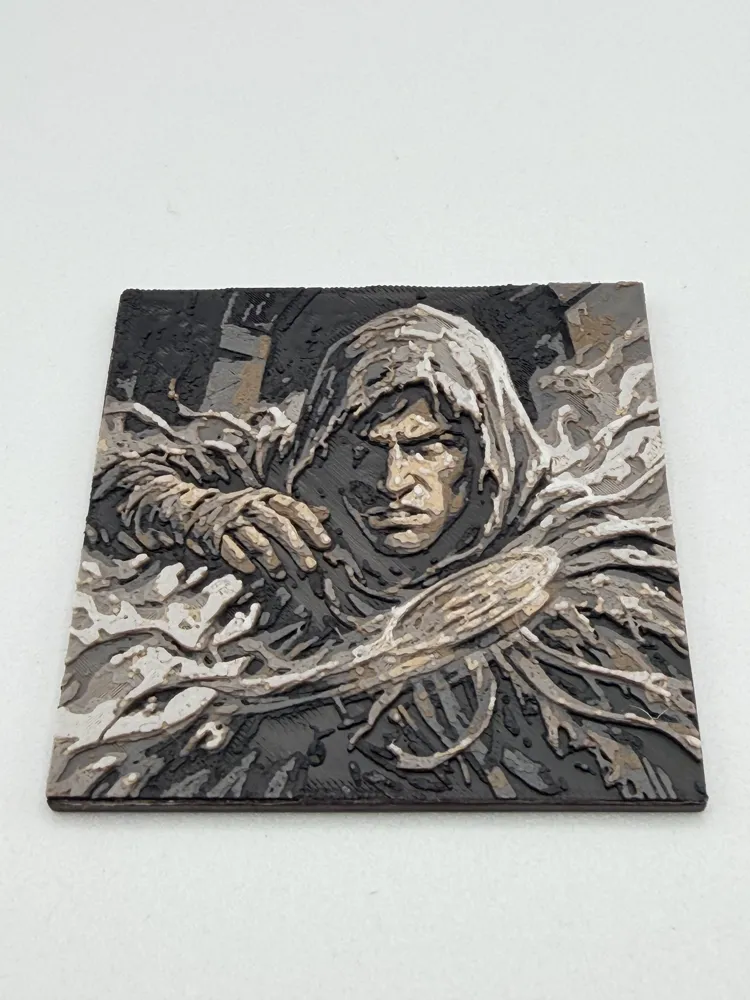
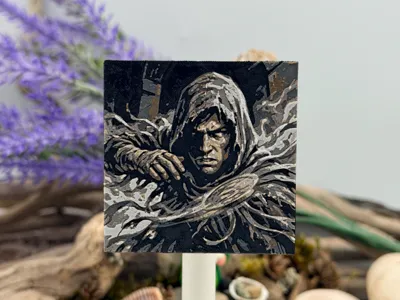
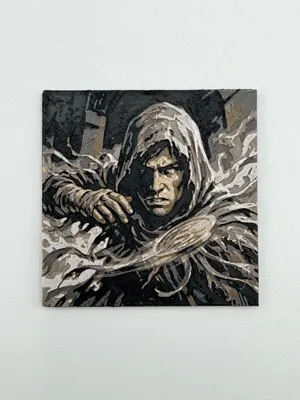
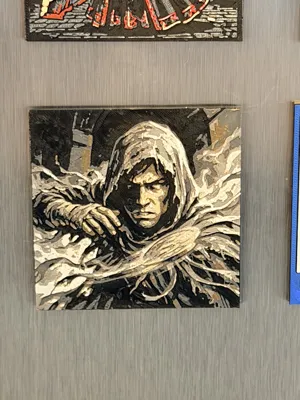
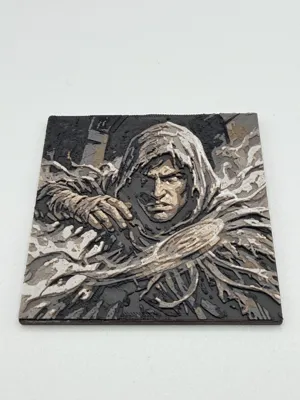
"Steel pushes, iron pulls." Bring the thrilling magic of Allomancy to your space with this striking, 3D-printed Coinshot display piece! Inspired by Brandon Sanderson’s Mistborn series, this highly textured, greyscale design captures a hooded Allomancer stepping from the mists, expertly Pushing a coin through the air with deadly kinetic precision.
Features:
- Dynamic Action: A multi-layered, highly textured print capturing the intense focus of a Coinshot and the raw energy of a Steelpush.
- Magnet-Ready: By default, it is scaled perfectly to fit a standard 2x2 inch self-adhesive magnet on the back, but it can easily be rescaled in your slicer to fit any square magnet you have!
- Cosmere Collectible: A quick, stunning print that makes the perfect gift for Sanderson fans and aspiring Allomancers.
Bring a touch of Allomancy to your fridge or workspace!
Boost Me (for free)
You may print at higher layer heights below the Base Thickness of 0.24mm
The Max allowed Thickness is 1.68mm and the Actual Thickness is 1.6mm
#000000 PLA BambuLab Matte Charcoal Transmission Distance: 0.6
#1c1c1c PLA PolyTerra Charcoal Black Transmission Distance: 0.3
#545454 PLA BambuLab Basic Dark Gray Transmission Distance: 0.6
#6f5034 PLA BambuLab Basic Cocoa Brown Transmission Distance: 0.4
#757575 PLA BambuLab Matte Nardo Gray Transmission Distance: 0.7
#a6896c PLA Overture Matte Light Brown Transmission Distance: 0.6
#c8c8c8 PLA BambuLab Silk+ Silver Transmission Distance: 3.5
#d1d3d5 PLA BambuLab Basic Light Gray Transmission Distance: 1.7
#ffffff PLA BambuLab Matte Ivory White Transmission Distance: 3.5
This print uses 9 unique filaments
Swap Instructions:
Start with Charcoal
At layer #5 (0.48mm) swap to Charcoal Black
At layer #7 (0.64mm) swap to Dark Gray
At layer #9 (0.8mm) swap to Cocoa Brown
At layer #11 (0.96mm) swap to Nardo Gray
At layer #13 (1.12mm) swap to Light Brown
At layer #15 (1.28mm) swap to Silver
At layer #17 (1.44mm) swap to Light Gray
At layer #18 (1.52mm) swap to Ivory White for the rest.
License

You shall not share, sub-license, sell, rent, host, transfer, or distribute in any way the digital or 3D printed versions of this object, nor any other derivative work of this object in its digital or physical format (including - but not limited to - remixes of this object, and hosting on other digital platforms). The objects may not be used without permission in any way whatsoever in which you charge money, or collect fees.


Comment & Rating (0)