
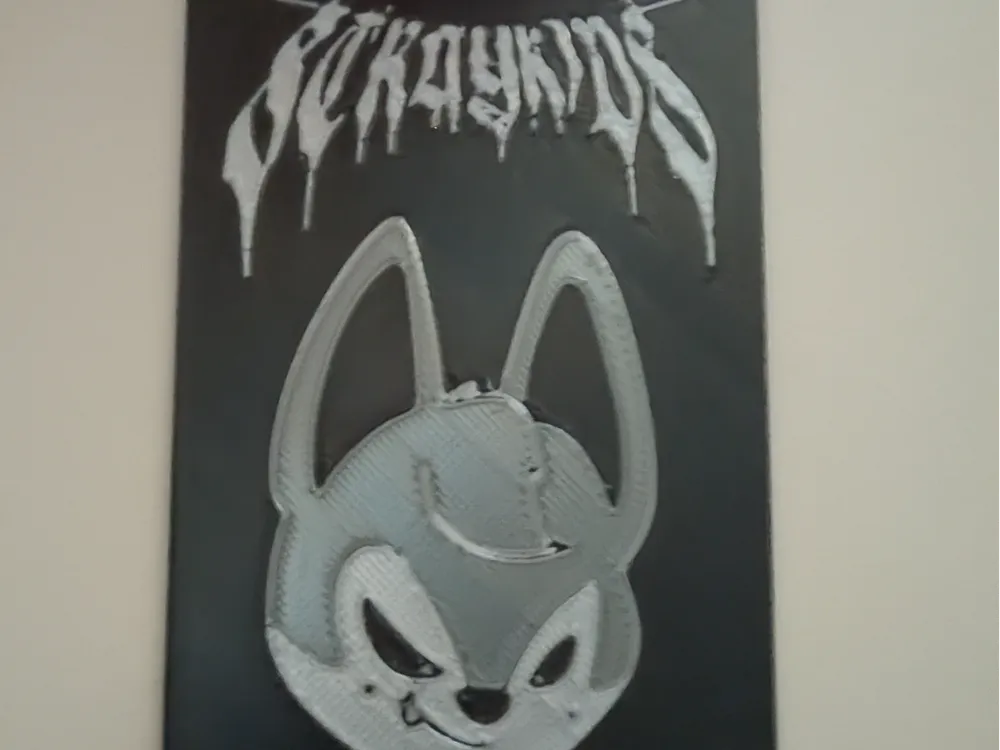
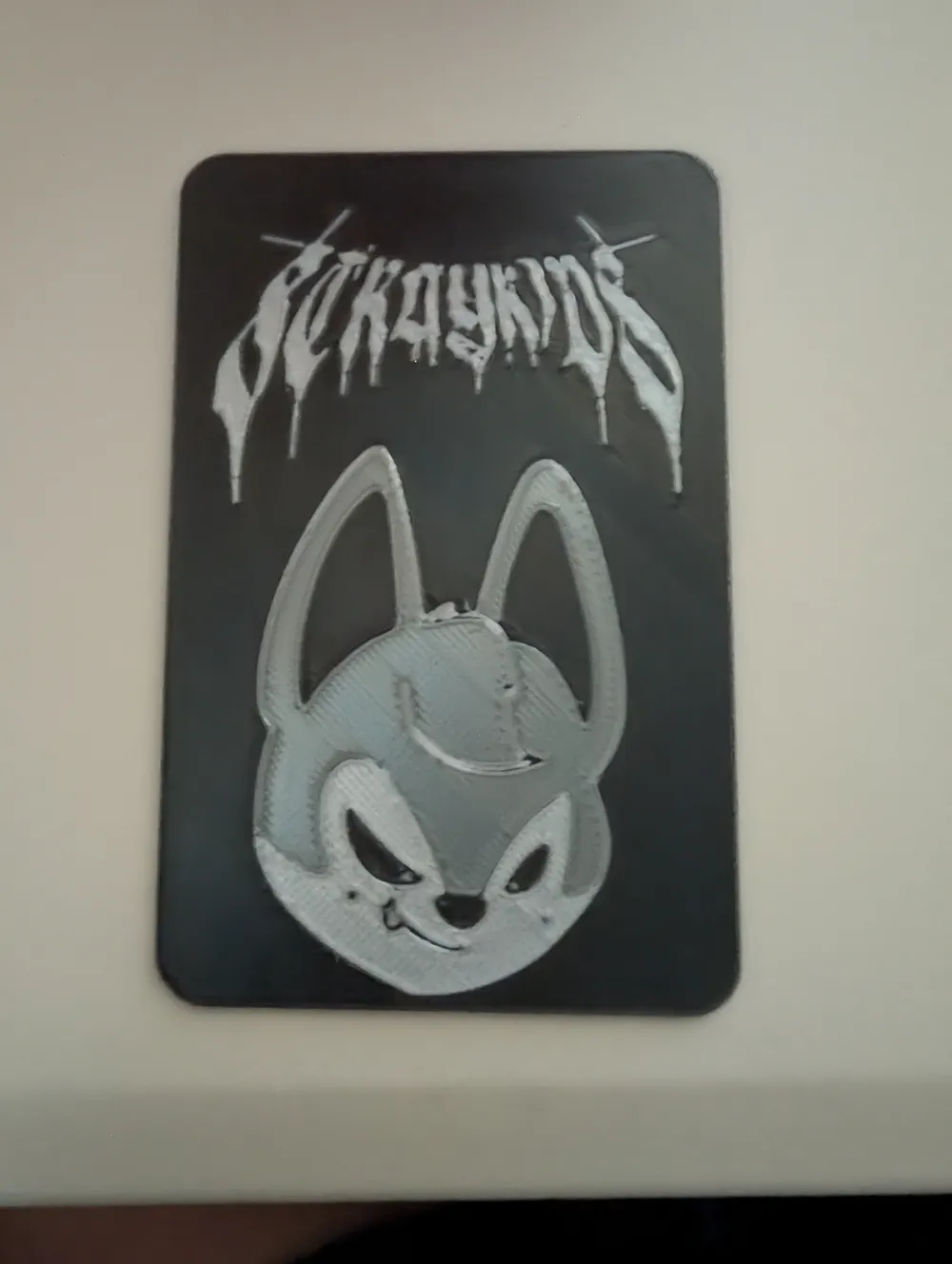
Evil SKZOO Wolf Chan Photocard
Print Profile(1)
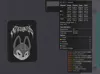




Description
This model has only been tested to print with decent detail on the 0.2mm nozzle. I'm still working out the proper print settings, so these are only suggestions. If you figure out better settings, please comment XD
The 0.4 nozzle does not print the detail well enough, in my experience. If you wanted to try it anyway, make sure you make the layer height 0.1mm, because that's how tall the grey top layer image is (in an attempt to reduce color changes). The 3MF file uses the 0.10mm layer height version with a 0.2mm nozzle. If you'd like to use the 0.2mm layer height STEP file on a 0.2mm nozzle, feel free to do so. You can also use the 0.2mm layer STEP file if you want to experiment with a 0.4mm nozzle.
Feel free to find better settings than what I've put below. I do not have a Bambu printer, so I'm using settings from my AD5X.
Here are the settings I used in the 3MF. Assume anything not listed is the default:
If you have warping at the edges, even with the brim, turn your auxiliary fan down or off. I did, so I suggest doing so, but you're more than welcome to try without at first.
Filament Settings → Cooling → Auxiliary Fan Cooling: 0% (for both Initial and Ramp Up)
Layer Height: 0.1
First Layer Height: 0.1
Top Surface Line Width: 0.15
Wall Generator: Arachne
5% Gyroid Infill (not that it matters)
Brim → Outer Brim Only and Brim Width of 3mm
Under Objects, I set the Walls on the 3 color pieces of the image to 2. You're more than welcome to try 1 or try the default of 4. Whatever works best for you.
License



Comment & Rating (0)