
Universal Keyhole Slot (Negative Part)
Print Profile(1)
Description
Description
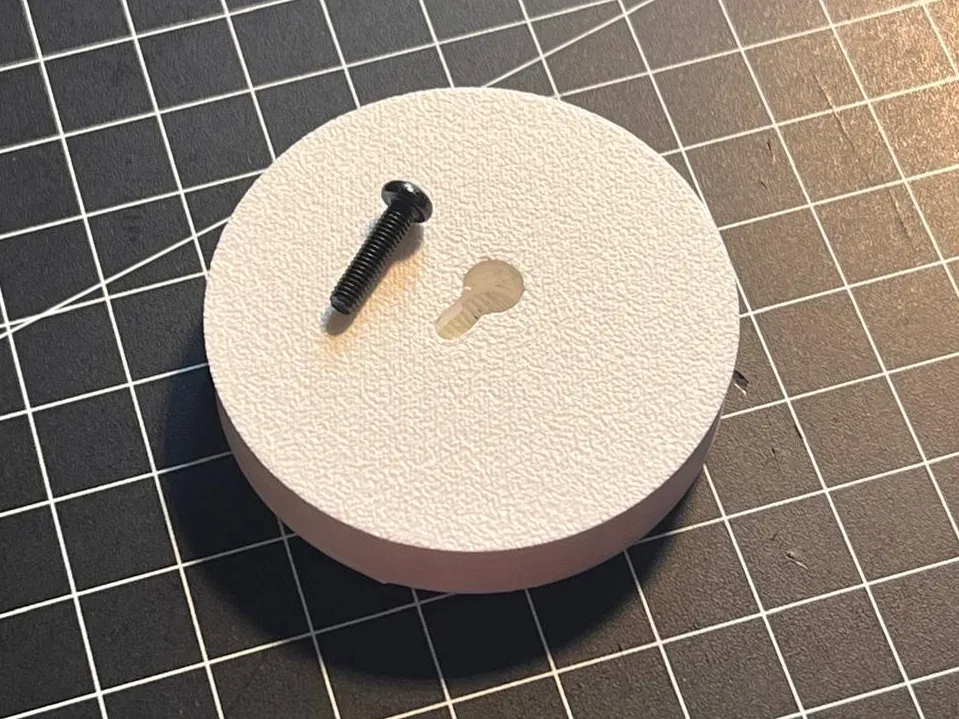
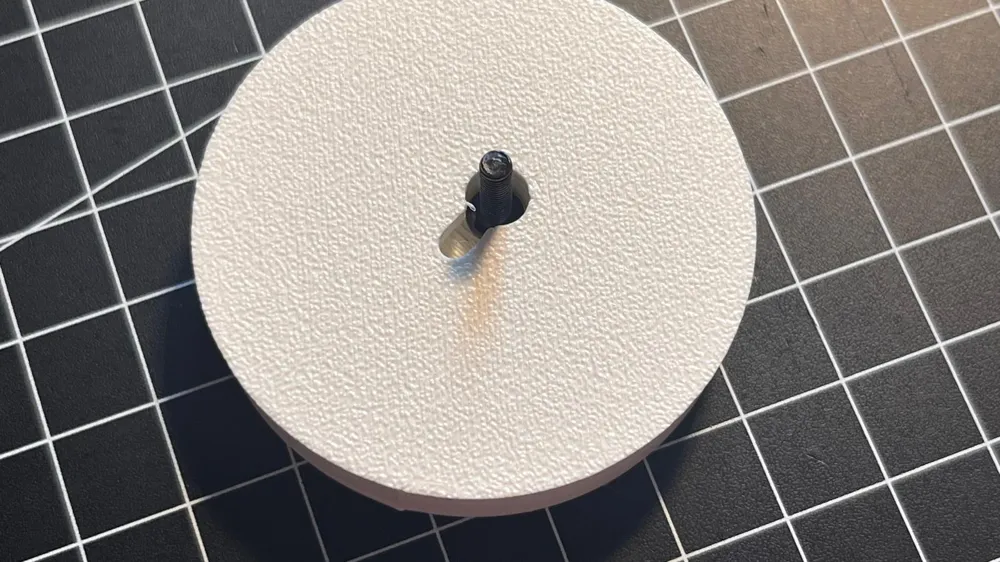
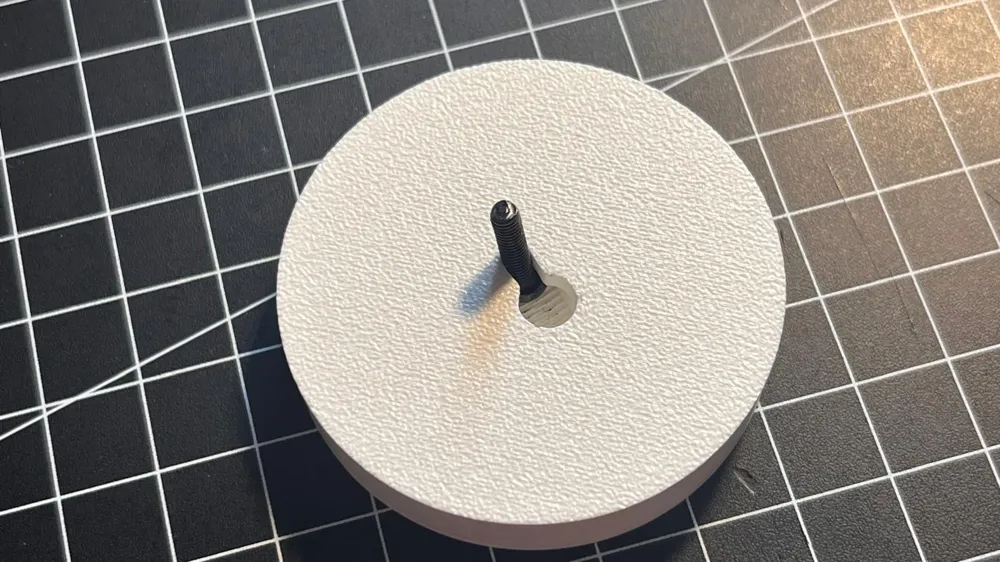
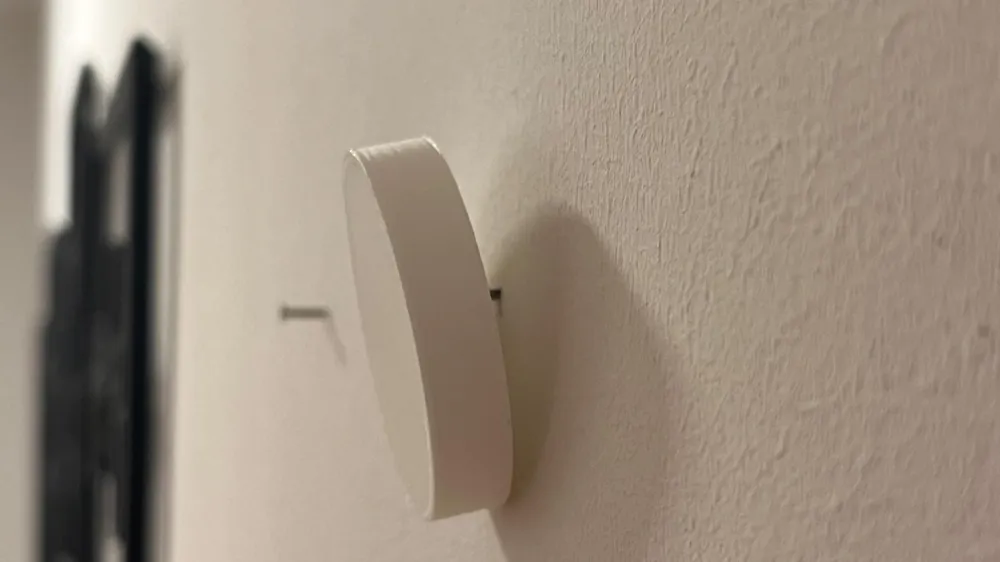
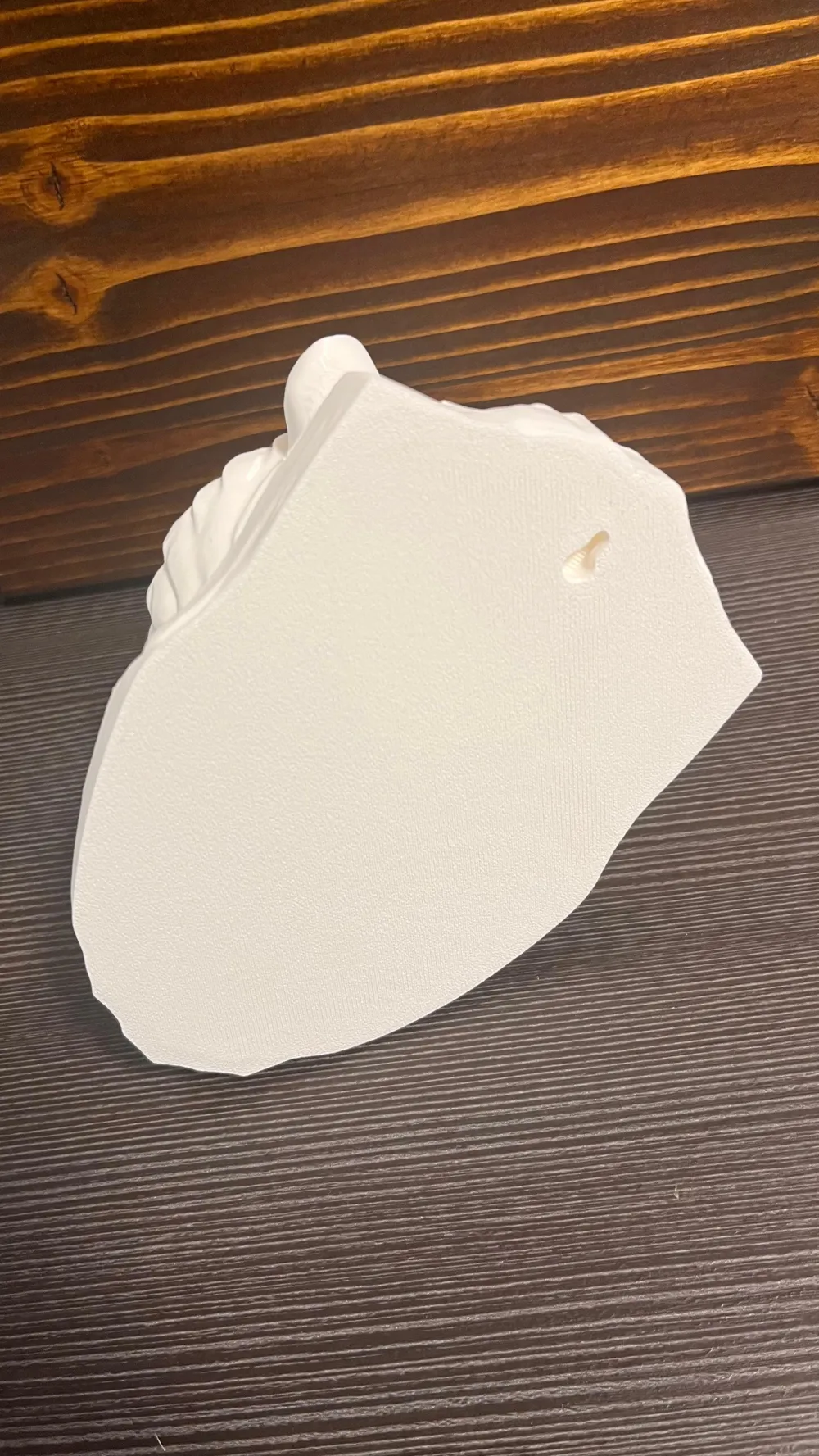
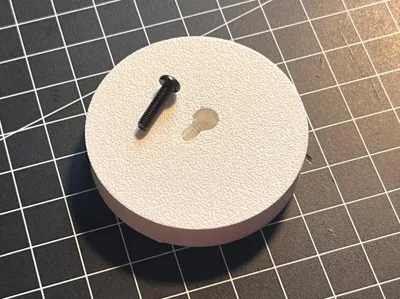
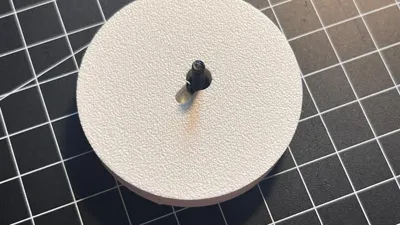
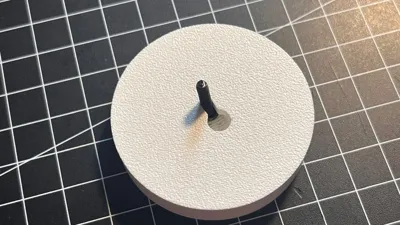
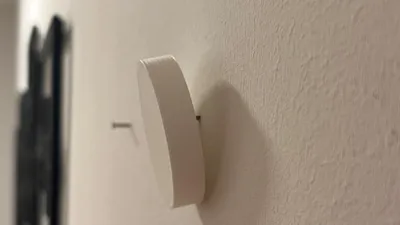
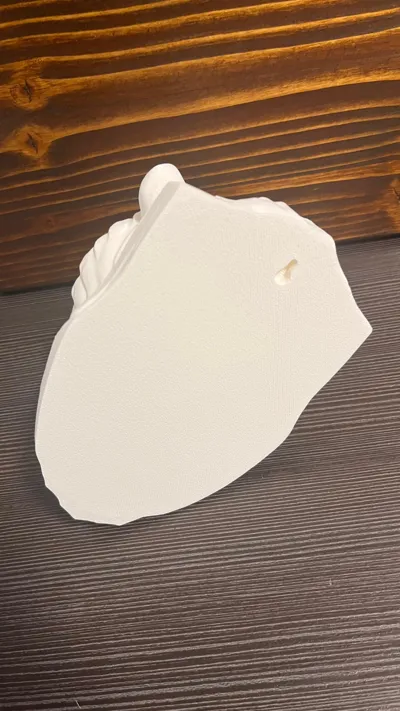
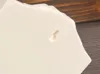
This is a negative volume / modifier designed to be easily subtracted from any 3D model to create a secure wall-mounting point. Based on the geometry, this slot features a wide entry point for a screw/nail head and a narrow channel for the screw/nail shaft to slide into, ensuring your project stays flush and secure against the wall.
How to use in Bambu Studio:
- Import your main model.
- Right-click your model and select Add Negative Part -> Load... and select this STL.
- Position the negative part at the back of your model.
- Ensure the "wide" part of the keyhole is not at the bottom so the model "locks" when pulled down.
- Resize the part to your desired size.
- Tip: Add a Support Blocker around the keyhole, when you are using auto supports.
Here you can see two examples in use:
https://makerworld.com/en/models/2761947-lion-head-statue-wall-mount#profileId-3066385
https://makerworld.com/en/models/2752381-roaring-tiger-wall-mount#profileId-3054003
Boost Me (for free)
If you like this model, please consider leaving a ⭐ and boosting — it really helps support my work. Thank you!
License

You may create derivative works based on this object, provided that all such derivative works are published exclusively on the MakerWorld platform and include proper attribution to the original creator. You may not share, upload, host, distribute, or publish this object—or any derivative work of this object—on any other digital platform, marketplace, or distribution channel. Commercial use of this object and any derivative works is strictly prohibited. This includes, but is not limited to, selling, renting, sublicensing, or using the object in any context in which you receive monetary compensation or other financial benefits.


Comment & Rating (0)