
Streaming Multi-use MacroPad Keyboard for computer
Print Profile(1)
Description
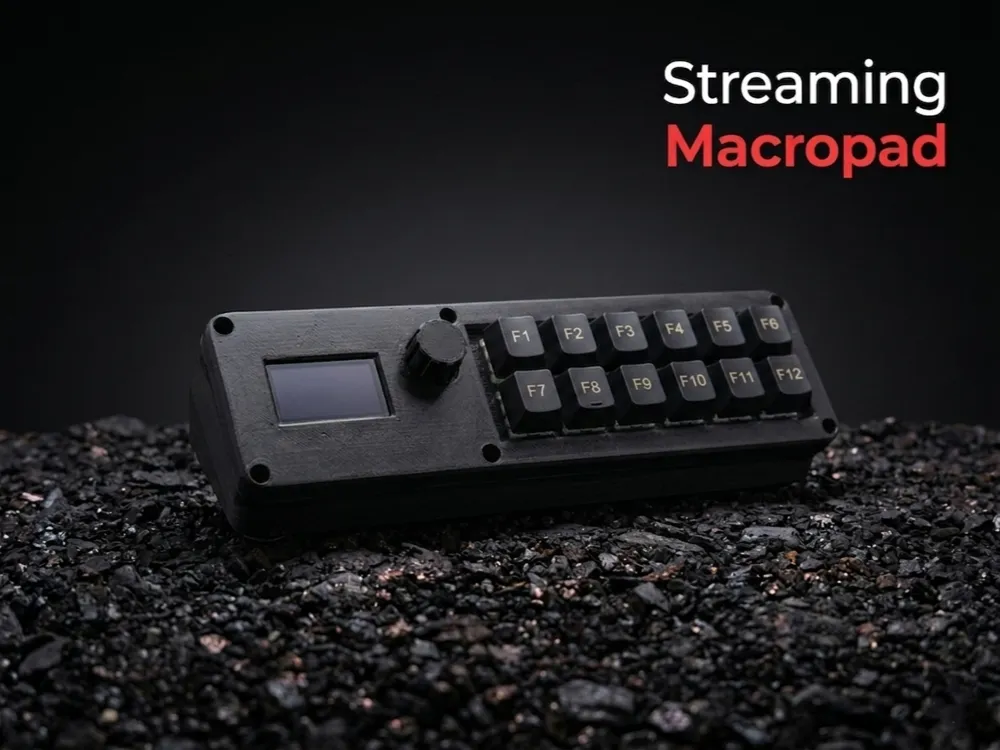
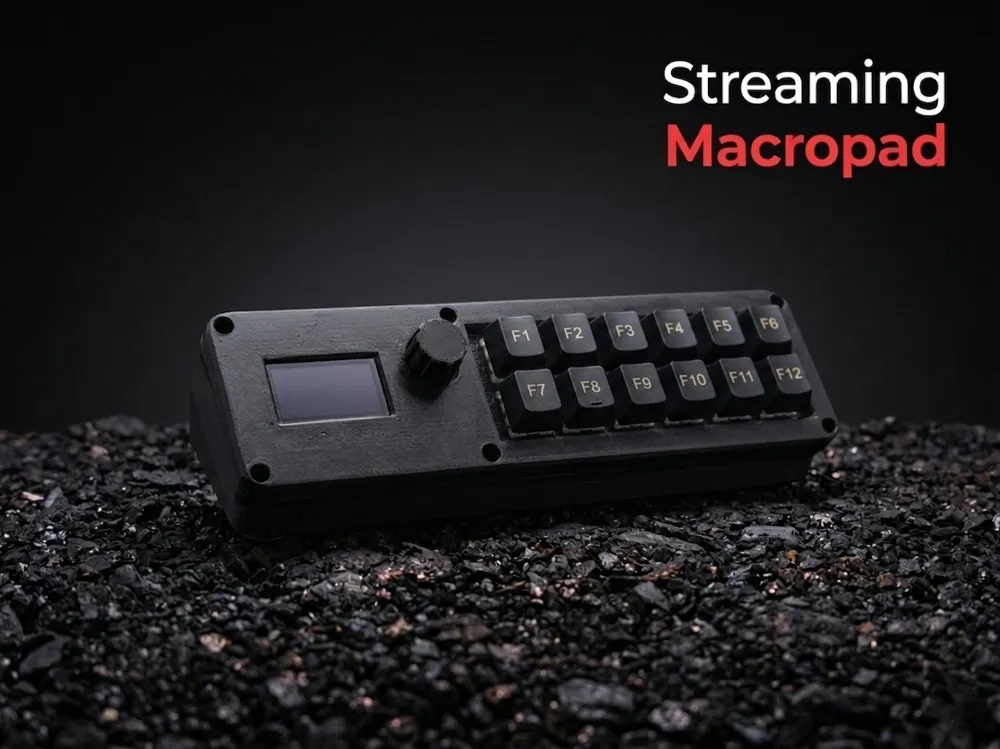
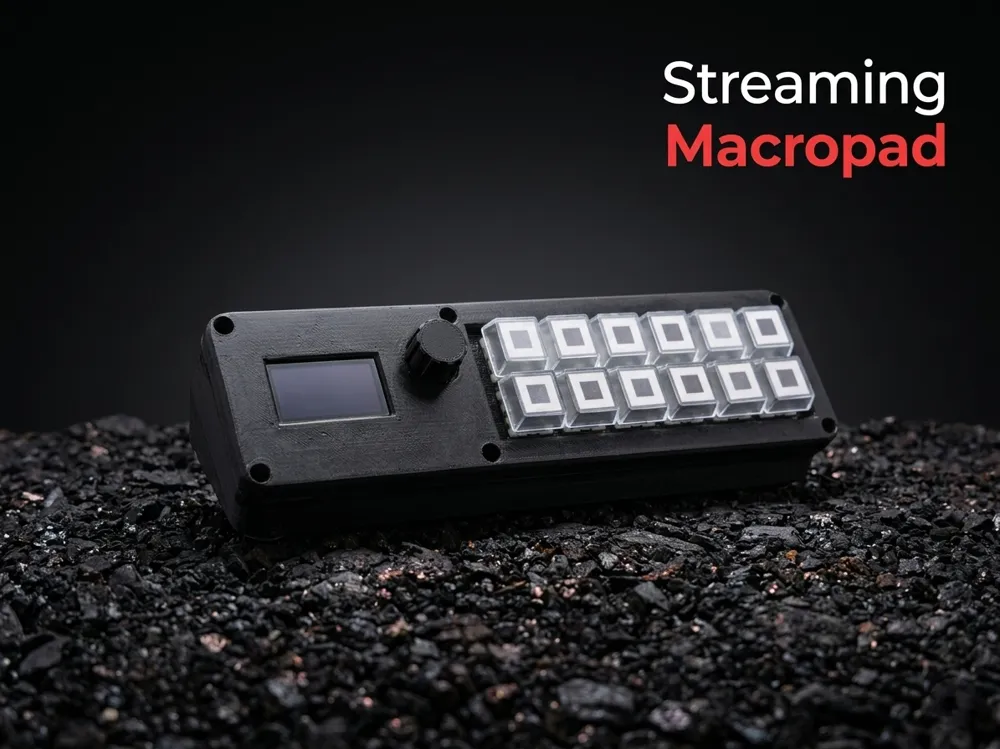
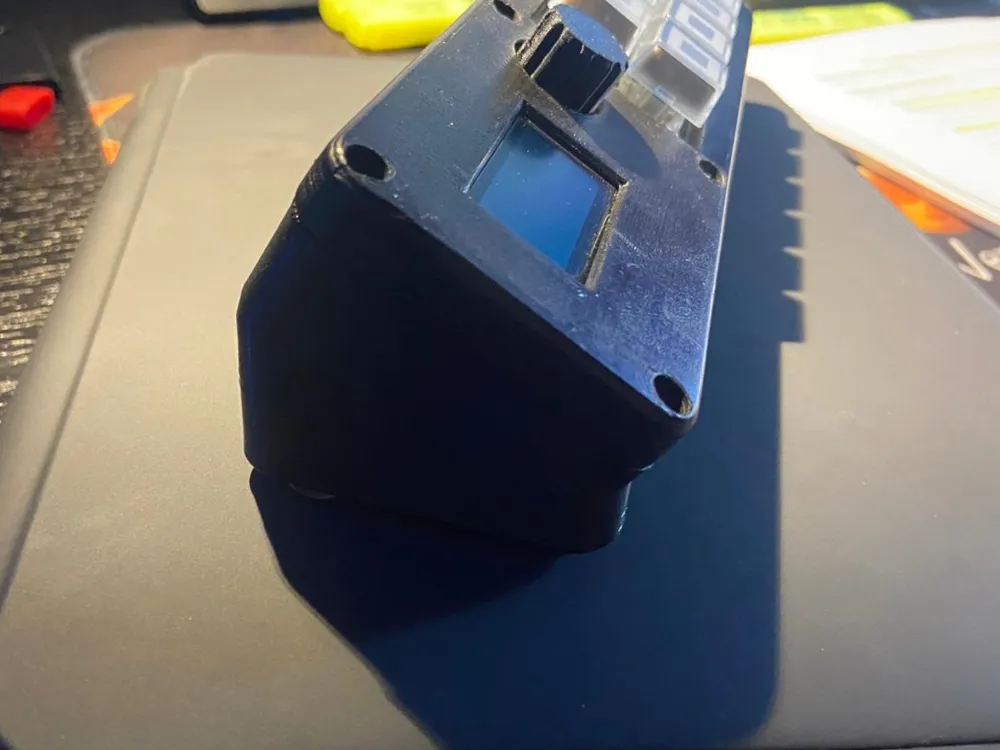
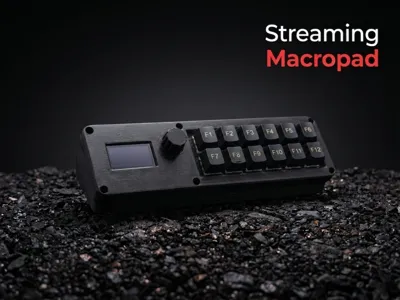
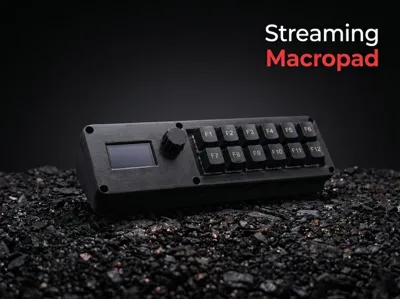
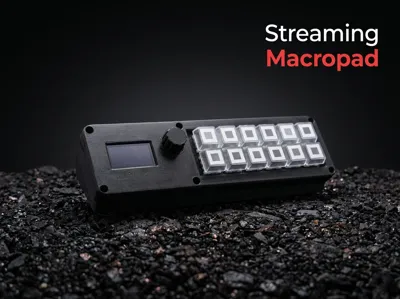
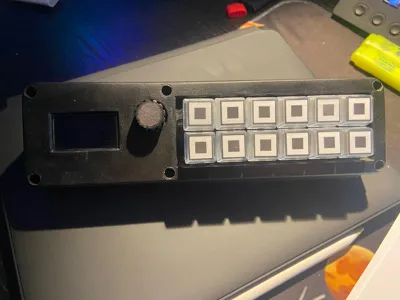
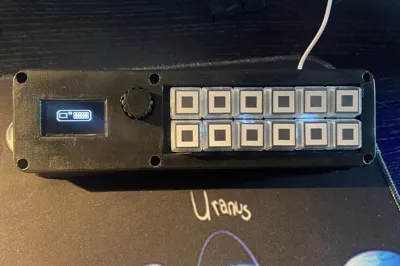
Bring your streaming setup to the next level with this 100% customizable Macropad! Whether you're on Twitch, YouTube, or simply want to optimize your workflow, this peripheral is the ultimate ally for your desktop
Foreword, this is not a project for 3D printing beginners, nor for those without soldering and electronics skills
✨ What makes it special?
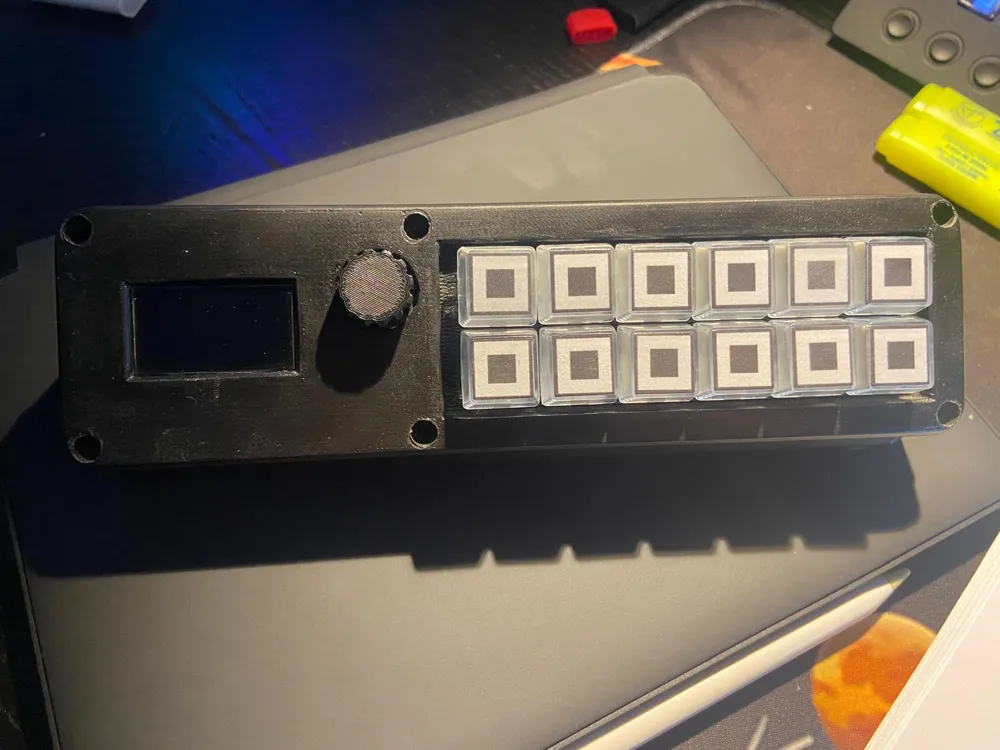
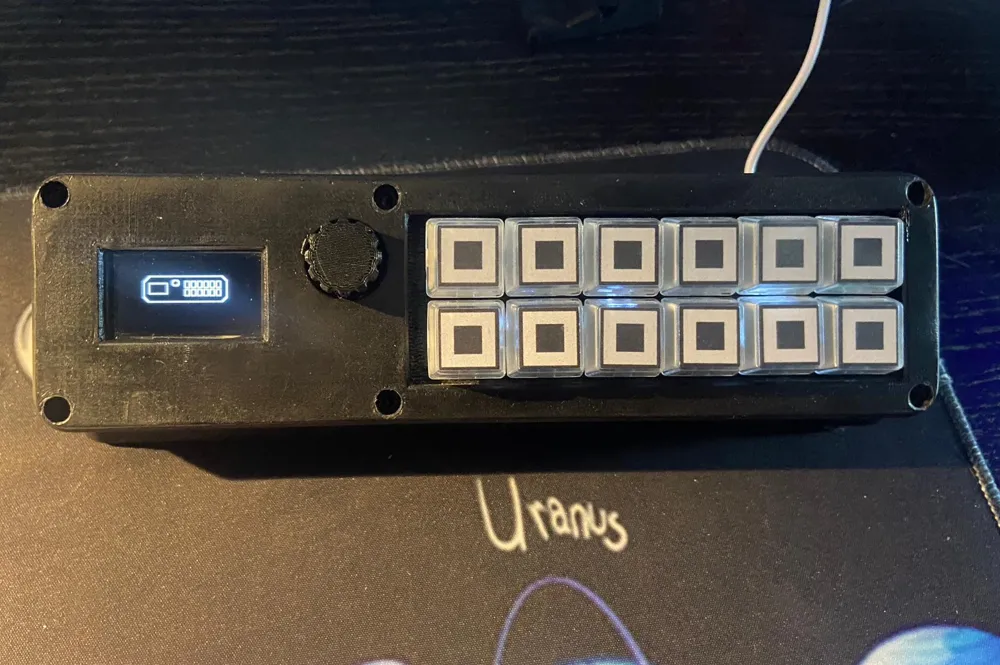
- 12 Programmable Keys: Manage scenes, mute, chat, or shortcuts with a single touch.
- Clickable Wheel (Rotary Encoder): Perfect for scrolling menus or controlling volume with millimeter precision.
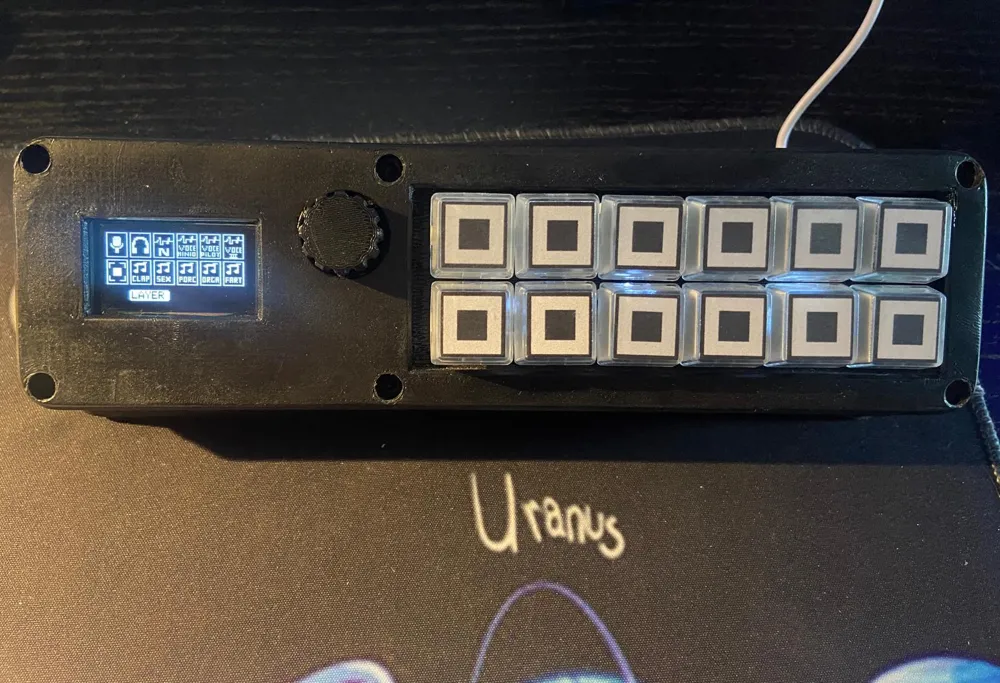
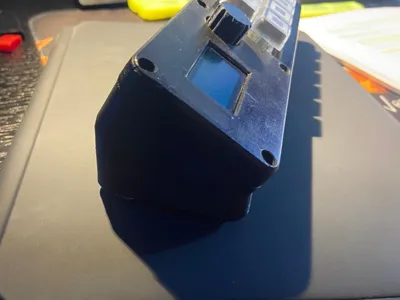
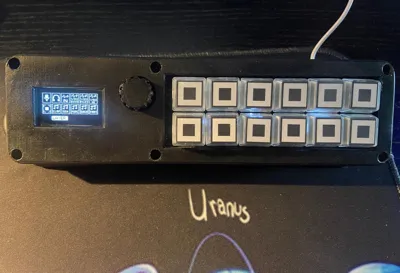
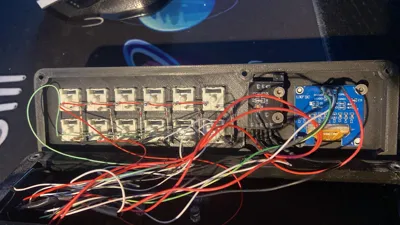
- Enlarged OLED Display: Compared to the original design, I integrated a larger screen on the left for perfect visibility of each key's function.
- Advanced Graphic Code: I rewrote the code to transition from a textual interface to a more graphic and intuitive one, making everything more appealing to the eye.
- Arduino Core: Maximum flexibility for those who love to tinker, but ready to use with my pre-arranged code! 💻
🛠️ Modifications & Evolutions
!!!Important: Depending on your printer's bridging capabilities, supports may need to be enabled!!!
I took the original model from walterdavis and transformed it:
- Optimized Layout: Components repositioned for better ergonomics.
- Upgraded Display: More space for your icons and info.
- "Grit" Design: A solid and professional aesthetic that looks good on any desk.
📦 What you'll find in the download:
- 3D Models (STL) optimized for printing.
- Arduino Code (Sketch) ready for upload or customization.
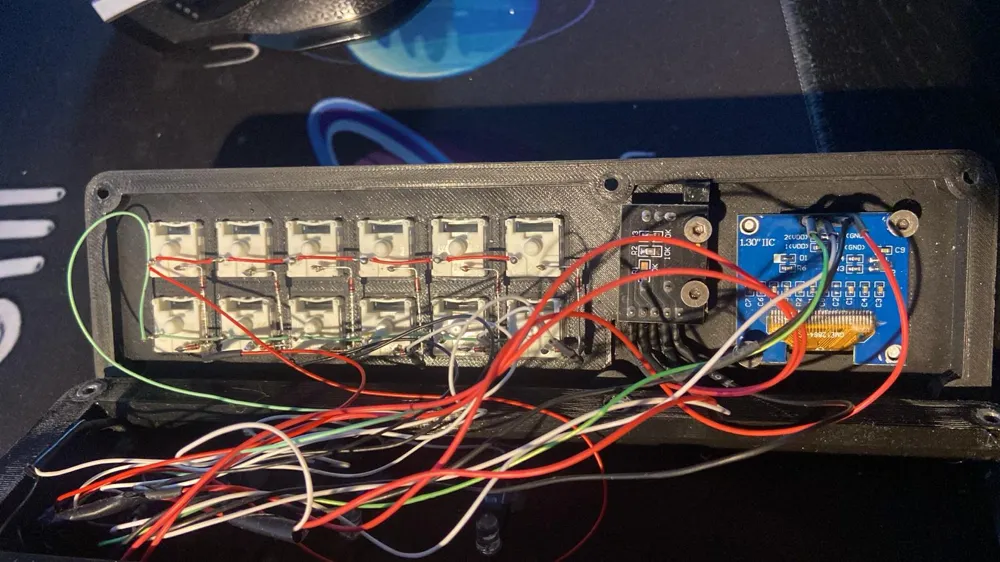
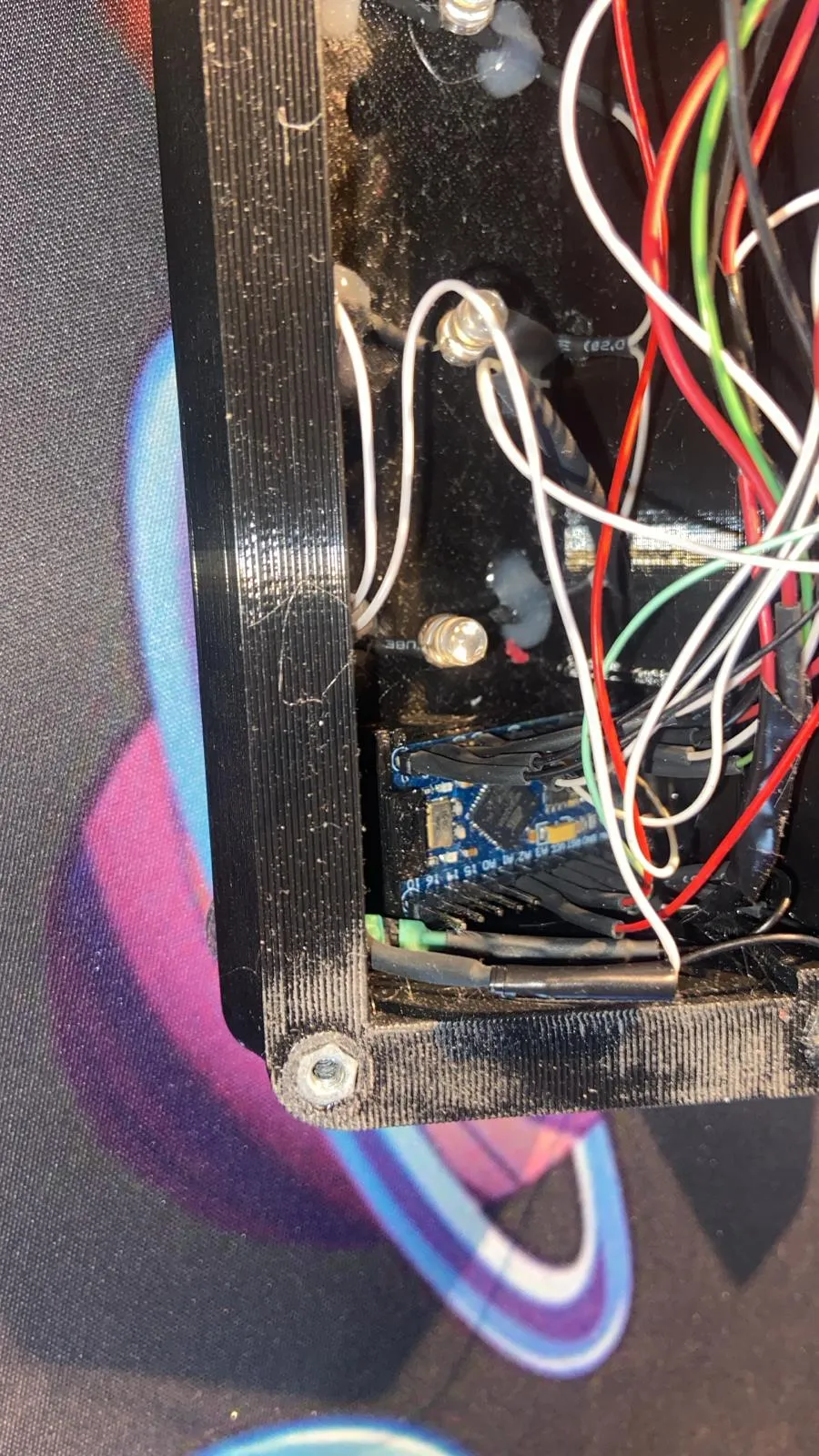
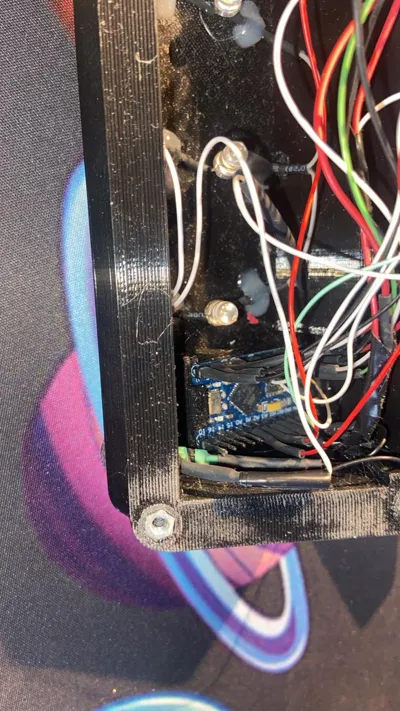
Original assembly guide from the first designer (included as a fundamental reference), to which some very simple modifications will be necessary to mount the enlarged display and the clickable wheel, which was very unstable in the original project. Furthermore, to avoid gluing the Arduino directly to the case, I created a small support on which the Arduino can be positioned, and then the entire assembly can be glued to the case, leaving the Arduino board free of glue
ORIGINAL GUIDE
https://codevember.org/projects/designing-and-building-a-macro-pad/
For the project, you will need:
- 12 Switches of your choice (I used Gateron Blue for audible feedback)
- 1 I2C 1.30 Inch display
- 1 Rotary Encoder KY-040
- 6 M3 screws to close the casing
- 6 heat-set inserts (inserts to be inserted hot into the casing for screw tightening
- Screws for tightening the display and encoder. (I drilled holes directly into the plastic of the components where I placed the electronic components, securing them with screws and washers, but you are free to use heat-set inserts here as well; for your information, the standard holes on THESE electronic components are for M3 threaded screws.
- Arduino Pro Micro
- 3 LEDs → In the original project, there was one LED for each switch, but I noticed that the current emitted by the Arduino was not sufficient for all the LEDs, resulting in very dim light. So, I used 3 LEDs positioned behind the switches, which provide sufficient light.
- Keycaps of your choice
- Arduino IDE for controller programming
⚠️ Note for Makers (Beta Status)
This is a semi-experimental model. Like any evolving DIY project, there might be small details to refine in printing or code. I am constantly improving it, and your feedback is invaluable to make this Macropad perfect! 🛠️🔨
If I forgot anything, please let me know in the comments, and I will try to fix it as soon as possible.
Download it now, customize it, and let me know what you think in the comments! If you like it, leave a like! ❤️
Documentation (1)
License

You shall not share, sub-license, sell, rent, host, transfer, or distribute in any way the digital or 3D printed versions of this object, nor any other derivative work of this object in its digital or physical format (including - but not limited to - remixes of this object, and hosting on other digital platforms). The objects may not be used without permission in any way whatsoever in which you charge money, or collect fees.


Comment & Rating (2)