
Thermoformed Light Saber | May The 4th Be With You
Print Profile(6)
Bill of Materials





Description
If you'd like to Support my Work or be the 1st to know about new releases, be sure to checkout my Patreon - It's completely FREE to get news about new releases!
https://www.patreon.com/c/3L3DDesigns
Boost Me (for free)
If you enjoyed this Lightsaber build, consider boosting it 🚀
It really helps push more creative thermoforming projects to the community—especially fun seasonal ones like this!
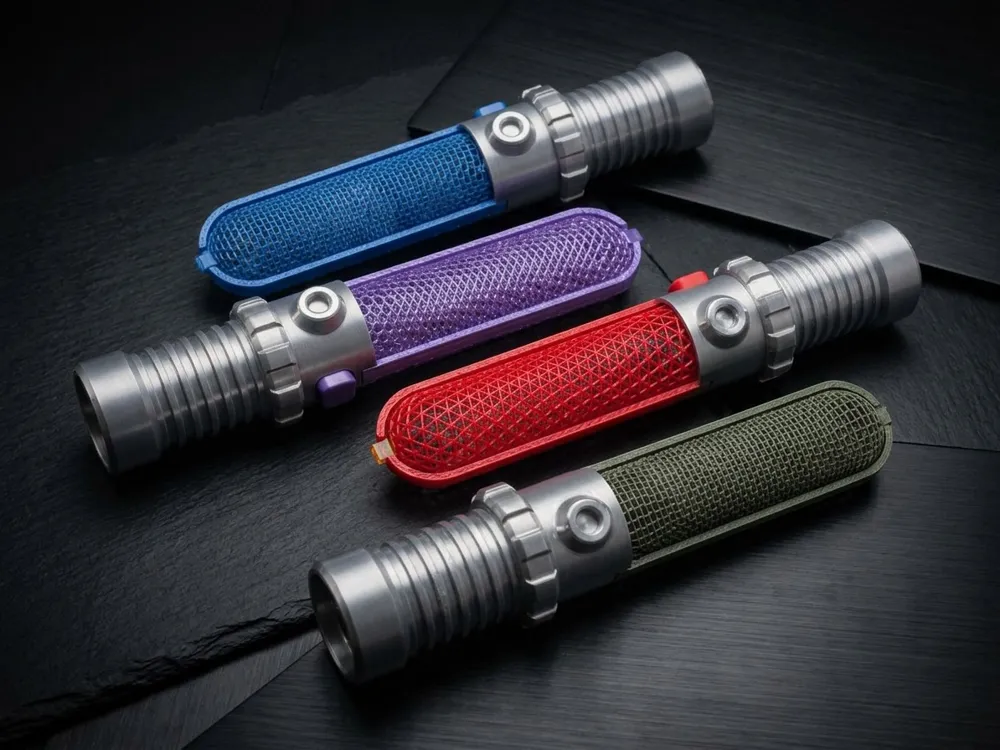
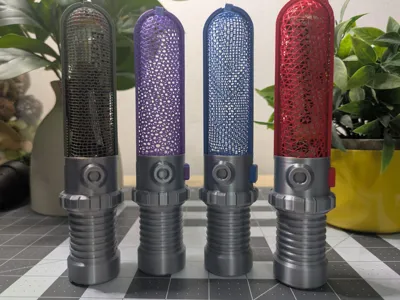
Celebrate May the 4th with a fun, functional, and highly customizable thermoforming project!
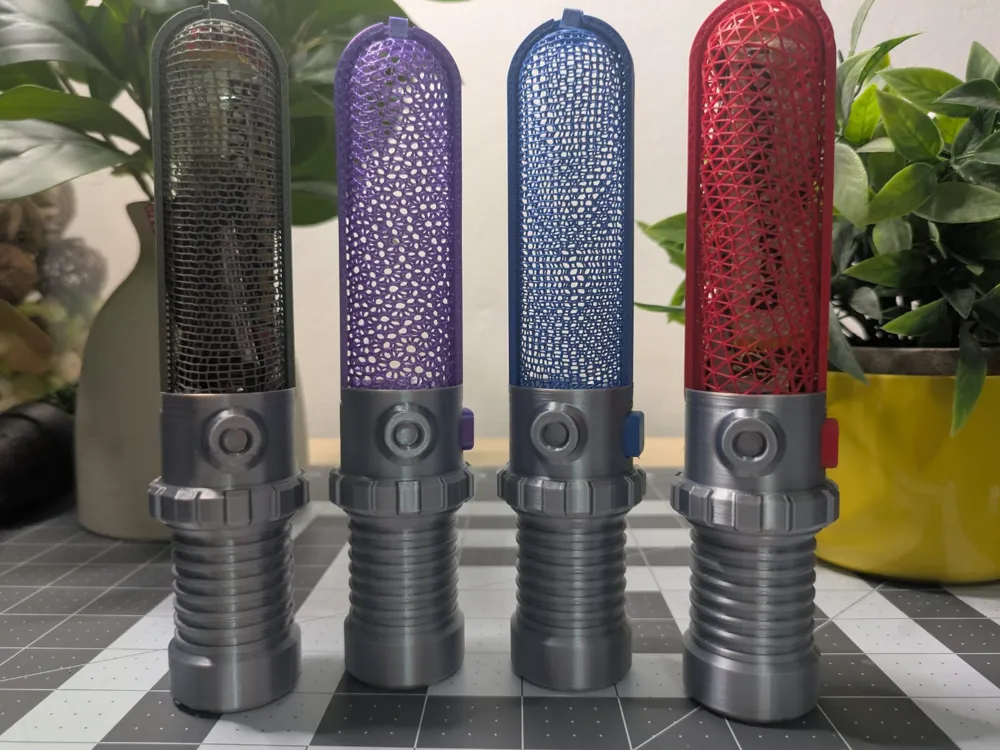
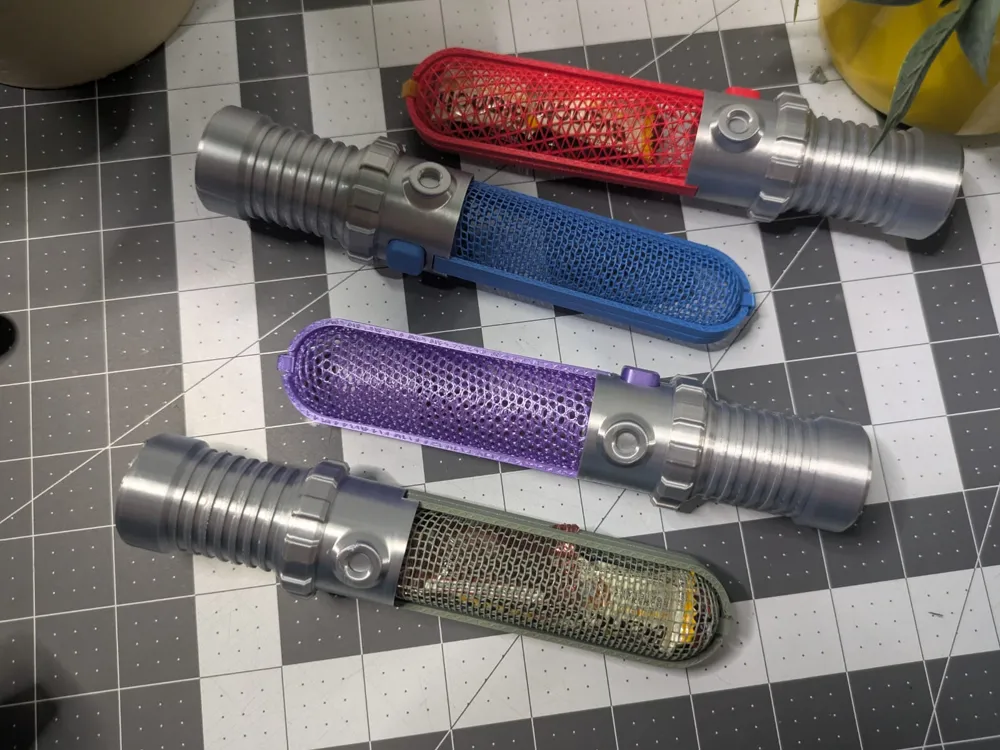
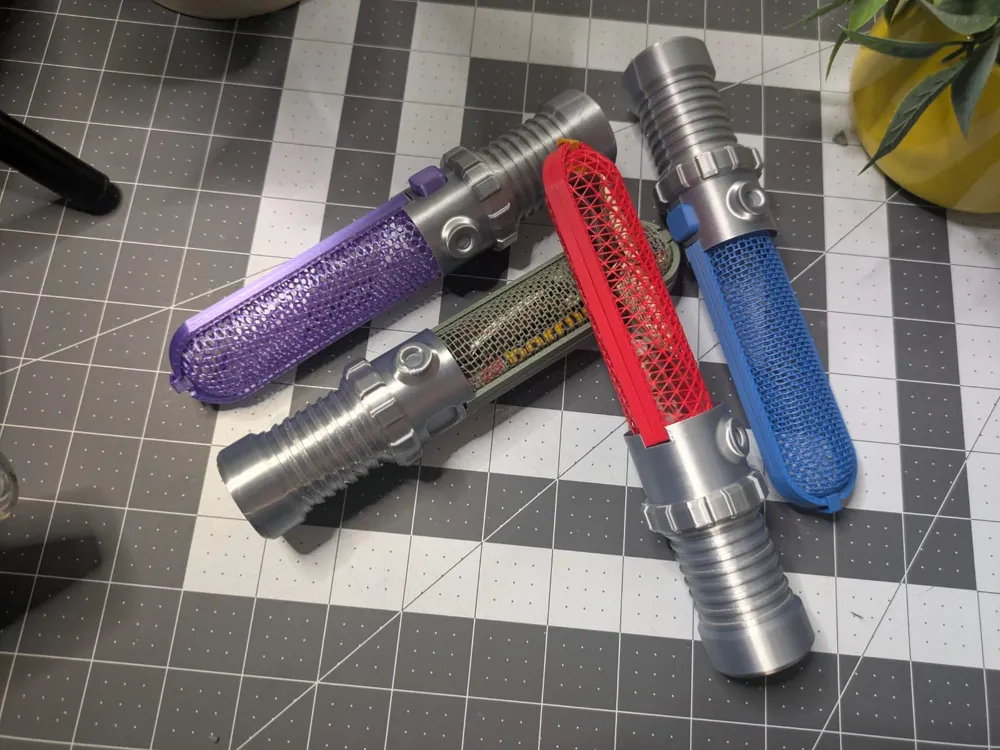
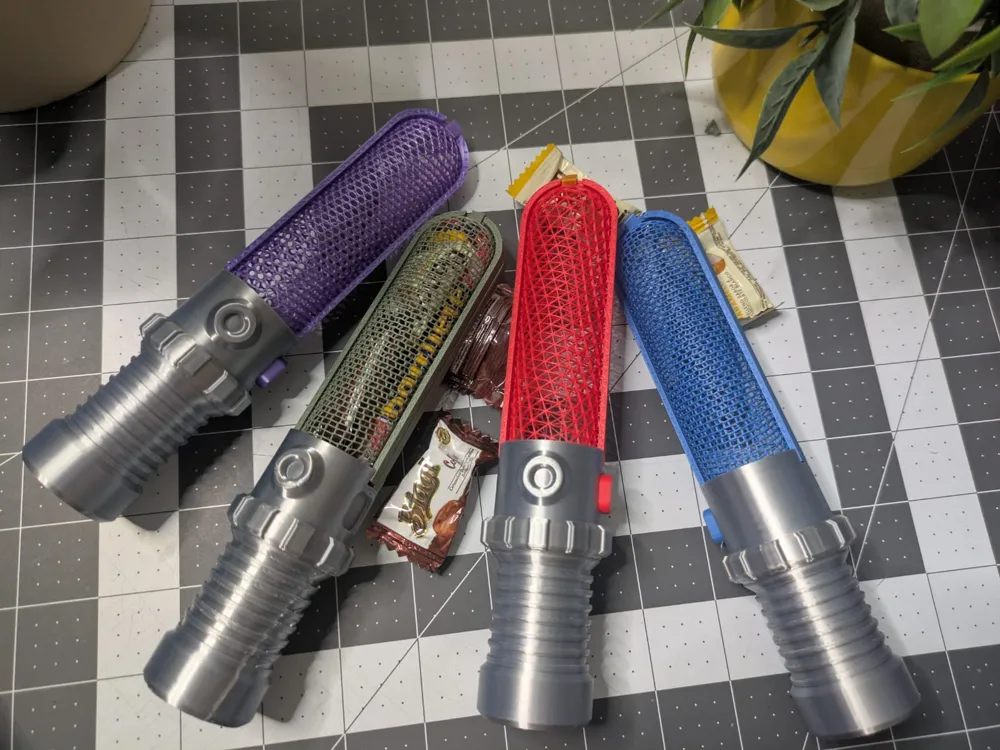
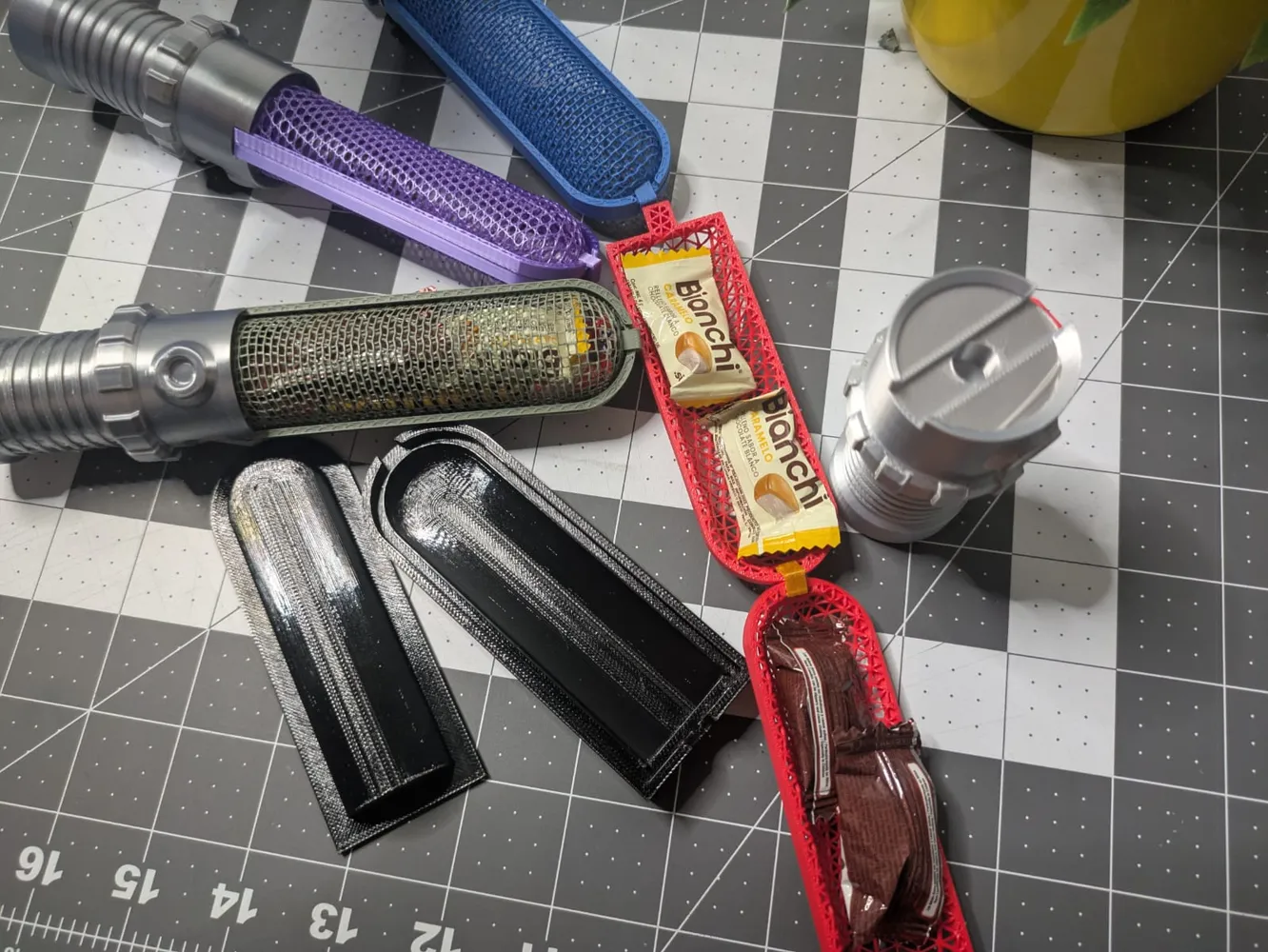
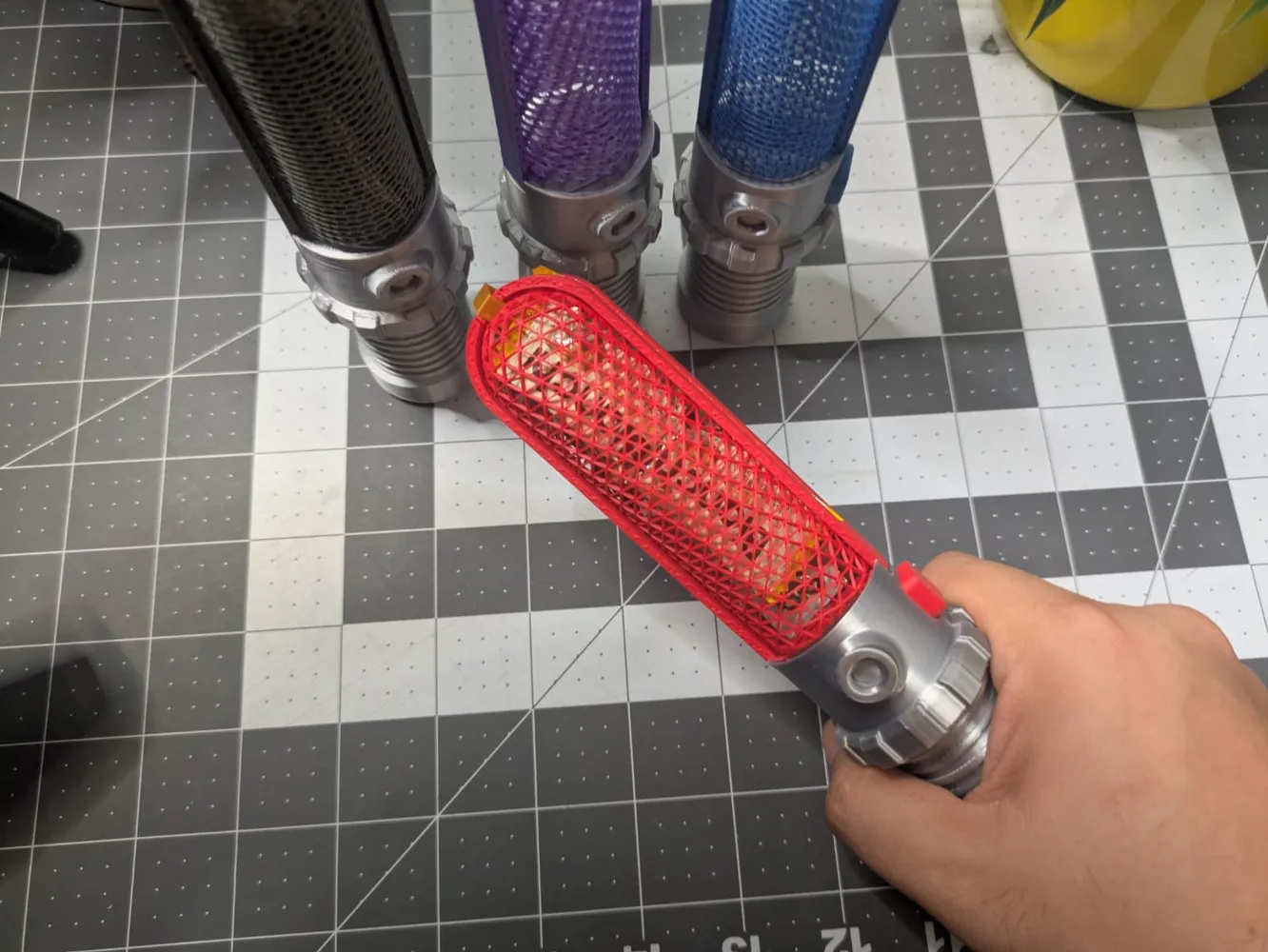
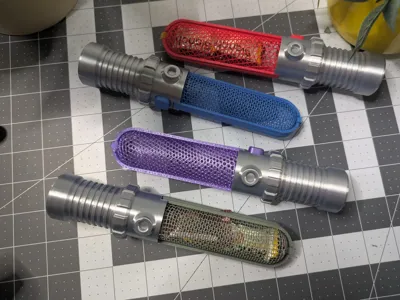
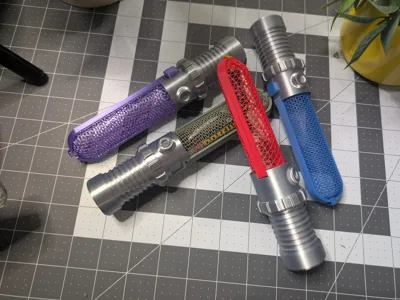
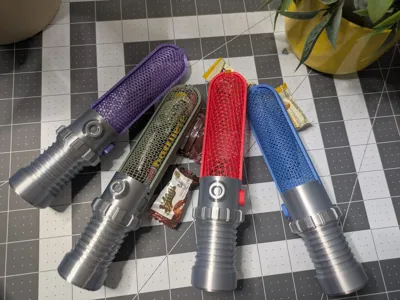
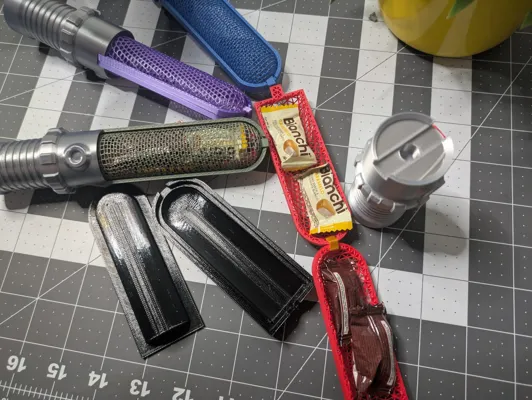
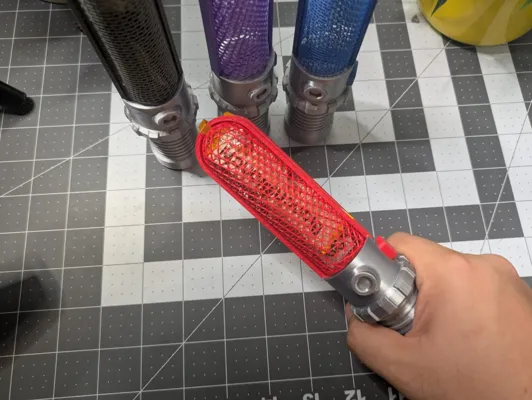
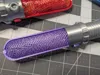
This Lightsaber-inspired container combines a detailed 3D printed handle with a thermoformed mesh capsule, perfect for holding candy, small gifts, or even LEDs for a glowing effect.
Designed with both aesthetics and practicality in mind:
- The handle prints cleanly with no supports
- The mesh insert is optimized for thermoforming
- The system uses a simple snap-fit / press-fit assembly
Perfect for:
- 🎁 Party favors
- 🍬 Candy holders
- 💡 LED light props
- 🧪 Learning thermoforming
⚙️ Features
- Modular design (handle + insert)
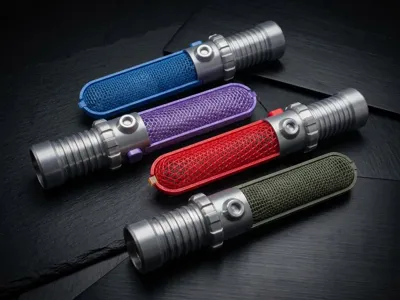
- Multiple color variations (mix & match!)
- Lightweight but sturdy
- Optimized for fast prints
- Beginner-friendly thermoforming geometry
🧰 Print Settings
Handle (Main Body):
- Layer height: 0.2mm
- Infill: 5%
- Supports: ❌ Not needed
- Material: PLA / PETG
Insert (Thermoform Mold):
- Infill: 30%-40%
- Material: PLA (recommended for shaping)
🔥 Thermoforming Guide (Simple Method)
- Print the insert mold
- Heat plastic sheet (PETG or PLA sheet)
- Press over the mold (manual or vacuum forming)
- Snap into handle
💡 Tip: Use thin PETG sheets (~0.5–1mm) for best results
🎨 Customization Ideas
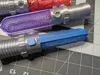
- Transparent colored blades (like your red/blue/purple variants)
- Add LEDs inside for glow effect
- Scale length for mini or “double saber”
- Swap mesh density for different looks
IMPORTANT
If you are using a slicer other than Bambu Studio, you need to configure the thermoform pieces (The ones called Form/Form(1)) correctly. In the Strength settings, adjust these:
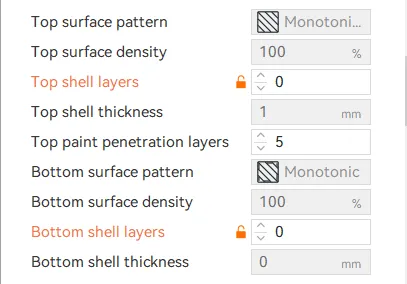
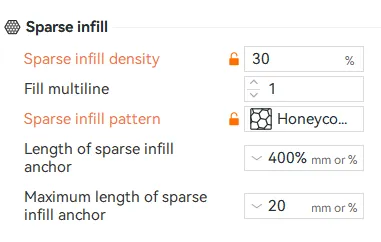
The Infills in my profiles are as follows:
- Gyroid 30%
- Honeycomb 30%
- Triangles 40%
License

You shall not share, sub-license, sell, rent, host, transfer, or distribute in any way the digital or 3D printed versions of this object, nor any other derivative work of this object in its digital or physical format (including - but not limited to - remixes of this object, and hosting on other digital platforms). The objects may not be used without permission in any way whatsoever in which you charge money, or collect fees.


Comment & Rating (7)