
3D Printable Vacuum Former|2 Versions +STEP files

Print Profile(9)
Bill of Materials




Description

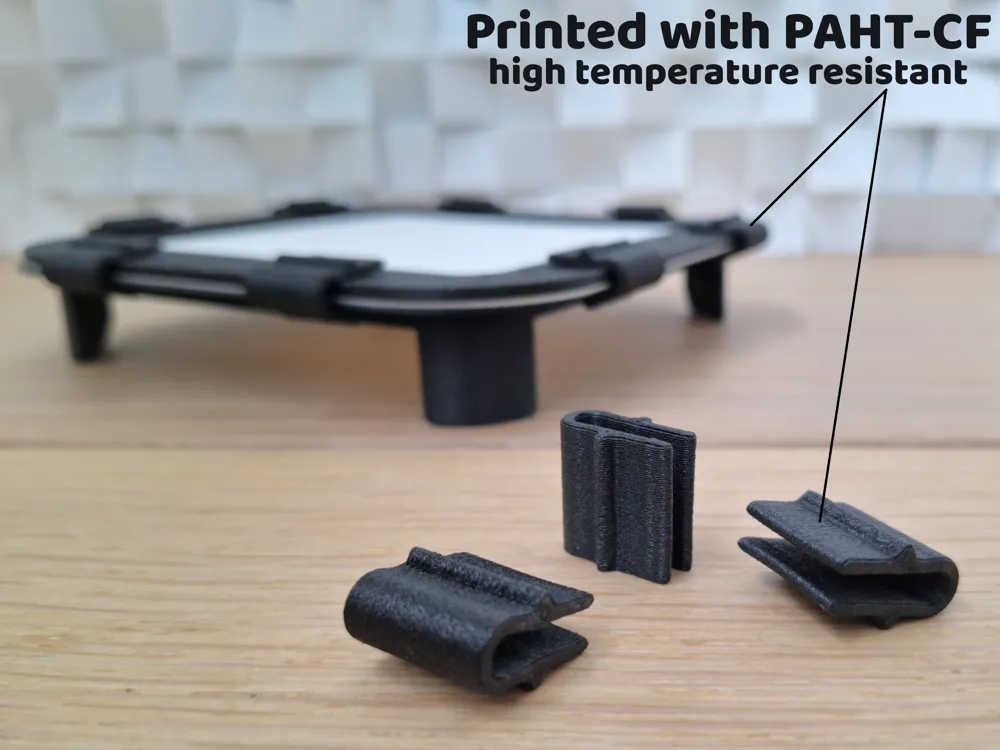
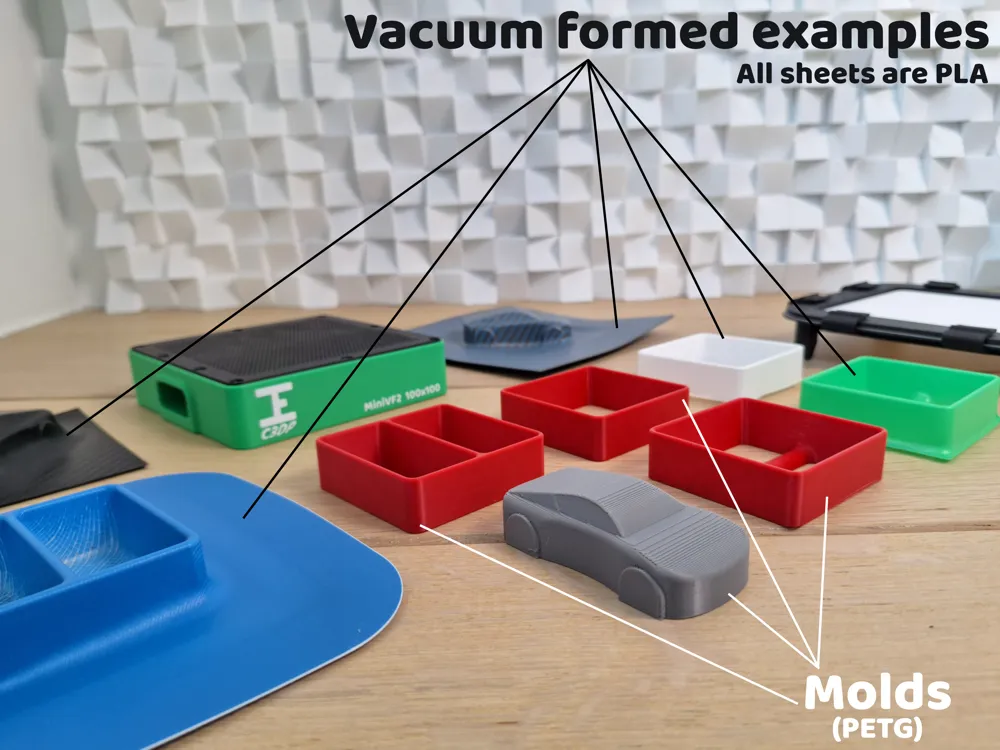
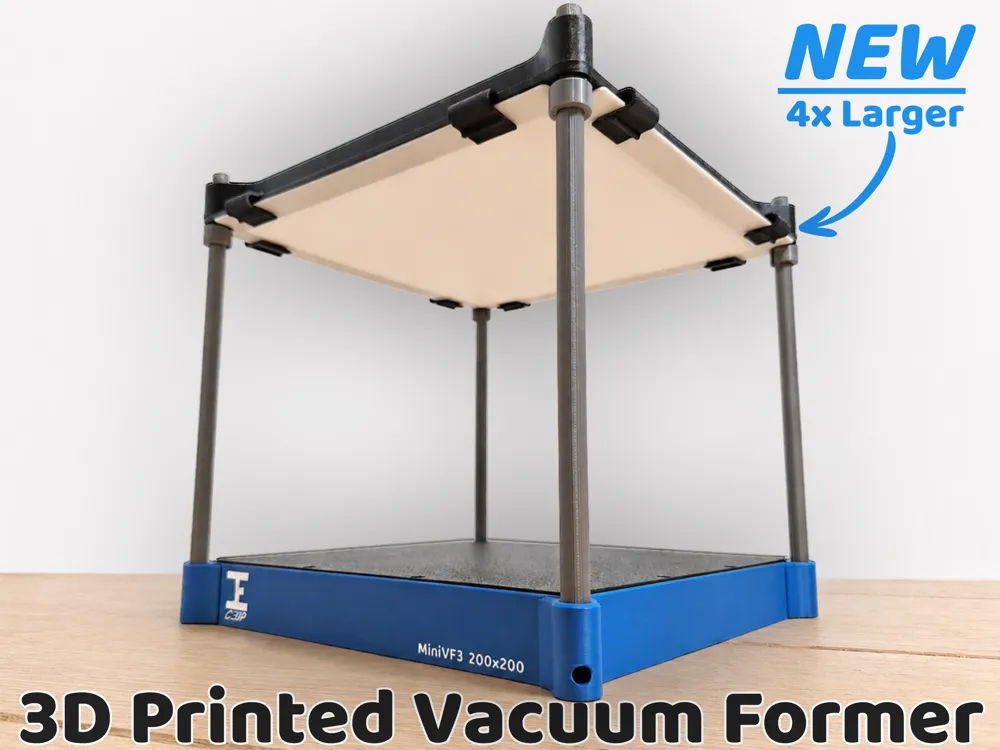
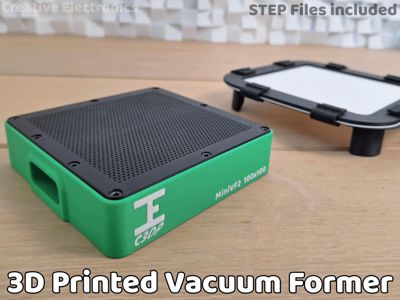
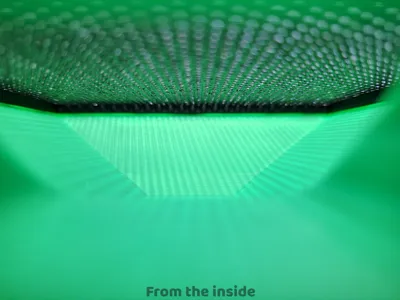
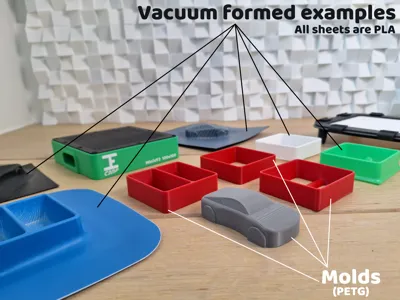
This compact vacuum former is designed to be fully 3D printable and easy to assemble. It works with a standard household vacuum cleaner and is perfect for forming small plastic parts using PS, PETG or even 3D printed PLA sheets.
The design has been tested successfully and optimized for reliable results.
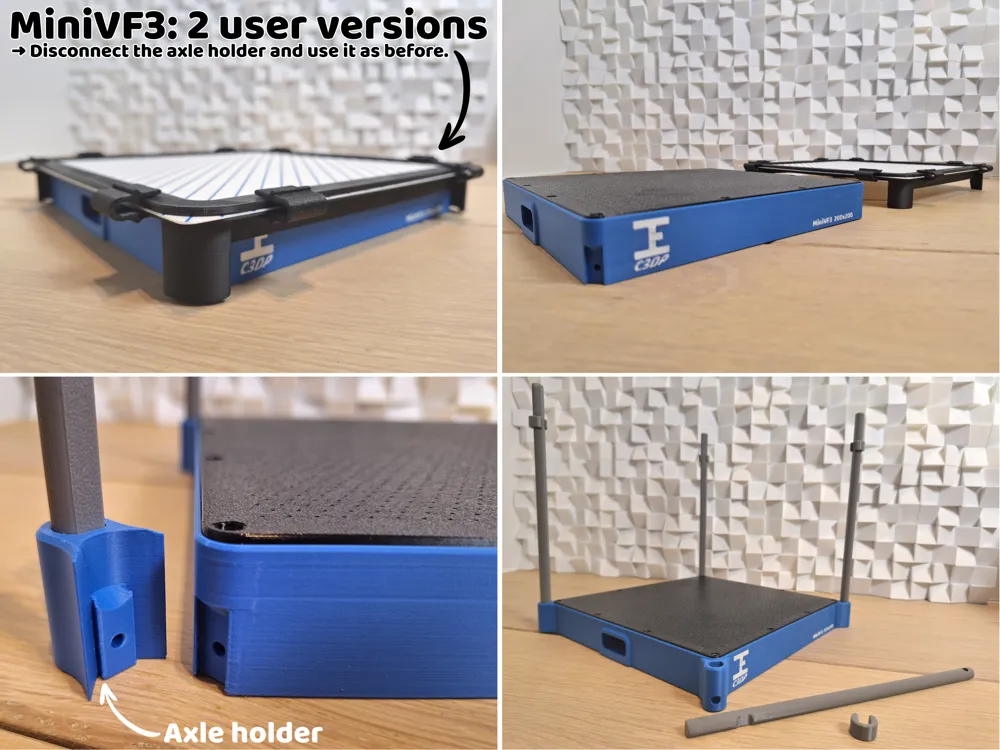
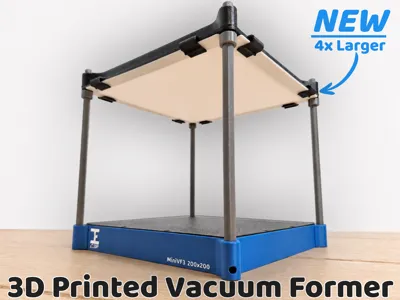
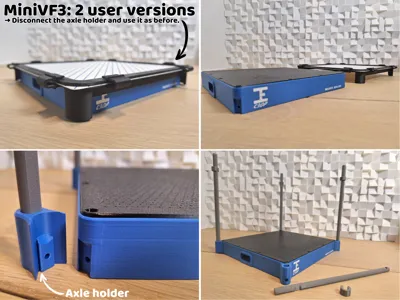
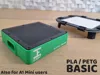
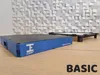
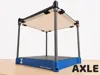
NEW: In addition to the MiniVF2 100x100 version, there is now also a MiniVF3 200x200 version that you can use in two different ways: BASIC like the MiniVF2, and AXLE so you can heat at a height, remove clamps, and go straight down to use the vacuum!
Necessary materials:
- MiniVF2: 9× DIN912 M3x08 (AA037 at Maker's Supply)
- MiniVF3: 20x DIN912 M3x08 (AA037 at Maker's Supply)
- An additional 4x DIN912 M3x08 (AA037 at Maker's Supply) are needed when using TPU feet (→ STL files)
- Vacuum cleaner (I use Miele Blizzard CX1)
Heatgun / hairdryer to preheat the sheets (I use VONROC HA501AC)
Vacuum cleaner attachment:
→ Design one yourself with the included STEP files
→ Generate your own: https://makerworld.com/nl/models/1202311-the-ultimate-vacuum-nozzle-generator-samples#profileId-1215500
→ In the generator: ‘connector settings’ is for your own vacuum cleaner.
→ At ‘Nozzle settings’, you can use these dimensions to fit perfectly in my vacuum former:
→ nozzleWallTickness: 1.0
→ narrowLength: 30 (or longer)
→ topWidth: 34
→ topDepth: 14
→ edgeRadius: 4.0→ Disable: ‘enableAngledTop’
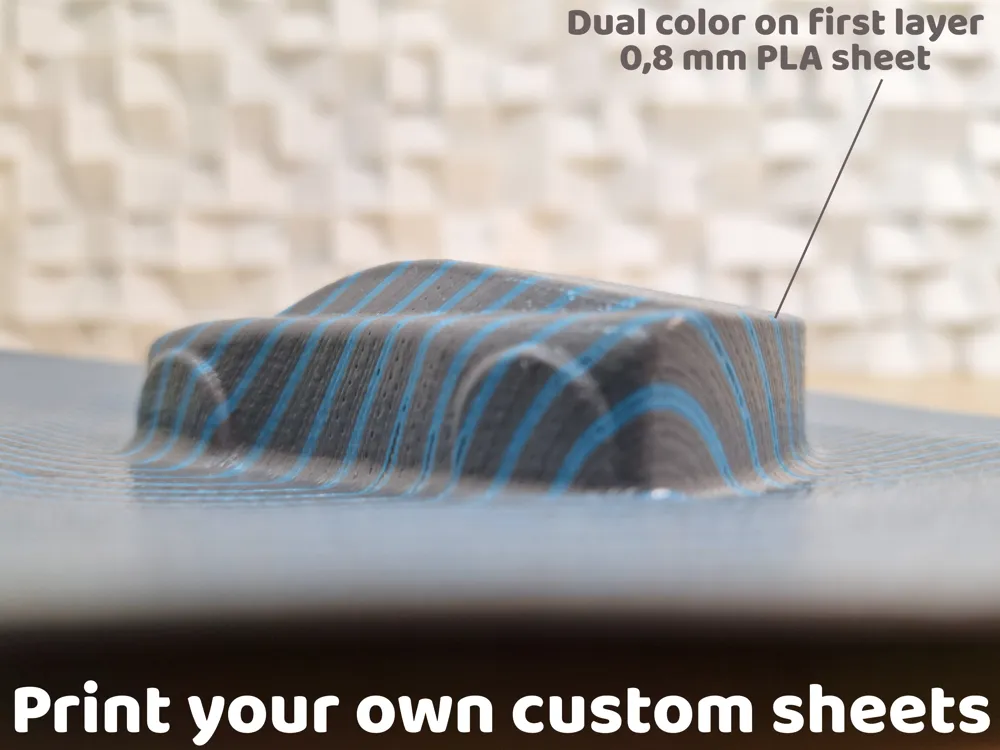
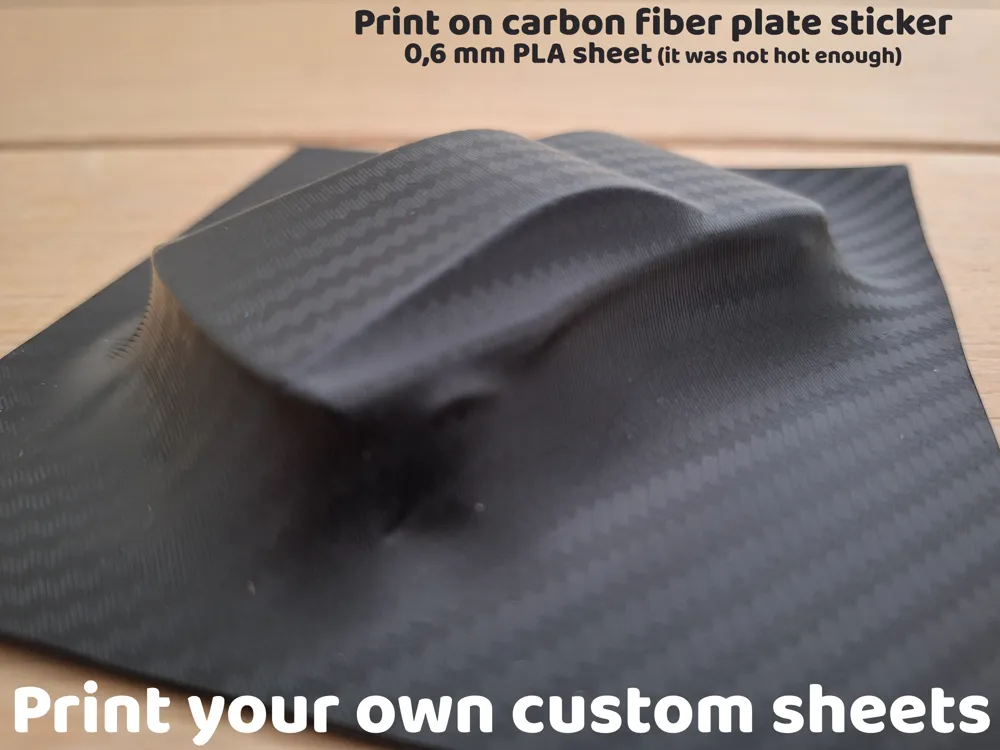
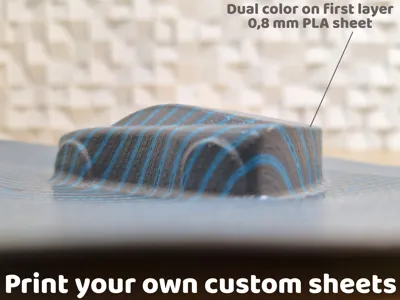
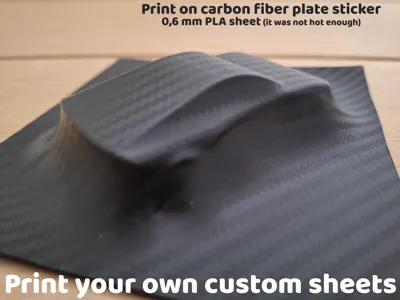
If you don’t have access to plastic sheets, you can simply print your own using your 3D printer.
This opens up a lot of creative possibilities:
Surface Finishes:
By printing sheets on different build plates, you can achieve different surface textures:
- Smooth (glass or smooth PEI)
- Textured (textured PEI plates)
- Carbon fiber-style patterns (using a sticker on a plate)
- Matte or satin finishes
Colors & Patterns:
You can also experiment with:
- Different filament colors
- Multi-color prints
- Layer-based patterns or gradients
Useful info I got from testing:
- When printing your own molds:
→ Make sure to always print them in PETG when your sheets are printed in PLA (or vice versa)
→ PETG does not stick to PLA
Time to preheat the sheet with a heatgun (based on my own experience with my heatgun):
- PLA/PETG sheet of 0,6 mm thick: 30 seconds
- PLA sheet of 0,8 mm thick: 50 seconds
- PS (Polystyrene) sheet of 1 mm thick: 60 seconds- Distance of the heatgun to the sheet (based on my own experience with my heatgun):
- 30 to 100 mm
- Removing the mold after vacuum forming:
→ Place the formed sheet with the mold in the fridge for 5 minutes. After which you can easily take the mold out.
Updates (dd/mm/yyyy):
- 06/05/2026: Comment if I should design a larger version, like one for sheets as big as the buildplate for example. If there is enough interest, I will make it happen :)
- 10/05/2026: I've added the build instruction video + 4 new sheets added to printprofile ‘Test sheets v2’
- 11/05/2026: I've added dimensions (at Necessary materials) for people who want to use the community generator for making a custom attachment for their vacuum cleaner which fits perfectly into the vacuum former.
- 16/05/2026:
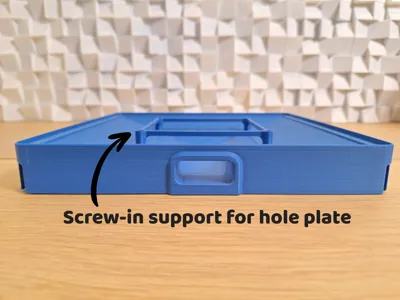
- New hole plate is coming for both MiniVF2 and MiniVF3 so less printtime and as strong as before!
17/05/2026: I uploaded a larger vacuum former (MiniVF3)
As the MiniVF3 is quite large for the build plate of a X1/P1-series printer, you may need to disable the filament cutter to print some of the parts!
https://wiki.bambulab.com/en/knowledge-sharing/print-volume-limitations24/05/2026:
- I uploaded the instructional video of the MiniVF3
- I added new molds for MiniVF3
- NEW Hole plates with infill pattern instead of hole patterns, faster printing! Profile is called: ‘Infill_Hole-plates_MiniVF2+VF3’
14/06/2026: I released more variants, mostly larger for people with large format 3D printers:
I attached exploded view drawings and here is a dedicated build instruction video of the MiniVF2 (second video about MiniVF3):
I also made a project video about my exploration with vacuum forming:
Boost Me (for free)
Boost me if you want to support my work
Membership
Documentation (3)
License

You may create derivative works based on this object, provided that all such derivative works are published exclusively on the MakerWorld platform and include proper attribution to the original creator. You may not share, upload, host, distribute, or publish this object—or any derivative work of this object—on any other digital platform, marketplace, or distribution channel. Commercial use of this object and any derivative works is strictly prohibited. This includes, but is not limited to, selling, renting, sublicensing, or using the object in any context in which you receive monetary compensation or other financial benefits.


Comment & Rating (251)