
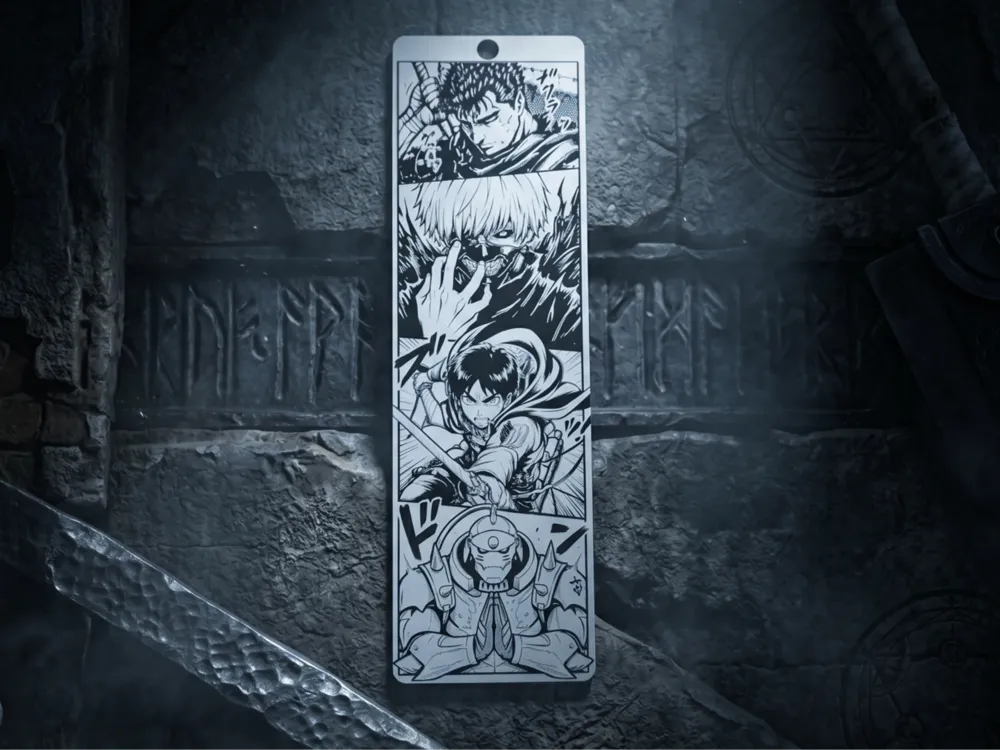
Legends Bookmark: Guts, Kaneki, Eren & Alphonse
Print Profile(1)
Bill of Materials
- s x 1:
Description
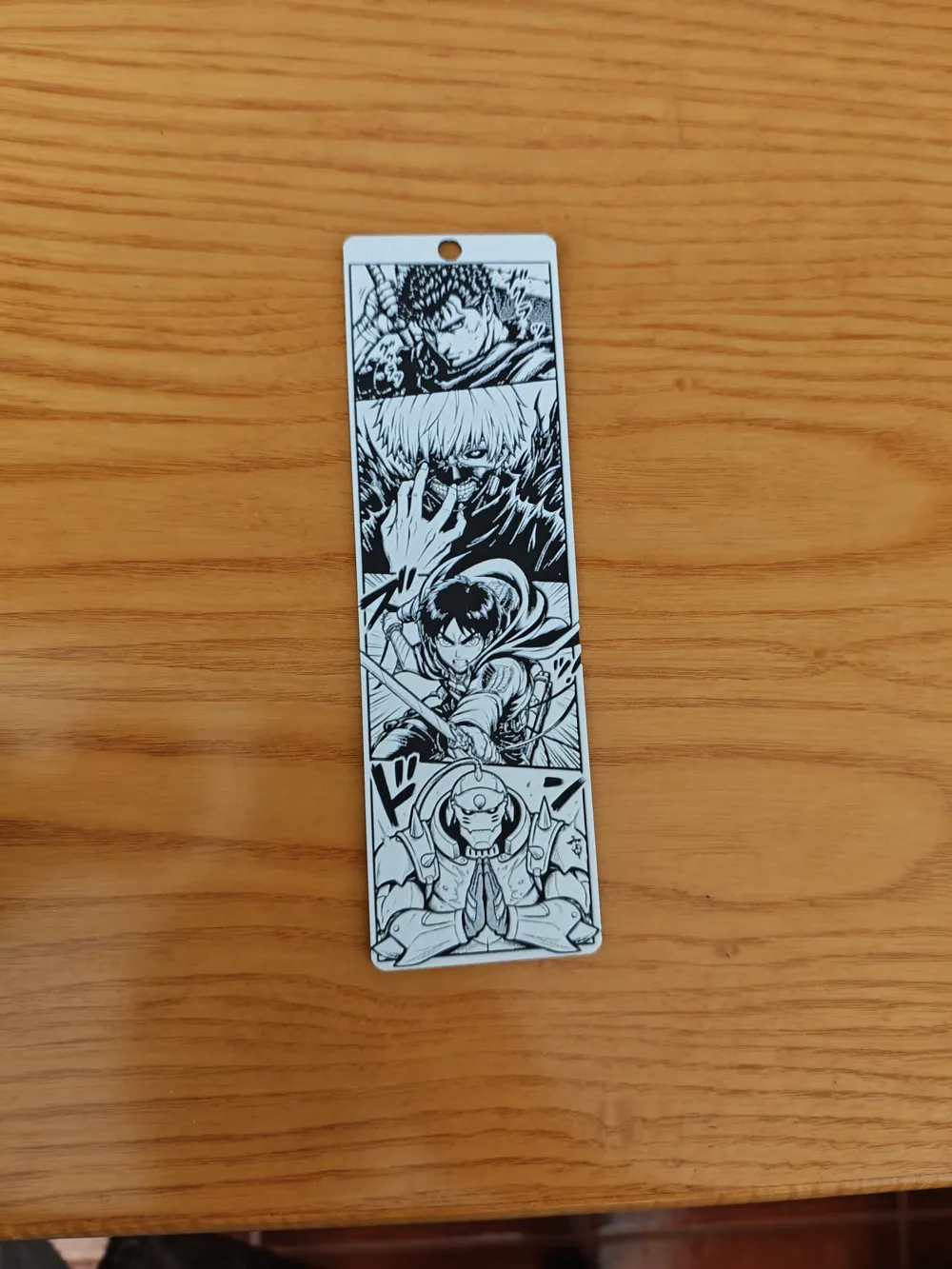
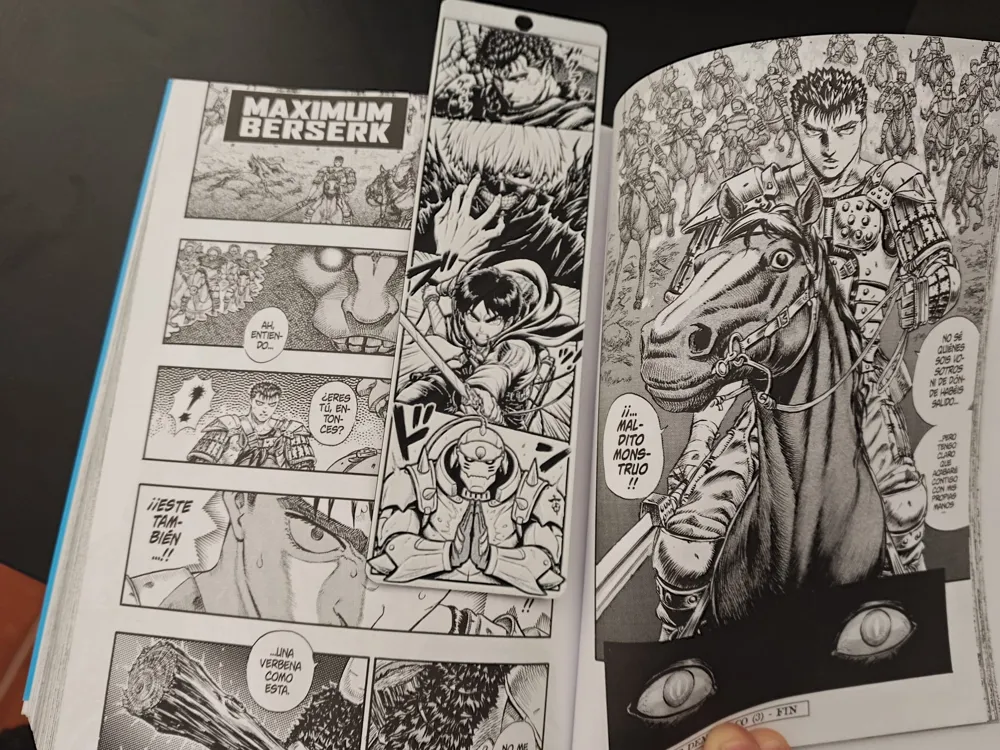
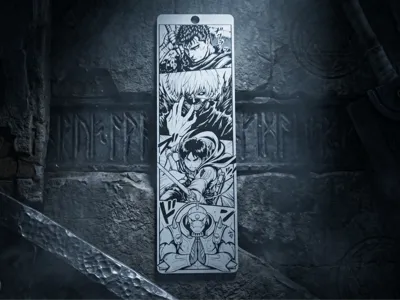
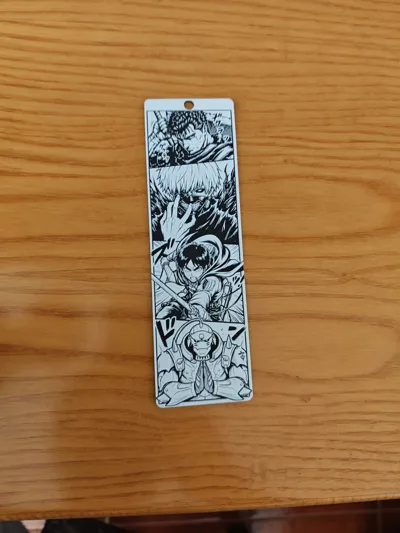
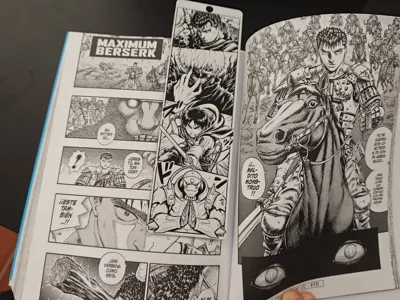
Read the greatest Seinen and dark Shonen with this high-detail, multi-color bookmark. Featuring Guts (Berserk), Ken Kaneki (Tokyo Ghoul), Eren Yeager (Attack on Titan), and Alphonse Elric (Fullmetal Alchemist).
This model was designed using MakerLab’s Chroma Canvas to achieve a stunning visual effect with minimal material waste. Unlike traditional multi-color prints, this one uses layer-based color swaps, meaning no AMS poop/waste!
Technical Specifications & Filament Swaps
To achieve the look shown in the photos, use Black, Grey, and White filaments. The color ranges are:
- 0.00 mm — 0.68 mm: Black
- 0.68 mm — 1.16 mm: Grey
- 1.16 mm — 2.04 mm: White
📏 Important: Scaling Instructions
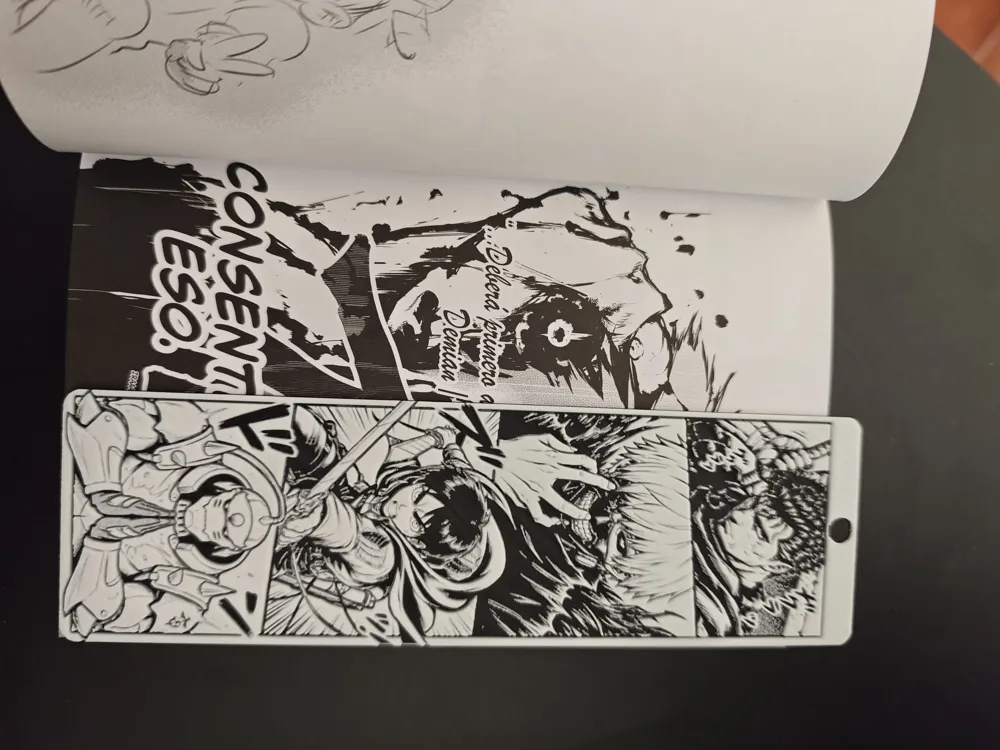
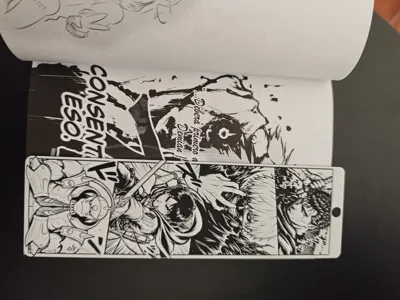
The original output from Chroma Canvas can be quite large. I have scaled mine to 182 mm in length, which is the perfect size for standard Manga volumes (Tankōbon/B6).
If you want to resize it, please follow these steps to avoid ruining the color layers:
- Select the model in your slicer.
- Uncheck "Uniform Scale" (the lock icon).
- Modify X and Y to your desired dimensions.
- DO NOT change the Z dimension. Keep it at the original height (2.04 mm) to ensure the filament swaps happen at the correct layers.
- Pro Tip: Change X or Y first, copy the new scale percentage (%), and paste it into the other axis (X or Y) to keep it proportional while leaving Z at 100%.
🖨️ Print Settings (As shown in photos)
For maximum detail in the characters' faces:
- Nozzle: 0.2 mm (Highly recommended for this level of detail).
- Layer Height: 0.06 mm (High Quality profile).
- Print Time: Approx. 6-8 hours (on Bambu Lab A1) for maximum precision.
- Note: You can use a 0.4 mm nozzle, but some fine details in the eyes and hair may be lost.
✨ Create Your Own!
If you love the style but want different characters, I encourage you to try my process:
- Generate a base image using AI, specifying the characters and the specific poses you want.
- Upload the image to MakerLab Chroma Canvas.
- Adjust the color thresholds and enjoy your custom creation!
License



Comment & Rating (0)