
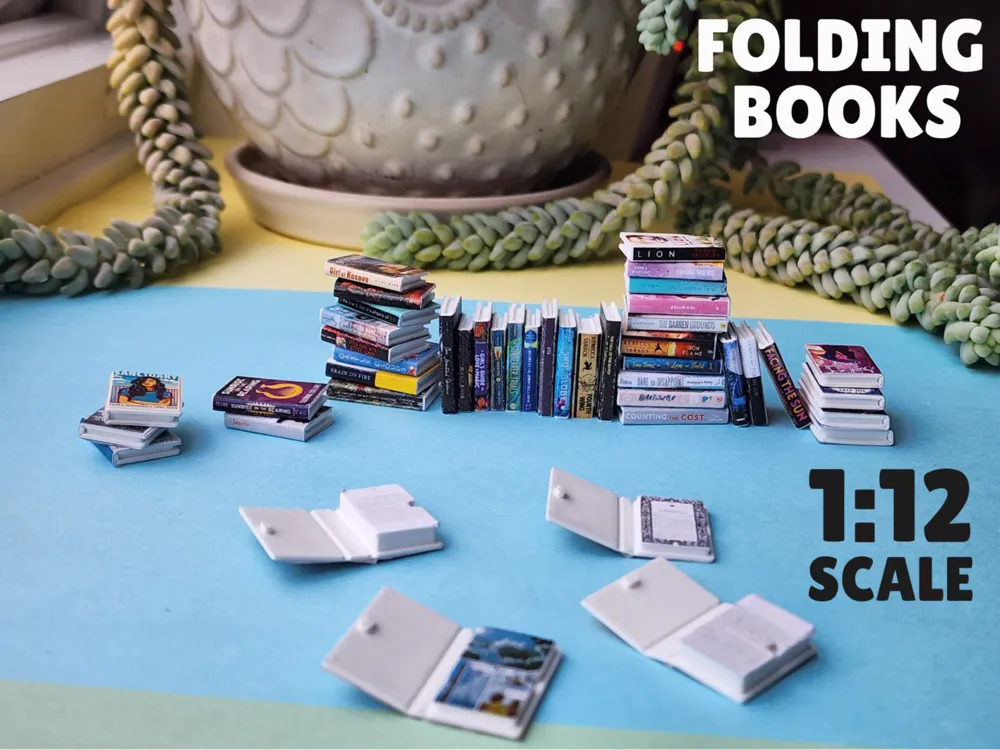
Mini Folding Books - 1:12 Scale
Print Profile(2)


Description
Boost Me (for free)
If you like these books, give them a boost! I appreciate the support so so much!
Check out my mini bookshelf with a sliding ladder to store your mini books!
I made these in response to a suggestion on my original miniature book models
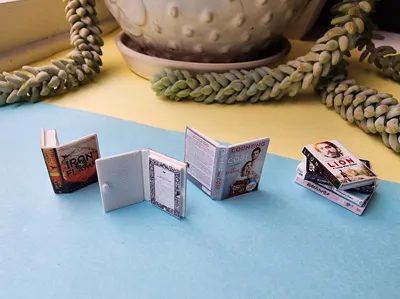
The originals are slightly larger (around 1:10 scale). These new book models have:
- Updated size to the ever-popular 1:12 scale
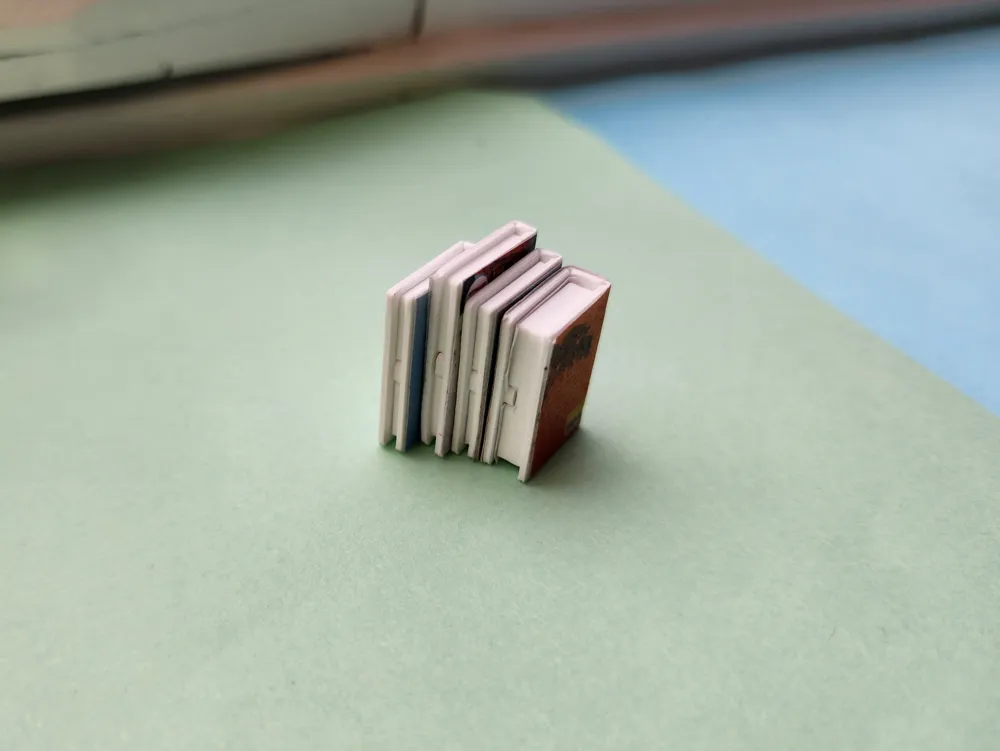
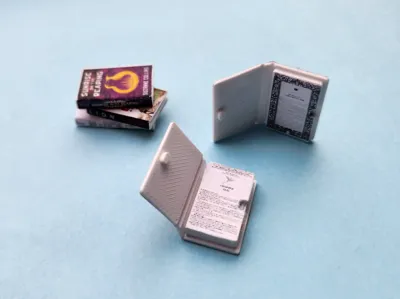
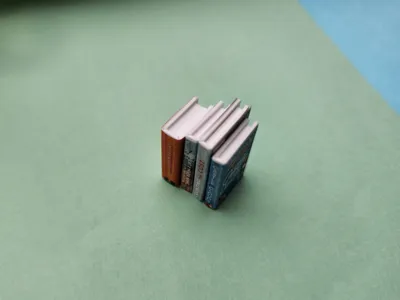
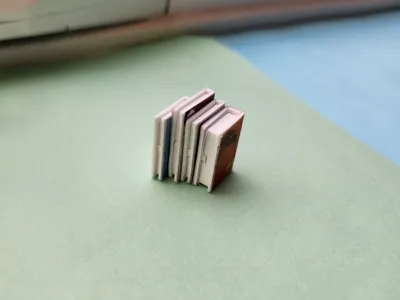
- An updated clasp (more durable, more grippy)
- Slightly more accurate aspect ratio for normal book sizes
- Same material thickness at fold for durability
Description:
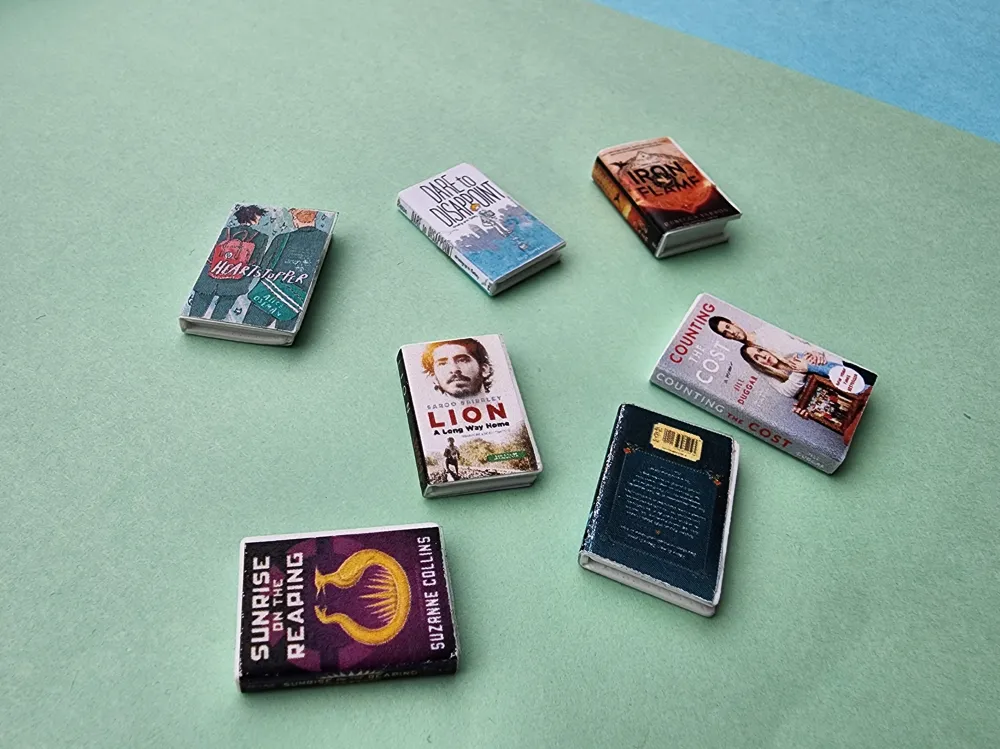
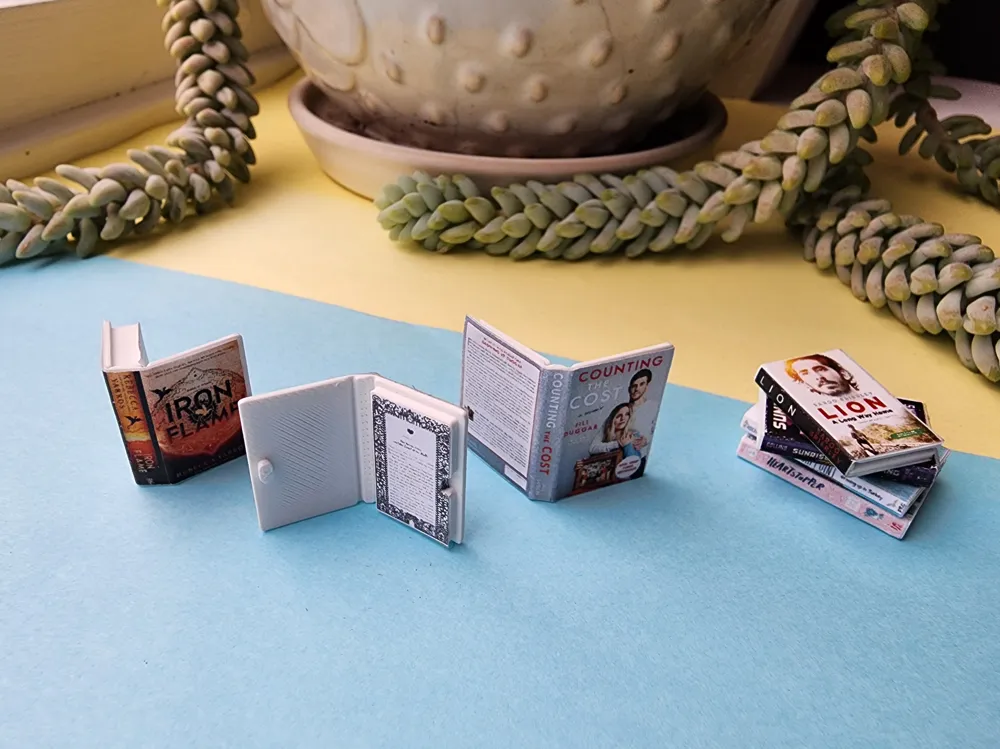
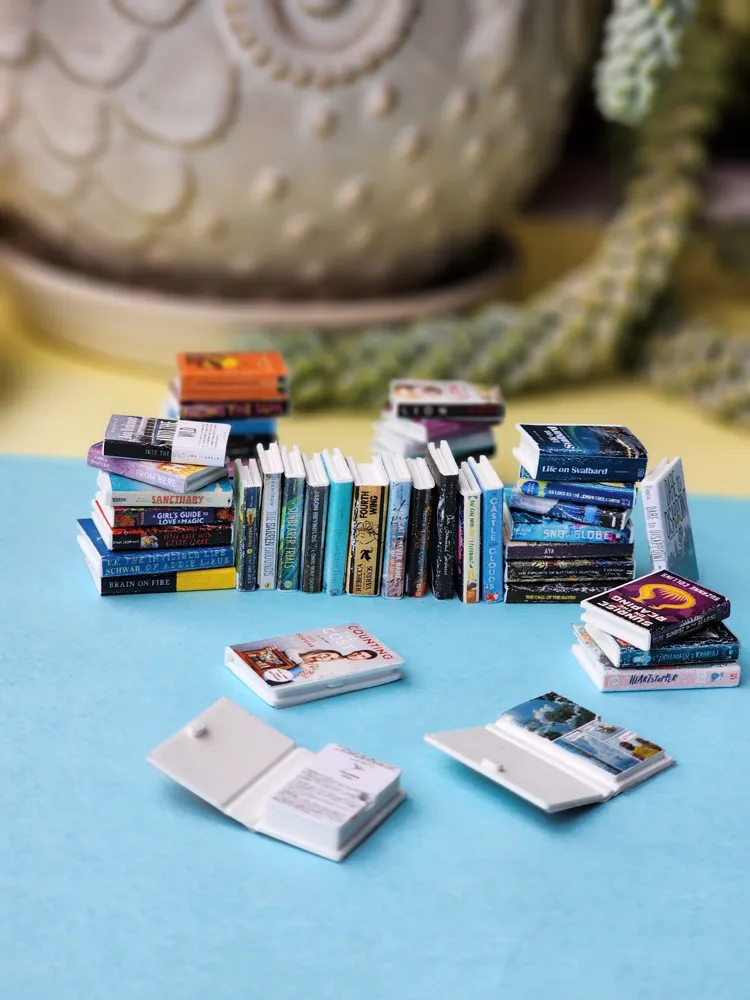
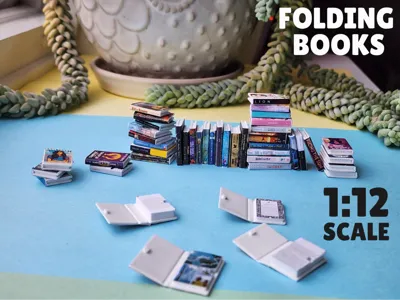
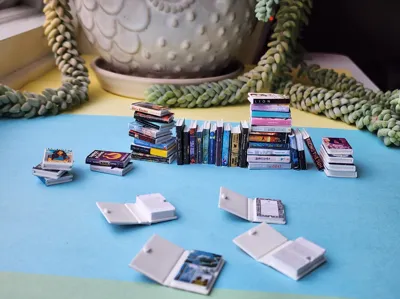
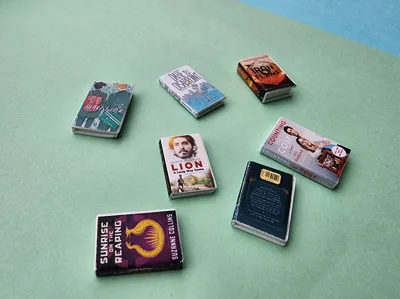
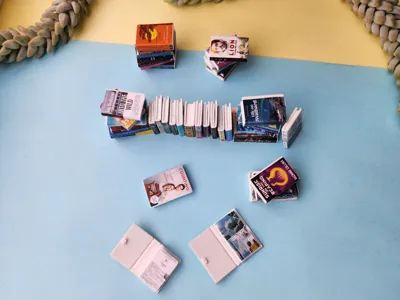
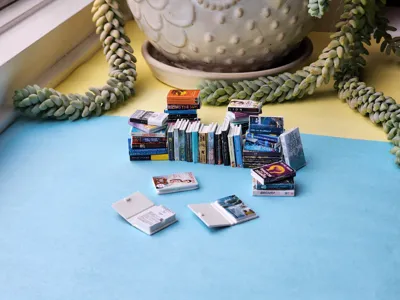
DISCLAIMER!: The colorful book covers shown in photos are not included in the print files, but I will share a link to them and a template below. They were created in Canva, printed, and pasted on with standard double-sided tape.
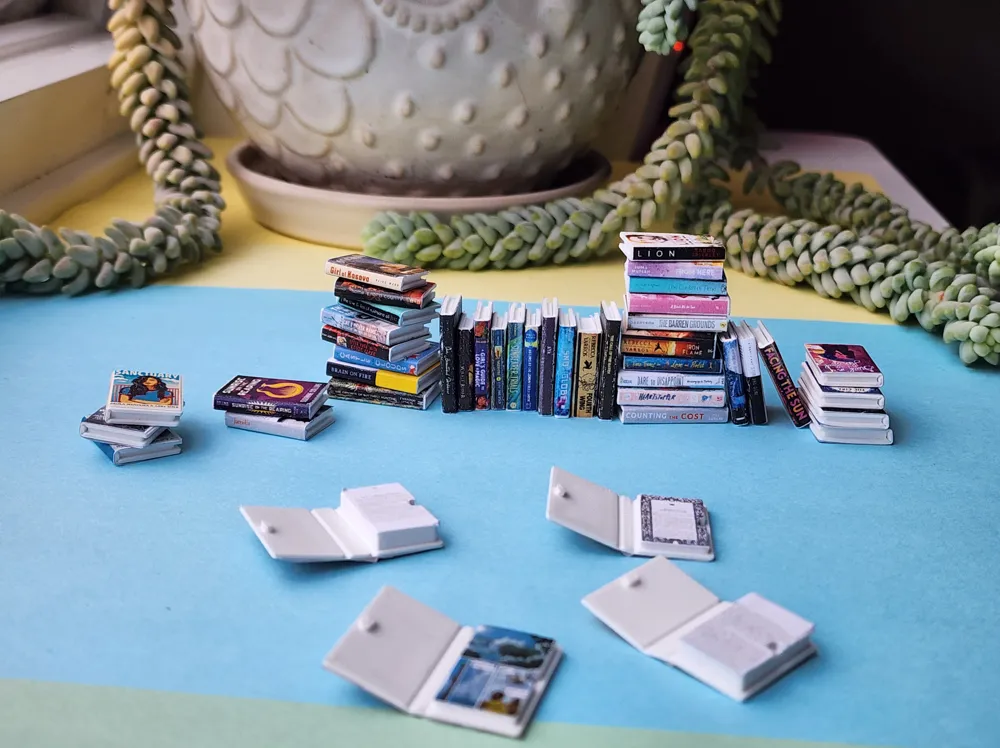
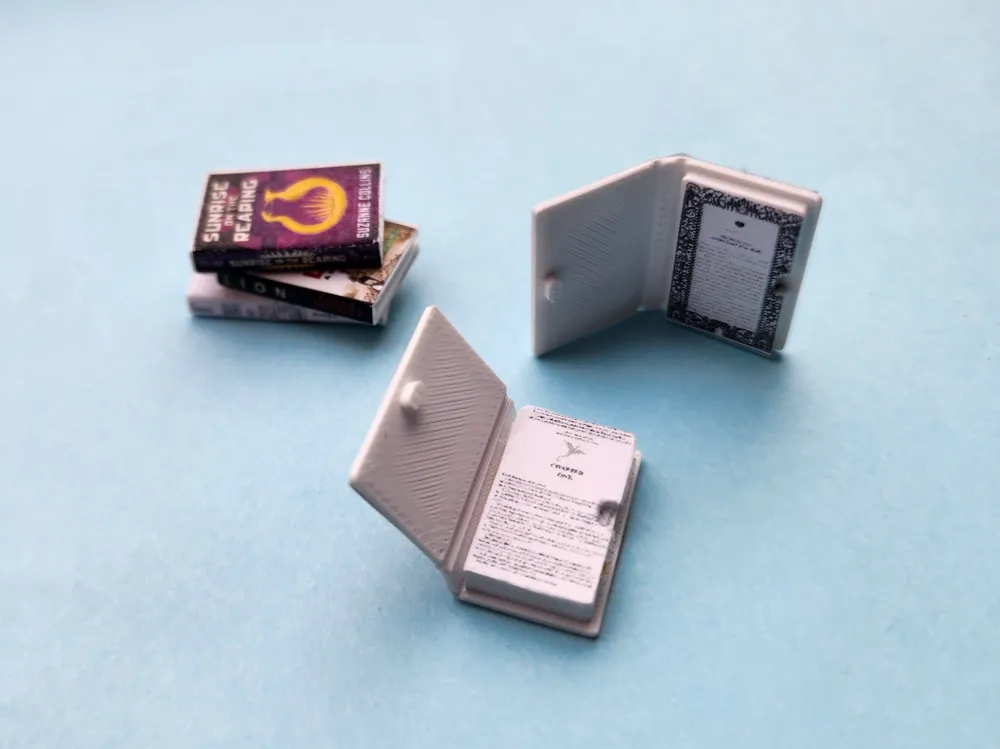
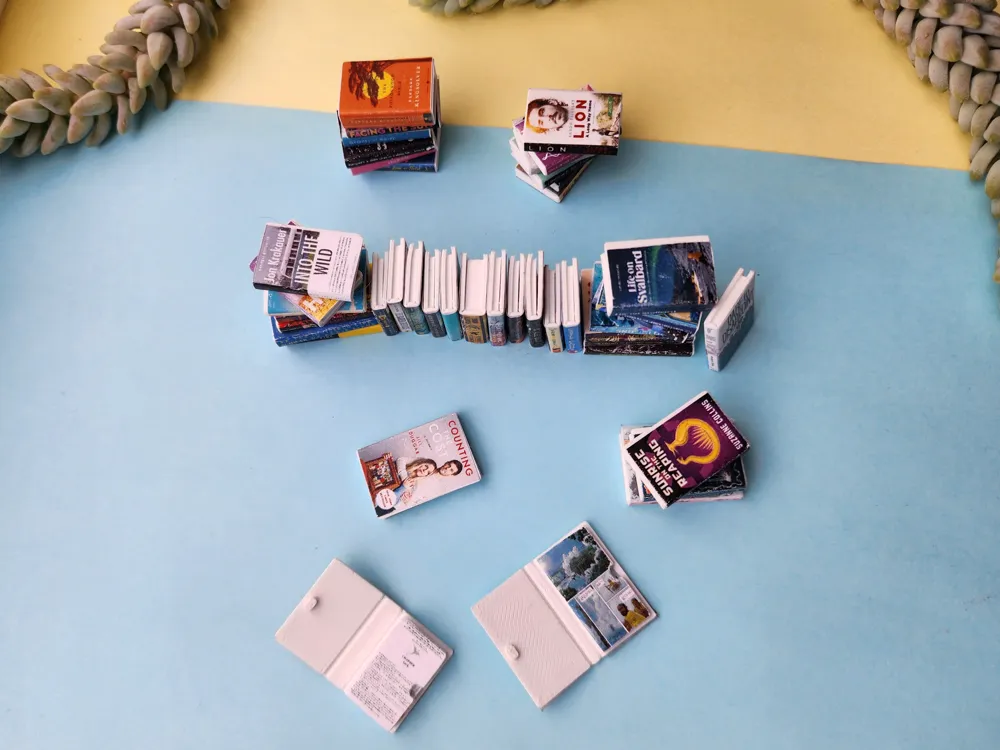
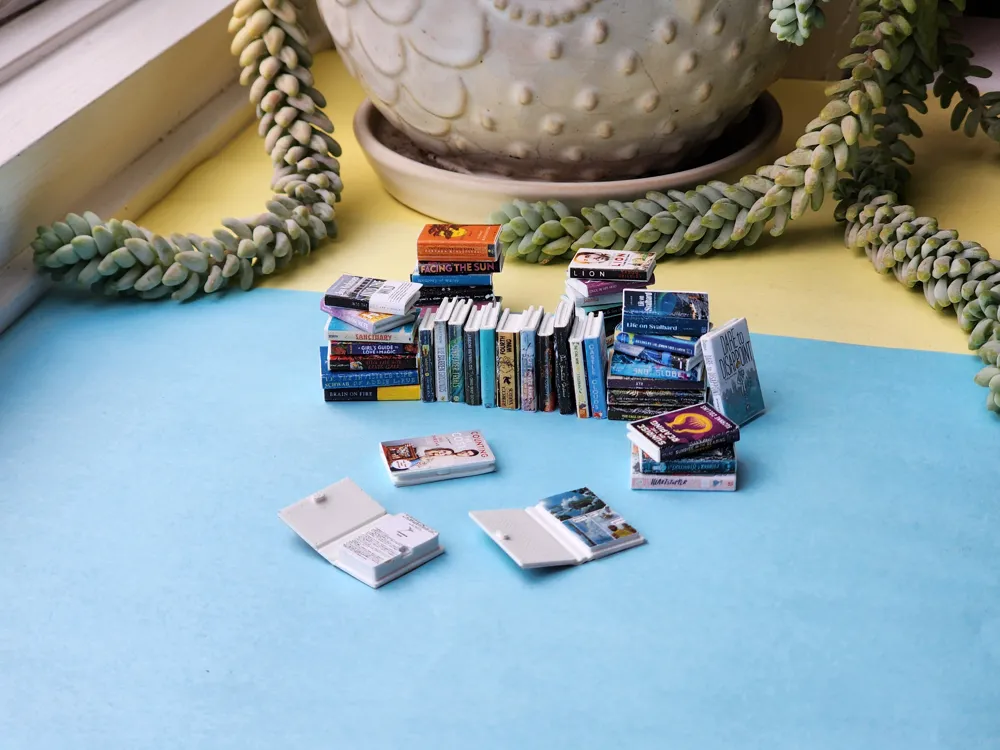
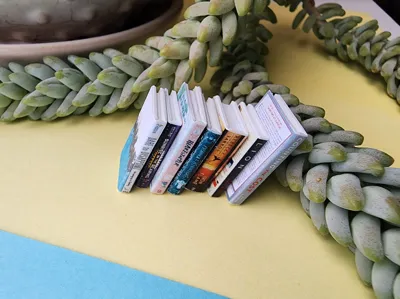
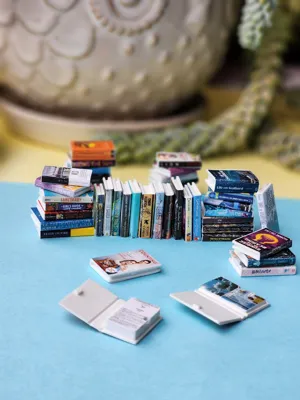
I made these mini books to help my wife create a collection of miniature books. While there are many existing book minis, she wanted a model that can open to the first page and also stay shut for display on miniature shelves, etc., as well as various sizes to give the impression of a real collection of books that a person might have. I did the 3D design and printing, while she made the covers and pasted them onto the books.
Covers
As stated before, the covers were made by my wife in Canva. She has generated a Canva project for me to share here with a template so that you can make your own covers as well as a bunch of the covers she has made that are ready to print and paste onto the books.
NOTE: MAKE SURE THAT YOU PRINT THE COVERS IN THE CANVA PROJECT AT 67% SCALE TO FIT THE 1:12 SCALE BOOKS
- Open the Canva Project (You shouldn't need to make an account)
- Either
- Choose from the provided covers
- Use the templates on the first page to make your own
- In this case, you will need to make a copy of the Canva project in order to edit (you may need to make an account for this, I'm not sure)
- My wife's process for making covers is basically:
- Copy the desired template size into a clear space on a page
- Look up or take photos of the book covers/spines/backs
- Insert the photos into Canva
- Scale/crop the photos into the spaces provided in the template
- Print the desired covers on a 2D printer
- REMEMBER TO PRINT AT 67% IF YOU WANT COVERS TO FIT THE 1:12 SCALE BOOKS
- Cut out the covers
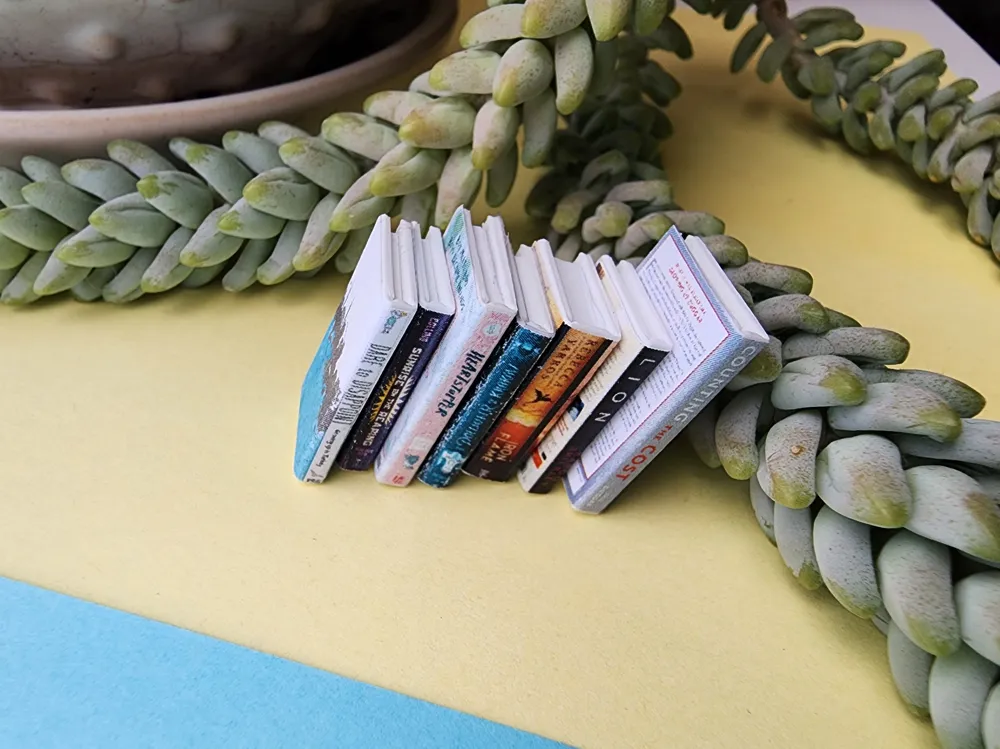
- Use double sided tape to attach the covers to the books (She uses two lengths of tape, one across the top and one across the bottom)
- Enjoy tiny cute books
Features:
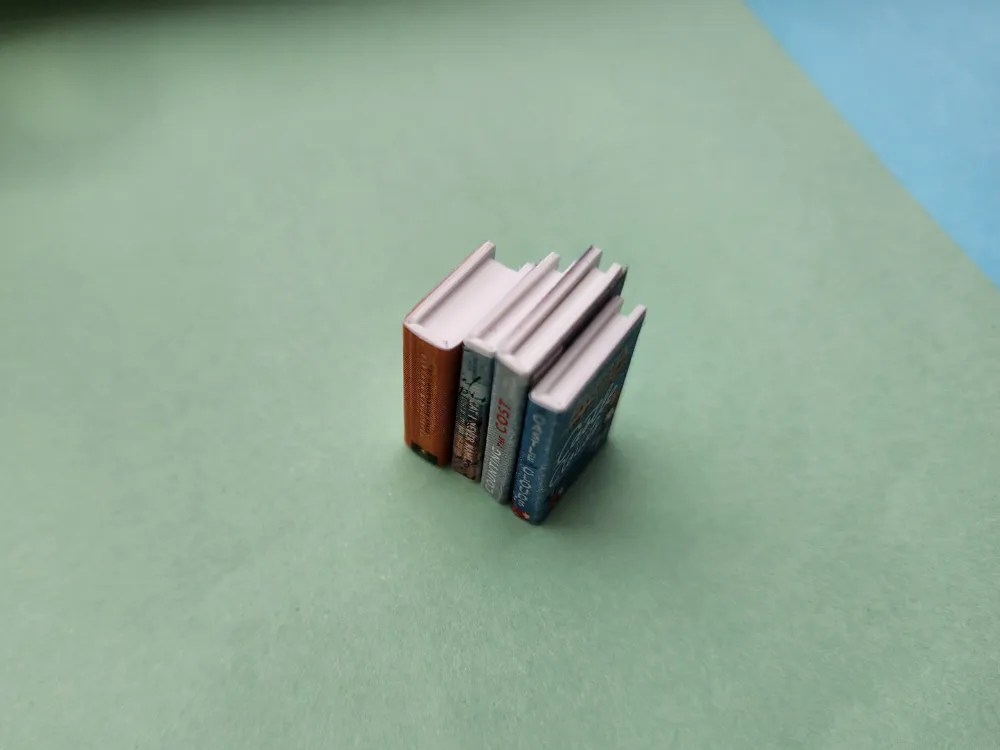
- Books can open and remain closed using a small clasp.
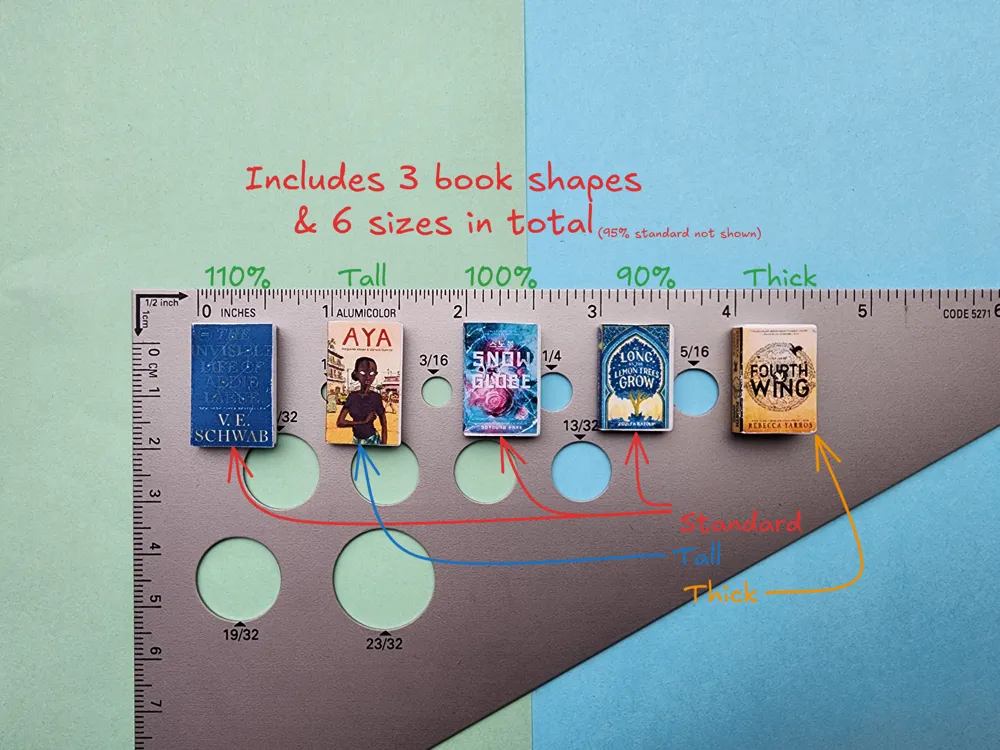
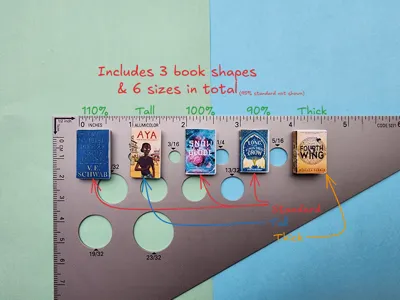
- Various shapes & sizes
Shapes:
- Standard
- Thick
- Tall
Sizes:
- Standard
- Tall/thin
- Short/thick
Printing tips:
- Use the provided profile for clean prints
- CLEAN YOUR PRINT BED to avoid adhesion issues
Scaling:
- Basically scaling down doesn't work as you must keep the spine width (X axis) scaled properly with the thickness (Z axis), which would be possible if you scaled all 3 axes, but if you scale Z down at all, you will likely loose a layer and strength in the folds.
- The provided profile ensures exactly 2 layers are printed at the seam to allow easy folding.
- Scaling up may work okay, but watch the fold thickness before printing.
- If you need certain a certain scale, drop a comment and I can upload a profile with the size you need. I just need to edit parameters in my actual CAD file rather than in the slicer.
License

You may create derivative works based on this object, provided that all such derivative works are published exclusively on the MakerWorld platform and include proper attribution to the original creator. You may not share, upload, host, distribute, or publish this object—or any derivative work of this object—on any other digital platform, marketplace, or distribution channel. Commercial use of this object and any derivative works is strictly prohibited. This includes, but is not limited to, selling, renting, sublicensing, or using the object in any context in which you receive monetary compensation or other financial benefits.


Comment & Rating (29)