
Apex Dragon: The Extreme Calibration Test
Print Profile(1)
Description
Boost Me (for free)
If you found this useful, leave a like, and if you want to boost it too, let's spread the word about this stress test!
Thank you kindly
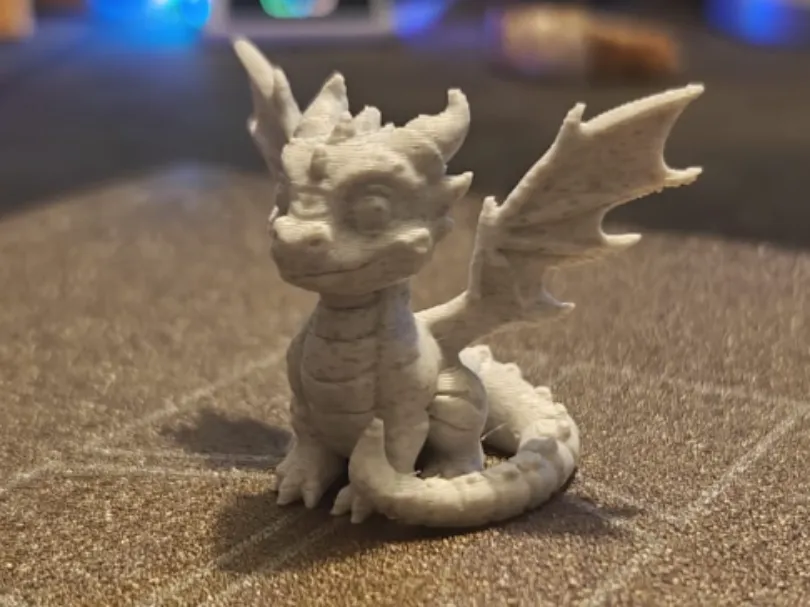
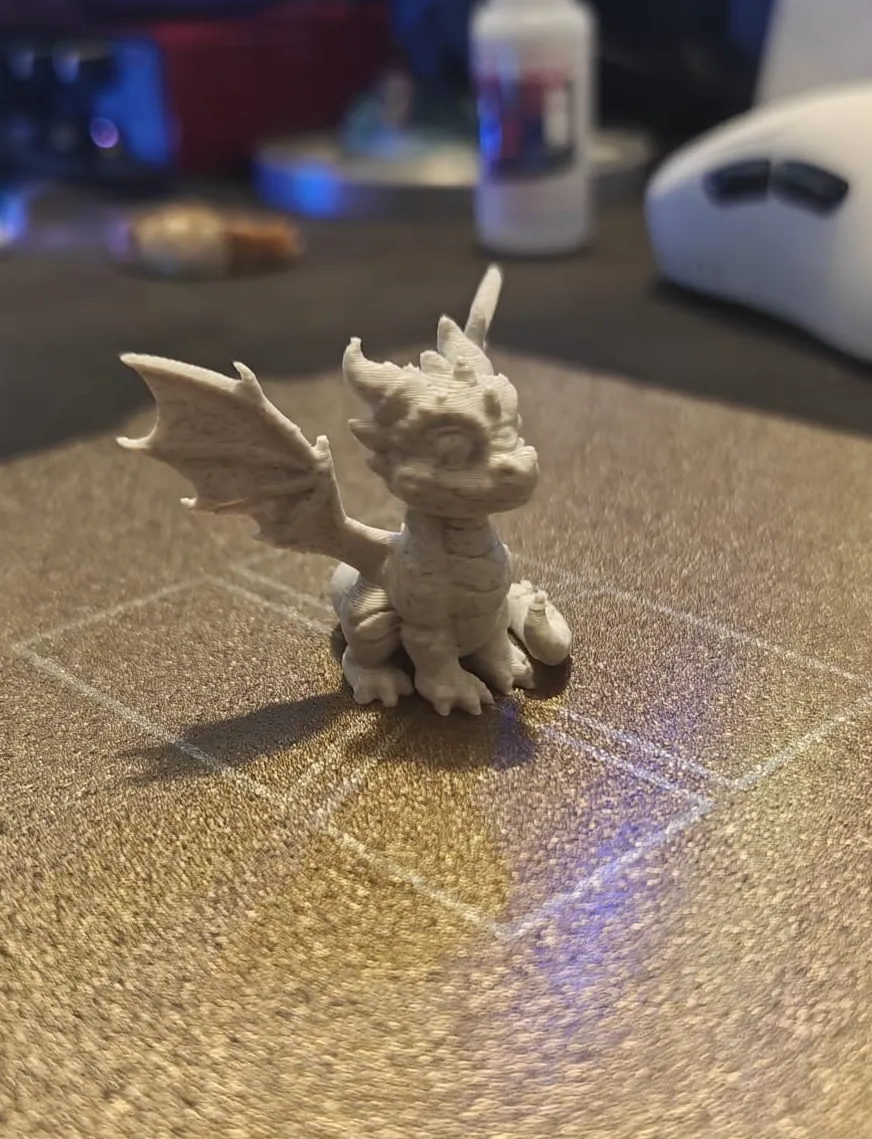
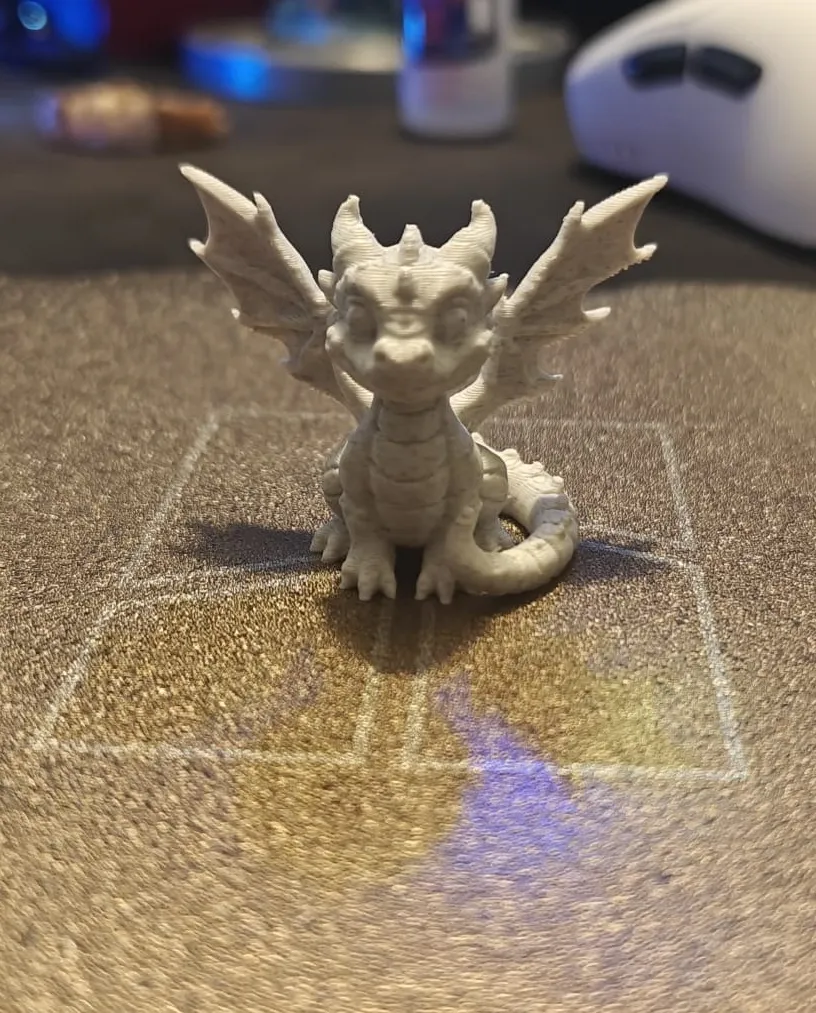
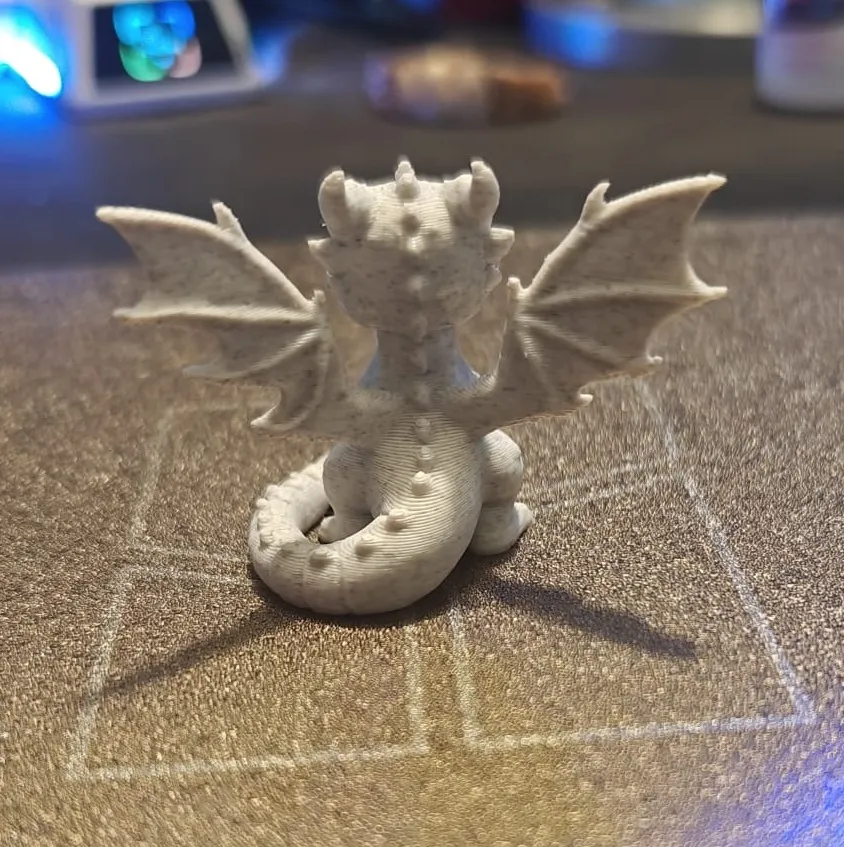
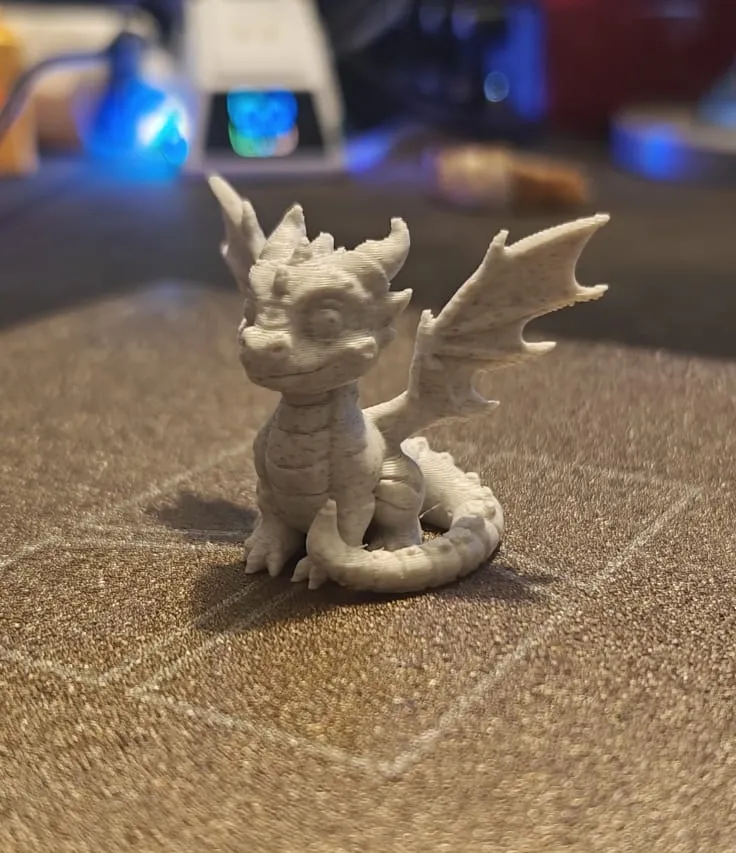
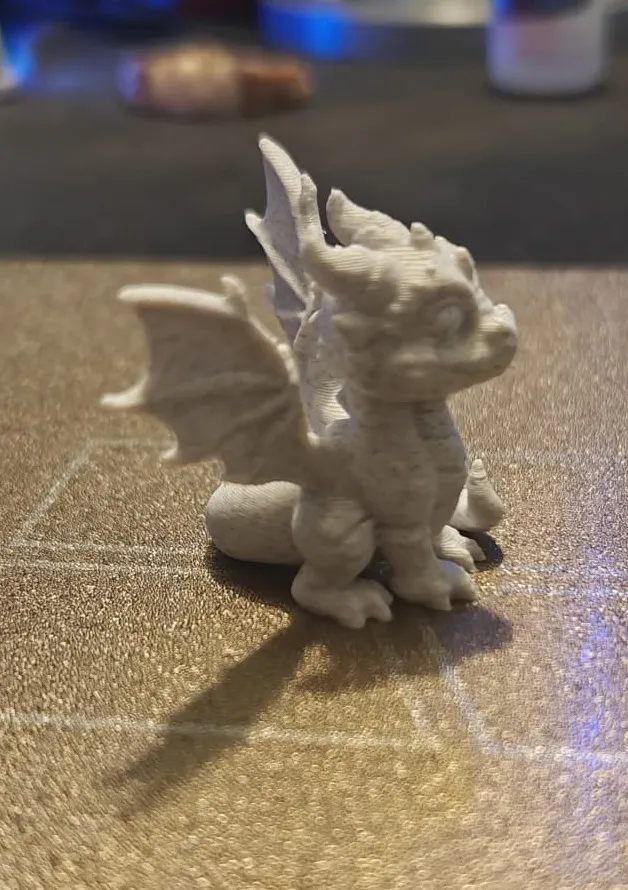
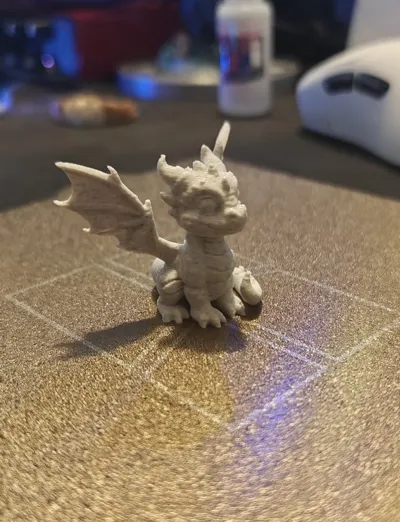
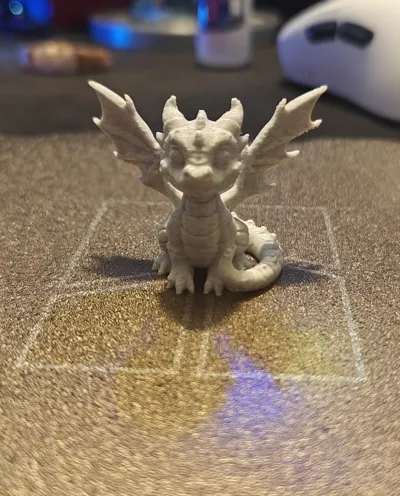
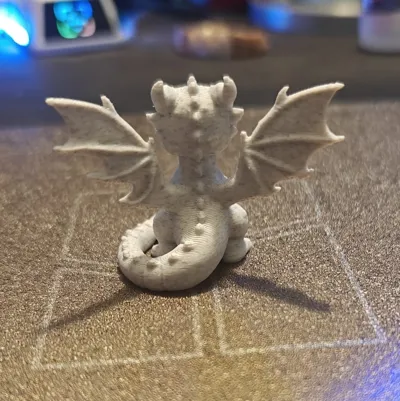
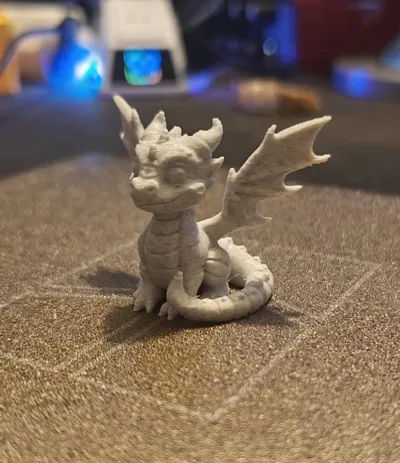
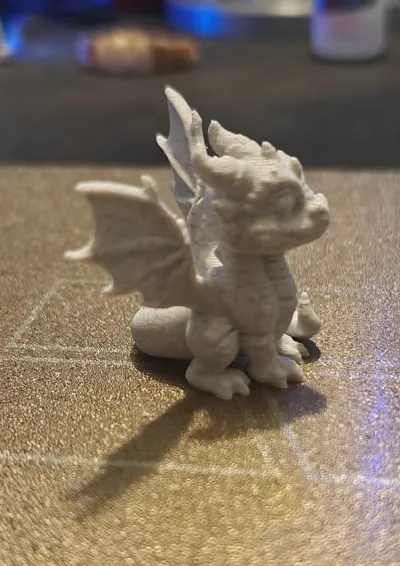
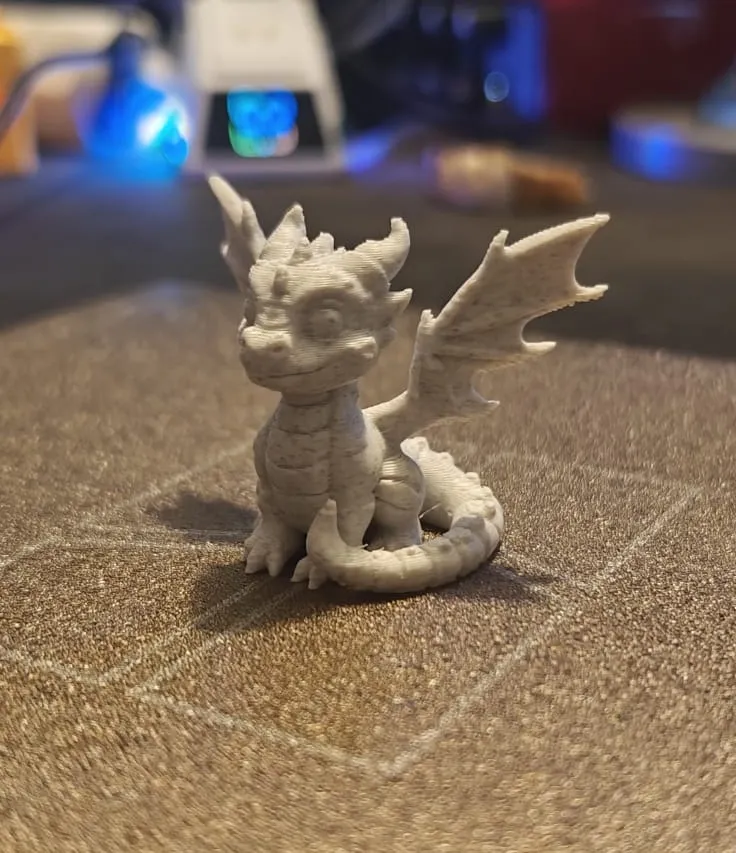
Forget the Cali-dragon. If you truly want to test the limits of your printer, the Apex Dragon is the new standard. Designed to be a visual repair manual, every detail of this model is a specific technical challenge that exposes defects in mechanics, electronics, and slicing.
Print it strictly WITHOUT SUPPORTS to get a complete diagnosis of your machine.
🛠 Diagnostic Guide (Troubleshooting):
Use the print results to calibrate your printer like a pro:
- Adhesion (Bed Adhesion): The dragon starts with several separate islands (paws and tail). If a part detaches, your leveling or Z-Offset is not uniform across the entire build plate.
- Overhangs (Overhangs & Bridging): The wing membranes defy gravity. If you see holes or drooping filaments, you need to increase cooling or reduce speed in overhangs.
- Cooling (Cooling/Layer Time): If the horns, ears, or tail tip are "melted" or deformed, your Minimum Layer Time is too low.
- Retraction (Stringing): The continuous jumps between the dorsal spikes and wings stress the extruder. If you see stringing, you need to calibrate retraction distance and speed.
- Vibrations (Ghosting/Ringing): Check the cheeks and flanks: if you notice "echoes" or waves after protruding details, you have too high accelerations or loose belts.
- Nozzle Pressure (Pressure Advance): If the eye details or scales are "mushy" or the wing corners are bloated, you need to calibrate Linear/Pressure Advance.
- Z Mechanics (Z-Wobble): Marked and repetitive horizontal lines on the chest or tail indicate problems with Z-axis fluidity or loose belts.
- Seams (Z-Seam): Small bumps or holes aligned on the neck reveal incorrect management of the layer seam or Coast/Wipe.
- Dimensional Accuracy: If scaling it to 50% makes the gaps between the horns disappear, your tolerances (X/Y steps) are not calibrated correctly.
Why download it?
While classic tests tell you if the printer "works", the Apex Dragon tells you how to improve it. It's the perfect balance between a breathtaking display piece and an indispensable technical tool.
License

You shall not share, sub-license, sell, rent, host, transfer, or distribute in any way the digital or 3D printed versions of this object, nor any other derivative work of this object in its digital or physical format (including - but not limited to - remixes of this object, and hosting on other digital platforms). The objects may not be used without permission in any way whatsoever in which you charge money, or collect fees.


Comment & Rating (0)