
MTG Saga Chapter Dial (I/II/III/IV)
Print Profile(0)
Description
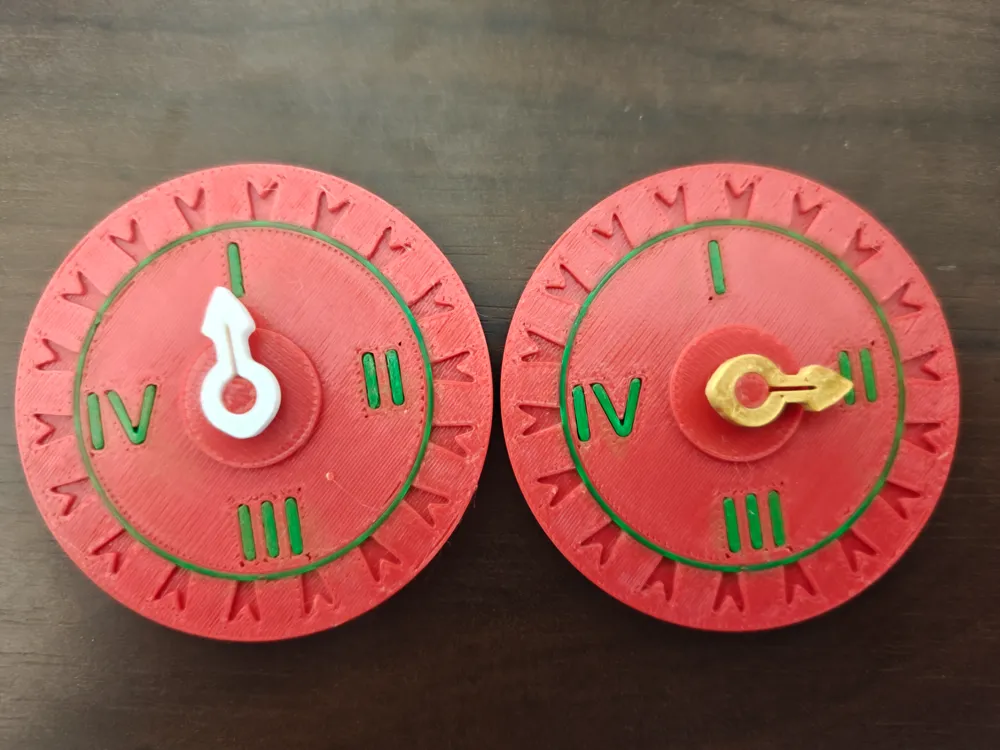
A small ornate dial for tracking which **chapter** of a Saga
enchantment you're currently on. Saga cards in Magic: the Gathering
have 3 or 4 chapter abilities (printed I, II, III, IV) that trigger
in sequence — this dial lets you mark the active chapter at a glance
without a fistful of +1/+1 counters or a dice that gets bumped.
## Layout
```
I
╱│╲
╱ │ ╲ ← rotating pointer
IV ──┼─┼─── II
╲ │ ╱
╲│╱
│
III
```
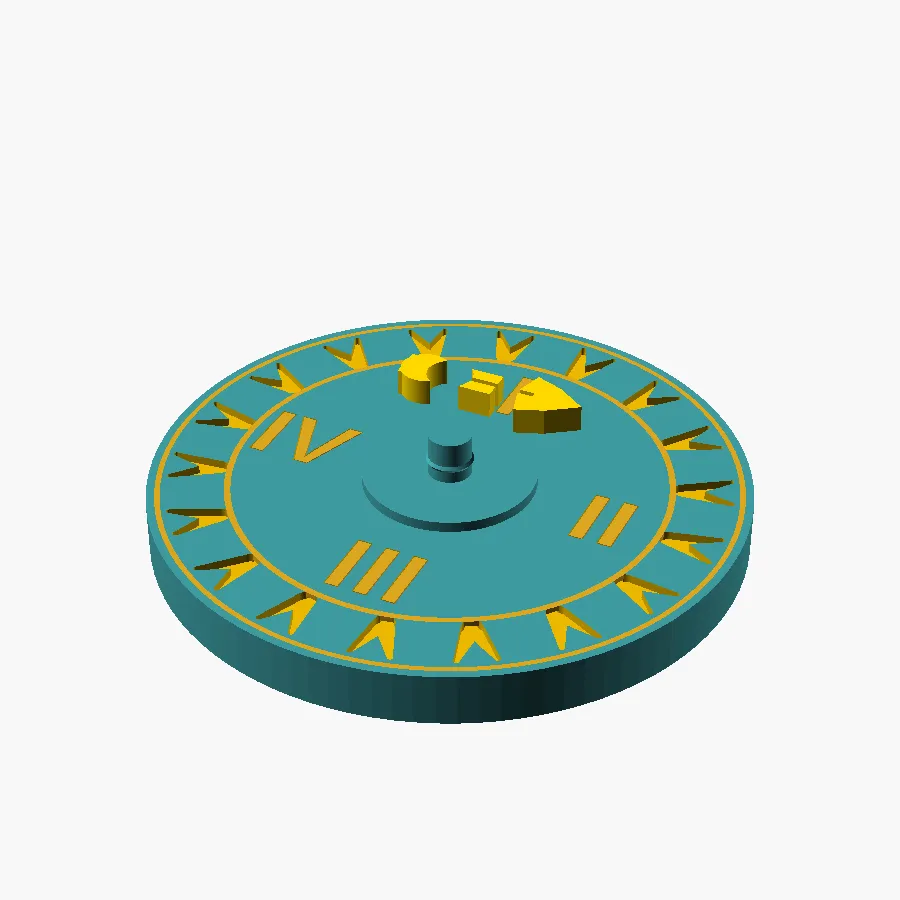
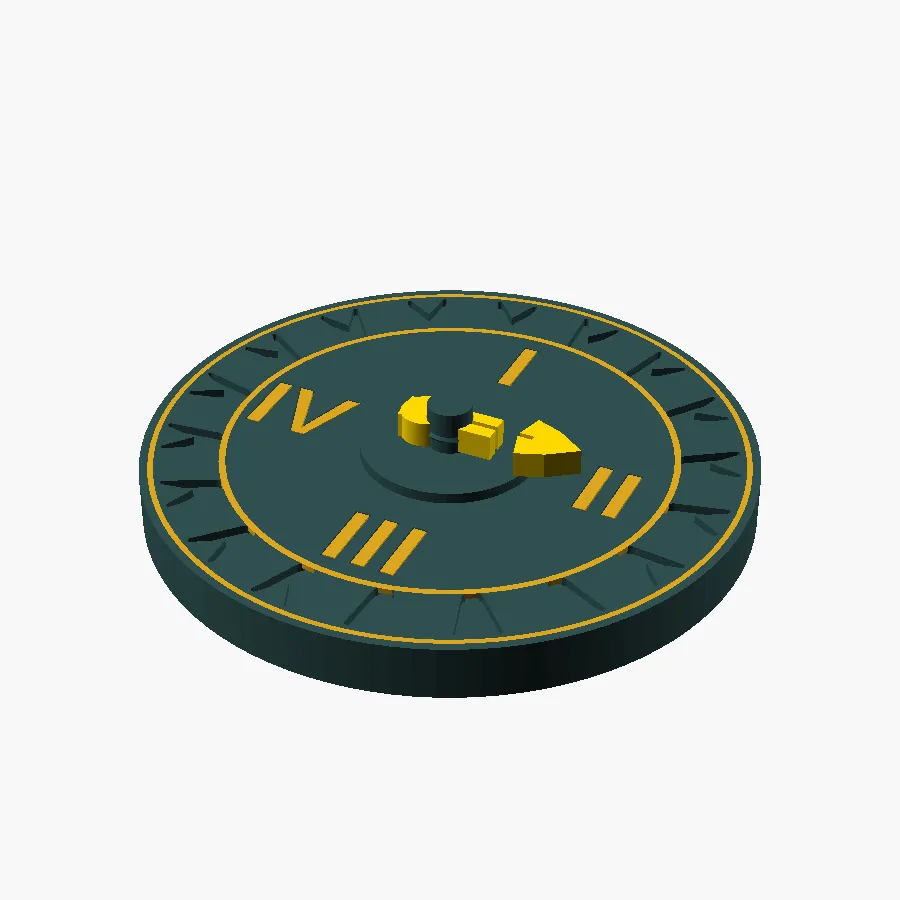
- **55 mm disc** with engraved laurel-wreath border and Roman numerals
at the cardinal points (12 / 3 / 6 / 9 o'clock = I / II / III / IV).
- **Snap-fit pointer** drops onto the centre post and rotates freely.
- Inner / outer ring engravings frame the numeral band.
## What you print
The body+accents are a **coordinate-locked two-colour print**:
- `combined.stl` — ASCII multi-solid (body + accents) for Bambu
Studio's *Split to Parts* workflow. **Recommended.**
- `body.stl` — filament A (dark dial body) — single-colour fallback.
- `accents.stl` — filament B (gold engraving plugs) — drop into the
body's recesses if printing the parts separately.
- `pointer.stl` — the rotating pointer (separate small part).
## Bambu AMS workflow (recommended)
1. **Import** `combined.stl` into Bambu Studio.
2. **Right-click** the imported object → *Split to Parts*.
3. Two sub-parts named `body` and `accents` appear, locked at exact
coordinates.
4. Assign **filament A (dark / structural)** to `body`.
5. Assign **filament B (gold / accent)** to `accents`.
6. **Import** `pointer.stl` separately, assign filament B.
7. Slice. Print flat on the bed, no supports.
> Why combined STL with named solids? Bambu's "Add Part" workflow
> rearranges coordinates — the gold accents would land off-centre.
> A single ASCII STL with two named solids + Split-to-Parts
> preserves alignment exactly.
## Single-colour fallback
If you don't have AMS, print only `body.stl` + `pointer.stl` and
accept a monochrome dial — the engravings are recessed and remain
legible. Or pause-and-swap filament at the layer where the laurel
band starts.
## Snap-fit centre post
The dial's centre post has a 0.25 mm-interference snap ridge; the
pointer's slotted bore compresses past the ridge once on assembly,
then locks the pointer in place but free to rotate. Tuned per the
mana-counter recipe in the source repo
(`docs/research/snap_fit_post_and_slotted_bore.md`).
## Print settings
- Bambu Lab P2S or any 0.4 mm FDM
- 0.2 mm layer height, 2 walls, 15 % infill
- PLA Basic
- **No supports**
- Dial: print **face UP** on the bed (engravings on top)
- Pointer: flat
## Source
Full parametric `.scad` is included. Variables at the top of the
file control diameter, border ornament density, font, and snap-fit
tolerances.
Fan content for **Magic: the Gathering** by Wizards of the Coast —
not affiliated.

License

You shall not share, sub-license, sell, rent, host, transfer, or distribute in any way the digital or 3D printed versions of this object, nor any other derivative work of this object in its digital or physical format (including - but not limited to - remixes of this object, and hosting on other digital platforms). The objects may not be used without permission in any way whatsoever in which you charge money, or collect fees.


Comment & Rating (0)