
Print Profile(2)
Description
Update 26/05/26: I have published a model compatible with a base for this frame. It can be downloaded from my profile: https://makerworld.com/es/models/2849995-sujetafotos#profileId-3178602
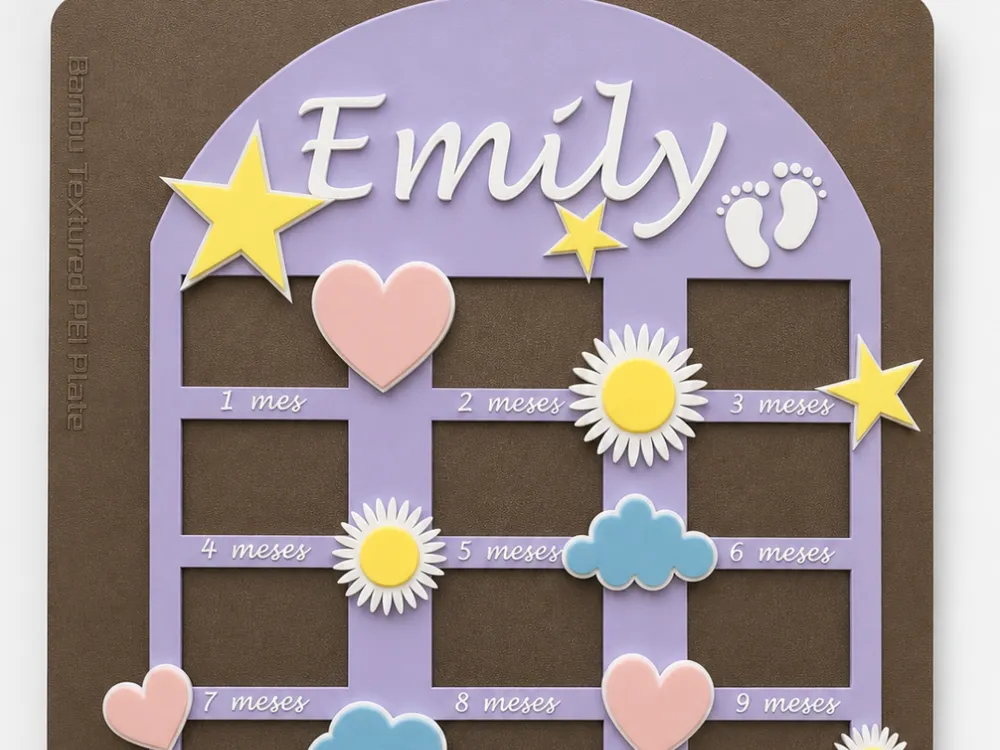
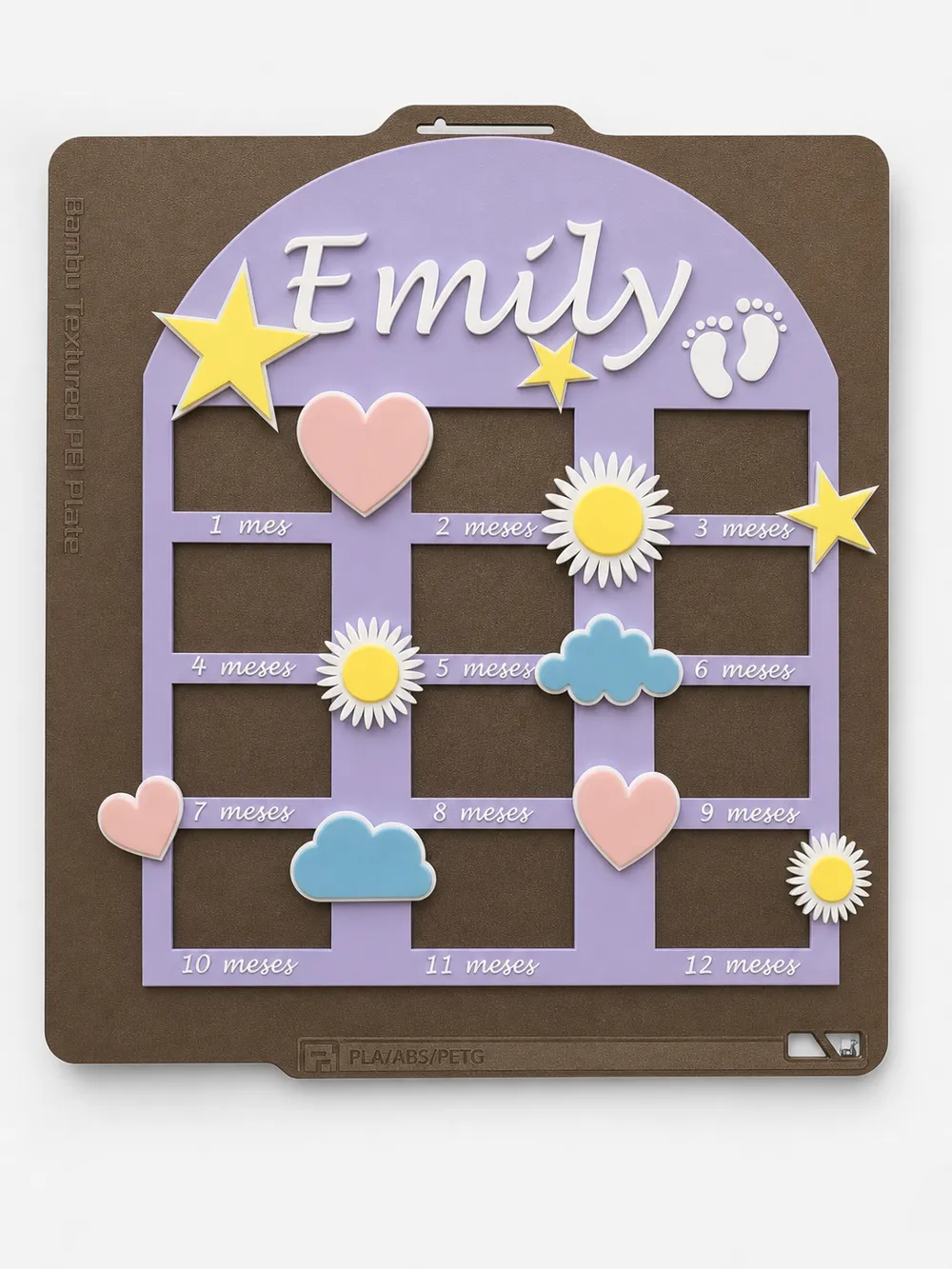
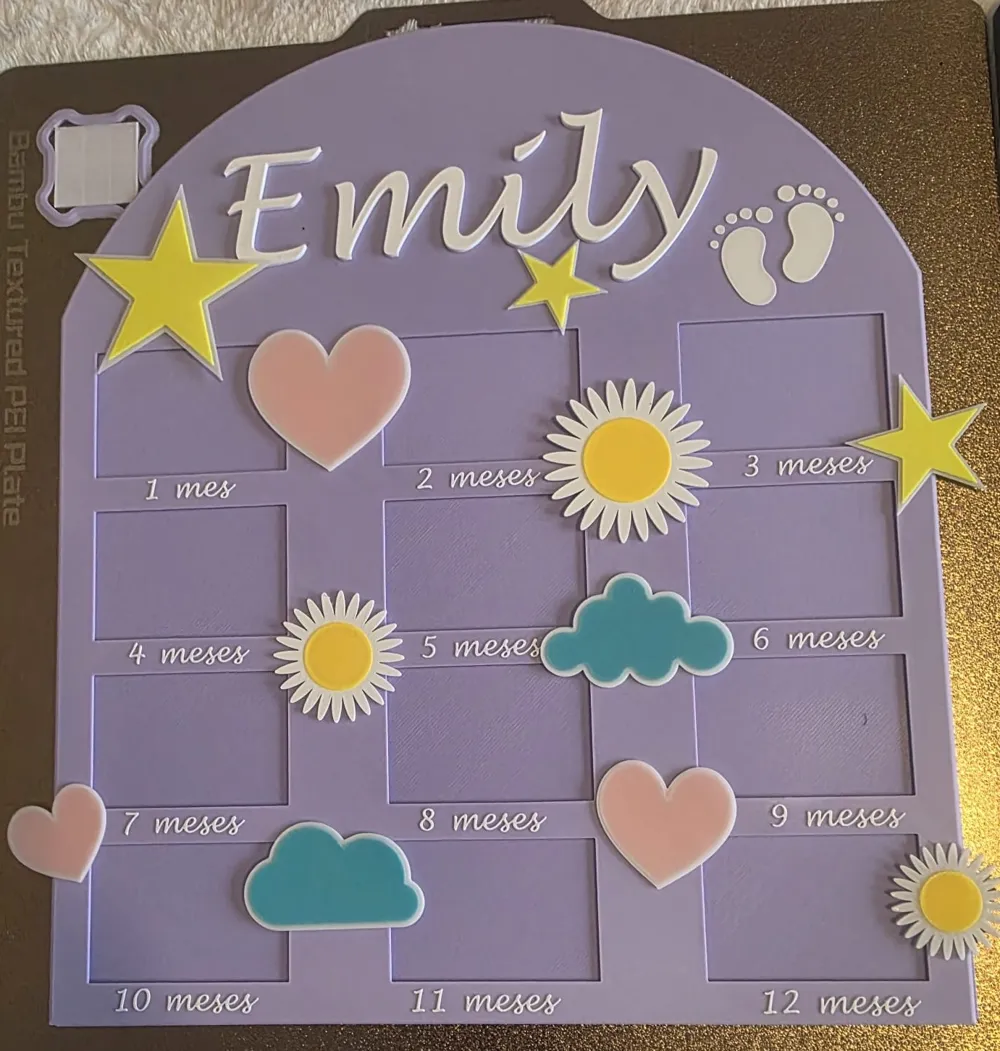
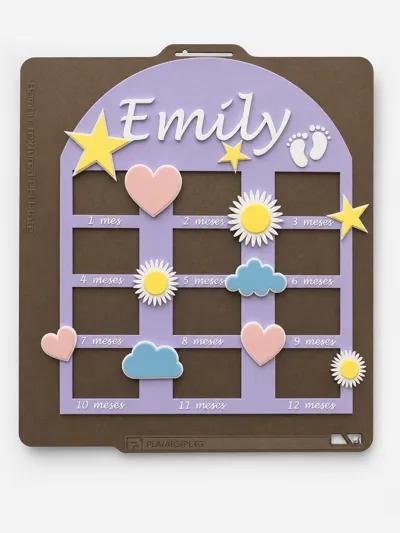
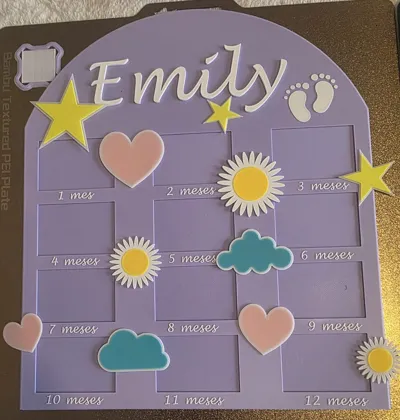
Capture the most special moments of your baby's first year with this frame designed to hold a photo for each month, creating a unique and emotional keepsake.
- Space for 12 photos (1 to 12 months).
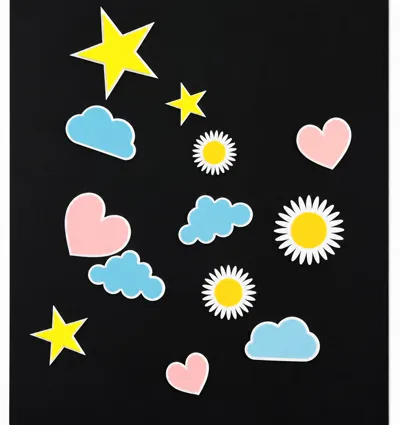
- Embossed design with decorative elements:
- stars ⭐
- clouds ☁️
- hearts ❤️
- flowers 🌼
- Customizable name at the top
- Sweet and modern style, ideal for a birth gift or baby shower
The model is divided into several parts to facilitate:
👉 1. Back base (printed separately)
- Allows photos to be comfortably glued once developed
- Facilitates final assembly without complications
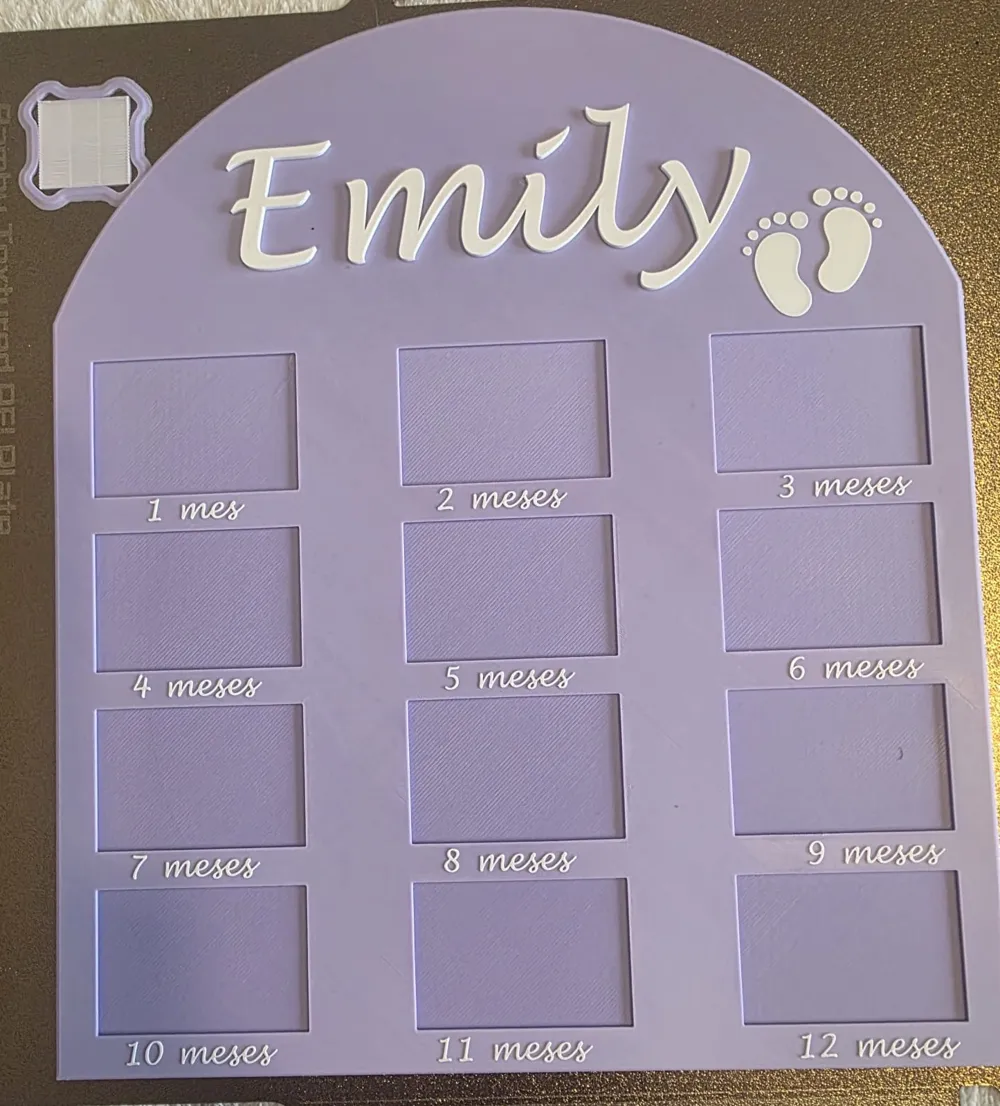
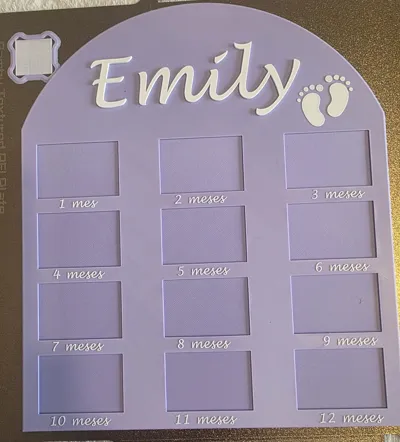
👉 2. Front frame
- Contains the slots for photos and month texts
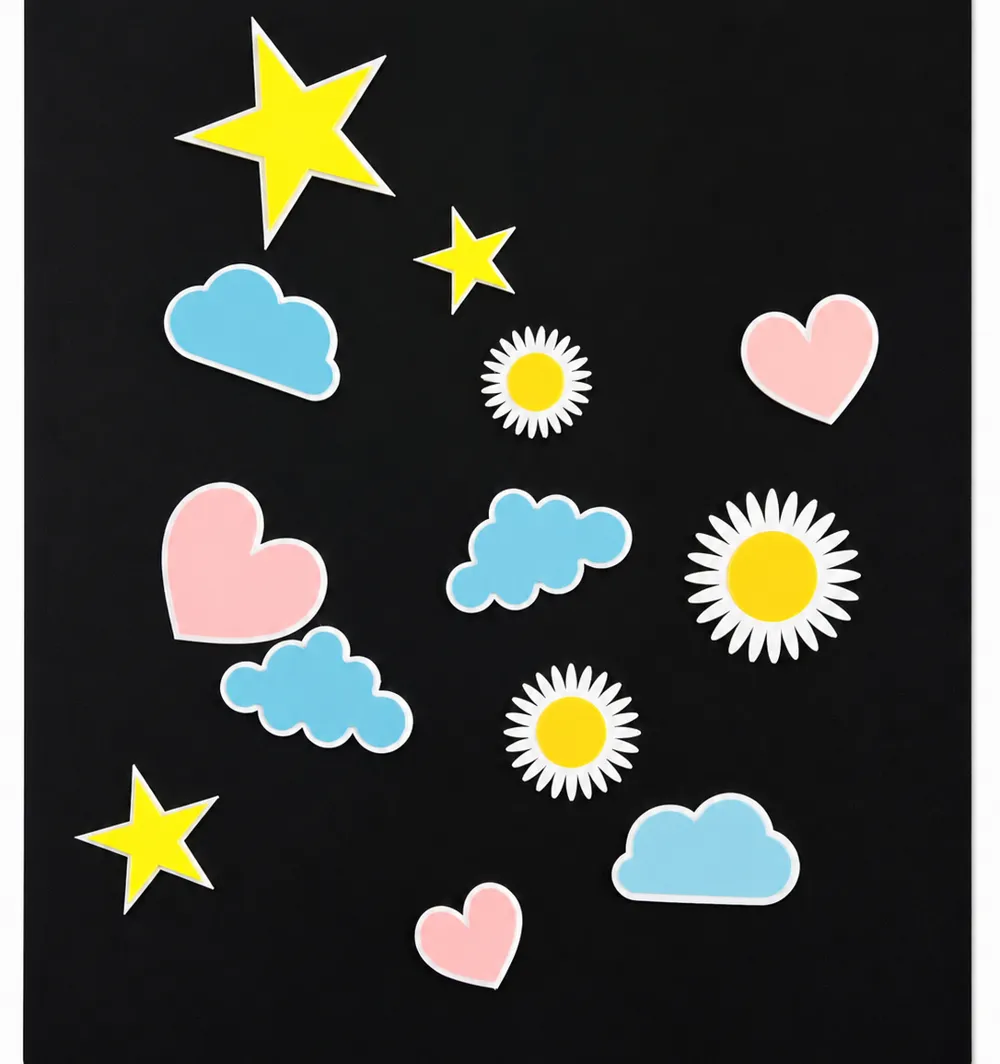
👉 3. Independent decorative elements
- Printed separately
- You can place them as you wish
- Allow personalization of colors and composition
💡 This makes the model much more versatile and easy to adapt
No supports required
You can:
- Change the name
- Modify colors
- Relocate decorations
- Create unique versions for each baby
The current size for photos is 32mmX48.7mm. I am working on a divided model so that larger photos can be inserted.
Boost Me (for free)
If you support me with a Boost, you encourage me to keep creating. Thank you!
*TO CHANGE THE NAME
You can change the name by selecting the text (either by double-clicking or in “objects” you can press "text_shape"), then the “Ta” that you will see in the top menu of Bambu Studio (next to “color paint”) and modifying the input text.
*TO CHANGE THE COLORS
You can paint it using the brush icon (next to the “Ta” for text), select the “fill” tool and detect edges to make it easier.
License



Comment & Rating (3)