
MTG — Ring Tempts You Tracker (Barad-dûr)
Print Profile(0)
Description
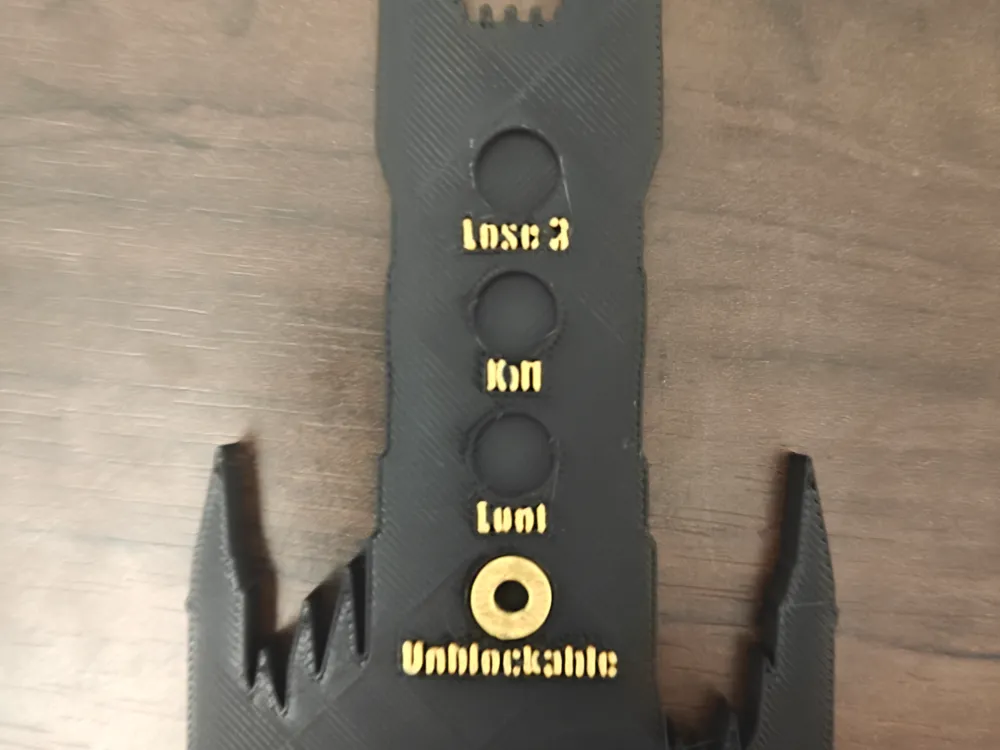
A two-piece tracker for **The Ring tempts you**, the keyword from
*Magic: the Gathering — Tales of Middle-earth* (LotR).
When a card says "The Ring tempts you", your Ring grows in power
through 4 escalating levels (cumulative):
- **I — Legendary**: Your Ring-bearer is legendary, and creatures
with greater power than it can't block it.
- **II — Drain 1**: Whenever your Ring-bearer attacks, each opponent
loses 1 life and you gain 1 life.
- **III — Kill blocker**: Whenever your Ring-bearer becomes blocked
by a creature, that creature's controller sacrifices it at end of
combat.
- **IV — Discard**: Whenever your Ring-bearer deals combat damage
to a player, that player discards a card.
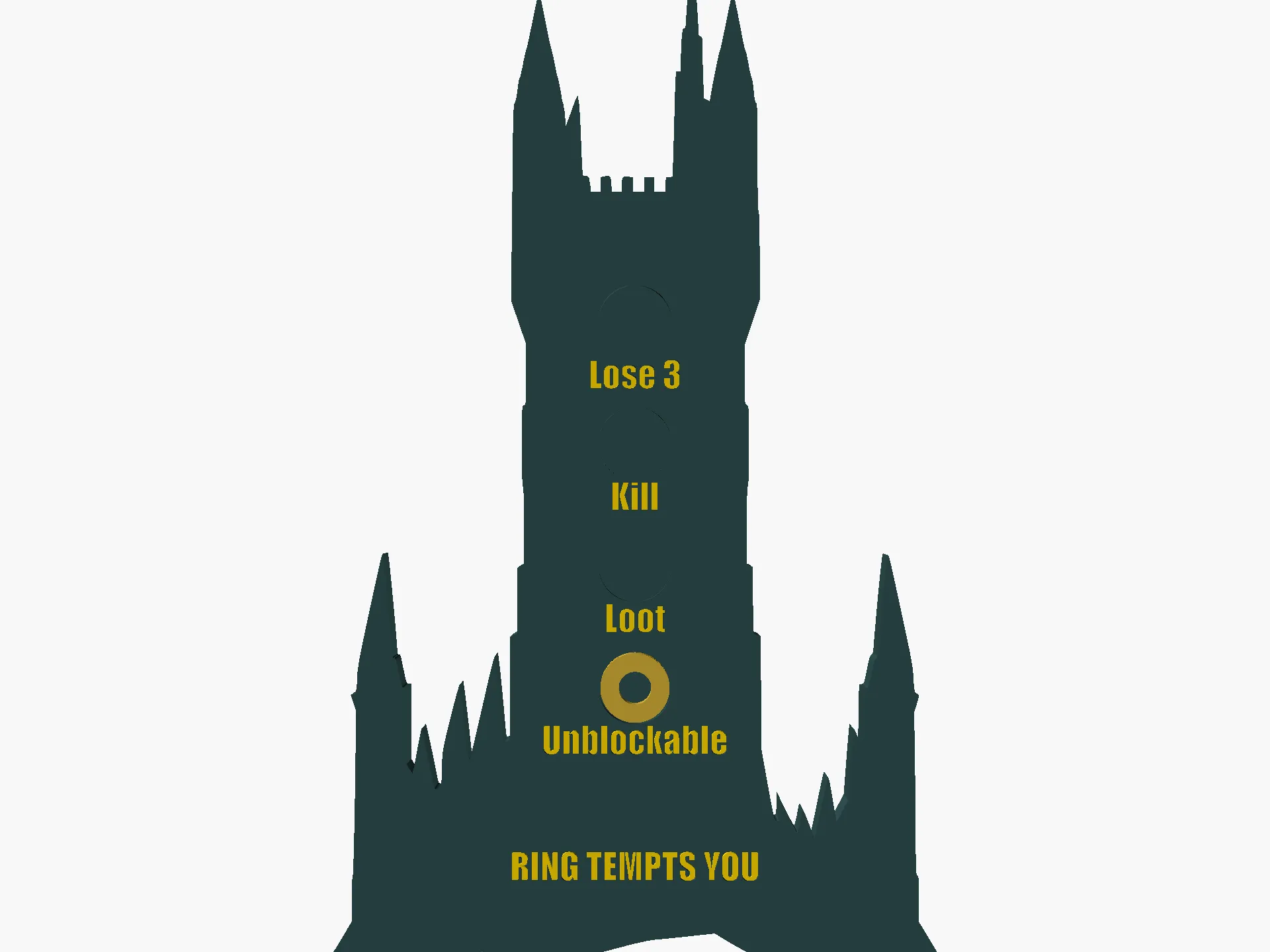
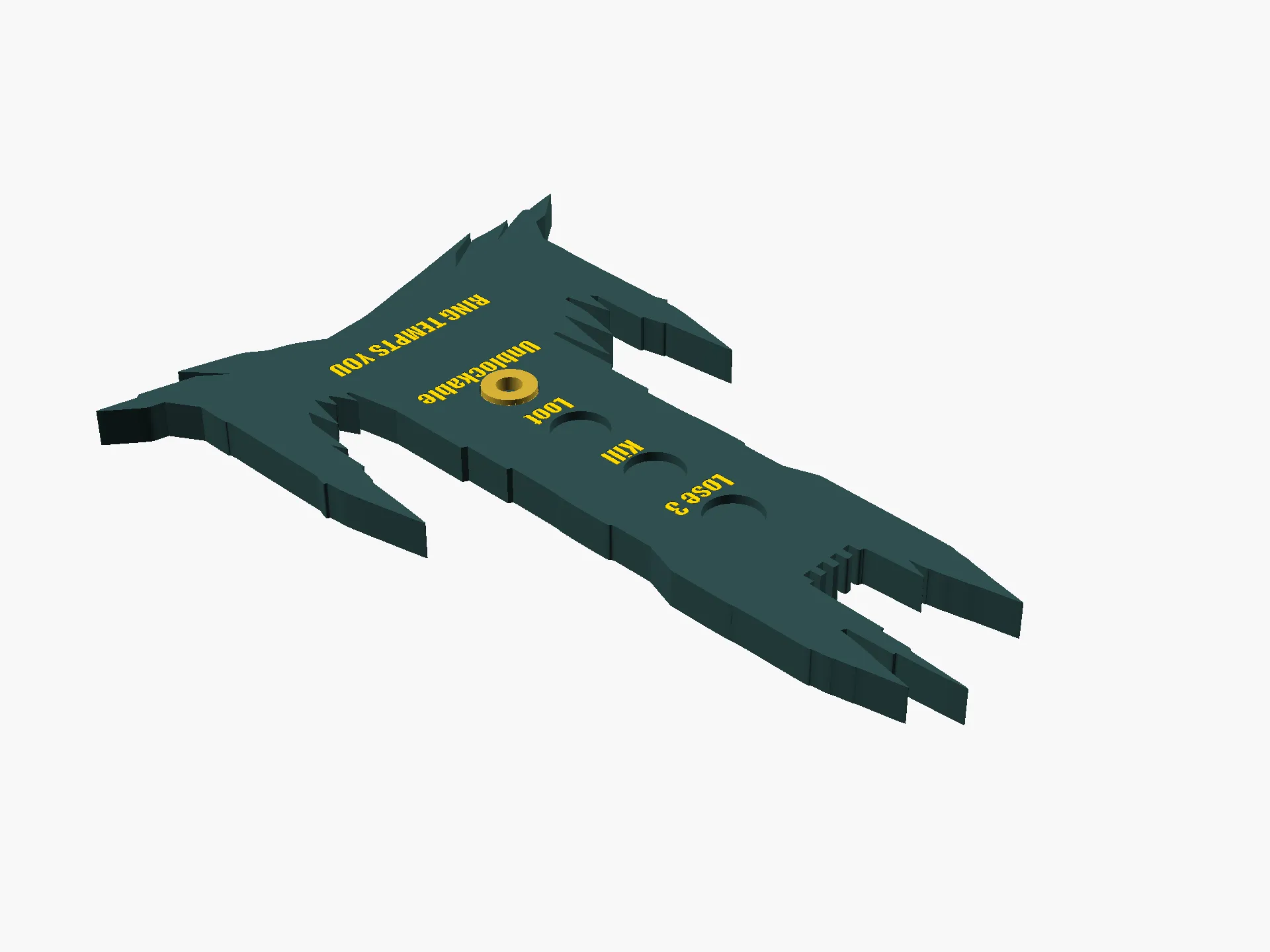
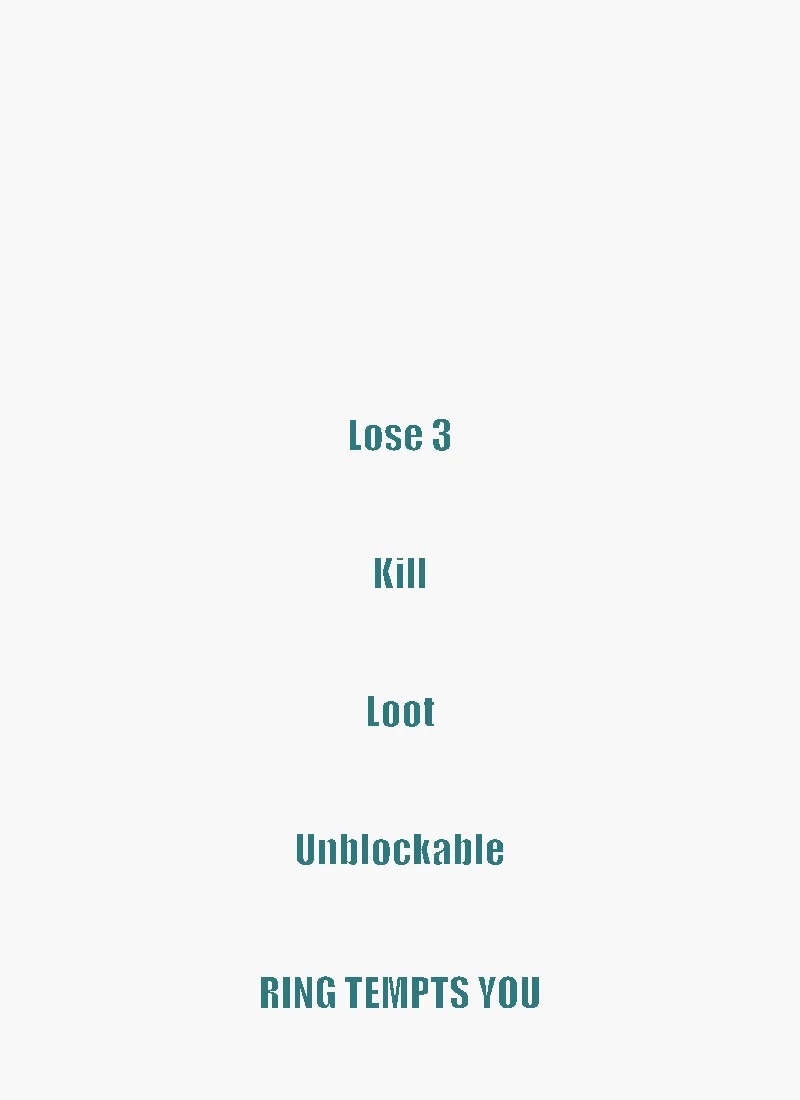
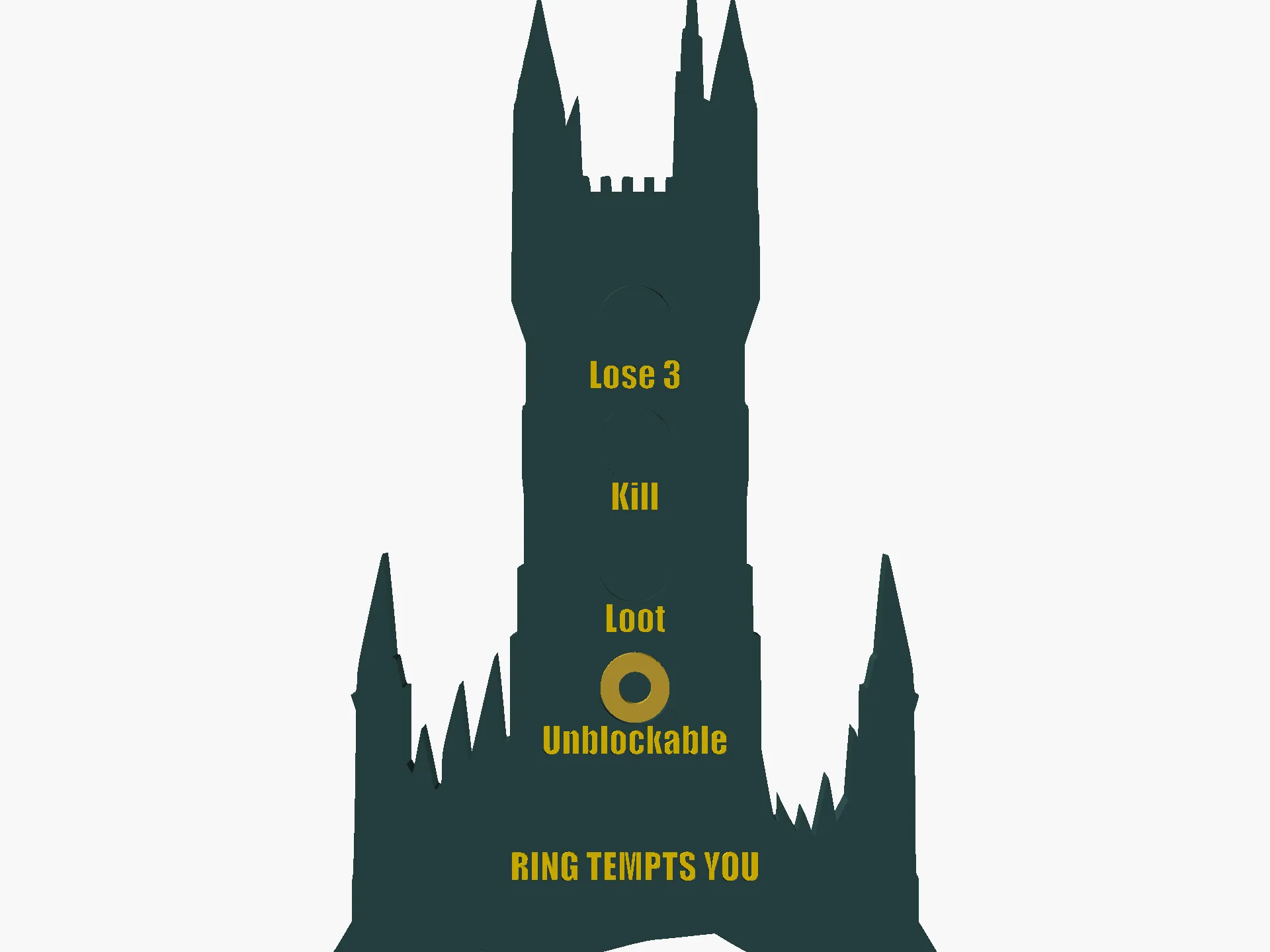
The plaque is a **Barad-dûr** (Dark Tower of Sauron) silhouette
with 4 circular pockets running up the tower body and the level
numeral + ability summary inset beside each in a second filament
colour. As your Ring grows in power, move the small One-Ring marker
UP the tower toward the apex.
## What you print
The body+labels are a **coordinate-locked two-colour print**:
- `ring_tempts_combined.stl` — ASCII multi-solid (body + labels) for
Bambu Studio's *Split to Parts* workflow. **Recommended.**
- `ring_tempts_body.stl` — filament A (dark tower body) — single-
colour fallback if you don't have AMS.
- `ring_tempts_labels.stl` — filament B (gold ability/title plugs)
— drop into the body's recesses if printing the parts separately.
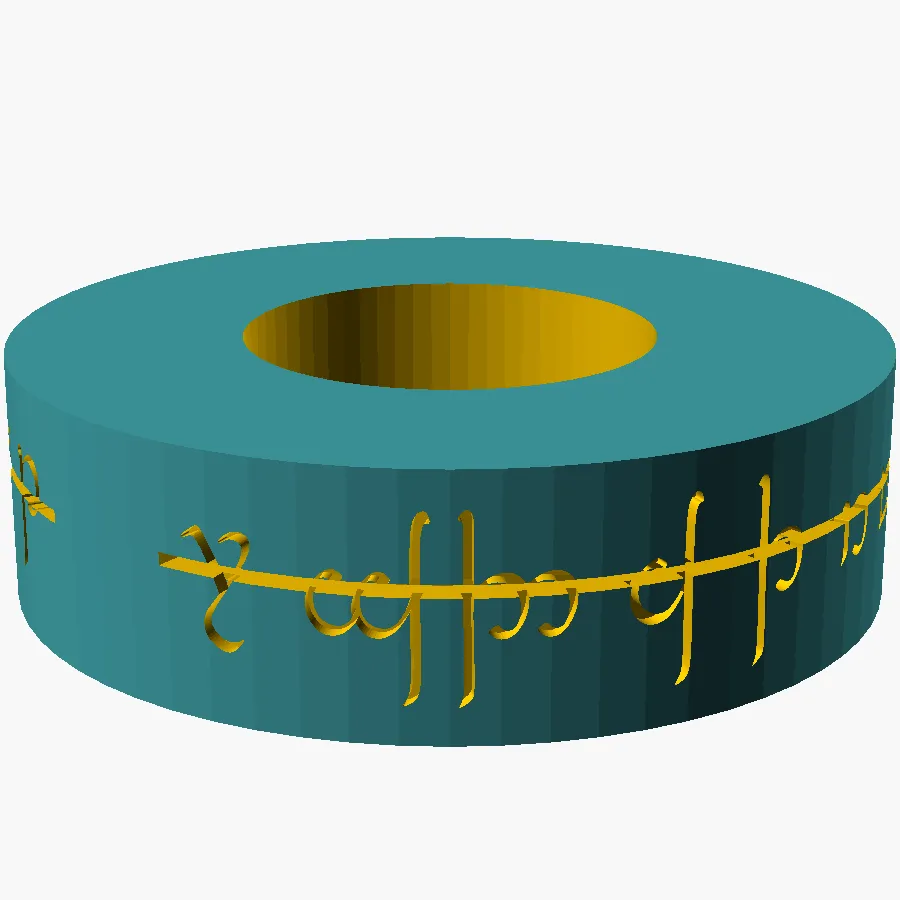
- `ring_tempts_marker.stl` — the One Ring marker (~7.5 mm Ø,
1.4 mm thick), separate part.
## Bambu AMS workflow (recommended)
1. **Import** `ring_tempts_combined.stl` into Bambu Studio.
2. **Right-click** the imported object → *Split to Parts*.
3. Two sub-parts named `body` and `labels` appear, locked at exact
coordinates.
4. Assign **filament A (dark / structural)** to `body` — black,
anthracite, or dark grey for Barad-dûr.
5. Assign **filament B (gold / accent)** to `labels` — gold, brass,
or copper.
6. Slice. Print flat on the bed, no supports.
> Why combined STL with named solids? Bambu's "Add Part" workflow
> rearranges coordinates — the labels would land off-centre from
> the body. A single ASCII STL with two named solids + Split-to-
> Parts preserves the exact alignment.
## Single-colour fallback
If you don't have AMS, print only `ring_tempts_body.stl` and accept
a monochrome plaque — the engravings are recessed 0.6 mm and remain
legible. Or pause-and-swap filament at the layer where the labels
start to get a manual two-colour finish.
## Print settings
- Bambu Lab P2S or any 0.4 mm FDM
- 0.2 mm layer height, 3 walls, 15 % infill
- PLA Basic
- **No supports**
- Plaque: print **front face UP** on the bed (engravings recessed
at top; cleanest engraving floors)
- Marker: flat (it's symmetric — either face down works)
## Source
Full parametric `.scad` is included. Variables at the top of the
file control print height, pocket layout, ability text per level,
title position, and fonts. Want a different silhouette (e.g.
Minas Tirith, Helm's Deep, Mount Doom)? Drop a new 1024-pt
silhouette SVG in the folder, replace `tower.svg`, and re-export.
The Barad-dûr silhouette was generated with **Runware FLUX** via
this repo's `scripts/runware/silhouette.js` pipeline (~$0.001/img),
then converted to SVG via `png_to_svg.sh`. The prompt was:
> Barad-dur dark tower of Sauron, jagged spires, Eye of Sauron at
> top, simple bold black silhouette on white background, no detail
Fan content for **Magic: the Gathering** by Wizards of the Coast
and **The Lord of the Rings** by the Tolkien Estate — not
affiliated with either.
License

You shall not share, sub-license, sell, rent, host, transfer, or distribute in any way the digital or 3D printed versions of this object, nor any other derivative work of this object in its digital or physical format (including - but not limited to - remixes of this object, and hosting on other digital platforms). The objects may not be used without permission in any way whatsoever in which you charge money, or collect fees.


Comment & Rating (0)