Search models, users, collections, and posts

X2D All in One Cable Management
Print Profile(4)

All
X2D
H2D Pro
H2D
A1
P2S
A2L
H2C
H2S

PETG w PLA 0.2mm layer, 6 walls
Designer
5 h
1 plate
4.9(34)

PETG, PLA or ABS Only 0.2mm layer, 6 Walls
Designer
4.6 h
1 plate
4.9(11)

ABS w Support Interface 0.2mm layer, 3 walls, 15% infill
Designer
5 h
1 plate
4.3(3)

0.2mm layer, 3 walls, 15% infill
4.8 h
1 plate
5.0(1)

Open in Bambu Studio
Boost
450
1989
185
73
800
616
Released 

Description

Update: Attempted fix for breaking of the Track Switch Bracket it now consists of 6 walls and 100% infill. Also fixed the customize print orientation so it now lays flat after adjusting magnet hole sizes.


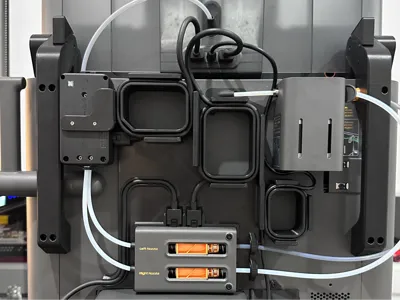
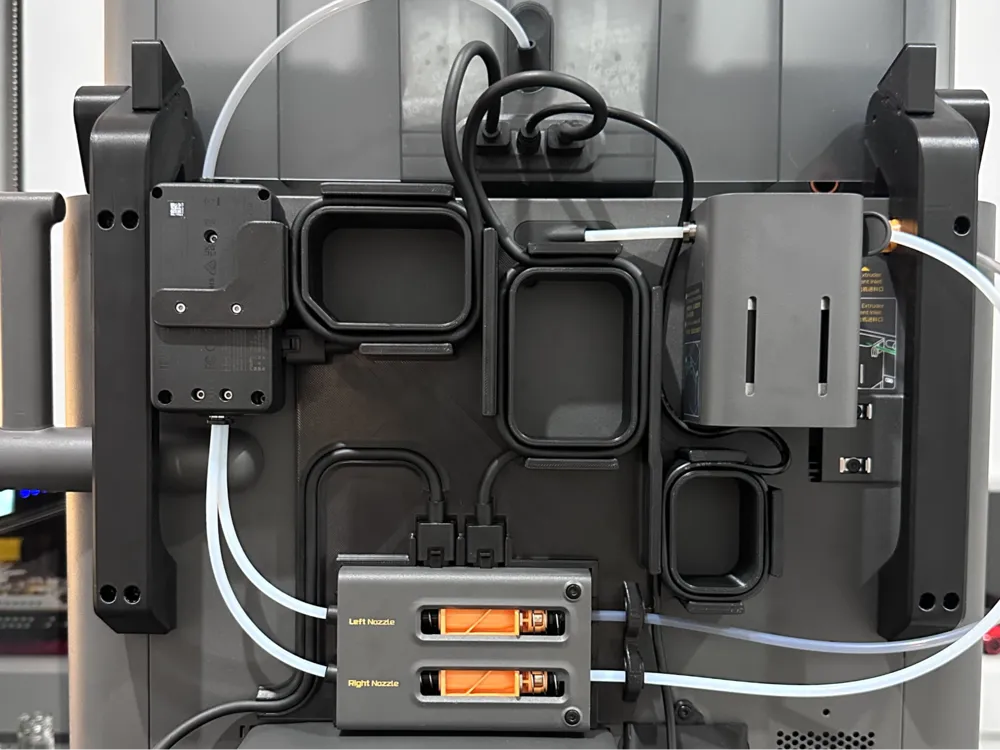
All in one cable management for your X2D.


Made to suit the use of the AMS Flipper and External Spool Holder. 


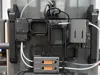
The Loops are designed to tidy up the cables for the AMS 2 Pro, Filament Track Switch, Exhaust Fan and Switching Power Adapter.


Incorporated is a mount for the Filament Track Switch which provides an optimal filament path from the AMS through the Filament Track Switch and Buffer to the Extruder. 


Magnet width and depth can be adjusted to suit your needs, 6mm Diameter and 3mm Depth maximum.


Can be used without magnets.


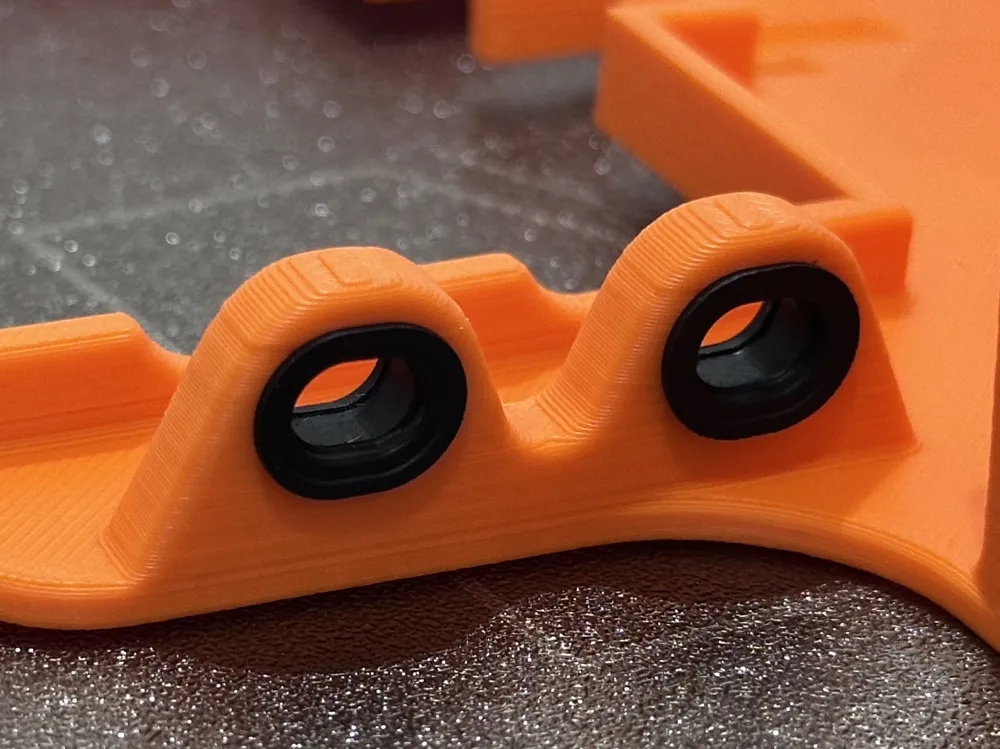
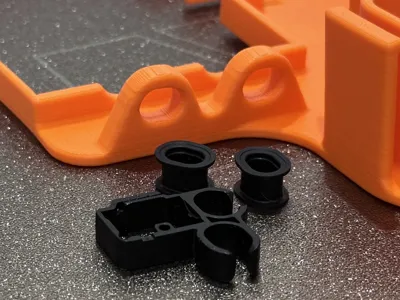
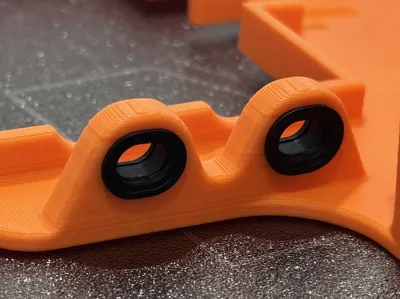
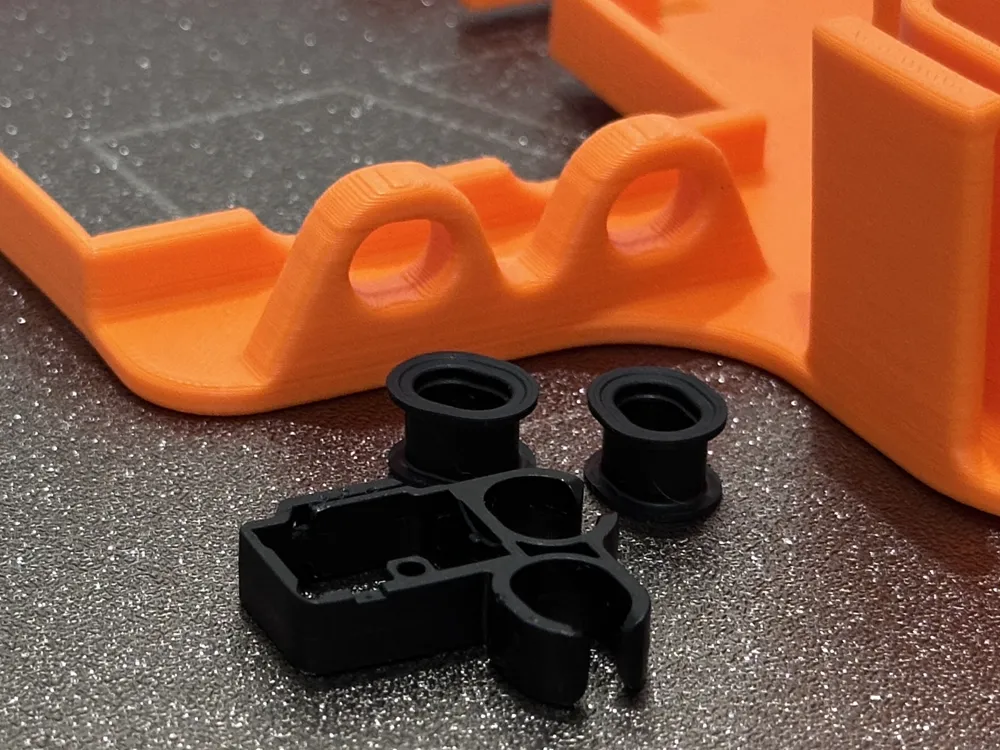
The Rubber Bushes from the Cable Track Clips inside the printer have been utilized on the outlet of the Filament Buffer to provide a smooth and frictionless movement of the PTFE tubes to minimize wear.


Highly Recommend the use of a different material for the support interface although not required.

Boost Me (for free)

If you like this model feel free to give me a boost, I really appreciate it :)

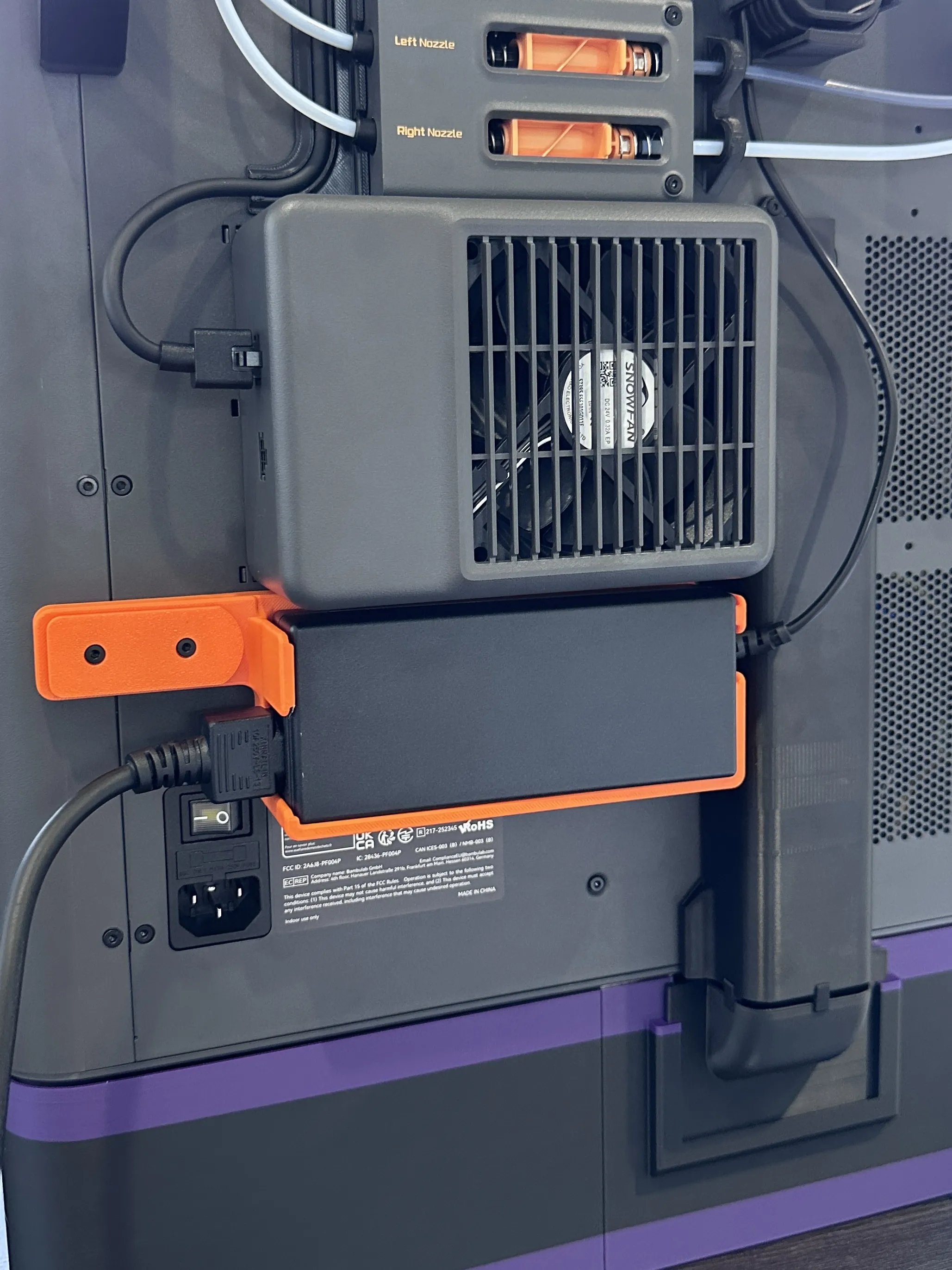
Link to Switching Power Adapter Holder:
Link to AMS Flipper this model was designed to work with:

https://makerworld.com/en/models/1363398-ams-flipper-better-access-to-your-p1s-x1-p2s?from=search#profileId-2091550

Comment & Rating (185)

(0/1000)

Hi, may I know what’s the magnets size in this print profile? I don’t have an access to the Bambu Studio, so plan to print directly via Handy. Thanks
The designer has replied
designer
1
Reply
If they haven’t been changed in the Bambu handy customizer then they are 5mm diameter 3mm tall magnets
0
Reply
Replying to @FronkingMidget :
thanks for the quick response. Ah I see, the 5x3 is on the way, I’ve 6x3 laying around. I guess I’ve to wait then. Thank you 🙏🏼
0
Reply
Replying to @alicuore :
You can change it really easily in the app with the customize button.
0
Reply
print came out looking great. unfortunately when I was going to remove the support I already broke it off without putting force on it. As the switch needs to be added on there, maybe you could reinforce that part a bit
The designer has replied
designer
2
Reply
That’s unfortunate, there isn’t much that can be done in the way of reinforcing that area as its a very tight fit between the bracket and the switch, that little chamfer was all I could fit. What profile did you use, as the ones without an alternate support interface material do have supports that are harder to remove.
0
Reply
Replying to @FronkingMidget :
I used PETG w PLA 0.2mm layer, 3 walls, 15% infill. The support was nice and tight. Perhaps a modifier so the infill on that corner has more infill might help, if more people have this issue Used my solderpen to glue it back together so it isn't lost
0
Reply
Okay, thanks for the feed back I’ll have a look at making the switch bracket solid as the walls up to that point already are. Glad you were able to save the print though. This might be a dumb question but you did use PETG and PLA with your print didn’t you, because if PETG is used for both materials there is no Z gap from interface to part essentially making the interface apart of the part as there’s no gap to stop the layers fusing together.
0
Reply
Boosted
Fantastic design! The model printed perfectly. Thanks!
The designer has replied
designer
1
Reply
Great to see photos of other people’s prints. Just a little FYI the top left loop has that corner notch so you can plug the filament track switch in and it runs directly into the start of the loop (see photos on the original post for clarity), you do have to plug the cable in then screw the track switch on to run it that way. Glad you’re happy nonetheless.
1
Reply
Boosted
Replying to @FronkingMidget :
I had missed that entirely! Thanks for the tip. :D I also printed your AMS Switching Power Adapter Holder and it was excellent as well. Thank you for your designs! <3
designer
1
Reply
Replying to @henlohowl :
No worries, glad you’re happy. Thanks for printing.
0
Reply
Before and after. Thank you for the profile, simply brilliant, so tidy now, everything is different like night and day, thank you thank you
Show original
designer
3
Reply
Great print! Looks a lot cleaner.
The designer has replied
0
Reply
Looks great! I’d recommend trimming the white ptfe tube between the track switch and buffer as you might have issues feeding with it like that. 👍
1
Reply
Replying to @FronkingMidget :
you are correct! i have been getting an error on the AMS saying its "trying to hard" basically. lol. Thanks for the tip!!
(Edited)
0
Reply
Replying to @UltimatePorkerz :
No worries, I don’t have exact measurements for the tubes but if you make them look about the same as my photos I’m yet to have any feeding issues since installing my cable manager. 👍
1
Reply
Print Profile
PETG, PLA or ABS Only 0.2mm layer, 6 Walls
A bit of work to install (with my handicap) but totally worth it !! Thanks for sharing > PETG HF Grey
The profile uploader has replied
0
Reply
Does it work alright with the flipper you have? and is that the sanja3d flipper?
0
Reply
Replying to @FronkingMidget :
The flipper in combination with this cable management model works great. I used the flipper from "Pichler" and it is working really well for me. > https://makerworld.com/nl/models/2582683-p2s-x2d-ams-riser-flipper#profileId-2848795 But i can't see any reason why this model shouldn't work for the version flipper of Sanja3D
(Edited)
profile
1
Reply
Replying to @Le0n._. :
I’ve had a few comments about it not working with the Sanja 3d one as the hinge is a couple cm further forward and the back of the ams dips down too far. looks good with the pichler one.
0
Reply
Boosted
Print Profile
PETG w PLA 0.2mm layer, 6 walls
Did improvise my use but works as intended.
The profile uploader has replied
0
Reply
I did think recently about making the centre loop taller to help accommodate the cable from the AMS HT. Looks good though, what colour is the ams flipper made from Bambu Cyan?
0
Reply
Boosted
Replying to @FronkingMidget :
Thanks. Colour is Bambu ASA Green (45500)
0
Reply
Print Profile
PETG w PLA 0.2mm layer, 6 walls
love this, The filament switch bracket did break. I printed the supports in a different filament type to help with ease of removal but brackets still snapped.
The profile uploader has replied
profile
1
Reply
thanks for the feedback I’m going to have a look into making the transition there solid without sparse infil, too many instances of that area snapping, I had 0 issues with both of mine but seems others are.
0
Reply
Boosted
Perfect print and perfect fit thank you
The designer has replied
designer
1
Reply
This is awesome to see! Glad you’re happy and you’re welcome
0
Reply
Boosted
Great print!
The designer has replied
designer
1
Reply
This is great to see! Blends in well with the grey too!
1
Reply

License

This user content is licensed under the MakerWorld Exclusive License.

You may create derivative works based on this object, provided that all such derivative works are published exclusively on the MakerWorld platform and include proper attribution to the original creator. You may not share, upload, host, distribute, or publish this object—or any derivative work of this object—on any other digital platform, marketplace, or distribution channel. Commercial use of this object and any derivative works is strictly prohibited. This includes, but is not limited to, selling, renting, sublicensing, or using the object in any context in which you receive monetary compensation or other financial benefits.