
Print Profile(1)
Description
Boost Me (for free)
If you liked this bead generator, a Boost would help me tremendously to continue creating free parametric tools for the community! Upload a photo of your creation, I would love to see your bracelets
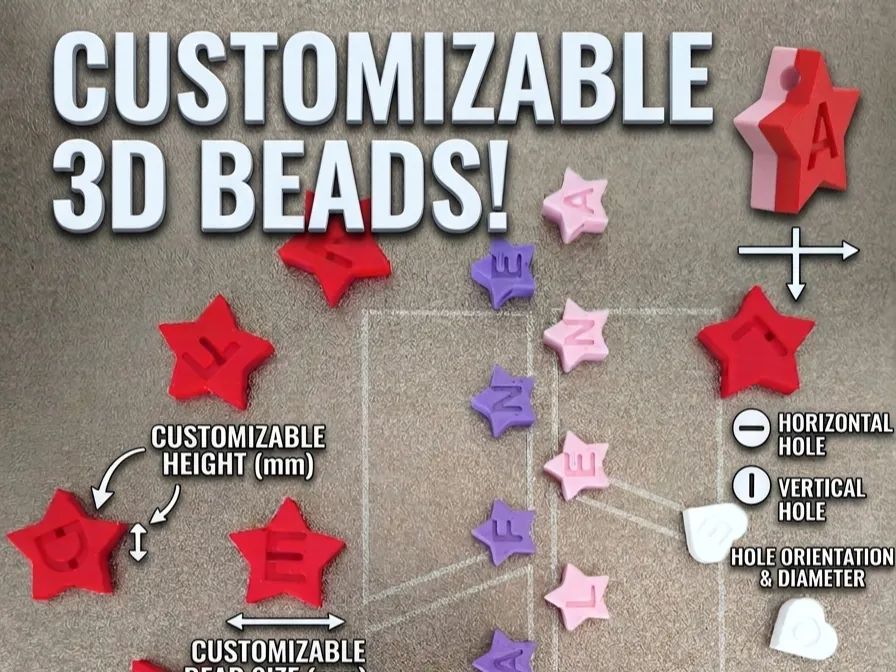
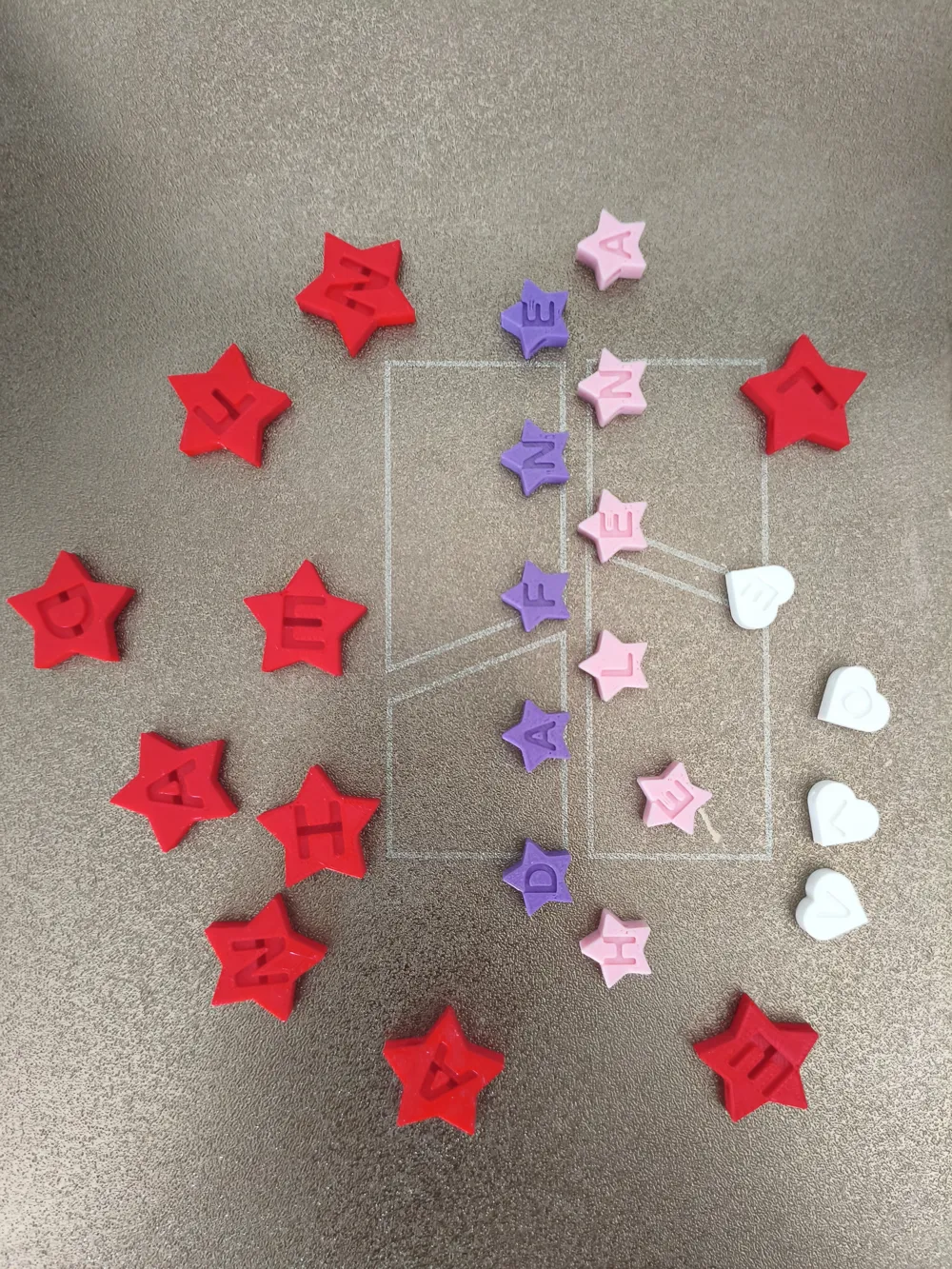
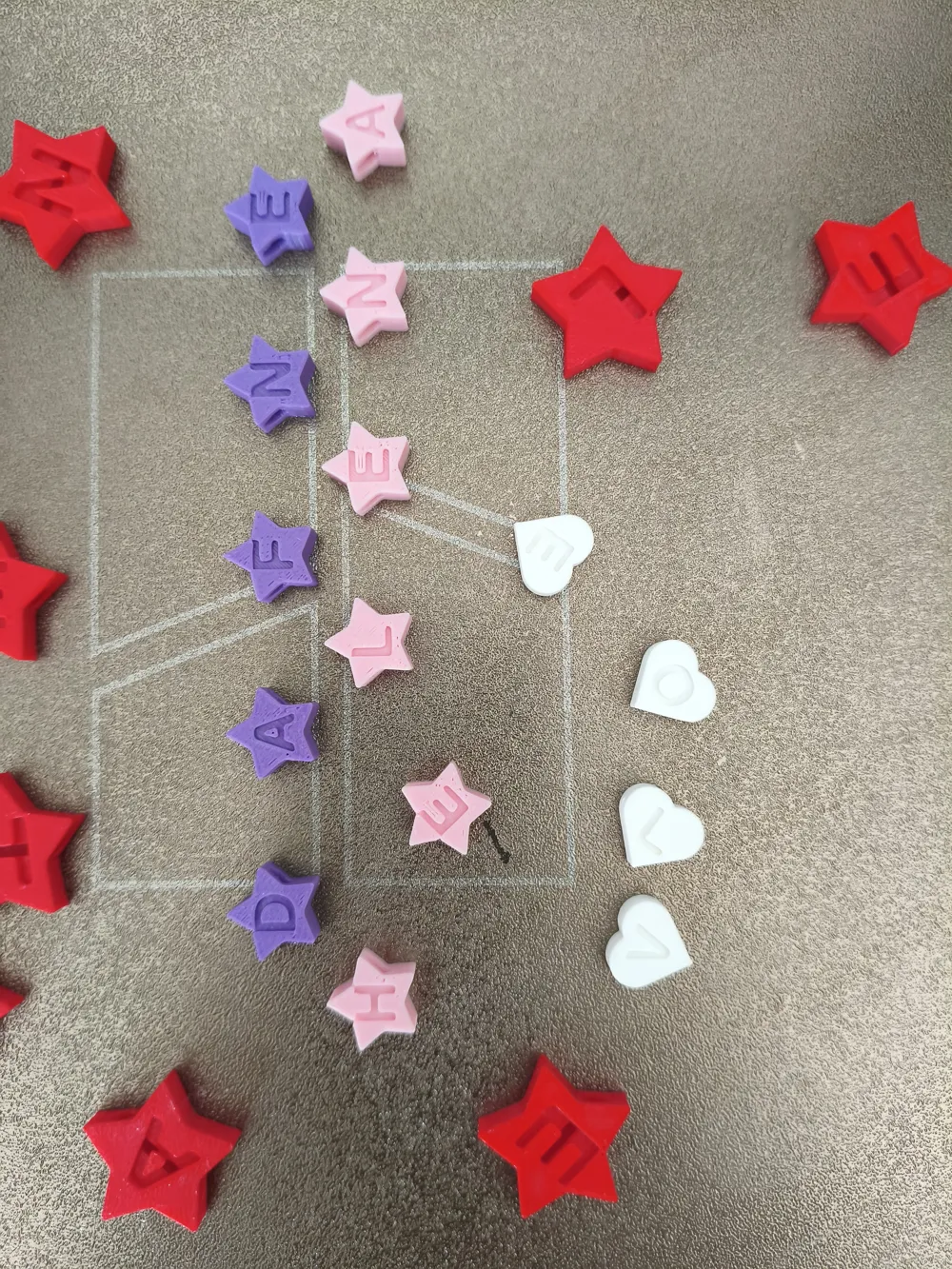
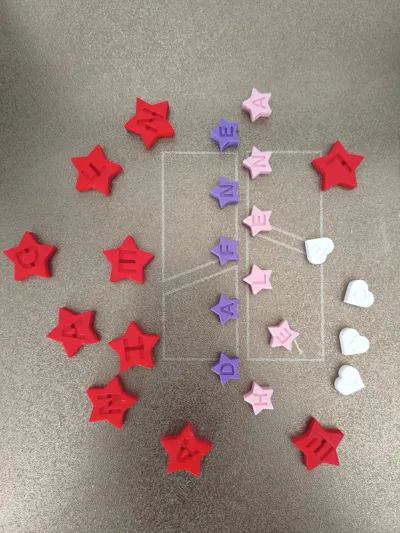
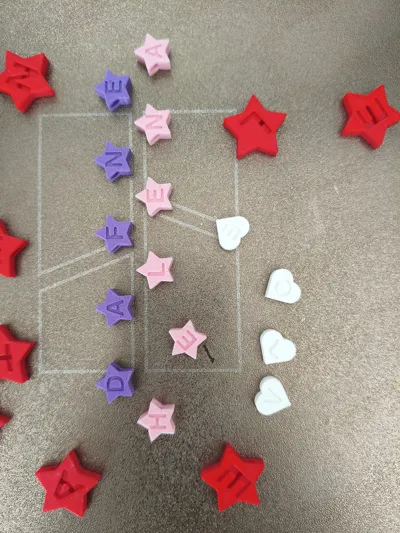
Create your own personalized beads for bracelets, necklaces, or keychains! This parametric model allows you to generate beads with any letter or word, choosing from multiple geometric shapes and adjusting every detail to perfectly fit your cord
What can you customize?
- Text: Type a complete word and the system will generate a heart (or your chosen shape) for each letter
- Shapes: Choose between Heart, Star, Circle, Square, Hexagon, or Pentagon
- Versatile Hole: Change the orientation to Horizontal (for bracelets) or Vertical (for pendants)
- Dimensions: Adjust the width, bead thickness, and hole diameter for the thread
- Engraving: Control the font size and the depth of the letter recess
🛠️ Configurator Instructions
To get the best results in the MakerWorld Parametric Model Maker, follow these steps:
- Word: Write your text in CAPITAL LETTERS for better readability
- Shape: Select your favorite style from the dropdown menu
- Orientation:
- Use Horizontal if you are going to string the beads on a bracelet (the thread passes from side to side)
- Use Vertical if you want the bead to hang like a "charm"
- Hole: Measure your cord. If it measures 2mm, set the hole_diameter to 2.5mm or 3mm for it to slide smoothly
- Printing: This model is designed to be printed without supports. If you want the letter to stand out, use the "Filament Change by Layer" function in Bambu Studio so the base is one color and the engraving background is another
If you want to add ball-shaped or flatter beads to place between letters, here's a link, you can play with sizes, heights, etc:
https://makerworld.com/es/models/2730345-custom-bead-factory-beads#profileId-3026087
If you go too far, like me, in the depth of the letters, the cord will show! Cheers!
And don't forget I'd love to see your photos!! Cheers!!
License

You shall not share, sub-license, sell, rent, host, transfer, or distribute in any way the digital or 3D printed versions of this object, nor any other derivative work of this object in its digital or physical format (including - but not limited to - remixes of this object, and hosting on other digital platforms). The objects may not be used without permission in any way whatsoever in which you charge money, or collect fees.


Comment & Rating (0)