
Jigsaw Puzzle Generator (Krypt & Classic)
Print Profile(3)
Bill of Materials





Description
Boost Me (for free)
If you enjoy this design, a Boost would truly make a huge difference! 😊
Membership
Turn 90+ premium designs into profit! 🚀 Want to sell my prints? Join the Commercial Membership to get instant selling rights for my entire catalog of 80+ models and all future drops!
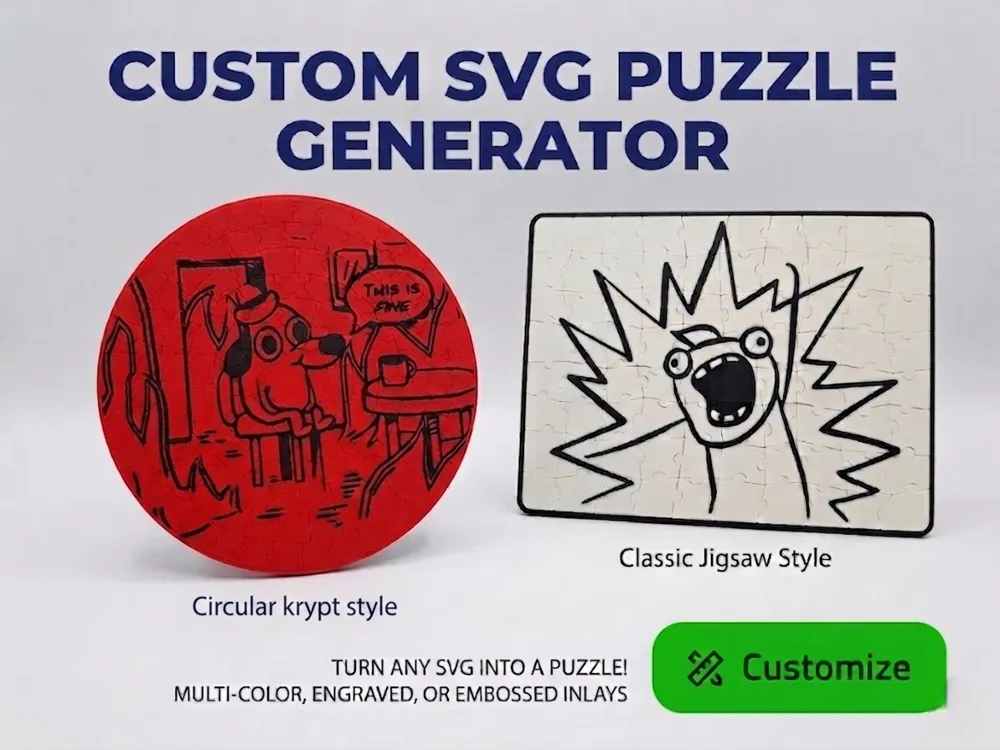
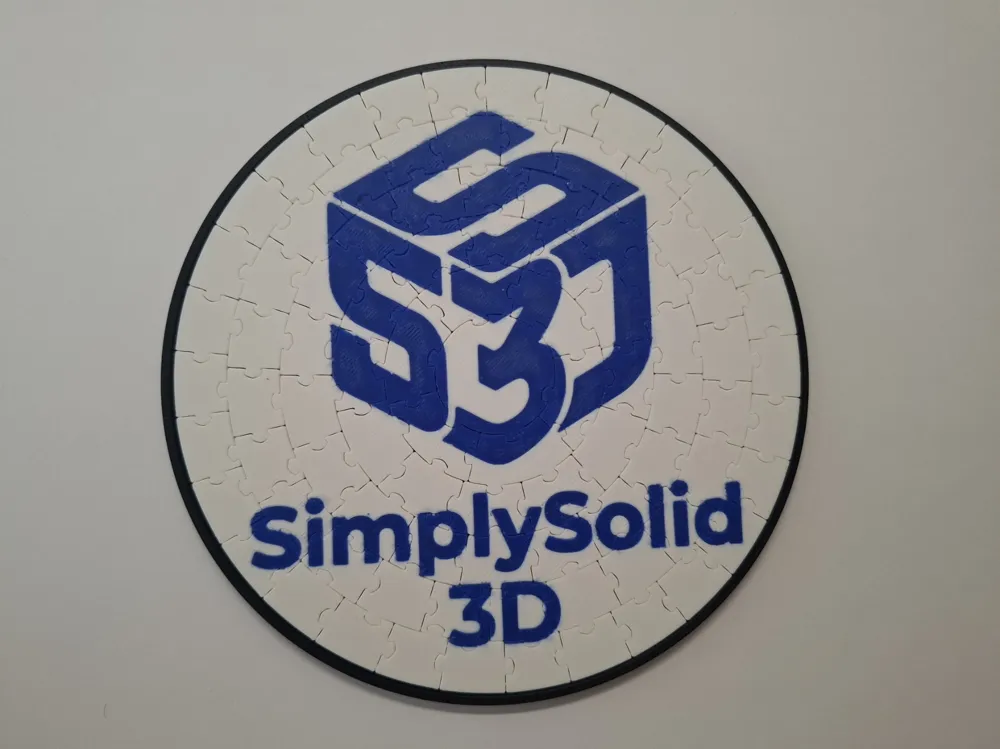
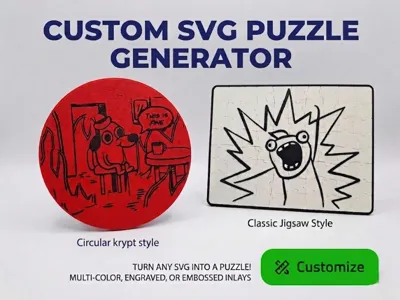
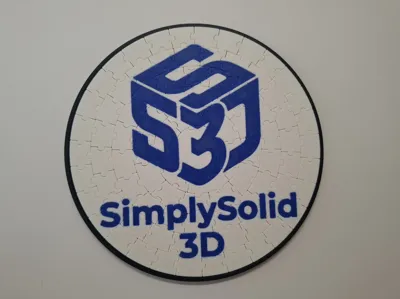
Create the perfect personalized puzzle! With this Parametric Model, you can easily upload your own SVG files to embed custom logos, text, or artwork directly into your puzzle. Choose between a flush multi-color inlay, a deep engraving, or a raised emboss.
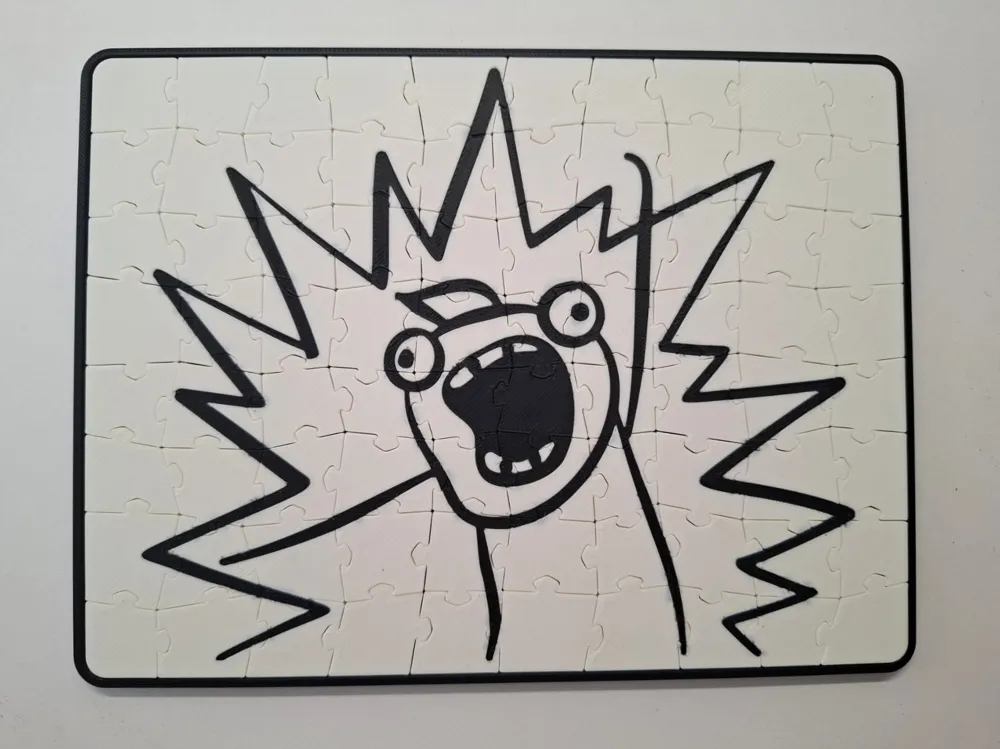
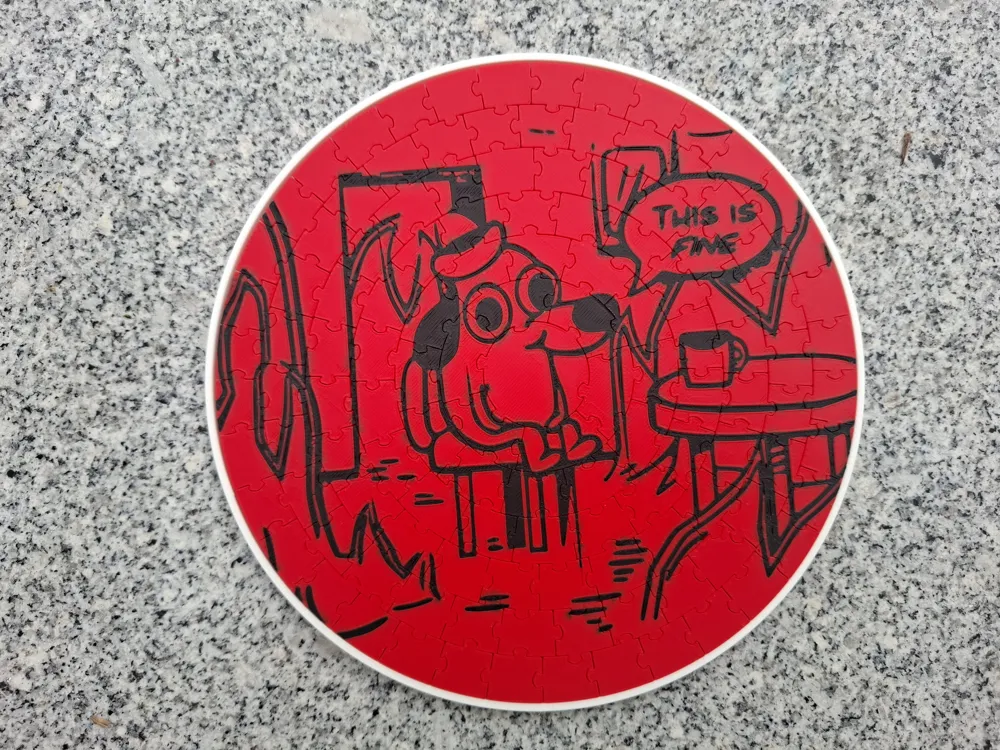
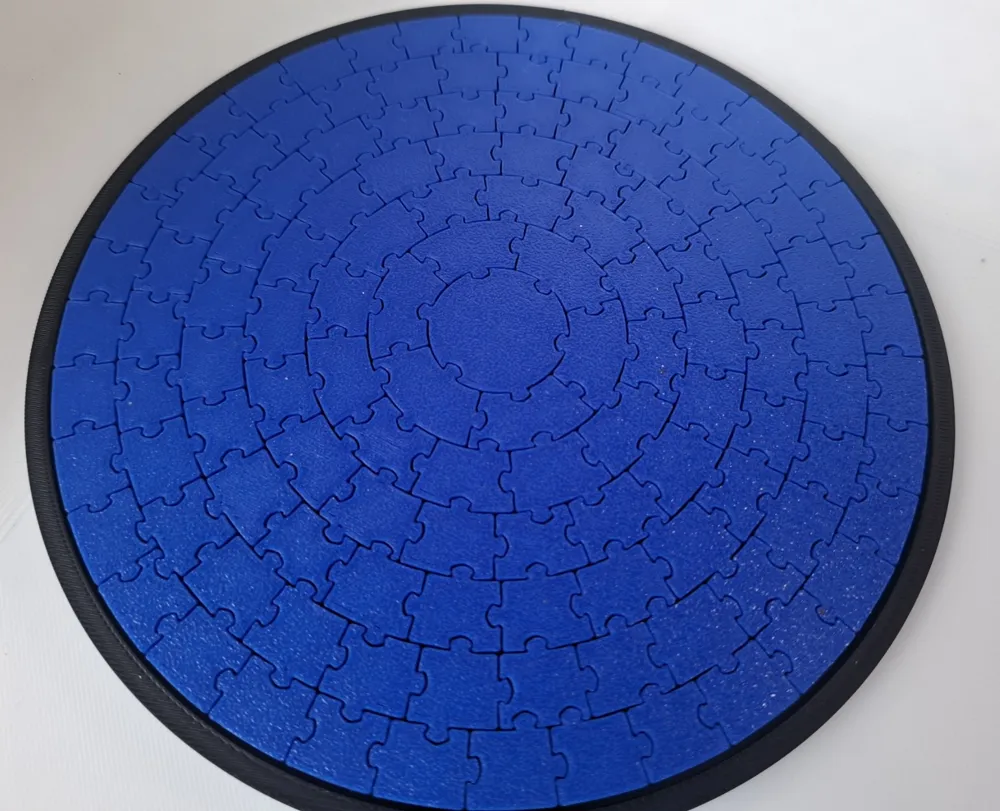
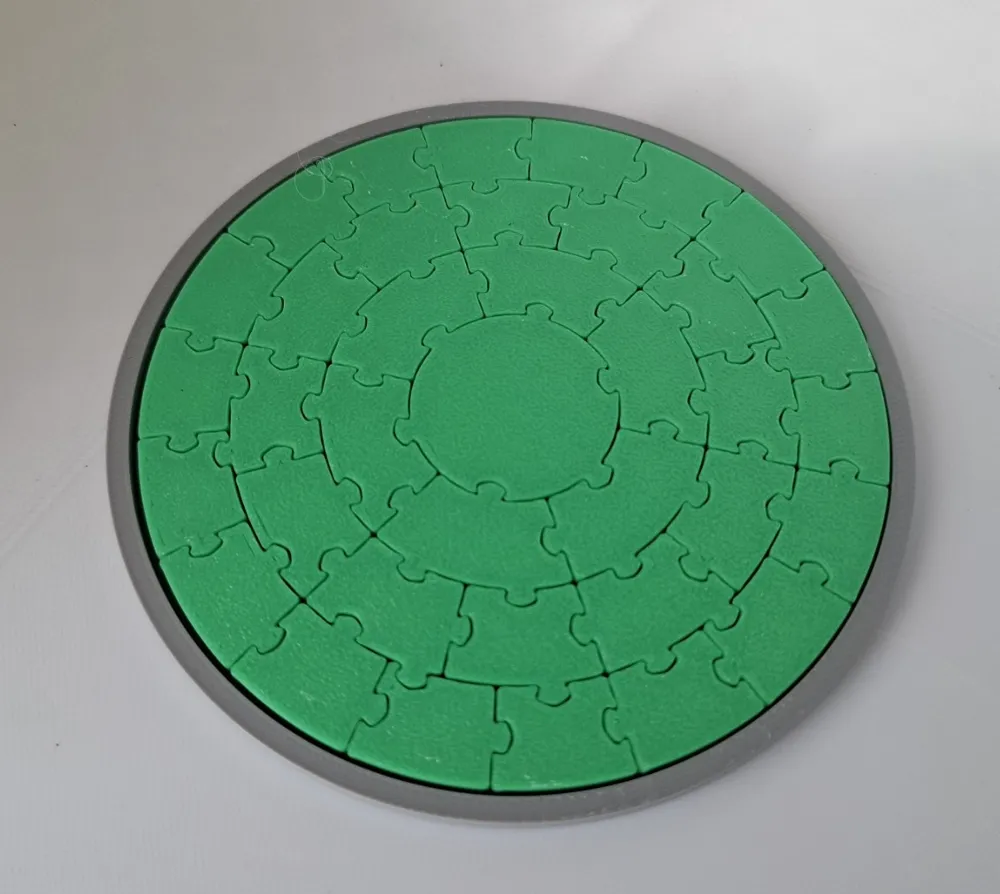
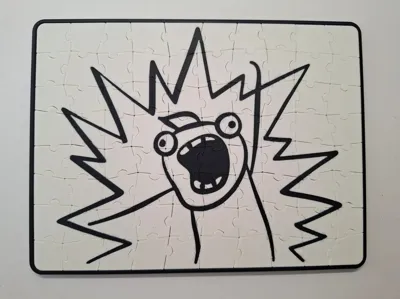
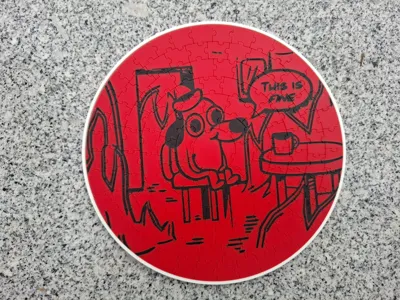
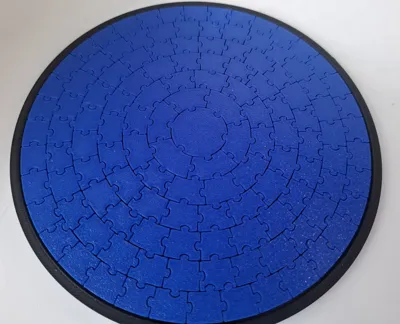
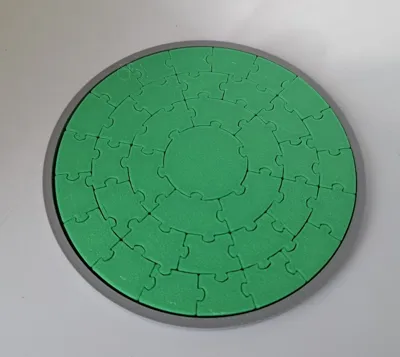
Alongside the custom SVG features, you can generate an infinite number of unique, fully 3D-printable puzzles right here in MakerWorld. Choose between a circular "Krypt" style puzzle or a classic rectangular Jigsaw.
💡 Timeout Error? Complex SVGs with thousands of nodes will crash the generator. Before uploading, simplify your SVG! Use a free tool like SVGOMG online. Lower the number and transform precision and you thould be good to go.
✨ Features
- Custom SVG Integration: Upload an SVG file to add your own logos, text, or shapes. Supports Engraving, Embossing, and Multi-Color (Flush Inlay).
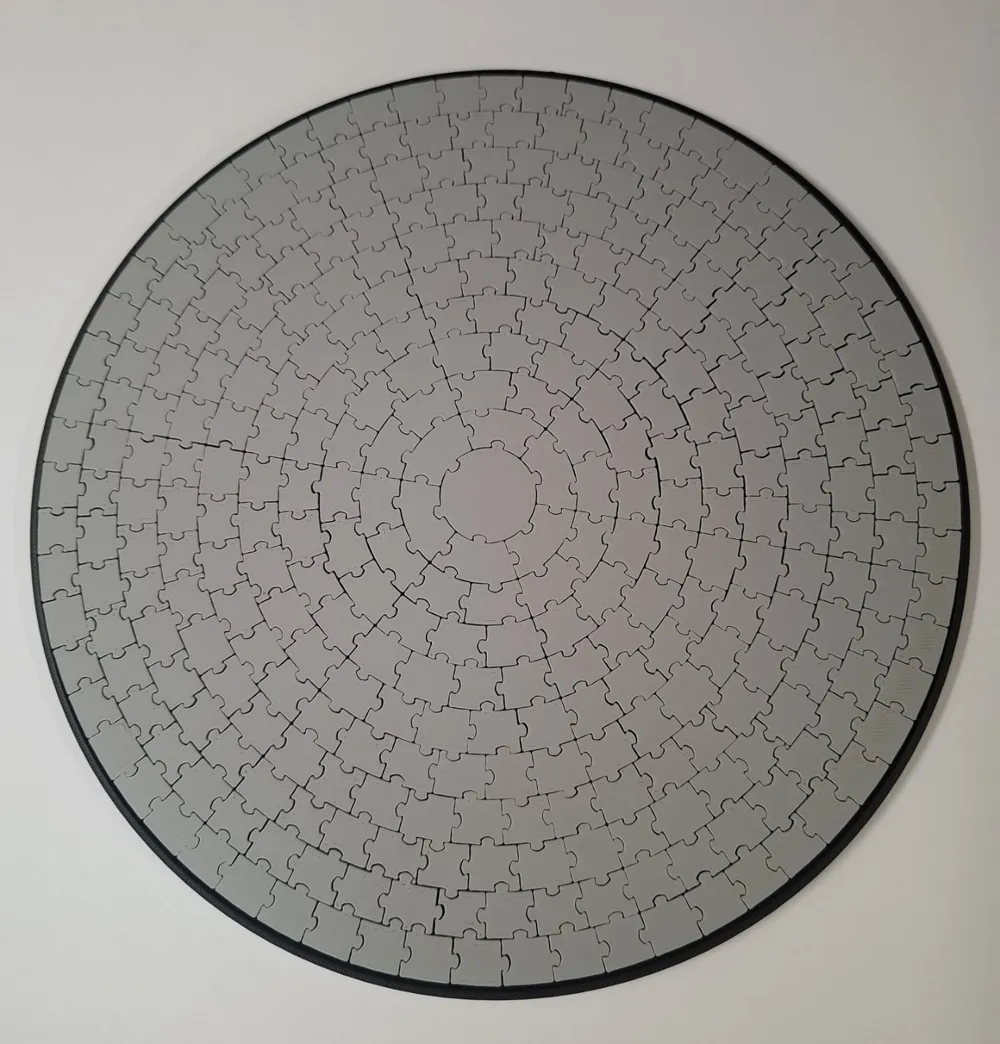
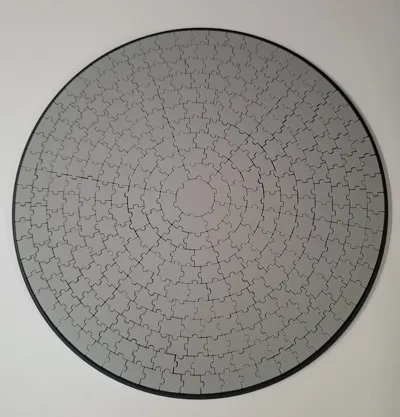
- Two Puzzle Styles: Choose between Circular (up to 13 rings / 547 pieces) or Classic Rectangular Jigsaw grids.
- Pattern Variations: Change the Pattern_Seed to generate a completely different cut-pattern for your puzzle.
- Smart Auto-Frame: Generate a storage tray/frame that automatically adapts to your specific puzzle shape, size, and corner radius.
- Print-in-Place Ready: Uses a 0.2mm clearance between pieces for print-in-place capabilities.
🚀 Share Your Creations!
Did you create an awesome puzzle with a custom SVG logo or a unique piece count? Please share it with the community by uploading it as a Print Profile! This way, others can easily discover, download, and print your amazing custom designs. Let's build a huge library of unique puzzles together!
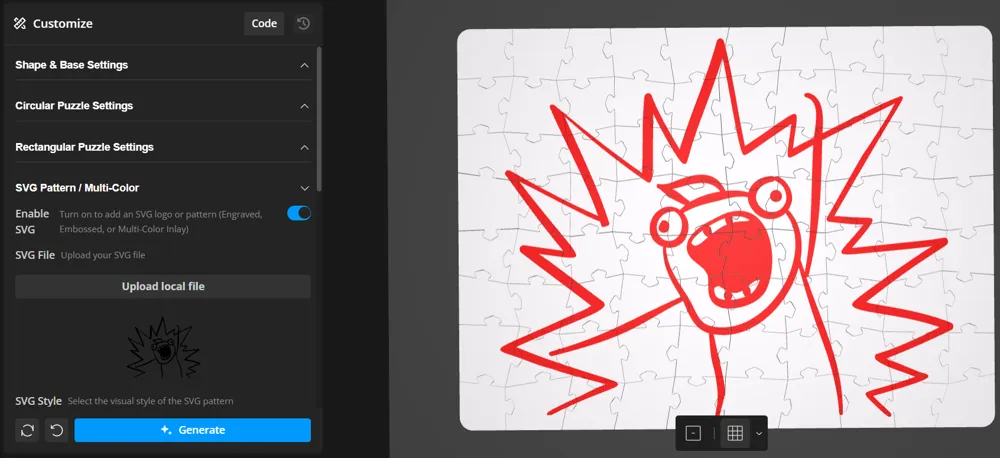
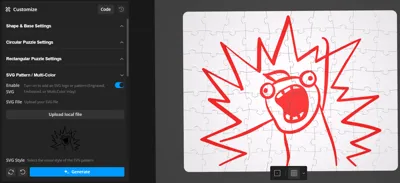
🛠️ How to Use the Customizer
Below is a breakdown of the settings tabs to help you configure your puzzle.
1. Shape & Base Settings
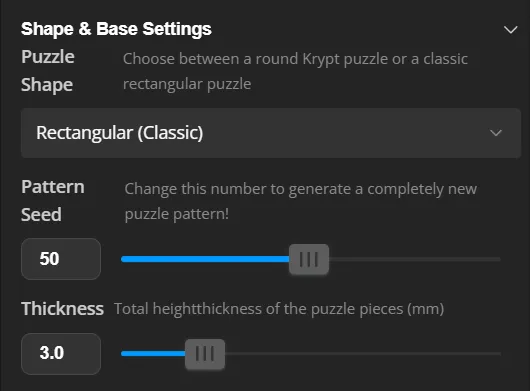
- Puzzle Shape: Toggle between the Circular or Rectangular (Jigsaw) model.
- Pattern Seed: Slide this to change the puzzle piece shapes.
- Thickness: Set the height of the puzzle pieces.
2. Sizing Settings (Circular / Rectangular Jigsaw)
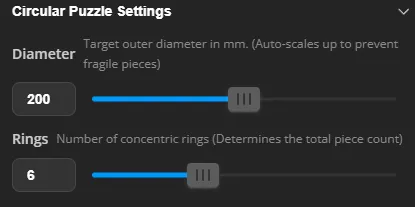
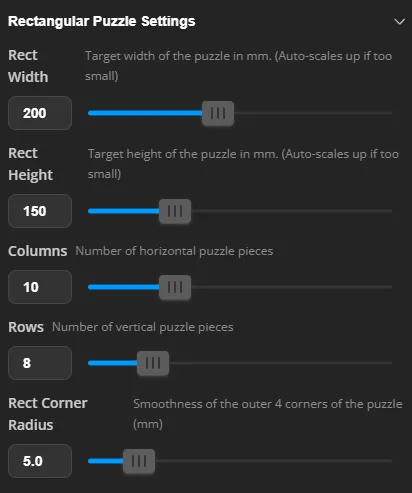
- Set your desired outer dimensions (Diameter or Width/Height) and choose how many pieces you want by adjusting the Rings or Rows/Columns.
- Note: If you set a high piece count for a small area, the generator will automatically scale the puzzle up to ensure the connecting tabs remain printable.
3. SVG Pattern & Multi-Color
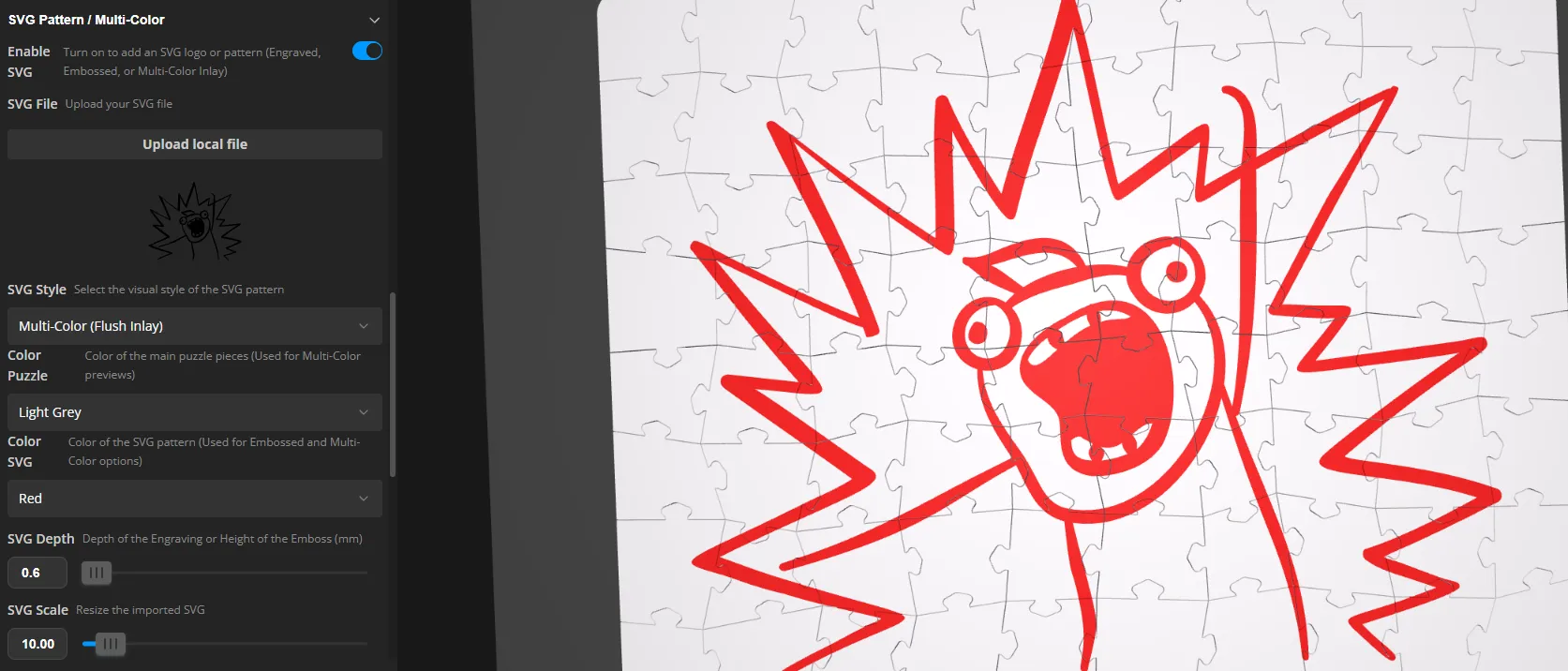
You can apply custom logos or text using an SVG file:
- Check Enable SVG and type the exact name of your uploaded SVG file.
- Choose your SVG Style. You can select Engraved (Cutout), Embossed (Raised), or Multi-Color (Flush Inlay).
- Color Setup: Pick your puzzle color and SVG color to preview the result.
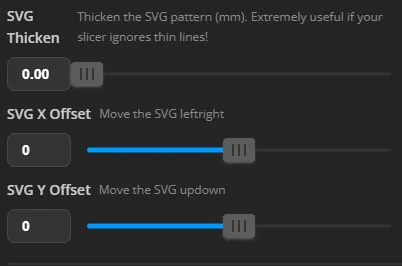
- SVG Thicken: If your SVG has very thin lines that disappear in the slicer, increase this slider to thicken the lines.
- SVG Positioning: Use the SVG X Offset and SVG Y Offset sliders to move your design left/right or up/down until it is perfectly placed on your puzzle.
4. Frame Settings
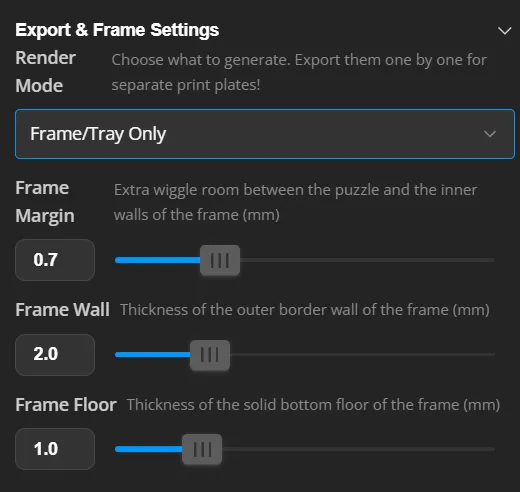
The frame automatically adapts to the exact shape, size, and corner radius of your generated puzzle! You can also fine-tune its dimensions:
- Render Mode: Use this dropdown to switch between viewing the Puzzle and the Frame. Exporting Tip: Generate and download the Puzzle first. Then, change the Render Mode to "Frame Only", let it generate, and download the Frame as a second file. This allows you to slice them on separate build plates.
- Frame Margin: The extra clearance (wiggle room) between the puzzle and the inner wall of the tray.
- Frame Wall: The thickness of the tray's outer walls.
- Frame Floor: The thickness of the solid bottom floor of the tray.
🖨️ Slicing & Printing Guidelines
For the best results, especially with multi-color inlays, consider these slicer settings in Bambu Studio:
- Multi-Color Slicing: When you import a puzzle generated with the "Multi-Color" style into Bambu Studio, the colors are already integrated into the model. Simply assign your desired AMS filament slots to the corresponding colors in the slicer.
- First Layer Quality: Puzzles require a clean first layer so the pieces don't fuse together (elephant foot). Ensure your build plate is clean and your flow dynamics are calibrated.
- Print-in-Place or Scrambled: You can print the puzzle fully assembled (print-in-place) and snap it apart later, or you can use the "Separate Objects" tool in Bambu Studio to scramble the pieces across your build plates.
💡 Pro Tip for a Perfect Finish: Select your puzzle in Bambu Studio and flip it 180 degrees (upside down) so the top face is pointing down on the build plate. This ensures your puzzle's visible top layer gets that beautiful, flawless finish from your textured or smooth PEI plate!
Check out my other puzzle designs in this collection: https://makerworld.com/nl/collections/27190885-simplysolid3d-puzzles
💼 Sell my physical prints? Get your Commercial License on Patreon
❤️ Support my work (€2): Get voting power & sneak peeks on Patreon
☕ One-time tip? Sponsor 100g ($2) of filament on Ko-fi
Feel free to share a picture of your prints in the comments!
Follow me on instagram to stay updated on my projects: https://www.instagram.com/simplysolid3d
______________________________________________________________
Easy to print. Simple to assemble. Simply solid.
Follow SimplySolid3D for smart, frustration‑free 3D designs.
License

You shall not share, sub-license, sell, rent, host, transfer, or distribute in any way the digital or 3D printed versions of this object, nor any other derivative work of this object in its digital or physical format (including - but not limited to - remixes of this object, and hosting on other digital platforms). The objects may not be used without permission in any way whatsoever in which you charge money, or collect fees.


Comment & Rating (8)