
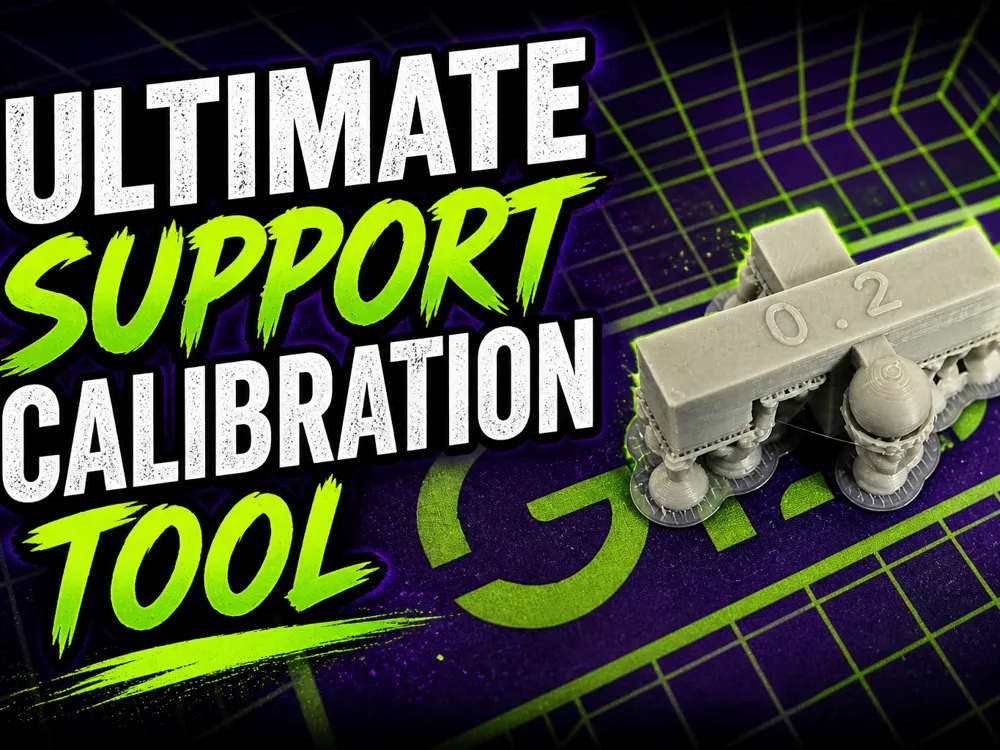
Ultimate Support Calibration Tool (Top/Bottom Z)
Print Profile(2)

Description
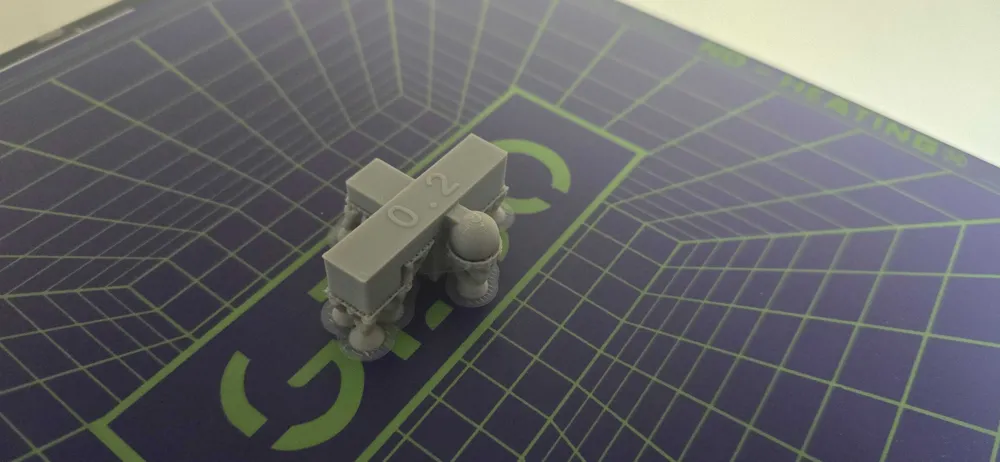
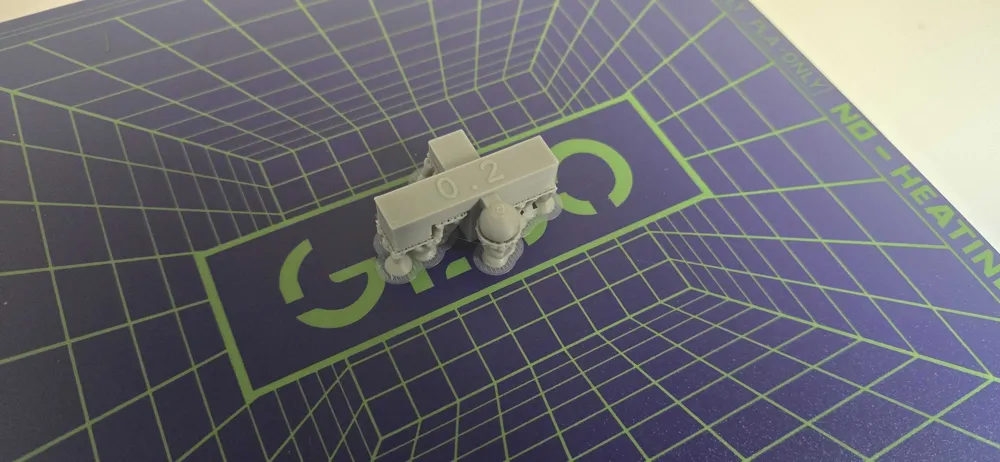
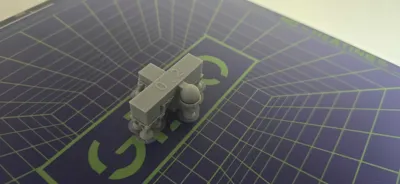
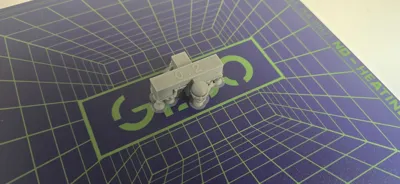
Hi! This is my Ultimate Support Calibration Tool
It’s designed to test everything you could possibly need when dialing in your support settings:
- Top Z Distance
- Bottom Z Distance
- Round surfaces
- Bridges
- Printing directly on supports
- Slopes
- Partial support contact
Included Support Settings
These are my go-to settings for reliable results:
- 4 interface layers
- Rectilinear top interface pattern
What’s Included
You get three different setup options:
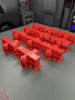
- Full Test Plate
Interface spacing ranges from 0.02 to 0.4 for quick comparison. - Single Test Model
A clean version without variations - Interface Material Version
Designed for use with support interface material at 0.0 distance.
How to Use
I recommend starting with values between 0.1 and 0.3, as these tend to work best in most cases.
After printing:
- Remove the supports from each test
- Check how easy they are to remove
- Inspect the surface quality of the interface
You’ll notice there are two types of supports:
- Supports that prevent printlines from drooping
- Supports that you print directly on top of
The second type is usually the tricky one and that’s exactly what this tool helps you fine-tune.
I’ll also be adding separate test models for individual scenarios, so you can test specific cases while saving both time and material.
Additonal Note:
Boost Me (for free)
Boost me if you appreciate my work i was able to help you
AI Disclaimer
AI was used for grammar and spelling corrections.
The thumbnail has been adjusted for better visibility results will stay the same)
License



Comment & Rating (6)