
Advanced Neptune 3 Series Klipper Configuration
Print Profile(0)
Description
CONFIG FILES
The config is availible here because this file format isn't supported on this platform:
https://www.printables.com/model/1365317-advanced-neptune-3-series-klipper-configuration-fu/files
UPDATES
- 2025.08.08: Testing v2
- Troubleshooting the problem with PID config (removed control = pid from [extruder] section)
- Fixed problem with position_endstop error (changed position_min in [stepper_z] section to -3.5)
- Improved clarity of instructions and notes
- 2025.08.25: ZNP Robin Nano 2025.08.25
- Full release and end of testing phase
- Troubleshooting a still occurring problem with the PID config
- Added further details to instructions
- 2025.09.12: ZNP Robin Nano 2025.09.12
- Fixed a few position values
- Adjusted motion limits
- Adjusted some instructions
- 2025.09.23: ZNP Robin Nano 2025.09.23
- Refined some instructions
- Added pre-configured [screws_tilt_adjust] values for the N3Plus and N3Max for the MANUAL_LEVELING macro
- Used a different approach to fix the problem with the PID and Z_offset errors. These errors seem to occur only during the setup. This most likely has to do with the way the default values were pre-configured. These problems should now be fixed.
- 2026.02.26: ZNP Robin Nano 2026.02.26
- Added the missing fade_target value in the N3_Max.cfg
- Adjusted the screws_tilt_adjust config in the N3_Plus.cfg and N3_Max.cfg. They now include the fixed point in the middle of the bed as the reference point.
- 2026.04.04: ZNP Robin Nano 2026.04.04
- Updated the "cooling" section of the CLEAN_NOZZLE_BRUSH macro. I've observed that when using the nozzle cleaning macro that the filament sometimes unloads itself in the process. I've now found out that this was due to the extrusion command below using absolute coordinates instead of relative coordinates. By adding the G91 and G90 command below this has been fixed.
- Updated the "cooling" section of the CLEAN_NOZZLE_BRUSH macro. I've observed that when using the nozzle cleaning macro that the filament sometimes unloads itself in the process. I've now found out that this was due to the extrusion command below using absolute coordinates instead of relative coordinates. By adding the G91 and G90 command below this has been fixed.
################################
# cooling
################################
G91
G1 E-3 F{40 * 60} ;retract 3mm
G90
SET_HEATER_TEMPERATURE HEATER=extruder TARGET={cleaning_temp - 100}
INFO
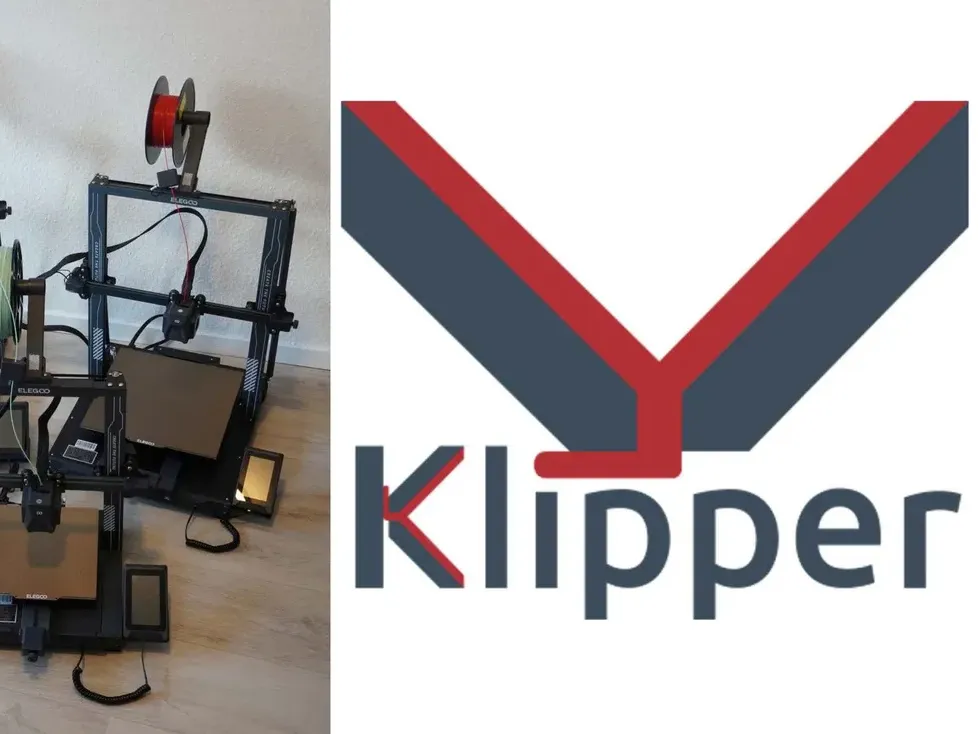
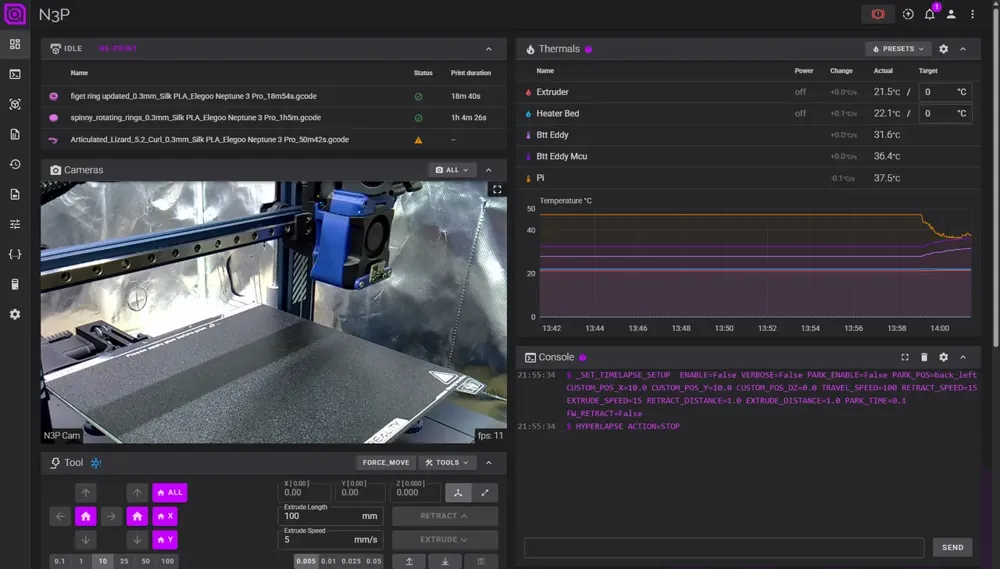
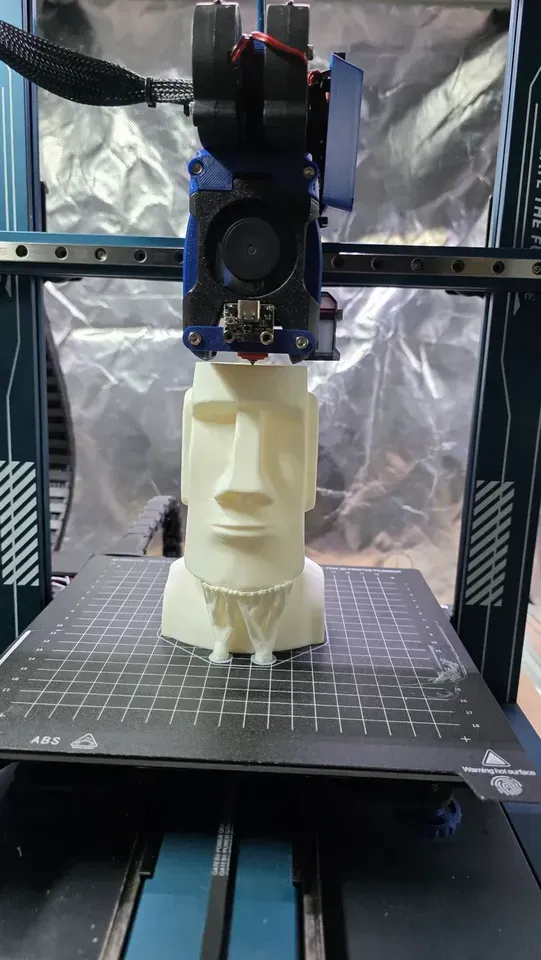
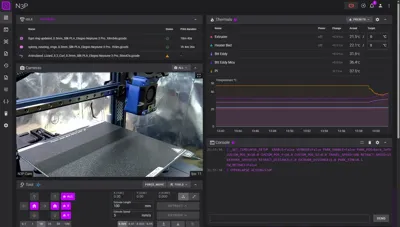
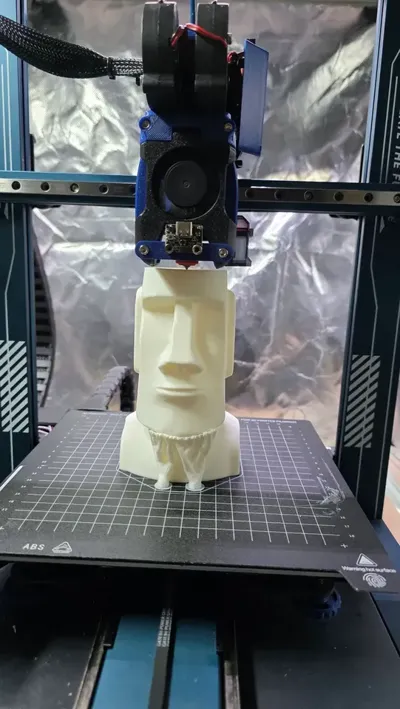
This is a full Klipper configuration I‘ve created for the Neptune 3 series (not base). It has a lot of built-in macros, compatible add-ons such as a nozzle brush that can be set up in a few minutes and supports the use of the BTT Eddy running Eddy-ng (for bed scanning and auto Z-offset). Here's a way to mount one to the Neptune series printers.
This configuration is specifically made for the ZNP Robin Nano DW v2.2 board and the Neptune 3 series excluding the older Neptune 3 (base).
FEATURES
This configuration features macros for:
- Bed leveling
- PID tuning
- Input Shaper calibration
- Intelligent Start- and End-Print procedures
- Nozzle cleaning
- Other smart macros to improve useability
Most macros are controlled by a central file with variables. These values can easily be adjusted to accommodate further mods and thus create a clearly structured configuration.
SET-UP
- Download the ZIP (to ensure the best experience take the newest version)
- Extract the files.
- Upload them all to your printer.
- Open the printer.cfg on your web-interface (Fluidd, Mainsail).
- Follow the detailed instructions located at the top of the printer.cfg.
CONTRIBUTIONS
Huge thanks to TheFeralEngineer. He created an excellent configuration for the Neptune 3 series printers which forms the base of this config I made.
The travel distance values and points for bed meshes in particular were extremely helpful for creating this config and making it compatible with all three printers.
More on his GitHub: https://github.com/TheFeralEngineer
Huge thanks to the testers:
- Fit-Metal1957 (Reddit)
- stevestloo (Reddit)
- winterkilling (Reddit)
Image sources:
- https://www.obico.io/blog/what-is-klipper-3d-printer-firmware
- https://www.smartzone.de/elegoo-neptune-3-pro-plus-max-test
License



Comment & Rating (0)