
Light Shadow Art Generator (Version 3)
Print Profile(3)
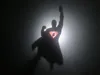
Bill of Materials

Description
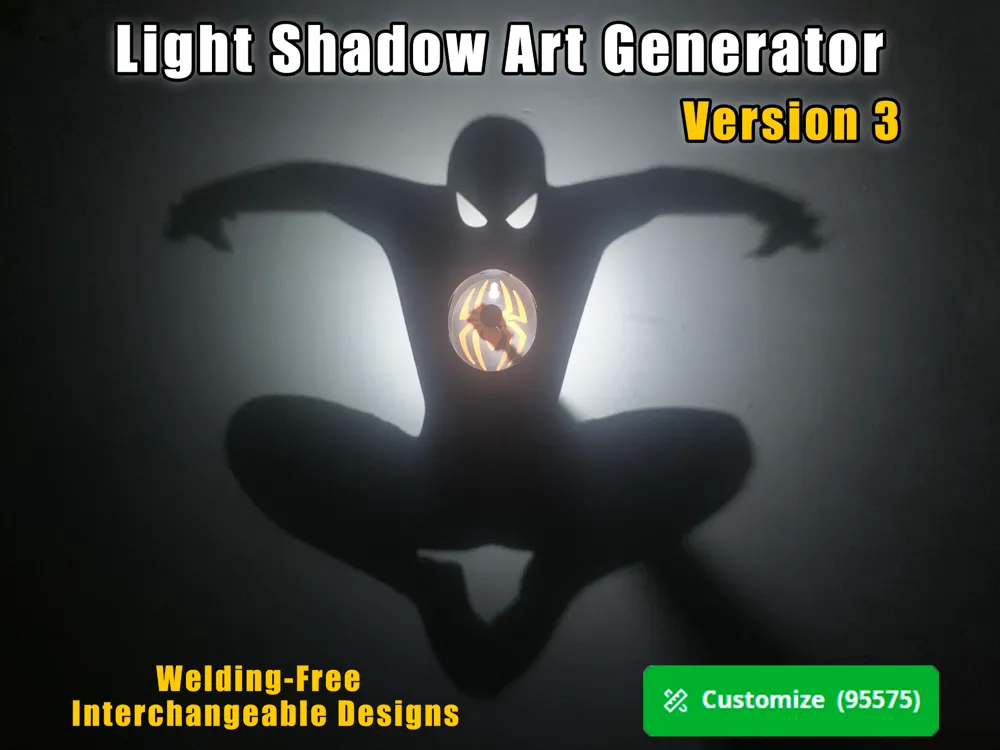
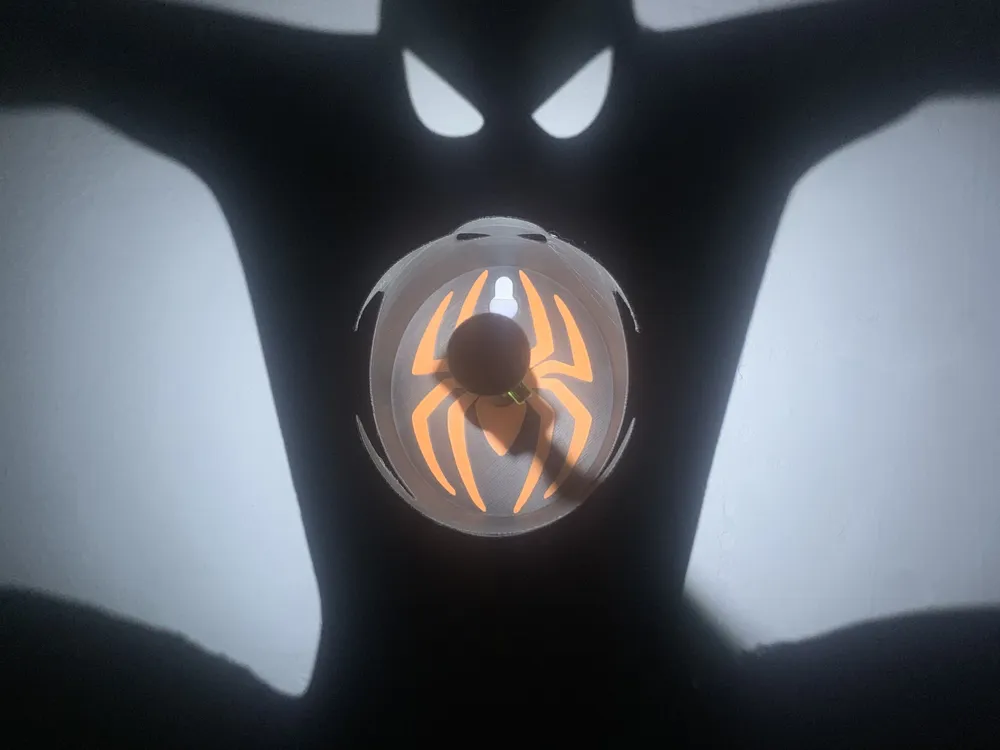
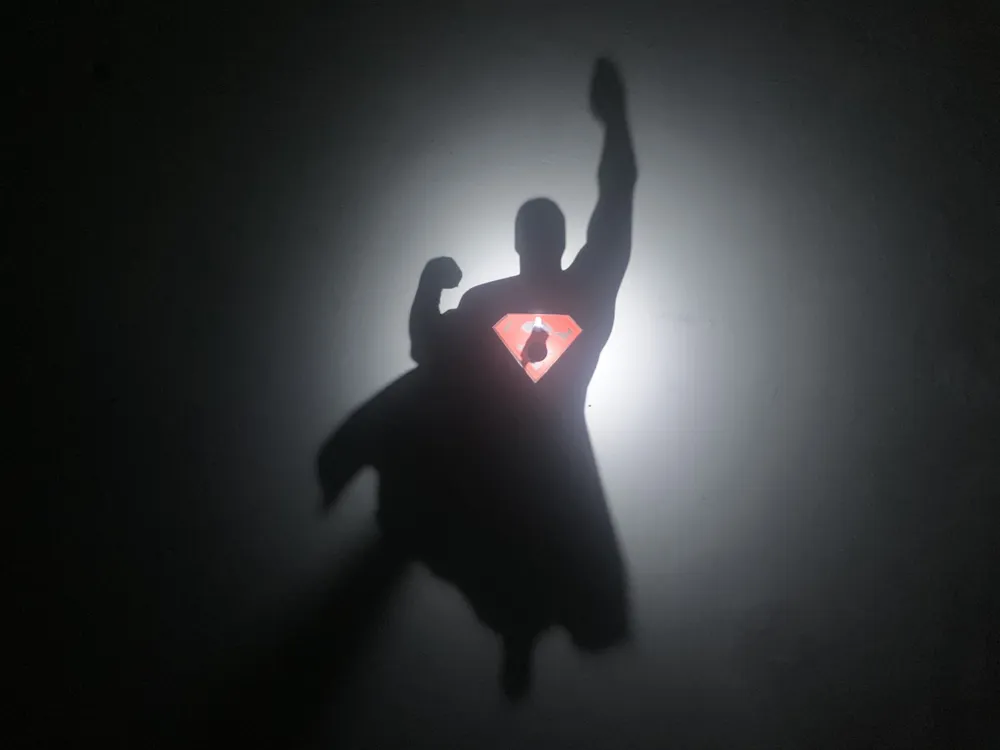
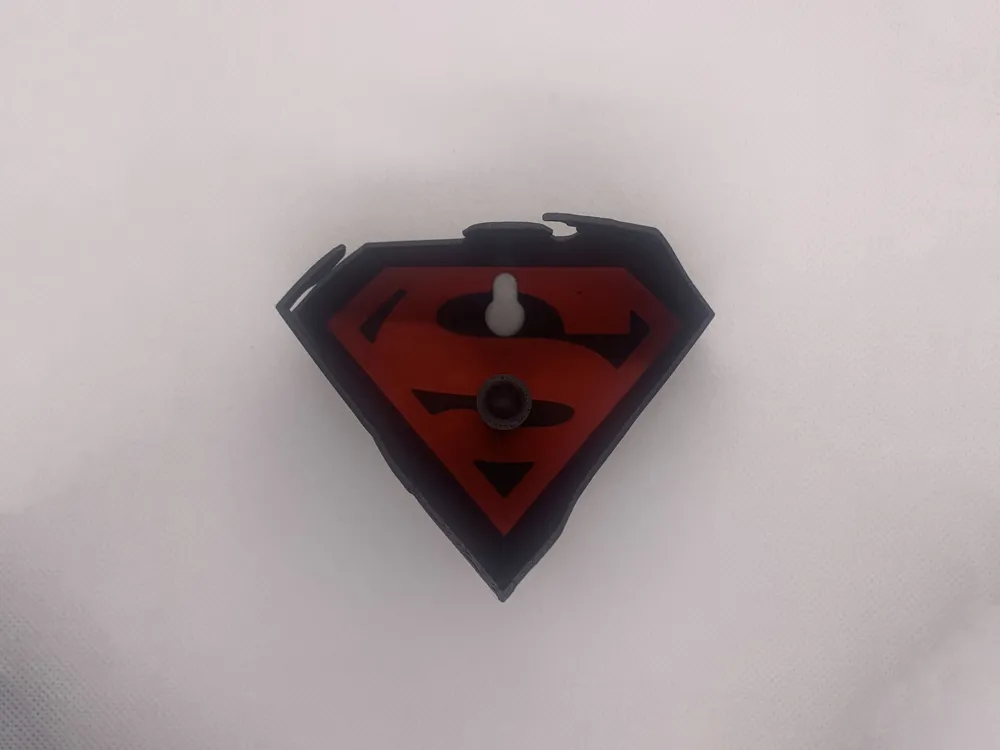
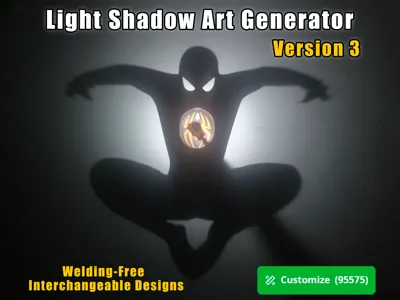
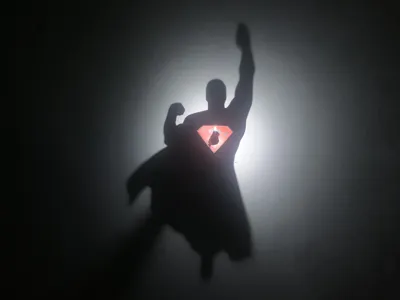
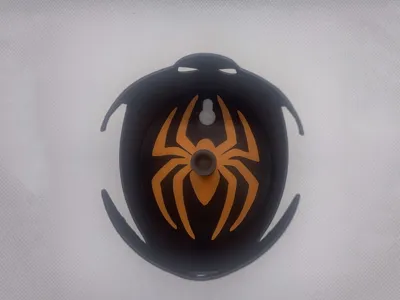
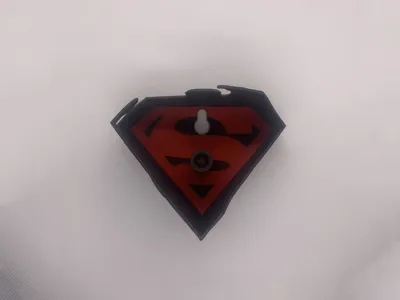
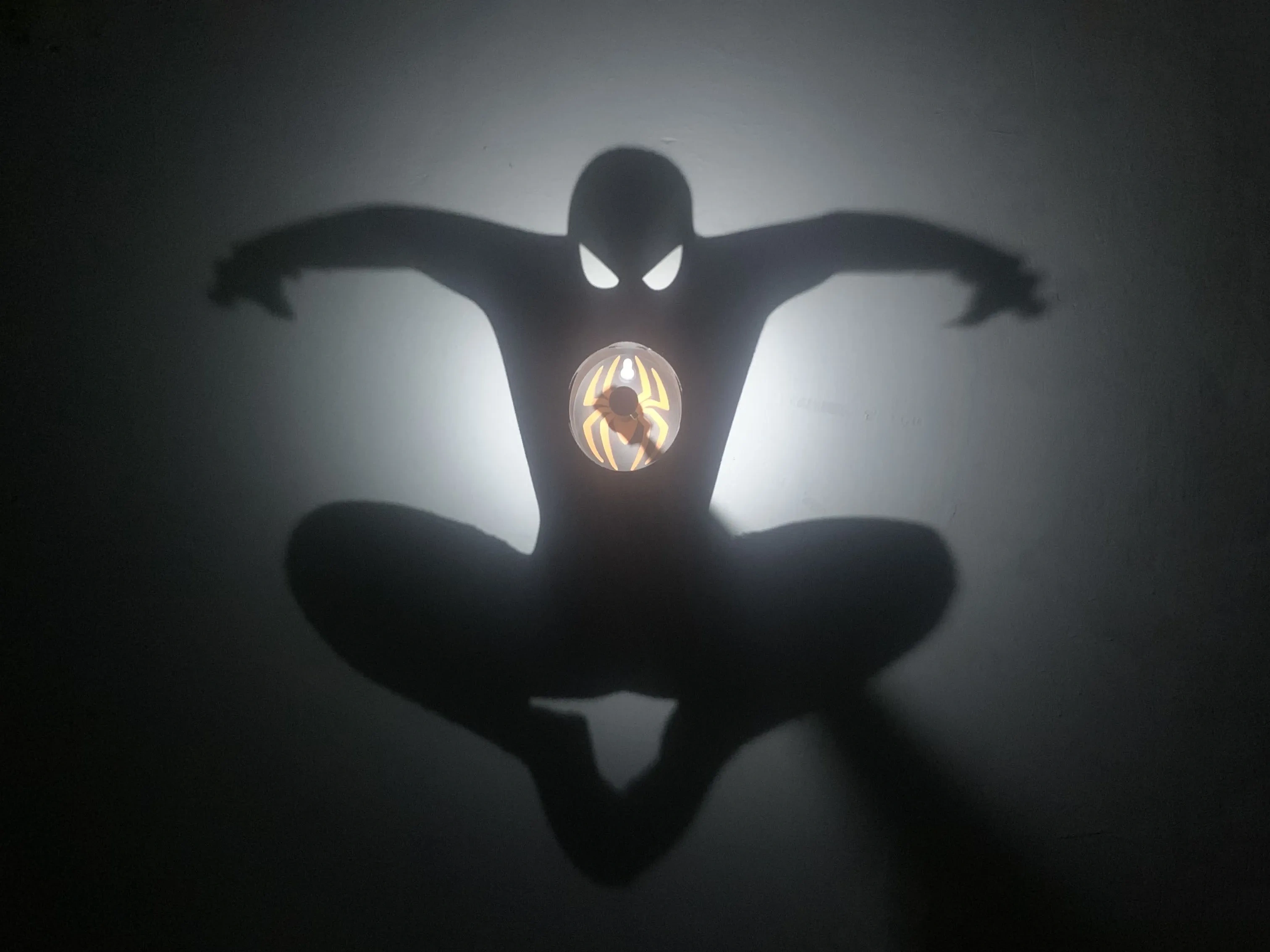
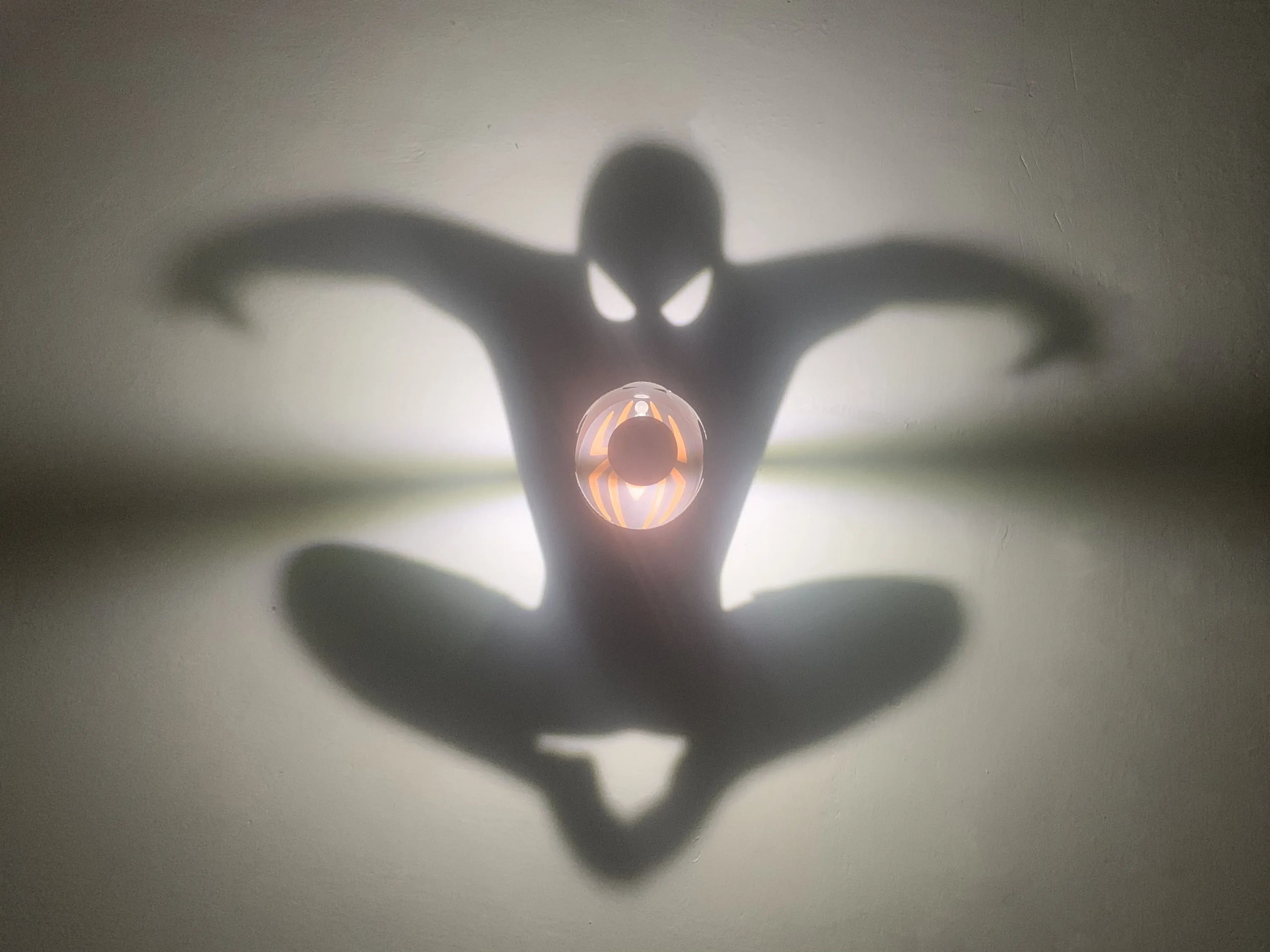
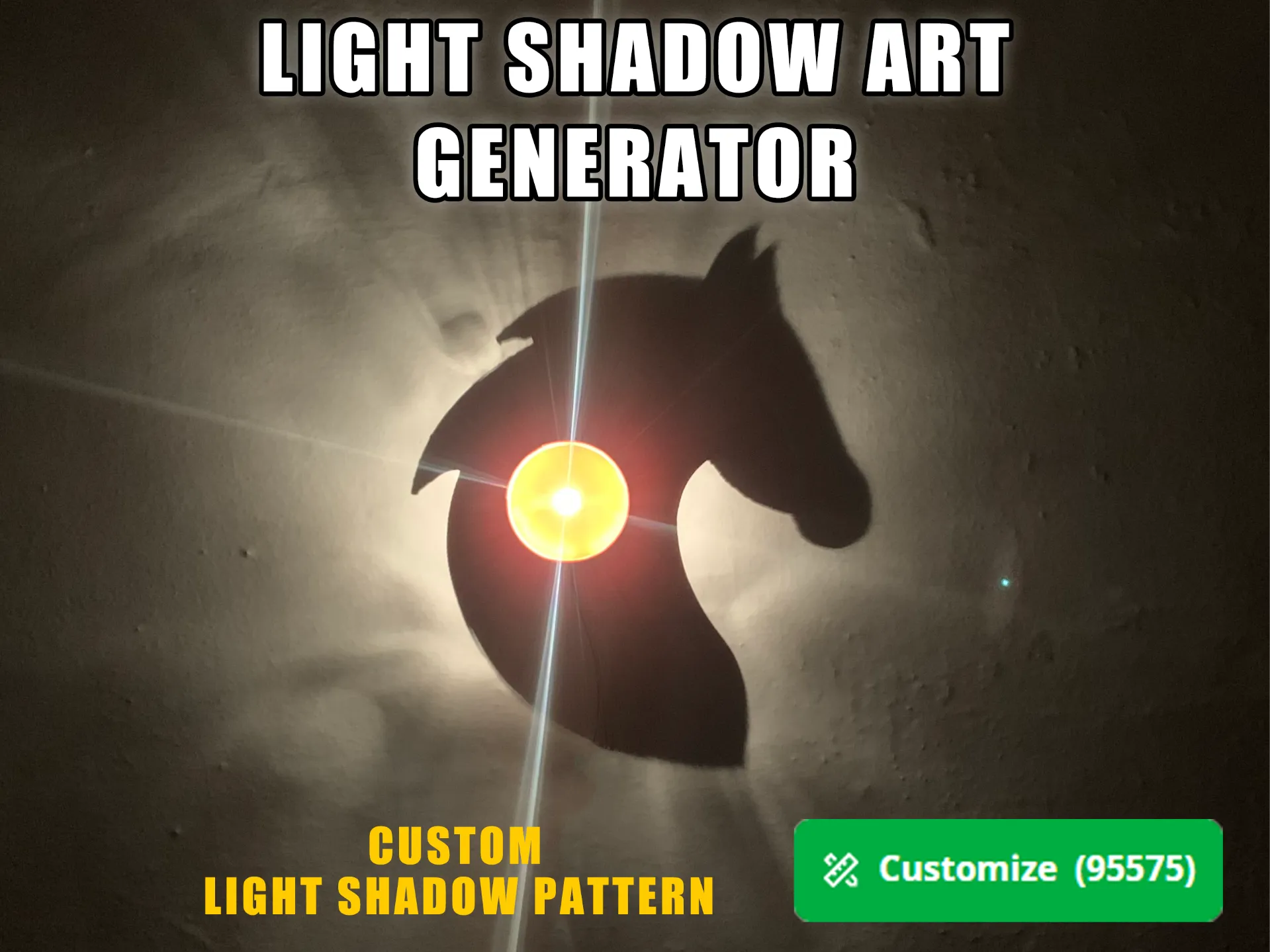
This is a light and shadow art generator (Version 3) that helps you quickly create custom SVG patterns
Features of Version 3 compared to Version 2 (Upgraded Version):
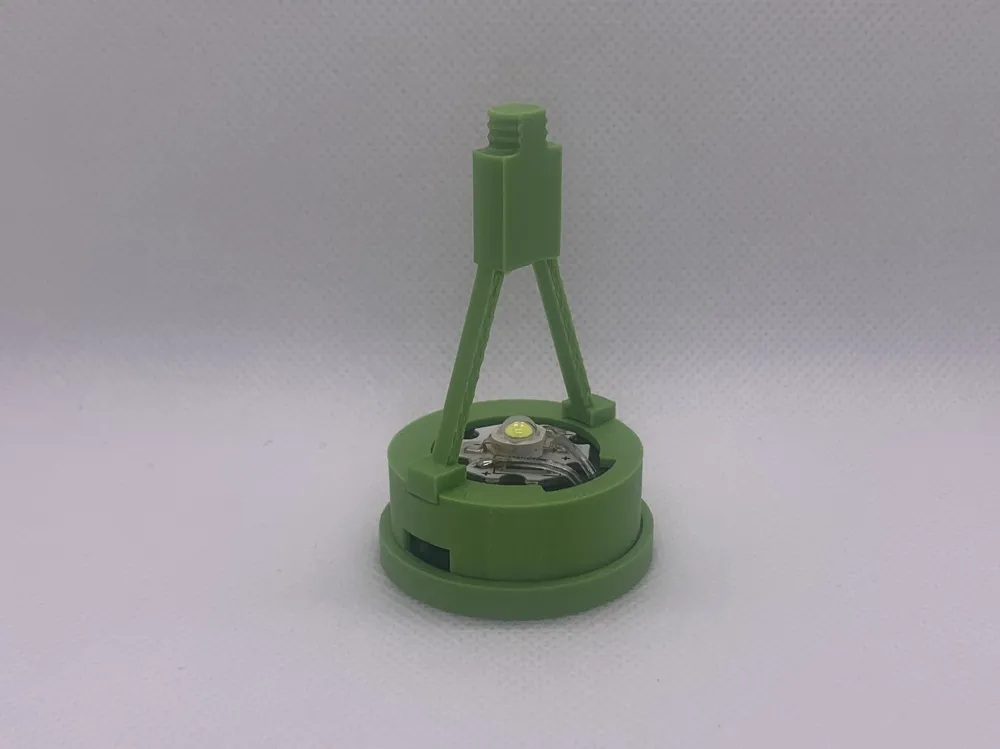
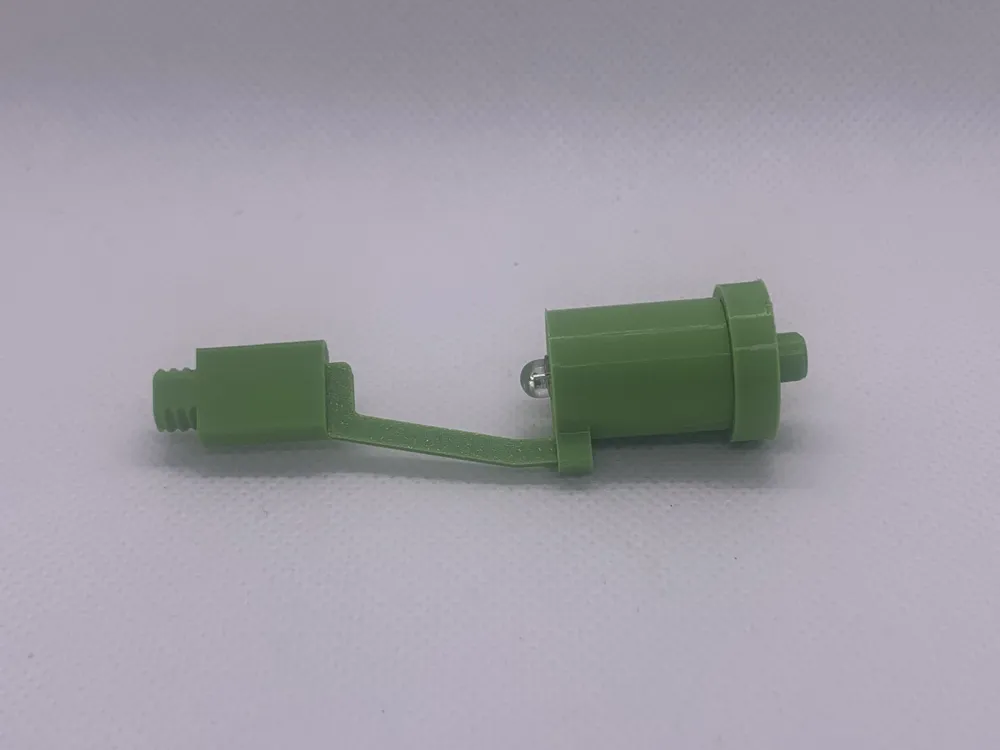
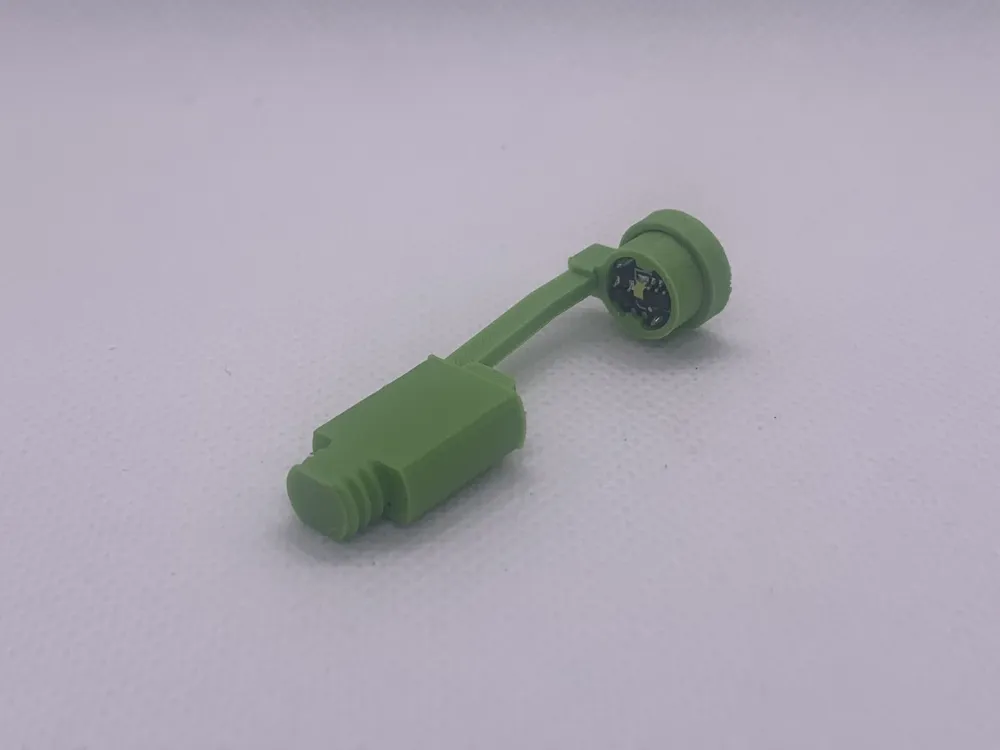
1. Offers three interchangeable light sources: magnetic-controlled light, button light, and high-power light
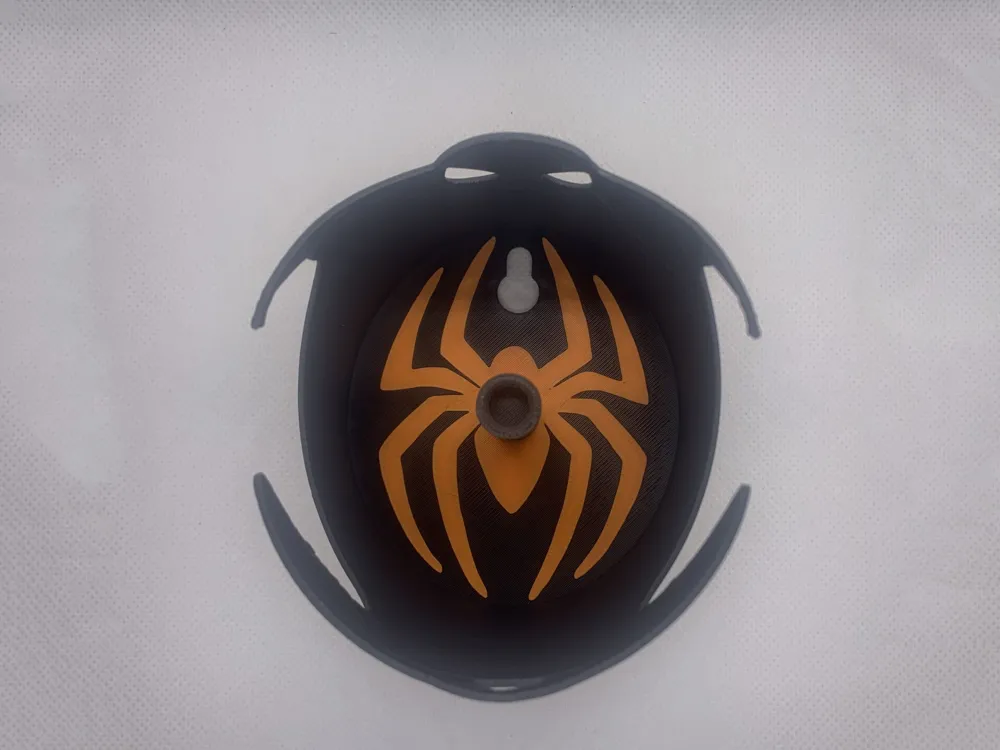
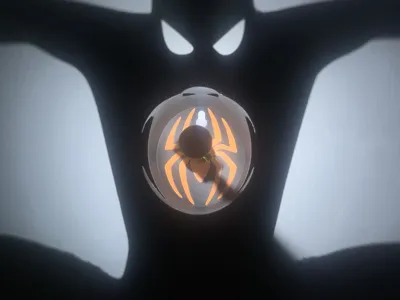
2. Added custom pattern functionality inside the shadow wall
Operating Instructions:
I. Designing the Model
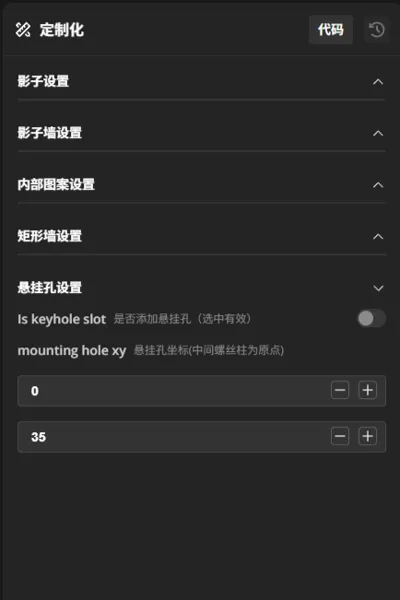
Click the "Customize" button to open "Light and Shadow Art Generator English Version" Set the relevant parameters according to the instructions, then click the "Generate" button to create the model
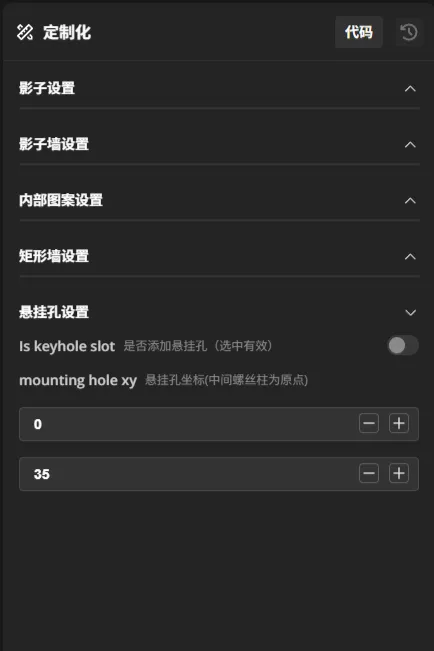
The settings interface is as follows:
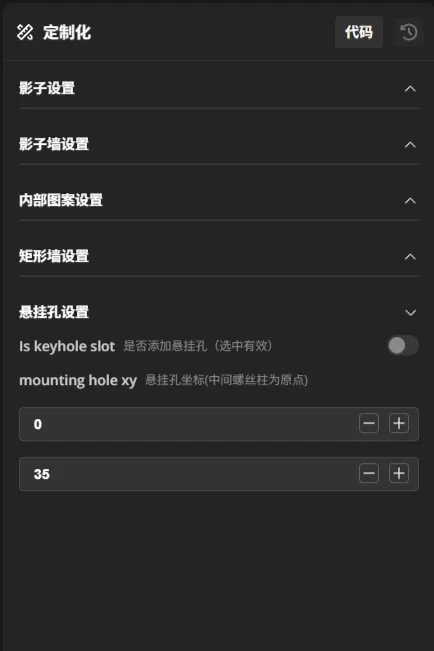
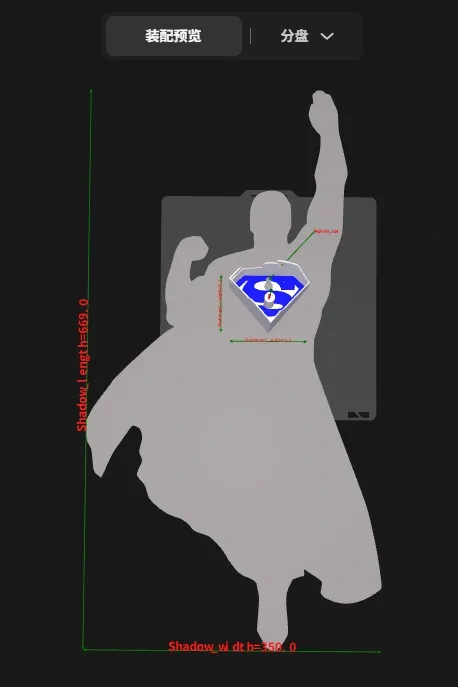
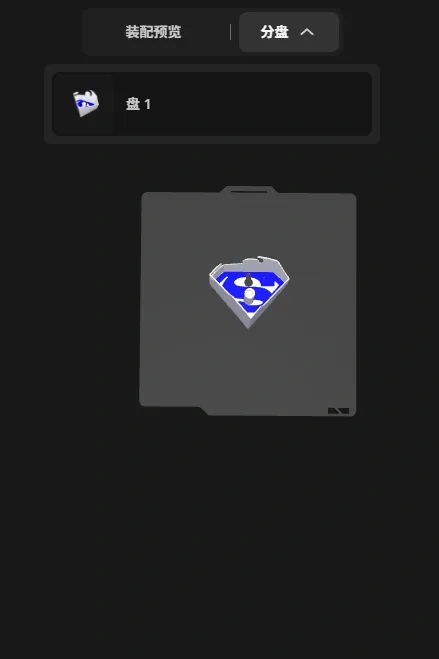
Parameter Details:
| Parameter Variable Name | Chinese Description | Options/Remarks |
|---|---|---|
| Shadow Settings | ||
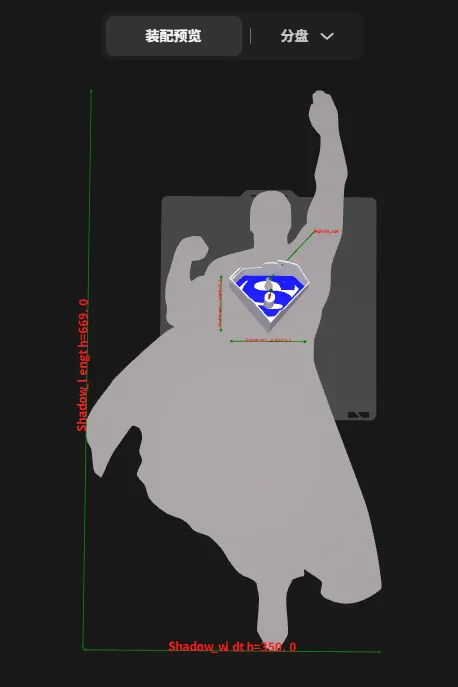
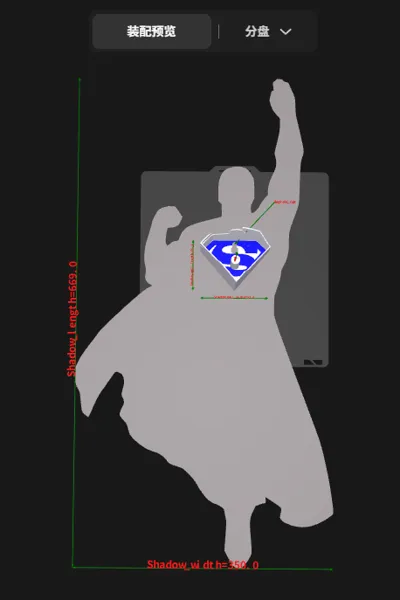
| Shadow_SVG | Upload Shadow SVG Graphic | Graphic must be monochrome and have a closed outer contour |
| Shadow_width | Shadow Width | Left-right width of the uploaded shadow pattern |
| Shadow_length | Shadow Length | Up-down length of the uploaded shadow pattern |
| Shadow_rotation_angle | Shadow Rotation Angle | Allows rotation of the shadow pattern |
| Shadow_move_x | Shadow X-axis Movement | Moves the shadow pattern left and right, positive for right, negative for left |
| Shadow_move_y | Shadow Y-axis Movement | Moves the shadow pattern up and down, positive for up, negative for down |
| Shadow Wall Settings | ||
| Light_source_height | Light Source Height | Distance from the light source to the shadow wall baseplate Minimum: 50 |
| Shadow_wall_thickness | Shadow Wall Thickness | Thickness of the shadow wall |
| Shadow_wall_width | Shadow Wall Width | Width of the thin wall forming the shadow |
| Shadow_wall_length | Shadow Wall Length | Length of the thin wall forming the shadow |
| Shadow_wall_move_x | Shadow Wall X-axis Movement | Moves the shadow wall left and right, positive for right, negative for left |
| Shadow_wall_move_y | Shadow Wall Y-axis Movement | Moves the shadow wall up and down, positive for up, negative for down |
| Shadow_wall_type | Shadow Wall Type Selection | Elliptical: Shadow wall is circular or elliptical Rectangular: Shadow wall is rectangular Custom SVG: Shadow wall graphic is a custom SVG graphic |
| SVG_shadow_wall | Upload Shadow Wall SVG Graphic | Effective only when Shadow Wall Type is "Custom SVG" SVG graphic must be monochrome and have a closed outer contour The shadow wall graphic only uses the outer contour of the uploaded graphic |
| Internal Pattern Settings (Custom SVG graphics can be used inside the shadow wall) | ||
| Is_inner_pattern | Set Internal Pattern | Check to enable |
| Inner_pattern_SVG | Upload Internal Pattern SVG Graphic | Graphic must be monochrome and have a closed outer contour |
| Inner_pattern_width | Internal Pattern Width | Left-right width of the uploaded internal pattern |
| Inner_pattern_length | Internal Pattern Length | Up-down length of the uploaded internal pattern |
| Inner_pattern_rotation_angle | Internal Pattern Rotation Angle | Allows rotation of the internal pattern |
| Inner_pattern_move_x | Internal Pattern X-axis Movement | Moves the internal pattern left and right, positive for right, negative for left |
| Inner_pattern_move_y | Internal Pattern Y-axis Movement | Moves the internal pattern up and down, positive for up, negative for down |
| Inner_pattern_thickness | Internal Pattern Thickness | Sets the printing thickness of the internal pattern |
| Rectangular Wall Settings | ||
| Rectangle_wall_generation_mode | Rectangular Wall Generation Mode | Standing: Rectangular shadow wall is printed as one standing piece Flat Lay: Rectangular shadow wall will be unfolded flat on the build plate Overhang: Rectangular shadow wall will be unfolded flat on the build plate, with an additional 0.2mm thin layer at the bottom |
| Rectangle_wall_split_count | Rectangular Wall Split Count | Effective when Rectangular Wall Generation Mode is "Flat Lay" or "Overhang" 1 piece: The entire rectangular shadow wall is unfolded flat on the build plate |
| First_cut_position | First Cut Position | When the rectangular shadow wall is unfolded flat for printing, the first cut position can be defined |
| Second_cut_position | Second Cut Position | Effective when "2 pieces" is selected for splitting the rectangular wall If the same as the first cut position, only one cut is actually made |
| Rectangle_wall_overhang_Handling | Overhang Mode Handling Method | Effective when Rectangular Wall Generation Mode is "Overhang" Fills or wraps the graphic unfolded at the first cut position Fill: The generated 0.2mm thin layer only covers the inside of the shadow pattern, used when there are independent overhangs inside the shadow pattern Wrap: The generated 0.2mm thin layer will wrap the shadow pattern as much as possible, used when there are independent overhangs outside the shadow pattern |
| Rectangle_rounding | Rectangular Wall Corner Radius | Effective when Rectangular Wall Generation Mode is "Standing" Sets the corner radius of the rectangular shadow wall |
| Mounting Hole Settings | ||
| Is_keyhole_slot | Add Mounting Hole | Check to enable |
| mounting_hole_xy | Mounting Hole Coordinates | Origin is the center screw post |
II. Exporting the Model
Due to the use of an assembly view, after designing, the model can only be exported as a 3MF file, then loaded into Bambu Studio slicing software for settings
III. Print Settings
1. Supports need to be enabled for elliptical walls, custom SVG walls, and standing rectangular walls
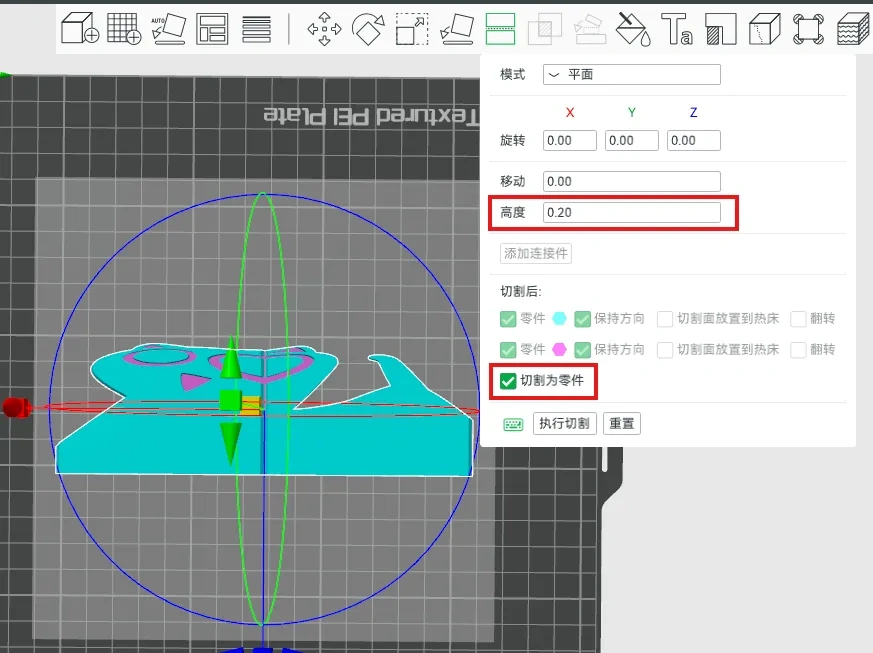
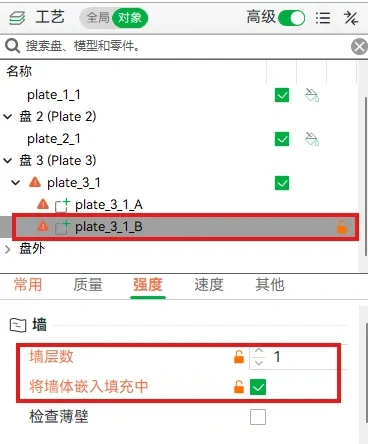
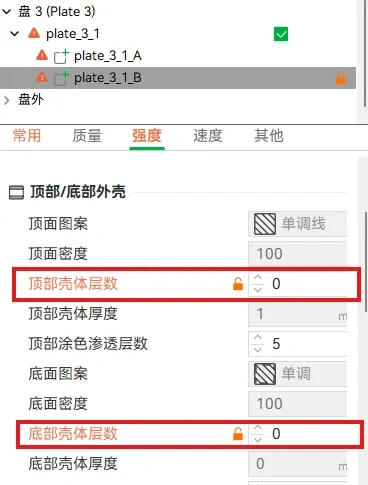
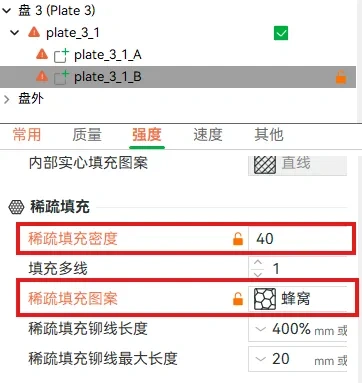
2. Print configuration settings for "Rectangular Wall Generation Mode" set to "Overhang"
a. Select the file, cut it, set the height to 0.2, check "Cut into parts", click "Execute Cut" If prompted whether to fix non-manifold edges, select "No"
b. Select the lower part of the cut model, apply the following settings, and if the slicing preview shows no issues, you can print
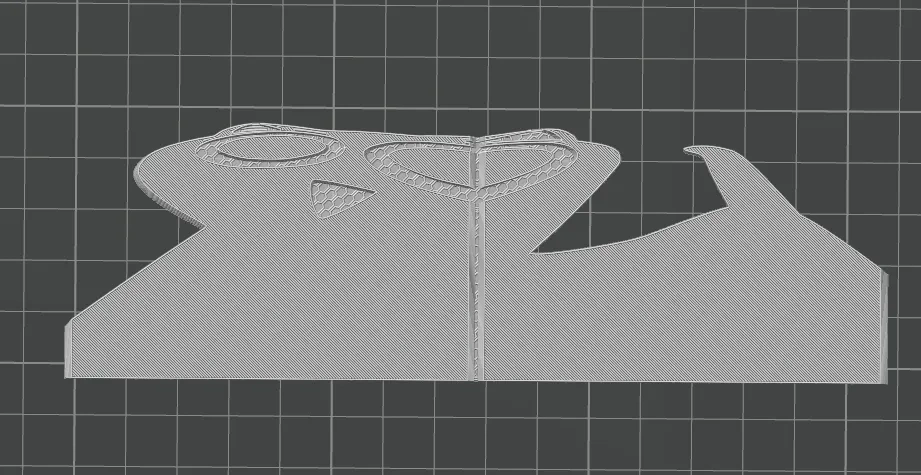
Bill of Materials:
| Name | Quantity | Image | Purchase Link | Remarks |
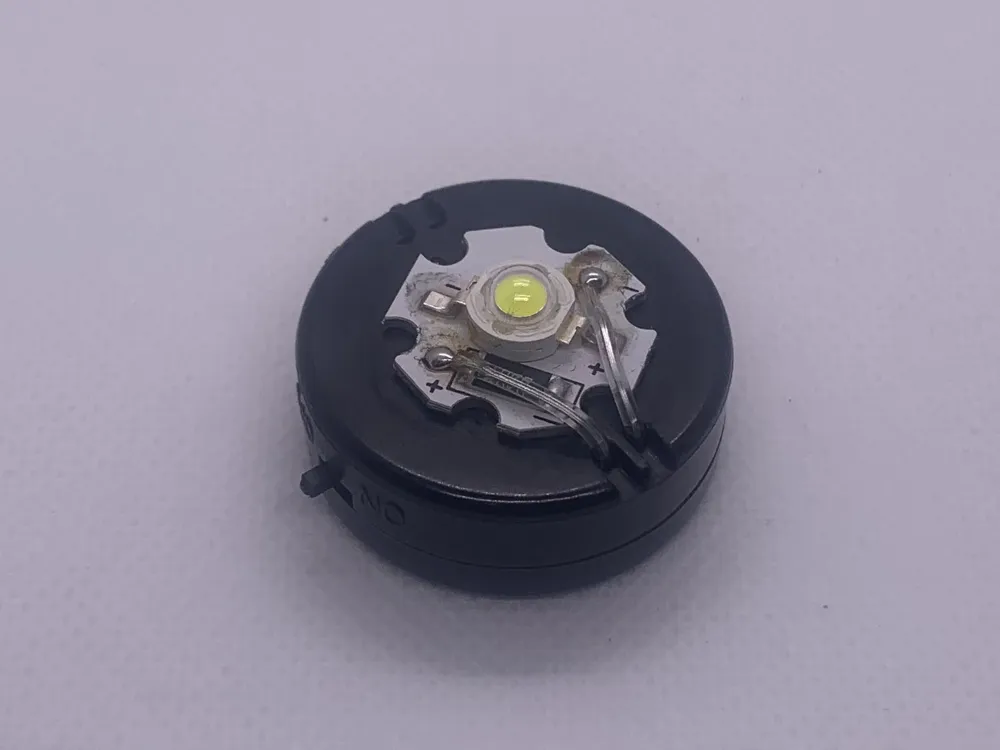
| White Button LED with Battery | 1 piece | 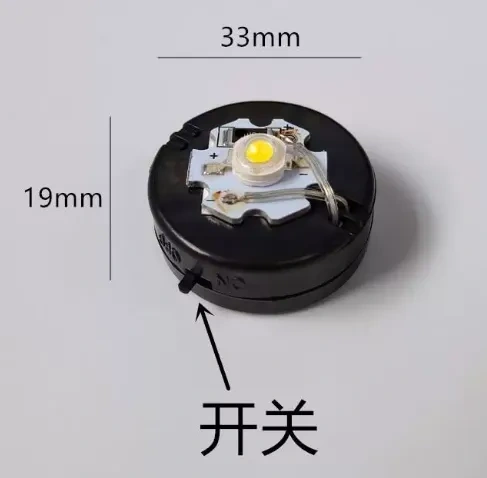 | Click to jump | International regions require self-assembly 2 1W LED link with resistor |
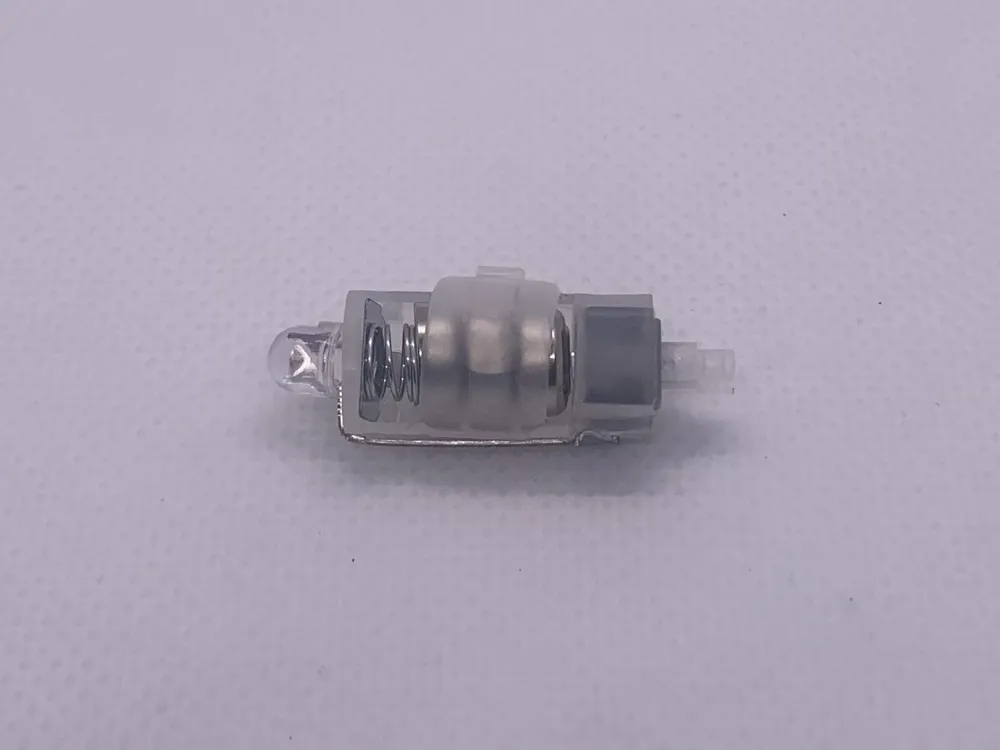
| White LED Self-locking Push Button Switch Light always on | 1 piece | 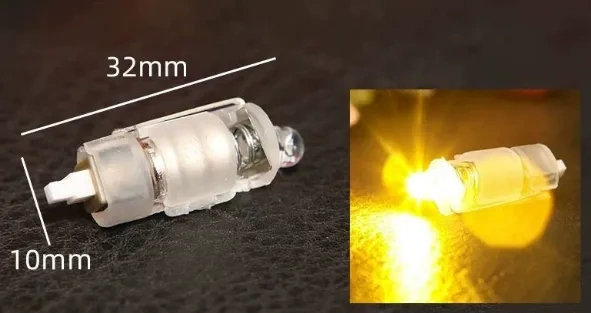 | Click to jump | International purchase link (Note that the LED is a straw hat lamp, which has good diffuse light effect) |
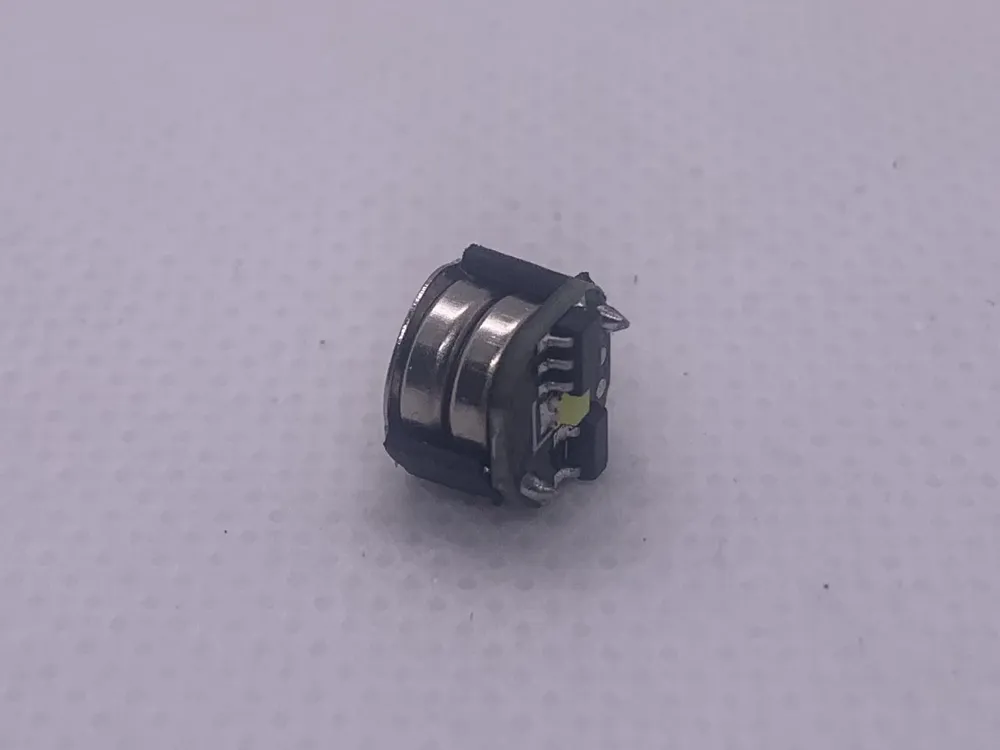
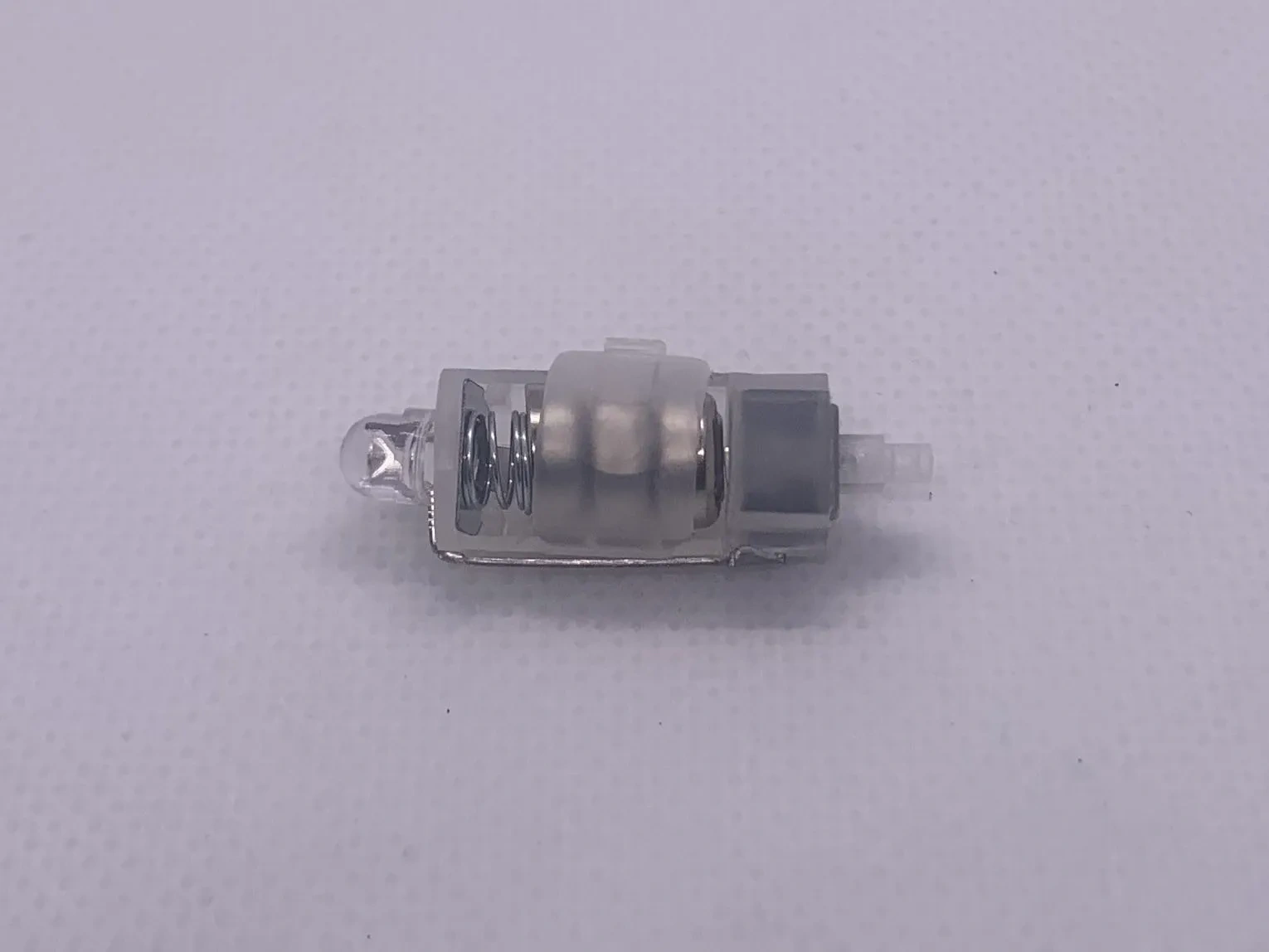
| AG1 Magnetic Controlled Light 7.5mm White always on | 1 piece | 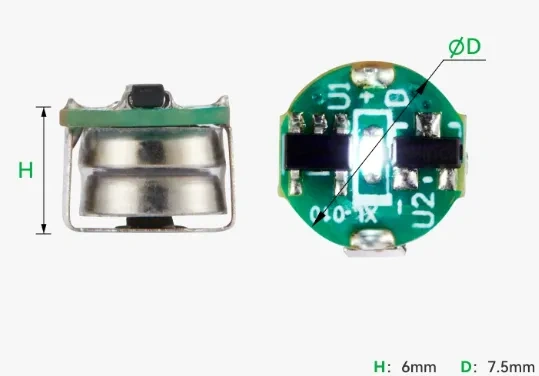 | Click to jump | Bambu Maker's Supply has model: White KC001 |
| Non-drilling Traceless Hook Nail | 1 piece | 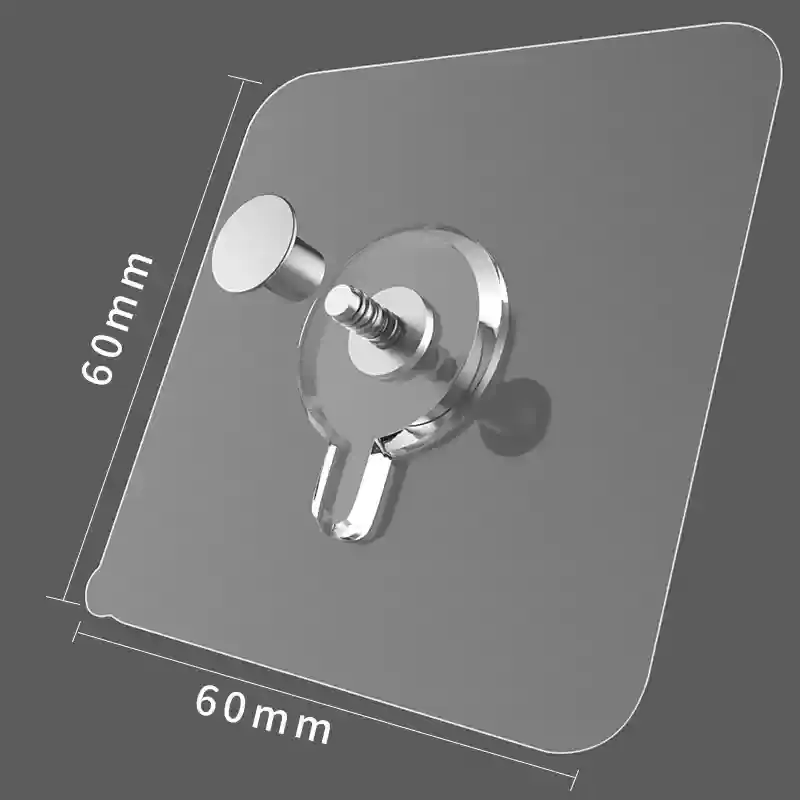 | Click to jump | If a hanging hole is added, it is compatible with this non-drilling traceless hook nail |
Assembly Instructions:
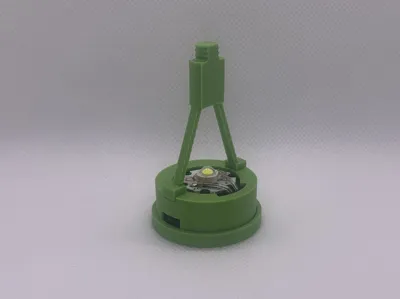
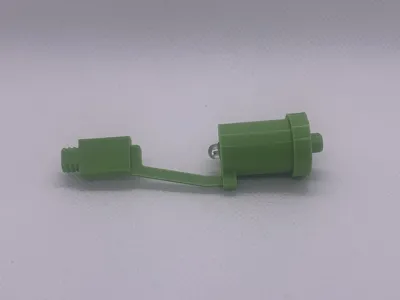
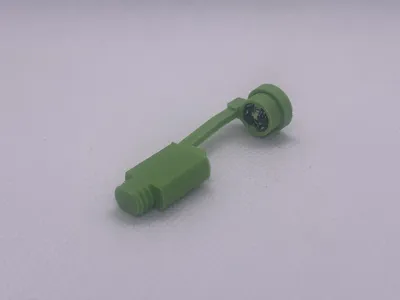
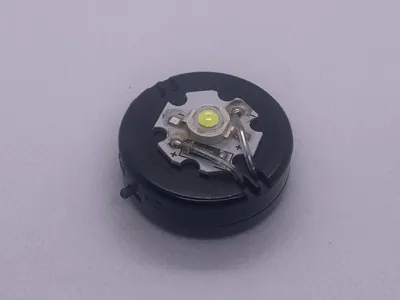
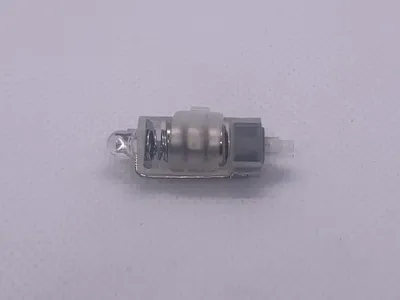
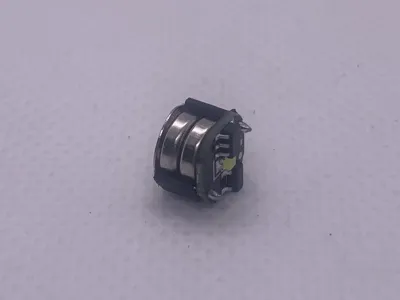
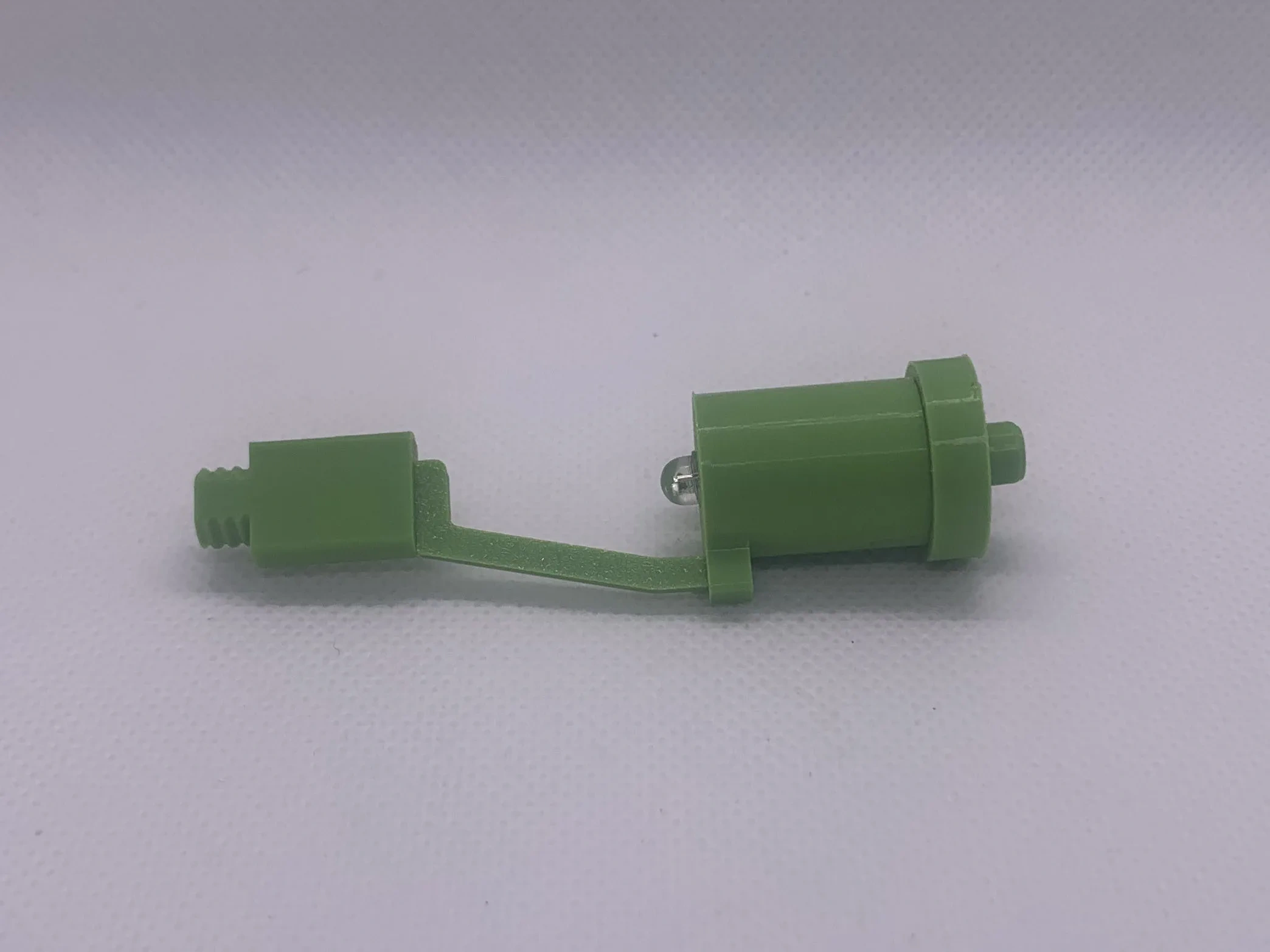
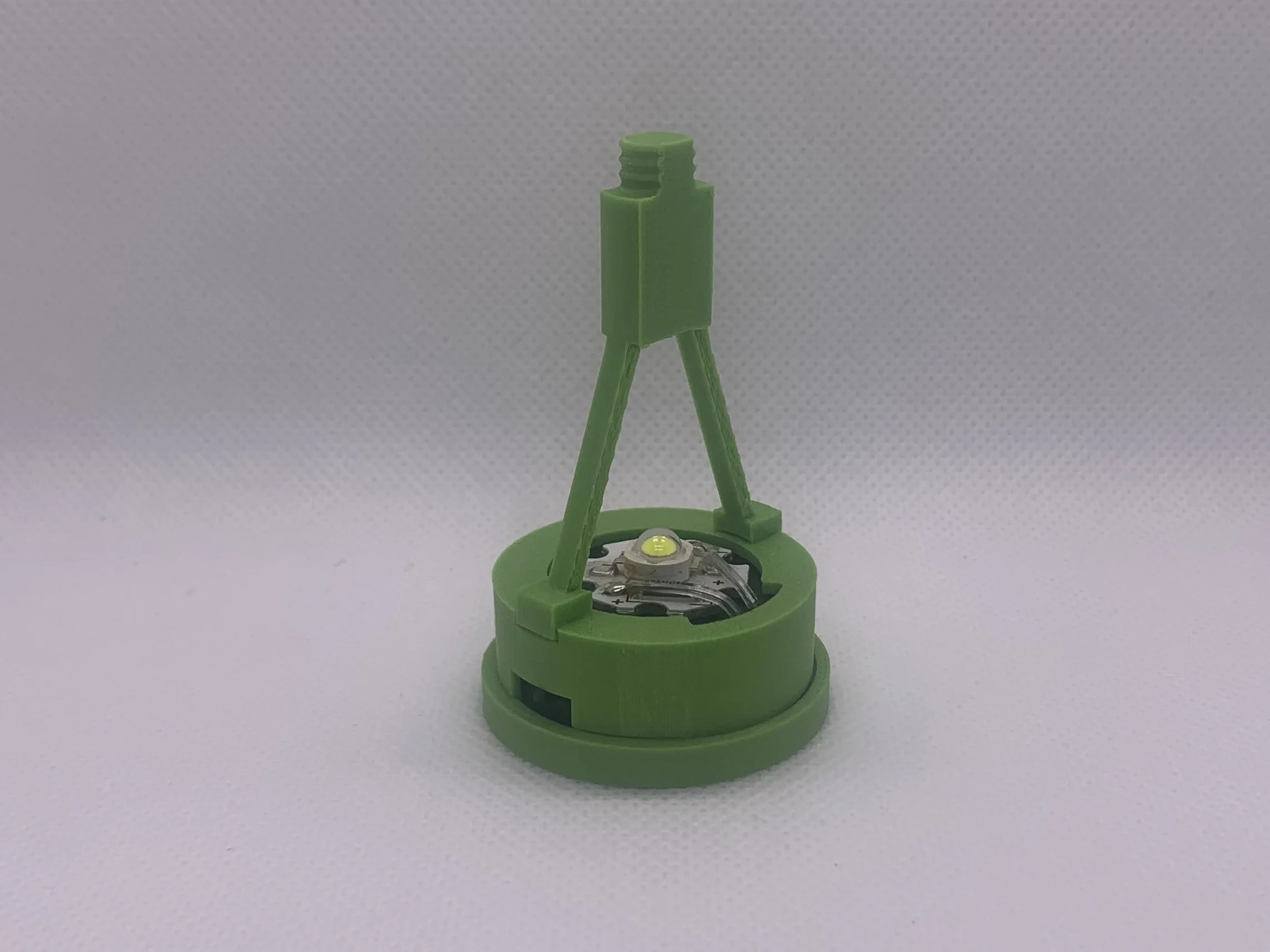
Three types of solder-free light sources are provided, along with three corresponding light source brackets Assembly of the light source brackets requires a little glue
The first type: Magnetic-controlled light, which controls the LED light via a magnet The brightness is relatively low, suitable for small-sized shadow patterns
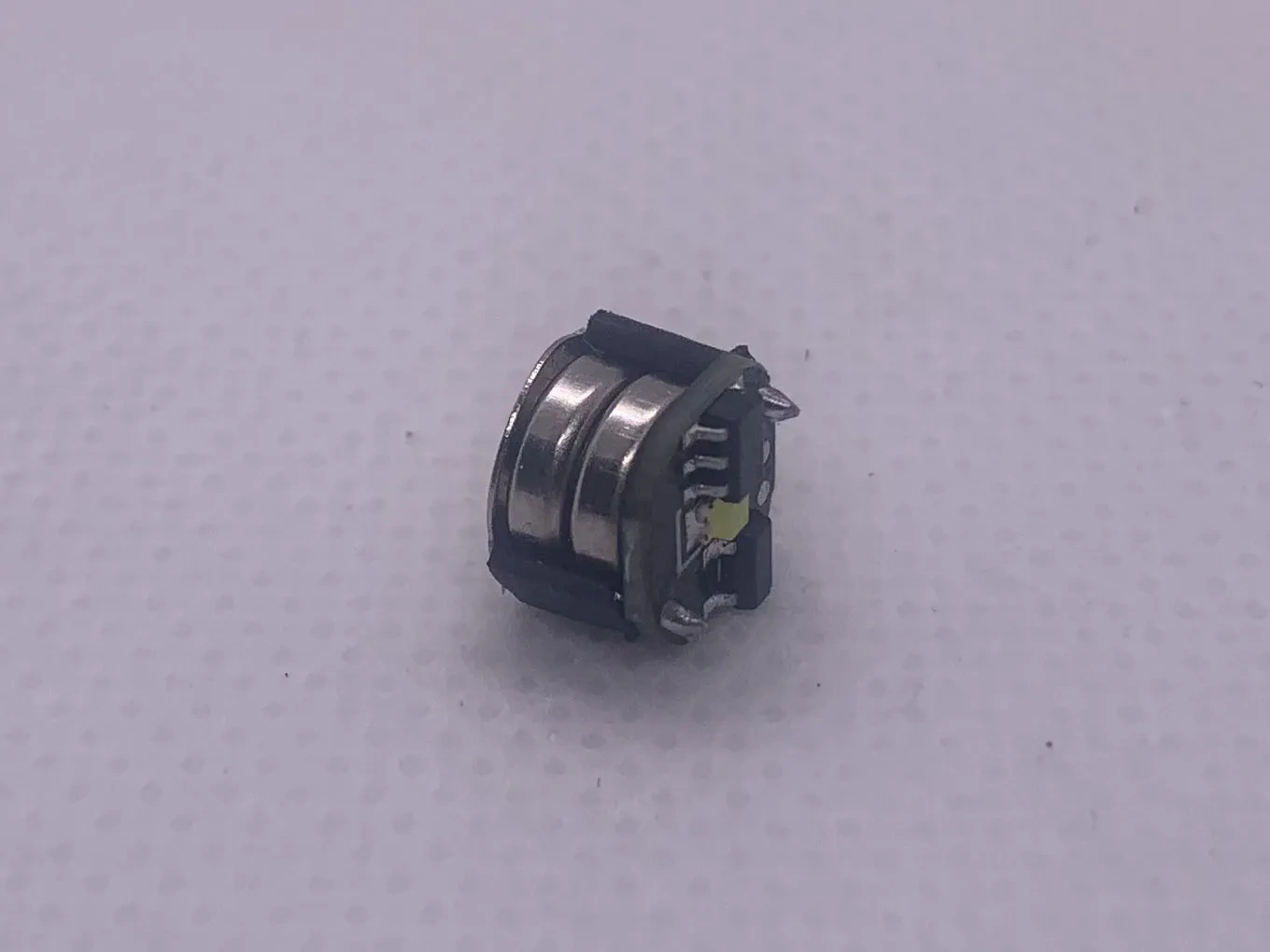
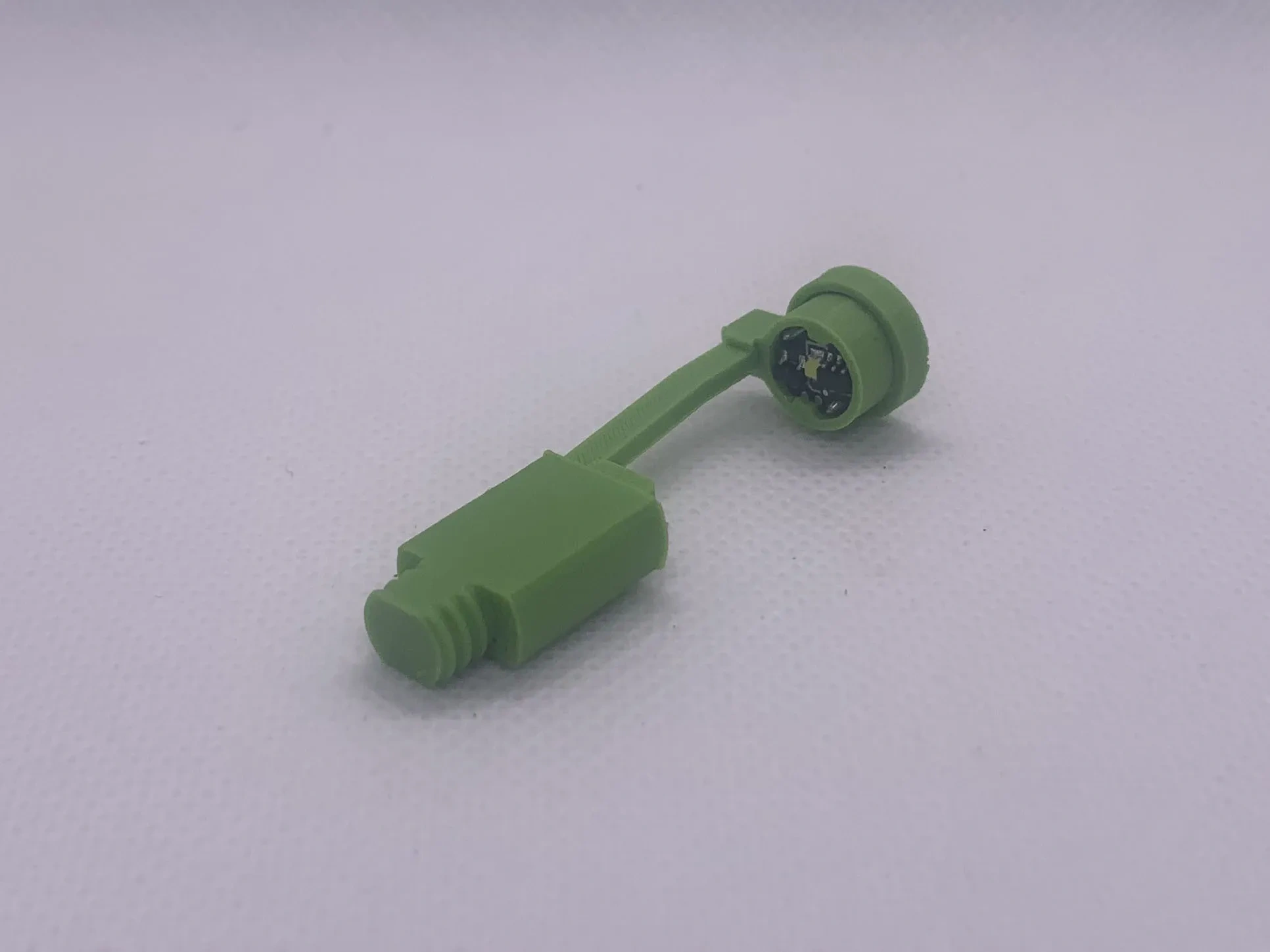
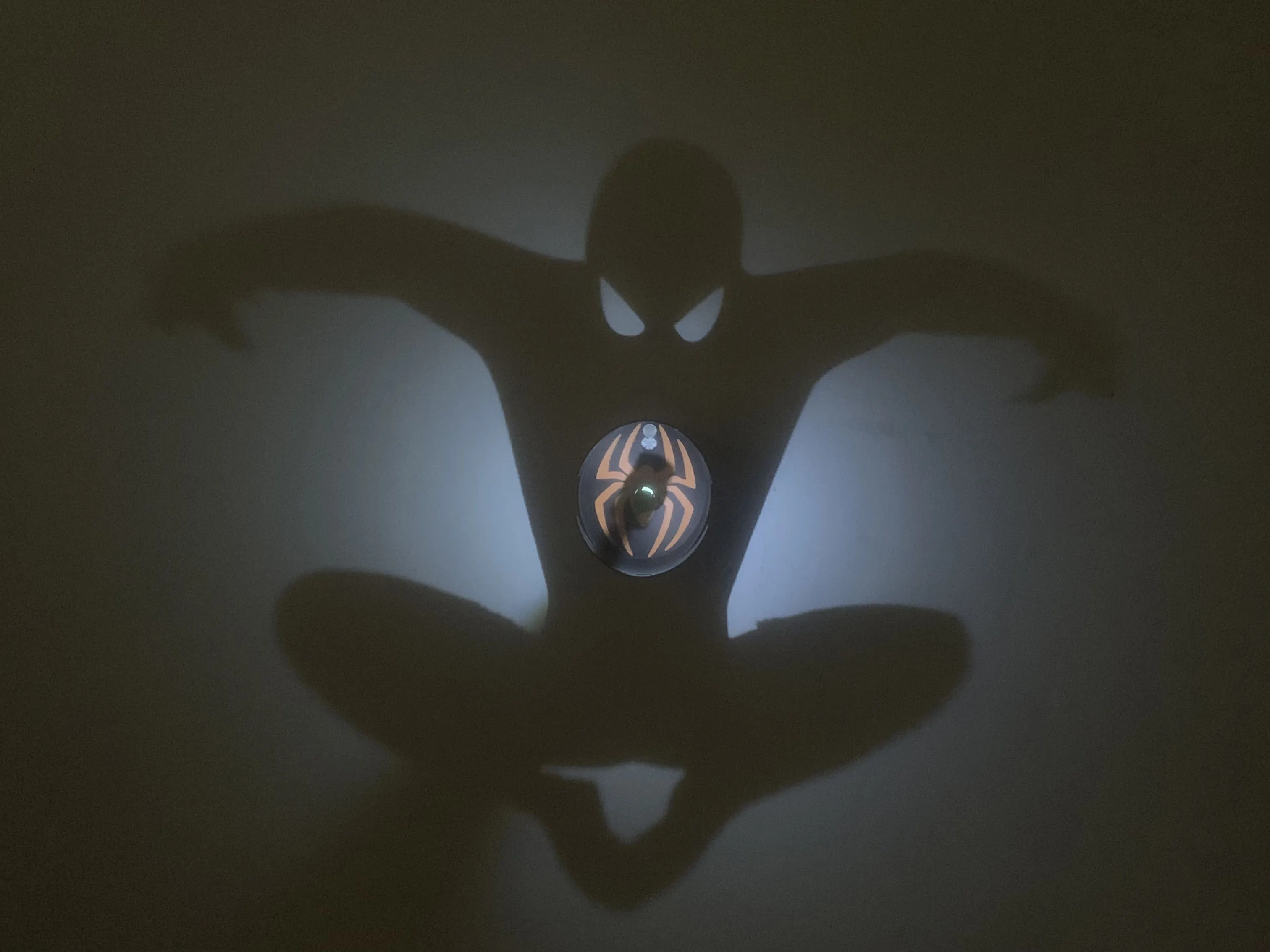
The second type: Button light, which controls the LED light via a self-locking button The brightness is moderate, and the experimental effect is the best
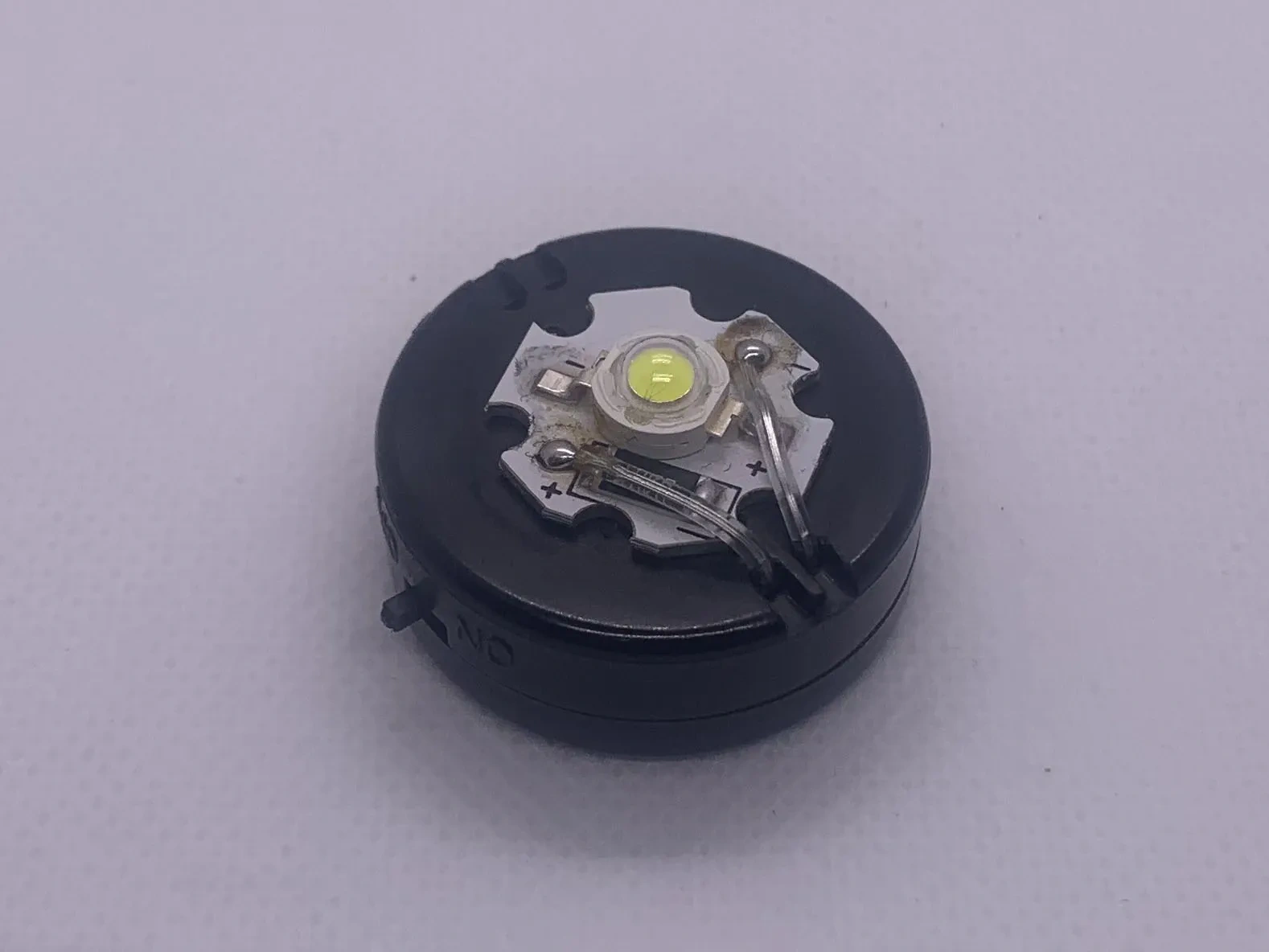
The second type: High-power light, which controls the LED light via a DIP switch The brightness is maximum, suitable for large-sized shadow patterns
Recommended Tools
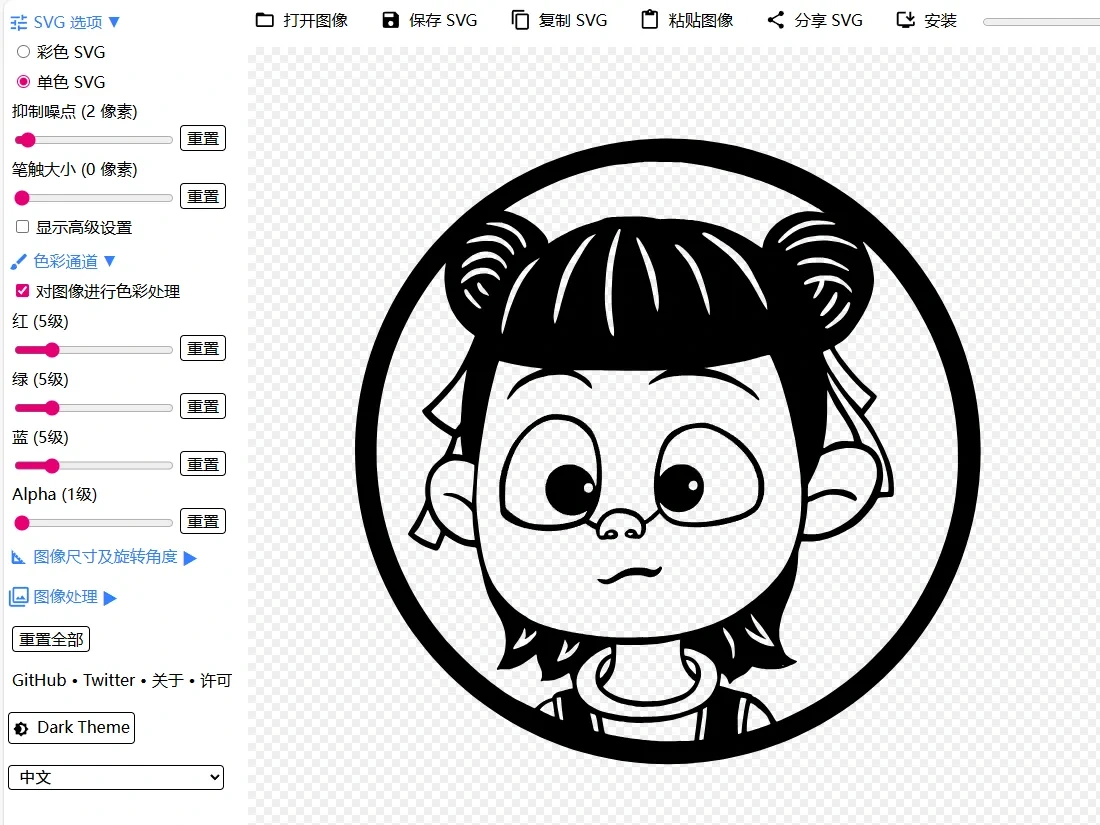
SVG Online Editor Website which can import images in various graphic formats, automatically convert them into vector graphics, and allow for simple settings (Note: Select "Monochrome SVG")
Similar Models Recommended
Light and Shadow Art Generator (Version 4)
Light and Shadow Art Generator (Enhanced Version)
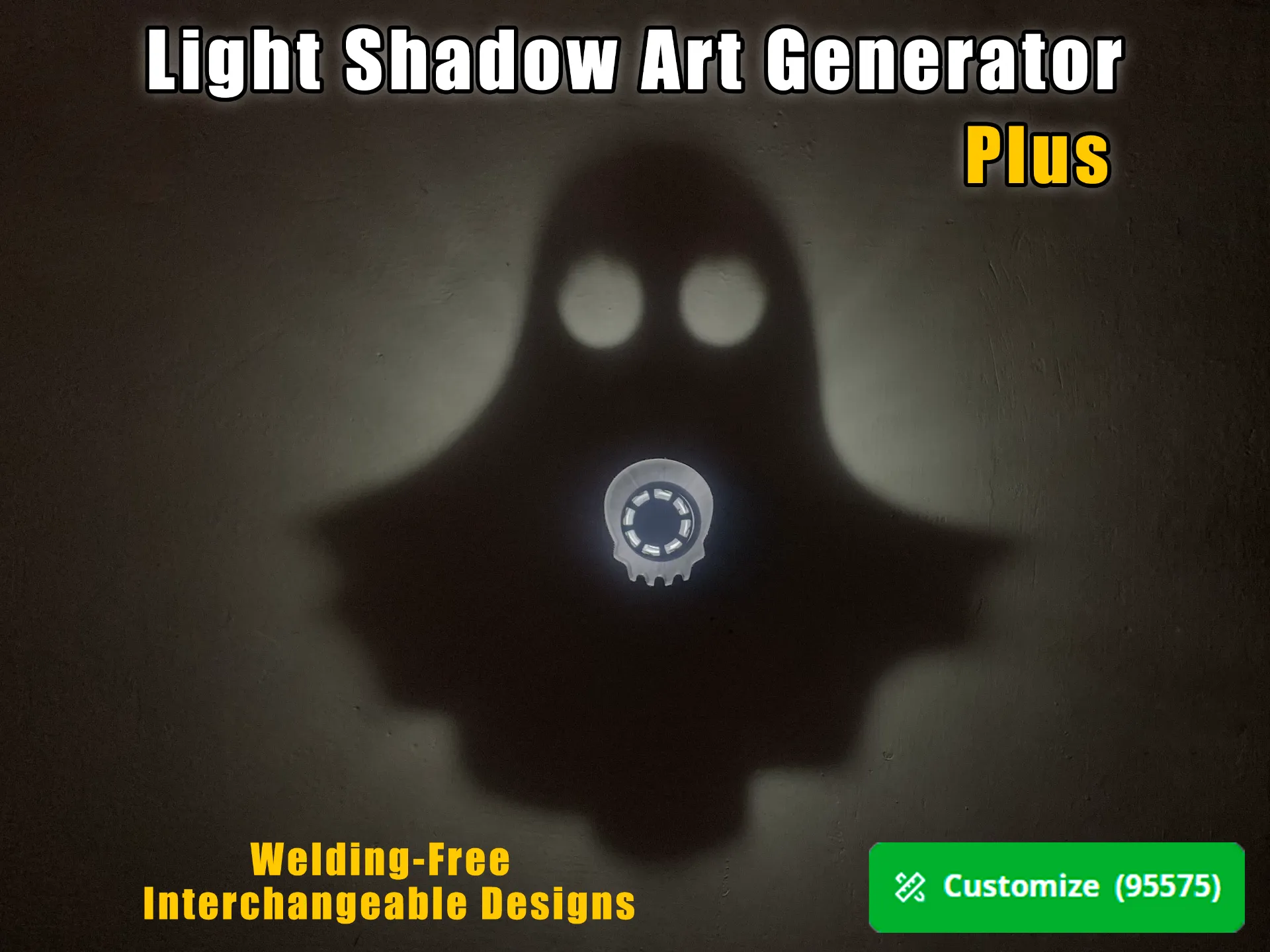
Light and Shadow Art Generator
Recommended models
Socket Screw Decorative Washer Generator


License

You may create derivative works based on this object, provided that all such derivative works are published exclusively on the MakerWorld platform and include proper attribution to the original creator. You may not share, upload, host, distribute, or publish this object—or any derivative work of this object—on any other digital platform, marketplace, or distribution channel. Commercial use of this object and any derivative works is strictly prohibited. This includes, but is not limited to, selling, renting, sublicensing, or using the object in any context in which you receive monetary compensation or other financial benefits.


Comment & Rating (38)